

MV Agent
Загрузить аудио
Upload
Загрузите аудиофайл продолжительностью от 1 секунды до 3 минут.
Upload Image
Upload
Support upload format: jpg, png, jpeg.
Prompt
0/2000
Tip: Use English prompts for the better outcome.
720P
16:9
Sample Image

Create a Stunning Music Video for Spotify Canvas with AI

Turn your music into an eye-catching looping video designed for Spotify Canvas and social teasers. Media.io's AI generator automatically syncs your audio with dynamic scenes so your listeners stay engaged. Upload your track, choose a cover or background image, and watch it flow to your beat in seconds. Perfect for musicians, producers, and indie artists who want to elevate every stream with motion that matches their sound.

Generate Spotify Canvas Video Now

Pro tip: Keep your canvas loop under 8 seconds for the best Spotify display.

Example Output: AI Music Video for Spotify Canvas
Preview of AI-generated music video for Spotify Canvas
Demo Track for Spotify Canvas Animation
wave
wave
0:09
Generate My Canvas Video ↗
Watch How Media.io Brings Your Track to Life
✓ No Watermark ✓ Fast AI Rendering ✓ Loop-Ready Format ✓ Cross-Platform Export

Why Make a Music Video for Spotify Canvas with Media.io

Designed Specifically for Spotify Canvas Requirements

Media.io automatically formats your video to meet Spotify Canvas's technical and creative guidelines. You do not have to worry about loop length, resolution, or aspect ratio. The AI system ensures smooth transitions, balanced motion, and perfect looping that looks professional on every listener's device. This gives your music a polished presentation every time it plays.

AI-Powered Motion That Matches Your Sound

The platform uses AI to analyze the rhythm, mood, and energy of your track. It then generates motion and camera effects that sync naturally with your beats. Whether your genre is chill, upbeat, or cinematic, the visuals evolve to amplify your sound identity. You get a seamless creative match that makes every loop feel intentional and alive.

Simple Workflow for Musicians of Any Skill Level

No video editing experience? No problem. All you need to do is upload your audio, add a still image or MV cover, and optionally describe the vibe you want in text. In minutes, you will have a visually consistent canvas loop ready to upload directly to Spotify for Artists. Media.

Perfect for Sharing Across Platforms

Apart from Spotify Canvas, your AI music video can also be exported for YouTube Shorts, Instagram Reels, or TikTok previews. The flexible aspect ratios and resolutions make cross-platform sharing effortless. This helps you maintain a coherent visual identity across all your audience touchpoints. One video can power multiple promotion channels with zero extra effort.

How to Generate Your Spotify Canvas Music Video

01

1. Upload Your Music or Audio Clip

Start by uploading your song or instrumental file directly to the Media.io interface. Our AI analyzes the rhythm and energy patterns to craft fitting visual motion.

02

2. Add an Image or MV Cover

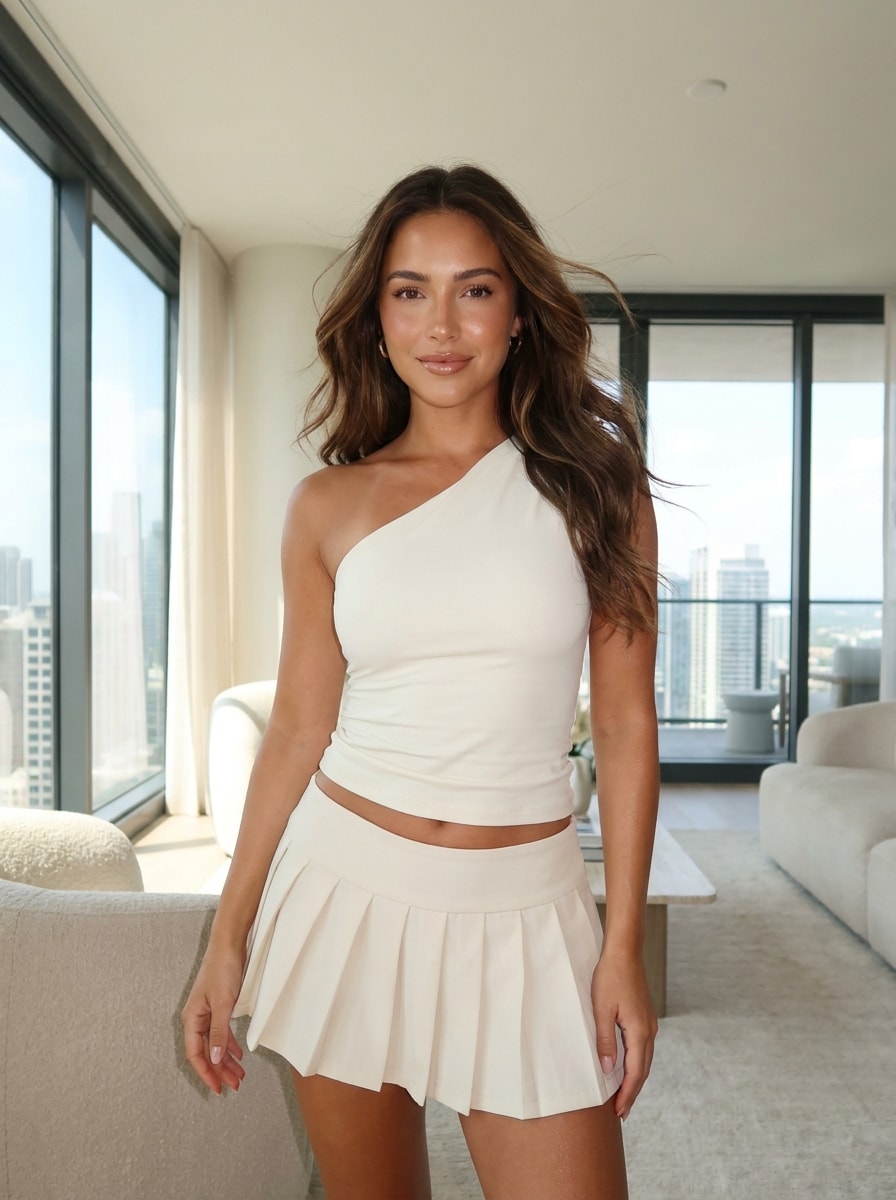
Choose an album cover, portrait, or scene image for your canvas background. You can also enter a short prompt describing your preferred atmosphere or style.

03

3. Generate and Download the Video

Click generate, wait a few seconds, and preview your looped AI video. If satisfied, export it in Spotify Canvas-compatible format or adjust it for other social uploads.

What Creators Say About Media.io's Spotify Canvas Generator

user
Liam Carter

Indie Music Producer

star star star star star

"Perfect Looping Visuals for My Chill Beats" I wanted a unique look for my Spotify page without spending hours editing. Media.io's tool helped me make a looping video that fits perfectly with the laid-back tempo of my tracks. It captured the vibe in a way that static images never could. The interface was so intuitive that I had my canvas ready in under five minutes.

user
Sofia Lane

Singer-Songwriter

star star star star star

"Great AI Video Maker for Musicians on a Budget" This Spotify MV generator saved me from hiring a designer. The AI created motion synced to my vocals and gave my music a new dimension. Being able to reuse the same video for social promos has also been a big advantage. For independent artists, it's an amazing way to stand out visually without spending much.

user
Marcus Green

Visual Content Strategist

star star star star star

"AI Visuals That Match Brand Identity Instantly" Our label used this AI video maker for musicians to generate multiple canvas visuals quickly. The consistency in tone and motion made our artists' releases feel unified. I appreciate that the generator adapts to genre-specific energy so no two videos feel copied. It's now part of our regular release workflow.

user
Hana Kim

Electronic Music Creator

star star star star star

"Seamless Experience and Social Sharing Ready" The looping music video creator worked flawlessly for my electronic track. I loved how the transitions synced automatically to the bass line. Downloading versions for Instagram and Reels was also super easy. It really streamlines distributing visuals across multiple channels from a single tool.

Frequently Asked Questions About Spotify Canvas Videos

1. What Is a Spotify Canvas Video?

A Spotify Canvas video is a short looping visual, usually 3 to 8 seconds long, that replaces the static album cover during playback. It adds movement and artistic atmosphere to your track. Many artists use it to tell a story or convey emotion through imagery. With Media.io, you can generate these custom loops automatically with AI.

Focus on strong visuals that align with your song's tone and message. Use contrasting colors, intentional motion, and continuous loops that look smooth. Avoid flashy edits that distract from your audio. Media.io helps by generating motion synced to your track, so your canvas naturally feels connected to your music.

Spotify recommends vertical or square videos with a height of at least 720 pixels and lengths between 3 and 8 seconds. Media.io automatically exports your AI-generated music video in compatible specifications. That means you can upload your result directly without extra conversion. It ensures your visuals look crisp and loop seamlessly on every device.

Yes, your created canvas loop can be repurposed for TikTok, Instagram Reels, and YouTube Shorts. Media.io provides export options in various aspect ratios so your visuals stay optimized across platforms. This helps you reach wider audiences while maintaining brand consistency. One AI project can cover all promotional needs efficiently.

Absolutely. Many labels, producers, and independent creators use Media.io for quick, high-quality Spotify visuals. The AI-powered workflow supports both beginners and professionals with auto-sync motion and adjustable parameters. You can refine the mood manually or rely completely on automation.

Media.io Online AI Tools Quality Rating:
vote 4.7 (162,357 Votes)







