Creations are stored for only 7 days. Assets created after upgrading to a Membership plan will be stored permanently.
Unlock your creative potential and experience the magic of Media AI right away!
Sky Eye AI Photo Editing Prompts
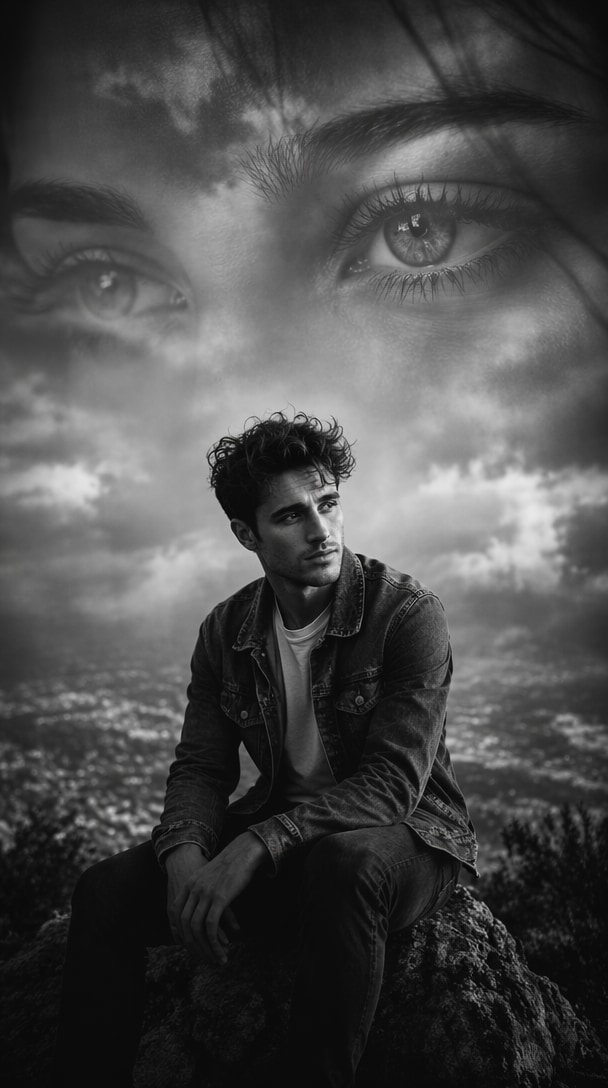
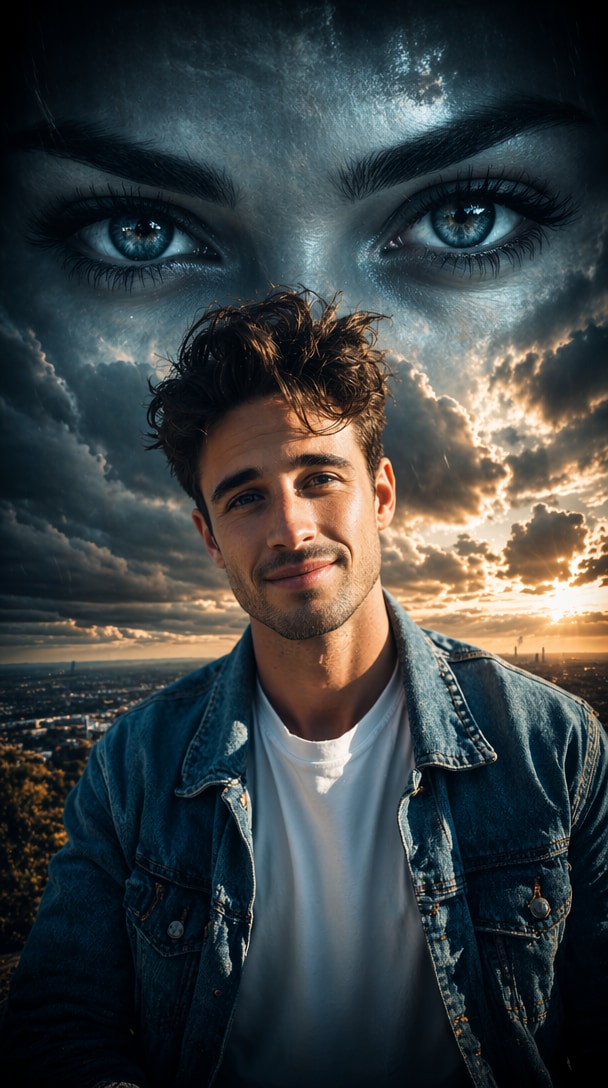
Turn ordinary portraits into breathtaking Sky Eye AI artworks. Upload your image, copy a Sky Eye AI Photo Editing Prompt, and create cinematic cloud eyes, romantic sky portraits, heartbreak edits, double exposure effects, and aesthetic social media visuals online with Media.io.
Upload a portrait, paste a sky eye prompt, and generate a cinematic cloud-eye AI photo in seconds.
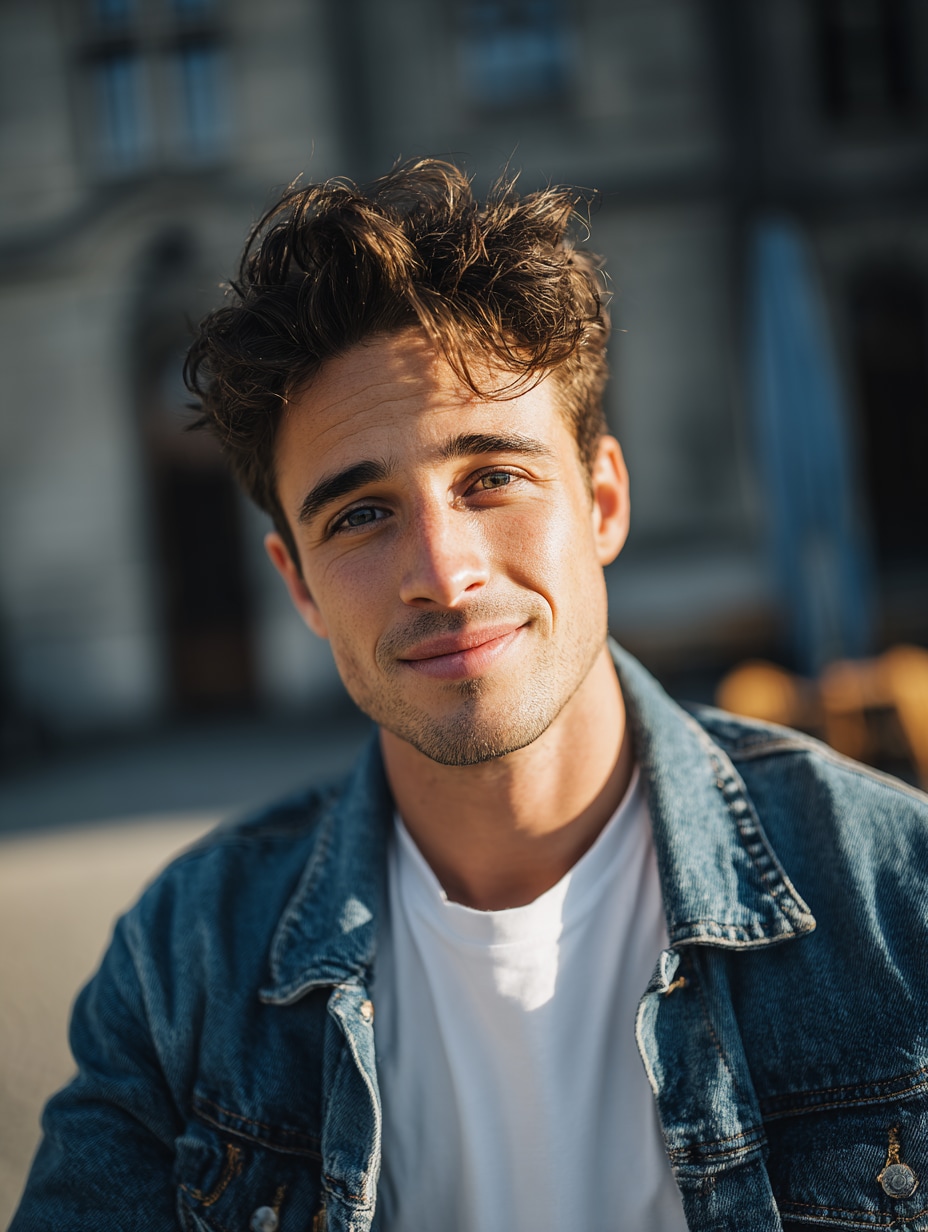
Before
After
Before
After
Best Sky Eye AI Photo Editing Prompts Free
Copy any sky eye AI photo editing prompt below to create aesthetic cloud eyes, rainy love memories, moonlit fantasy scenes, heartbreak posters, ocean landscapes, double exposure art, and viral social-ready AI photos with Media.io.
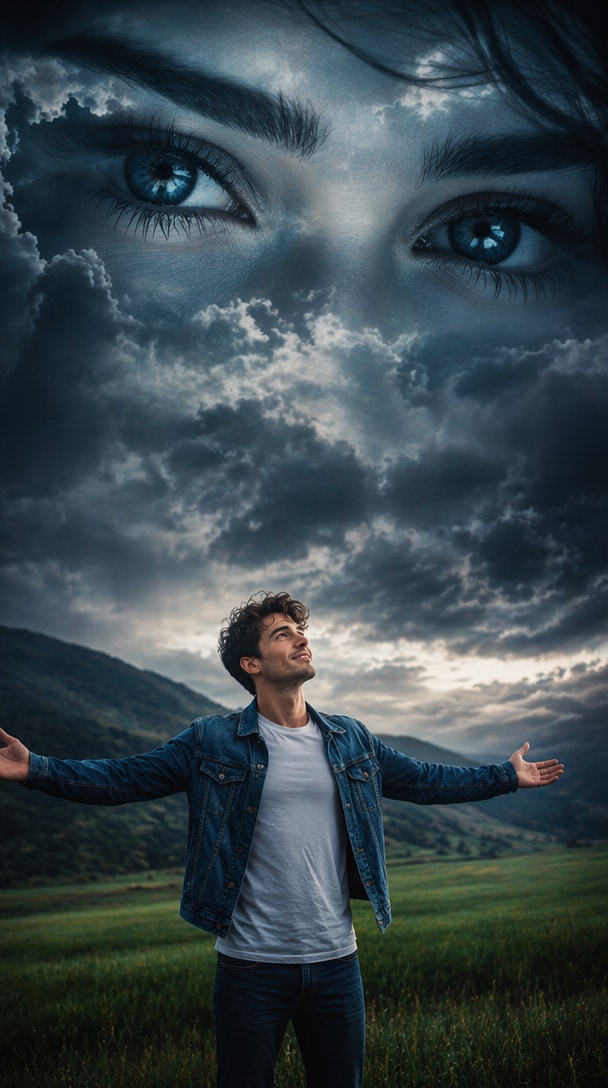
Classic Sky Eye Portrait
Transform the uploaded photo into a cinematic sky eye artwork. A giant pair of beautiful female eyes appears in the cloudy sky above the subject, seamlessly blended with storm clouds and mist. The man stands in a green field with arms wide open, looking upward emotionally. Dramatic blue-gray color grading, ultra realistic eyes, volumetric lighting, atmospheric fog, emotional storytelling, double exposure effect, highly detailed, cinematic photography, 8K, masterpiece.
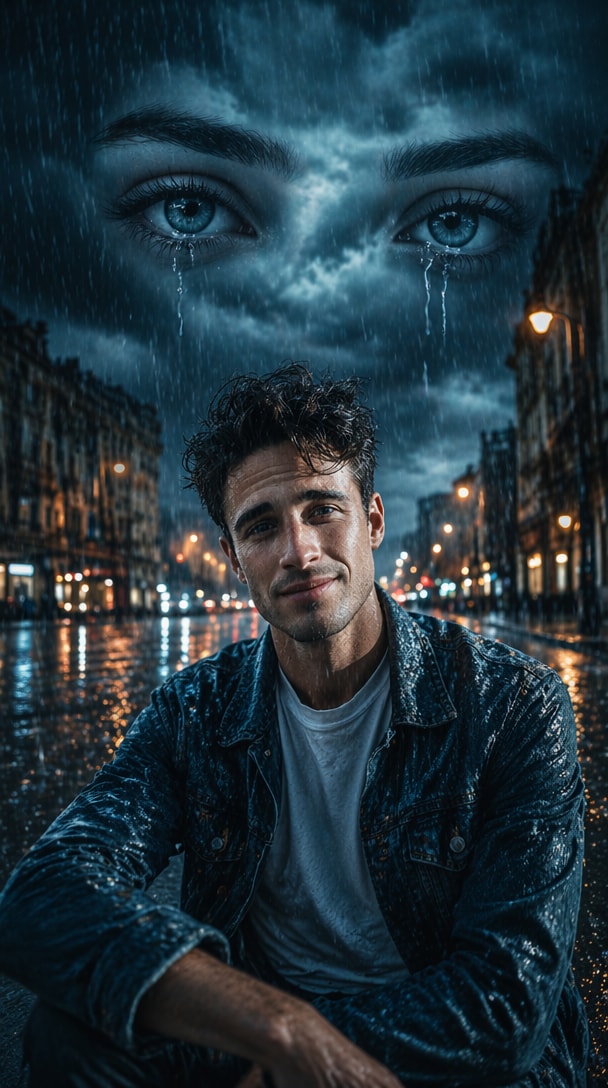
Rainy Love Memory Sky Eyes
Create an emotional rainy-day scene using the uploaded image. Massive female eyes emerge from dark rain clouds in the sky, watching over the subject. Wet roads, falling rain, reflective surfaces, cinematic heartbreak atmosphere, realistic facial details, melancholy mood, soft blue tones, dramatic lighting, hyper realistic photo manipulation, ultra detailed, viral Instagram aesthetic.
Moonlit Sky Eye Fantasy
Transform the uploaded portrait into a fantasy night scene. Giant glowing female eyes appear among moonlit clouds above the landscape. The subject stands alone beneath the stars, illuminated by silver moonlight. Dreamlike atmosphere, magical fog, celestial clouds, cinematic composition, ultra realistic eyes, fantasy photography, high detail, 8K quality.
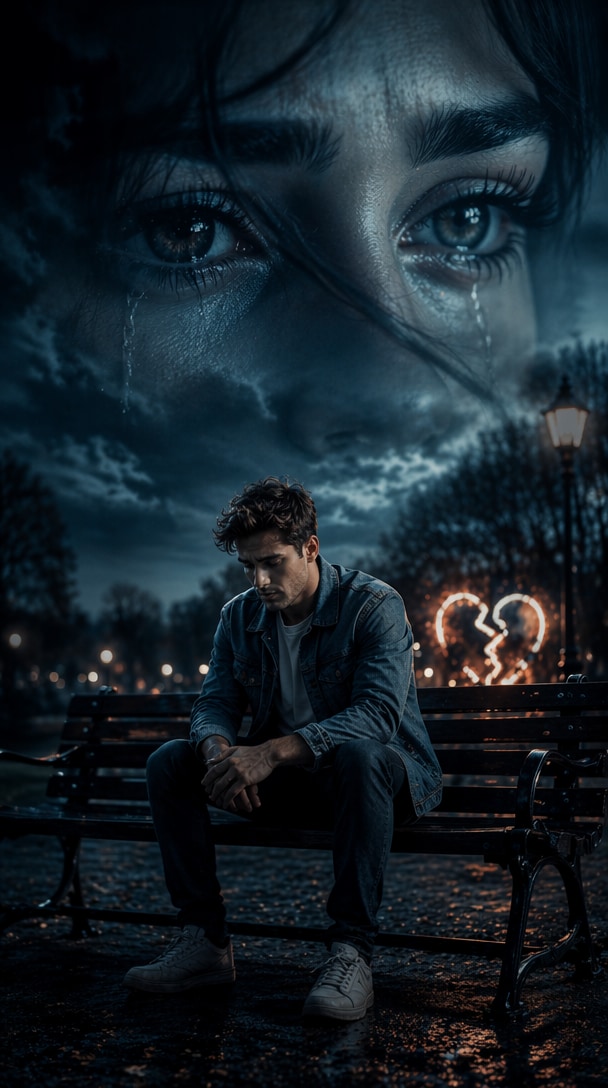
Broken Heart Sky Eye Edit
Create a viral heartbreak-style AI photo. A huge pair of emotional female eyes fills the sky while the subject sits alone on a park bench. A glowing broken-heart symbol appears nearby. Moody blue-black color palette, dramatic shadows, cinematic depth, emotional storytelling, realistic skin texture, trending social media aesthetic, ultra detailed.
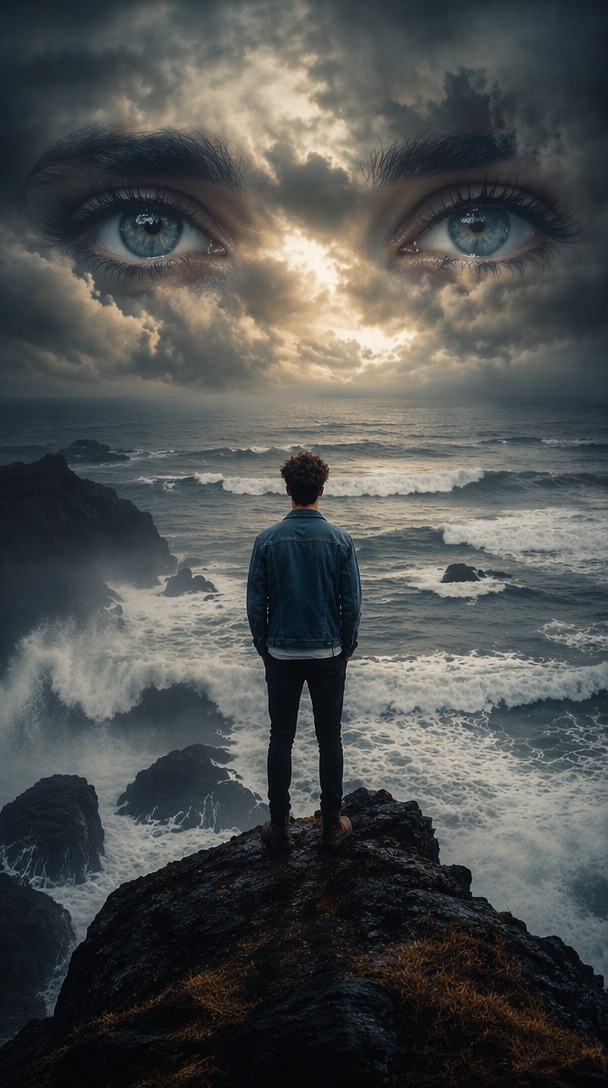
Ocean Sky Eye Scene
Transform the uploaded image into a surreal ocean landscape. Giant female eyes are formed by clouds above a stormy sea. The subject stands on a cliff facing the ocean while waves crash below. Atmospheric mist, dramatic weather, cinematic composition, realistic eye details, emotional mood, professional photo manipulation, ultra realistic, 8K.
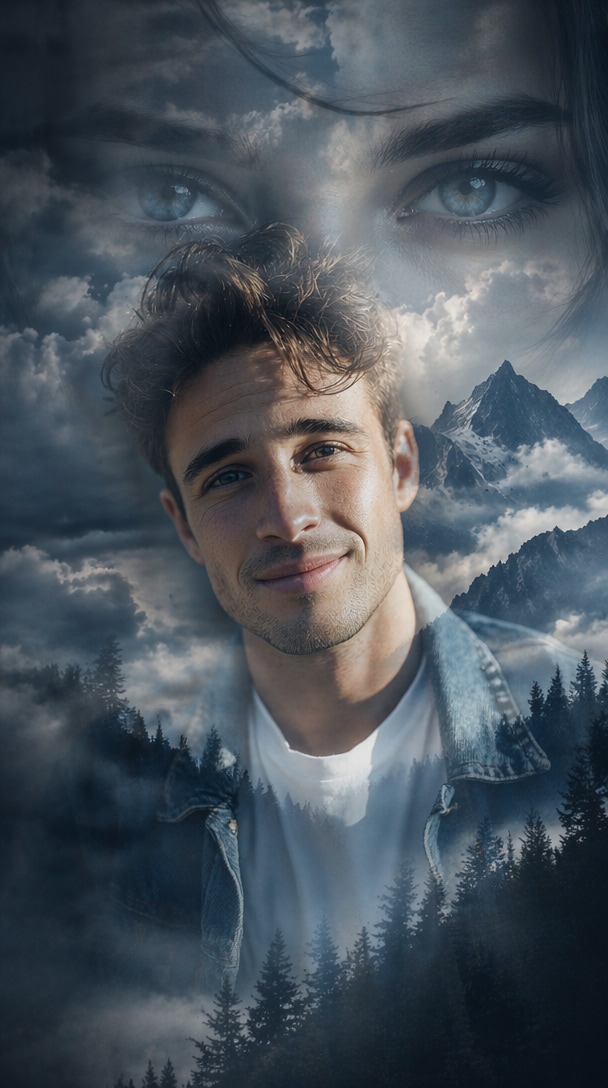
Sky Eye Double Exposure Art
Create a double exposure masterpiece using the uploaded photo. The subject is blended with giant female eyes, clouds, mountains, and fog. Soft blue-gray tones dominate the composition. Cinematic lighting, emotional storytelling, ultra realistic face details, artistic cloud textures, professional editing style, highly detailed, award-winning digital art.
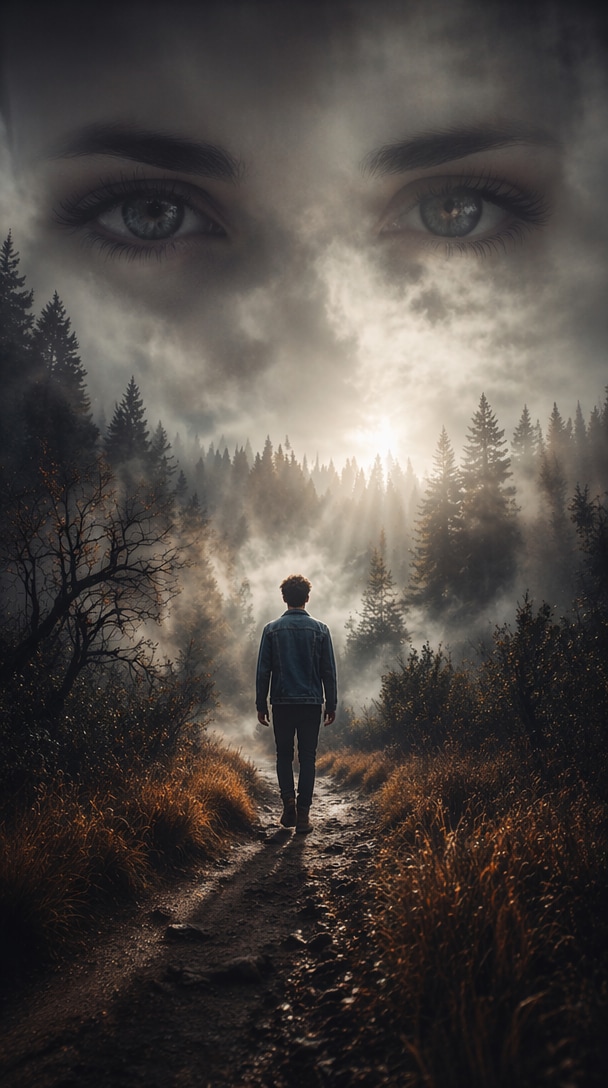
Forest Sky Eye Mystery
Turn the uploaded image into a mysterious forest scene. Massive female eyes appear through dense fog above a dark woodland landscape. The subject walks alone on a forest path while sunlight breaks through clouds. Moody atmosphere, cinematic realism, volumetric lighting, dramatic shadows, realistic eyes, fantasy photography, 8K quality.
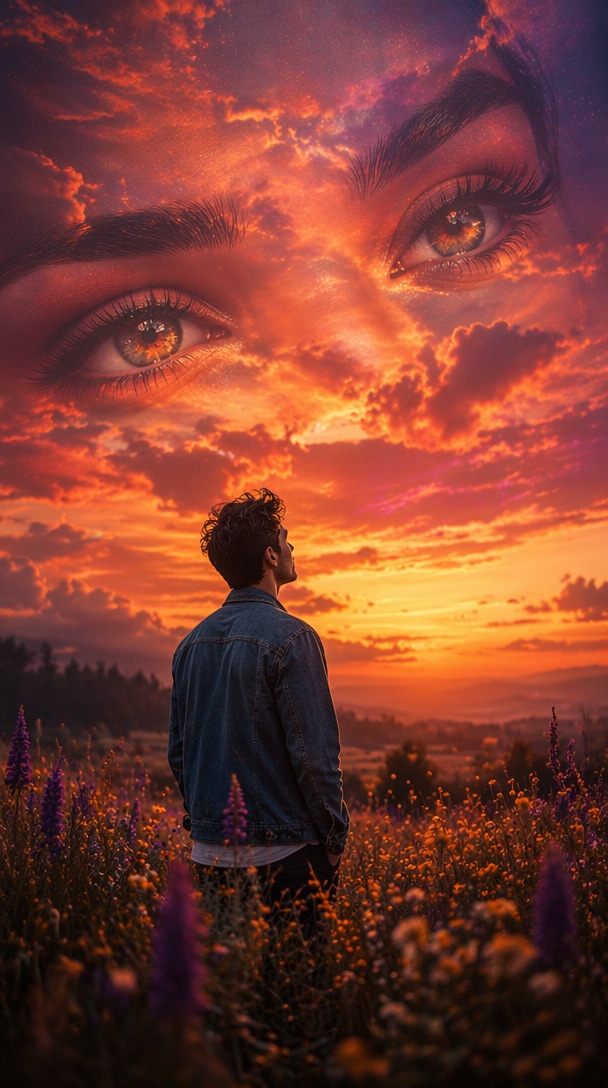
Sunset Sky Eye Romance
Transform the uploaded portrait into a romantic sunset artwork. Giant female eyes blend into colorful orange and purple clouds. The subject stands in a flower field watching the sky. Warm cinematic lighting, emotional mood, dreamy atmosphere, ultra realistic eyes, soft depth of field, highly detailed, Instagram viral style.
Black and White Sky Eye Mood
Create a monochrome cinematic photo using the uploaded image. A giant pair of female eyes dominates the cloudy sky while the subject sits alone in deep thought. Black and white photography style, dramatic contrast, emotional storytelling, atmospheric fog, realistic eye textures, artistic composition, film-like quality, ultra detailed.
Trending Viral Sky Eye AI Poster
Generate a viral social media poster from the uploaded photo. Huge female eyes cover the entire sky background with dramatic storm clouds and glowing highlights. The subject stands confidently in the foreground. Cinematic movie-poster composition, ultra realistic facial features, emotional atmosphere, blue-gray color grading, volumetric lighting, trending AI photo editing style, 8K masterpiece, highly detailed.
Why Use Media.io for Sky Eye AI Photo Editing Prompts?
Create Viral TikTok & Instagram Content
Generate scroll-stopping sky eye AI photos with giant cloud eyes, dramatic skies, fog, rain, and cinematic composition for Reels, Shorts, stories, and posts.
Turn Emotions into Visual Stories
Use realistic eyes in the sky to express love, heartbreak, memories, longing, dreams, and personal storytelling through one powerful portrait.
No Photoshop Skills Required
Media.io helps blend eyes, clouds, landscapes, lighting, and portraits automatically, so beginners can create polished AI photo edits fast.
Explore Multiple Aesthetic Styles
Try romantic sunset, rainy heartbreak, fantasy moonlight, monochrome mood, ocean drama, forest mystery, and double exposure sky eye styles.
How to Create Sky Eye AI Photos in 3 Steps
01
Upload Your Portrait
Choose a selfie, outdoor portrait, lifestyle shot, or full-body image you want to turn into a cinematic sky eye AI artwork.
02
Paste a Sky Eye Prompt
Copy a sky eye AI photo editing prompt free from this page and paste it into Media.io AI Image Generator.
03
Generate & Download
Create your aesthetic cloud-eye photo in seconds, then download it for Instagram, TikTok, Facebook, posters, or personal edits.
Core Sky Eye AI Photo Editing Use Cases
Romantic Storytelling Photos
Create emotional portraits that represent love, memories, relationships, and personal connection through giant eyes blended into clouds.
Viral Social Media Content
Generate eye-catching TikTok, Instagram, Facebook, and YouTube Shorts visuals with dramatic sky, fog, rain, and cinematic mood.
Artistic Double Exposure Photography
Blend portraits, landscapes, clouds, mountains, oceans, and realistic eyes into professional-looking AI artworks.
What Users Say About Sky Eye AI Photos
Rahul K.
Content Creator
“Perfect for Reels content” The Sky Eye AI Photo Editing Prompts helped me create dramatic Instagram posts that gained more engagement than standard portraits.
Priya S.
Student Creator
“Beautiful emotional effects” I love how the giant cloud eyes create emotional storytelling without requiring any editing skills.
Arjun M.
AI Art Enthusiast
“Instant cinematic results” The prompts generate movie-poster quality images with realistic eyes, clouds, and lighting in seconds.
Frequently Asked Questions about Sky Eye AI Photo Editing Prompts
1. What are Sky Eye AI Photo Editing Prompts?
Sky Eye AI Photo Editing Prompts are AI image instructions that place giant realistic eyes in clouds, skies, fog, or landscapes. The effect creates emotional, cinematic visuals often used for love stories, heartbreak edits, fantasy scenes, and viral social media portraits.
2. Are Sky Eye AI Photo Editing Prompts free?
Yes. You can copy the Sky Eye AI Photo Editing Prompts free from this page and use them with Media.io to generate high-quality AI images online. For best results, start with a clear portrait and describe the sky, eyes, lighting, mood, and background style clearly.
3. Can I create aesthetic Sky Eye AI photos for Instagram?
Absolutely. These sky eye AI photo editing prompts aesthetic styles are designed for Instagram posts, stories, Reels, TikTok videos, Facebook photos, and YouTube Shorts covers. Try blue-gray cinematic tones, rainy streets, sunset clouds, monochrome mood, or fantasy moonlight for a stronger visual hook.
4. Which photo works best for a Sky Eye AI edit?
A clear portrait, outdoor photo, or full-body image usually works best. Leave enough background space if you want large eyes in the sky. Front-facing portraits are good for emotional close-ups, while standing or sitting poses work well for cinematic poster-style compositions.
5. How do I get realistic Sky Eye AI results?
Use a high-quality portrait image and include detailed prompt terms such as ultra realistic eyes, seamless cloud blending, cinematic lighting, atmospheric fog, blue-gray color grading, realistic skin texture, dramatic sky, and double exposure effect. Avoid asking for too many unrelated elements in one prompt.