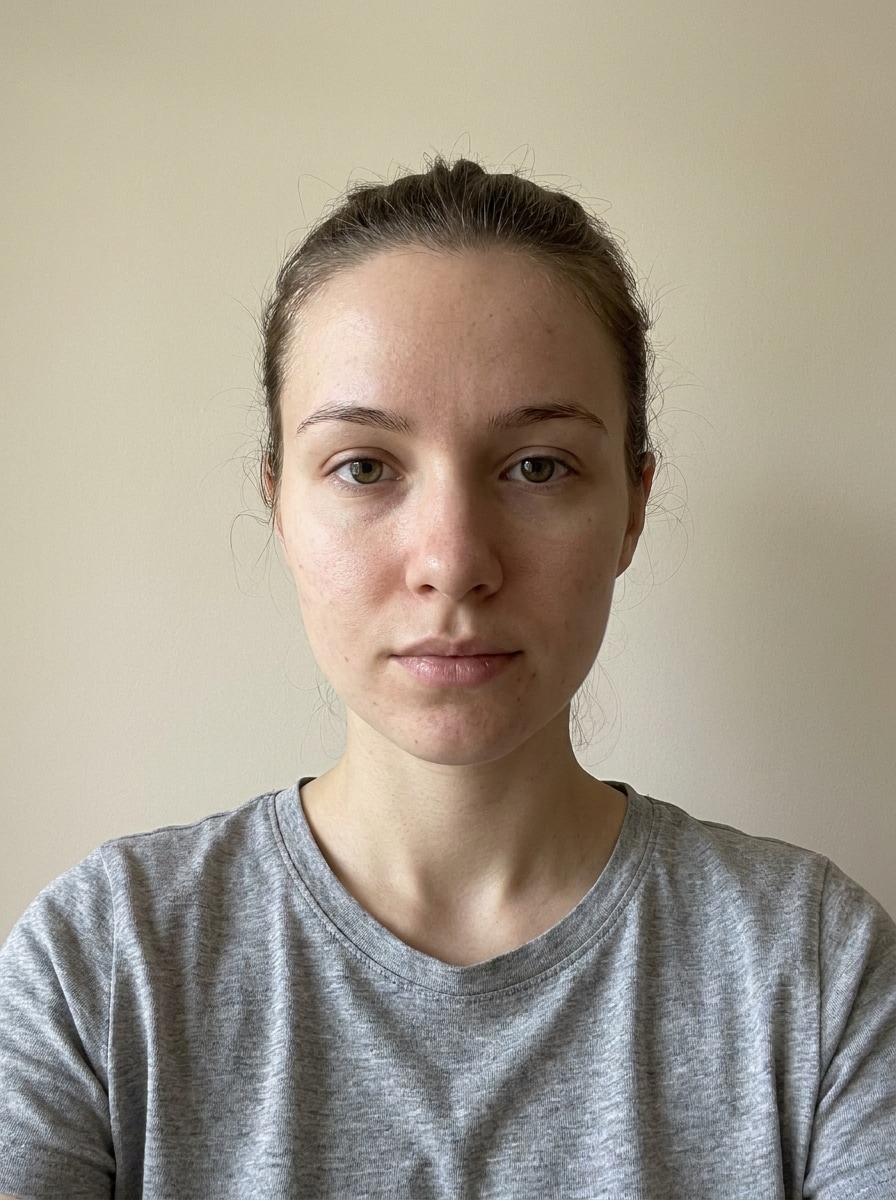
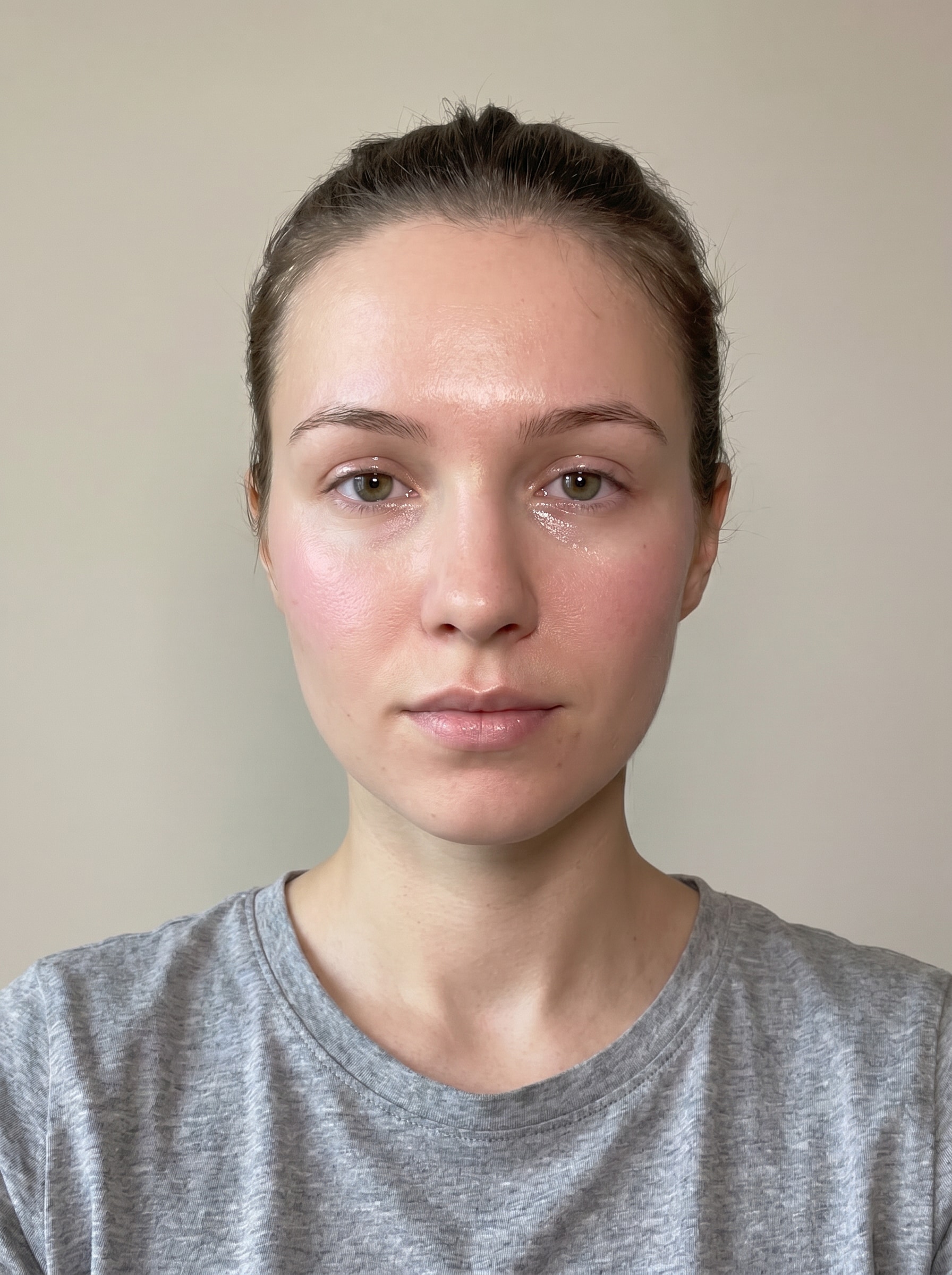
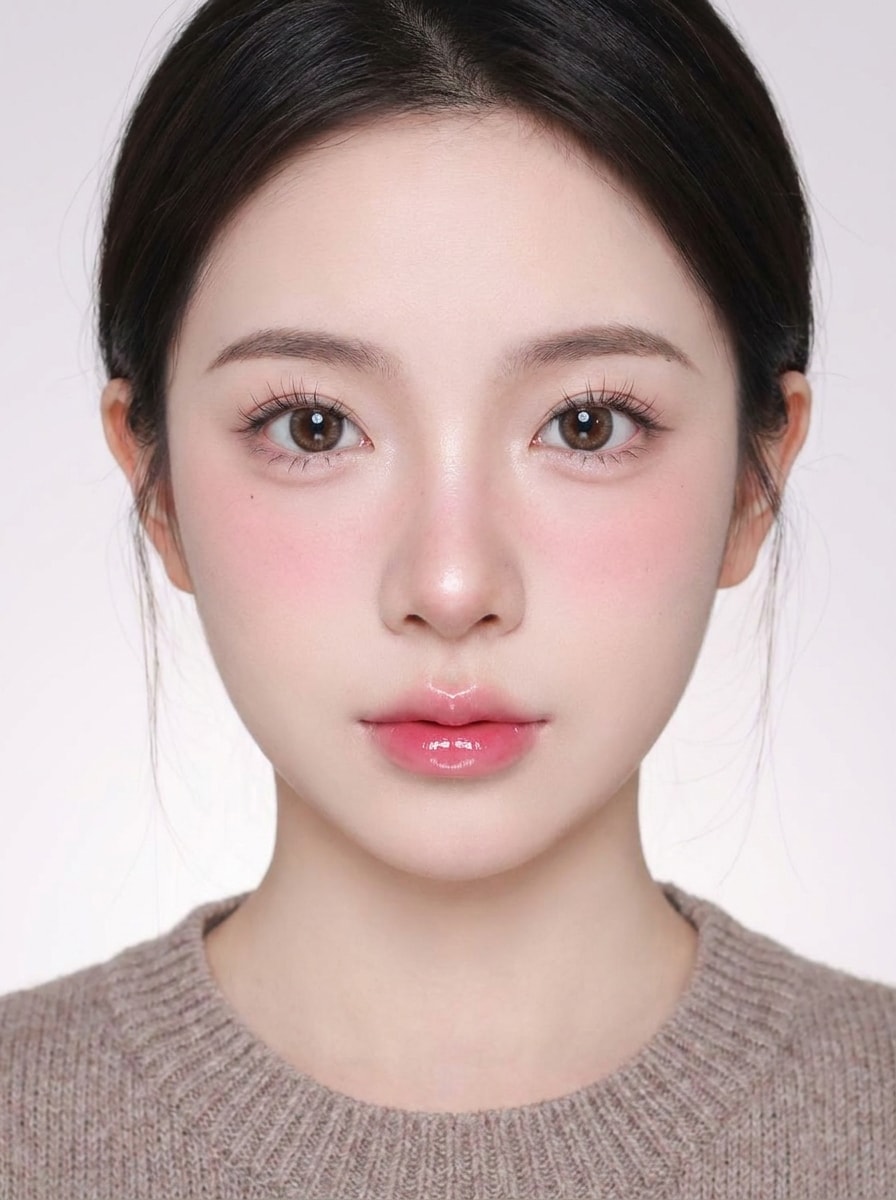
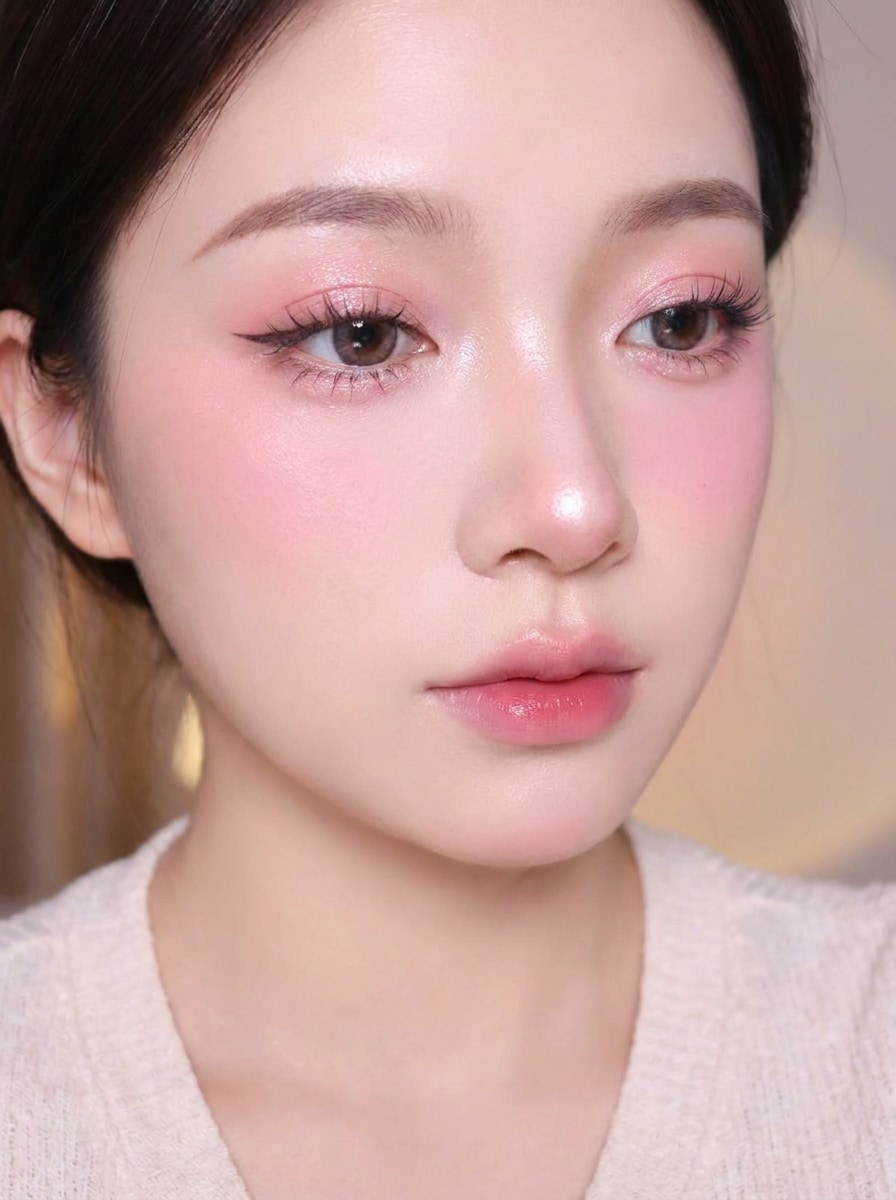
Creations are stored for only 7 days. Assets created after upgrading to a Membership plan will be stored permanently.
Unlock your creative potential and experience the magic of Media AI right away!
Create a Douyin Makeup Filter Look From Your Photo Online
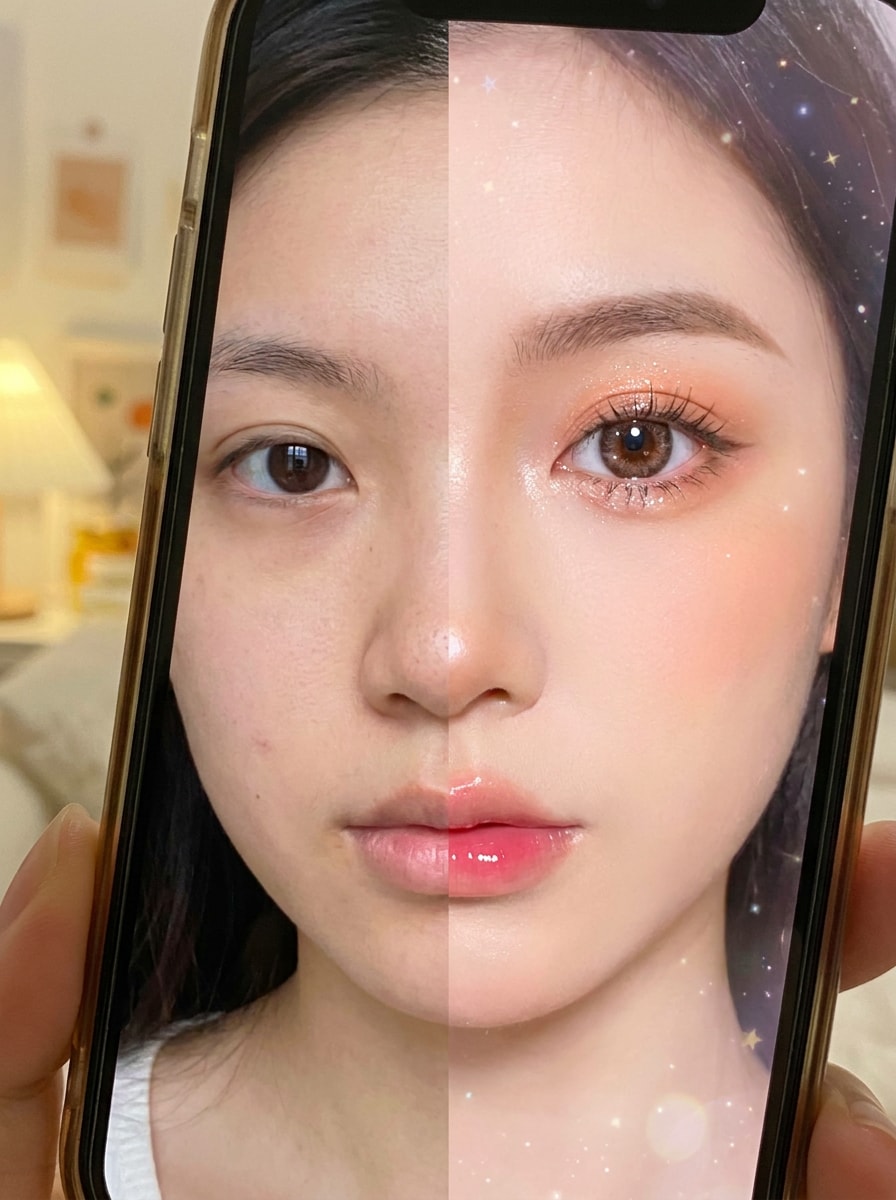
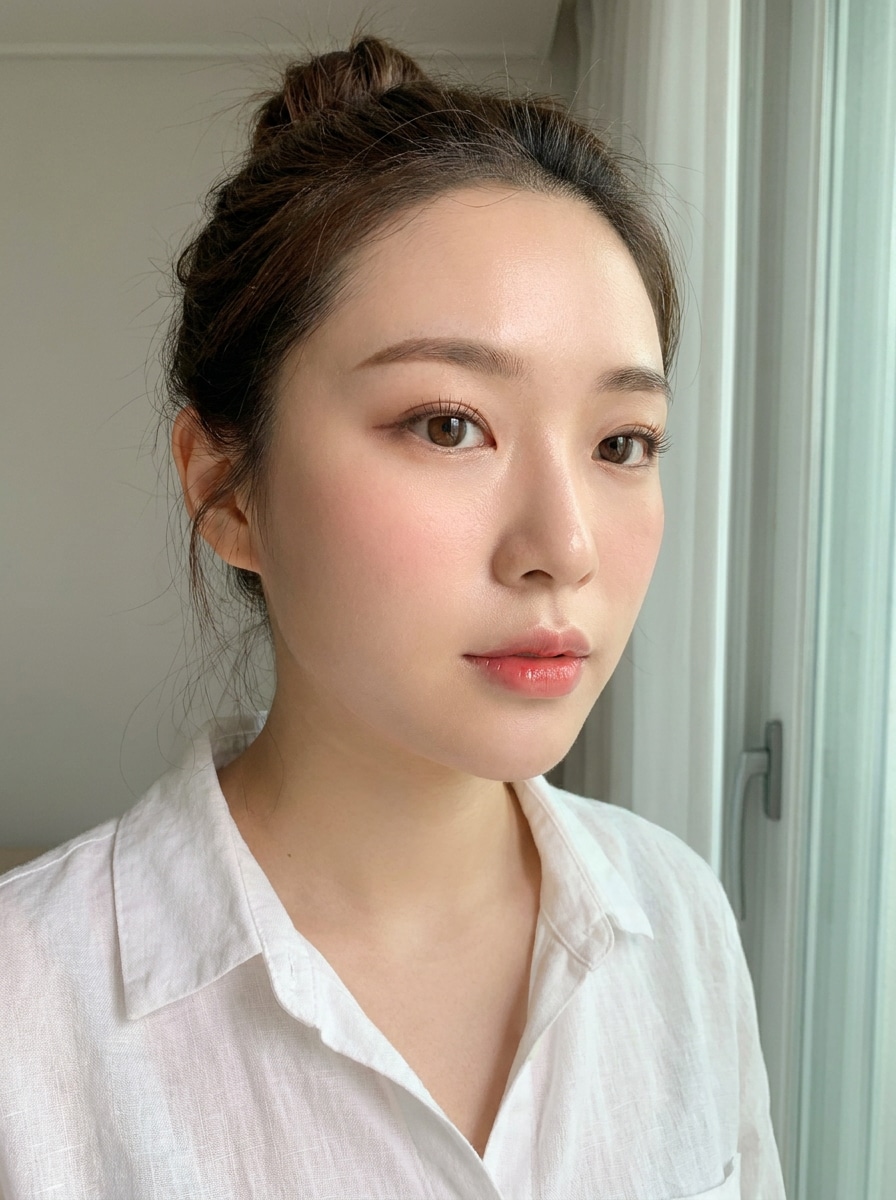
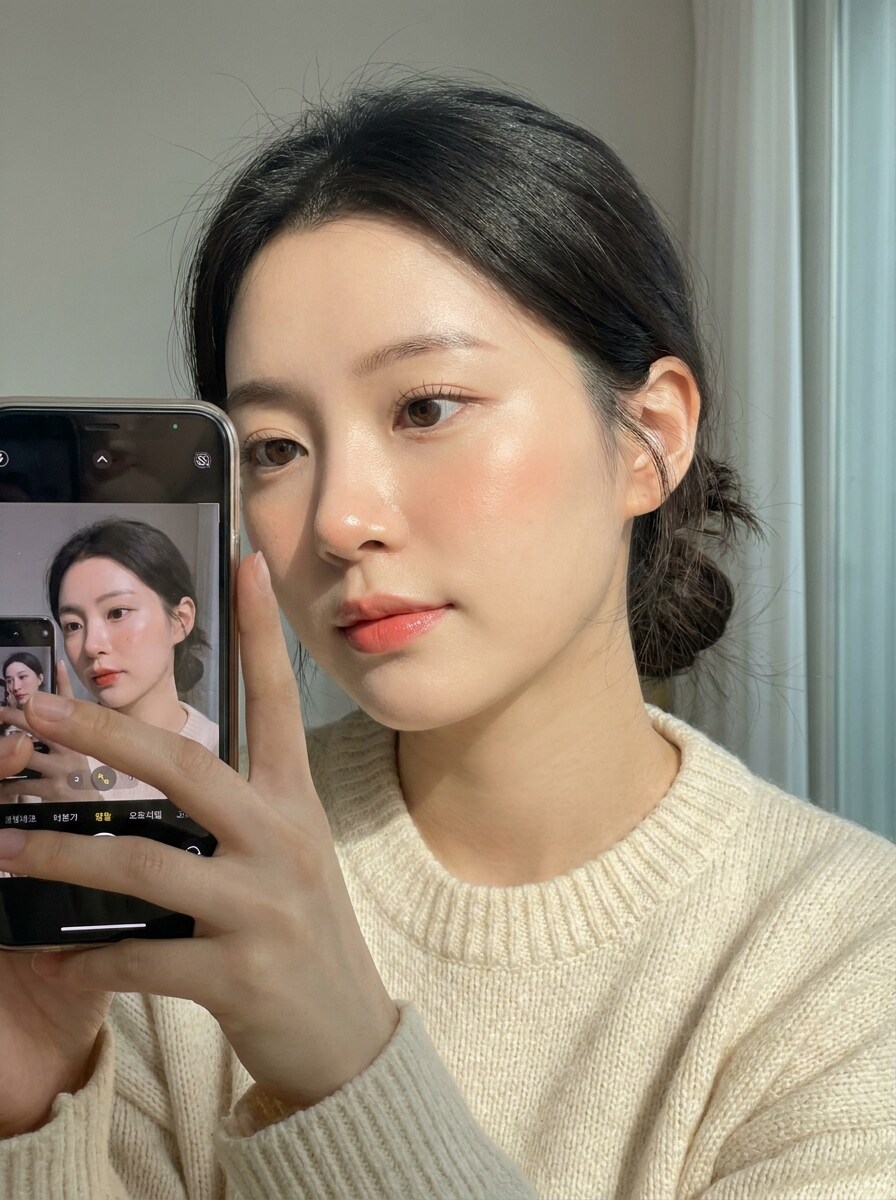
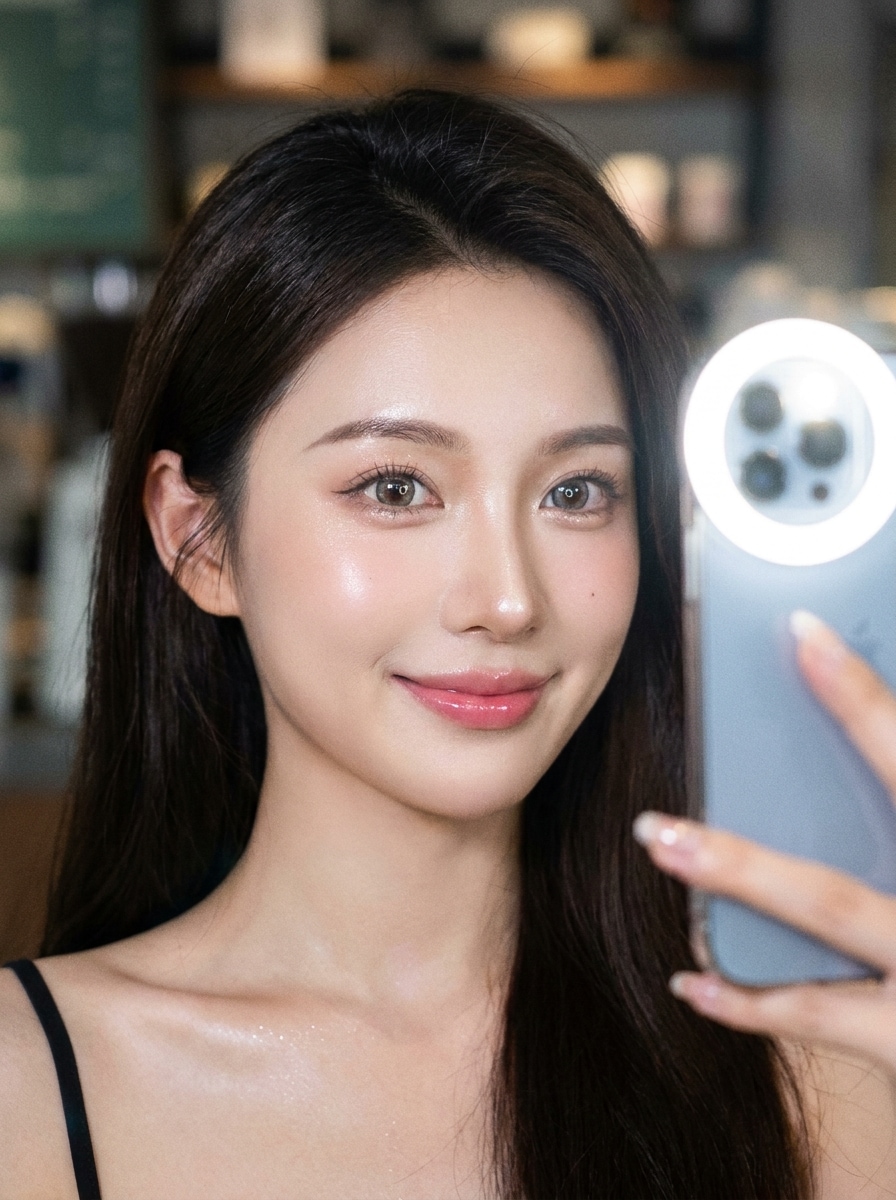
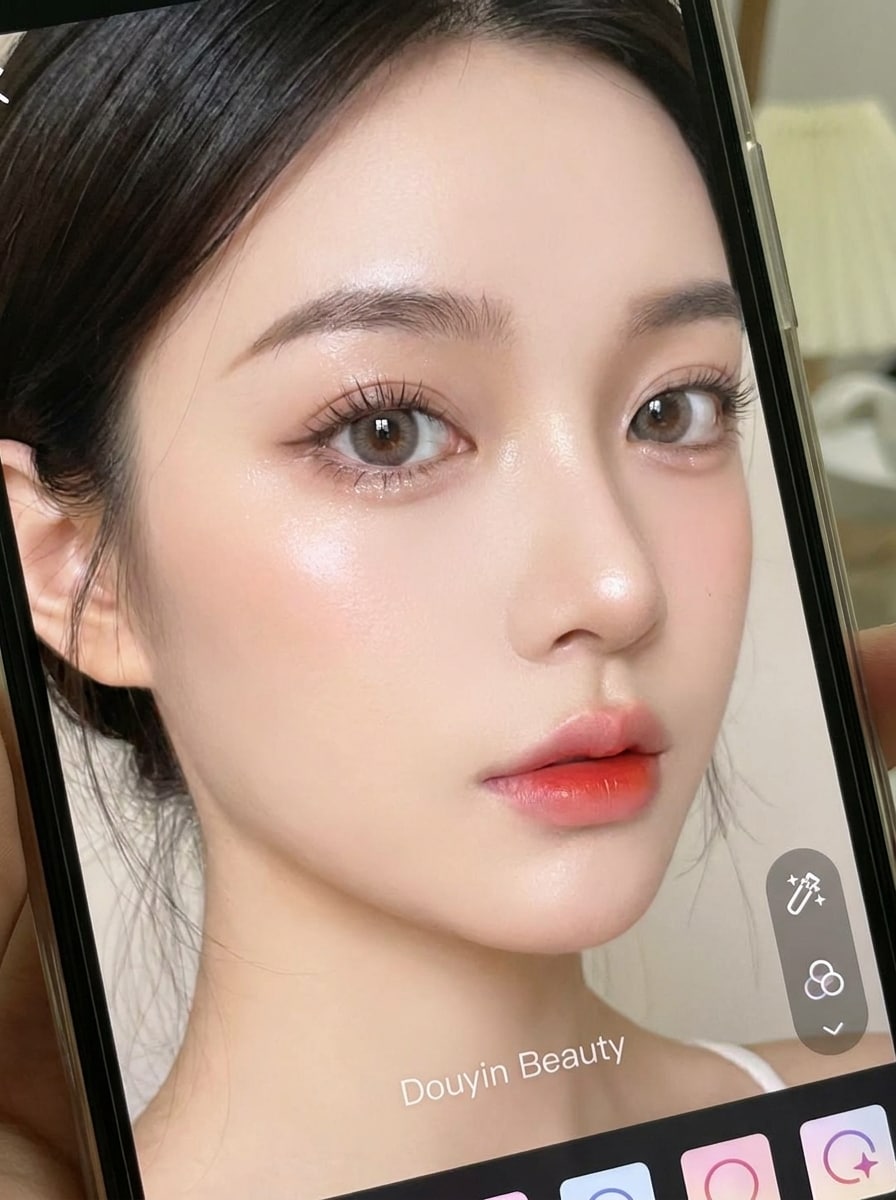
Turn any selfie into a polished douyin makeup filter look with AI. Upload your photo, choose a soft glam or porcelain-skin style, and get a fast beauty transformation online with glossy lips, lifted blush, and dreamy portrait detail inspired by viral short-form trends and the signature douyin beauty filter aesthetic.
Review these example directions, then tailor the prompt details to get stronger results with this Douyin Makeup Filter and related chinese beauty portrait styles.
Porcelain Glow Douyin
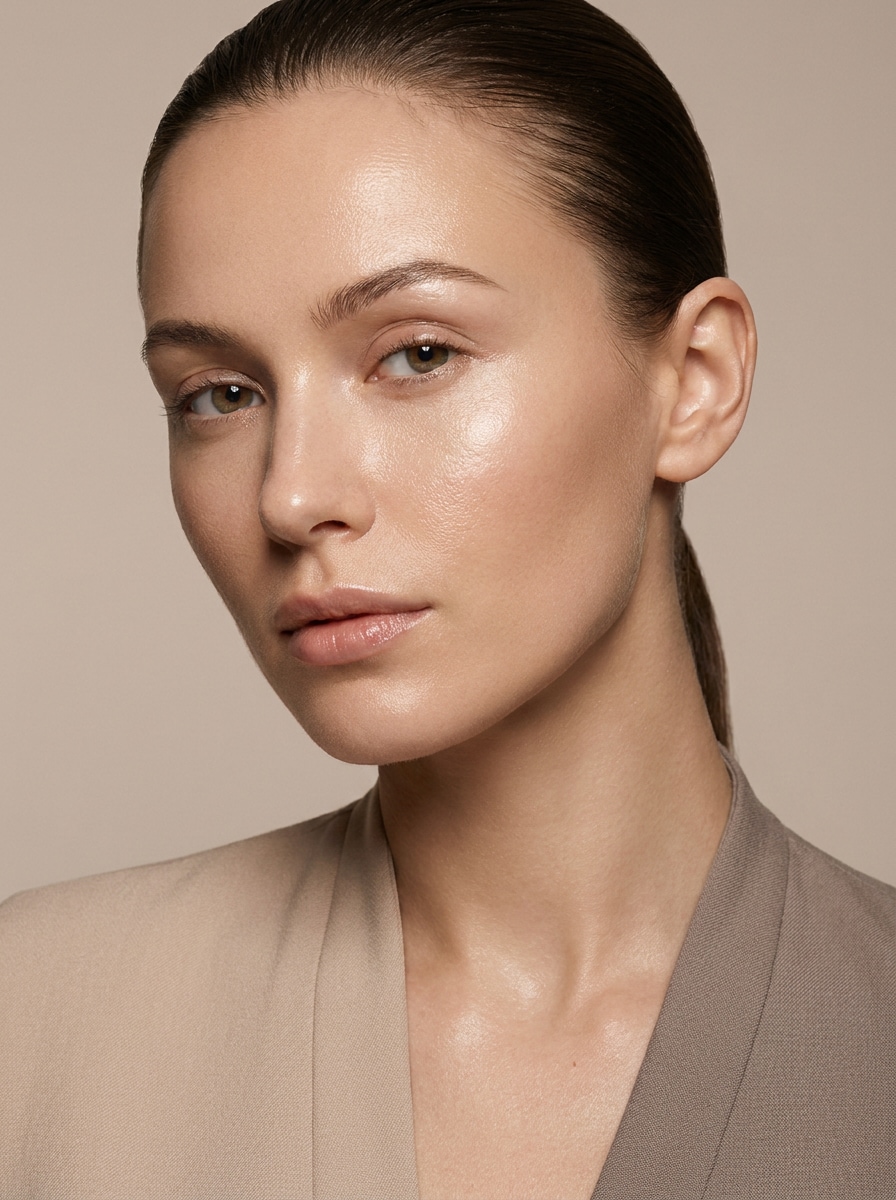
Use the uploaded portrait as the subject and transform it into a Douyin-inspired beauty look with porcelain smooth skin, bright under-eyes, soft V-shape contour, pink blush across the cheeks and nose bridge, enlarged sparkling eyes, wispy lashes, defined aegyo-sal, and glossy gradient lips. Keep facial identity recognizable, use soft studio lighting, and deliver a realistic high-detail finish.
Soft Pink Douyin Glam
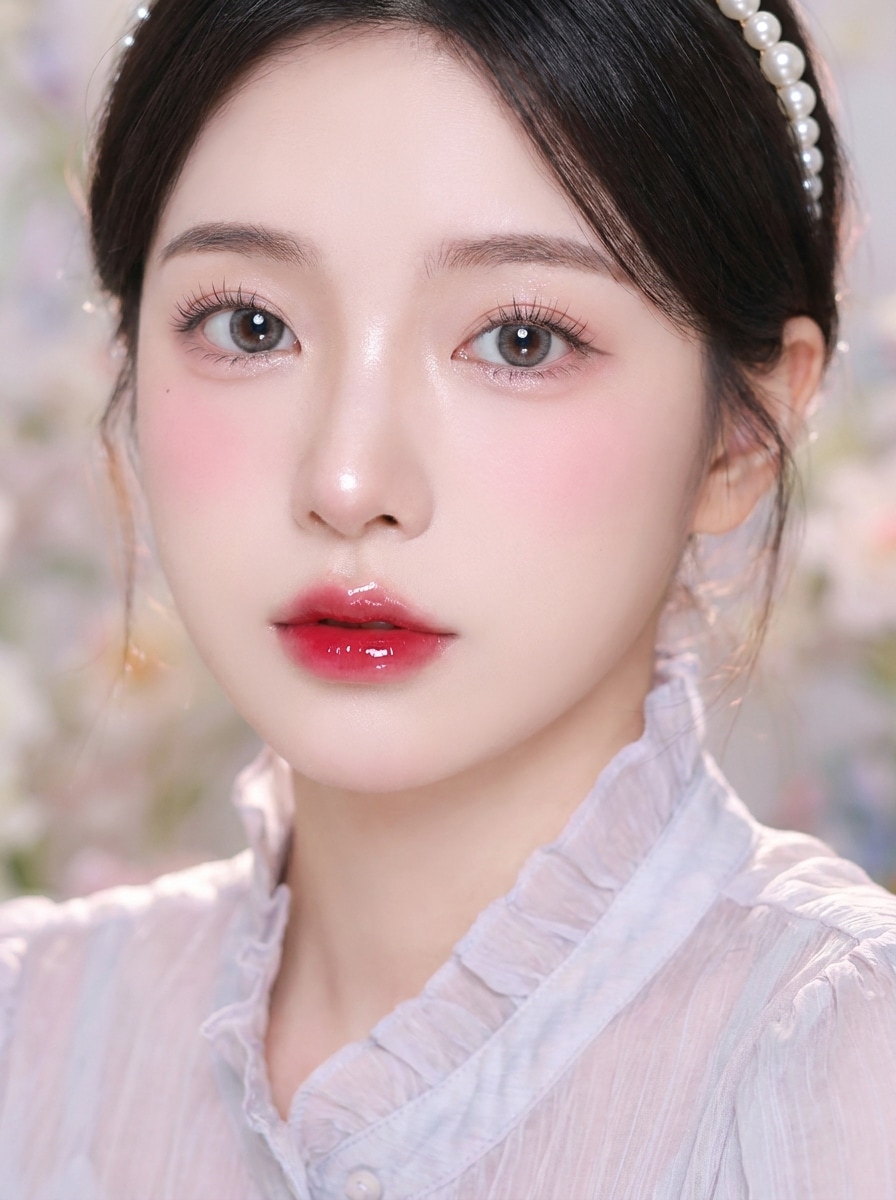
Use the uploaded image as the face reference and restyle it with a soft pink Douyin glam effect. Add luminous skin, pastel pink blush, pink shimmer eyelids, delicate eyeliner, flutter lashes, a soft nose highlight, and rose gradient lips. Keep proportions natural, lighting dreamy, and the final portrait polished but believable.
Glass Skin Editorial
Use the uploaded selfie as the subject and create an editorial beauty transformation with the signature glass-skin finish. Add hydrated glow, refined skin tone, subtle cool-pink blush, glossy eyelids, soft catchlights, and sculpted but natural contour. Preserve identity, keep texture refined rather than plastic, and give it a premium beauty-campaign mood.
Shimmer Eye Focus
Use the uploaded portrait as the base and emphasize a doll-like eye look inspired by viral beauty edits. Add enlarged bright eyes, shimmer lids, lower lash detail, aegyo-sal enhancement, smooth luminous complexion, peach blush, soft contour, and glossy gradient lips. Keep the result realistic, cute, and sharply detailed in a face-focused composition.
Peach Blush Idol
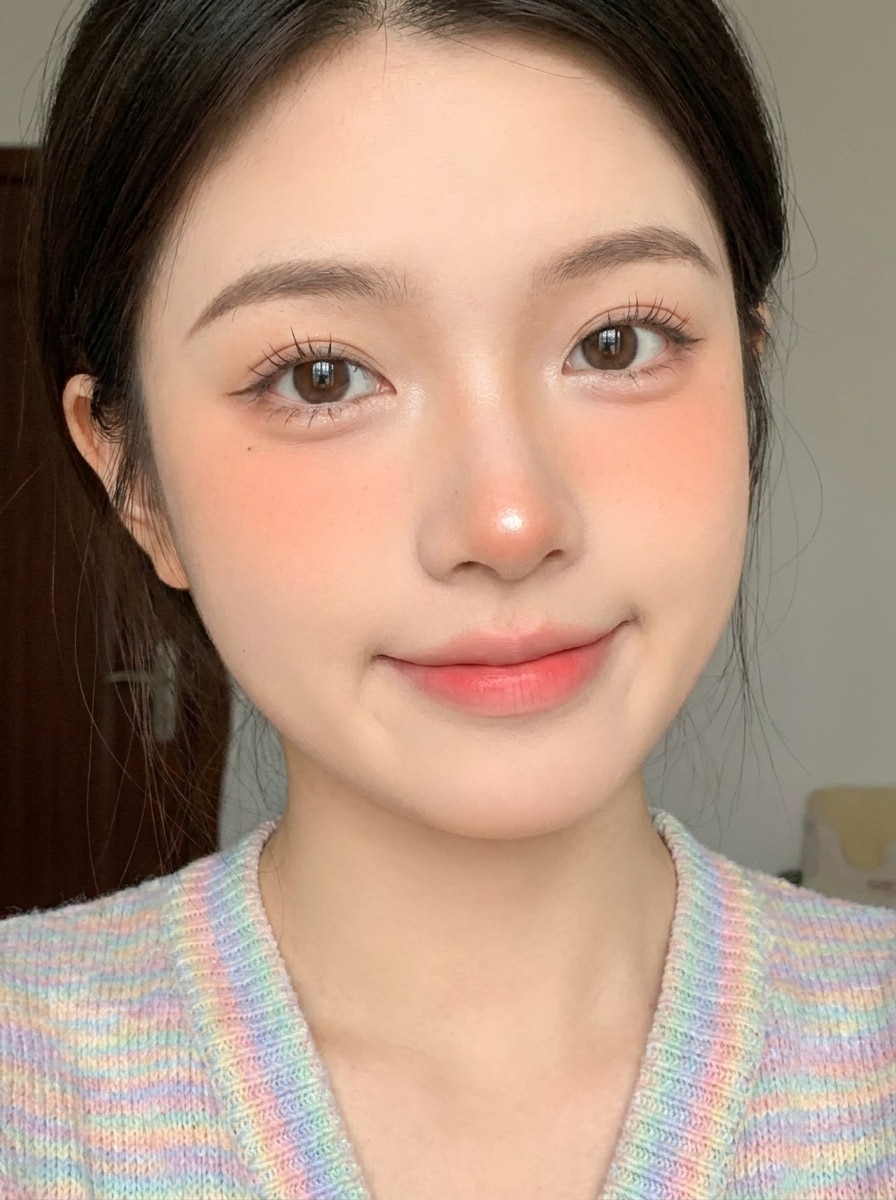
Use the uploaded photo as the subject and convert it into a cute idol-inspired beauty edit with peach blush, soft skin blur, bright under-eyes, gentle eyeliner, wispy lashes, a tiny nose highlight, and a delicate lip gradient. Keep the lighting flattering, the expression natural, and the identity intact for an authentic social-ready finish.
Cherry Lip Doll Look
Use the uploaded face photo as reference and apply a doll-inspired beauty makeover with flawless porcelain skin, rounded bright eyes, soft pink cheeks, subtle contour, defined lashes, and cherry red gradient lips. Keep the image feminine, dreamy, and glossy while preserving the subject's recognizable features and realistic skin lighting.
Minimal Clean Girl Douyin
Use the uploaded portrait and create a lighter, natural beauty enhancement rather than full glam. Add clear glowing skin, light blush, subtle contour, softly defined eyes, neat brows, natural lashes, and hydrated gradient lips. Keep the finish fresh, realistic, and wearable, with gentle flattering light and preserved facial texture.
No-Makeup Makeup Douyin
Use the uploaded selfie as the base and create a no-makeup makeup transformation with smooth radiant skin, soft eye brightening, minimal eyeliner, understated lashes, peachy blush, and a soft lip tint. Maintain the original face shape, avoid over-retouching, and deliver believable portrait realism with a gentle beauty-camera feel.
Flash Selfie Douyin
Use the uploaded selfie as the reference and transform it into a polished flash-photo beauty look. Add luminous skin, crisp facial highlights, subtle blush, glossy lips, bright enlarged eyes, and refined skin smoothing. Keep the portrait social-ready, glamorous but realistic, with clean composition and strong clarity like a premium mobile beauty shot.
Beauty Cam Close-Up
Use the uploaded close-up portrait as the source and turn it into a beauty-cam style transformation. Add polished smooth skin, a subtle eye-enlarging effect, soft contour lift, brightening highlights, defined lashes, gradient lips, and balanced symmetry enhancement. Keep the crop face-focused, the edit realistic, and the final look clean and high-detail.
Why Use Media.io for a Douyin-Inspired Beauty Edit
Get Social-Ready Portraits in the Right Size
For portraits that should still feel like the original person, Media.io keeps core identity cues recognizable while refining the overall chinese makeup filter style, so the final image looks polished without losing the subject’s familiar features.
Keep Your Face Recognizable While Changing the Makeup Style
Creative direction can change quickly, and Media.io makes that easier by letting you test multiple looks around the same douyin makeup filter idea. That makes style exploration more flexible around the same douyin makeup filter visual base.
Create High-Resolution Images for Real Use
If the final douyin makeup filter visual will be reused beyond a small preview, Media.io helps deliver sharper results up to 4K so the image stays more reliable in practical design and presentation work.
Create the Look in Your Browser Without an App Download
Moving from phone to laptop should not interrupt the workflow. Media.io lets you create, refine, and download douyin makeup filter visuals right in the browser, so it’s easy to keep editing across devices and maintain production speed.
How to Apply a Douyin Makeup Filter Online
Turn your words into stunning visuals in three simple steps, then continue refining the result if you want to take it further.
Step 1
Upload Your Reference Image
Start with a clear selfie or portrait in JPG, PNG, or JPEG format. A front-facing image with visible eyes, lips, and skin detail works best for beauty edits that aim to recreate a polished Douyin-inspired look.
Step 2
Describe the Change and Set Options
Enter the makeup style you want, such as porcelain skin, glossy gradient lips, lifted blush, or a soft glam finish. Then choose your model and adjust image ratio, resolution, and the number of variations to match your portrait goal.
Step 3
Generate, Download, and Keep Improving
Create the makeover, compare the results, and download your favorite version. If you want a softer or more dramatic finish, edit the prompt, regenerate new options, and keep refining until the beauty effect looks right.
See how creators use this Douyin Makeup Filter for content, marketing, and personal projects, then adapt each idea to fit the brief.
Upgrade Everyday Selfies for Social Posts
Turn simple phone portraits into dreamy, shareable beauty images with smoother skin, brighter eyes, and glossy lips. This approach is ideal for creators who want a polished short-form aesthetic inspired by douyin beauty filter trends without spending extra time on manual retouching.
Test Virtual Makeup Before a Real Look
Try different blush placement, lip gradients, and eye emphasis before doing your makeup in real life. Media.io makes it easy to preview a soft glam, editorial, or chinese makeup filter finish from one uploaded photo, which is useful for beauty inspiration and styling decisions.
Create Consistent Beauty Avatars and Profile Photos
Refresh profile images across platforms with a cohesive portrait style that feels elegant and camera-ready. If you want a trendy East Asian beauty vibe while keeping your own facial identity, Media.io gives you a fast, flexible way to create that viral-inspired look.
What Users Say
Mia L.
Beauty Content Creator
"Great for soft glam portraits" I wanted the viral porcelain-skin look without downloading another app. This tool gave me a polished transformation from a normal selfie, and it still looked like me.
Jade W.
Lifestyle Influencer
"Easy to control the makeup intensity" What I liked most was being able to go from natural to full glam just by changing the prompt. The results felt much more customizable than a one-tap beauty filter.
Erin C.
Social Media Manager
"Useful for profile and cover images" I used it to create beauty-style portraits for social assets, and the flexible aspect ratios helped a lot. The final images looked clean enough to use across different platforms.
Sophie T.
Makeup Trend Fan
"Good browser-based alternative" I searched for a way to get a Douyin-style effect online, and this was the simplest option I found. Uploading a selfie and generating a few versions only took a short time.
A Douyin makeup filter look usually refers to a polished beauty style inspired by viral short-form content, often featuring porcelain-like skin, soft-focus glow, lifted blush, brightened eyes, wispy lashes, and glossy gradient lips. With Media.io, you can recreate that aesthetic from an uploaded portrait using AI image-to-image editing instead of relying on a built-in app filter.
2. How can I apply a Douyin-style makeup filter to a photo online?
Upload a clear selfie to Media.io, then describe the makeup changes you want, such as glass skin, pink blush, shimmer eyes, or a soft glam finish. After that, choose image options like aspect ratio, resolution, and number of results, then generate variations until the portrait matches your preferred style. Media.io works in the browser, so you can create a douyin beauty filter or chinese makeup filter look on nearly any device.
3. Can I create the Douyin makeup effect without downloading the Douyin app?
Yes. Media.io is a web-based tool, so you can create this beauty effect directly in your browser without downloading the Douyin app. That makes Media.io a practical option if your goal is a photo-to-makeup transformation rather than using a mobile social platform.
4. Is this Douyin makeup filter tool free to use?
Media.io offers free credits if you want to try the tool first. If you need more generations or want extras such as watermark-free high-resolution downloads, you can check the pricing page for plan details.
5. Will the AI keep my face recognizable after the makeup transformation?
Media.io is designed for reference-based image editing, so your uploaded portrait helps guide the result. In practice, that means Media.io can apply a virtual makeup look while keeping core facial features recognizable, especially when you use a clear source image and a prompt focused on makeup, skin finish, and lighting rather than identity changes.
6. Does the tool work on iPhone, Android, and desktop?
Media.io works in a browser, so you can use it on iPhone, Android, Mac, Windows, and other desktop setups without needing separate software. As long as your device has a modern browser, you can upload, edit, and download your portrait online.