다크 로드 시네마틱
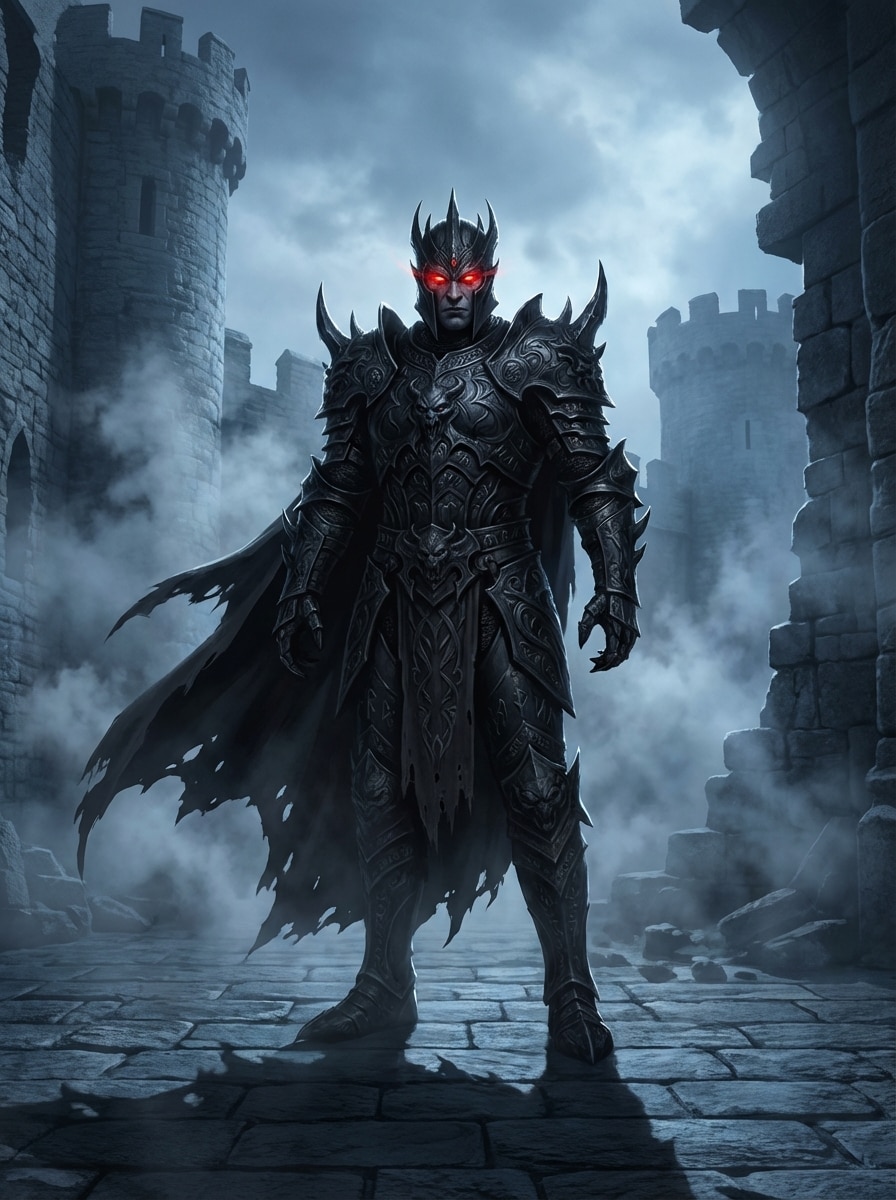
파괴된 석성 중앙에 서 있는 영화적인 다크 판타지 악당을 만들어 보세요. 조각된 디테일이 있는 검은색 흑요석 갑옷과 너덜너덜한 망토를 입고, 빛나는 붉은 눈, 떠다니는 연기, 차가운 청회색 분위기, 극적인 림 조명, 대비가 높은 그림자, 질감 있는 금속, 서사시적인 구성, 매우 디테일한 컨셉 아트.
 Nano Banana Pro
 창의적 잠재력을 풀고 미디어 AI의 마법을 즉시 경험하십시오!














단순한 아이디어를 몇 초 만에 눈에 띄는 악당 초상화로 바꿔보세요. Media.io는 빠른 생성, 유연한 스타일 및 고해상도 출력으로 텍스트에서 다크 판타지 적대자, 만화책 슈퍼빌런, 사이버펑크 범죄 군주 및 양식화된 사악한 캐릭터 아트를 만드는 데 도움이 됩니다.
아이디어를 입력하세요 -> AI가 디자인합니다. 무료로 시도해 보세요.
큐레이팅된 컬렉션을 살펴보세요.악당 발전기스타일.
파괴된 석성 중앙에 서 있는 영화적인 다크 판타지 악당을 만들어 보세요. 조각된 디테일이 있는 검은색 흑요석 갑옷과 너덜너덜한 망토를 입고, 빛나는 붉은 눈, 떠다니는 연기, 차가운 청회색 분위기, 극적인 림 조명, 대비가 높은 그림자, 질감 있는 금속, 서사시적인 구성, 매우 디테일한 컨셉 아트.
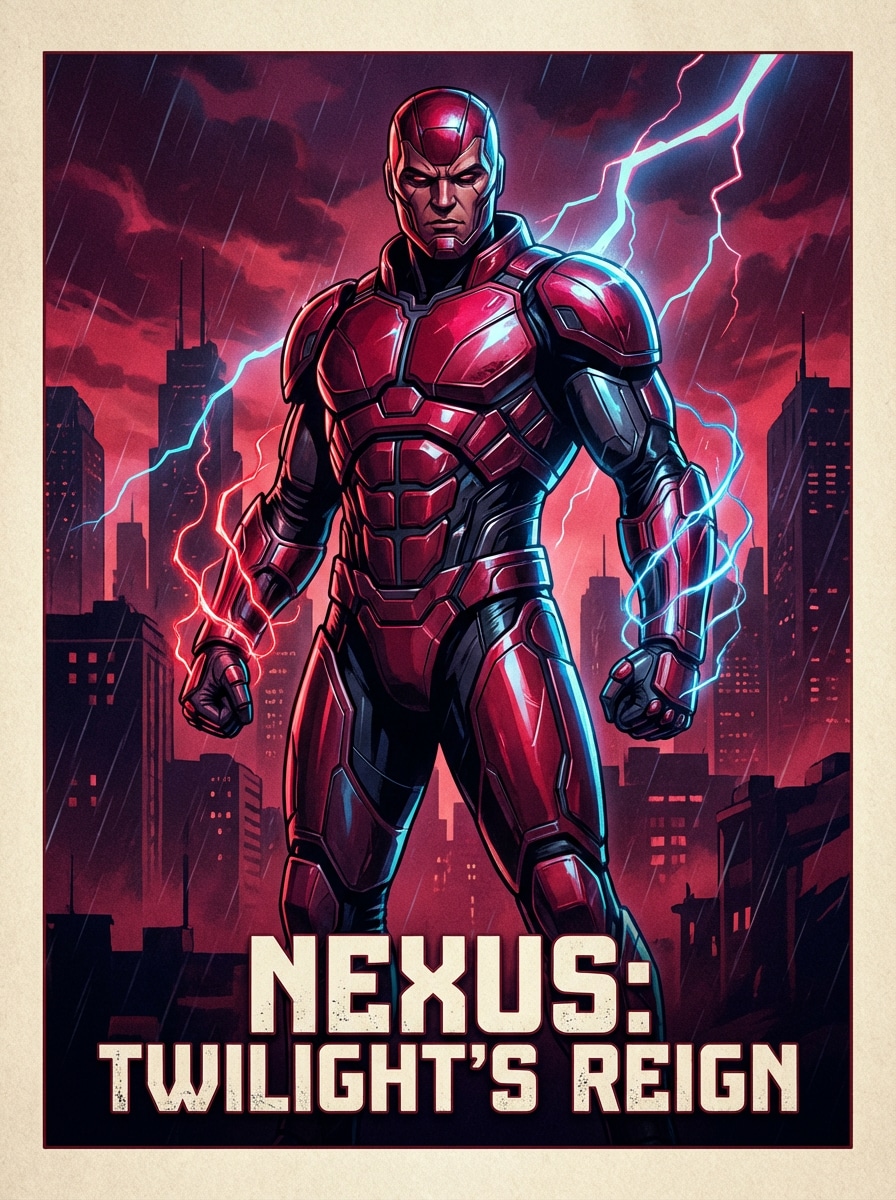
어두운 도시 스카이라인 앞에서 자신 있게 포즈를 취하고, 손 주변에 빛나는 에너지 효과, 대담한 그림자, 풍부한 진홍색과 일렉트릭 블루 팔레트, 광택 있는 소재, 극적인 원근법, 프리미엄 포스터 마감, 매우 디테일한 영화 아트워크 등 미래적인 갑옷을 입은 강력한 적대자가 등장하는 세련된 만화책 슈퍼빌런 영화 포스터 초상화를 생성하세요.
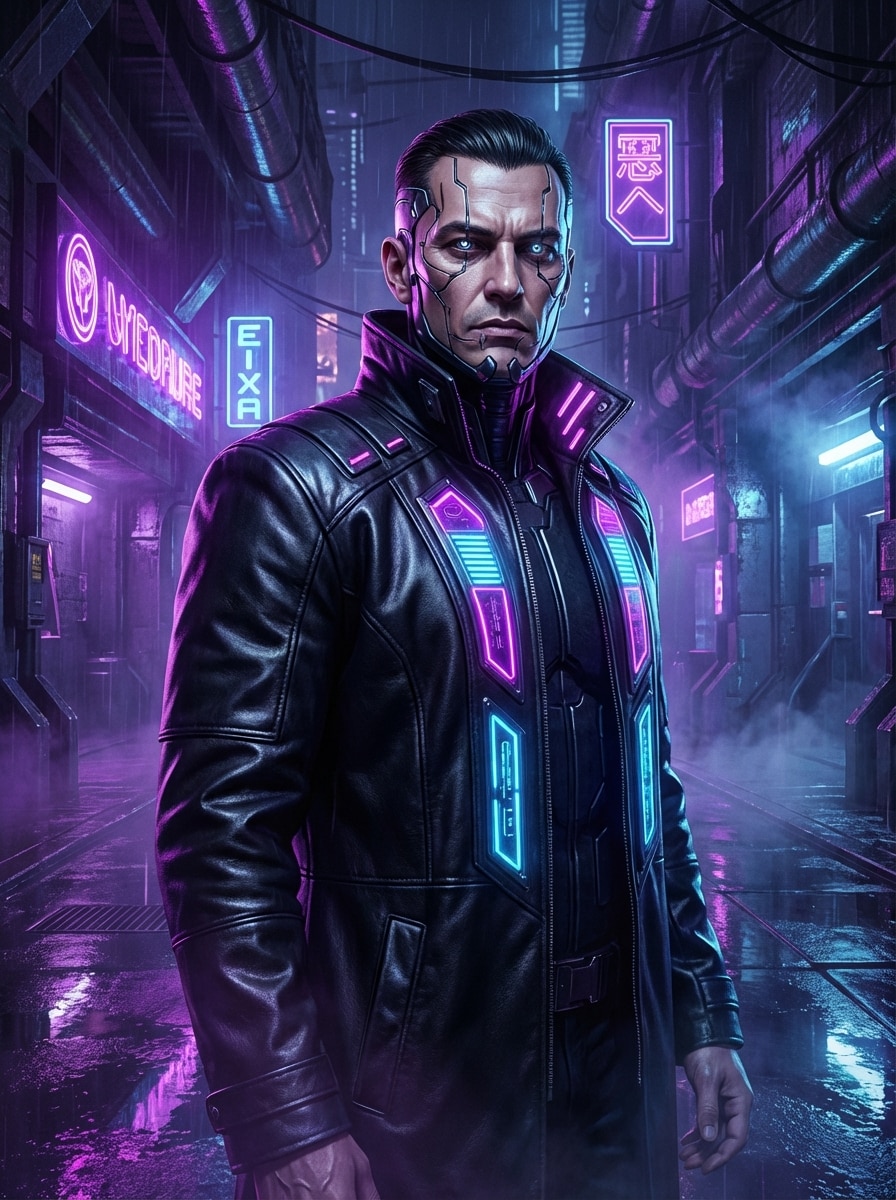
세련된 얼굴 임플란트, 고급스러운 테크노 코트, 반사 표면, 강렬한 시선으로 무자비한 네온 범죄왕의 사이버펑크 악당 초상화를 디자인하세요. 보라색과 파란색 조명, 젖은 메탈릭 질감, 우울한 안개, 선명한 대비, 영화적인 공상과학 프레임, 매우 디테일한 컨셉 아트가 있는 미래 지하 제국을 배경으로 합니다.
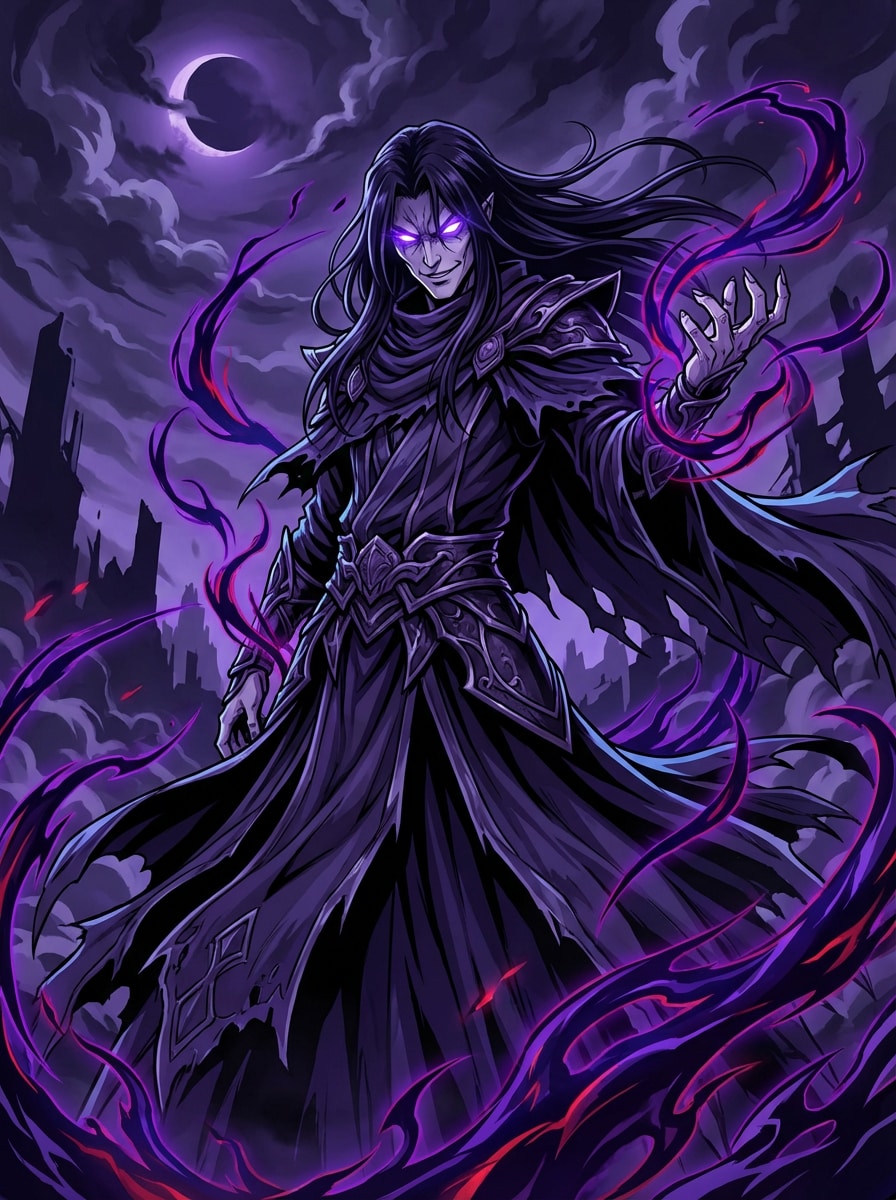
긴 어두운 머리카락, 빛나는 눈, 소용돌이치는 저주받은 에너지 아우라를 가진 애니메이션 악당 캐릭터를 어두운 분위기 배경에 극적으로 포즈를 취하고, 날카로운 라인워크, 생생한 하이라이트, 짙은 보라색과 검은색 팔레트, 레이어드된 패브릭 디테일, 강렬한 표현, 역동적인 구성, 매우 디테일한 프리미엄 애니메이션 일러스트레이션을 그립니다.
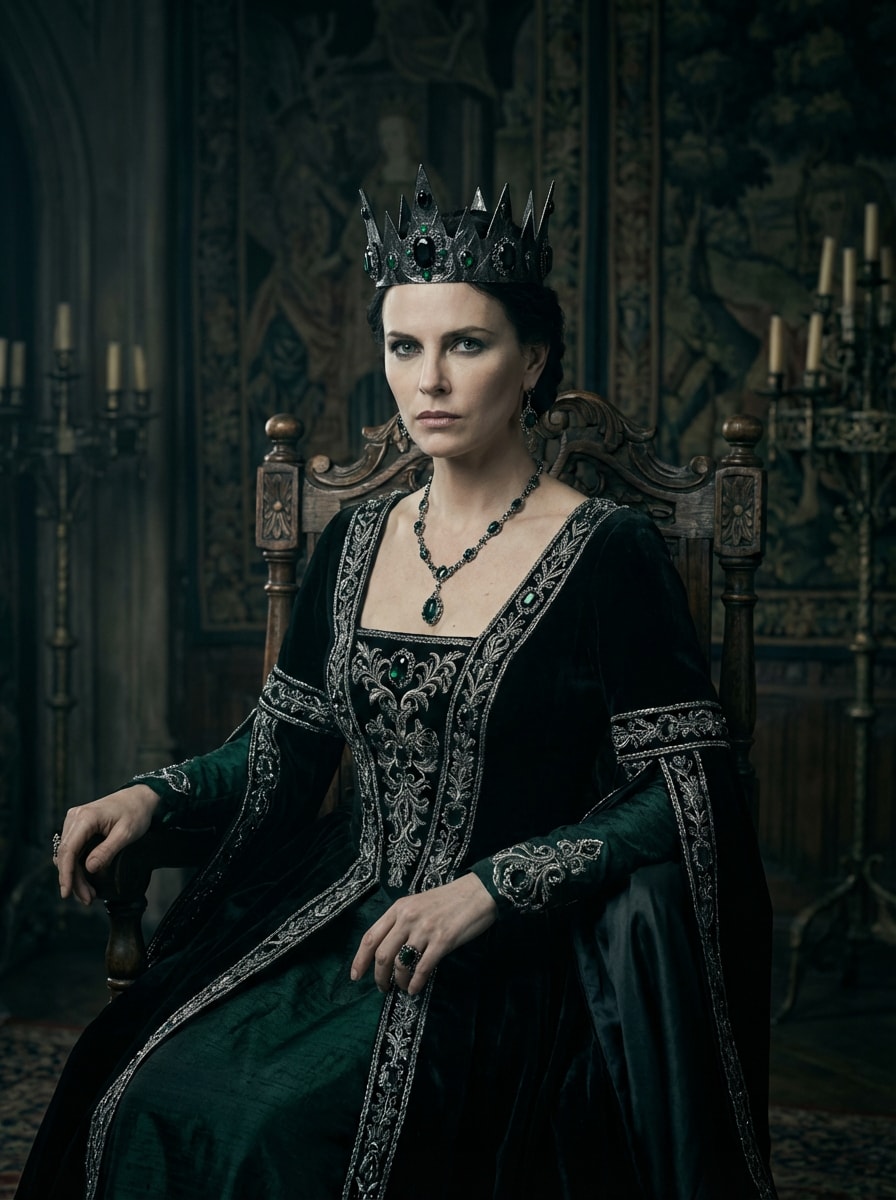
차가운 명령적인 표정, 부드러운 극적인 조명, 깊은 에메랄드와 차콜 팔레트, 벨벳과 메탈 질감, 세련된 구성, 패션 편집 광택, 매우 세밀한 판타지 캐릭터 일러스트레이션으로 검은색 왕실 가운, 보석으로 장식된 왕관, 화려한 액세서리를 착용한 고딕 럭셔리 스타일의 우아한 악녀 초상화를 만듭니다.
짧은 아이디어를 완전한 아이디어로 바꾸세요AI 악당 생성기순간의 이미지. 모습, 분위기, 의상 및 설정을 설명하기만 하면 독창적인 적대자 컨셉 아트를 빠르게 생성할 수 있습니다.
하나의 도구로 다크 판타지 로드, 만화책 슈퍼빌런, 애니메이션 라이벌, 사이버펑크 범죄자 또는 사실적인 악의 초상화를 생성하세요. Media.io는 다양한 스토리텔링 및 브랜딩 요구 사항에 맞는 다양한 스타일을 지원합니다.
1K, 2K 또는 4K 해상도로 sharp villain 아트워크를 내보내고 초상화, 포스터, 축소판 및 소셜 게시물에 대해 1:1, 3:4, 9:16 또는 16:9와 같은 종횡비를 선택하세요.
Nano Banana Pro, Nano Banana 2, Seedream 5.0 Lite, Soul Character, Imagen 4를 포함한 강력한 세대 모델을 사용하여 더욱 세련된악당 이미지 생성기영어 프롬프트에서 출력.
바로가기AI Text to Image Generator 부근의 호텔그리고 AI -> Text to Image 아래에서 AI 이미지 생성기를 엽니다. 이 온라인 도구는 브라우저에서 실행되므로 아무것도 설치하지 않고도 데스크톱이나 모바일에서 악당 아트를 만들 수 있습니다.
"검은 흑요석 갑옷을 입은 시네마틱 다크 판타지 악당, 빛나는 붉은 눈, 폐허된 성, 연기, 극적인 림 조명"과 같은 자세한 프롬프트를 입력한 다음 원하는 룩에 맞게 스타일, 모델, 종횡비 및 해상도를 조정합니다.
생성을 클릭하여 악당 초상화를 만듭니다. 문구를 조정하거나, 다른 스타일을 시도하거나, 필요한 경우 모델을 바꾸세요. 결과가 올바르게 나오면 고해상도 이미지를 다운로드하여 영감, 피칭 또는 공유하세요.



크리에이터와 전문가가 AI 기반 악당 생성기를 사용하여 창의적인 워크플로우를 변화시키고 독특한 아이디어를 실현하는 방법을 알아보세요.
작가, 던전 마스터, 월드빌더는 거친 악당 아이디어를 빠르게 시각적 참조로 바꿀 수 있습니다. 악당 생성기를 사용하여 장면, 퀘스트 또는 캠페인 이야기를 작성하기 전에 캐릭터의 의상, 아우라, 설정 및 성격을 형성합니다.
TikTok 클립, YouTube 썸네일, Instagram 회전목마 또는 무드보드용 대담하고 강력한 악당 초상화를 디자인하세요. 영화 같은 조명과 극적인 스타일로 하나의 프롬프트에서 스크롤을 멈추는 사악한 캐릭터 아트를 쉽게 만들 수 있습니다.
컨셉 아티스트, 인디 개발자, 만화 제작자는 적의 보스, 라이벌 리더, 디스토피아 적대자를 빠르게 시각화할 수 있습니다. 사이버펑크에서 다크 판타지에 이르기까지 다양한 미학을 생성하여 최종 제작에 들어가기 전에 방향을 탐색하세요.

판타지 작가

"악당 구상에 완벽"저는 이 AI 악당 생성기를 사용하여 소설의 주요 적대자를 시각화했고, 갑옷, 표정, 분위기를 정의하는 데 즉시 도움이 되었습니다. 다크 판타지 결과는 복잡한 워크플로가 필요 없이 영화적으로 느껴졌습니다.

인디 게임 디자이너
"빠르고 유연한 스타일"제가 가장 좋아하는 점은 다양한 악당 방향을 얼마나 빨리 테스트할 수 있는지입니다. 저는 한 세션에서 사이버펑크, 만화책, 사실적인 룩을 시도했고 보스 적 피치에 대한 유용한 캐릭터 참조를 얻었습니다.

콘텐츠 제작자
"드라마틱 포스터 아트에 좋습니다"저는 소셜 콘텐츠에 슈퍼빌런 포스터 미학을 원했고, Media.io는 강력한 조명, 깔끔한 구성, 대담한 색상을 제공했습니다. 세련되고 공유 가능한 것을 원할 때 정말 재미있는 악당 이미지 생성기입니다.

만화 일러스트레이터
"초기 아이디어에 도움이 됩니다"이 도구는 브레인스토밍 단계를 훨씬 빨리합니다. 텍스트에서 사악한 캐릭터 생성기 개념을 생성하고, 최고의 버전을 저장하고, 최종 만화 페이지를 스케치하는 동안 시각적 참조로 사용할 수 있습니다.
An AI 악당 생성기는 서면 설명을 원본 악당 아트워크로 바꾸는 텍스트-이미지 도구입니다. Media.io에서 캐릭터의 외모, 의상, 기분, 배경 및 스타일을 설명하는 프롬프트를 입력하면 AI 모델이 해당 텍스트를 기반으로 일치하는 이미지를 생성합니다.
네. Media.io는 텍스트-이미지 생성을 지원하므로 자세한 프롬프트를 입력하여 악당 초상화나 전체 캐릭터 장면을 만들 수 있습니다. 최상의 결과를 얻으려면 악당 이미지에서 원하는 스타일, 조명, 색상, 포즈, 소재 및 설정을 설명하세요. 이렇게 하면 villain generator 결과를 보다 일관적으로 만드는 데 도움이 됩니다.
네, 무료 사용자는 무료 크레딧으로 악당 생성기를 시도할 수 있습니다. 더 많은 세대가 필요하거나 워터마크가 없는 고해상도 다운로드를 원하는 경우 다음에서 사용 가능한 플랜을 살펴볼 수 있습니다.가격 페이지. 무료 사용자는 무료 크레딧을 사용할 수 있습니다. 더 많은 사용을 위해 사용자는 가격 페이지에서 요금제를 구독할 수 있습니다.
Media.io는 애니메이션, 리얼리즘, 3D 렌더링, 유화, 사이버펑크 등 악당 캐릭터 생성을 위한 다양한 스타일을 지원합니다. 이를 통해 다크 판타지 군주부터 미래적인 슈퍼빌런이나 양식화된 사악한 캐릭터 초상화까지 무엇이든 쉽게 만들 수 있습니다. 이렇게 하면 villain generator 결과를 보다 일관적으로 만드는 데 도움이 됩니다.
보다 구체적인 프롬프트를 사용하여 카메라 프레임, 극적인 림 조명, 색상 팔레트, 의상 소재, 얼굴 표정 및 배경 분위기와 같은 세부 정보를 포함하세요. 또한 Nano Banana Pro 또는 Nano Banana 2와 같은 강력한 모델을 선택한 다음 더 높은 해상도로 생성하여 더 영화적인 최종 결과를 얻을 수 있습니다. 이렇게 하면 villain generator 결과를 보다 일관적으로 만드는 데 도움이 됩니다.
네. Media.io는 Windows, Mac, iPhone, iPad 및 Android 기기에서 작동하는 브라우저 기반 도구입니다. 인터넷 연결과 지원되는 브라우저가 있는 한 모바일이나 데스크톱에서 악당 이미지 생성기를 사용할 수 있습니다. Media.io는 브라우저가 있는 모든 기기(Windows, Mac, iOS, Android)에서 작동하는 웹 기반 도구입니다. 이렇게 하면 villain generator 결과를 보다 일관적으로 만드는 데 도움이 됩니다.
 4.7 (162,357 투표)


