

MV 에이전트
오디오 업로드
업로드
1초에서 3분 길이의 오디오 파일을 업로드하세요.
이미지 업로드
업로드
지원되는 업로드 형식: jpg, png, jpeg.
프롬프트
0/2000
팁: 더 나은 결과를 얻기 위해 영어 프롬프트를 사용하십시오.
720P
16:9
샘플 이미지

AI Audio to Music Video Generator

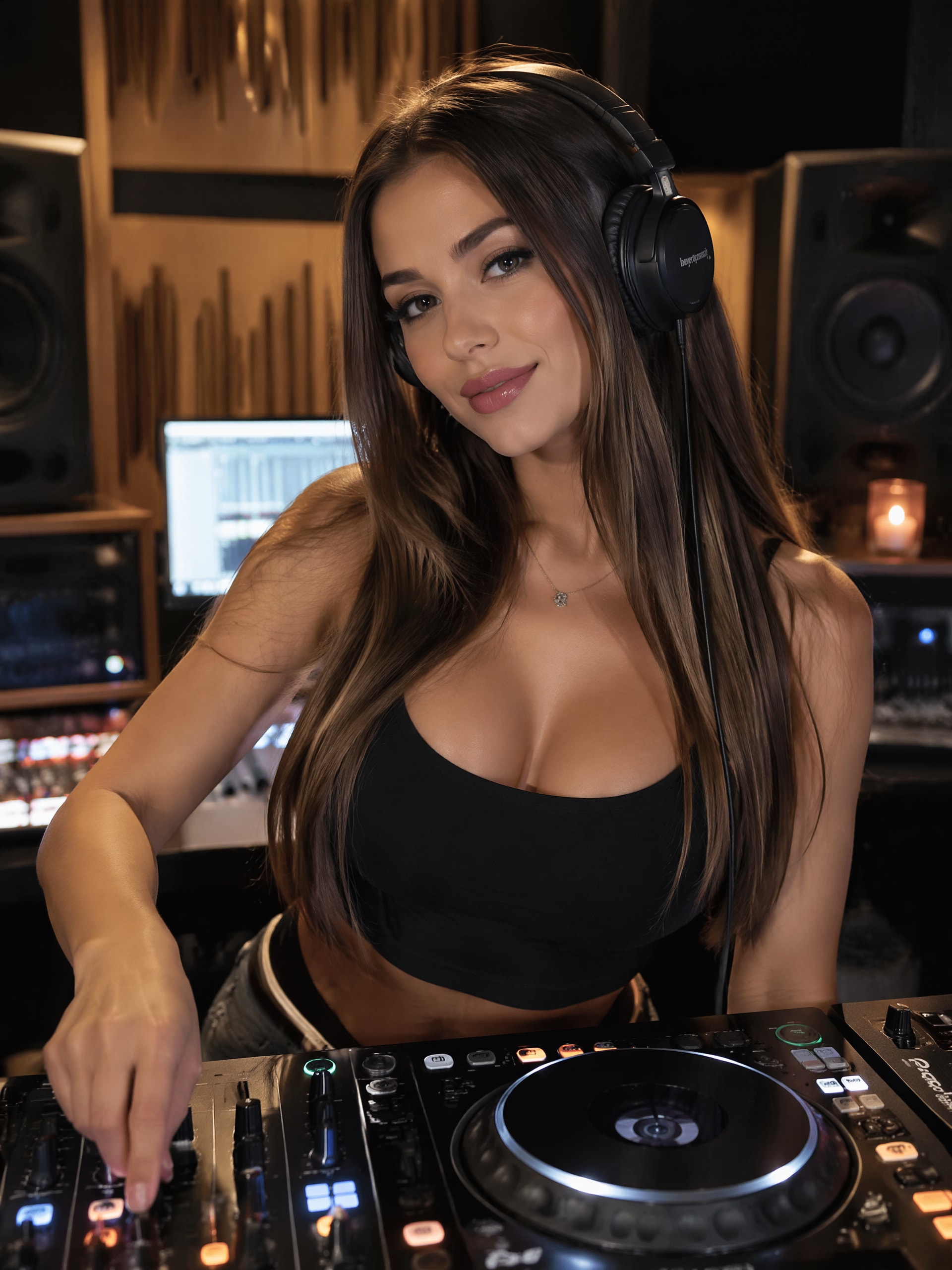
Bring your sound to life with Media.io's AI Music Video Generator. Simply upload your audio file, add a scene image, portrait, or MV cover, and let the AI match visuals perfectly to your rhythm. Whether you're producing a new single, podcast snippet, or instrumental track, you'll get an engaging visual story in seconds. It's a creative and efficient way to make your music shine on social platforms like YouTube and Reels.

Generate My Music Video Now

No editing experience required - just upload and let the AI create your vibe.

Demo: From Audio to Music Video
AI-generated music video example from uploaded audio
Sample Audio Converted to Video
wave
wave
0:09
Try With My Audio ↗
See How Audio Becomes Visual Magic
✓ Fast Rendering ✓ AI Scene Matching ✓ Creative Styles ✓ Social-Ready Output

Why Create Music Videos from Audio with Media.io

Unleash Creative Visual Storytelling

Every song deserves its own visuals, and Media.io lets anyone produce that effortlessly. By combining your uploaded audio with a custom image or theme prompt, the generator uses AI to match tempo, emotion, and rhythm. The result is a personalized music video that looks as if it was professionally edited. It's perfect for artists, producers, and content creators who want to release visually engaging MVs in no time.

Save Time with Automated Video Generation

Instead of spending hours editing, let AI handle the hard work. Media.io converts your sound into a matching video sequence in minutes without technical software or design skills. You only need to upload an audio track and a related visual to see the concept come alive. It's ideal for musicians eager to post teaser clips, cover edits, and music releases quickly.

Enhance Exposure Across Social Channels

Share your AI-generated music videos instantly on TikTok, Instagram Reels, or YouTube. Well-matched visuals can increase discoverability and boost your audience engagement. Because the video aligns with your song's mood and beat, each viewer experiences your sound more deeply. This makes your audio posts stand out and attract the attention they deserve.

Simplify Workflow with All-In-One AI Tools

Media.io offers a seamless creation process inside one browser tab. You can fine-tune your visuals, trim music, or add more creative elements directly in the same workspace. The platform synchronizes your inputs intelligently to generate cohesive video narratives. This efficient workflow helps both hobbyists and professionals deliver polished results effortlessly.

How to Turn Audio into an AI Music Video

01

Upload Your Audio Track

Choose a music or vocal file you want to visualize. Media.io supports common formats like MP3, WAV, and M4A for a smooth upload.

02

Add Visual Inspirations

Upload a photo, illustration, or cover art to set your scene. You can also add an optional prompt describing your desired visual style, such as glitch art, neon dance, or cinematic motion.

03

Generate and Download the AI Music Video

Click generate and let the AI blend your audio with chosen visuals. Preview your video, refine as needed, then download the finished MV ready for instant sharing on your favorite platforms.

What Users Say About Media.io Audio to Music Video Generator

user
Ava Thompson

Indie Musician

star star star star star

"Great Way to Visualize My Tracks" I used Media.io to produce short videos for my acoustic tracks, and it worked better than expected. The AI automatically synced motion with the beat, creating dynamic visuals that matched my vibe. I also tested different prompts to explore varied aesthetic results. It's been amazing for social promotion and helped my music gain more attention online.

user
Ryan Lee

Digital Marketer

star star star star star

"Simple and Effective for Brand Audio Designs" This tool lets our team quickly produce brand sound intros into animated clips. I used the make music video from song feature to convert our jingle into engaging video teasers. The process was easy-just upload, wait a few seconds, and download results ready for campaigns. It saves our editing budget while keeping creative consistency across channels.

user
Maya Cruz

Podcast Creator

star star star star star

"Adds Dynamic Visuals to Voice Segments" I turned a podcast monologue into a visual reel using Media.io's convert audio into video option. The generated scenes matched the tone of the dialogue beautifully. It feels like storytelling through moving graphics instead of static thumbnails. Highly recommend it for podcasters who want to grow their audience visually.

user
James Carter

Music Producer

star star star star star

"Fast Workflow and Social-Ready Videos" Using the generate AI MV from track mode saved me tons of editing time. The system recognized my track's rhythm patterns and produced scene transitions that looked professional. I love how I can adjust the cover image to suit my latest release. It's now part of my regular release workflow before uploading to YouTube.

Frequently Asked Questions About Audio to Music Video

1. How Does the Media.io Audio to Music Video Generator Work?

Media.io's generator uses advanced AI models to analyze your uploaded audio for tempo, rhythm, and mood. It then matches these aspects with uploaded or prompted visuals to form a cohesive music video. The process ensures that each scene flows naturally with your sound. You simply provide your files, and the AI takes care of the synchronized output.

Yes, you can upload a wide range of audio formats including MP3, WAV, AAC, and others. The system automatically processes them to optimize alignment with generated video scenes. This flexibility allows musicians, podcasters, and marketers to experiment freely. The resulting MV maintains audio integrity while adding appealing visual dynamics.

You can personalize your project by uploading specific imagery or entering descriptive prompts. These inputs help the AI create visuals that match your tone and intention. You may refine or regenerate until satisfied with the look and feel. This customization ensures that every video reflects your artistic or brand identity.

Yes, once your music video is generated, you can download and upload it to any social channel. Media.io's output is compatible with platforms like YouTube, Instagram, TikTok, and Facebook. Since videos are optimized for popular aspect ratios, they look professional wherever they appear. Sharing takes only a few clicks from your local device.

No editing experience is required to create professional visuals with Media.io. The interface is intuitive, guiding you from upload to final download seamlessly. The AI handles synchronization and animation automatically. This makes it an ideal choice for musicians and creators who want polished videos without technical effort.

Media.io Online AI Tools Quality Rating:
vote 4.7 (162,357 Votes)







