이미지에서 이미지까지
Nano Banana Pro
이미지 업로드
0 / 9
내 기록에서 선택하거나 업로드하려면 클릭하거나 드래그하세요
아이디어가 없나요? 먼저 이미지를 생성하세요. >
지원되는 업로드 형식: jpg, png, jpeg.
프롬프트
0/2000
측면 비율
자동
9:16
16:9
1:1
4:3
3:4
3:2
2:3
21:9
해상도
1K
2K
4K
바나나 프로 무제한 모드
이미지 수
1
2
3
4
공공 가시성
전체
이미지
비디오
오디오
목록 생성
생성된 결과는 7일 동안 보관됩니다. 제때 저장하십시오.
ai_video_generator창의적 잠재력을 풀고 미디어 AI의 마법을 즉시 경험하십시오!

Square Image Generator for Clean 1:1 Photos Without Cropping

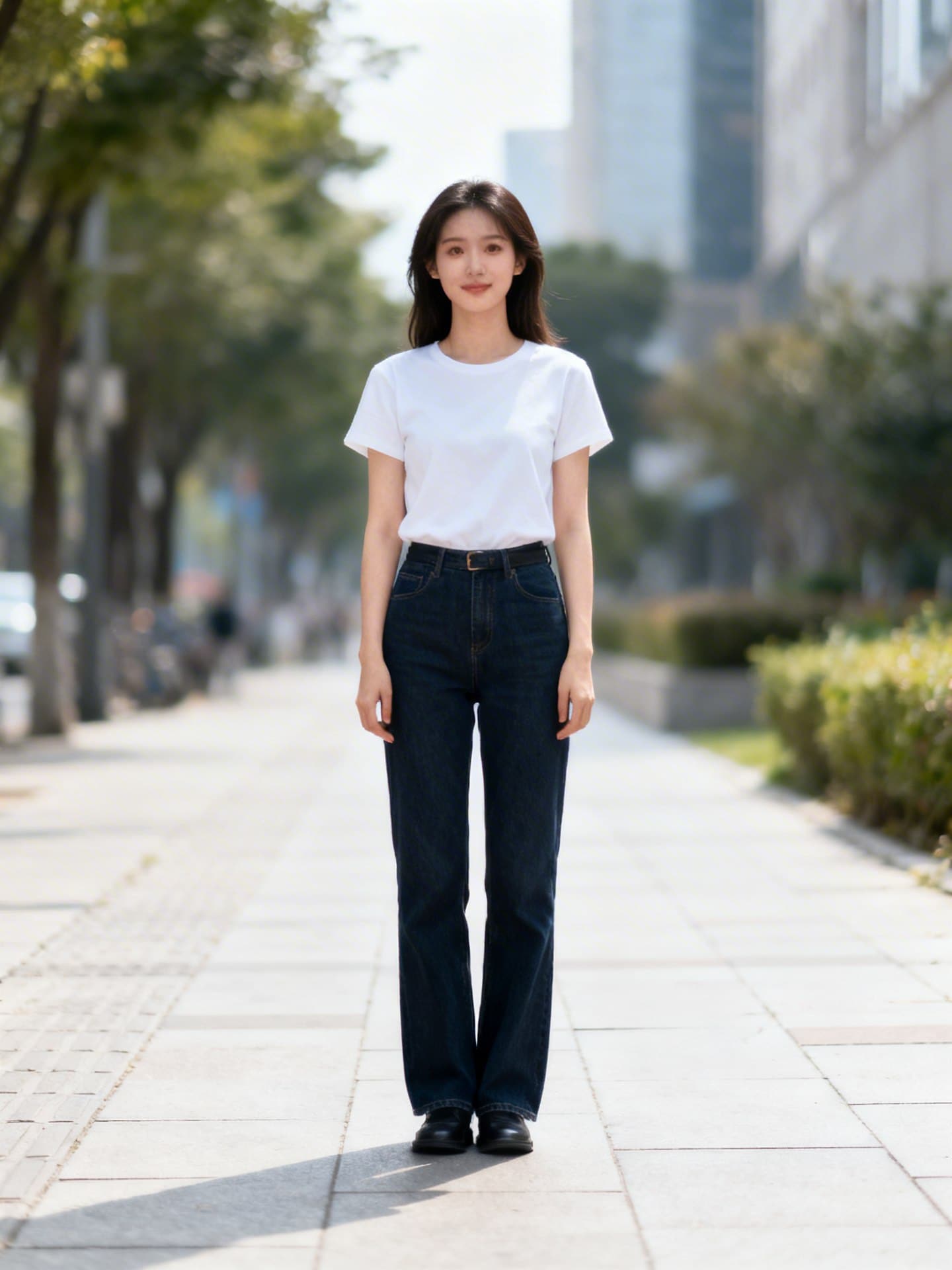
Square Image Generator Before
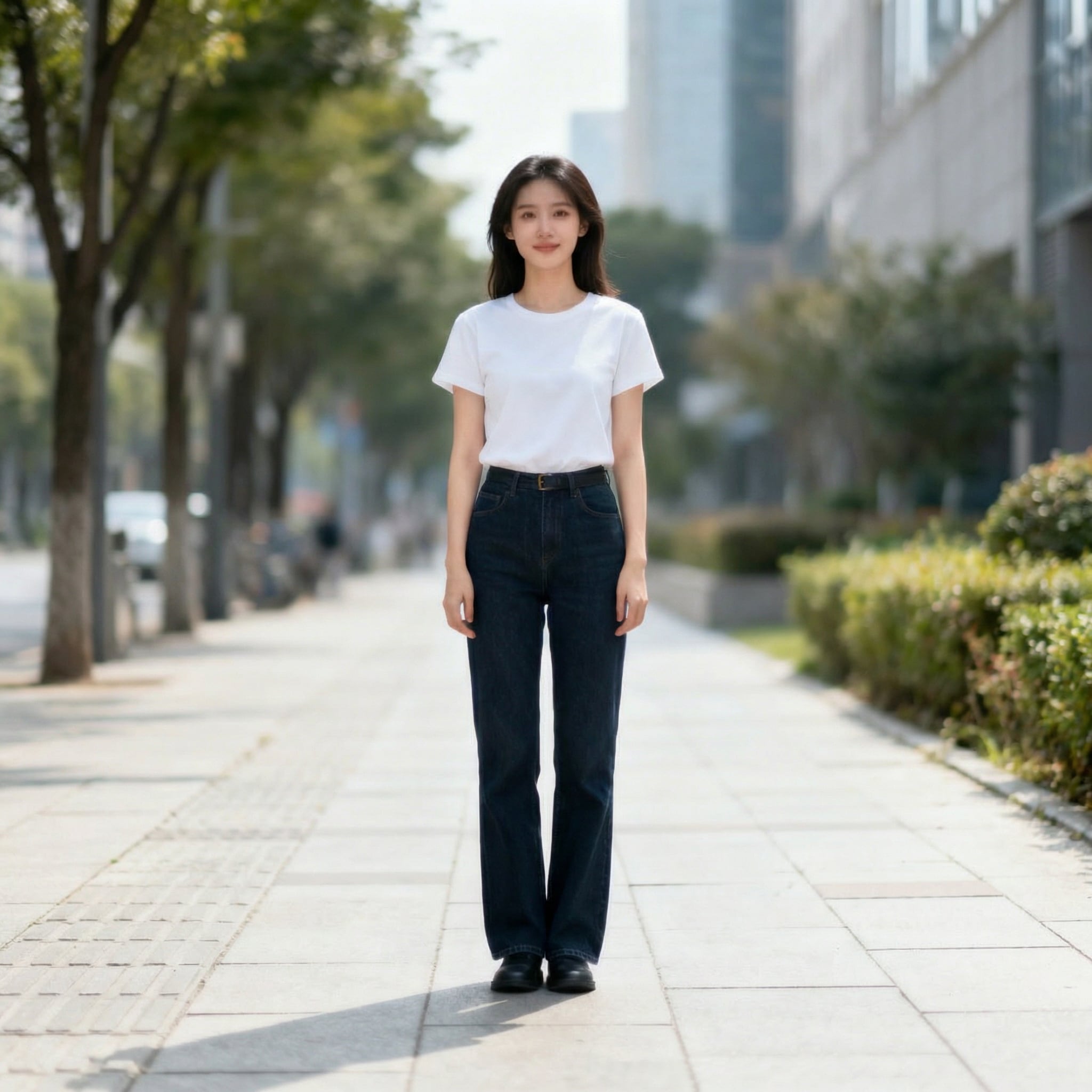
Square Image Generator After

Turn portrait or landscape photos into polished square images online in seconds. Use blur backgrounds, solid color padding, or AI expansion to keep the full subject visible for Instagram posts, profile pictures, thumbnails, and product listings.

Make My Image Square

Type your idea -> AI designs it. Free to try.

Explore our curated collection of square image generator styles.

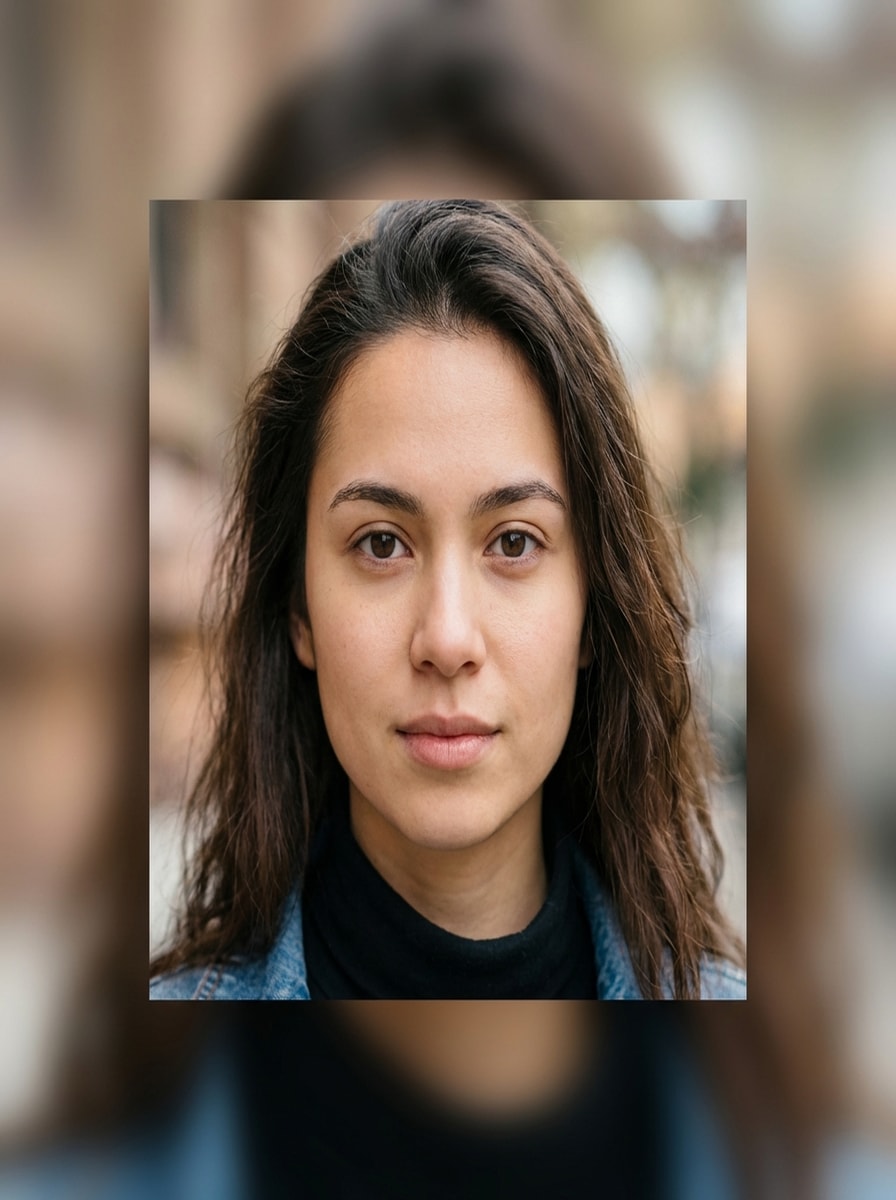
Blur Background Square

Blur Background Square

Convert the uploaded portrait image into a 1:1 square composition, keep the full subject visible, extend the canvas with a soft Gaussian blur derived from the original image, maintain natural colors, centered framing, crisp subject details, clean edge transitions, and high-resolution social-media-ready output.

Solid Color Padding Square

Solid Color Padding Square

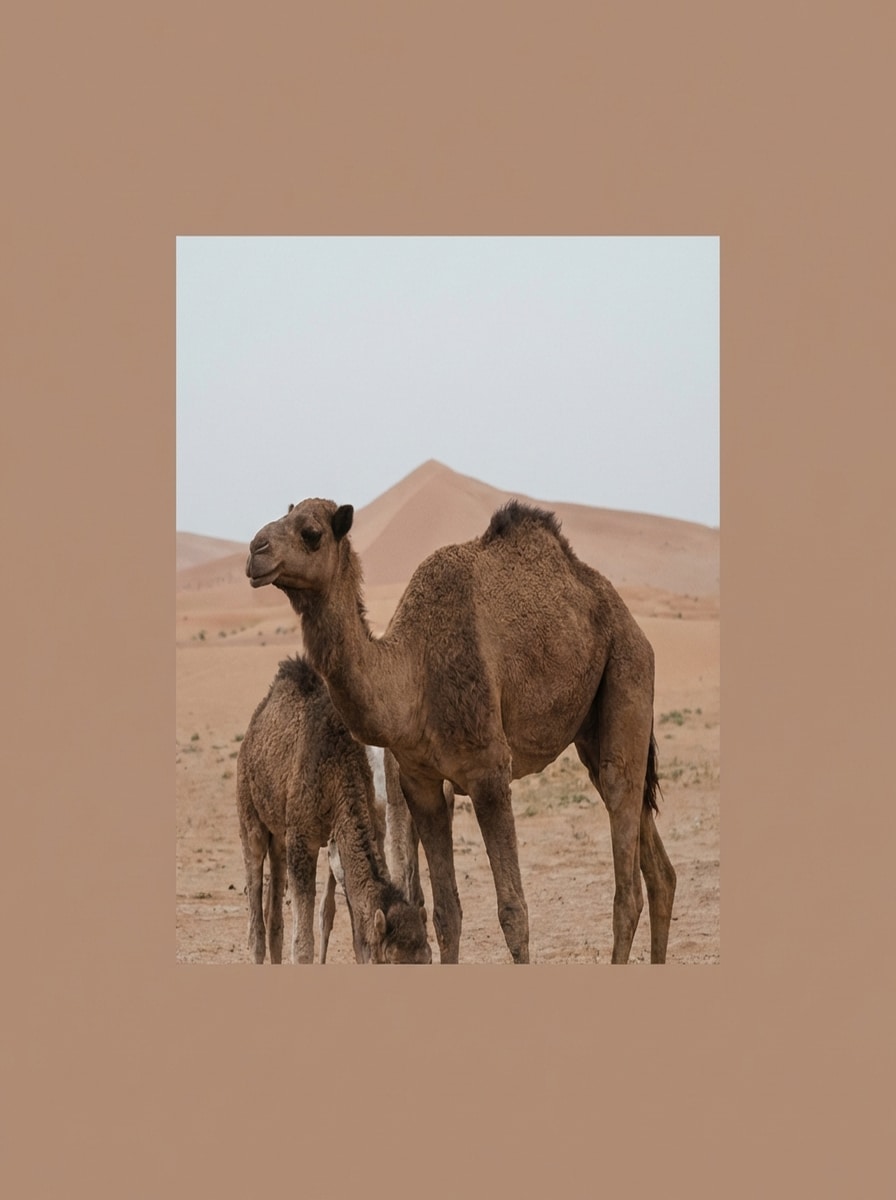
Transform the uploaded image into a square 1:1 format without cropping, preserve the full image, add balanced padding with a solid background color sampled from the photo, keep composition centered, clean and minimal design, refined color harmony, and high-resolution result.

Studio White Product Square

Studio White Product Square

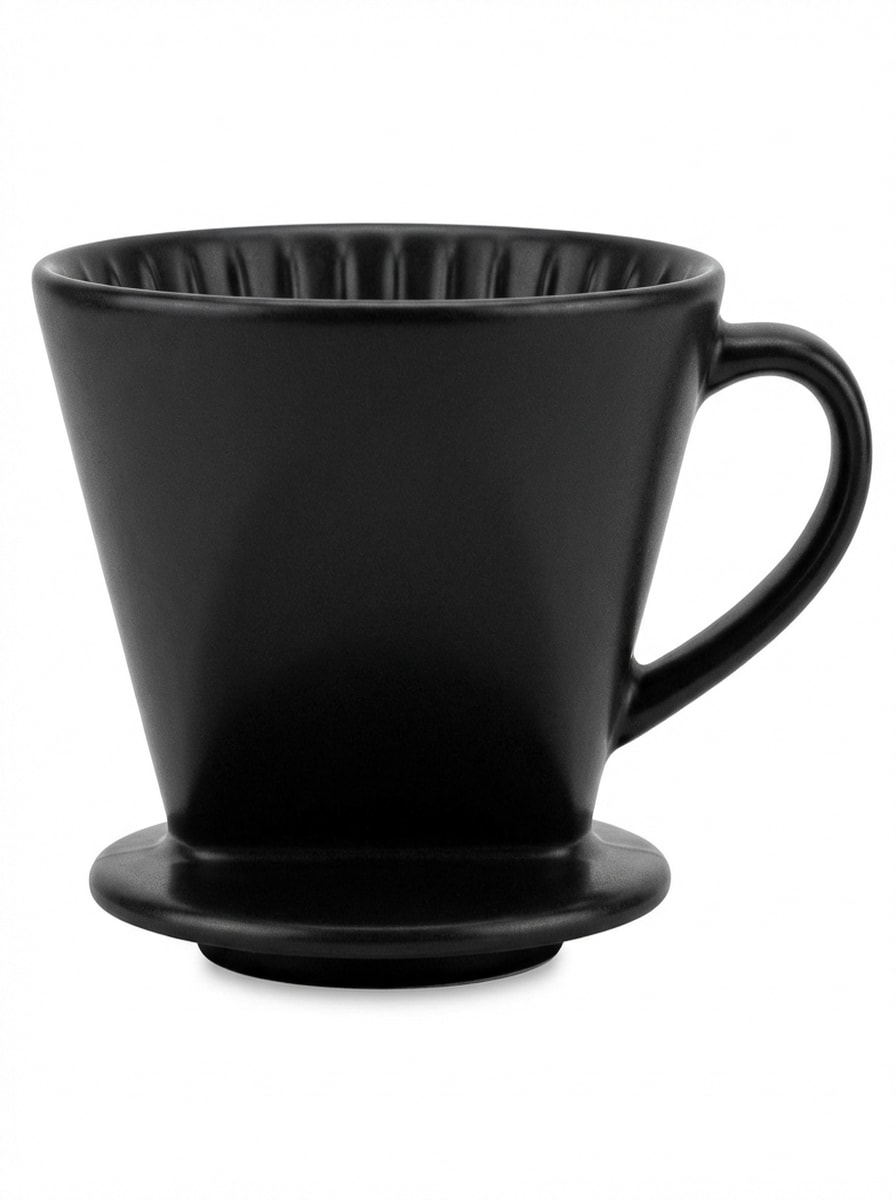
Convert the uploaded product image into a square 1:1 format, preserve the entire product, clean up the background to pure white, center the subject, enhance edge clarity and lighting, maintain accurate color, and output a professional e-commerce-ready square image.

Centered Profile Square

Centered Profile Square

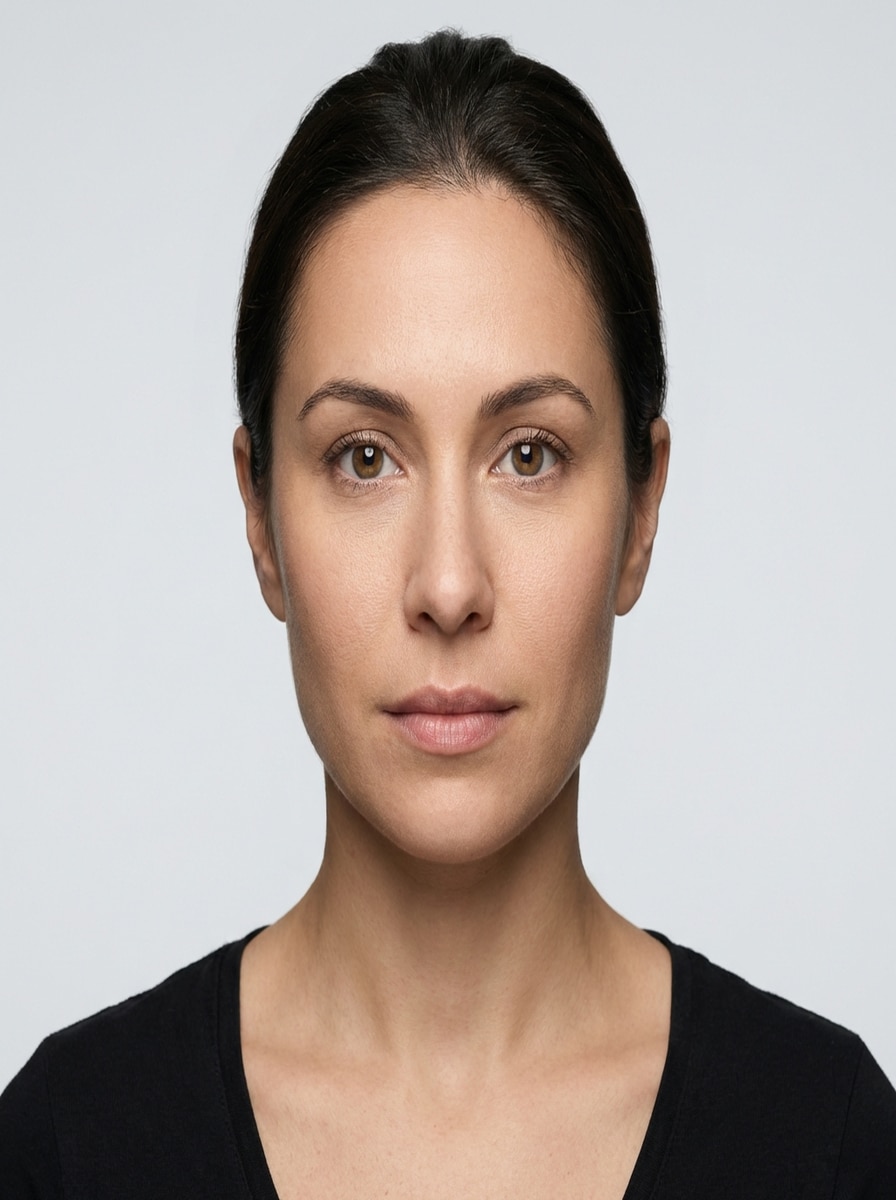
Recompose the uploaded headshot into a square image, keep the full face and shoulders visible, center the subject, extend surrounding space naturally, maintain skin tone realism, sharpen facial detail, preserve clean lighting, and create a professional profile-ready output.

Smart Outpaint Square

Smart Outpaint Square

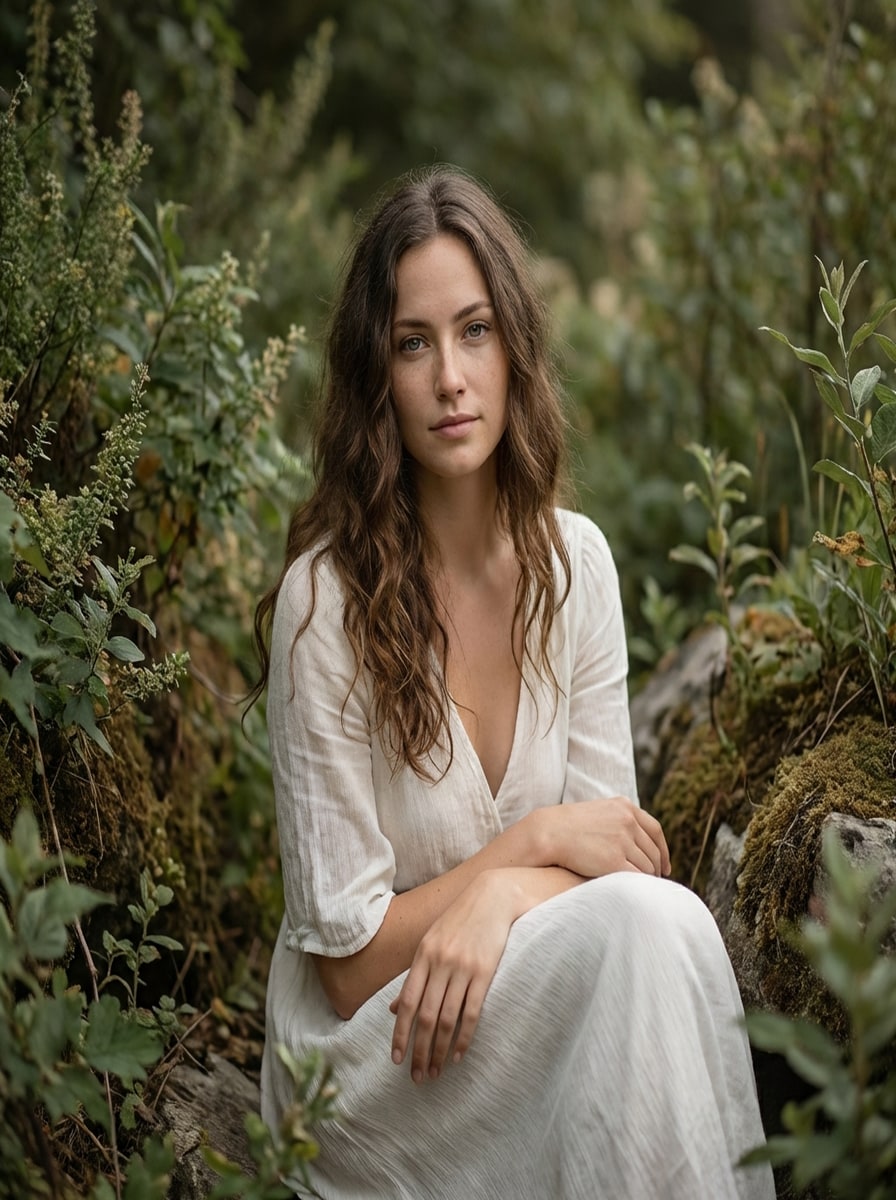
Use AI outpainting to extend the uploaded image into a square 1:1 canvas, preserve the original subject and composition, generate natural surrounding background content consistent with lighting and texture, avoid visible seams, keep the result realistic, seamless, and high resolution.

Why Use Media.io for Square Image Generation

Upload Photos and Reframe Them Fast

Upload JPG, PNG, or JPEG images and turn portrait or landscape shots into square layouts online. It is a simple browser-based workflow for making a clean 1:1 image without complex editing software.

Flexible 1:1 Aspect Ratio Control

Media.io supports multiple aspect ratios, including 1:1, so you can create square photos for Instagram, profile images, thumbnails, and product listings while keeping the subject properly framed.

High-Resolution Square Exports

Choose from 1K, 2K, and 4K output options to keep your square image sharp and professional. This helps preserve visual quality for social posts, ads, storefronts, and branded content.

Works Across Desktop and Mobile

Because Media.io is web-based, you can make a square image online on Windows, Mac, iPhone, iPad, or Android devices. It runs directly in your browser with no advanced design skills required.

How to Use the Square Image Generator

1
2
3
1
Open Media.io Square Image Generator

Go to AI Image to Image Generator and open the Square Image Generator under AI -> Image to Image. This online tool runs in your browser, so you can make a photo square on desktop or mobile without installing editing software.

2
Upload a Photo and Choose the Square Style

Upload your image and describe the result you want, such as "Use the uploaded photo as the subject and make it square without cropping, adding a soft blurred background and centered composition." Adjust the 1:1 aspect ratio and other settings as needed.

3
Generate, Refine & Download

Click Generate to create your square image. If needed, refine the layout, background treatment, or framing, then download a high-resolution result for Instagram, profile pictures, product pages, or promotional graphics.

Step 1
Step 2
Step 3

Unlock the Potential of Square Image Generator

Discover how creators and professionals are using our AI-powered Square Image Generator to transform their creative workflows and bring unique ideas to life.

Make Instagram Posts Look Instantly Polished

Turn vertical or horizontal photos into feed-ready square visuals without awkward cropping. This is ideal for creators who want consistent Instagram posts, carousel covers, or profile-adjacent content with clean margins and balanced framing.

Prepare Better Product Images for Marketplaces

Convert product shots into neat 1:1 listing images that keep the item fully visible. Square formatting helps e-commerce sellers create cleaner thumbnails for catalogs, marketplaces, and paid ads while preserving edge detail and visual clarity.

Create Square Graphics for Profiles and Thumbnails

Build professional square images for avatars, channel tiles, branded promos, and social thumbnails. With background padding or AI expansion, you can keep the subject centered and strong even when the final platform applies additional cropping.

What Users Say About This Square Image Generator

user
Alyssa Grant

Instagram Content Creator

star star star star star

"Perfect for feed-ready posts" I use it whenever I need to make image square for Instagram without cutting off the subject. The blur background look is clean, fast, and much better than doing manual edits on my phone.

user
Derek Lin

E-commerce Store Owner

star star star star star

"Helpful for product listings" This square photo maker helped me standardize product images across my store. My landscape photos now fit square marketplace thumbnails neatly, and the exported results still look sharp.

user
Monica Rivera

Freelance Social Media Manager

star star star star star

"Simple and surprisingly flexible" I like that I can quickly create square images online for multiple clients. Adding white space or a solid brand-color background makes posts look more intentional without spending time in a full design app.

user
Ethan Brooks

YouTube and Podcast Producer

star star star star star

"Great for promo tiles and covers" I often need a square image editor for podcast artwork and social promo tiles. Media.io makes it easy to reframe existing photos into a clean 1:1 format without stretching or obvious quality loss.

Square Image Generator FAQs

1. Is this square image generator free to use?

Yes, Media.io offers free credits so you can try the square image generator online. If you need more generations or extra usage, you can upgrade on the pricing page. Free users may see watermarks, while paid plans support watermark-free high-resolution downloads. Free users can use free credits. For more usage, users can subscribe to a plan on the pricing page.

Upload your photo to Media.io, choose a 1:1 aspect ratio, and use a prompt that keeps the full subject visible. Instead of cropping, you can extend the canvas, reframe the composition, or add background space so the image fits a square layout more naturally. This helps you create square image generator results more consistently.

Yes. You can upload either a landscape or portrait image and convert it into a 1:1 square image. Media.io supports reference-image uploads and aspect ratio control, making it easy to adapt different photo orientations for square social posts, thumbnails, or product images. This helps you create square image generator results more consistently.

Media.io supports 1K, 2K, and 4K output options, which helps you keep your square photo clear and detailed. Final quality can also depend on the source image, but the tool is designed to preserve sharpness for polished social, branding, and e-commerce use. Free users may have watermarks. This helps you create square image generator results more consistently.

Yes. You can prompt the tool to create a square image with a soft blurred extension, a clean solid color background, or other reframing styles. This is useful when you want to make a photo square without cropping important parts of the original image. This helps you create square image generator results more consistently.

Yes. Media.io is a web-based tool that works on devices with a browser, including Windows, Mac, iPhone, iPad, and Android. That means you can create a square image online from desktop, mobile phones, or tablets without installing extra software. Media.io is a web-based tool that works on any device with a browser (Windows, Mac, iOS, Android). This helps you create square image generator results more consistently.

Media.io Online AI Tools Quality Rating:
vote 4.7 (162,357 Votes)