

이미지에서 이미지까지
ToMoviee Lite
0/2000
Auto
4
샘플 비디오
Morphic AI Image Generator & Online Alternative

Morphic AI Image Generator

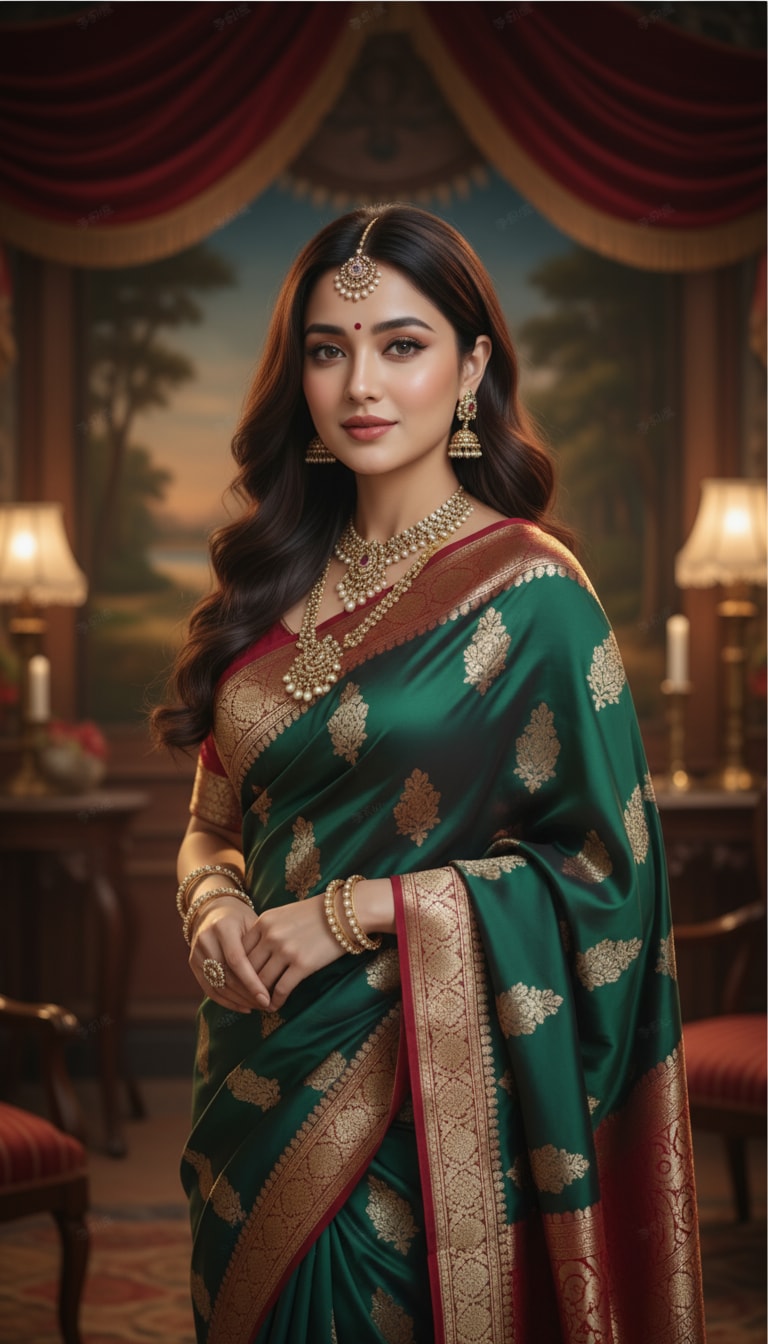
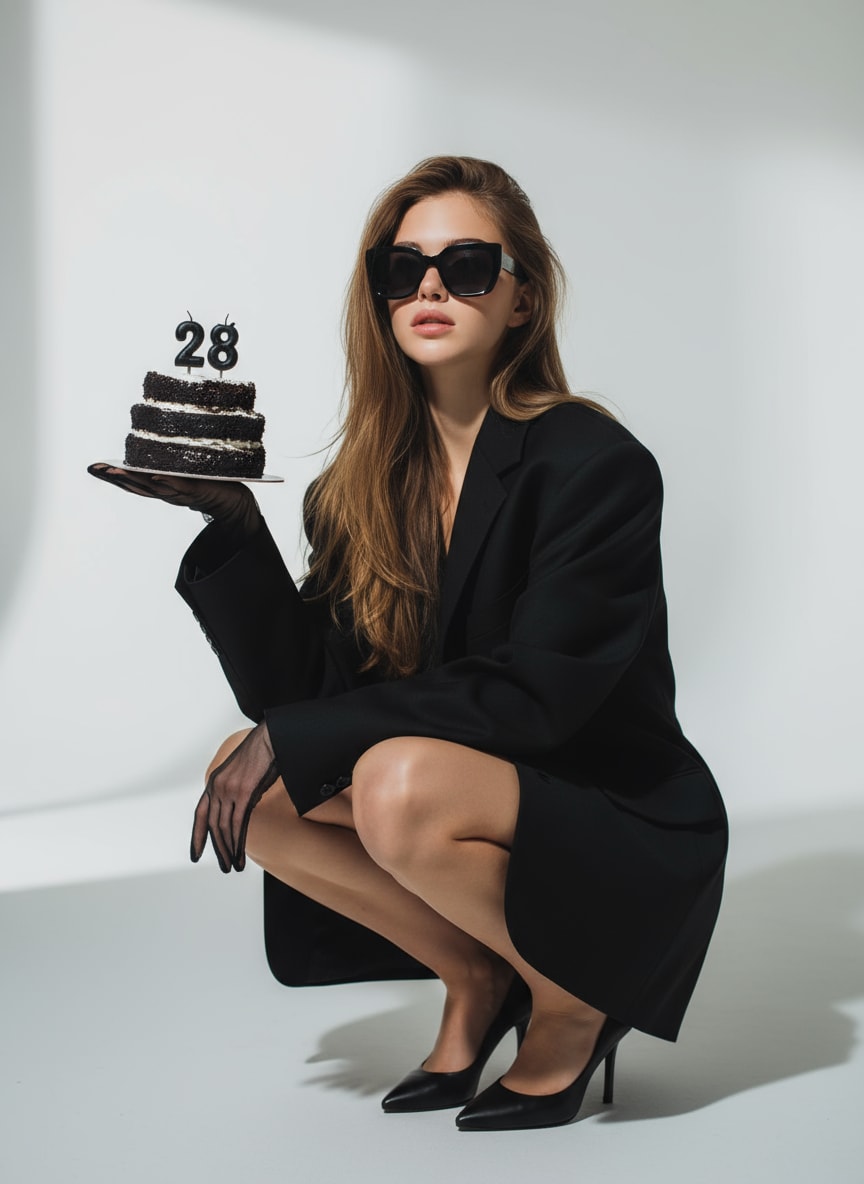
Create original visuals from text, transform uploaded photos, build smooth image variations, and animate still artwork with Media.io. This browser-based Morphic AI Image Generator alternative is designed for creators searching for a text to image AI generator Morphic workflow, AI morph between images, and a simple path from image creation to video.

✓ Text-to-image generation✓ AI image morphing✓ Image-to-video creation
Brand note: Morphic is a third-party AI creation platform. Media.io is an independent product presented for users comparing text-to-image generation, photo transformation, image morphing AI, and image-to-video workflows.

Why Users Search for a Morphic AI Image Generator

Creators typically want an easy way to generate images from prompts, transform reference photos, keep subjects consistent, explore image morphing AI effects, and continue from a still image into an animated video.

Text to Image AI Generator Morphic
Morphic AI Image Generator Free
AI Morph Between Images
Image Morphing AI
Morph AI Video Generator
Morph AI Image to Video
Morphic AI Image Generator Discord
Morphic LinkedIn

Why Use Media.io as a Morphic AI Image Generator Alternative

Media.io connects text-to-image generation, reference-based editing, portrait enhancement, creative effects, and image-to-video tools in one beginner-friendly online workspace.

01

Generate Images From Text Prompts

Create portraits, anime art, product concepts, cinematic scenes, LinkedIn-style headshots, posters, and social graphics from a clear written description.

02

Morph and Restyle Uploaded Images

Upload a photo and describe a new outfit, background, lighting setup, art style, camera angle, or visual mood to create fresh image variations.

03

Turn Morph Images Into Videos

Continue from an AI-generated or edited image into motion for TikTok, Reels, Shorts, ads, character clips, and visual storytelling.

04

Create Online Without Installation

Use Media.io directly in a browser without downloading desktop software, configuring local models, or managing a complex creative setup.

How to Use the Media.io Morphic AI Image Generator Alternative

01

Enter a Prompt or Upload an Image

Write a prompt describing the subject, composition, lighting, colors, camera angle, and style, or upload an image you want to transform.

02

Choose Image Generation or Morphing

Generate from text, create a new variation from a reference image, change specific visual details, enhance quality, or prepare the result for animation.

03

Generate, Refine, and Animate

Review the output, adjust the prompt, generate additional variations, download the final image, or continue into a morph AI image-to-video workflow.

Popular Morphic AI Image Generator Use Cases

Use Media.io to create original visuals, transform existing photos, and animate finished images for creative, marketing, and social workflows.

01

AI Portraits and Character Creation

Generate realistic portraits, fantasy characters, avatars, anime art, profile images, and personal-brand visuals with control over hairstyle, clothing, setting, and lighting.

02

Marketing and Product Visuals

Create ecommerce images, ad concepts, product scenes, banners, campaign visuals, and social assets while testing multiple creative directions quickly.

03

Social Media Images and Videos

Produce thumbnails, posters, memes, cinematic portraits, visual effects, and short animated content for TikTok, Instagram, and YouTube.

Morphic AI Image Generator vs. Media.io

Morphic focuses on a connected creative canvas for text-to-image generation, image transformation, and video creation. Media.io offers a streamlined alternative for users who want guided tools and direct image-to-video workflows.

ToolMain StrengthBest For
Media.ioText-to-image generation, reference-based editing, visual effects, enhancement, and image-to-video tools in one browser workflow.Creators, marketers, ecommerce sellers, and beginners who want a direct path from prompt to image and video.
MorphicA collaborative AI canvas for generating images from text, transforming images into new variations, and generating video from text.Creative teams and storytellers who prefer a canvas-based, multi-step production environment.
Text-to-Image WorkflowBoth platforms support prompt-based image creation with controls shaped by the selected model and workflow.Users creating portraits, characters, product concepts, posters, and campaign visuals.
Image TransformationMedia.io emphasizes guided photo editing and effects; Morphic emphasizes image variation and canvas-based creation.Users changing styles, scenes, outfits, backgrounds, lighting, or visual direction.
Image-to-VideoMedia.io lets users animate generated or uploaded images through dedicated image-to-video workflows.Social creators producing Reels, TikTok videos, Shorts, ads, and character animations.
Ease of UseMedia.io provides focused tools and templates; Morphic provides a broader creative canvas and project environment.Choose based on whether you prefer guided generation or a flexible collaborative workspace.

Choose Morphic when...

You want a collaborative creative canvas for generating images, transforming visuals into variations, and developing broader storytelling projects.

Choose Media.io when...

You want focused browser tools for generating images, editing photos, applying effects, enhancing portraits, and turning still images into videos.

Search note: Searches such as https studio morphic com sign in, Morphic AI Image Generator Discord, and Morphic LinkedIn usually relate to account access, community updates, or professional examples. Verify that you are using the official Morphic website and official social profiles before entering account details.

What Media.io Users Say

Emma Carter, Social Media Manager
Emma Carter
Social Media Manager
★★★★★

“Fast visual variations.” I can generate a campaign concept, try several image directions, and animate the strongest result for social media without moving between complicated editors.

Noah Bennett, Freelance Designer
Noah Bennett
Freelance Designer
★★★★★

“Smooth creative workflow.” Media.io helps me turn rough prompts and reference photos into polished portraits, product scenes, and client-ready visual concepts in a few steps.

Olivia Chen, Content Creator
Olivia Chen
Content Creator
★★★★★

“Easy image-to-video creation.” I use it for profile images, thumbnails, style transformations, and short animated clips. The workflow is approachable even when I need content quickly.

FAQs About Morphic AI Image Generator

Clear answers about Morphic AI Image Generator, free access, Studio sign-in searches, Discord and LinkedIn queries, AI image morphing, text-to-image creation, and morph AI image-to-video workflows.

1. What is Morphic AI Image Generator?

Morphic is an AI creative platform built around a visual canvas. Its public Studio describes tools for generating images from text, transforming images into new variations, and generating video from text. Media.io is an independent alternative that connects text-to-image generation, photo editing, enhancement, effects, and image-to-video creation in focused browser-based tools.

Morphic may provide limited free access or credits, while paid plans can unlock additional usage and capabilities. Because pricing, credit limits, supported models, and export rules can change, check the current official plan details before starting a large project. Media.io also provides accessible online AI workflows, with availability and credit requirements varying by tool.

Start with a precise prompt describing the subject, environment, composition, lighting, colors, camera angle, and style. Generate an initial image, then refine the wording to correct details or create variations. With Media.io, you can also upload a reference photo, edit visual elements, enhance the result, and continue into image-to-video creation.

Yes. AI image morphing can create visual transitions or transformations between two looks, scenes, characters, products, or stages. Results are strongest when the source images have similar framing and clearly visible subjects. For a smoother sequence, keep the camera angle, subject placement, lighting direction, and background structure reasonably consistent.

Yes. A morph AI video generator or image-to-video tool can add camera motion, facial movement, environmental animation, or transitions to a still image. Media.io lets you move from an AI-generated or uploaded image into image-to-video creation for TikTok, Instagram Reels, YouTube Shorts, product promotions, and visual storytelling.

The official Studio is hosted on the studio.morphic.com domain. Search queries often write this as “https studio morphic com sign in.” To protect your account, open the official domain directly, check the browser address carefully, and avoid entering credentials on look-alike pages, unofficial downloads, or links shared by unknown accounts.

Users often search for “Morphic AI Image Generator Discord” to find community discussions and “Morphic LinkedIn” for company updates or professional examples. Social profiles and invitation links can change, so confirm that any account or server is linked from Morphic’s official website before joining, downloading files, or sharing account information.

Commercial use depends on the platform terms, account plan, selected model, uploaded assets, and intended use. Review the current license before using outputs in advertisements, client work, ecommerce listings, or paid campaigns. You must also have permission to use uploaded photos, logos, trademarks, copyrighted characters, and recognizable people.

Explore More Media.io AI Photo Tools

Media.io Online AI Tools Quality Rating:
vote4.7 (162,357 Votes)





