작업물은 7일 동안만 저장됩니다. 멤버십 플랜으로 업그레이드한 후 생성된 에셋은 영구적으로 저장됩니다.
창의적 잠재력을 풀고 미디어 AI의 마법을 즉시 경험하십시오!
Create a Contour Filter Look for Photos in Minutes
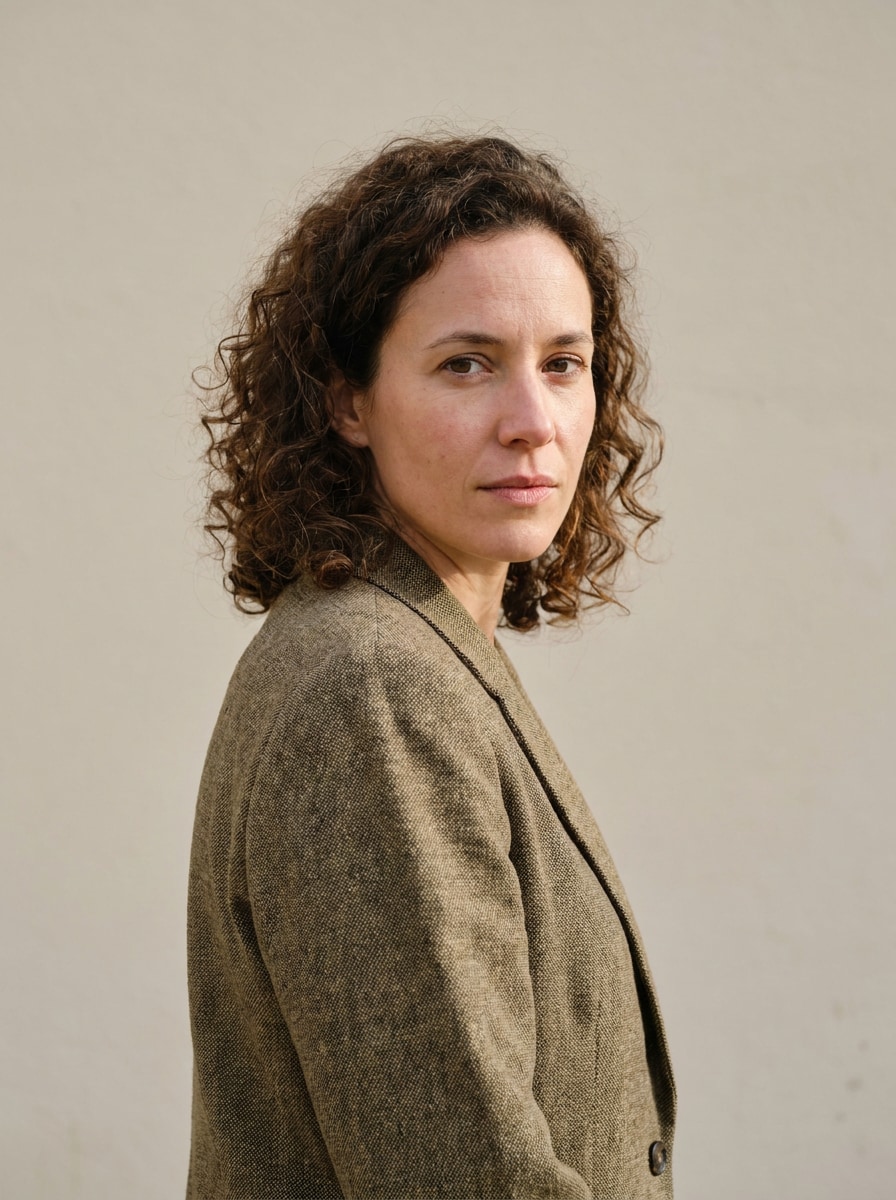
Turn portraits and photos into bold outline art, poster-style edits, and clean line effects with Media.io. This contour filter tool helps you apply a face contour filter, stylized portrait edges, and social-ready looks through a fast image-to-image workflow. This workflow is especially useful for tiktok contouring.
Review these example directions, then tailor the prompt details to get stronger results with this contouring filter in Media.io.
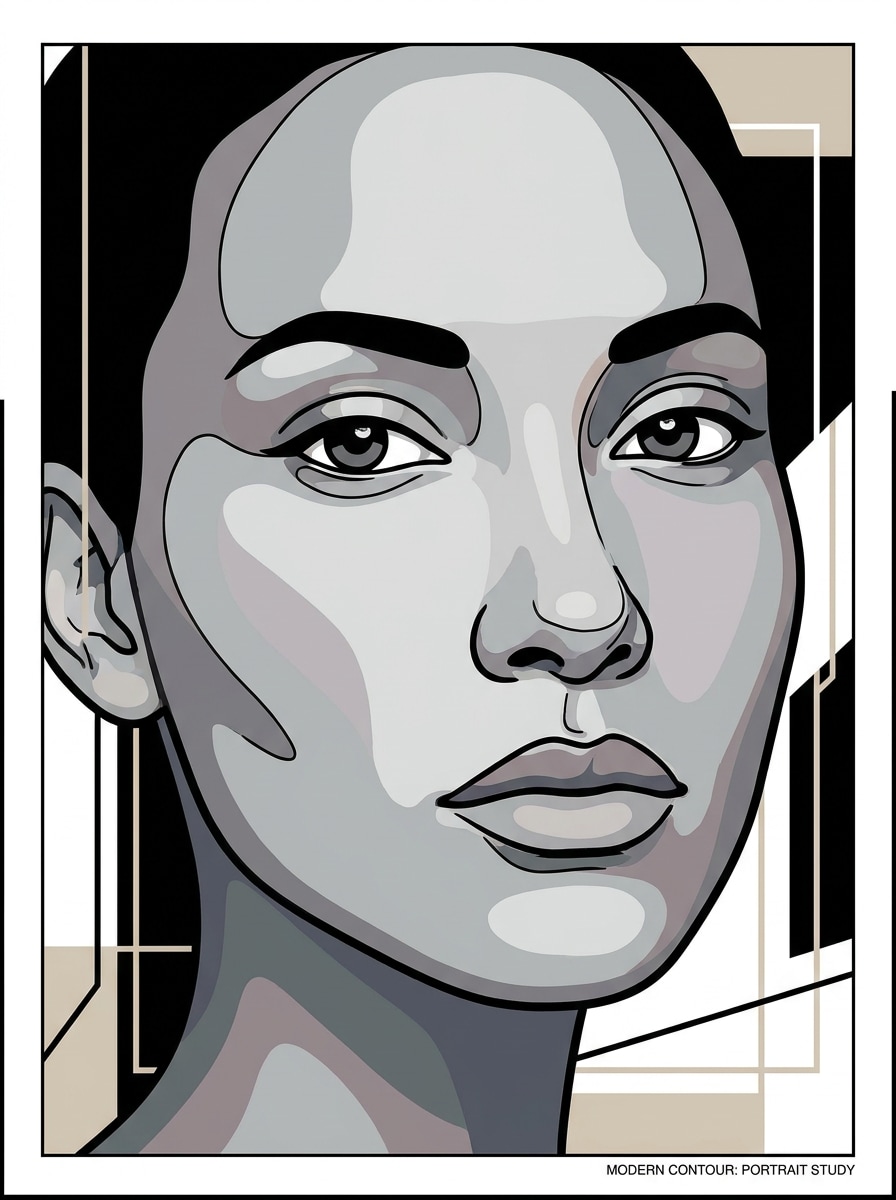
Black Outline Portrait
Use the uploaded image as the subject and transform it into a bold contour portrait with strong black facial outlines, simplified shadow planes, smooth skin regions, a clean light background, high contrast, centered composition, and a polished poster aesthetic that feels sharp, modern, and social-ready.
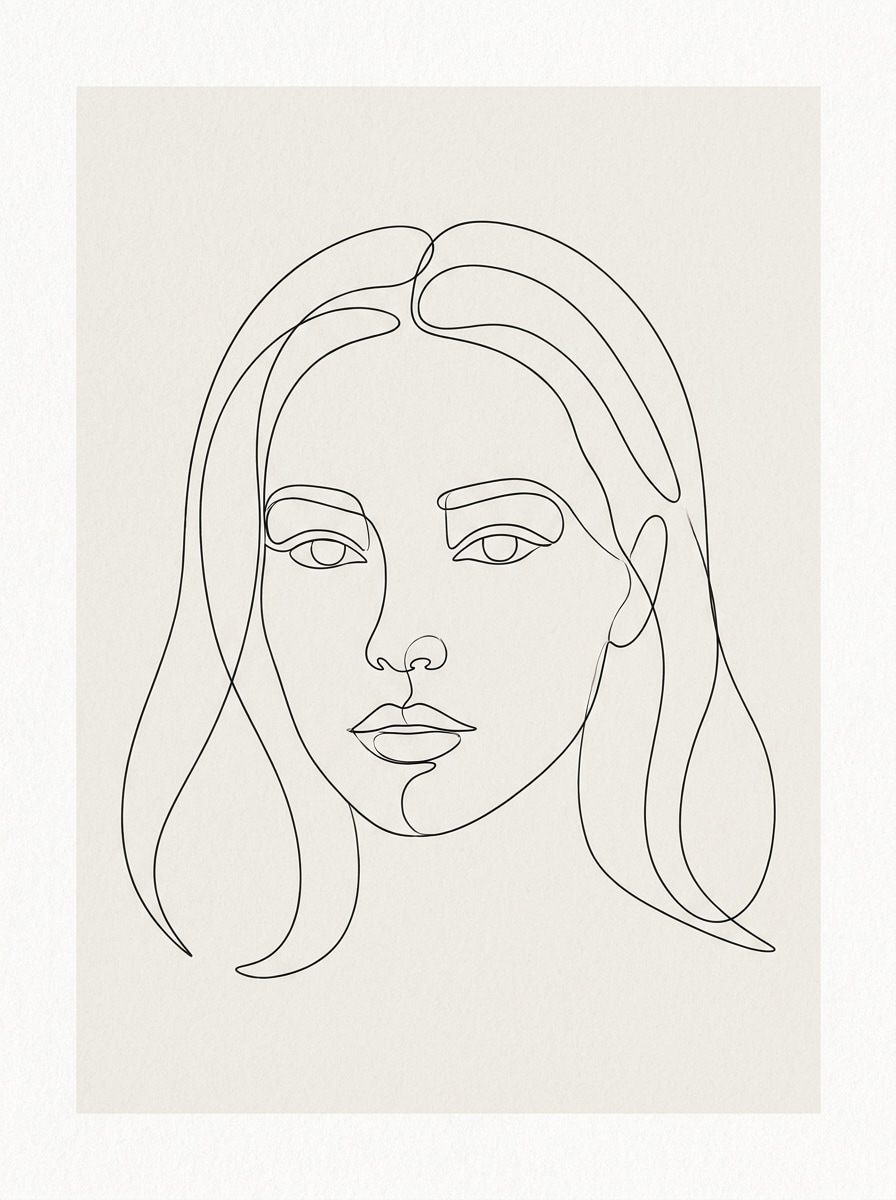
Minimal Line Art Face
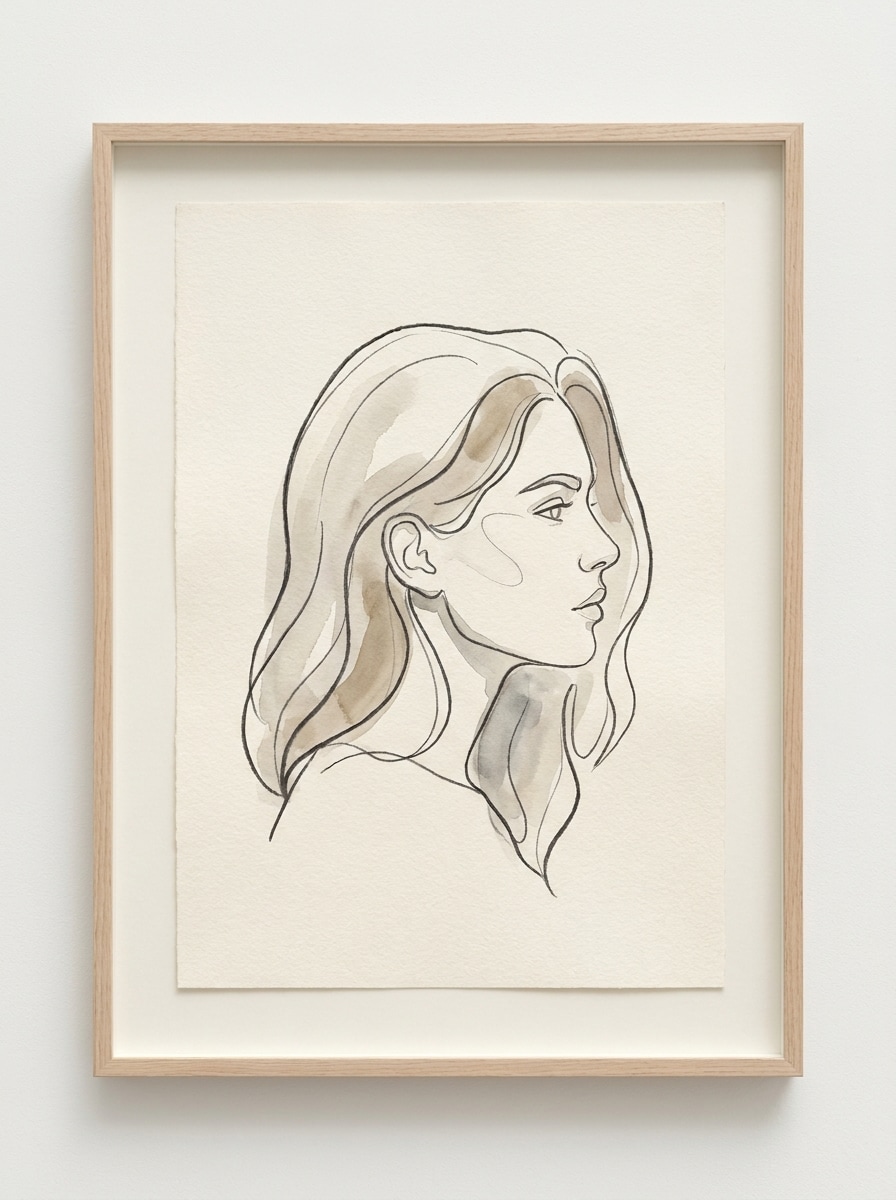
Use the uploaded portrait as the base and convert it into elegant minimal contour line art with continuous facial lines, reduced detail, soft negative space, thin refined strokes, neutral background, balanced proportions, subtle paper texture, and a calm gallery-print mood with tasteful simplicity.
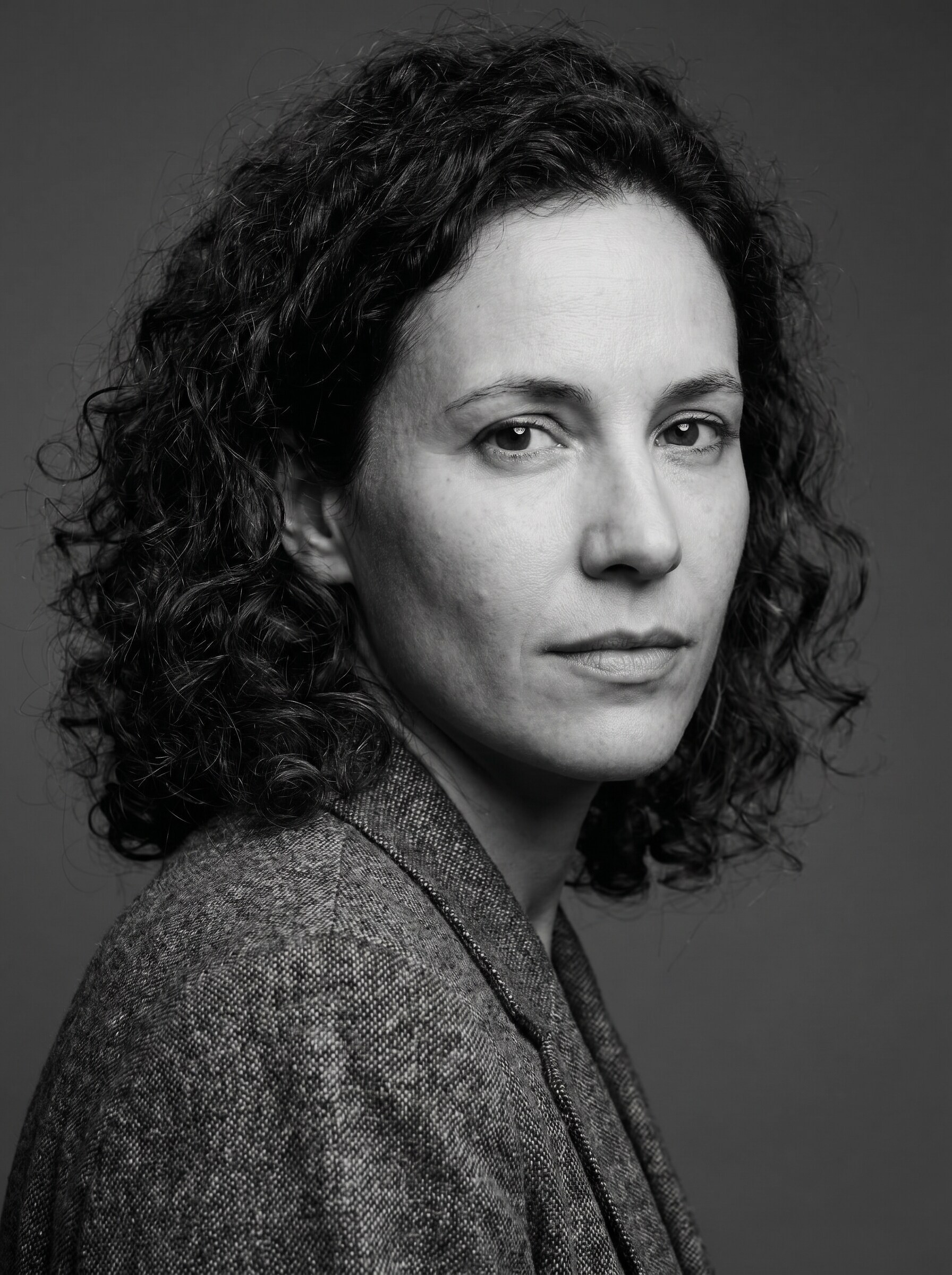
Editorial Monochrome Contour
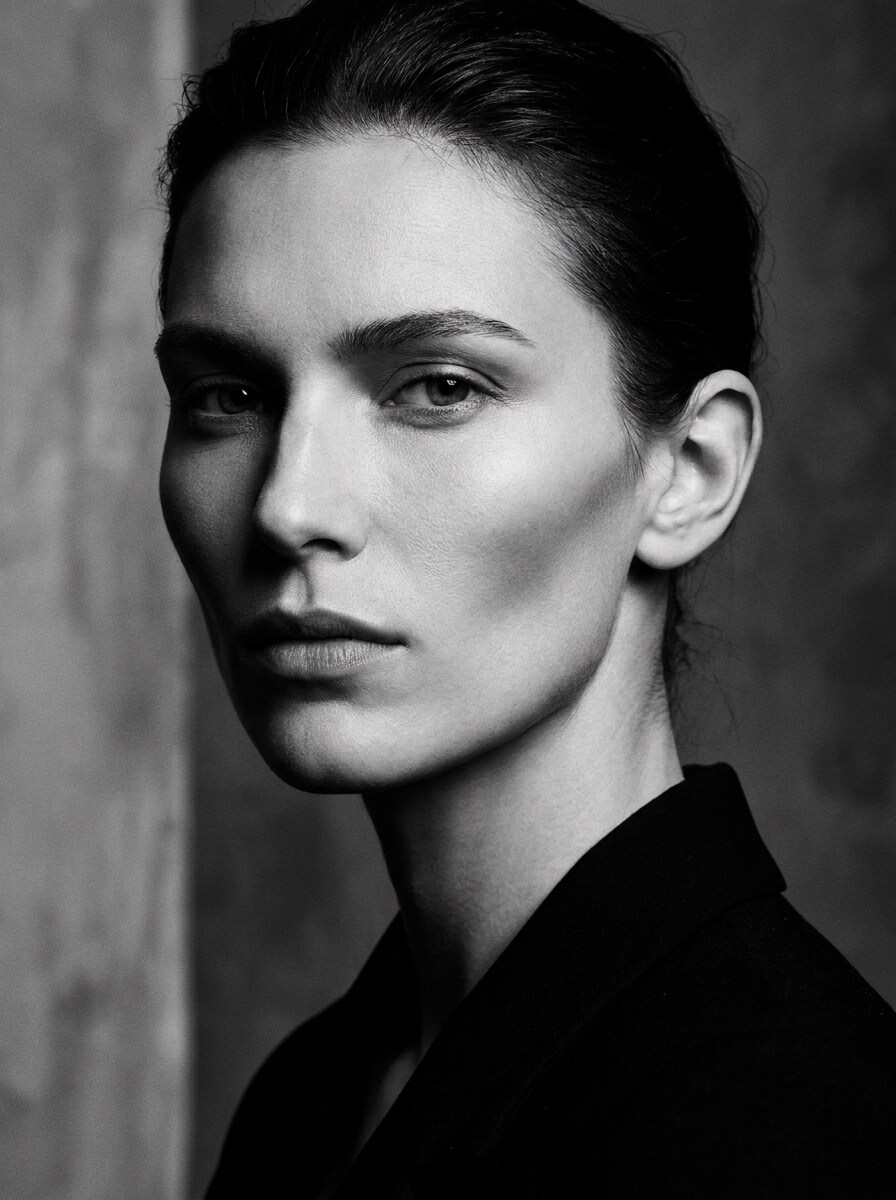
Use the uploaded photo as the subject and apply an editorial black-and-white contour treatment with dramatic tonal separation, sculpted facial edges, rich monochrome depth, controlled highlights, studio-style contrast, uncluttered background, and a luxury magazine finish that feels bold and sophisticated.
Abstract Contour Poster
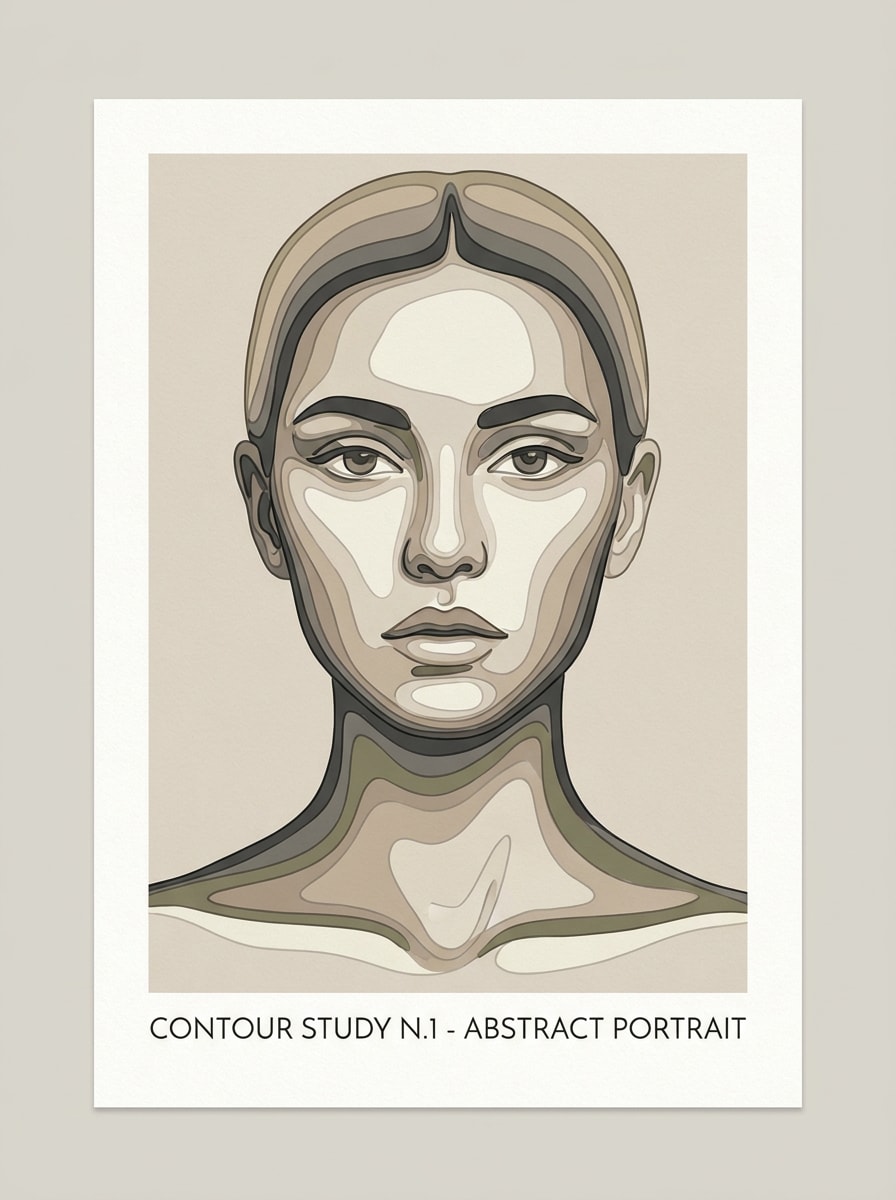
Use the uploaded image and transform it into an abstract contour poster with layered line contours, simplified facial shapes, muted beige, charcoal, and ivory tones, balanced negative space, clean poster composition, soft matte texture, and a premium printable art style suitable for wall decor.
Topographic Face Lines
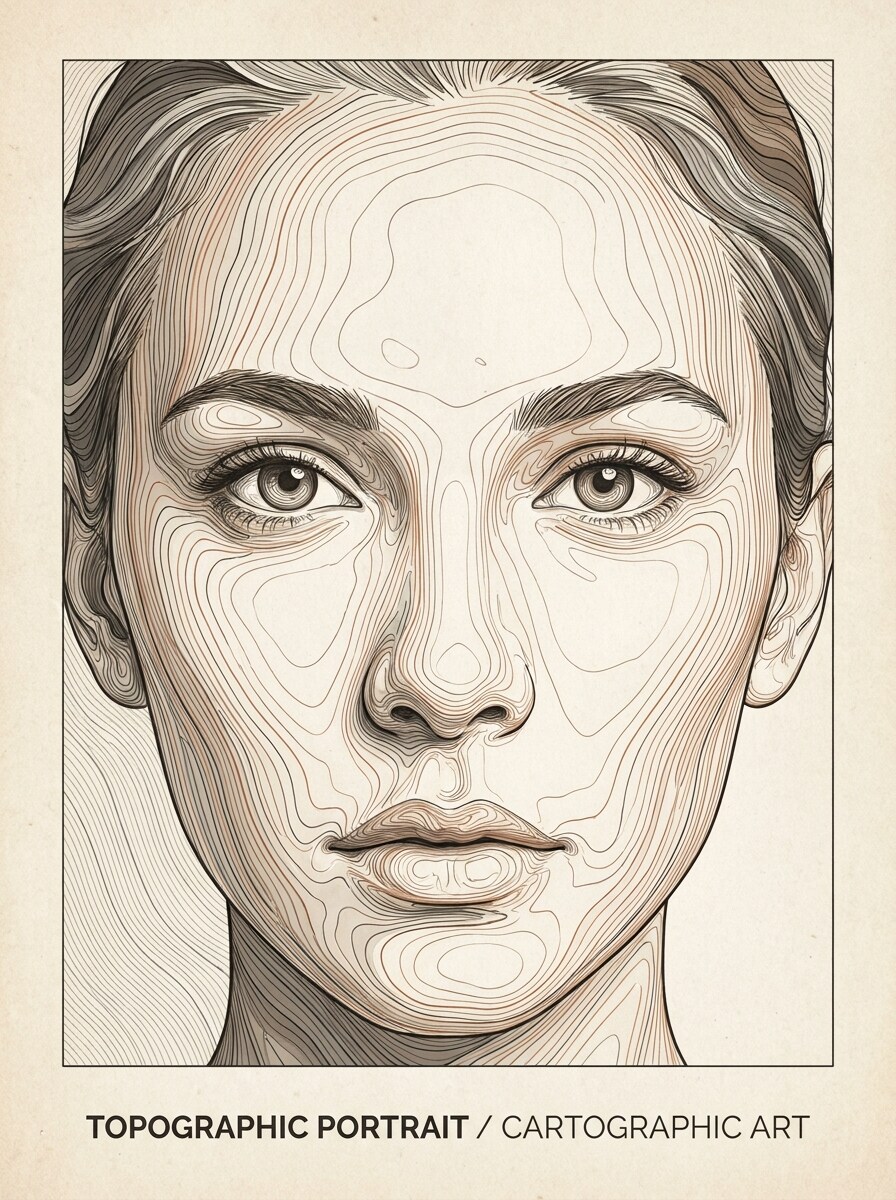
Use the uploaded face as the reference and transform it into a topographic contour map portrait with flowing elevation-style lines following facial structure, fine precision, monochrome or earth-tone palette, clean background, centered composition, and a modern art-print finish with technical elegance.
Museum Print Outline
Use the uploaded portrait and convert it into refined contour outline artwork with balanced line thickness, subtle negative space, gentle paper grain, clean ivory background, tasteful framing, soft contrast, and a classy museum-print look that feels timeless, minimal, and ready for display.
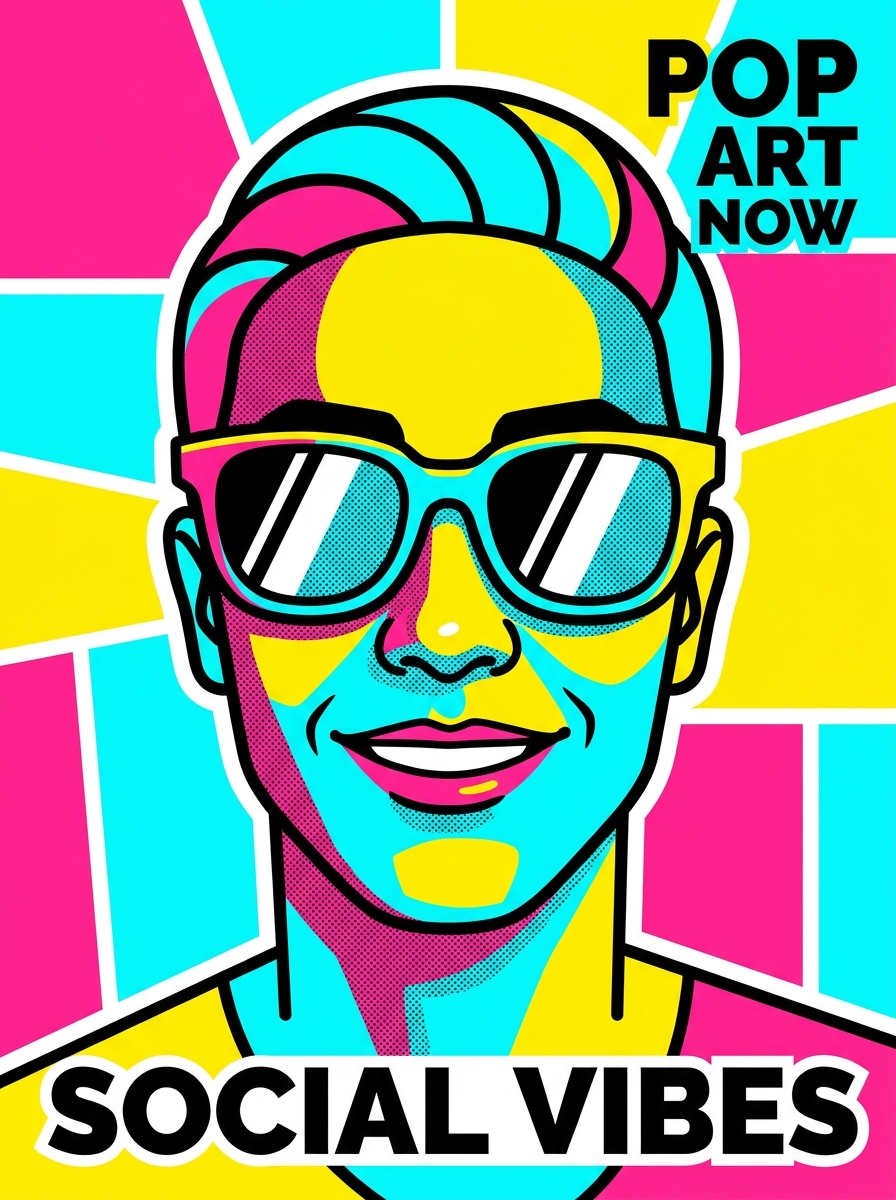
Pop Art Contour
Use the uploaded image as the subject and create a colorful contour effect with bold black outlines, saturated color blocking, bright pink, cyan, and yellow accents, clean background, sharp edge segmentation, playful energy, and a punchy social graphic finish designed to stand out instantly.
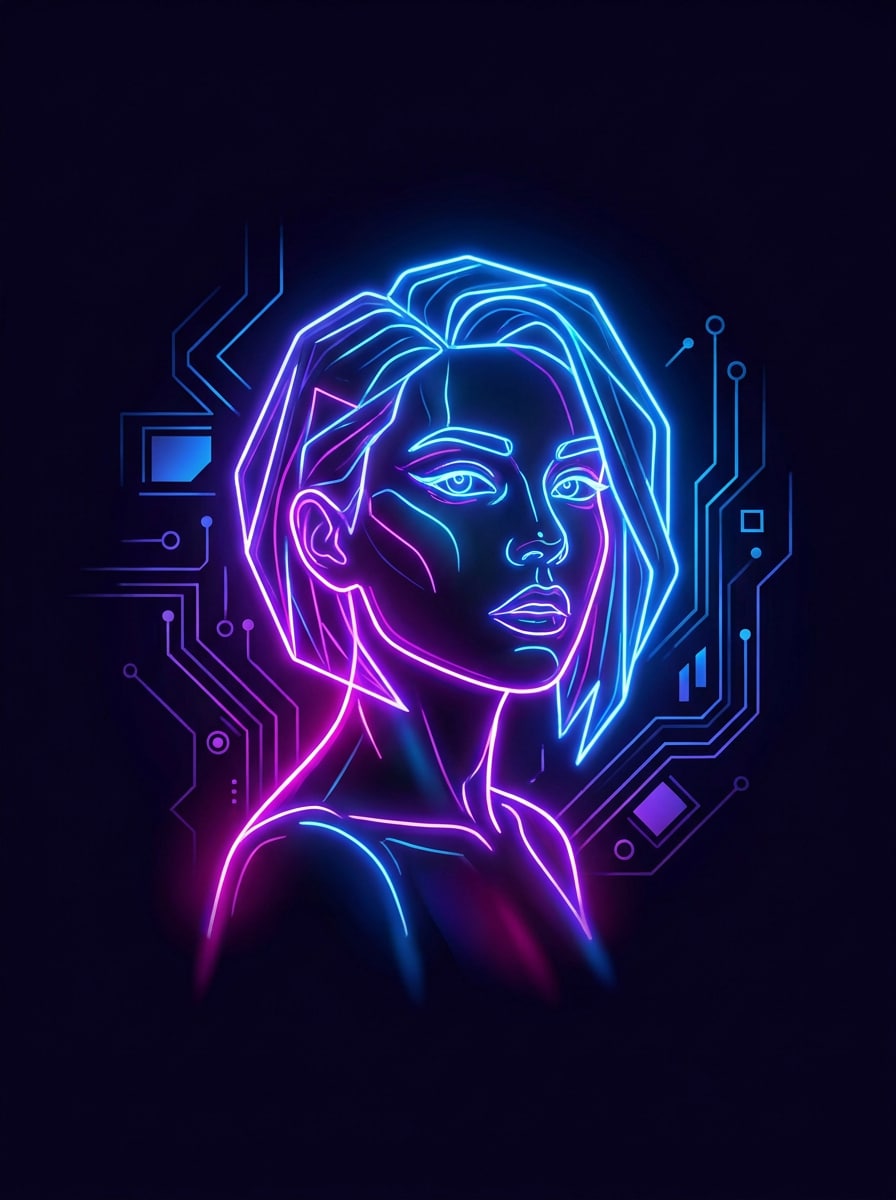
Neon Edge Contour
Use the uploaded portrait as the reference and apply a neon contour filter with glowing edge lines, dark background contrast, electric blue and magenta highlights, futuristic mood, sculpted facial contours, high visibility, and a sleek nightlife-inspired finish perfect for reels, thumbnails, and covers.
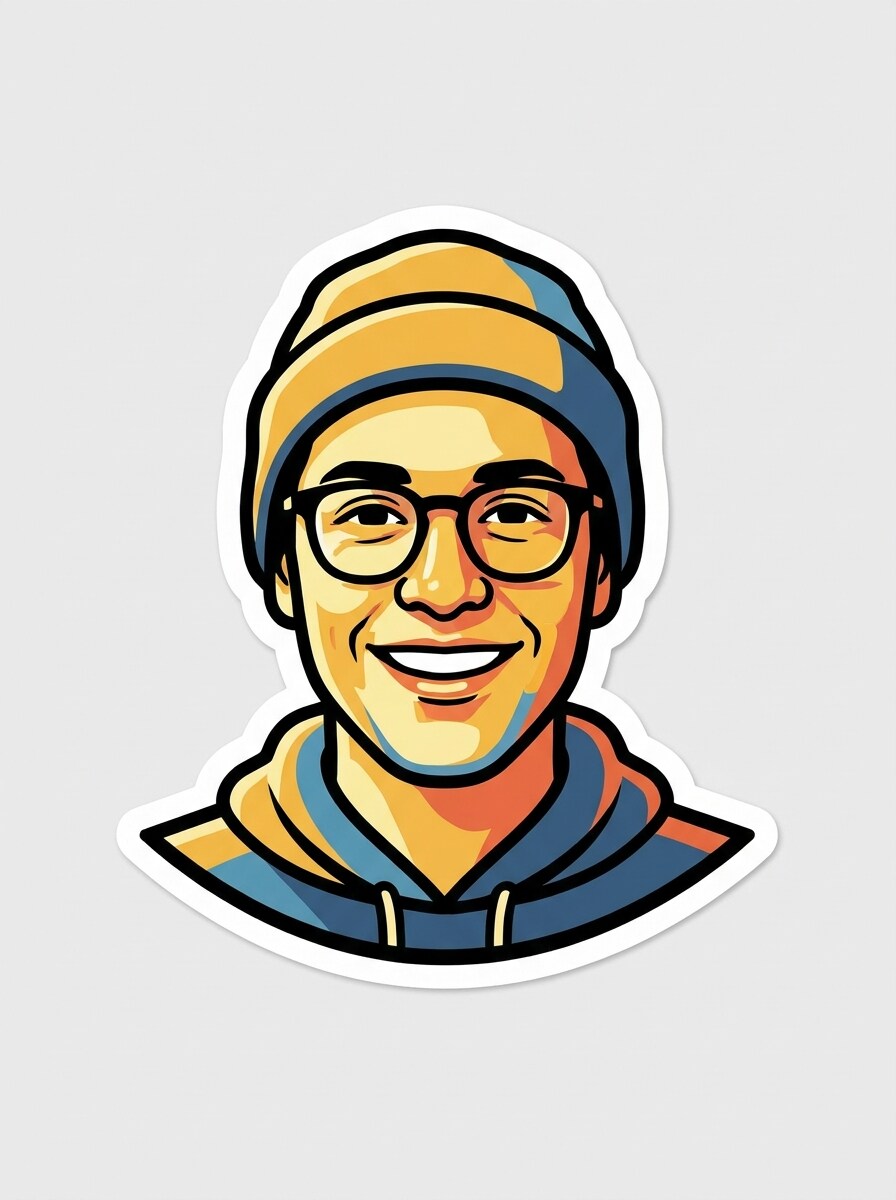
Sticker Cutout Contour
Use the uploaded image and turn it into a sticker-style contour portrait with crisp black outlines, simplified interior shading, bold white border, clean cutout silhouette, bright expression, minimal background noise, and a playful polished finish that works well for posts, merch, and messaging graphics.
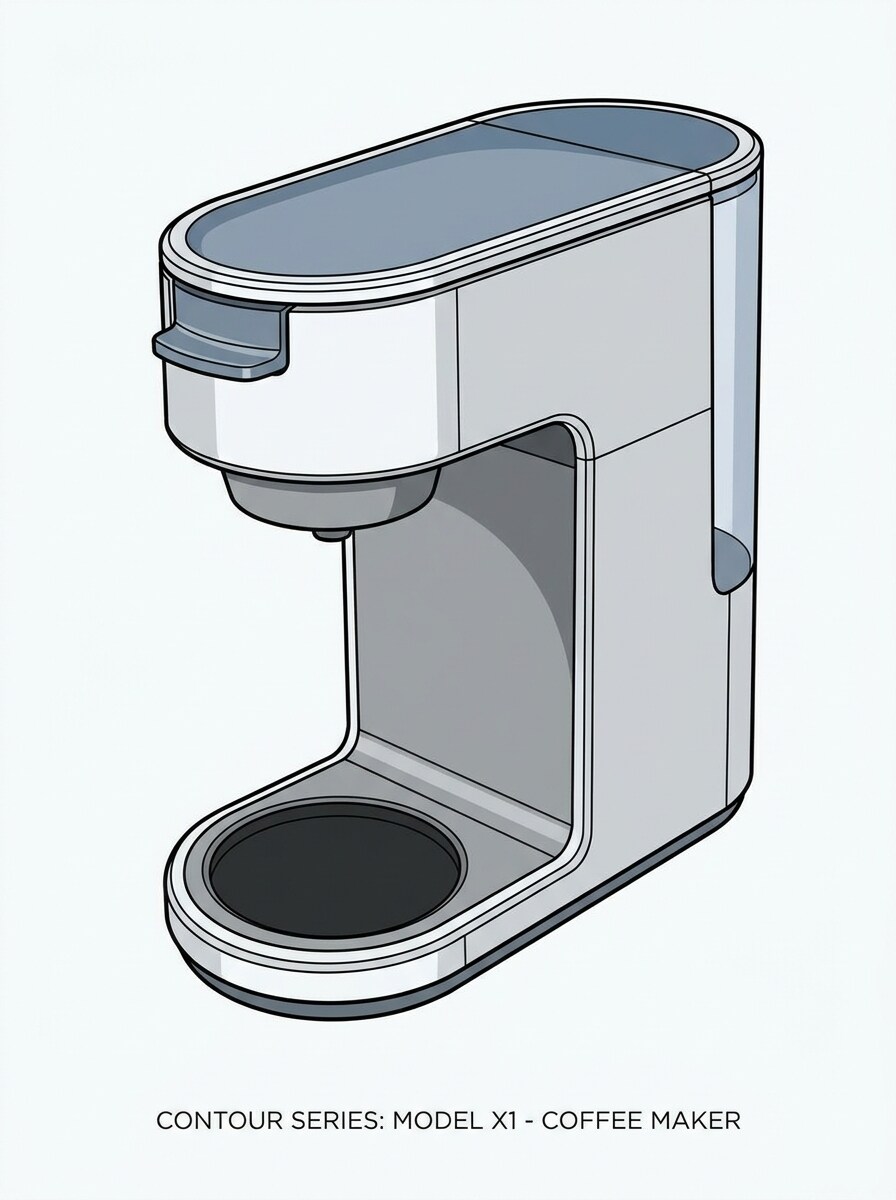
Product Edge Illustration
Use the uploaded product photo as the reference and convert it into a clean contour illustration with precise edges, simplified surfaces, controlled contrast, minimal background distraction, commercial clarity, neat composition, and a catalog-friendly finish suitable for posters, promos, and product storytelling.
Why Use Media.io for Contour Photo Effects
Reference-Based Edits That Keep the Subject Recognizable
Reference-based work needs more than a loose style shift. Media.io helps keep key identity details recognizable while reworking the contour filter visual look, so the result feels personal instead of generic.
Match the Right Style for Every Version
Different outputs call for different aesthetics. Media.io helps you explore varied treatments of the same contour filter visual concept so the final visual lands in the right tone faster.
Keep Final Visuals Sharp for Real Projects
For projects that need more than draft quality, Media.io helps produce contour filter visuals with up to 4K output, so details stay cleaner when you present, crop, or repurpose the final file for content, mockups, or campaign use.
Works Smoothly Across Devices in a Browser
For creators who bounce between mobile and desktop, Media.io keeps contour filter visual creation in the browser so the workflow stays practical wherever you happen to be working.
How to Apply a Contour Filter Online
Turn your words into stunning visuals in three simple steps, then continue refining the result if you want to take it further.
Step 1
Upload Your Reference Image
Start with a clear portrait, selfie, product shot, or photo that has visible edges and good subject separation. JPG, PNG, and JPEG files work well when you want a clean contour transformation from a real source image.
Step 2
Describe the Change and Set Options
Tell the AI the look you want, such as bold black outlines, minimal line art, poster contrast, or an AI contour makeup filter style. Then choose your preferred model, aspect ratio, resolution, and number of image variations.
Step 3
Generate, Download, and Keep Improving
Create the effect, compare versions, and download the result that fits your project best. If needed, refine the prompt, adjust style intensity, try another crop, or generate more variations until the contour art feels right.
See how creators use this contour filter for content, marketing, and personal projects, then adapt each idea to fit the brief.
Turn Selfies Into Shareable Portrait Art
Give everyday portraits a dramatic upgrade with bold lines, monochrome contrast, or clean poster styling. This effect works especially well for profile photos, reel covers, and creator branding when you want a polished visual without spending hours in manual editing apps.
Preview Sculpted Beauty Looks Before Posting
Creators exploring a beauty concept can test a stylized makeup contour filter or AI contour makeup filter before publishing. Media.io makes it easier to mock up campaign visuals, compare aesthetics, and build a consistent feed for beauty, fashion, or lifestyle content.
Create Printable Line-Art Posters From Photos
Transform portraits into minimal wall art, topographic face designs, or gallery-style outline prints for gifts, room decor, and custom products. The contour-inspired effect is ideal when you want a simple source photo to become something more artistic, giftable, and presentation-ready.
What Users Say About This Contour Filter Tool
Alyssa M.
Beauty Content Creator
"Great for stylized face edits" I wanted a cleaner digital version of a contour-inspired portrait, and this tool got me there fast. The results looked more polished than basic mobile filters, especially for black-and-white beauty posts.
Jordan P.
Social Media Designer
"Useful for posters and cover art" I used Media.io to turn a client photo into contour poster artwork for a campaign mockup. Being able to test different aspect ratios and styles in one place saved a lot of time.
Nina R.
Lifestyle Influencer
"Easy for quick trend content" I was trying to recreate a viral outline look for short-form content, and the workflow felt simple even on my phone. It is a solid option if you want something more custom than a standard app filter.
Marcus T.
Print Shop Owner
"Clean outputs from regular photos" We tested a few portrait photos and got strong contour-art results that worked nicely for gifts and framed prints. The generated versions were clean enough to use as presentation samples for customers.
A contour filter simplifies a photo into more defined edges, tonal regions, and shape-based lines so the image looks more graphic or artistic. With Media.io, you can upload a portrait or other image and turn it into outline art, high-contrast poster styling, or a stylized face contour filter effect through an image-to-image workflow.
2. How is a contour filter different from a sketch or outline filter?
A contour filter usually emphasizes shape separation and structured edge flow, while a sketch filter often adds hand-drawn texture and shading. An outline filter may focus mostly on outer edges, but a contour effect can create more layered facial or object definition, which is helpful for portraits, poster art, and graphic social visuals.
3. Can I use an AI contour filter online for free?
Media.io offers free credits, so you can try an AI contour filter online without paying upfront. If you need more generations or want watermark-free high-resolution downloads, you can check the pricing page for available plans.
4. Which images work best for a contour photo effect?
Clear images with good lighting, visible subject separation, and strong facial or object structure usually work best. Portraits, selfies, product shots, and clean architectural photos tend to produce the most effective results because the AI can read edges, contrast, and form more accurately from the uploaded image.
5. Can I apply a contour filter on mobile and desktop?
Media.io is web-based, so you can use it in a browser on phones, tablets, and desktop computers. That makes it convenient to test a quick social edit on the go, then reopen the project later on a larger screen for closer review.
6. Will the contour effect keep my photo high resolution?
Media.io offers 1K, 2K, and 4K resolution options for image-to-image generation, so you can keep your contour result suitable for digital posting or print-focused work. The final clarity also depends on the quality of your uploaded source image and the style intensity you choose. Free users may see watermarks.