이미지에서 이미지까지
Nano Banana Pro
0/2000
1K
자동
1
바나나 프로 무제한 모드
제작물
아이디어 허브
전체
목록 생성
작업물은 7일 동안 저장됩니다. 업그레이드 후 생성된 에셋은 영구 저장됩니다.
ai_video_generator창의적 잠재력을 풀고 미디어 AI의 마법을 즉시 경험하십시오!

Create Striking Chrome Portraits with an AI Liquid Metal Filter

AI Liquid Metal Filter Before
AI Liquid Metal Filter After

Turn selfies, portraits, and object photos into reflective metallic artwork with AI liquid metal filter styling. Use Media.io to create a chrome liquid effect, a sleek silver liquid filter look, or a futuristic editorial restyle while keeping your subject clear, dramatic, and social-ready. This workflow is especially useful for cyber metal filter.

Create My Liquid Metal Look

Type your idea -> AI designs it. Free to try.

Review these example directions, then tailor the prompt details to get stronger results with Media.io’s liquid metal filter and liquid metal photo effect styles. This setup works well for metallic portrait filter.

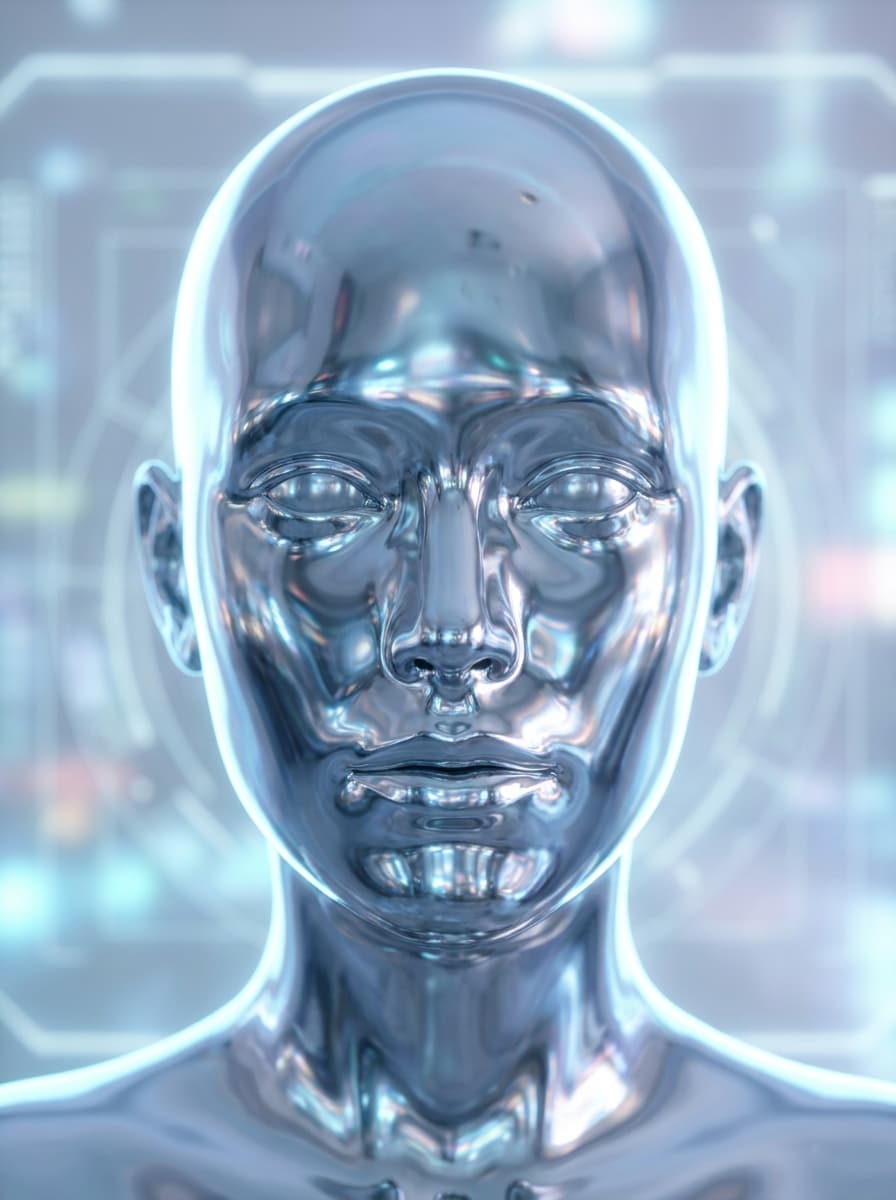
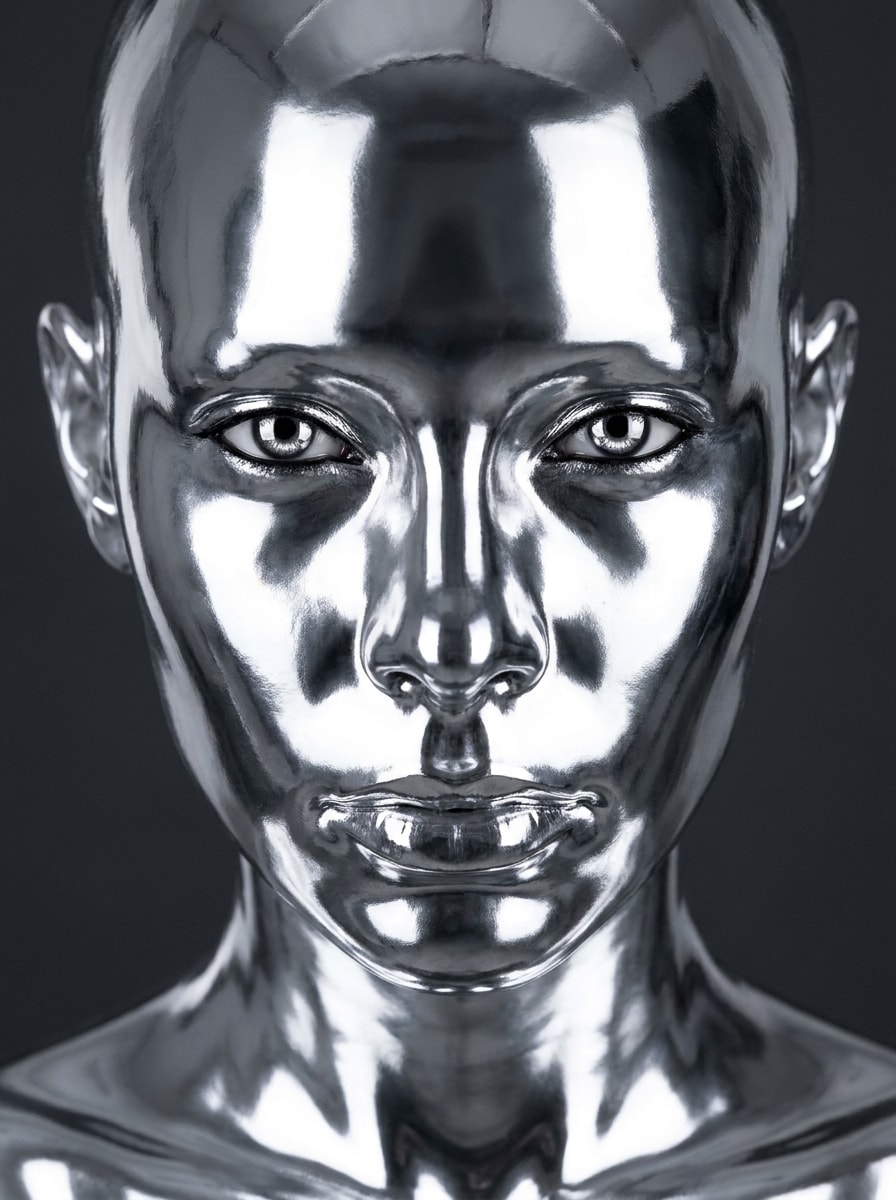
Liquid Chrome Portrait

Liquid Chrome Portrait

Use the uploaded image as the subject and transform it into a futuristic liquid chrome portrait with mirror-like silver skin, smooth molten texture, crisp facial detail preservation, high-contrast studio lighting, glossy reflections across cheeks and forehead, a deep charcoal background, and a premium editorial fashion mood.

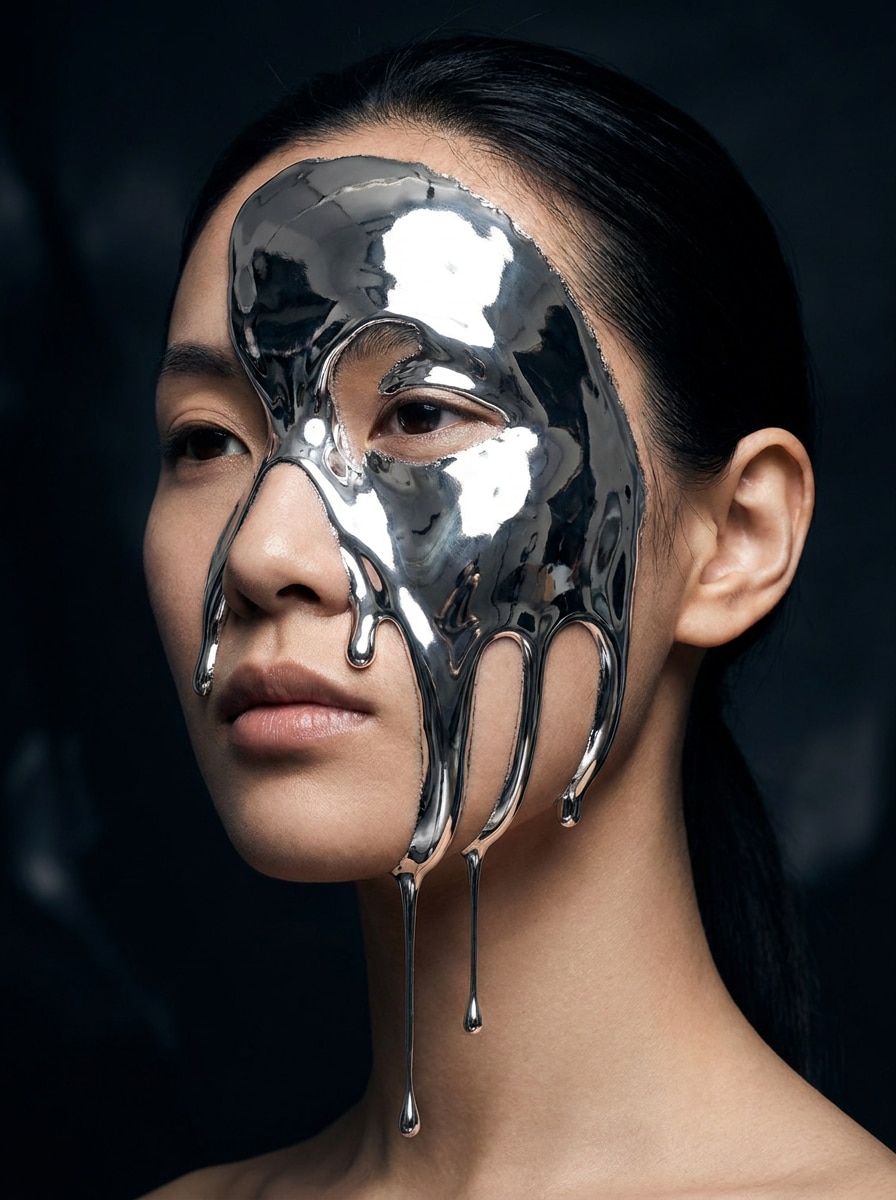
Molten Silver Face Melt

Molten Silver Face Melt

Use the uploaded portrait as the base and add a dramatic molten silver melt across the face, with elegant liquid drips, reflective chrome highlights, sculpted cheekbone shine, surreal beauty styling, dark moody contrast, and realistic skin contours still visible beneath the metallic transformation.

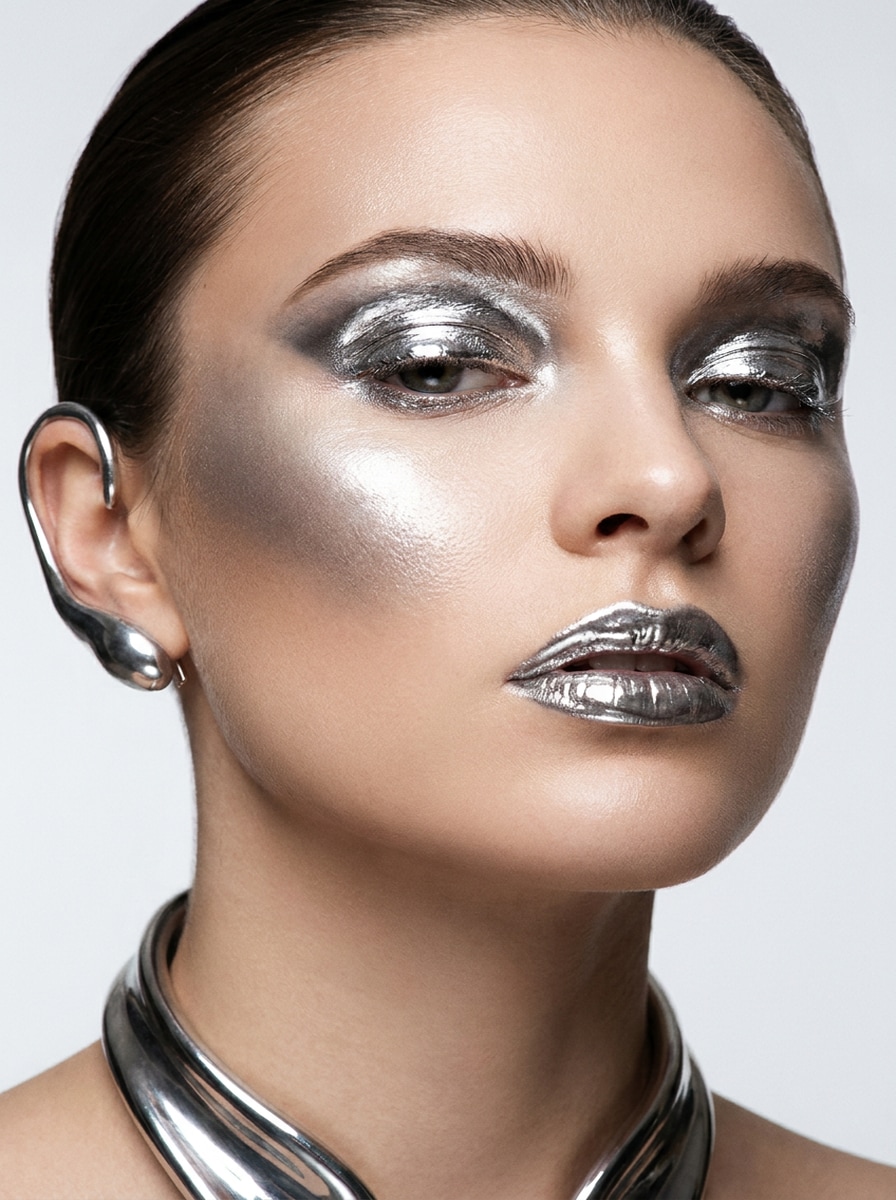
Metallic Makeup Editorial

Metallic Makeup Editorial

Use the uploaded selfie as the subject and restyle it into a luxury beauty editorial with liquid metal makeup, silver chrome eyelids, reflective cheekbones, glossy metallic lips, clean skin texture, polished studio lighting, refined composition, and a sleek magazine-cover atmosphere.

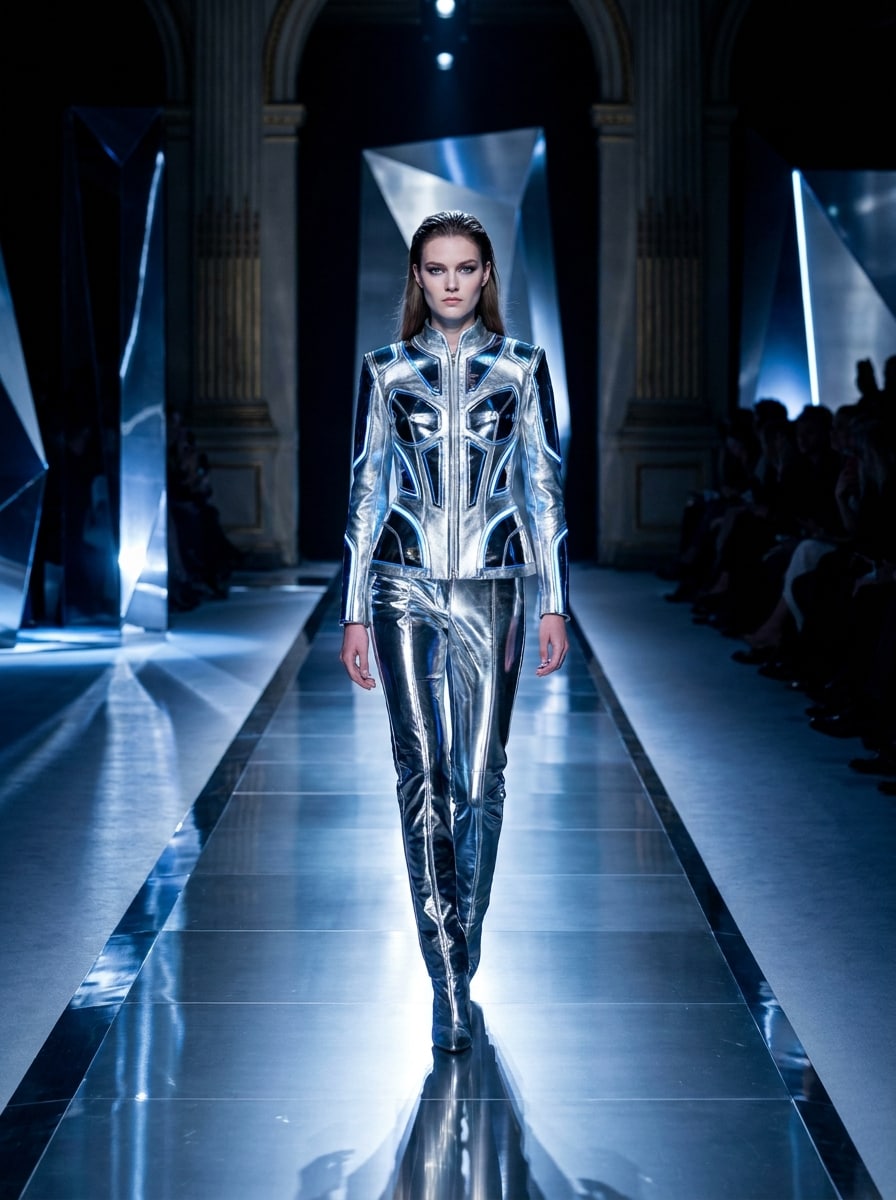
Runway Chrome Glow

Runway Chrome Glow

Use the uploaded image as the subject and give it a futuristic runway restyle with polished chrome surfaces, silver glow accents, sleek fashion energy, cinematic side lighting, dark luxury backdrop, sharp contours, and a bold catwalk mood that feels modern, glossy, and high-end.

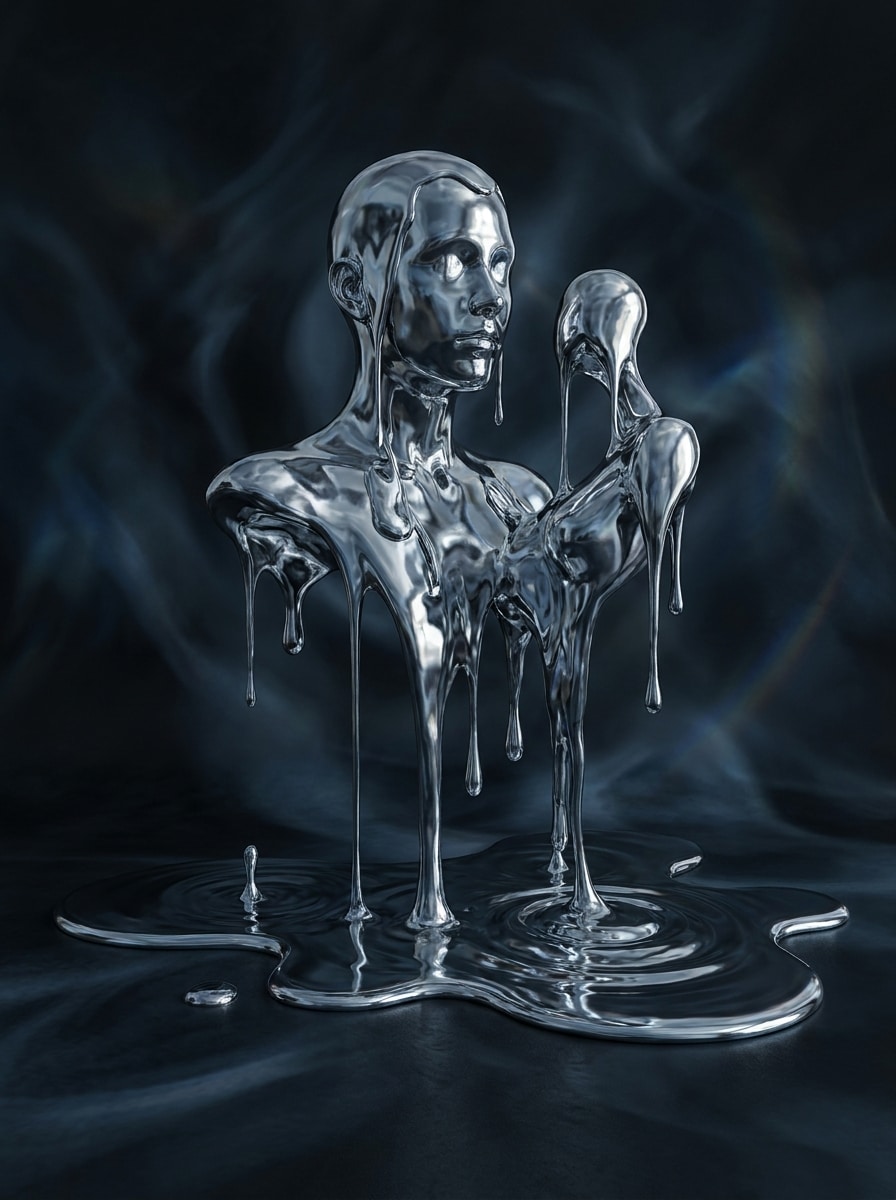
Mercury Drip Surrealism

Mercury Drip Surrealism

Use the uploaded image as the base and turn it into surreal mercury-inspired art with flowing metal drips, dark reflective chrome texture, dreamlike composition, cool silver palette, moody shadows, and a mysterious gallery feel while preserving the original silhouette and major features.

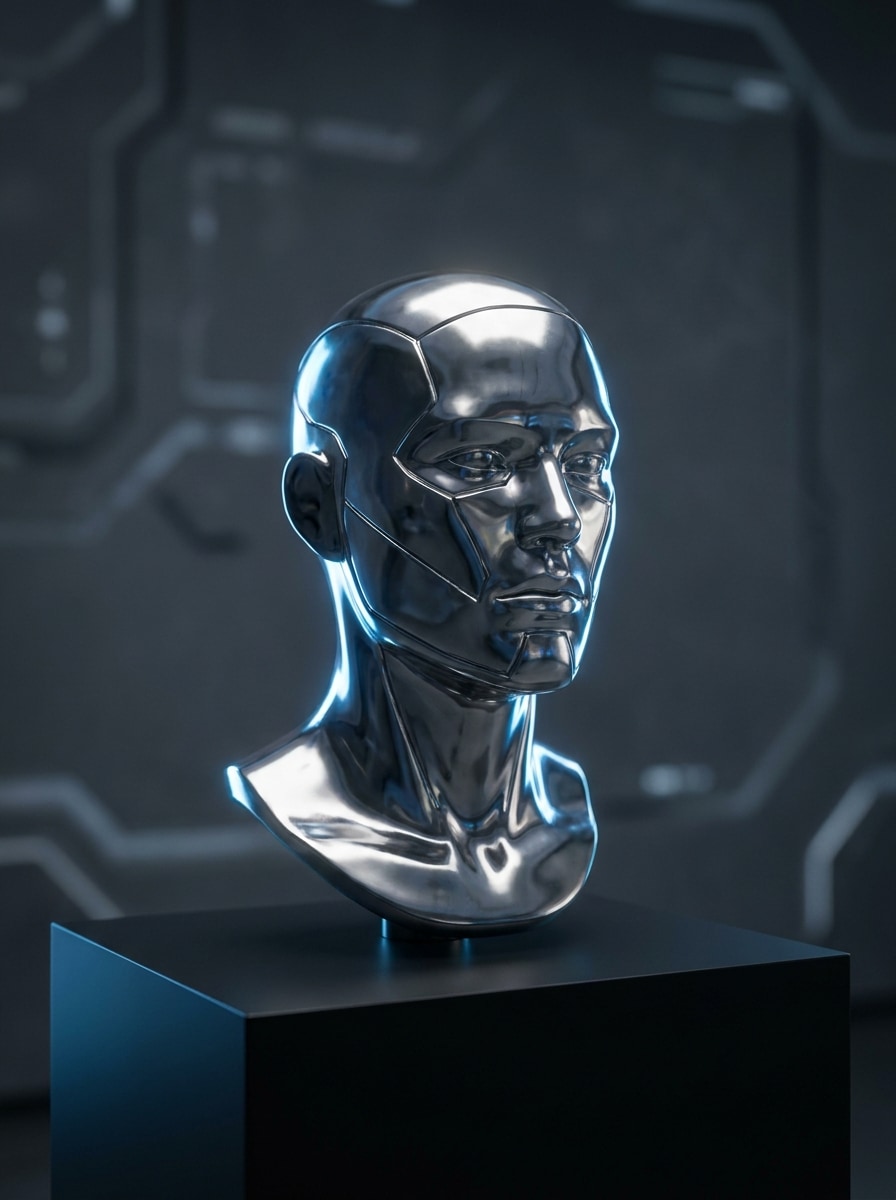
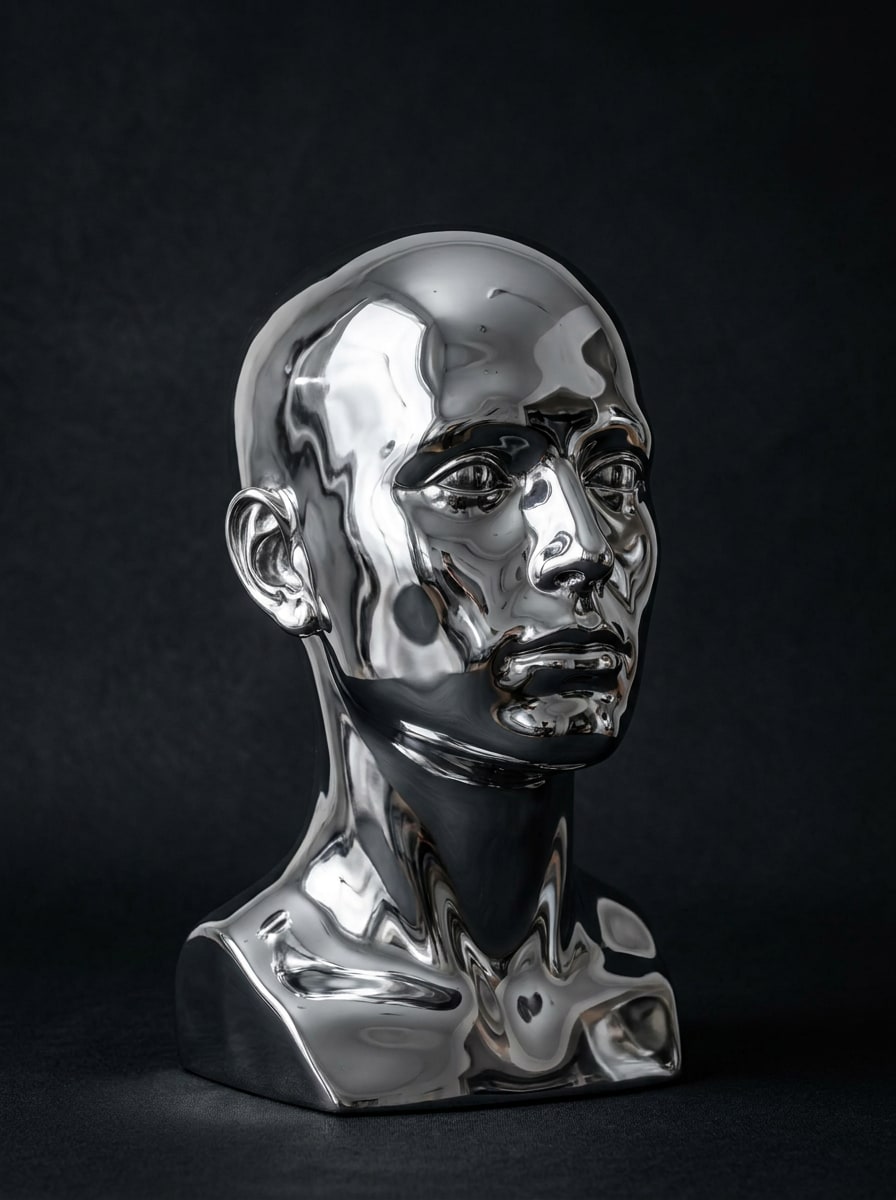
Cyber Metal Statue

Cyber Metal Statue

Use the uploaded portrait as the subject and transform it into a futuristic silver statue with polished metal skin, sculptural facial contours, museum-meets-cyber styling, crisp reflections, dramatic rim light, and a dark minimalist setting that emphasizes form, shine, and elegance.

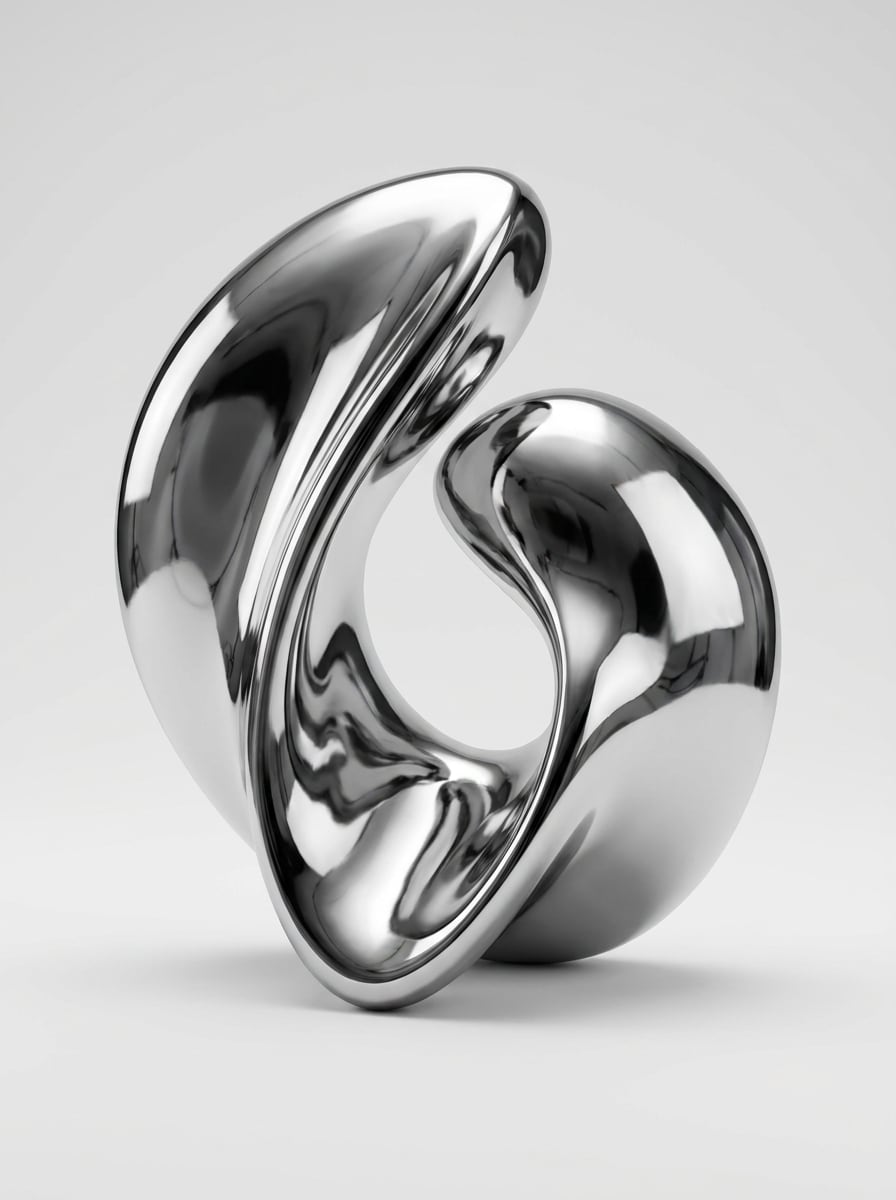
Chrome Object Restyle

Chrome Object Restyle

Use the uploaded object photo as the reference and restyle it with a seamless liquid chrome finish, smooth mirror reflections, clean product-lighting highlights, luxury presentation, subtle shadow grounding, and a minimal background so the metallic material reads clearly and professionally.

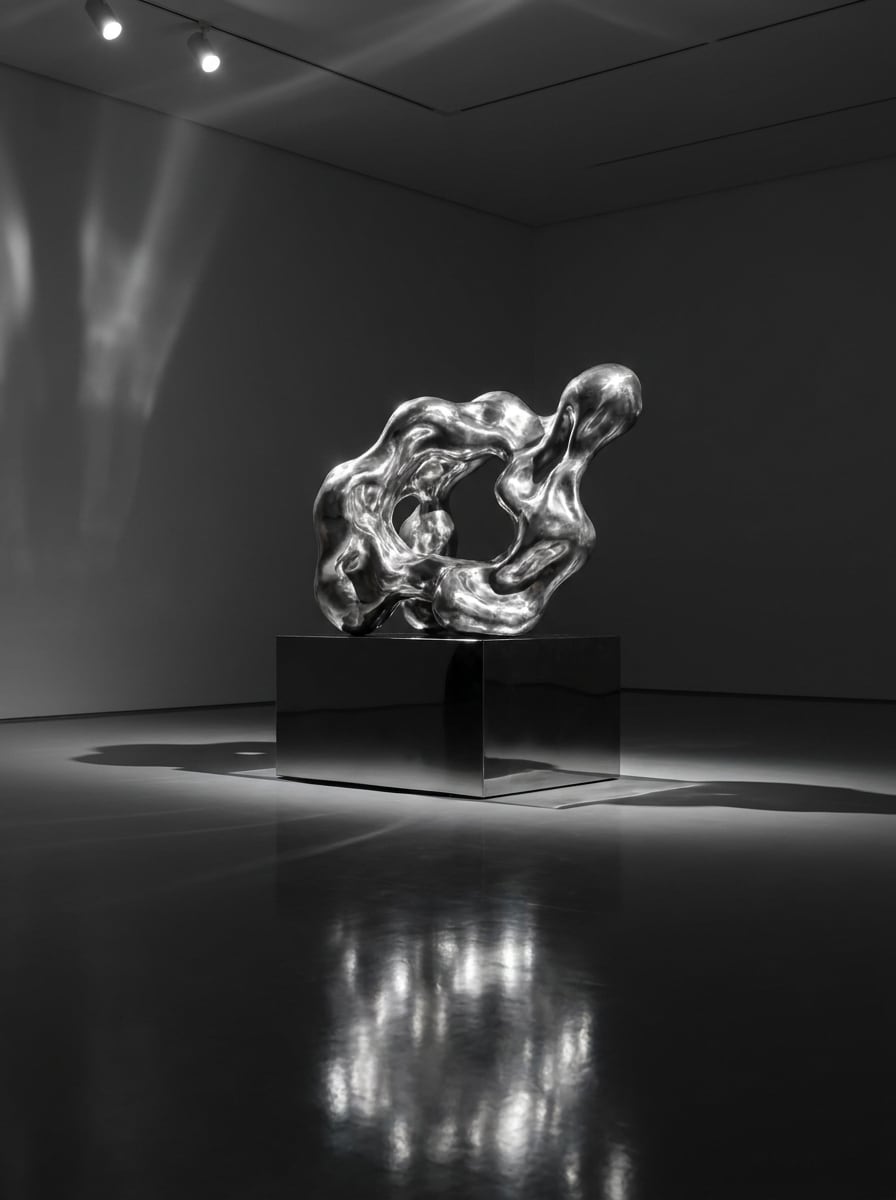
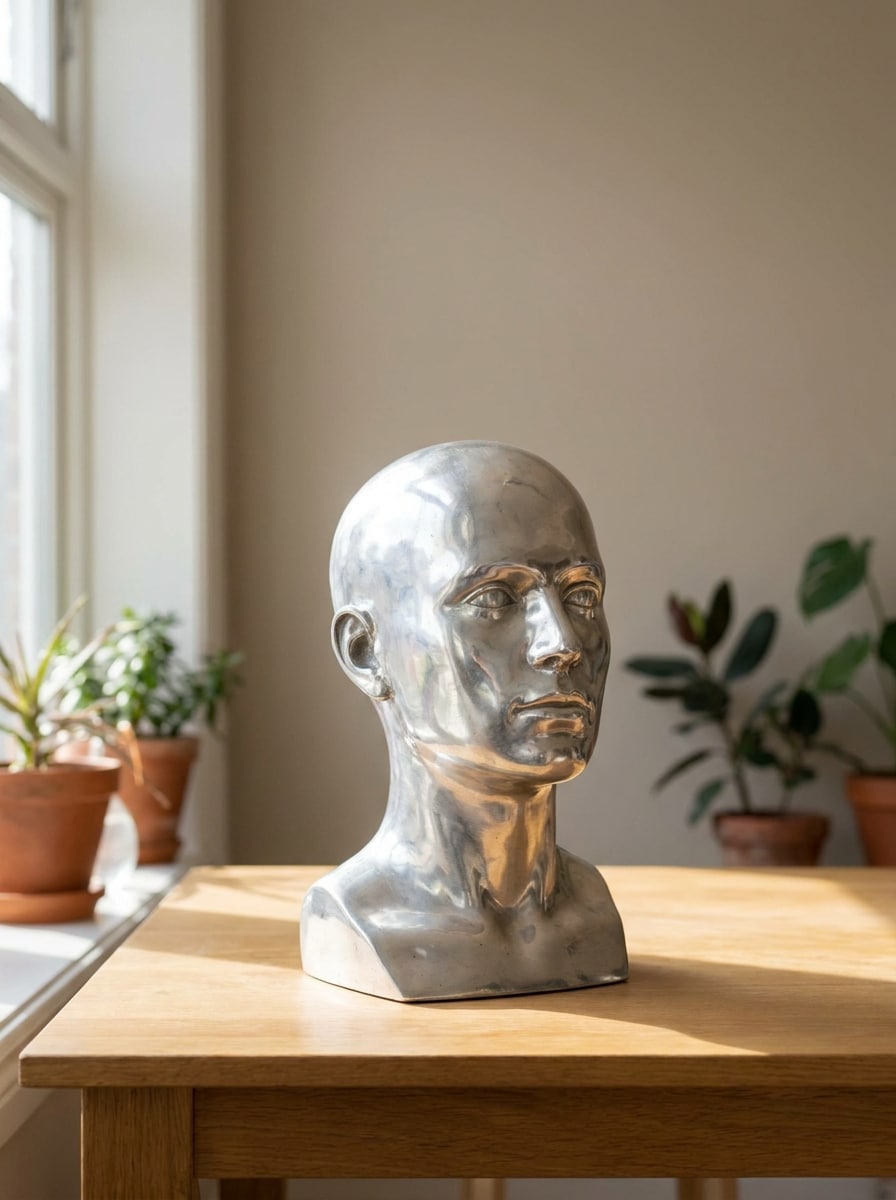
Molten Metal Sculpture

Molten Metal Sculpture

Use the uploaded object or statue image as the source and transform it into molten metal sculpture art with flowing silver texture, mirror-bright reflections, dramatic directional lighting, dark gallery atmosphere, and rich material depth for a surreal yet realistic metallic finish.

Chrome Avatar Filter

Chrome Avatar Filter

Use the uploaded portrait as the base and create a sleek chrome avatar with reflective metallic skin, clean polished surfaces, cinematic glow, social-friendly framing, cool silver tones, and preserved facial identity so the final result feels futuristic, recognizable, and ready for profile use.

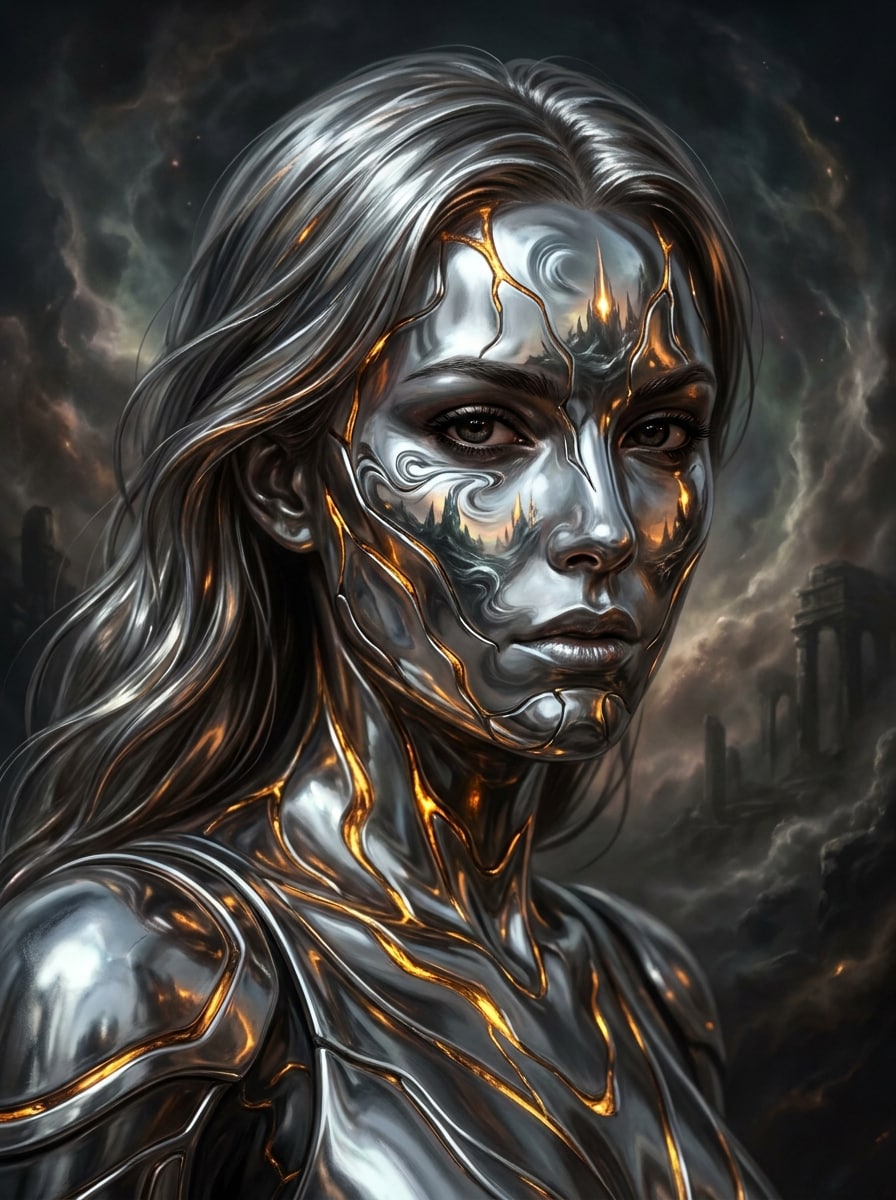
Liquid Metal Fantasy Character

Liquid Metal Fantasy Character

Use the uploaded portrait as the subject and restyle it into a liquid metal fantasy character with silver armor-like skin, molten highlights, ethereal chrome reflections, cinematic contrast, dark atmospheric background, and detailed facial preservation for a dramatic concept-art inspired transformation.

Why Use Media.io for Liquid Metal Photo Transformations

Keep the Subject Recognizable in New Styles

When a result needs to stay tied to the original subject, Media.io helps preserve recognizable features while adapting the overall liquid metal filter visual style for social, branding, or mockup use.

Rework One Subject Into Multiple Styles

Publishing a metallic image for slides, covers, or reused campaign assets calls for clarity as well as style. Media.io delivers sharper output up to 4K, helping your liquid metal visuals stay crisp and dramatic across presentations, backgrounds, and social content.

Generate Cleaner Output Up to 4K

When a liquid metal filter visual is headed for real publishing use, Media.io gives you sharper output up to 4K, which helps the image stay clear across presentations, backgrounds, and reused assets.

Create Metallic Edits Easily on Any Device

Creators often switch between phone and computer while building concepts and posting content. Media.io keeps liquid metal image creation in the browser, so you can make reflective chrome or silver edits wherever you work without breaking your workflow.

How to Apply a Liquid Chrome Effect Online

Turn your words into stunning visuals in three simple steps, then continue refining the result if you want to take it further.

how to use image to image AI for ai liquid metal filter step 1
Step 1

Upload Your Reference Image

Start with a clear selfie, portrait, fashion shot, or object photo in JPG, PNG, or JPEG format. Images with good lighting, visible contours, and a simple background usually give the metallic transformation cleaner reflective detail.

how to use image to image AI for ai liquid metal filter step 2
Step 2

Describe the Change and Set Options

Enter the metallic style you want, such as mirror chrome, molten silver, mercury drip, or futuristic editorial shine. Then choose your model and adjust aspect ratio, resolution, and image count to fit posts, avatars, or creative mockups.

how to use image to image AI for ai liquid metal filter step 3
Step 3

Generate, Download, and Keep Improving

Create your result, compare variations, and download the version that best matches your look. If needed, refine the prompt, regenerate a new finish, or keep editing for sharper reflections, stronger contrast, or a cleaner background.

Unlock the Potential of Chrome Liquid Effect

See how creators use this AI liquid metal filter for content, marketing, and personal projects, then adapt each idea to fit the brief.

Upgrade Selfies Into Editorial Chrome Portraits

Turn everyday portraits into dramatic beauty visuals with reflective skin, polished highlights, and futuristic contrast. Media.io helps create a metallic portrait style that works well for eye-catching profile photos, cover art, or trend-driven content without manually building the look in advanced editing software.

Build Scroll-Stopping Fashion and Music Visuals

Use metallic styling for promo posters, single covers, short-form video thumbnails, and mood-driven campaign graphics. With Media.io, a glossy chrome liquid effect or cyber-inspired finish can give independent artists, stylists, and brands a stronger visual identity fast.

Restyle Objects and Statues Into Surreal Art

Apply reflective silver textures to products, props, busts, or design elements when you want a concept-art or gallery-inspired result. Media.io makes it easier to generate a silver liquid filter look for moodboards, experimental branding, and social visuals that need a polished futuristic material treatment.

What Users Say About This Metallic Filter

user
Maya Chen

Beauty Content Creator

star star star star star

"Great for chrome beauty edits" I used it on a close-up portrait and got a glossy silver look that felt like an editorial shoot. The face stayed recognizable, and I could test different metallic styles without spending ages retouching.

user
Jordan Ellis

Indie Music Designer

star star star star star

"Useful for covers and promo art" The reflective finish looked strong on both portraits and statues. I liked being able to switch aspect ratios quickly for cover art and social posts, and the results felt much more polished than basic filter apps.

user
Sofia Ramirez

Social Media Manager

star star star star star

"Fast results on mobile and desktop" We tested a chrome-style campaign visual directly in the browser and got usable options fast. It was easy to upload, tweak the prompt, and download a version that worked for reels, stories, and profile graphics.

user
Noah Patel

Digital Artist

star star star star star

"Strong surreal metallic textures" The mercury and molten silver looks came out especially well. I used one portrait as a base and generated several variations for concept work, and each one kept the structure while changing the material in interesting ways.

AI Liquid Metal Filter FAQs

1. What is an AI liquid metal filter?

An AI liquid metal filter is an image-to-image effect that transforms a photo with reflective chrome, molten silver, or mercury-like metallic textures. In Media.io, you upload a reference image and use AI to restyle it into futuristic metal-inspired artwork while keeping the original subject as the visual foundation.

Upload a clear JPG, PNG, or JPEG photo to Media.io, then describe the look you want, such as a mirror chrome portrait, molten silver finish, or futuristic metallic glow. After that, choose your model and settings, generate the result, and download the version that best matches your creative goal.

Media.io offers free credits to get started with this effect. If you need more generations or want watermark-free high-resolution downloads, you can check the pricing page for available plan options.

It can, especially when you upload a clear portrait with good lighting and visible facial contours. Media.io uses your reference image to guide the transformation, so identity, pose, and major details can stay recognizable while the surface style shifts into chrome or molten metal.

Clear portraits, selfies, fashion shots, statues, and well-lit object photos usually work best. Images with strong subject separation, balanced lighting, and visible edges give Media.io better material cues, which helps reflective silver and chrome surfaces look cleaner and more convincing.

Media.io supports 1K, 2K, and 4K resolution options, along with aspect ratios such as 1:1 and 9:16, so you can prepare metallic images for feeds, stories, covers, and short-form video content. That makes it practical for social-ready exports without rebuilding the design elsewhere. Free users may see watermarks.

Media.io Online AI Tools Quality Rating:
vote 4.7 (162,357 Votes)