

이미지에서 이미지까지
Nano Banana Pro
이미지 업로드
0 / 9
내 기록에서 선택하거나 업로드하려면 클릭하거나 드래그하세요
아이디어가 없나요? 먼저 이미지를 생성하세요. >
지원되는 업로드 형식: jpg, png, jpeg.
프롬프트
0/2000
1K
자동
1
바나나 프로 무제한 모드
제작물
아이디어 허브
전체
목록 생성
작업물은 7일 동안 저장됩니다. 업그레이드 후 생성된 에셋은 영구 저장됩니다.
ai_video_generator창의적 잠재력을 풀고 미디어 AI의 마법을 즉시 경험하십시오!

Photo Date Stamper for Clean, Retro, and Export-Ready Photo Overlays

Photo Date Stamper Before
Photo Date Stamper After

Turn any uploaded picture into a dated image with a customizable photo date stamper workflow. Media.io helps you add date to photo, add date to image files, create retro camera timestamps, or place clean record-ready labels with flexible style, placement, and quality settings on any device. Creators often use it for add a date stamp to photos.

Stamp My Photo

Type your idea -> AI designs it. Free to try.

Review these example directions, then tailor the prompt details to get stronger results with this Media.io photo date stamper for anything from a simple date add on photo request to a more specific timestamp style. It is also a practical option for add date and time to photo.

Clean Bottom-Right Timestamp

Clean Bottom-Right Timestamp

Use the uploaded image as the base photo and add a small clean timestamp in the bottom-right corner. Keep the original scene unchanged, use thin white sans-serif text with a soft shadow, balanced spacing, and a modern minimal look that stays readable without distracting from the photo.

Bold Archive Label

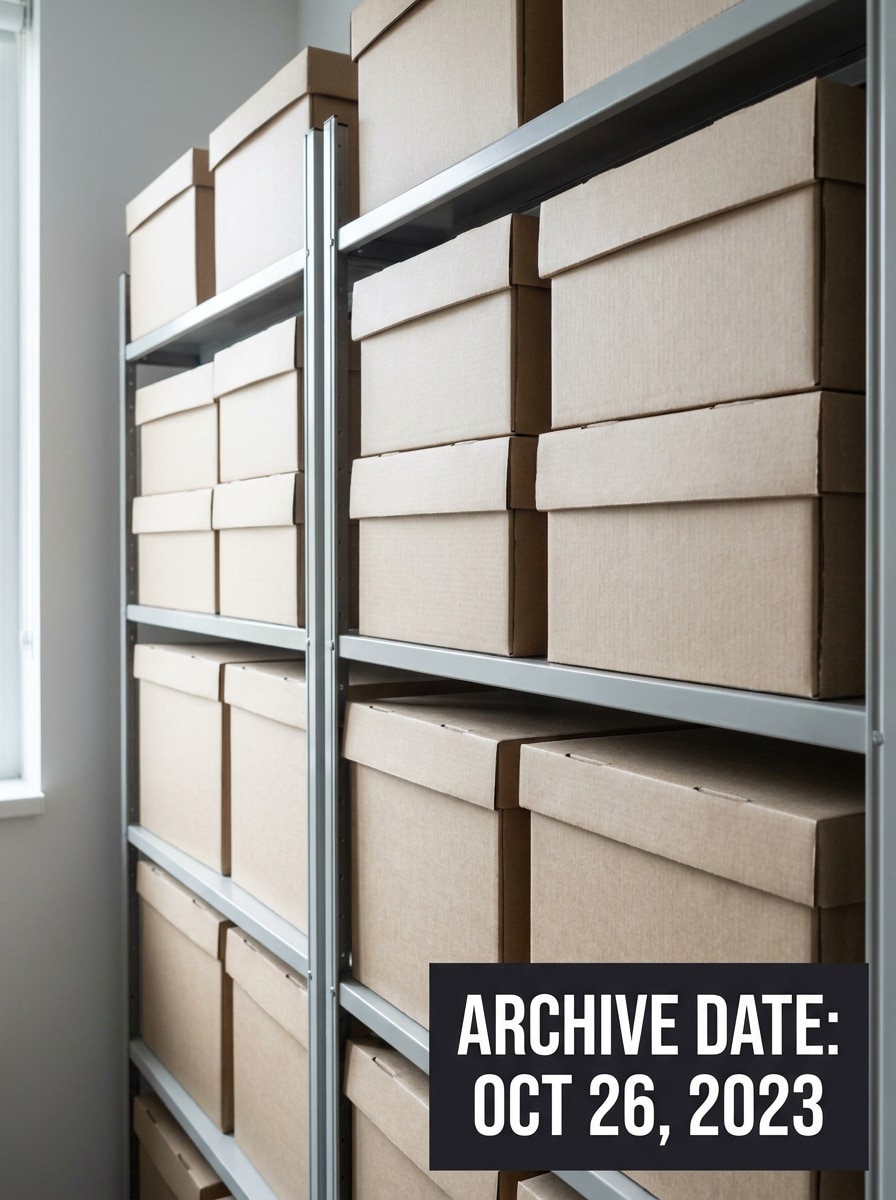
Bold Archive Label

Use the uploaded image as the subject and place a clear archive-style date label in one corner for documentation. Add high-contrast text inside a neat rectangular tag, keep the photo sharp, maintain natural colors, and make the stamp easy to read for records, inventory, or proof-of-condition images.

Film Camera Orange Date

Film Camera Orange Date

Use the uploaded image and transform it into a vintage film snapshot with a classic orange date imprint near the bottom edge. Add subtle grain, slightly warm tones, gentle flash-style contrast, and a nostalgic disposable-camera mood while keeping the subject recognizable and the timestamp realistic.

Disposable Camera Timestamp

Disposable Camera Timestamp

Use the uploaded image as the base and add a disposable camera style timestamp in the lower right. Apply warm tones, slight flash intensity, soft grain, and a playful memory-photo mood, making the date stamp feel authentic while preserving the main details and expressions in the image.

90s Camcorder Date Time

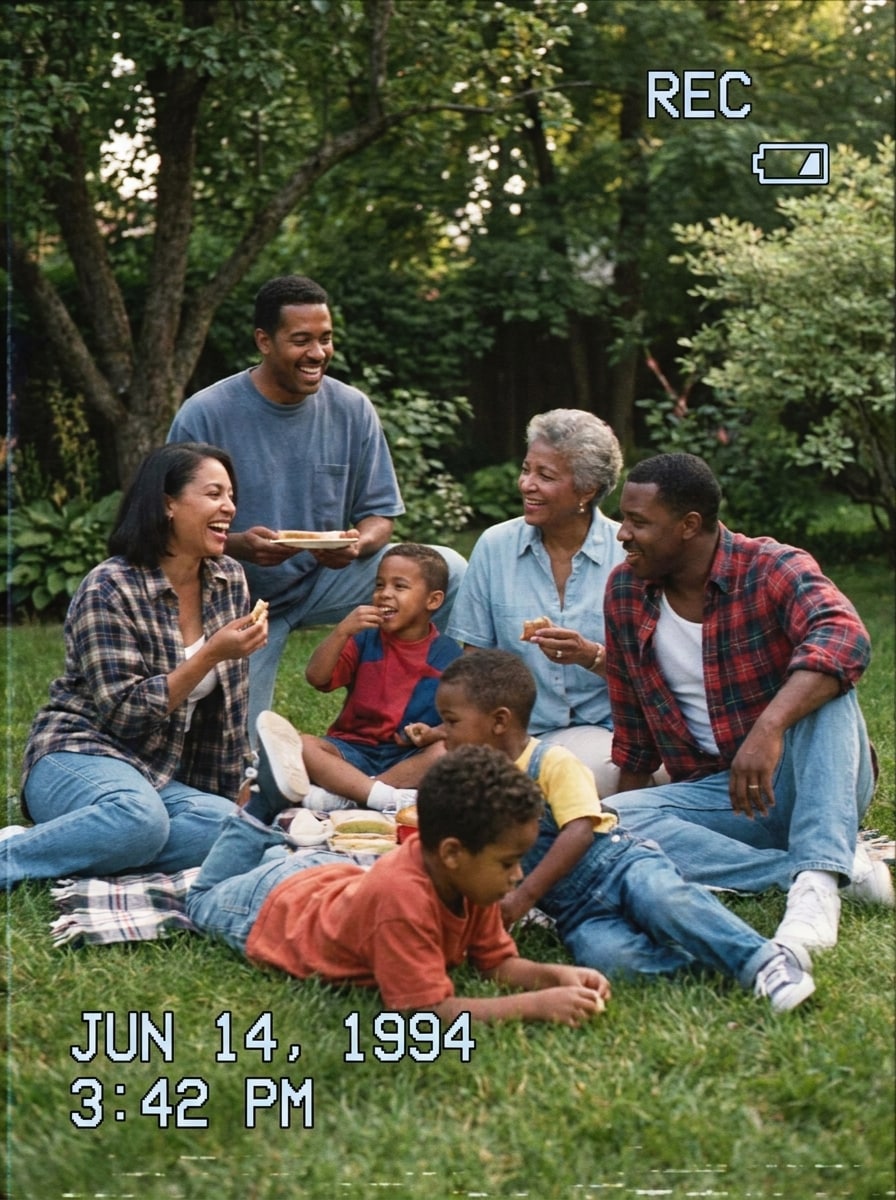
90s Camcorder Date Time

Use the uploaded image and apply a 90s camcorder overlay with visible date and time text. Keep the subject clear, add mild VHS softness, cool-white digital characters, and a home-video nostalgia effect that feels authentic without making the photo too blurry or hard to read.

Inspection Photo Timestamp

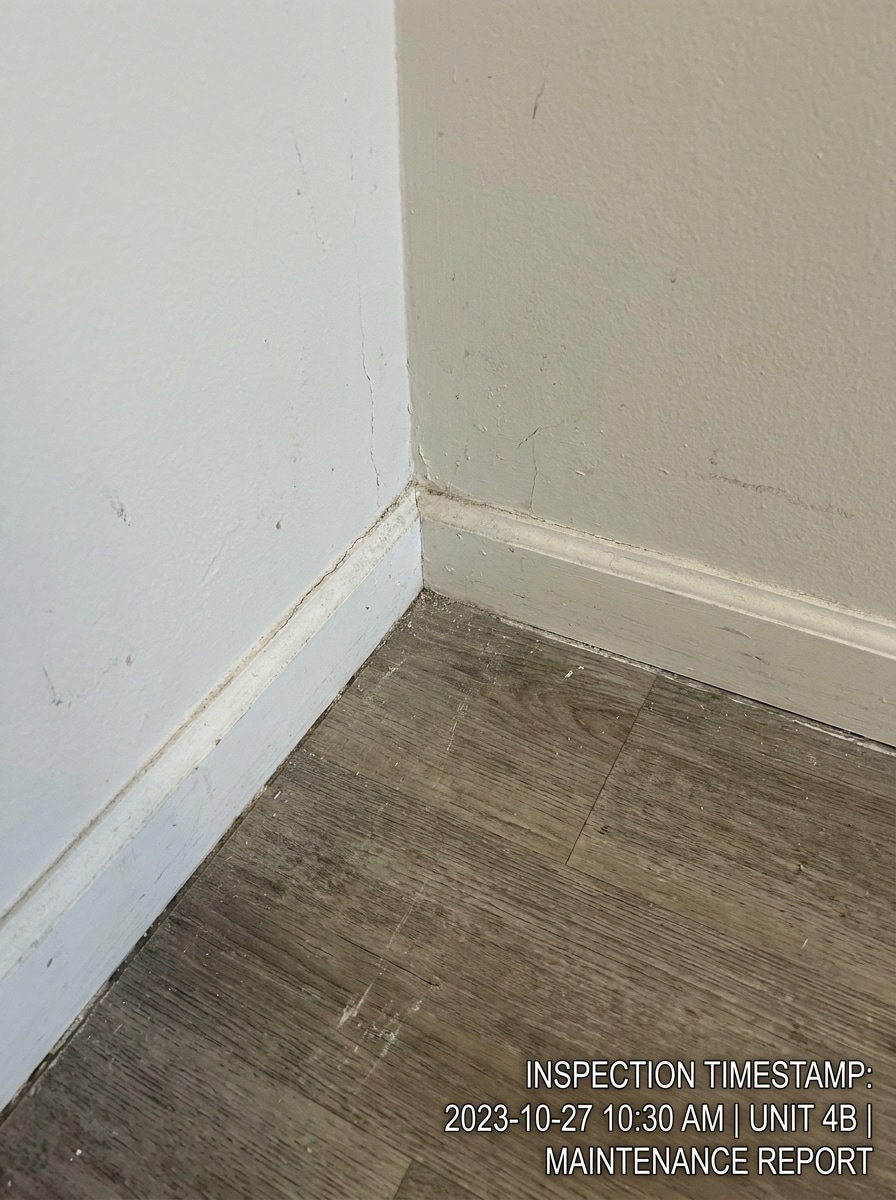
Inspection Photo Timestamp

Use the uploaded image and place a professional inspection timestamp in a lower corner. Keep the overlay clean and neutral, use highly readable text with optional time details, preserve sharpness, and make the result suitable for maintenance reports, site records, insurance evidence, or before-and-after documentation.

Real Estate Listing Date

Real Estate Listing Date

Use the uploaded property image and add a neat real-estate-friendly date overlay. Keep the room or exterior unchanged, use small modern sans-serif text, precise spacing, and a polished business look that helps document listing photos, renovation updates, or time-based property marketing visuals.

Vacation Postcard Date

Vacation Postcard Date

Use the uploaded travel photo and add a tasteful date stamp that feels like a memory snapshot. Apply soft nostalgic color grading, light grain, and a refined corner timestamp, keeping the scene vivid and emotional for albums, social posts, or scrapbook-style travel storytelling.

Scrapbook Memory Stamp

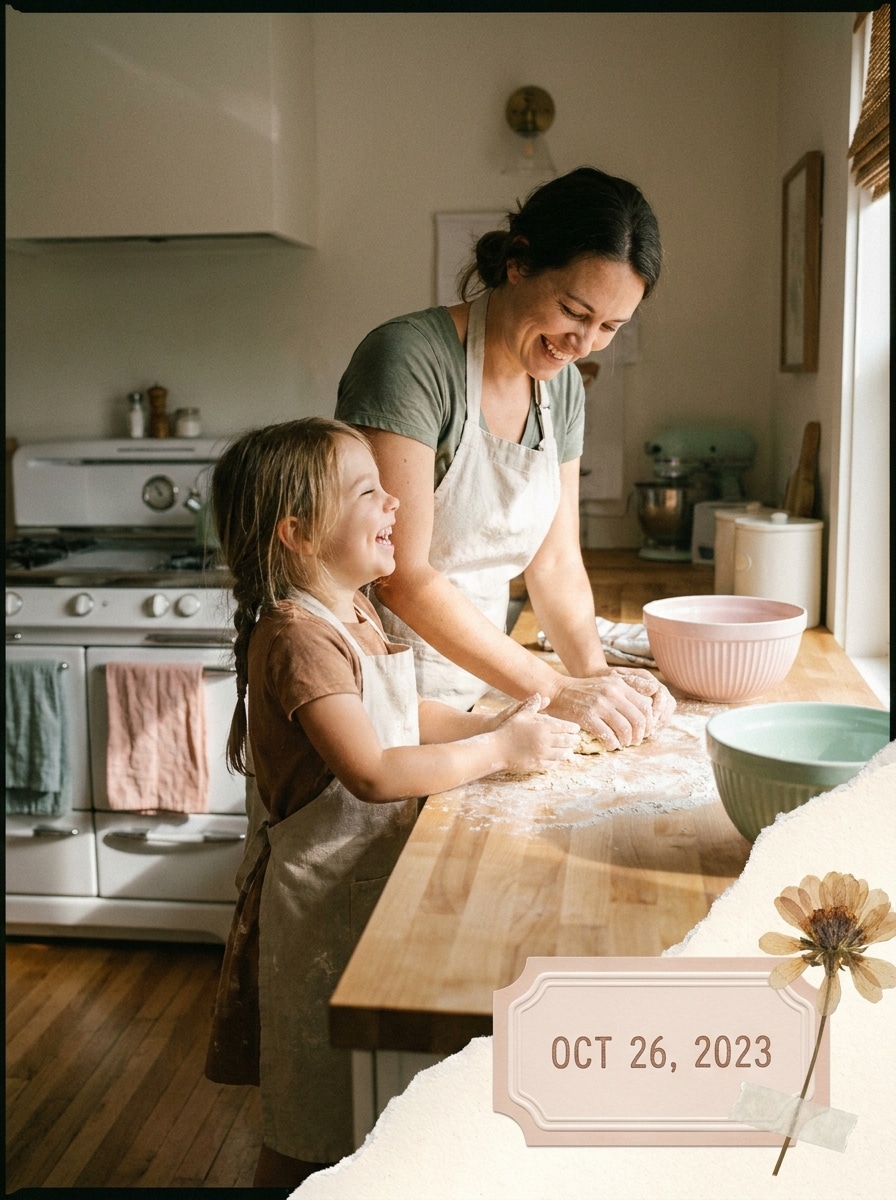
Scrapbook Memory Stamp

Use the uploaded image and place a cute scrapbook-inspired date stamp with a soft label feel. Keep the picture clear, use gentle tones, balanced corner placement, and a memory-keeping mood that works well for family moments, printed albums, journals, or personal keepsakes.

Modern Transparent Date Overlay

Modern Transparent Date Overlay

Use the uploaded image as the source and place a sleek semi-transparent date overlay in a corner. Keep the layout elegant, the text modern and unobtrusive, and the subject fully visible so the final image looks polished for social sharing, portfolio updates, or subtle event documentation.

Why Use Media.io for Photo Date Stamps

Turn Any Upload Into a Dated Photo in One Edit

For upload-driven edits, Media.io keeps the reference subject visually consistent while you change the photo date stamper direction, so it feels easier to add date on photograph versions for different needs and get personalized results you can use with confidence.

Match the Stamp Style to Nostalgic or Professional Needs

When style is part of the decision-making, Media.io helps you compare multiple directions from the same photo date stamper base, which makes creative selection more efficient.

Keep Details Sharp for Sharing, Proof, or Print

If the final photo date stamper will be reused beyond a small preview, Media.io helps deliver sharper results up to 4K so the image stays more reliable in practical design and presentation work.

Edit on the Device You Already Use

Whether you are exploring photo date stamper on a laptop or checking drafts from your phone, Media.io keeps everything browser-based so you can pick up the same workflow across devices more easily.

How to Add Date Stamps to Photos Online

Turn your words into stunning visuals in three simple steps, then continue refining the result if you want to take it further.

how to use image to image AI for photo date stamper step 1
Step 1

Upload Your Reference Image

Start by uploading a clear JPG, PNG, or JPEG photo you want to edit. This can be a family picture, travel shot, listing image, inspection record, or any picture where you want to add a visible date or time overlay.

how to use image to image AI for photo date stamper step 2
Step 2

Describe the Change and Set Options

Enter a prompt that explains the stamp style you want, such as a clean corner label, retro film date, or a professional timestamp. Then choose the model and adjust aspect ratio, resolution, and the number of generated variations if needed.

how to use image to image AI for photo date stamper step 3
Step 3

Generate, Download, and Keep Improving

Generate multiple versions, compare the placement and readability, then download the best result. If needed, refine the prompt to add a date stamp to photos with a different format, lighter color, smaller size, or a stronger date-and-time look.

Unlock the Potential of Add Date To Photo

See how creators use Media.io for dated-image content, marketing, and personal projects, then adapt each idea to fit the brief.

Document Property, Repairs, and Field Work Clearly

Create record-ready images for inspections, maintenance logs, real estate updates, and insurance evidence. With Media.io, you can add date photo details, add date in photo areas that stay readable, or add timestamp on photo exports so each file is easier to track, report, and share with clients.

Give Travel and Family Photos a Memory-Keeping Look

Turn everyday pictures into scrapbook-style keepsakes or nostalgic camera edits. Media.io lets you add date time to photo layouts with a subtle corner label, a retro orange imprint, or a camcorder-style clock, so albums, printed memories, and social posts feel more personal and time-specific.

Prepare Organized Images for Resale, Inventory, or Archives

If you need an image date editor for cataloging items, before-and-after jobs, or archived visuals, Media.io helps with clear date add in photo placement without cluttering the frame. That makes each exported copy easier to sort, verify, reference later, and review once the photo date added version is saved.

What Users Say About This Date Stamp Workflow

user
Lena Brooks

Travel Blogger

star star star star star

"Great for retro trip photos" I wanted an easy way to add a film-style date to my vacation pictures without using a complicated app. The retro options looked natural, and I could also make cleaner versions for blog posts.

user
Marcus Hill

Property Inspector

star star star star star

"Useful for clear documentation" I use it to add date and time details to site photos before sending reports. The stamped copies stay readable, and the corner placement looks far more polished than manually editing text on images.

user
Priya Nair

Online Seller

star star star star star

"Simple and fast in the browser" I often need dated item photos for inventory records. This made it easy to upload, generate a few variations, and download the one with the cleanest label. I like not having to install anything.

user
Ethan Cole

Family Archivist

star star star star star

"Helpful for preserving memories" I used it on family event pictures to create subtle memory stamps and a few nostalgic disposable-camera versions. It gave me a nice mix of practical date labels and fun vintage looks.

Photo Date Stamper FAQ

1. How can I add a date stamp to a photo online?

Upload your photo to Media.io, then describe the style of date overlay you want, such as a clean corner label, retro camera imprint, or professional timestamp. After that, choose your preferred model and output settings, generate the result, and download the new stamped copy. This browser-based workflow works well if you want to add date to picture files, add date on photo online, or use Media.io as a quick image date editor without a separate app.

Free users can try Media.io with free credits, which is helpful if you want to add date to photo online free for light use or test different styles before upgrading. Free downloads may include a watermark, while paid plans offer more usage and watermark-free high-resolution exports. You can review the available options on the pricing page.

You can guide the result by describing the date format and visual style you want in your prompt, including a minimal label, retro imprint, or date stamp filter look. Media.io also lets you set layout-related options such as aspect ratio and generate variations, which is useful if you want to insert date on photo designs, add date and time in photo compositions, or control date add on photo placement preferences more precisely.

Media.io is designed to preserve strong visual quality while creating a new edited image, and it supports 1K, 2K, and 4K output options. If you need to add date time stamp to photos for documentation or sharing, choosing a higher output setting can help keep the image sharp and the overlay readable. This is also useful when you want to add timestamp to photo online or make an add date and time in photo online export that still looks clear after download.

You can generate 1 to 4 images per run, which helps when you want multiple style variations from the same uploaded photo. For separate source photos, you would upload and process them individually, making it easier to control how the date editor on photo placement looks on each image, whether the goal is to add date stamp to photos online or create a different label style for every file.

Media.io is web-based, so it works on iPhone, Android, Windows, and Mac as long as you have a browser. That makes it convenient whether you want to add a quick date label from your phone, create an add timestamp to photo online draft on a tablet, or finish a polished export on desktop after you add date on photograph details or complete a date add in photo edit.

Media.io Online AI Tools Quality Rating:
vote 4.7 (162,357 Votes)