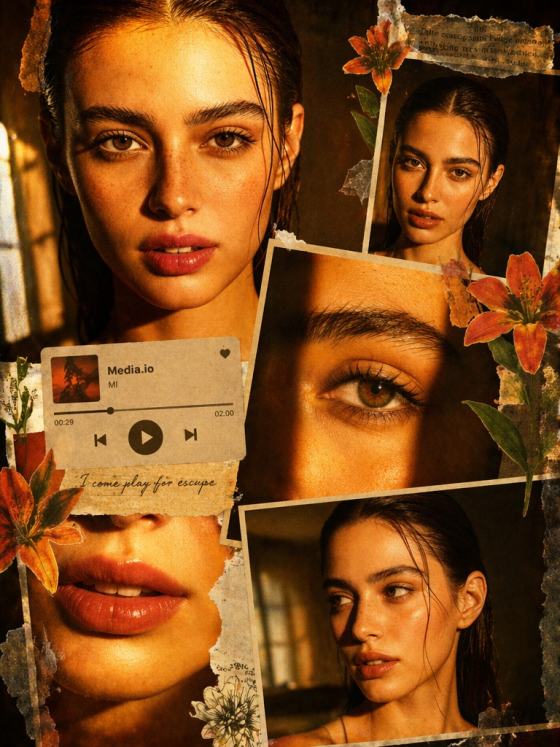
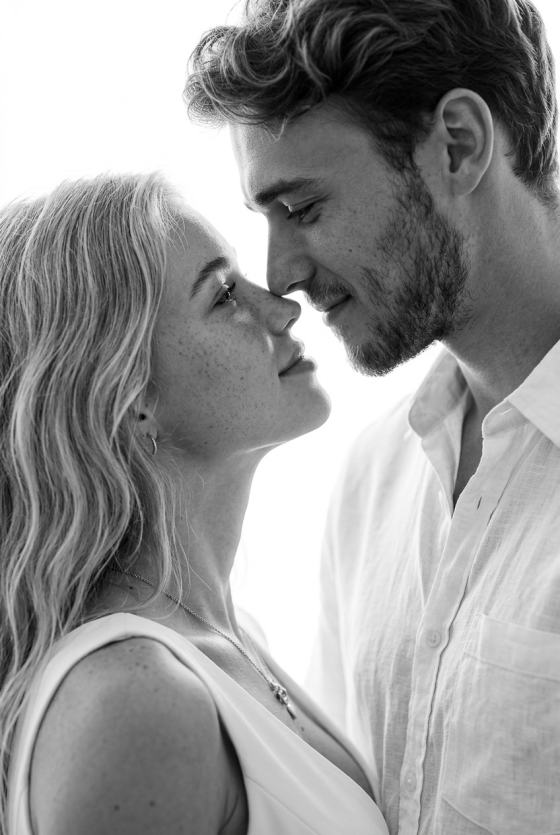
더블 노출 AI 효과 생성기 FAQ
1. 더블 노출 효과란 무엇인가요?
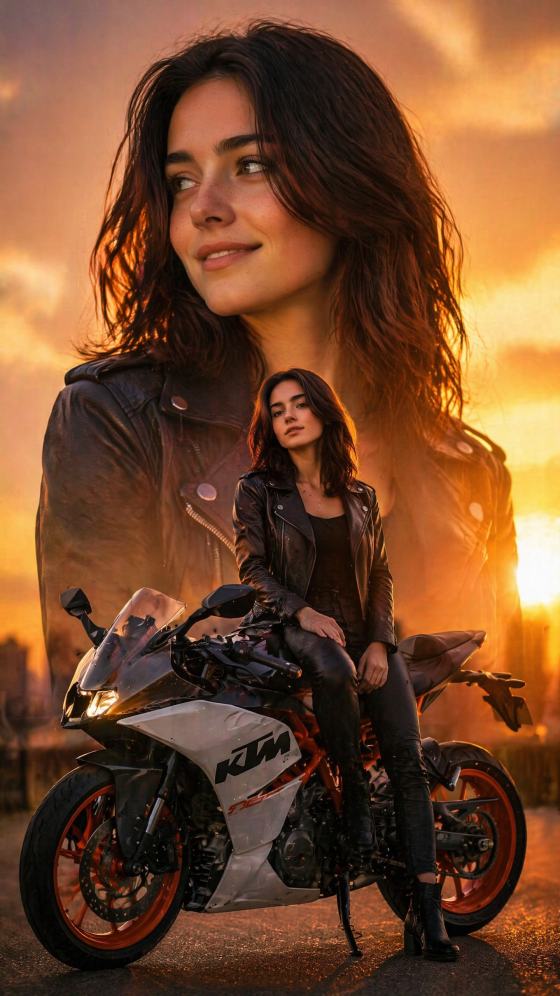
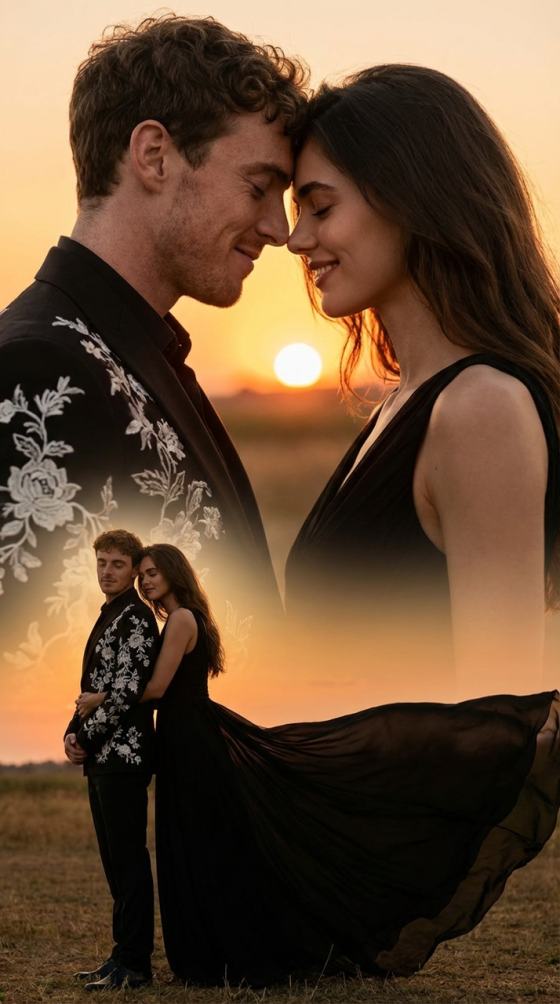
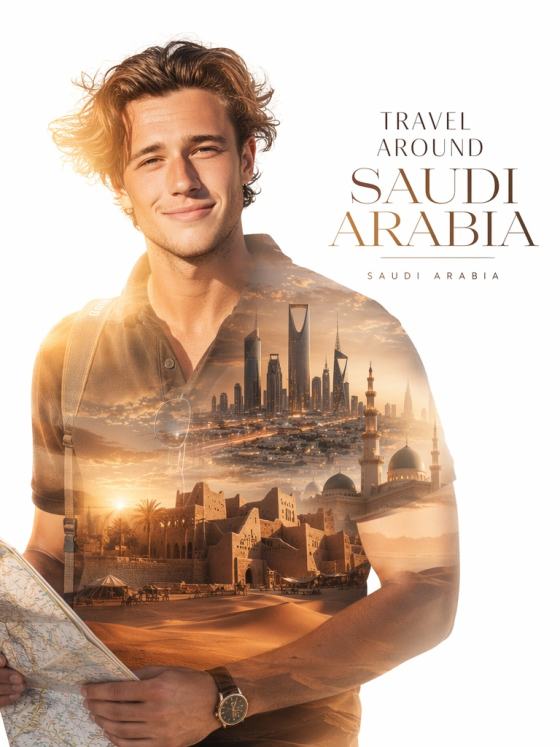
더블 노출 효과는 두 이미지를 하나의 예술적 구도로 결합하는 효과로, 주로 인물 사진과 풍경, 질감, 추상적인 시각 요소를 혼합합니다. AI를 사용하면 레이어나 마스크, 포토샵 기술 없이 자동으로 이 효과를 만들 수 있습니다.
2. AI는 어떻게 더블 노출 이미지를 생성하나요?
AI는 사진의 피사체, 조명, 구조를 분석한 후 두 번째 이미지나 생성된 오버레이와 결합합니다. 수동 편집 없이 부드러운 전환, 자연스러운 혼합, 영화 같은 대비를 만듭니다.
3. 더블 노출을 만들려면 두 장의 사진이 필요한가요?
아니요. 최신 AI(예: Nano Banana Pro)로는 프롬프트를 사용해 하나의 인물 사진만으로도 더블 노출 효과를 만들 수 있습니다. AI가 자동으로 피사체와 경치, 질감, 빛, 추상적 요소를 혼합해줍니다.
4. 더블 노출 AI 효과에 가장 적합한 이미지는 무엇인가요?
조명이 좋은 또렷한 인물 사진이 가장 좋은 결과를 내지만, 다음 이미지들도 사용할 수 있습니다:
- 전신 사진
- 제품 사진
- 실루엣
- 풍경 사진
- 미니멀한 배경
AI가 사진 구성에 맞게 혼합 스타일을 자동 조정해줍니다.
5. 더블 노출 스타일을 커스터마이즈할 수 있나요?
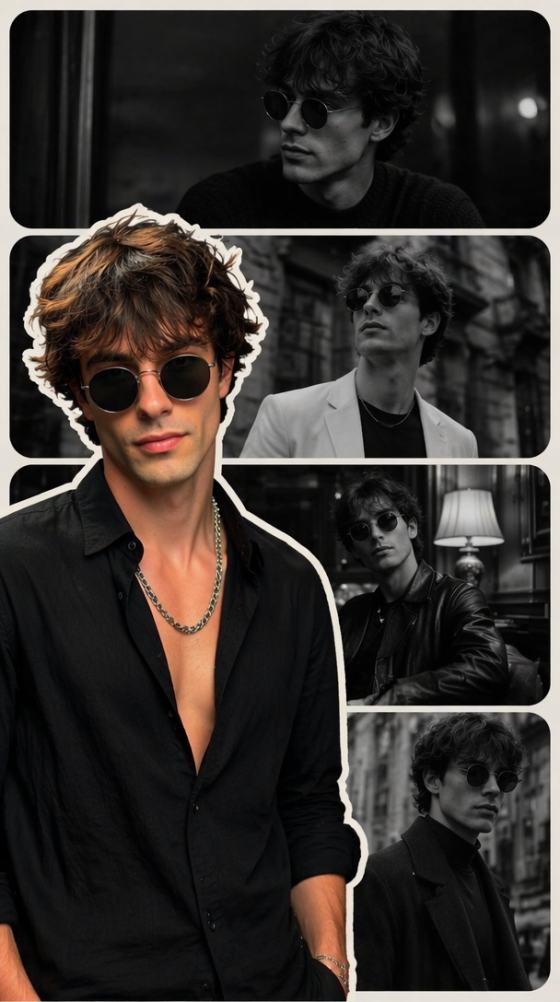
네. 원하는 느낌(예: 숲 오버레이, 네온 도시 풍경, 산 실루엣, 보케 라이트, 빈티지 질감, 흑백 영화 효과 등)을 프롬프트로 묘사할 수 있습니다. AI가 선택한 미적 요소에 따라 다양한 결과를 만듭니다.
6. 더블 노출 생성기는 무료로 사용할 수 있나요?
네. 무료 일일 크레딧으로 AI 더블 노출 이미지를 만들고, 고화질 워터마크 없이 다운로드할 수 있습니다.
7. 더블 노출 AI 이미지를 SNS나 아트웍에 사용할 수 있나요?
물론입니다. 이 AI 생성 더블 노출 효과는 다음에 이상적입니다:
- 인스타그램 게시물 및 릴스
- 포스터 및 앨범 커버
- 창의적인 프로젝트
- 사진 편집
- 유튜브 썸네일
- 포트폴리오 아트웍
다운로드하여 언제 어디서든 자유롭게 공유할 수 있습니다.
더블 노출 효과만으로 끝나지 않습니다 — Media.io에서 더 다양한 재미있는 AI 이미지 필터를 경험해 보세요
Media.io 온라인 AI 도구 품질 평점:
 4.7 (162,357표)