Graffiti Creator Generator for Bold AI Street-Art Text and Murals
Turn words into vivid graffiti art with Media.io’s graffiti creator generator. Create names, logos, posters, and mural concepts in bubble, throw-up, neon, or wildstyle looks. This browser-based tool works as a graffiti creator text generator for fast, high-quality image creation on desktop or mobile.
Review these example directions, then tailor the prompt details to get stronger results with this Media.io graffiti creator generator.
Bubble Letter Tag
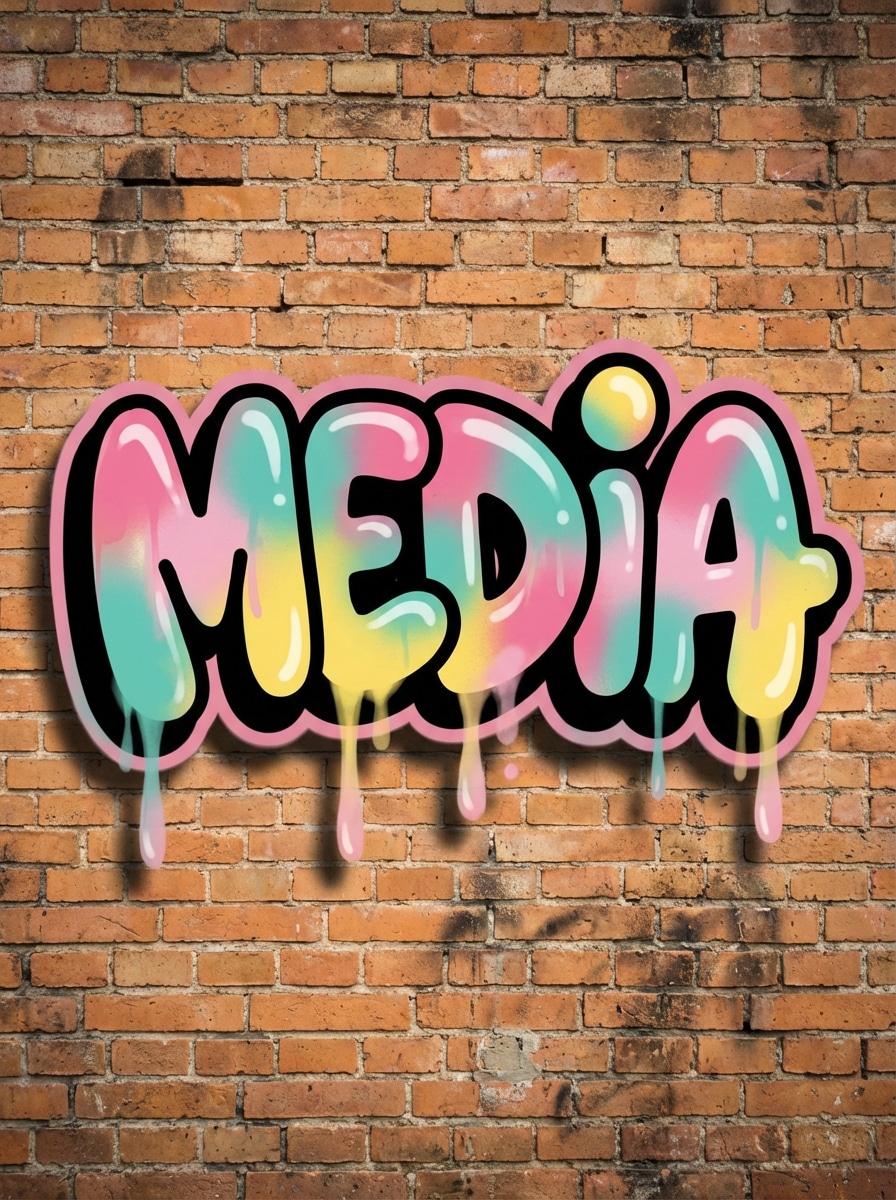
Create readable bubble graffiti letters for the word “MEDIA” with rounded shapes, thick black outlines, glossy pink, teal, and yellow spray-paint fills, subtle drips, soft wall shadows, and a gritty brick background. Keep the composition centered, playful, high-contrast, and polished like a clean street-art mural.
Throw-Up Style
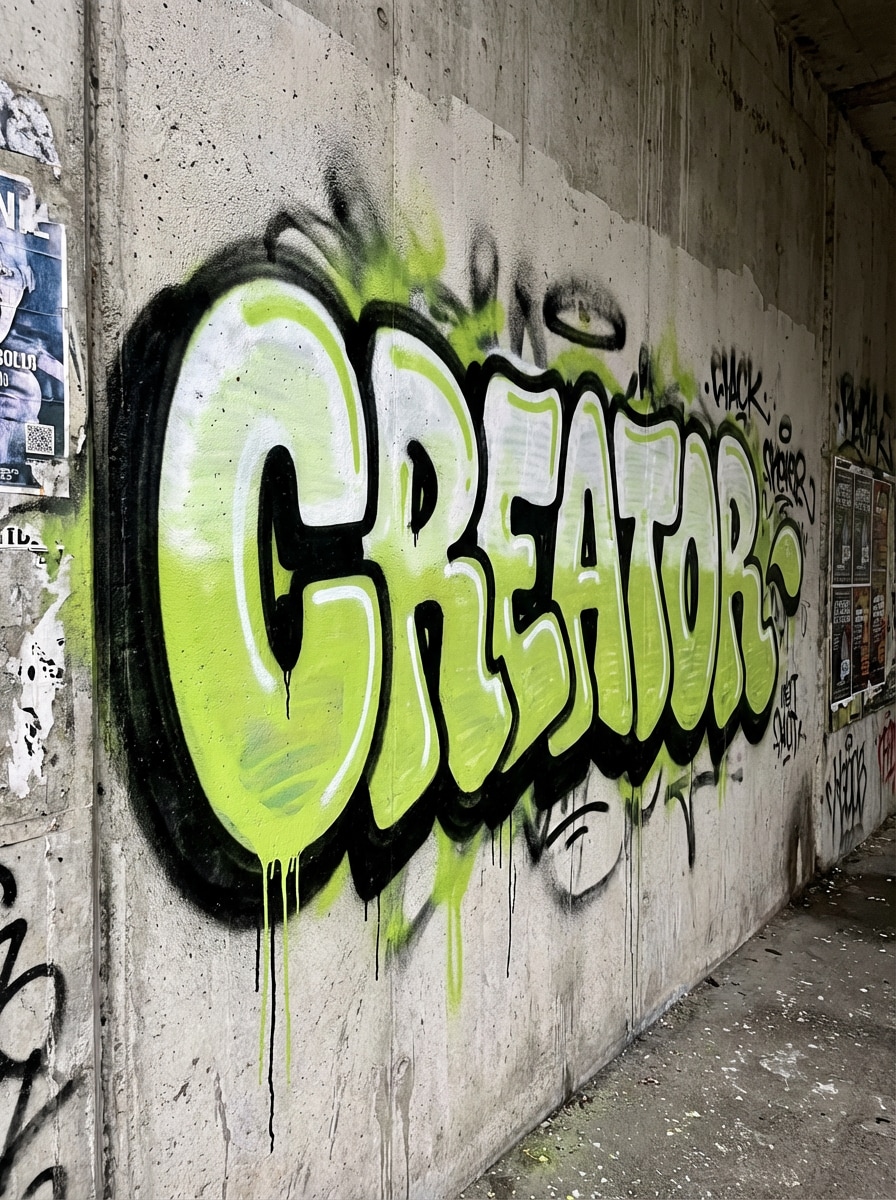
Generate a throw-up graffiti piece spelling “CREATOR” in inflated, fast-flow lettering with a white and lime two-tone fill, bold dark outline, energetic spray overspray, paint drips, and rough concrete texture. Use a slightly angled composition, urban mood, and crisp detail while keeping the text legible and authentic.
Wildstyle Graffiti
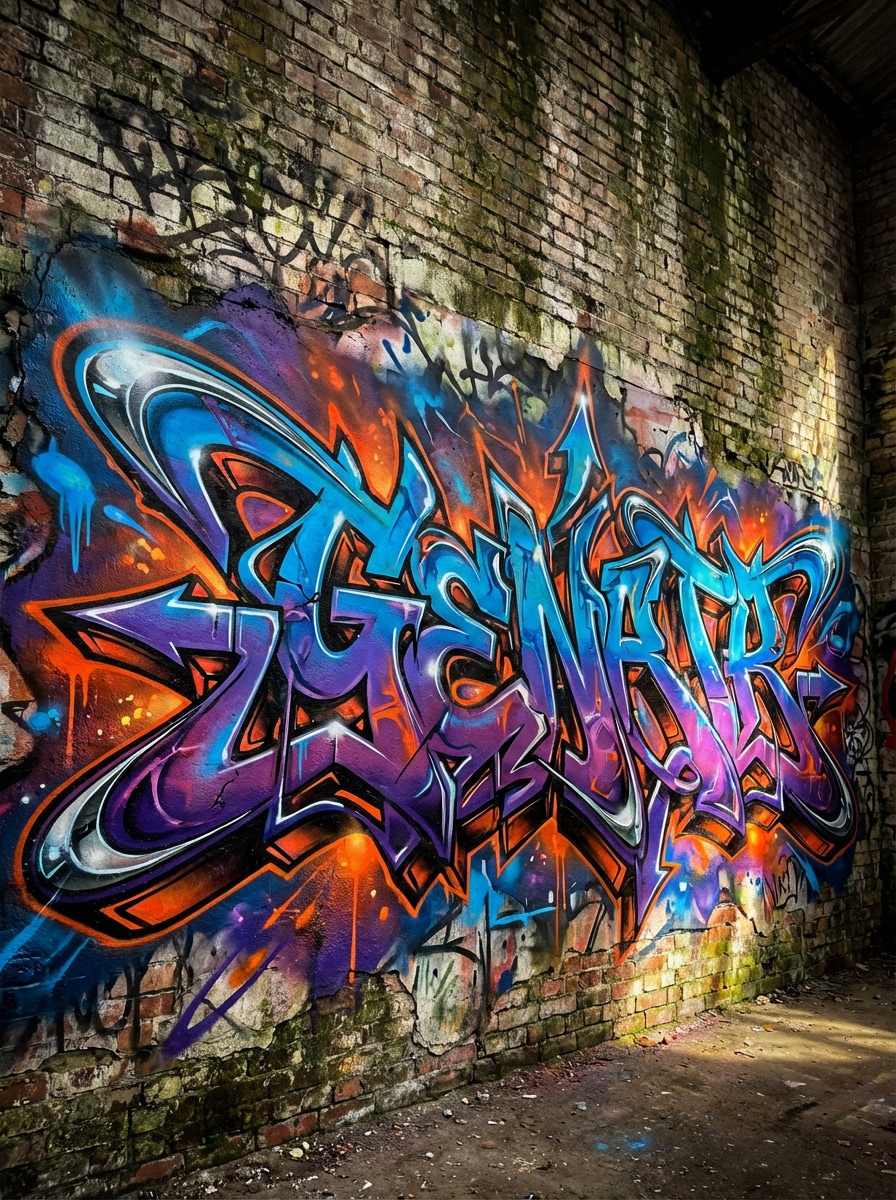
Design intricate wildstyle graffiti for the word “GENERATOR” with interlocking letters, arrows, sharp extensions, layered depth, electric blue, purple, and orange spray-paint accents, subtle chrome highlights, and a weathered wall backdrop. Make it dynamic, dense, and expressive, with dramatic lighting and premium mural-level detail.
3D Blockbuster
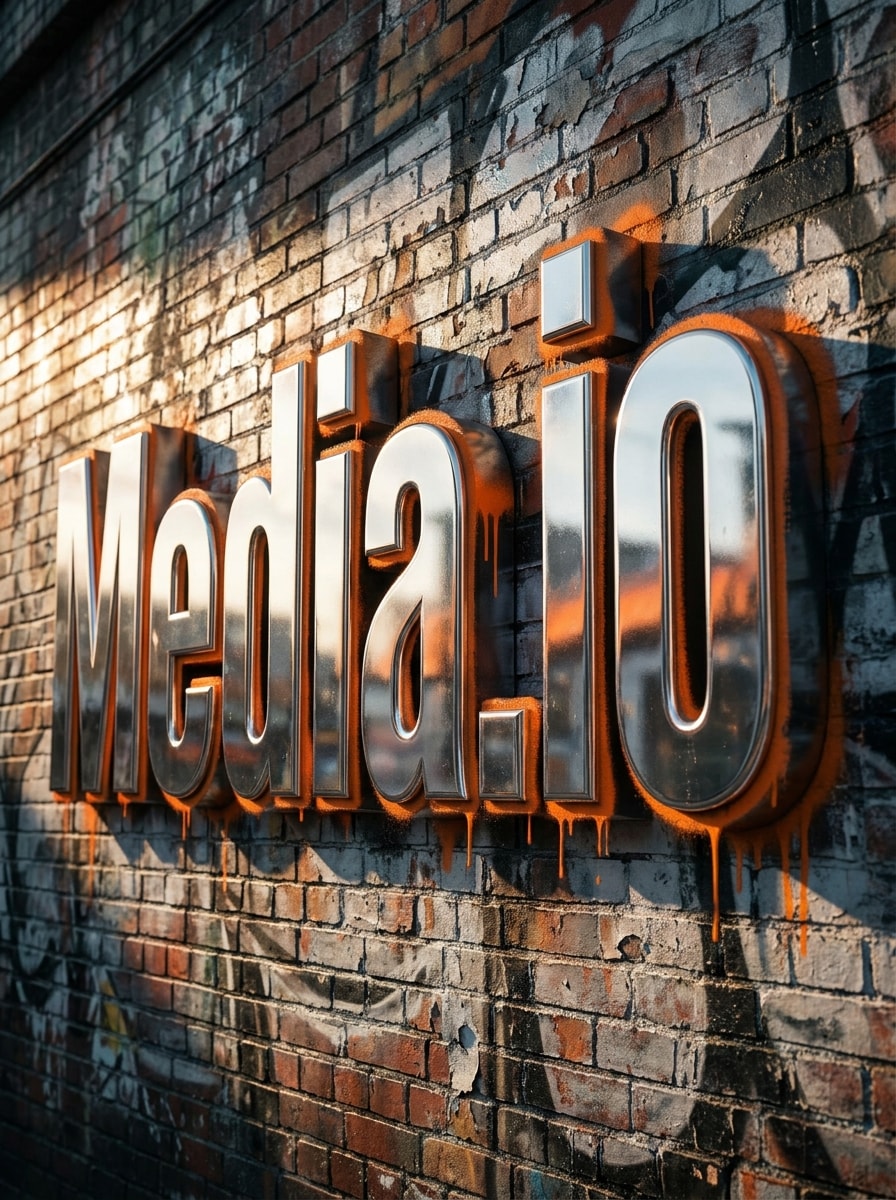
Create bold 3D blockbuster graffiti text saying “Media.io” with thick block letters, deep extruded shadows, chrome silver surfaces, orange spray-paint edges, and realistic brick-wall texture. Use cinematic side lighting, a strong central composition, crisp reflections, and a powerful street-art mood suitable for posters or branding concepts.
Neon Graffiti Wall
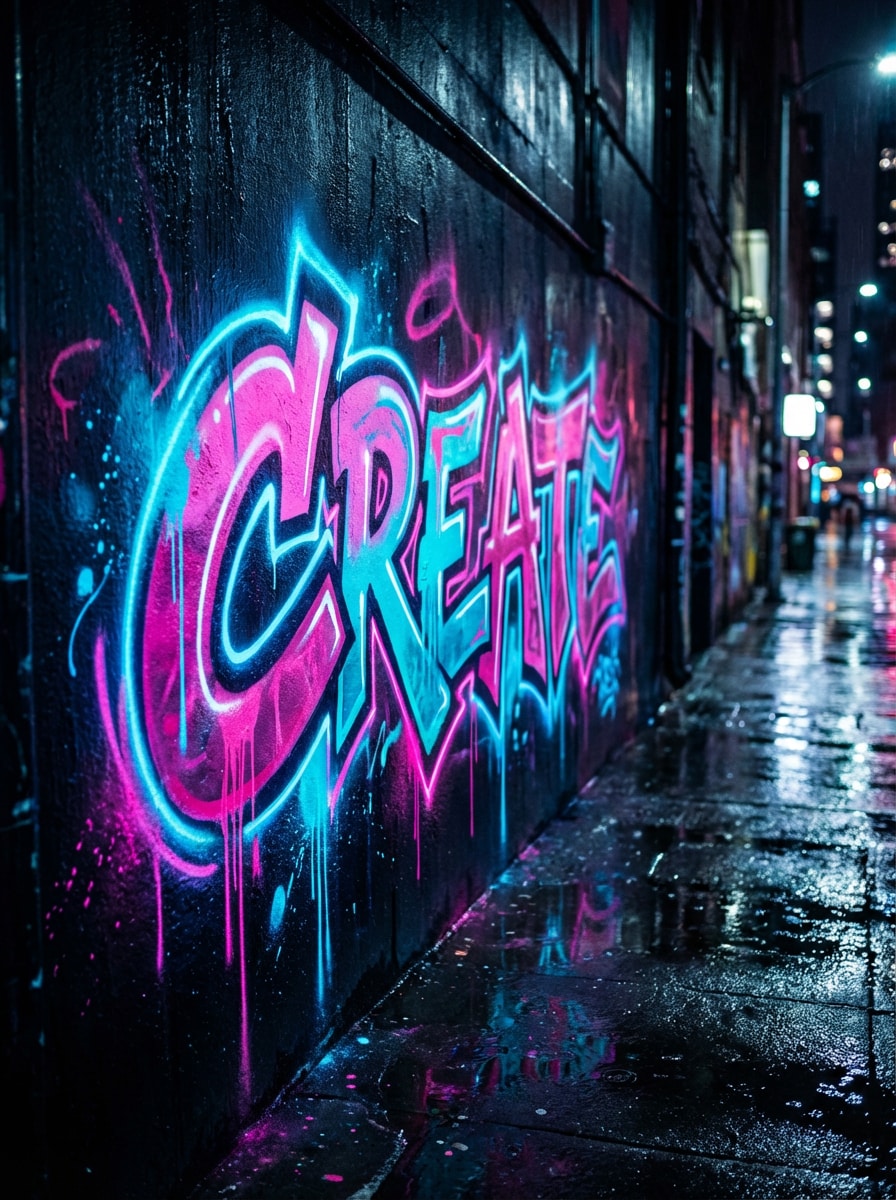
Generate neon graffiti lettering for the word “CREATE” with glowing pink and cyan paint effects, luminous edge highlights, wet alley reflections, layered spray texture, and a dark urban wall at night. Keep the design readable, futuristic, and moody, with vibrant contrast and polished detail for highly clickable social visuals.
Retro Subway Graffiti
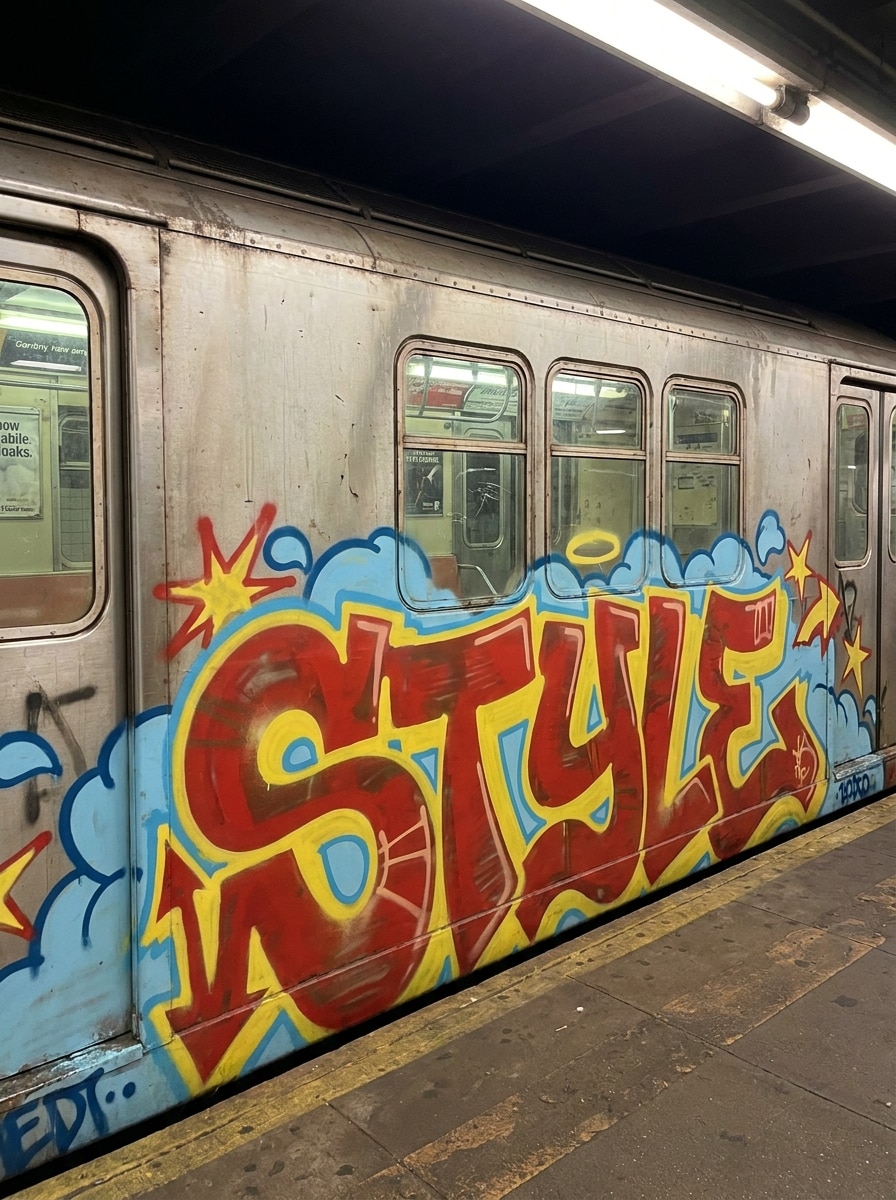
Create an old-school subway graffiti piece featuring the word “STYLE” with bold fills, clouds, stars, arrows, and a classic 1980s hip-hop influence. Use red, yellow, and sky-blue aerosol tones, authentic paint texture, balanced composition, and a nostalgic urban energy that feels hand-painted yet cleanly rendered.
Graffiti Poster Design
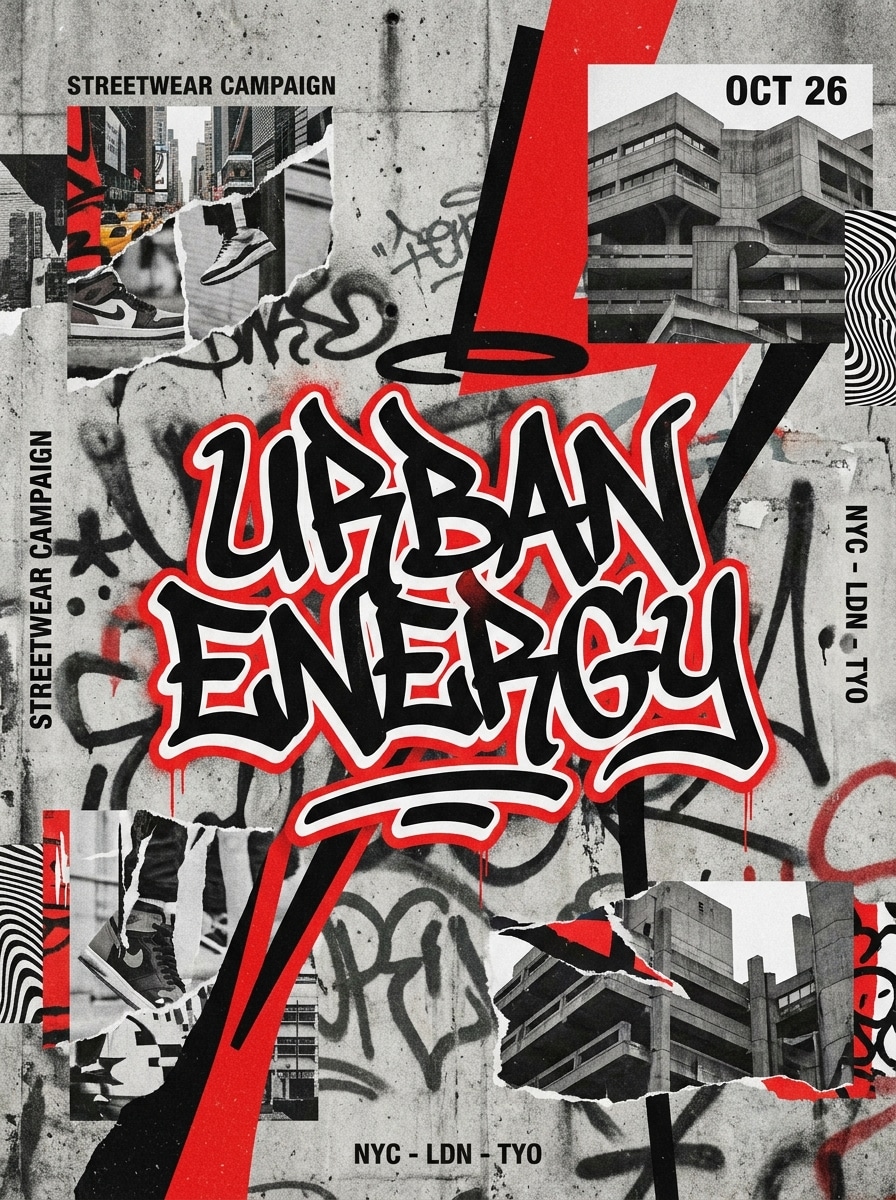
Design a streetwear-inspired poster with the phrase “Urban Energy” in stylish graffiti lettering, layered spray textures, torn-paper collage elements, bold black-and-red contrast, and an editorial layout. Add gritty wall texture, strong focal hierarchy, and a modern street-art mood suitable for campaigns, event flyers, or social posts.
Graffiti Logo Concept
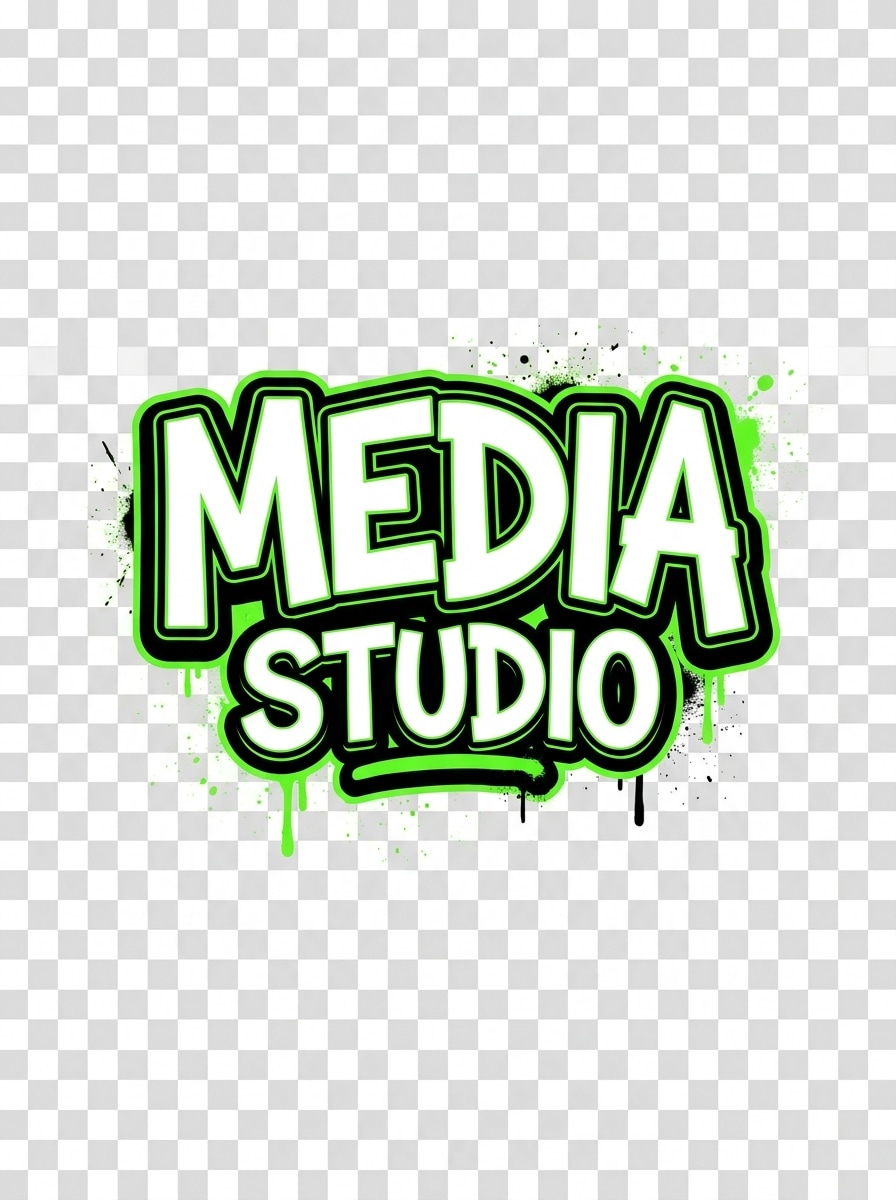
Create a graffiti logo concept for the brand name “Media Studio” with clean readable lettering, bold outline control, limited black, white, and electric green palette, subtle paint splatter, and transparent-background-ready composition. Keep the design sharp, balanced, and versatile, blending street-art attitude with brand-friendly clarity.
Character + Text Mural
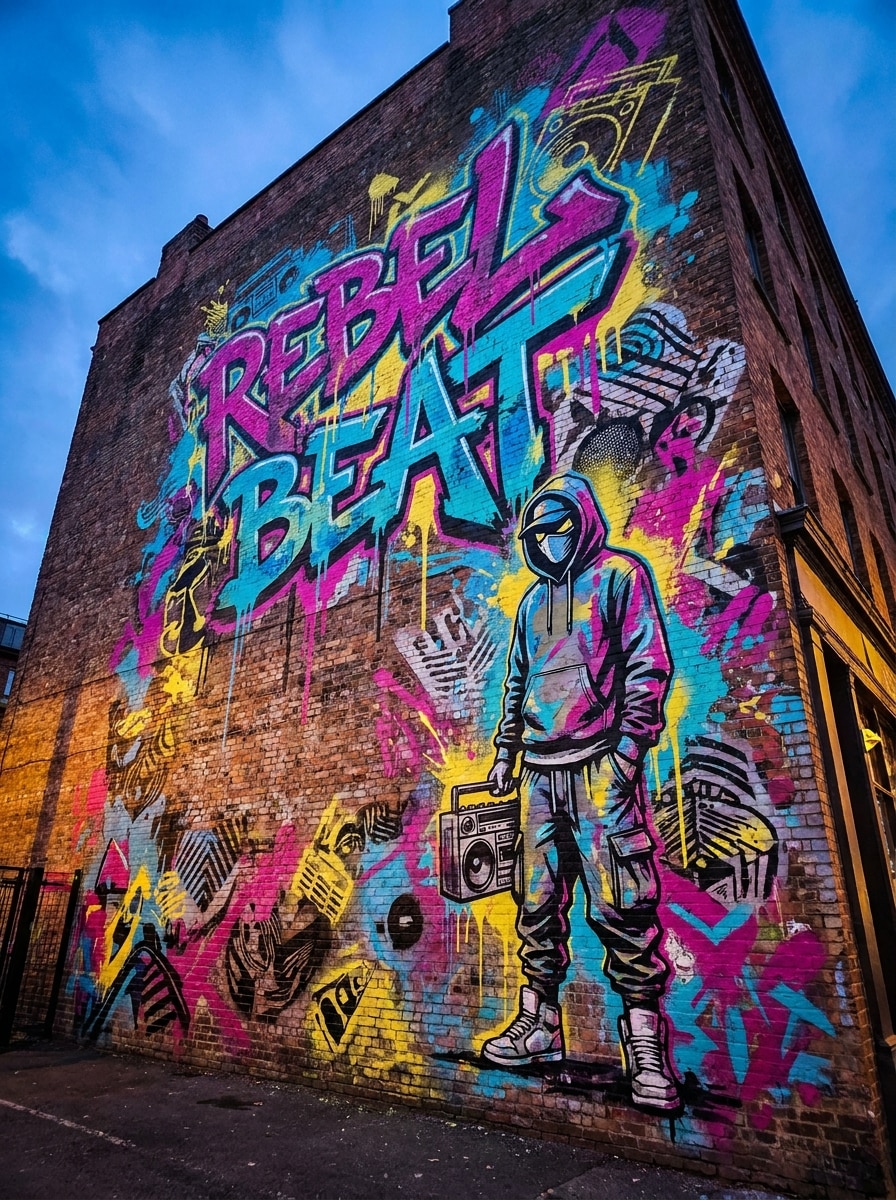
Generate a large city-wall mural with the graffiti phrase “Rebel Beat,” a stylized streetwear character, layered stencil textures, colorful paint splashes, and cinematic realism. Use vivid magenta, cyan, and yellow accents, dramatic wall lighting, and a bold composition that feels immersive, expressive, and ready for concept presentation.
Stencil Street Art
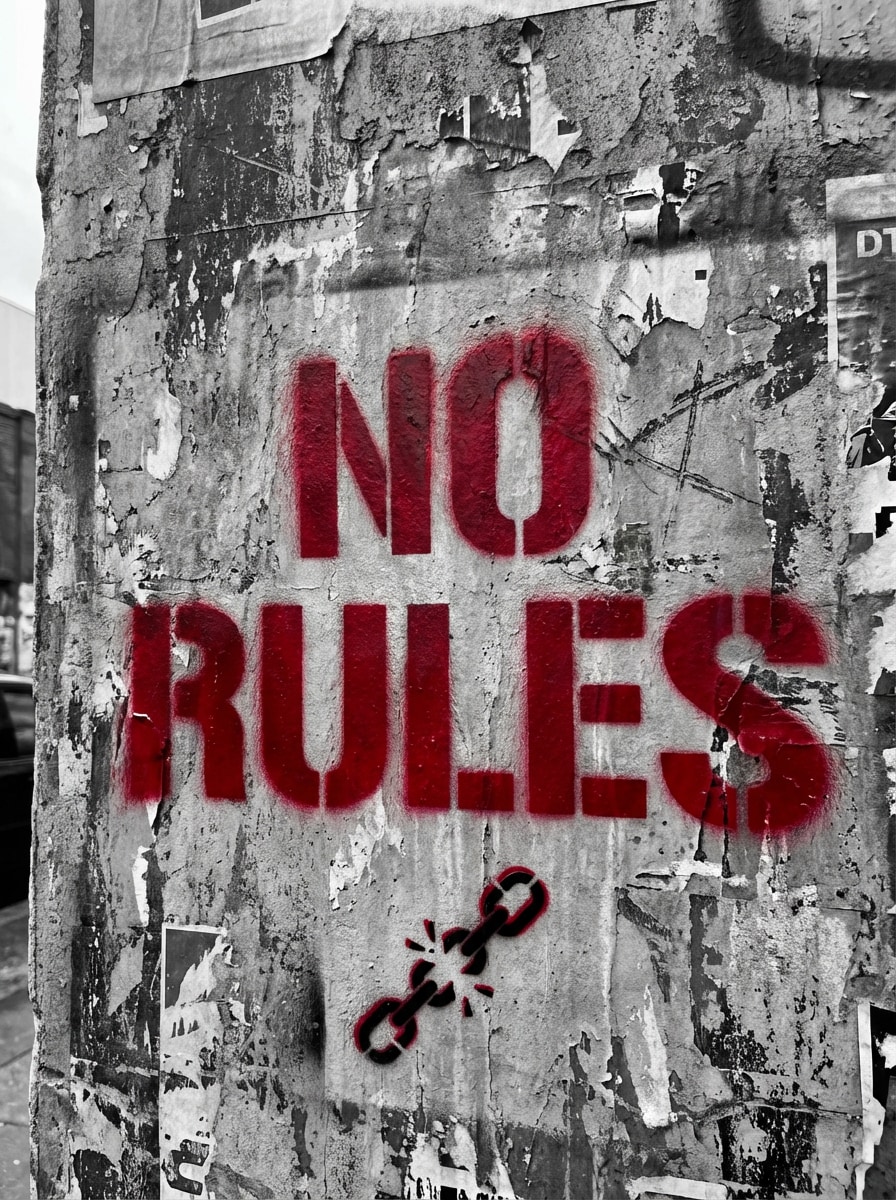
Turn the phrase “No Rules” into stencil-style graffiti art with a monochrome base, distressed wall texture, red accent spray paint, crisp cutout edges, and a striking political street-art mood. Keep the composition minimal but impactful, with gritty realism, balanced negative space, and poster-ready visual clarity.
Why Use Media.io for AI Graffiti Creation
Multiple AI Models for Better Graffiti Styles
Create text-to-image graffiti with advanced models including Nano Banana Pro, Nano Banana 2, Seedream 5.0 Lite, and more. Media.io gives you more flexibility for bubble letters, murals, logo concepts, stylized street-art scenes, and even a bubble graffiti generator style.
High-Resolution Downloads Up to 4K
Generate graffiti art in 1K, 2K, or 4K resolution for social posts, poster concepts, branding mockups, and mural presentations. Higher-quality output helps your lettering, textures, color gradients, and 3D effects stay crisp when exploring a 3d graffiti letters creator concept.
Flexible Aspect Ratios for Every Platform
Choose from Auto, 1:1, 9:16, 16:9, 4:3, 3:4, 3:2, and 2:3 to fit Instagram posts, mobile wallpapers, posters, presentation slides, or wide mural mockups without awkward cropping.
Beginner-Friendly Prompt-to-Art Workflow
Type a simple idea in English, choose settings, and generate polished results in minutes. Whether you need a graffiti letter creator, a mural visual, or a logo concept, Media.io makes the workflow easy to start and refine.
How to Make Graffiti Art Online
1
2
3
1
Open Media.io Graffiti Creator Generator
Go to AI Text to Image Generator and open the Graffiti Creator Generator under AI -> Text to Image. This online tool runs in your browser, so you can create street-art visuals on Windows, Mac, iOS, or Android without installing software.
2
Enter a Prompt or Choose Your Style
Type a detailed prompt, for example: “Readable bubble graffiti letters spelling MEDIA, glossy pink and teal spray paint, black outline, brick wall, subtle drips, high contrast.” Then pick the aspect ratio and resolution that fit your design goal.
3
Generate, Refine & Download
Click Generate. Tweak the wording if you want a cleaner logo look, a more complex wildstyle piece, or stronger 3D depth. When the result looks right, download your high-resolution graffiti image for sharing, concept boards, or creative projects.
See how creators use this Media.io graffiti creator generator for content, marketing, and personal projects, then adapt each idea to fit the brief.
Create Name Art for Social Profiles
Turn a nickname, gamer tag, or artist alias into bold graffiti visuals for avatars, headers, and posts. Media.io works well as a graffiti letters maker when you want fast ideas in bubble, throw-up, neon, or mural-inspired styles.
Build Streetwear Logos and Poster Concepts
Use AI graffiti lettering to mock up brand marks, event flyers, album art, and campaign posters. If you need a graffiti writing creator for readable yet expressive text, Media.io lets you explore clean logo-style prompts, graffiti creator text variations, or more layered urban compositions.
Develop Wildstyle and 3D Mural Mockups
Experiment with advanced lettering before moving into illustration or wall design. From a graffiti generator wildstyle concept to a 3d graffiti letters generator look, Media.io helps creators preview complex forms, color palettes, and wall-ready compositions quickly.
What Users Say
Jalen Brooks
Streetwear Brand Owner
"Fast logo concepting" I needed graffiti-style wordmarks for apparel drops, and Media.io gave me strong concepts in minutes. It’s much more flexible than a basic text font tool because I can describe wall texture, color, and mood too.
Mia Torres
Content Creator
"Great for social visuals" The neon and bubble-letter outputs are eye-catching and easy to generate on my phone. I used it like a bubble graffiti generator for story graphics, and the results felt polished enough to post right away.
Andre Kim
Freelance Designer
"Useful for mural ideation" I test mural directions here before building client presentations. The ability to switch prompts from readable lettering to denser wildstyle makes it a practical brainstorming tool, especially when I need several visual directions quickly.
Sofia Bennett
Music Promo Designer
"Good quality and easy workflow" I made poster art and title treatments without needing complicated software. The prompt-based workflow is simple, and the higher-resolution downloads are helpful when I need sharper assets for promo mockups.
A graffiti creator generator is a tool that turns text prompts into graffiti-style images. On Media.io, you can describe lettering, colors, wall textures, and mood, then generate original visuals for names, posters, logos, or mural concepts instead of relying only on preset fonts.
2. Can I turn text into graffiti art with AI?
Media.io lets you type a prompt in English and generate AI graffiti artwork from it. You can create readable bubble text, throw-up styles, mural-style scenes, or more advanced results like a graffiti wildstyle generator look, a bubble letters graffiti generator concept, or even a calligraffiti generator-inspired composition.
3. Is this graffiti generator free to use?
Yes, free users can try Media.io with free credits. For more generations or added benefits, you can check the pricing page. Free outputs may include a watermark, while paid subscribers can download watermark-free high-resolution images. If you are looking for a graffiti letter generator free option to test ideas, the free credits are a useful starting point. Free users can use free credits. For more usage, users can subscribe to a plan on the pricing page. Upgrade to a paid plan on the pricing page for more credits and watermark-free high-resolution downloads.
4. How do I write a good prompt for graffiti text to image?
Start with the exact word or phrase you want, then add the lettering style, color palette, background, and mood. For example: “Word MEDIA in glossy bubble letters, black outline, pink and teal spray paint, brick wall, subtle drips, high contrast.” You can also guide Media.io toward a graffiti creator text result with wildstyle, bubble, or 3D lettering details.
5. Can I make graffiti names, logos, or mural concepts?
Media.io can generate graffiti names, brand-style wordmarks, poster treatments, and large mural concepts from prompts. It can work like a graffiti letter creator, a graffiti writing creator, a graffiti letters maker, or a concept tool for logos and wall art depending on how you describe the output.
6. What image quality and download formats are available?
Media.io supports 1K, 2K, and 4K image generation, so you can choose higher resolution for posters, branding mockups, and detailed street-art visuals. This also helps when testing a 3d graffiti letters creator or 3d graffiti letters generator direction with sharper lettering and texture detail. Free users may have watermarks.