画像から画像生成
Nano Banana Pro
0/2000
1K
自動
1
Banana Pro無制限モード
作品
アイデアハブ
すべて
生成リスト
作品は 7 日間保存されます。アップグレード後に作成されたアセットは永久保存されます。
ai_video_generator創造力を解き放ち、Media AIの魔法をすぐに体験しよう!

Thunderstorm Filter for Dramatic Lightning and Storm Photo Effects

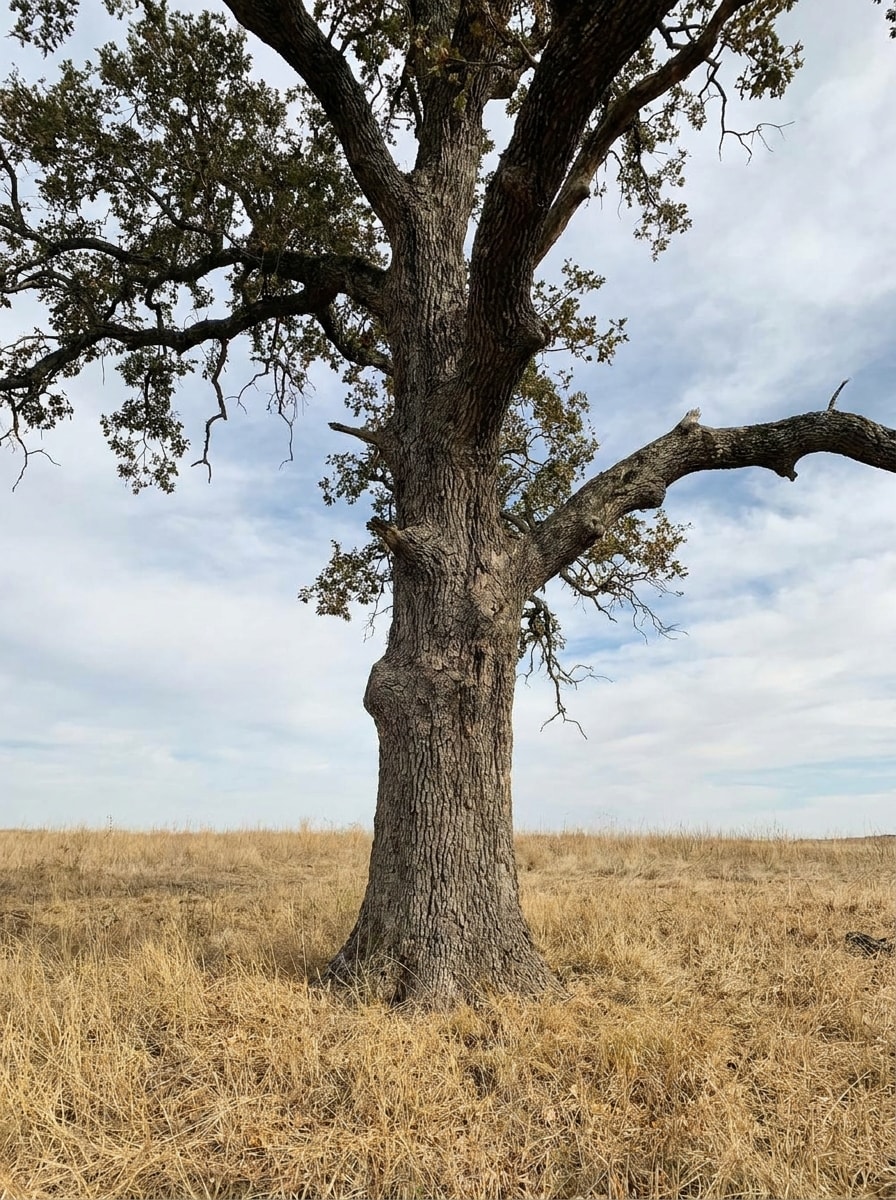
Thunderstorm Filter Before
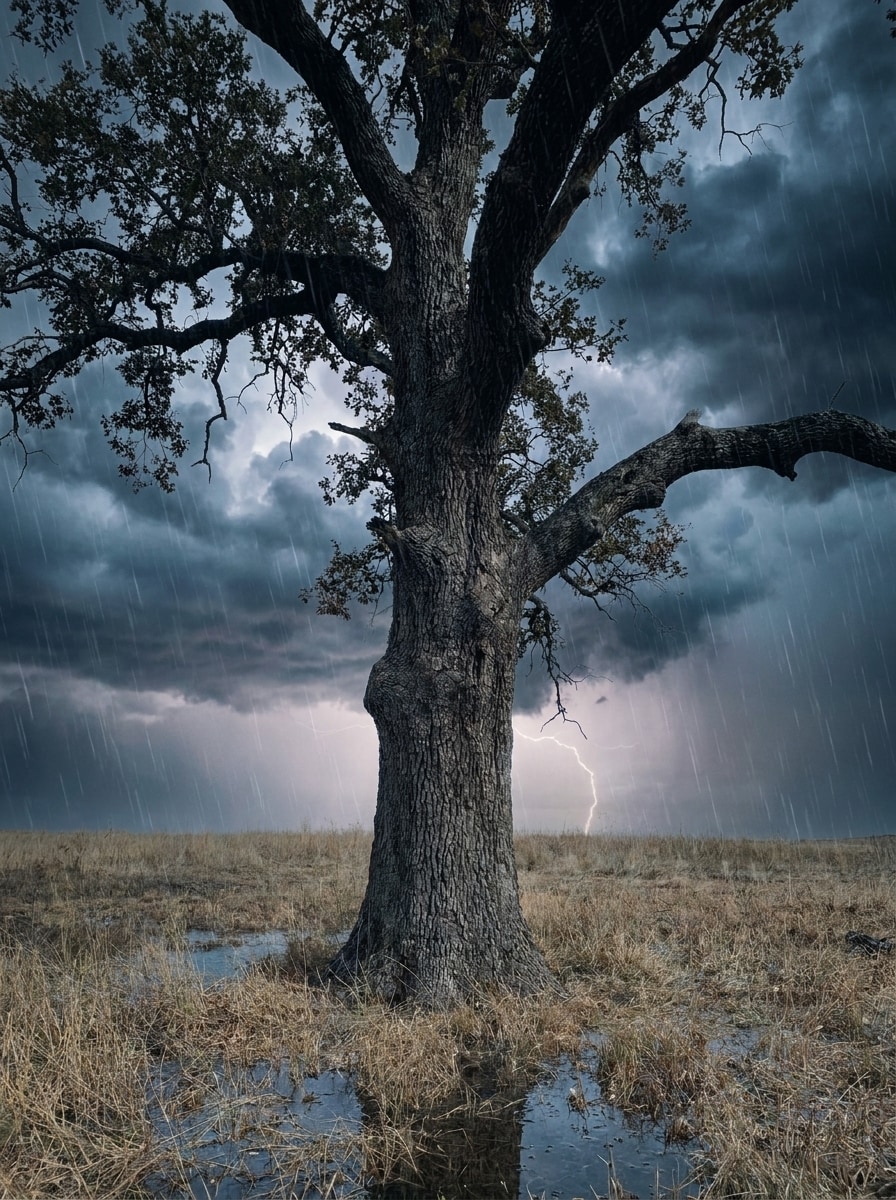
Thunderstorm Filter After

Create cinematic weather edits from your own photos with a realistic thunderstorm filter. Add lightning, rain, dark clouds, and a moody atmosphere to portraits, selfies, landscapes, or city shots in seconds with Media.io’s AI image-to-image editor. It can also help with storm cloud filter.

Create My Storm Edit

Type your idea -> AI designs it. Free to try.

Review these sample directions, then customize the details to get stronger results with this thunderstorm filter or an AI storm filter look in Media.io.

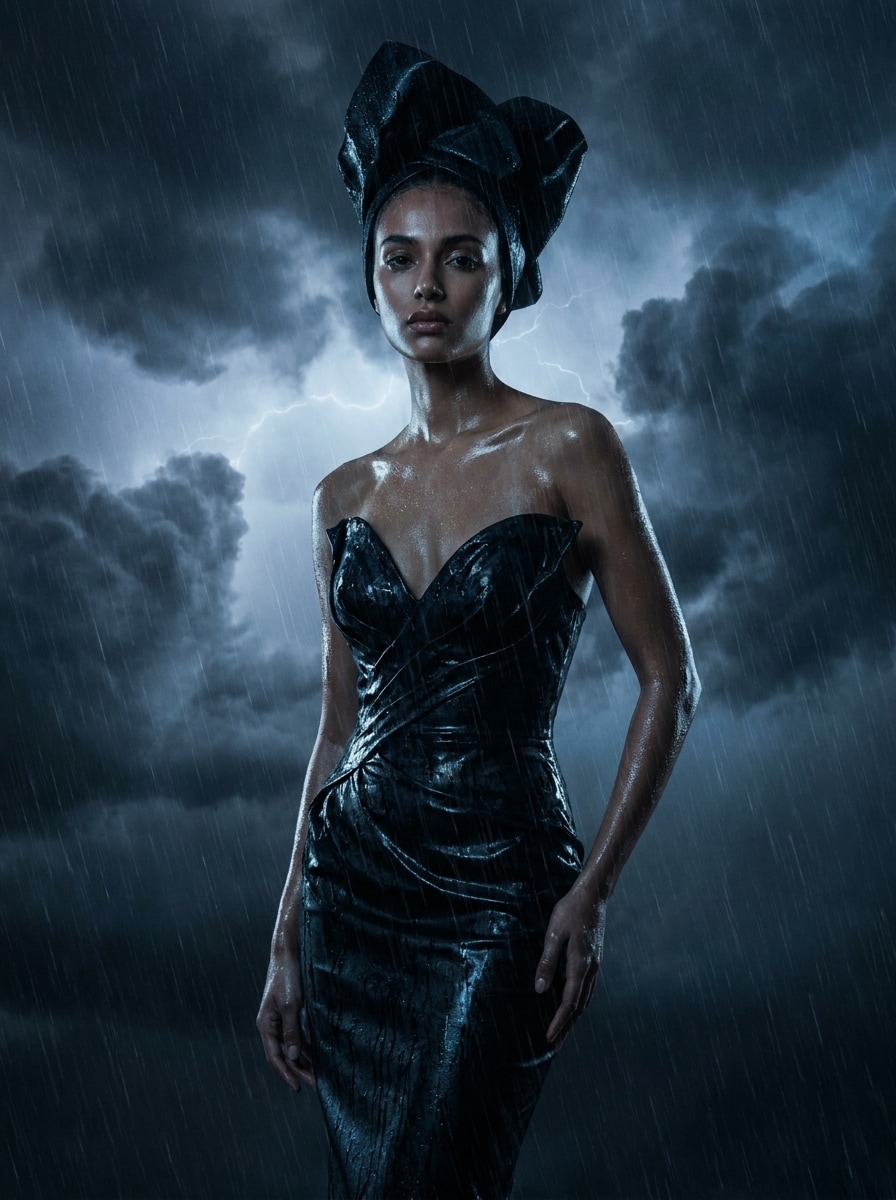
Moody Lightning Portrait

Moody Lightning Portrait

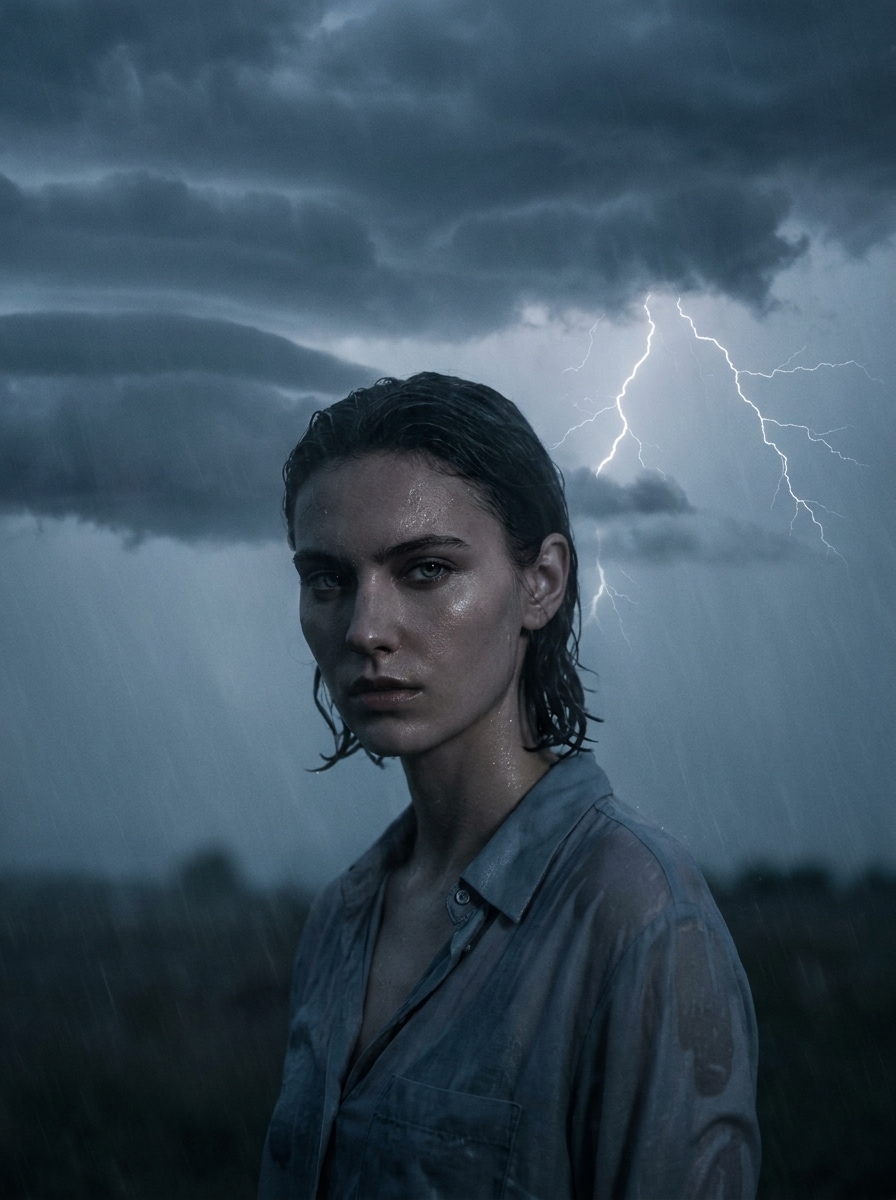
Use the uploaded image as the main subject and transform it into a cinematic thunderstorm portrait. Add dense dark storm clouds behind the subject, a realistic lightning strike in the distance, cool blue-gray color grading, subtle rain mist, glossy wet highlights, dramatic contrast, and preserve natural facial detail.

Rainy Editorial Storm

Rainy Editorial Storm

Use the uploaded image as the subject and apply a high-end editorial storm makeover. Add layered rain, heavy thunderclouds, faint lightning glow, reflective wet surfaces, rich shadow depth, cool desaturated tones, and a polished fashion-magazine mood while keeping the person or scene recognizable.

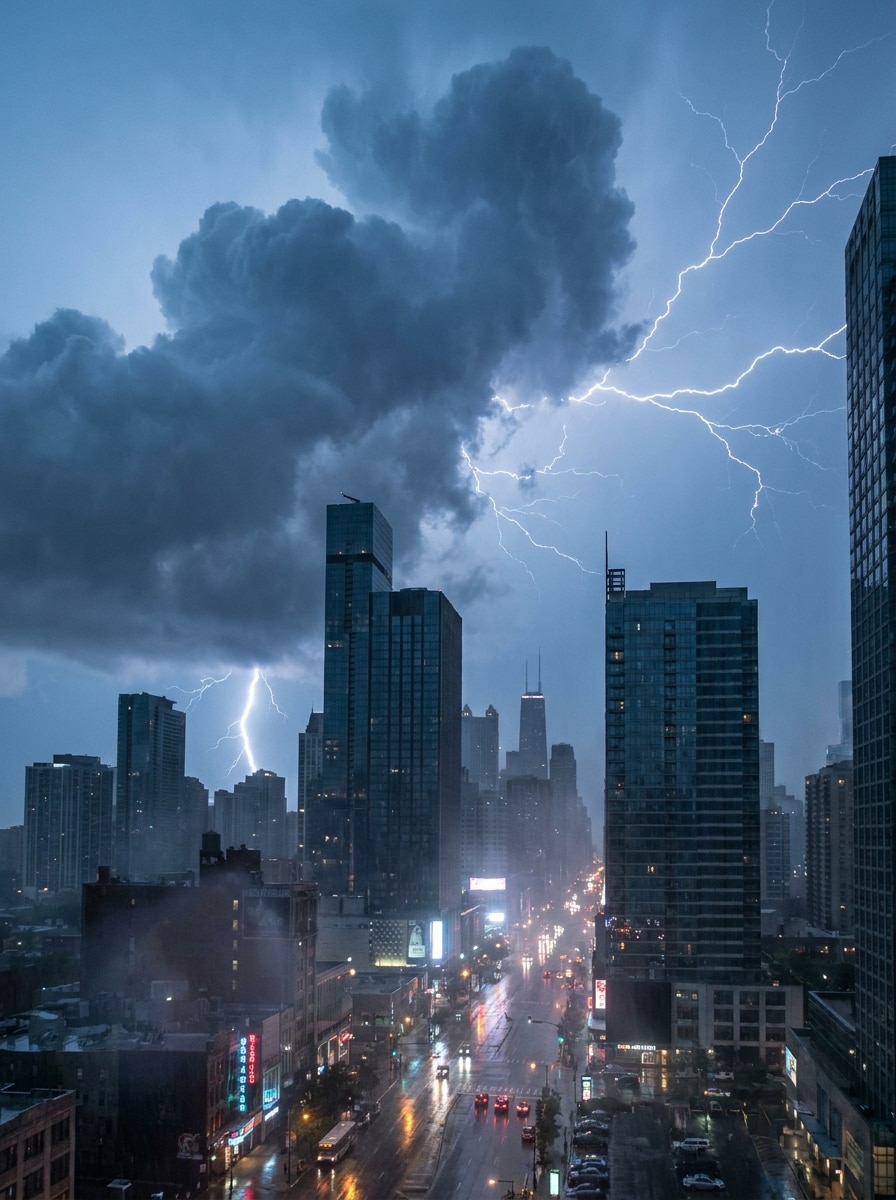
City Skyline Thunderstorm

City Skyline Thunderstorm

Use the uploaded city photo as the base and turn it into a dramatic storm scene. Fill the sky with towering storm clouds, add bright lightning forks, wet street reflections, light atmospheric haze, darker contrast, and a cinematic urban mood with realistic weather texture.

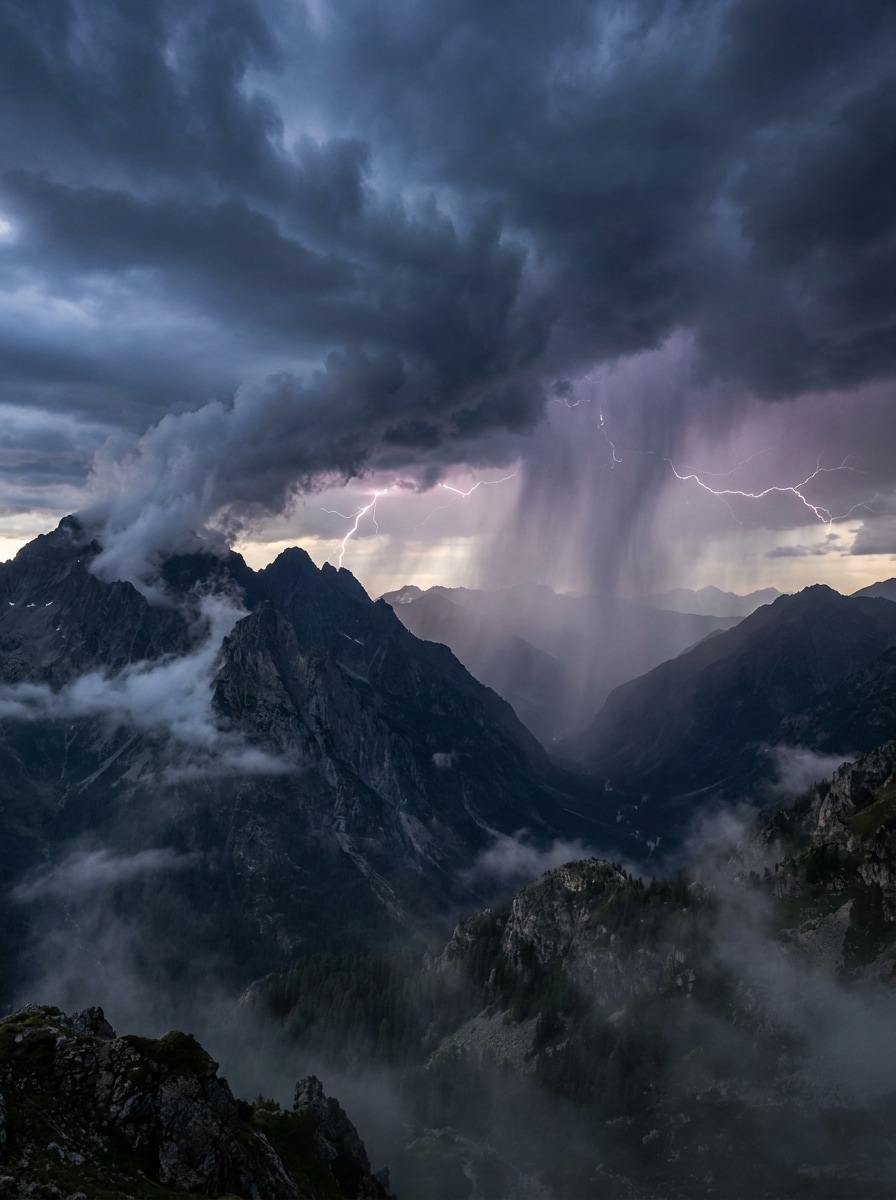
Epic Mountain Storm

Epic Mountain Storm

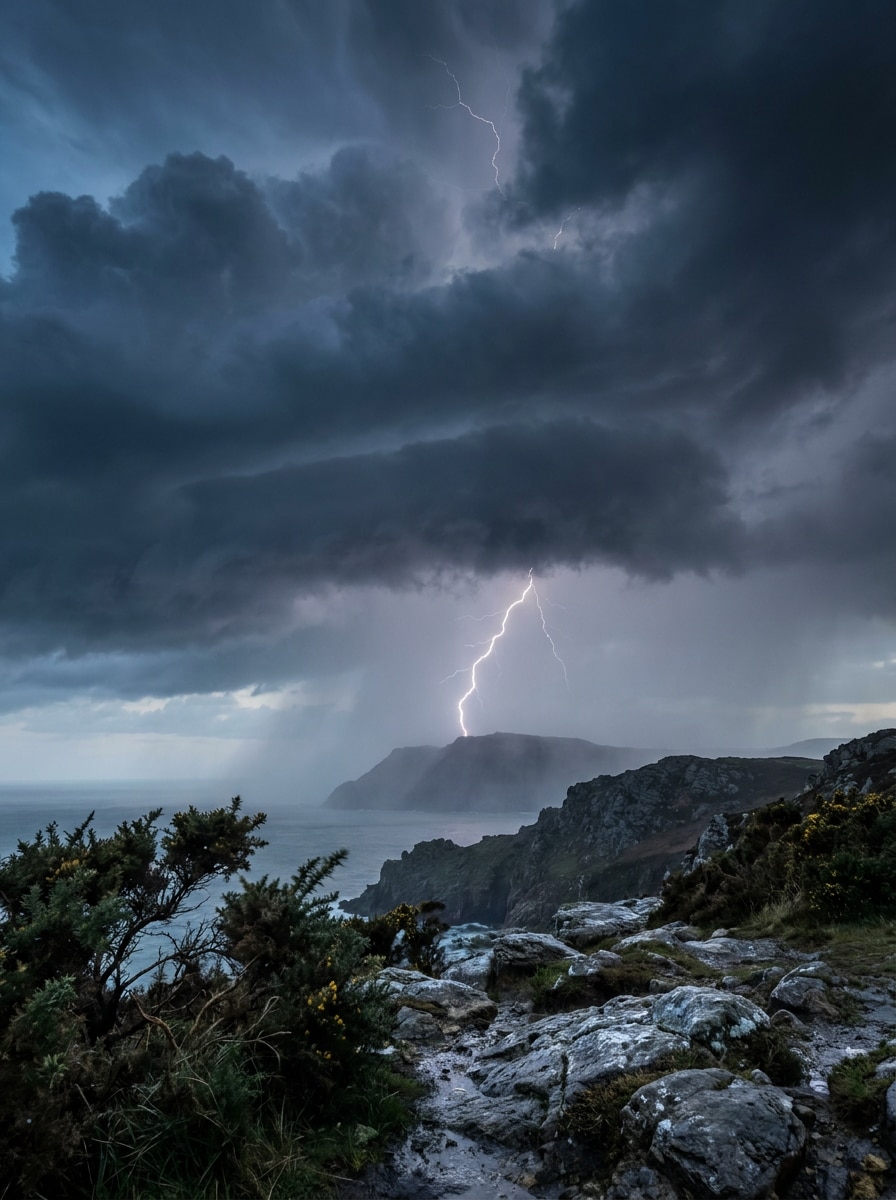
Use the uploaded landscape image and transform it into an epic mountain thunderstorm. Add massive storm clouds over the peaks, distant lightning, rain curtains, stronger depth, darker sky tones, cool natural color grading, and realistic weather drama while preserving terrain details.

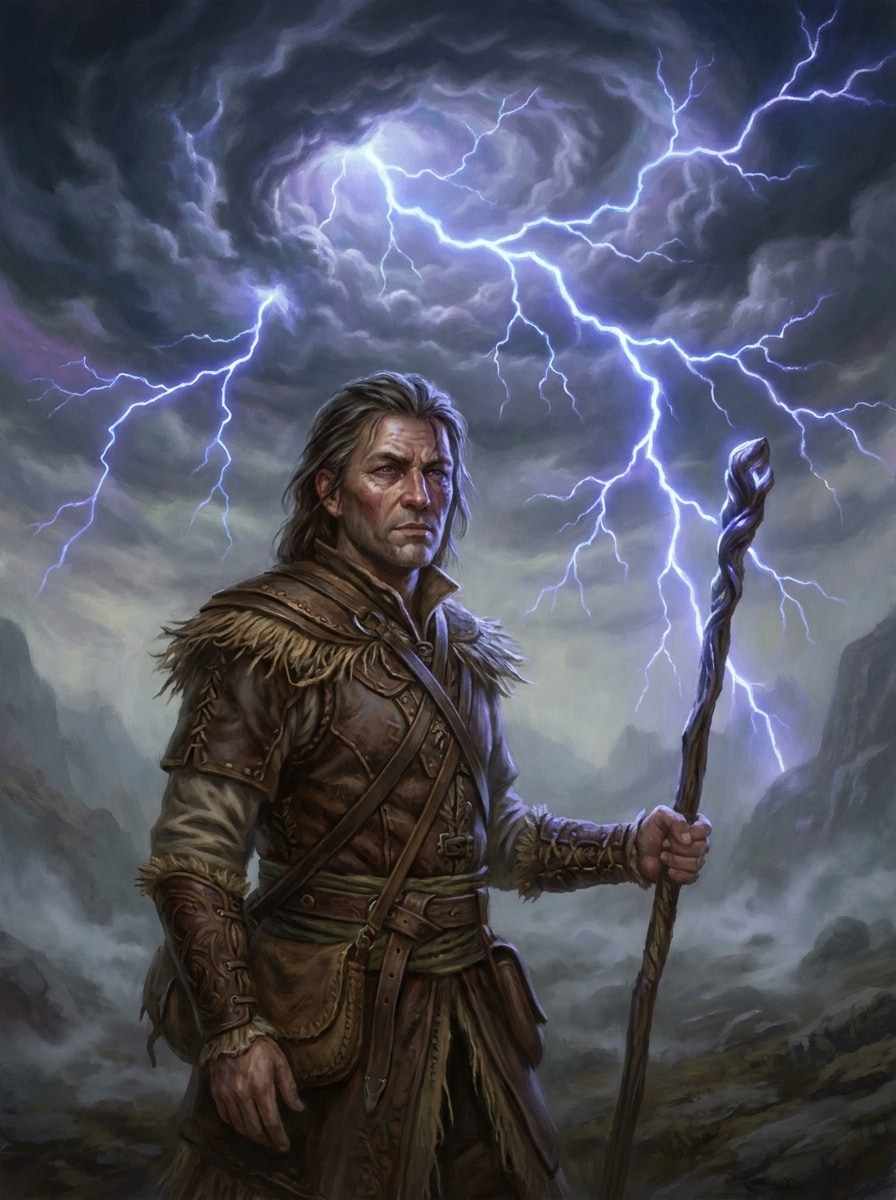
Fantasy Lightning Sky

Fantasy Lightning Sky

Use the uploaded image as the subject and restyle the scene with a surreal storm sky. Add swirling dark clouds, glowing branching lightning, luminous blue-violet highlights, misty atmosphere, magical realism, and strong contrast while keeping the original subject clear and centered.

Apocalyptic Storm Effect

Apocalyptic Storm Effect

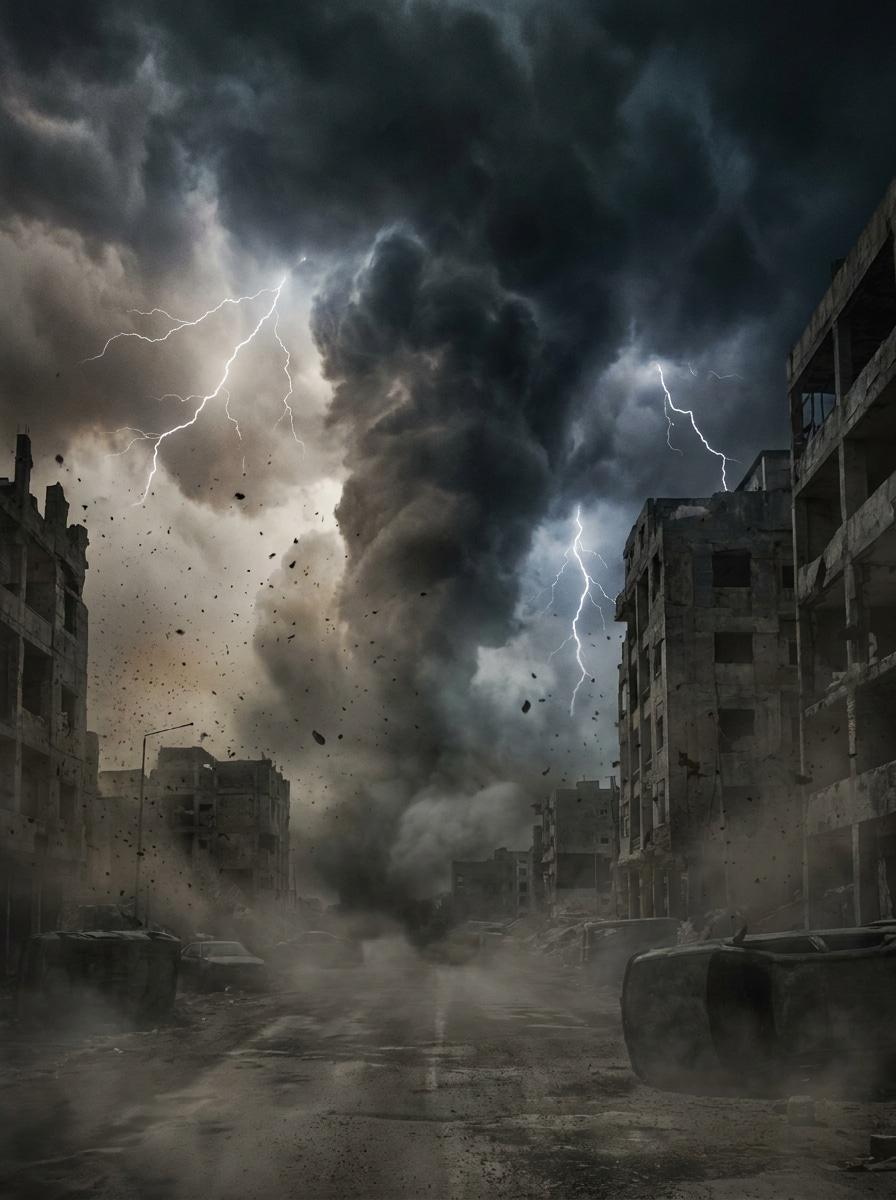
Use the uploaded image as the scene base and create an apocalyptic storm transformation. Add giant storm fronts, intense lightning, dark fog, windblown atmosphere, muted desaturated colors, heavy contrast, and disaster-movie scale while maintaining believable structure and recognizable subjects.

Before and After Lightning Pop

Before and After Lightning Pop

Use the uploaded image and apply a bold storm effect designed for social before-and-after reveals. Add one striking lightning focal point, darkened clouds, boosted contrast, subtle rain, crisp highlights, and a realistic finish that reads clearly on mobile screens.

Stormy Selfie Filter

Stormy Selfie Filter

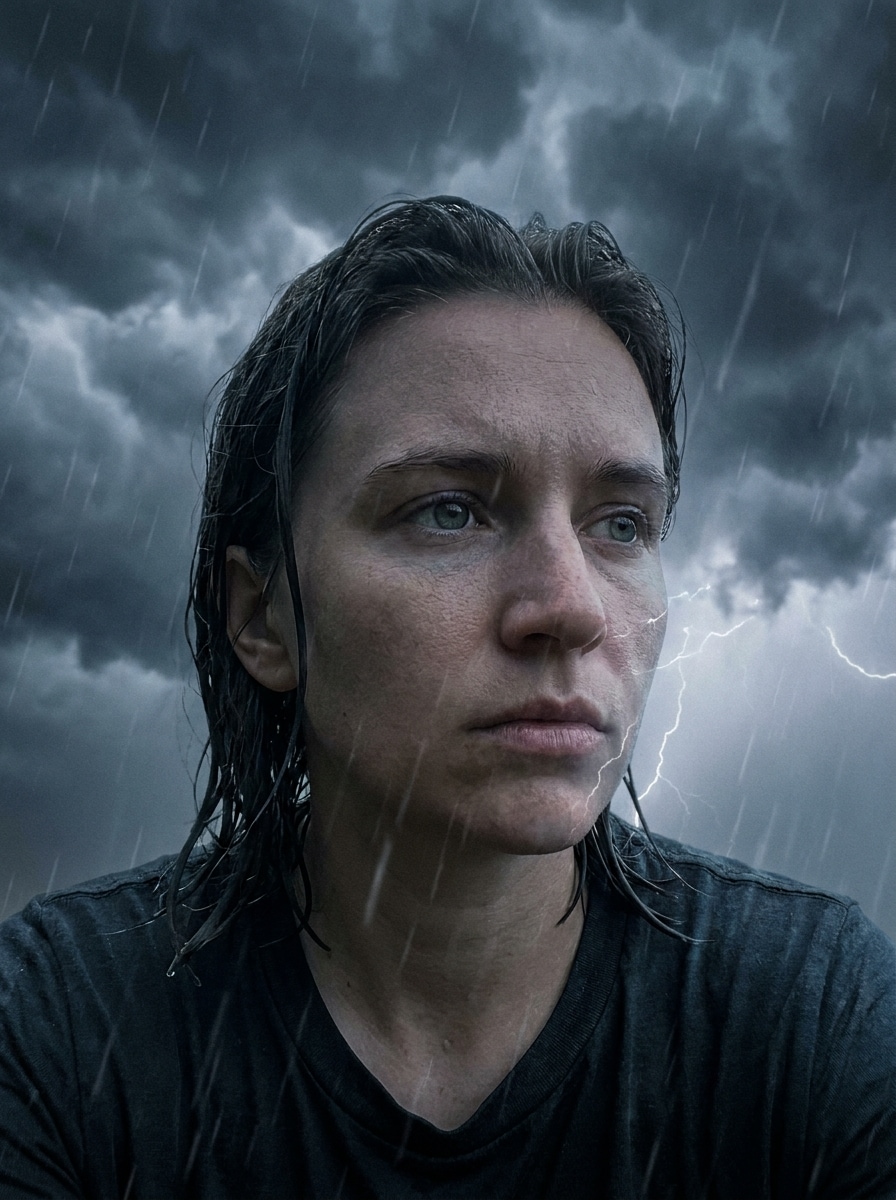
Use the uploaded selfie as the subject and give it a realistic storm makeover. Add dark cloud cover, soft rain streaks, gentle lightning illumination, cool blue grading, moody shadows, and preserve facial clarity for a polished AI storm filter look.

Documentary Storm Realism

Documentary Storm Realism

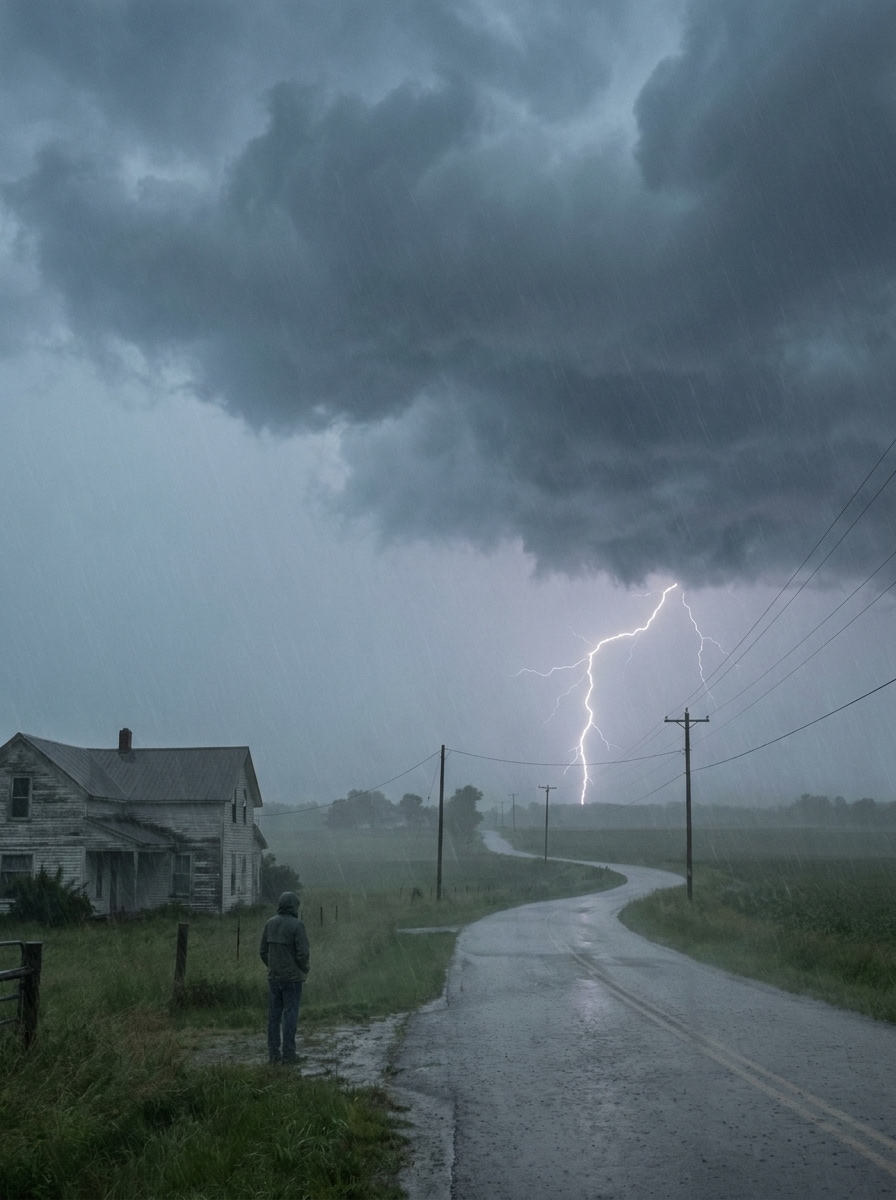
Use the uploaded image and make it look as if it was captured during a real thunderstorm. Add authentic cloud density, natural lightning placement, muted storm colors, light atmospheric moisture, restrained contrast, and believable weather lighting without fantasy exaggeration.

Dark Sky and Lightning Enhancement

Dark Sky and Lightning Enhancement

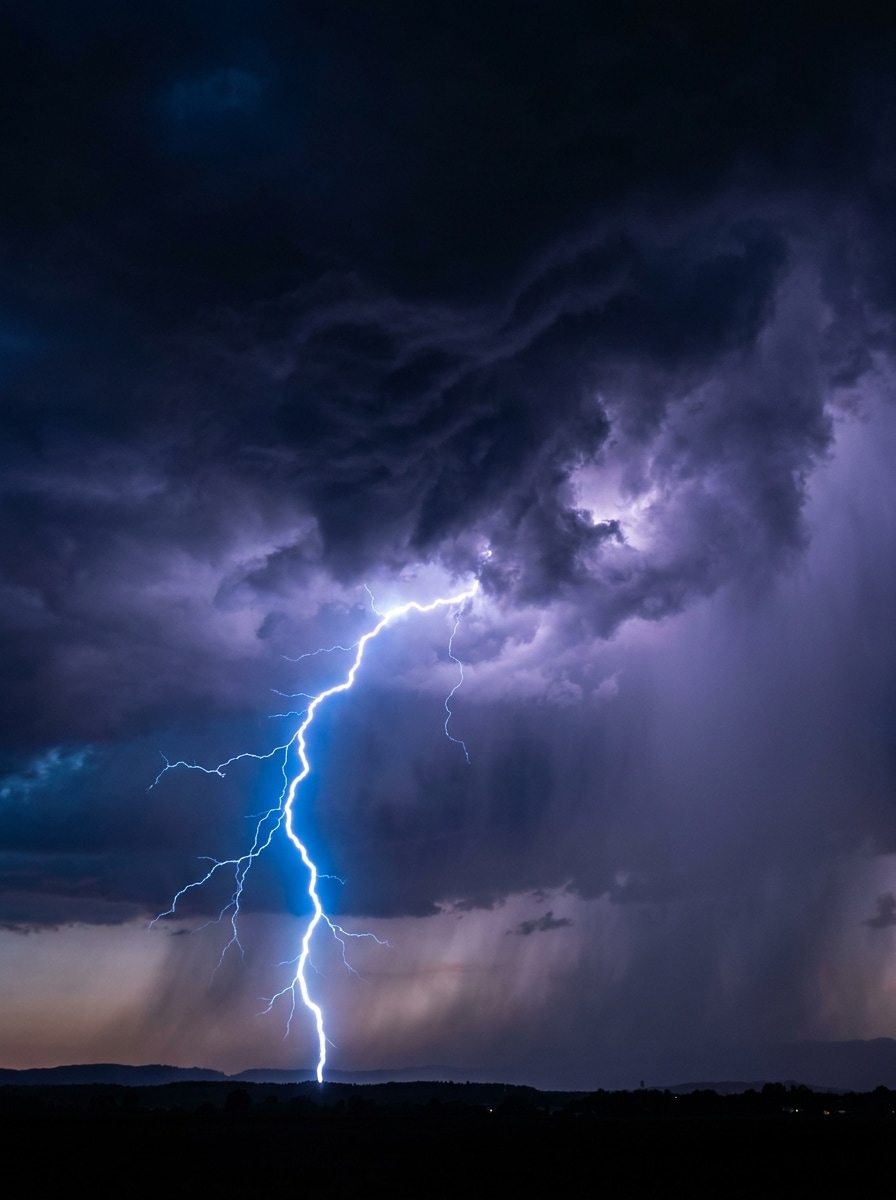
Use the uploaded photo as your reference and enhance it with a dramatic stormy sky filter. Add dark storm clouds, one or two realistic lightning bolts, subtle rain haze, deeper sky shadows, balanced exposure, and a believable cinematic thunderstorm atmosphere.

Why Use Media.io for Thunderstorm Photo Edits

Keep the Original Subject Recognizable

For creators who want a storm photo filter without losing facial features or scene structure, Media.io uses your uploaded image as the visual anchor, helping preserve identity and key details while adding dark weather mood around the subject.

Rework One Subject Into Multiple Styles

If the subject still needs to look like itself after the transformation, Media.io helps hold onto core identity cues while updating the final thunderstorm filter visual style for a cleaner finished result.

Keep Final Visuals Sharp for Real Projects

Publishing-ready visuals need clarity as well as atmosphere. Media.io delivers sharper thunderstorm filter output up to 4K, so your edited image stays crisp across presentations, wallpapers, and reused creative assets.

Edit Storm Effects Easily on Any Device

Some thunderstorm filter visual concepts get drafted on the go and finished later at a desk. Media.io keeps that process online, so you can return to the same workflow without extra installs or setup.

How to Apply a Thunderstorm Filter Online

Turn your words into stunning visuals in three simple steps, then continue refining the result if you want to take it further.

how to use image to image AI for thunderstorm filter step 1
Step 1

Upload Your Reference Image

Start with a clear portrait, selfie, landscape, or city photo in JPG, PNG, or JPEG. A clean source image gives the AI a stronger base for realistic lightning, dark clouds, rain atmosphere, and cinematic weather styling.

how to use image to image AI for thunderstorm filter step 2
Step 2

Describe the Change and Set Options

Tell the AI what kind of storm look you want, such as realistic lightning, a dark storm photo effect, or a dramatic skyline makeover. Then choose your model and adjust aspect ratio, resolution, and the number of image variations.

how to use image to image AI for thunderstorm filter step 3
Step 3

Generate, Download, and Keep Improving

Create multiple versions, compare the mood and intensity, and download the result you like best. If needed, refine the prompt, change the framing, or generate again until your thunderstorm scene looks exactly right.

Unlock the Potential of AI Storm Filter

See how creators use this thunderstorm filter for content, marketing, and personal projects, then adapt each idea to fit your brief.

Turn Simple Portraits Into Cinematic Edits

Give an ordinary portrait or selfie a dramatic weather makeover with lightning, rain glow, and moody skies. Media.io helps turn simple shots into standout thumbnails, profile images, or short-form before-and-after content with a polished editorial finish.

Upgrade Travel and Landscape Photos With Atmosphere

A calm mountain, beach, or city image can become far more memorable with a realistic weather transformation. Use Media.io to build darker skies, stronger depth, and believable storm tension with a stormy sky filter feel for wallpapers, prints, or social storytelling.

Create Scroll-Stopping Social Visuals Fast

If you need a bold dark storm photo effect for Instagram, TikTok, or promo graphics, Media.io makes it easy to create storm edits with stronger contrast and emotional pull. Test different lightning placement and cloud intensity to find a look that grabs attention on small screens.

What Users Say About Media.io Storm Effects

user
Jasmine R.

Content Creator

star star star star star

"Great for dramatic before-and-after edits" I used it to turn a normal selfie into a thunderstorm scene for a reel, and the lightning looked much more realistic than basic overlay apps. The subject stayed clear, which made the transformation feel polished.

user
Ethan M.

Travel Photographer

star star star star star

"Useful for moody landscape concepts" I tested a landscape shot with darker clouds and distant lightning, and the result felt cinematic without looking fake. It was easy to adjust the mood and generate a few different storm versions.

user
Nina C.

Social Media Designer

star star star star star

"Fast way to create weather-themed visuals" I needed a fast storm image effect for a campaign mockup, and Media.io helped me get there quickly. The browser workflow is simple, and the output framing options made it easier to fit different post sizes.

user
Marcus T.

Digital Artist

star star star star star

"Good control over realism and intensity" What I liked most was being able to keep the original composition while pushing the sky into a dramatic thunder look. It works well for both realistic weather scenes and more stylized fantasy storm concepts.

Thunderstorm Filter FAQs

1. What does a thunderstorm filter do to a photo?

A thunderstorm filter transforms a normal image into a storm-themed scene by adding visual elements such as lightning, dark clouds, rain atmosphere, and moodier lighting. With Media.io, you upload your own photo and use AI to create a more dramatic weather look while keeping the original subject or scene as the base.

Upload a clear image to Media.io, then describe the weather change you want, such as realistic lightning bolts, darker skies, or a cinematic rainstorm mood. Media.io uses your reference photo to apply a natural-looking weather transformation, including a stormy sky filter style, while keeping the original composition as the foundation.

Yes, free users can try Media.io with free credits. If you need more generations, higher usage, or watermark-free high-resolution downloads, you can check the pricing page for available plans.

Media.io is a web-based editor, so you can use this thunderstorm filter on iPhone, Android, Windows, or Mac as long as you have a browser. That makes it easy to create a storm photo filter edit from your phone, tablet, or computer without installing extra software.

Media.io works in modern browsers on desktop and mobile, so you can create and revise storm-themed image edits without installing heavy software.

Generation is typically fast, and many users can create a storm variation in seconds after uploading an image and entering a prompt. The exact time can vary based on image settings and how many variations you generate at once.

Media.io Online AI Tools Quality Rating:
vote 4.7 (162,357 Votes)