Pokemon Trainer Filter for Anime-Style Portraits From Your Photo
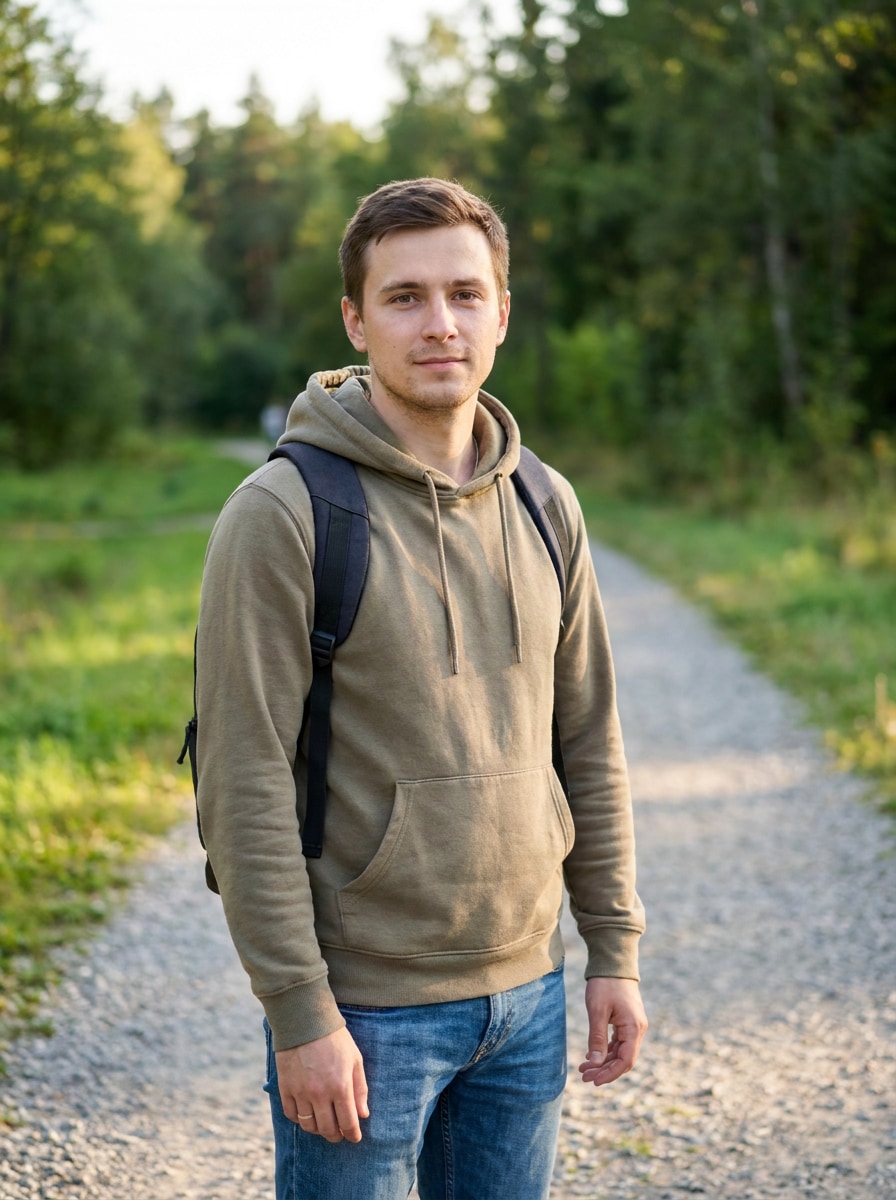
Create a pokemon trainer filter portrait by uploading your selfie and transforming it into a trainer-inspired character image. Media.io helps you make an AI pokemon trainer photo, profile picture, wallpaper, or poster-style design online with flexible anime and game-card looks.
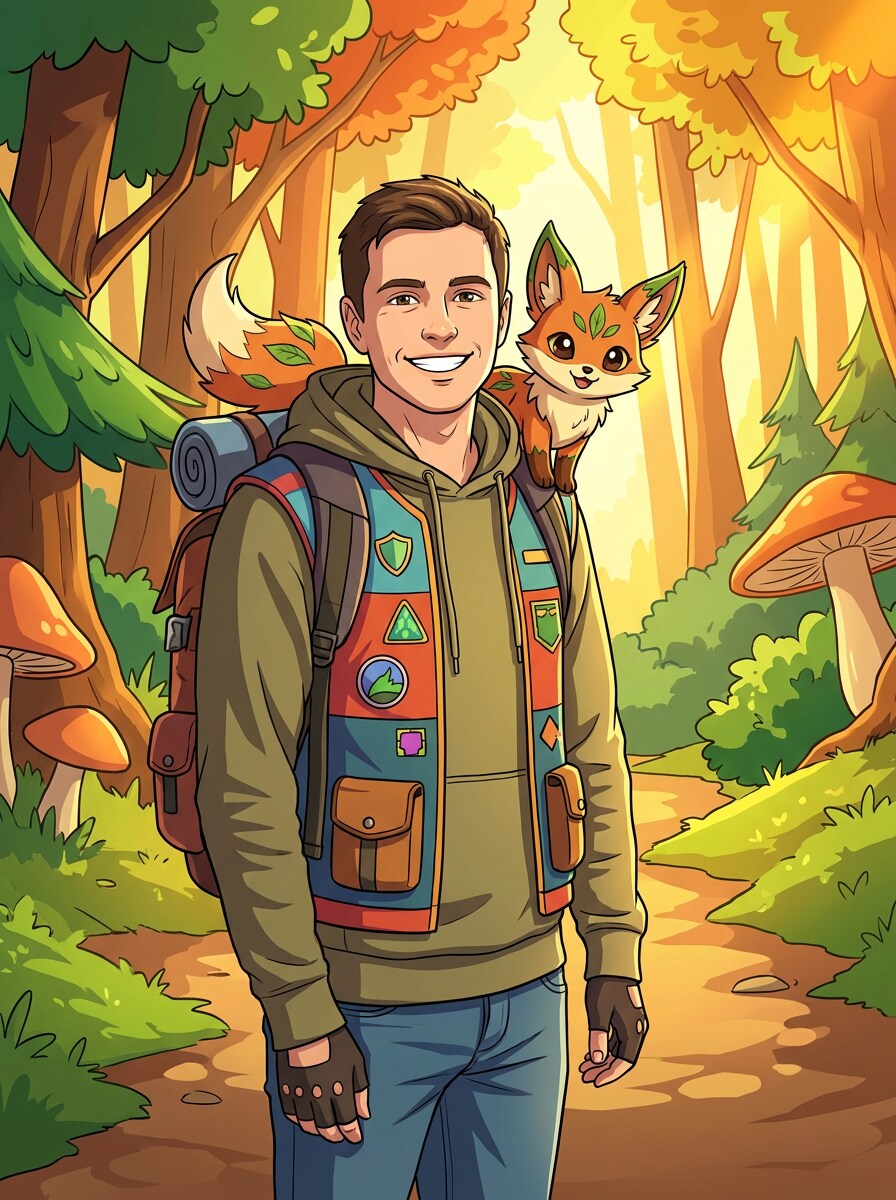
Review these example directions, then tailor the prompt details to get stronger results with this Pokemon Trainer Filter.
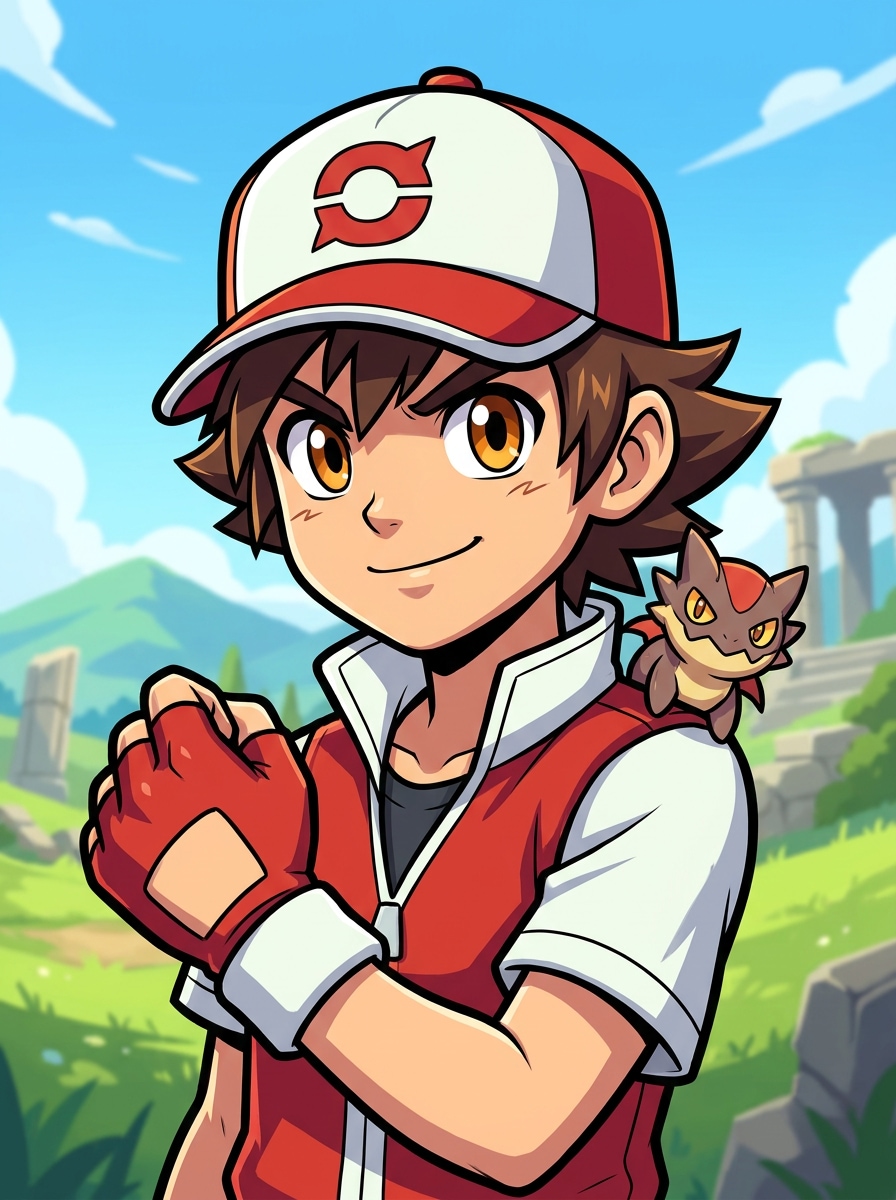
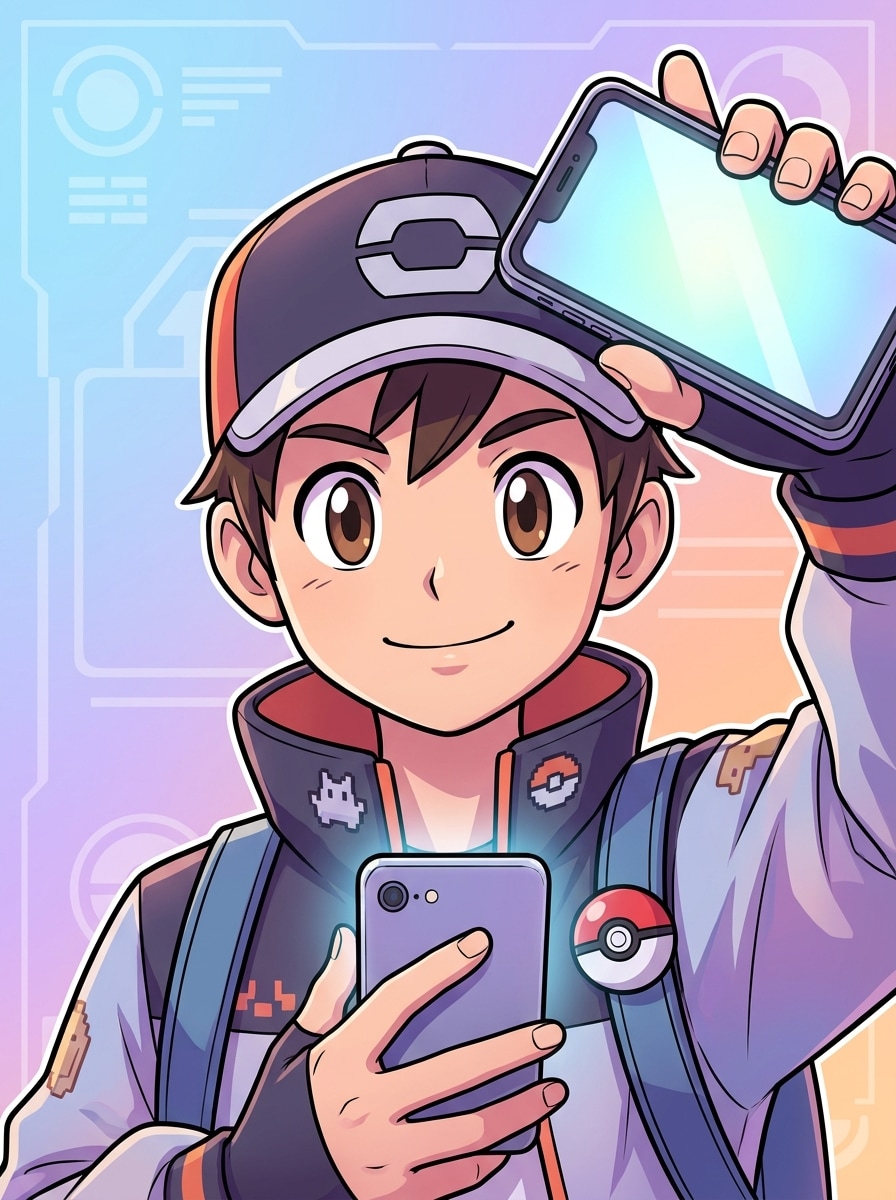
Anime Trainer Headshot
Use the uploaded image as the subject and transform it into a polished anime-game trainer headshot. Keep the person's identity recognizable, add clean cel shading, expressive eyes, bold linework, a red-and-white adventure jacket, soft outdoor lighting, crisp textures, and a confident heroic mood with a bright scenic background.
Starter Companion Portrait
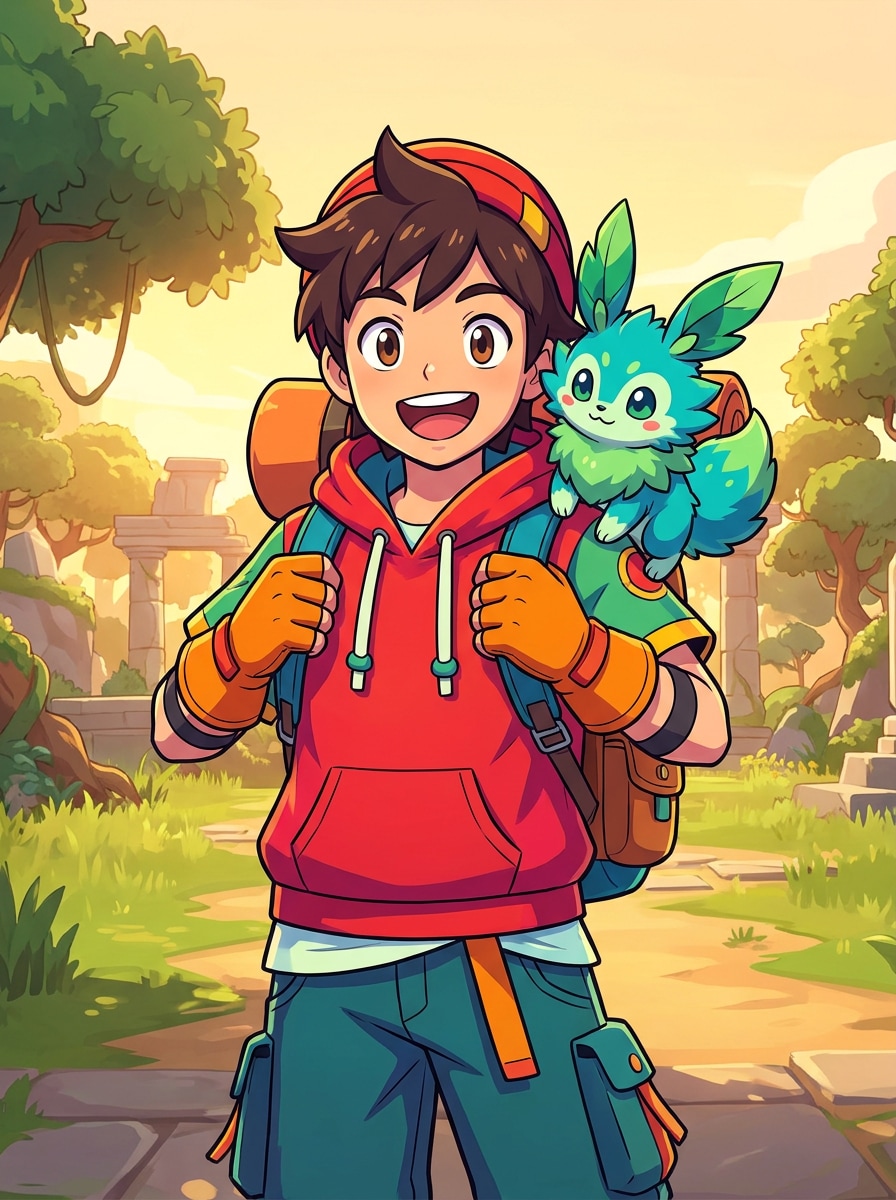
Use the uploaded photo as the main subject and turn it into a cheerful trainer portrait with a cute fantasy starter companion beside the shoulder. Preserve facial identity, add colorful cel shading, playful costume details, warm lighting, bright saturated colors, and a friendly adventurous mood in a clean game-inspired setting.
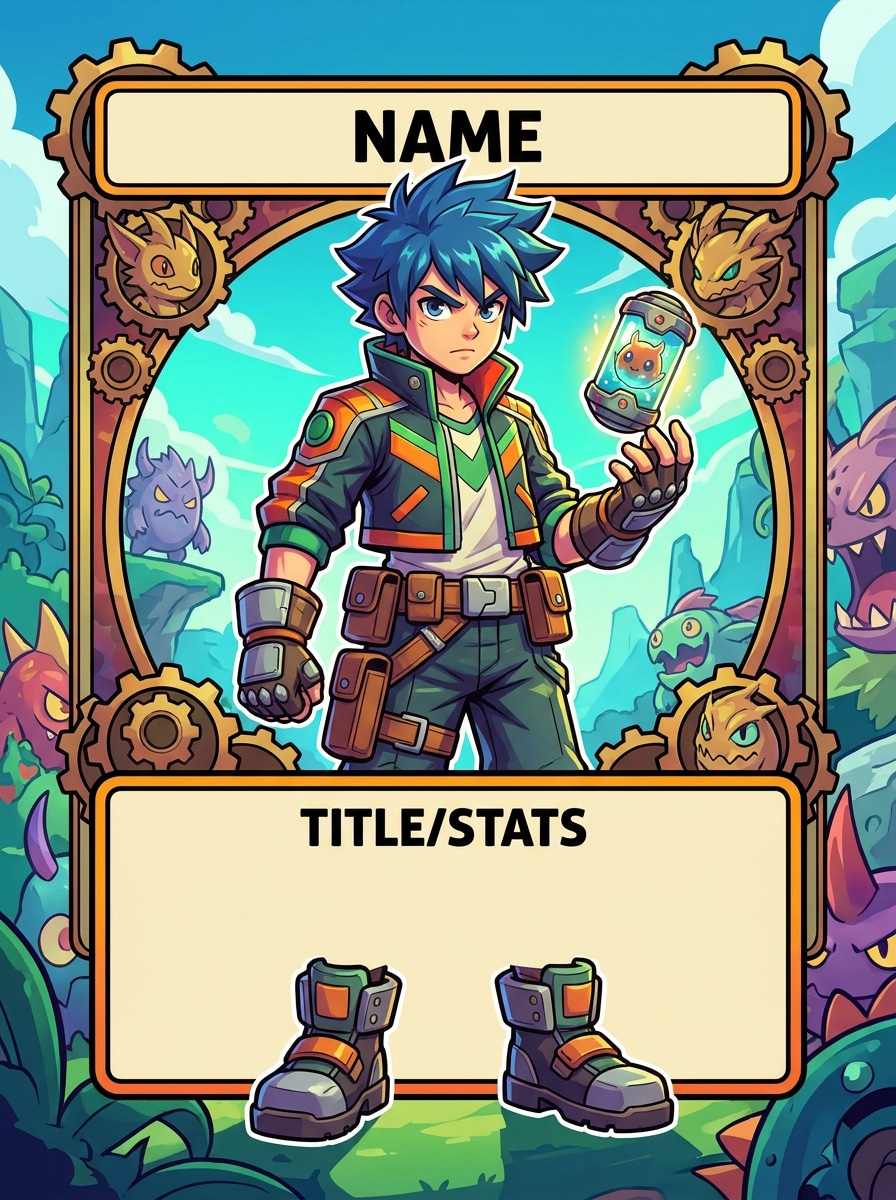
Trainer Card Poster
Use the uploaded image as the character reference and create a full-body collectible trainer card poster. Keep recognizable facial features while redesigning the outfit with boots, gloves, utility belt, and adventure gear. Add cel shading, bold framing, high contrast, clean typography space, and a vivid poster-ready palette.
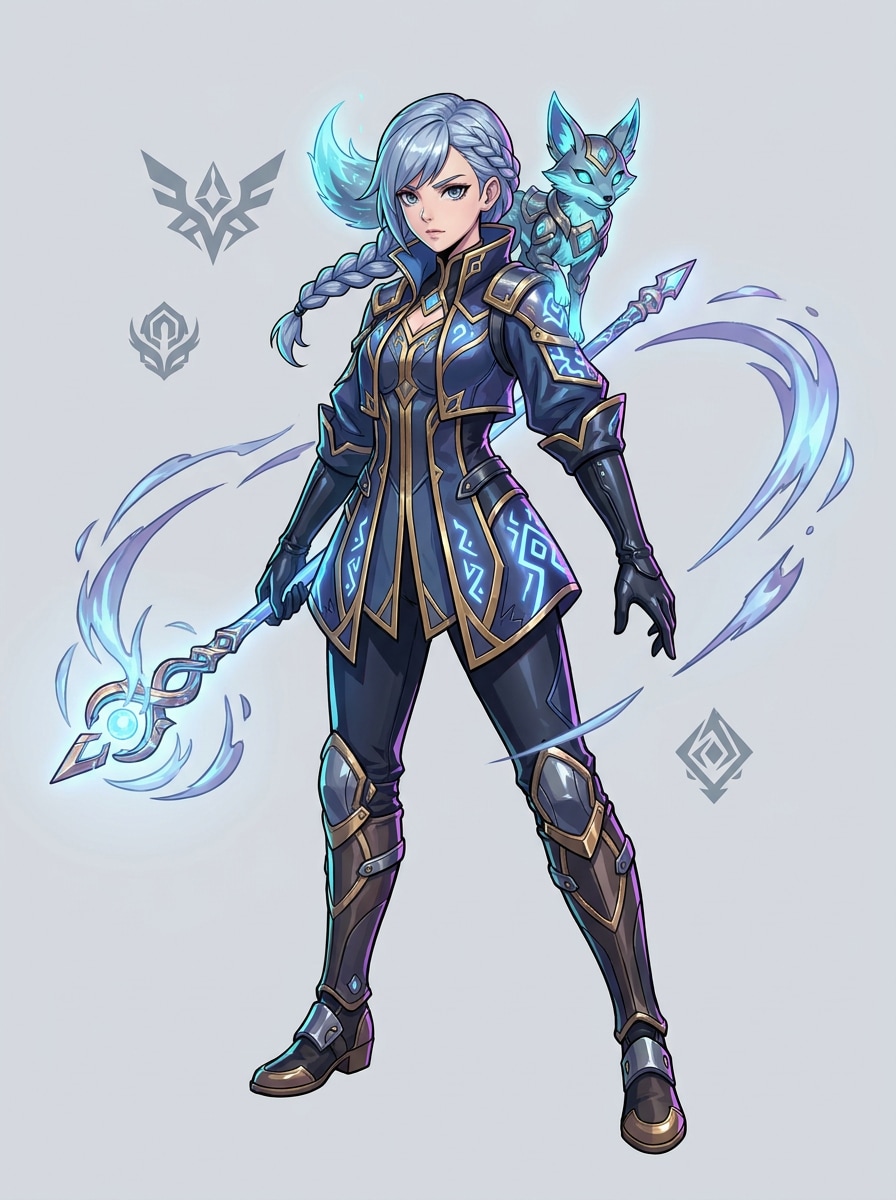
Elite Trainer Fashion
Use the uploaded photo as the subject and transform it into an elite trainer fashion portrait. Keep the person recognizable while adding a layered battle jacket, tailored gloves, sleek boots, strong pose, dramatic cel shading, metallic accents, cool rim light, and a premium anime key-art mood with elemental background details.
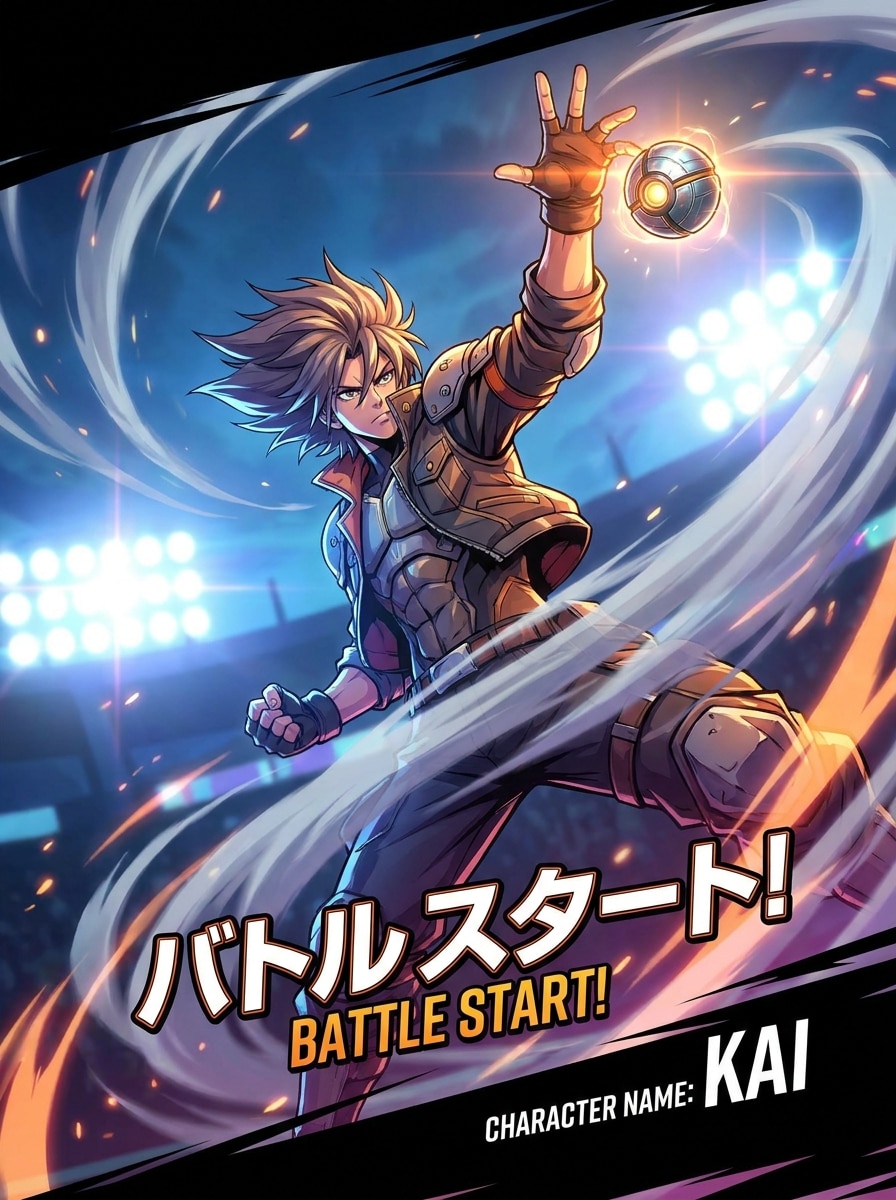
Battle Ready Scene
Use the uploaded image as the character base and create a dramatic battle-intro action scene. Preserve identity while adding dynamic movement, raised arm, wind effects, glowing arena lights, bold cel shading, high-energy composition, sharp contrast, and a cinematic mood with strong motion and heroic intensity.
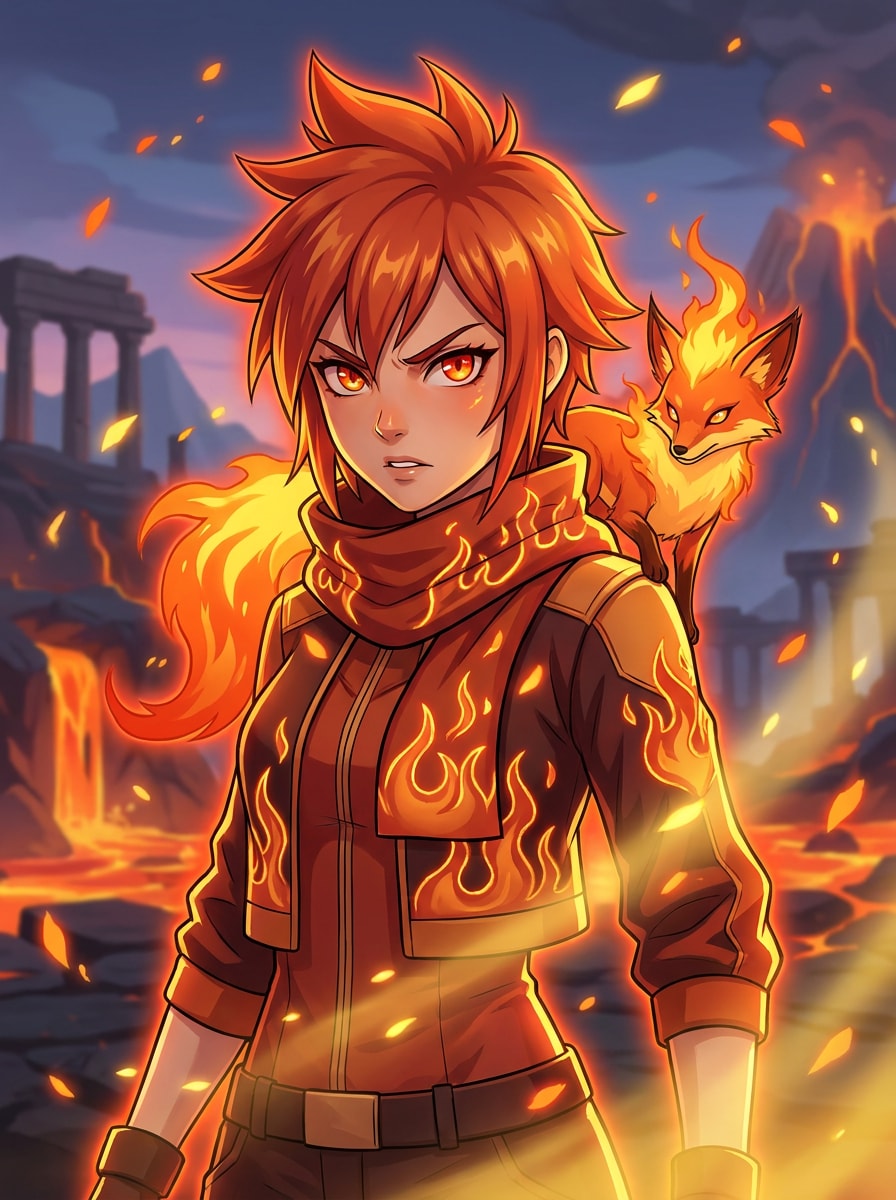
Element Theme Trainer
Use the uploaded photo as the subject and reimagine it as a fire-themed trainer portrait. Keep facial identity clear, add flame-inspired outfit motifs, glowing orange-red rim light, bold cel shading, intense expression, textured jacket materials, and a dramatic fantasy backdrop with embers and warm cinematic atmosphere.
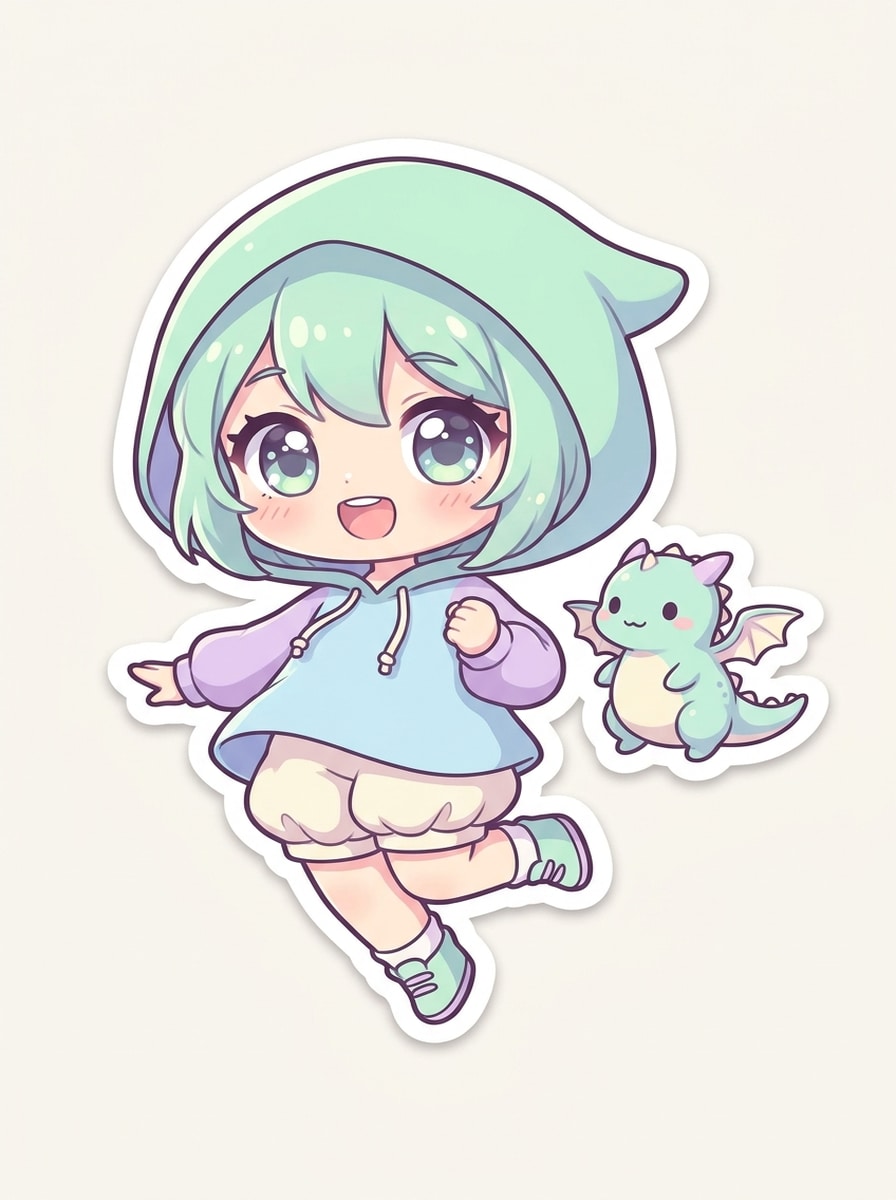
Chibi Trainer
Use the uploaded image as the subject and transform it into a cute chibi trainer illustration. Keep recognizable hair and face cues while simplifying features, enlarging the eyes, adding a cheerful adventure outfit, pastel colors, soft shading, sticker-like outline, and a tiny fantasy companion for a playful mood.
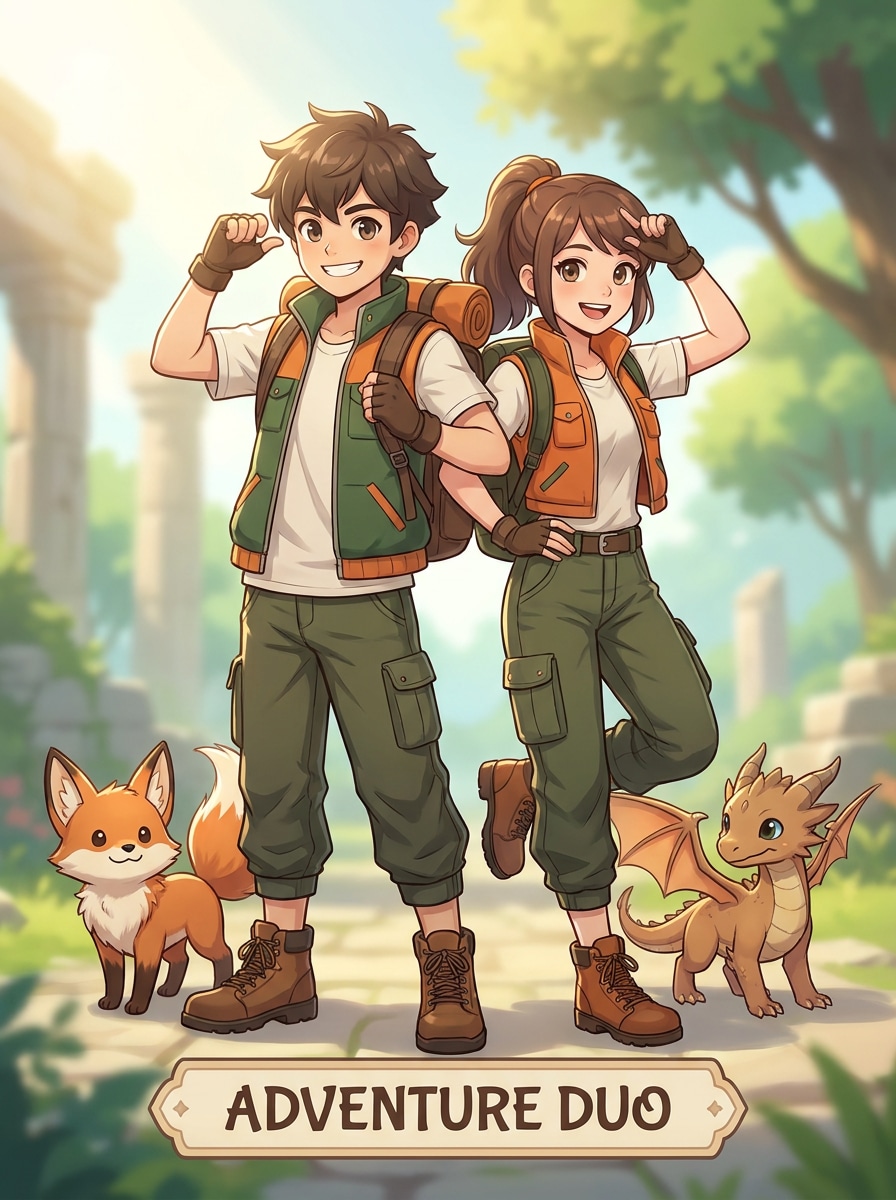
Couple Trainer Duo
Use the uploaded photo as the reference and turn the subjects into a coordinated trainer duo portrait. Keep both identities recognizable, add matching adventure outfits, complementary color blocking, soft cel shading, playful chemistry, companion-creature framing, and a balanced social-share layout with bright cinematic lighting.
Trainer PFP
Use the uploaded selfie as the subject and create a square profile image with a trainer-inspired anime look. Preserve the face clearly, add crisp linework, subtle costume accents, vivid colors, soft gradient background, balanced lighting, and strong small-size readability for a clean social avatar result.
Glossy Mobile Wallpaper
Use the uploaded image as the character reference and transform it into a vertical glossy wallpaper. Keep the person recognizable, extend into a full-body trainer composition, add dramatic scenic depth, polished cel shading, vivid lighting, premium textures, and a cinematic phone-friendly layout with bold adventure energy.
Why Use Media.io for Pokemon Trainer-Style Portraits
Switch Between Avatar, Card, and Wallpaper Layouts Easily
Whether you want a square pokemon avatar filter result, a vertical wallpaper, or a poster-like trainer card, Media.io supports flexible aspect ratios so the same concept fits social sharing, phone screens, and printable fan-style art.
Shape the Exact Anime Trainer Look You Want
When the art direction is still open, Media.io lets you test multiple looks around the same pokemon trainer filter visual idea, making it easier to find the right style without rebuilding from zero.
Generate Cleaner Output Up to 4K
Some results need to do more than look good in a preview. Media.io helps generate cleaner pokemon trainer filter visuals with output up to 4K so the final image holds up in wallpapers, decks, and mockups.
Work Across Devices Without Extra Installs
For creators who bounce between mobile and desktop, Media.io keeps pokemon trainer filter visual creation in the browser so the workflow stays practical wherever you happen to be working.
How to Make a Pokemon Trainer Filter Image Online
Turn your words into stunning visuals in three simple steps, then continue refining the result if you want to take it further.
Step 1
Upload Your Reference Image
Start with a clear selfie, portrait, or full-body photo in JPG, PNG, or JPEG format. A well-lit image with visible facial features and a simple background gives the AI a stronger base for a trainer-inspired transformation.
Step 2
Describe the Change and Set Options
Enter the look you want, such as anime cel shading, trainer-card styling, battle lighting, or a cute companion scene. Then choose your model and adjust aspect ratio, image quality, and the number of variations to match your final use.
Step 3
Generate, Download, and Keep Improving
Create your results, compare different versions, and download the one you like best. If needed, refine the prompt, try another composition, or generate more variations until your trainer portrait, avatar, or wallpaper feels right.
See how creators use this Pokemon Trainer Filter for content, marketing, and personal projects, then adapt each idea to fit the brief.
Build a Scroll-Stopping Profile Picture
Turn a simple selfie into a bold anime-game portrait for TikTok, Instagram, Discord, or X. This is a strong fit if you want a trainer-inspired avatar with clean outlines, readable facial detail, and more personality than a generic anime edit.
Create Character Posters and Trainer Cards
Use a full-body photo to design collectible-style layouts for fan art, birthday prints, mood boards, or themed content. Poster framing, outfit redesign, and high-resolution export make it easier to produce a polished trainer-card aesthetic from one upload.
Make Shareable Before-and-After Transformations
A personalized trainer makeover works well for reels, carousel posts, and couple edits because viewers instantly understand the transformation. You can test different action scenes, companion concepts, and color themes to create a more distinctive pokemon style filter result.
What Users Say About This Trainer Portrait Tool
Alyssa M.
Cosplay Creator
"Way better than a generic anime filter" I wanted a trainer-inspired portrait that still looked like me, and this got much closer than the usual anime apps. The outfit details, cel shading, and color themes made the result feel like actual character art.
Derrick L.
TikTok Content Maker
"Great for before-and-after posts" I used it to make a battle-style transformation video from a selfie. The vertical format options helped a lot, and I liked being able to try multiple looks without starting over every time.
Nina R.
Fan Art Hobbyist
"Perfect for trainer card concepts" The full-body layouts are my favorite part. I uploaded a plain photo and turned it into a collectible-style character poster with enough detail for printing and sharing with friends.
Jordan P.
Mobile Gamer
"Easy on phone and desktop" I tried it on my phone first, then fine-tuned the prompt on my laptop. The workflow felt simple, and the final wallpaper version looked sharp enough to use as my lock screen.
A Pokémon trainer filter is an image-to-image effect that turns your uploaded photo into a trainer-inspired portrait, avatar, or character card with anime or game-style visual cues. In Media.io, you upload a reference image and guide the final look with prompts, style choices, aspect ratio, and resolution settings.
2. How do I turn my photo into a Pokémon trainer style image?
Upload a clear selfie or portrait to Media.io, then describe the look you want, such as a heroic headshot, trainer card, battle scene, or companion portrait. After that, choose your preferred model and image options, generate variations, and download the version that best matches your trainer-inspired concept.
3. Is this Pokémon trainer filter free to use?
Media.io offers free credits, so you can try the effect before upgrading. For more generations or extra usage, you can check the pricing page. Free downloads may include a watermark, while paid plans support watermark-free high-resolution exports. Free users can use free credits. For more usage, users can subscribe to a plan on the pricing page. Upgrade to a paid plan on the pricing page for more credits and watermark-free high-resolution downloads.
4. Can I use the filter on iPhone, Android, and desktop?
Media.io is web-based, so you can use the tool in a browser on iPhone, Android phones, tablets, Windows PCs, and Mac computers. That makes it easy to upload a selfie, create a pokemon avatar filter image, and download the result without installing separate software. Media.io is a web-based tool that works on any device with a browser (Windows, Mac, iOS, Android).
5. How long does it take to generate a Pokémon trainer portrait?
Generation time can vary depending on the model and settings you choose, but the workflow is designed to be fast enough for online portrait creation. In most cases, you can upload a photo, generate options, and review your trainer-style results within a short session.
6. Will my image look like anime art or a game-style trainer card?
It can look like either, depending on your prompt and layout choices. Media.io supports trainer-inspired headshots, profile pictures, full-body card designs, posters, and wallpaper compositions, so you can aim for softer anime art, a polished game-style trainer card, or something in between.