
画像から画像生成
Nano Banana Pro
0/2000
1K
自動
1
Banana Pro無制限モード
作品
アイデアハブ
すべて
生成リスト
作品は 7 日間保存されます。アップグレード後に作成されたアセットは永久保存されます。
ai_video_generator創造力を解き放ち、Media AIの魔法をすぐに体験しよう!

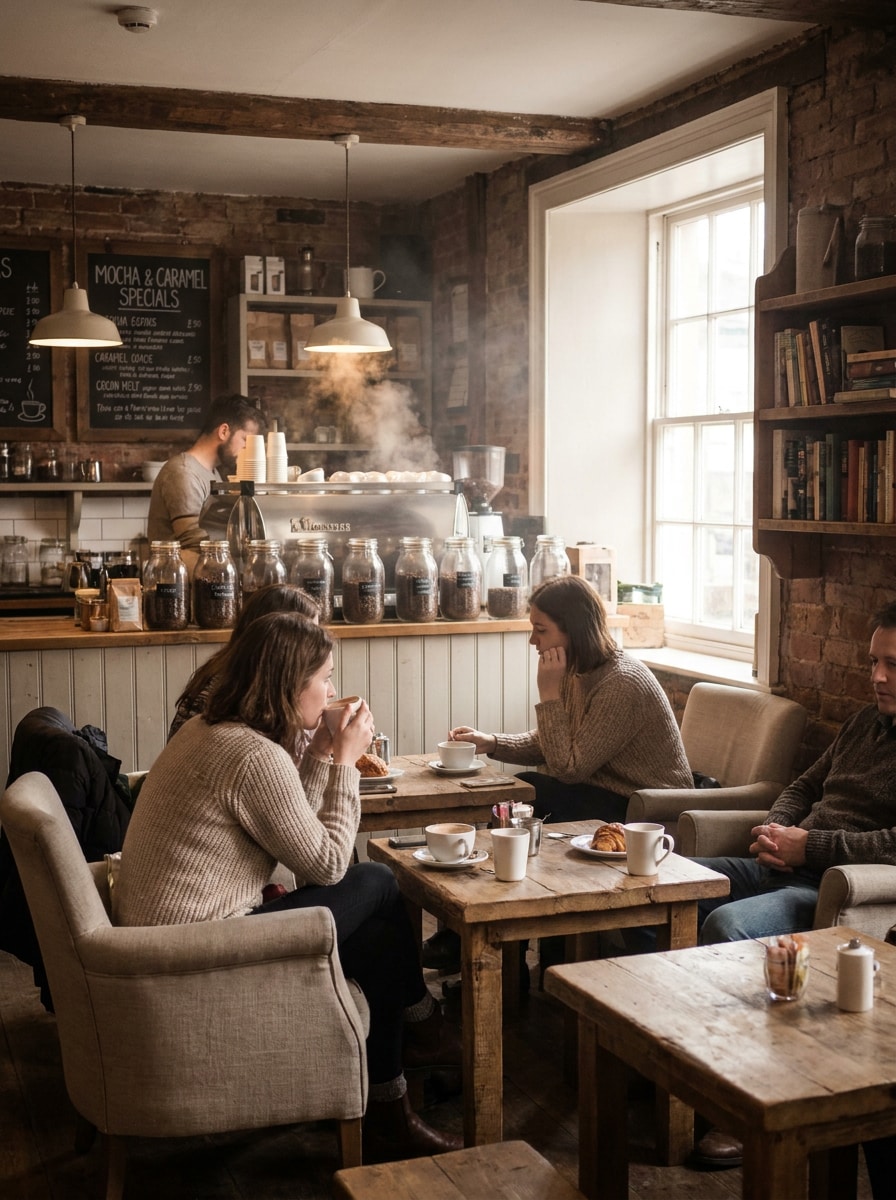
Apply a Coffee Photo Filter for Warm Cafe-Style Edits

Coffee Photo Filter Before
Coffee Photo Filter After

Turn any photo into a cozy cafe scene with a coffee photo filter that adds warm tones, creamy highlights, and rich mood. Use Media.io to create an AI coffee filter look, a soft coffee aesthetic filter, or a polished coffee shop portrait filter online in minutes.

Create My Coffee Filter Look

Type your idea -> AI designs it. Free to try.

Review these example directions, then tailor the prompt details to get stronger results with this Coffee Photo Filter.

Cozy Coffeehouse

Cozy Coffeehouse

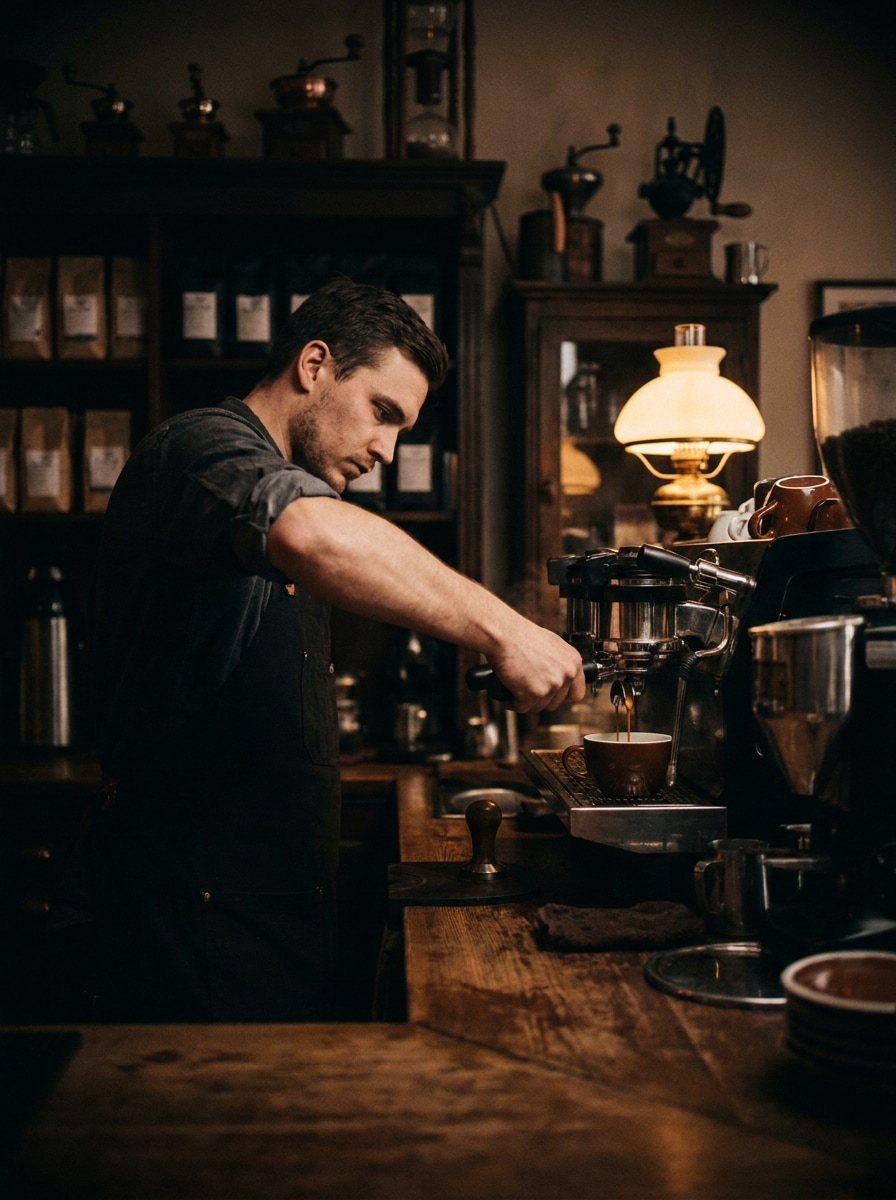
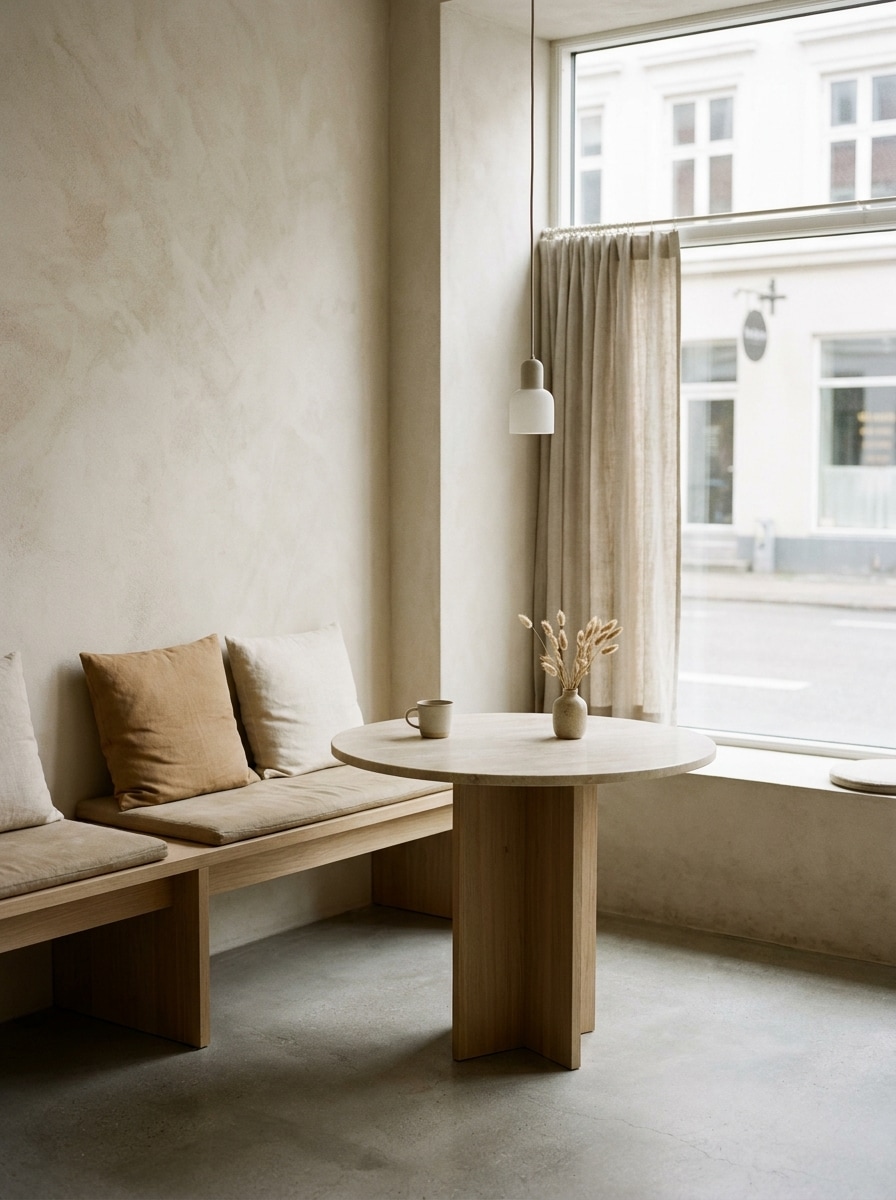
Use the uploaded image as the subject and transform it into a cozy coffeehouse scene with warm mocha and caramel color grading, soft window light, muted contrast, gentle shadows, subtle steam in the atmosphere, wood textures, inviting cafe mood, and clean high-detail finish.

Caramel Glow

Caramel Glow

Use the uploaded image as the subject and apply a caramel coffee filter with soft golden light, creamy midtones, softened blacks, subtle skin-friendly warmth, smooth background separation, elegant lifestyle styling, and a clean editorial finish with gentle texture.

Espresso Mood

Espresso Mood

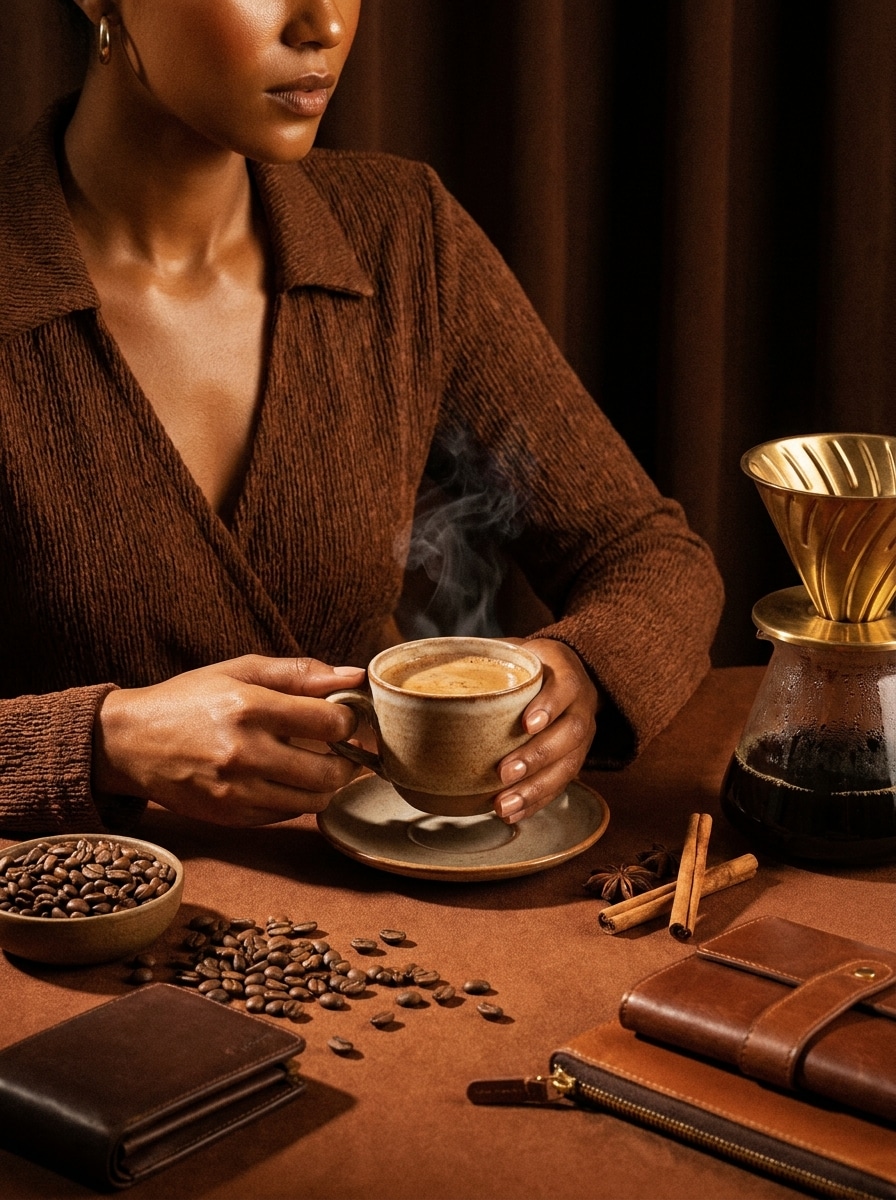
Use the uploaded image as the subject and give it a dark espresso coffee vibe with deep brown shadows, matte blacks, warm highlights, cinematic contrast, rich texture, moody coffeehouse atmosphere, refined composition, and sharp details that still preserve the original face and scene.

Rainy Cafe Film

Rainy Cafe Film

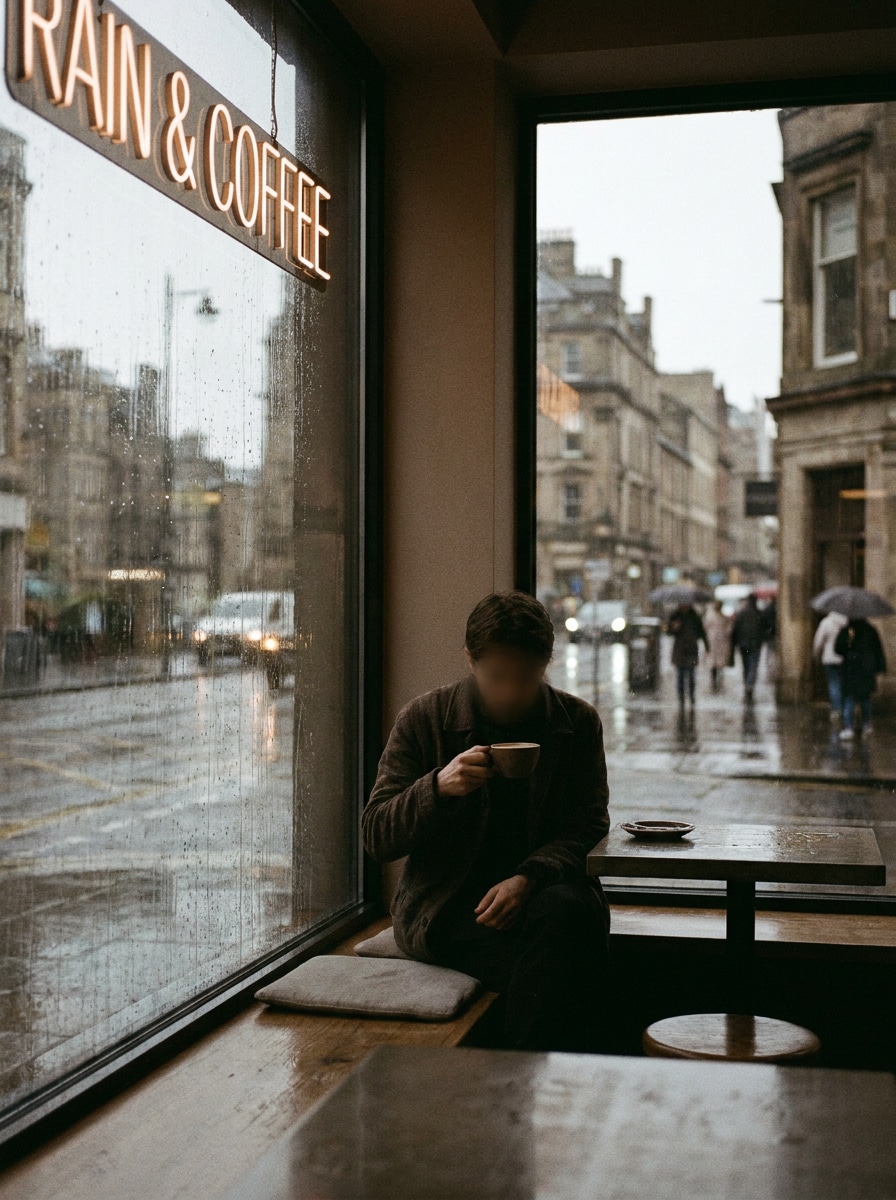
Use the uploaded image as the subject and turn it into a moody rainy cafe film scene with muted browns, low saturation, soft grain, diffused light, slightly cool shadows, reflective highlights, urban window-side ambience, and a nostalgic cinematic finish.

Retro Sepia Brew

Retro Sepia Brew

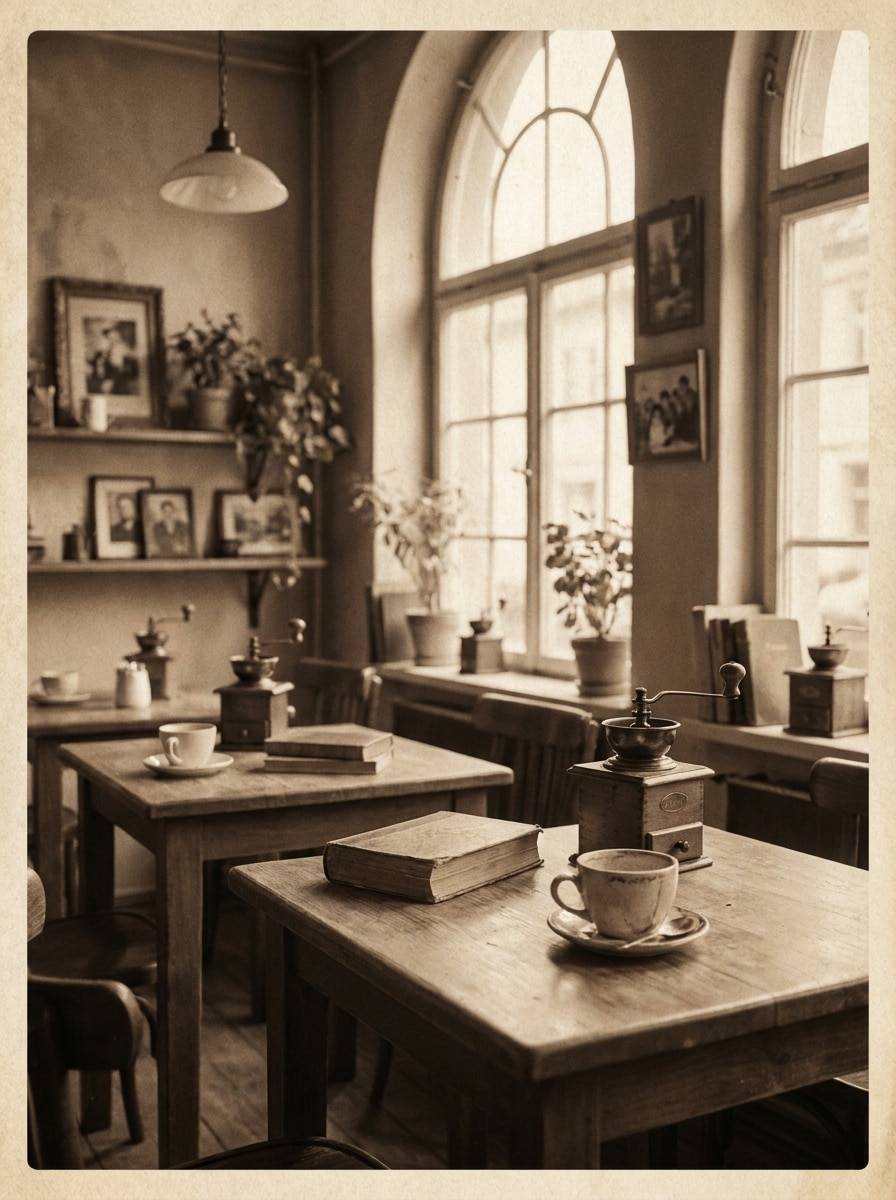
Use the uploaded image as the subject and add a vintage sepia coffee filter with faded contrast, warm paper-like tones, subtle film grain, nostalgic cafe ambiance, soft edges, gentle texture overlay, and a timeless editorial mood without losing recognizability.

Analog Latte Film

Analog Latte Film

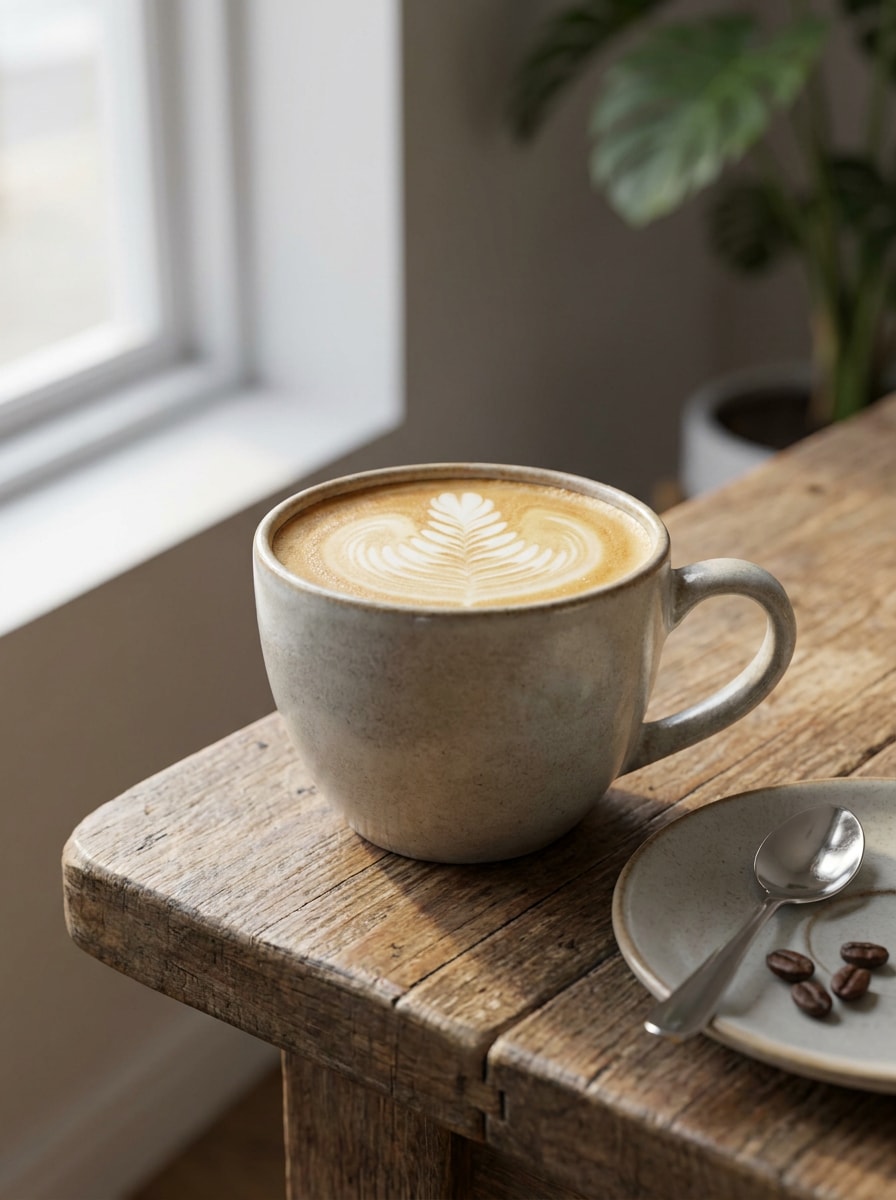
Use the uploaded image as the subject and make it look like analog film in a coffee shop with creamy beige highlights, visible grain, soft blur, slightly desaturated browns, intimate framing, timeless lifestyle mood, and smooth natural lighting.

Morning Latte Light

Morning Latte Light

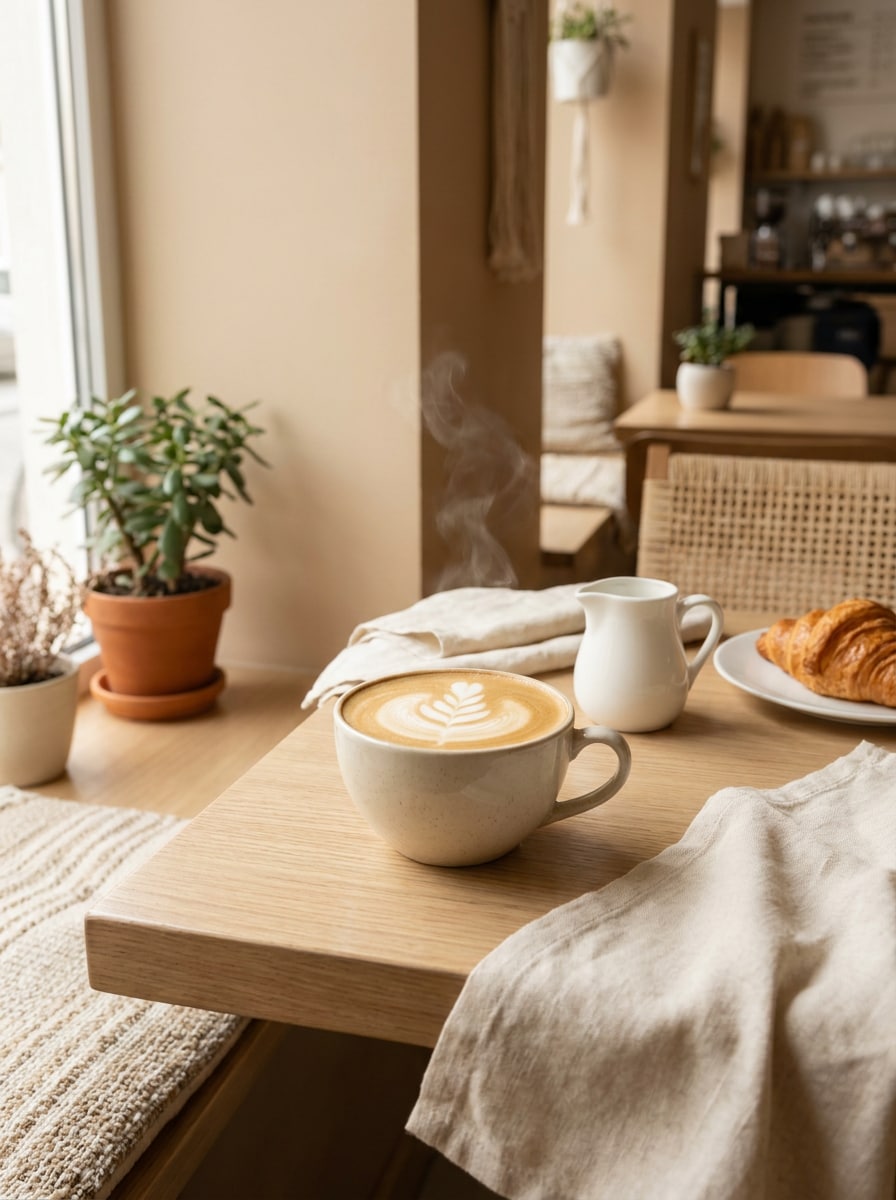
Use the uploaded image as the subject and create a bright morning coffee aesthetic with airy natural light, warm cream tones, soft brown accents, clean highlights, fresh breakfast cafe mood, delicate shadows, and a calm premium lifestyle look.

Minimal Beige Cafe

Minimal Beige Cafe

Use the uploaded image as the subject and turn it into a minimal beige cafe aesthetic with soft tan and oat tones, smooth light, reduced visual clutter, balanced framing, modern lifestyle styling, subtle depth, and a refined social-ready finish.

Cinnamon Editorial

Cinnamon Editorial

Use the uploaded image as the subject and add an editorial coffee color grade with cinnamon tones, refined contrast, textured grain, warm skin-friendly browns, premium magazine mood, elegant composition, and crisp detail suitable for stylish portrait edits.

Roasted Bean Contrast

Roasted Bean Contrast

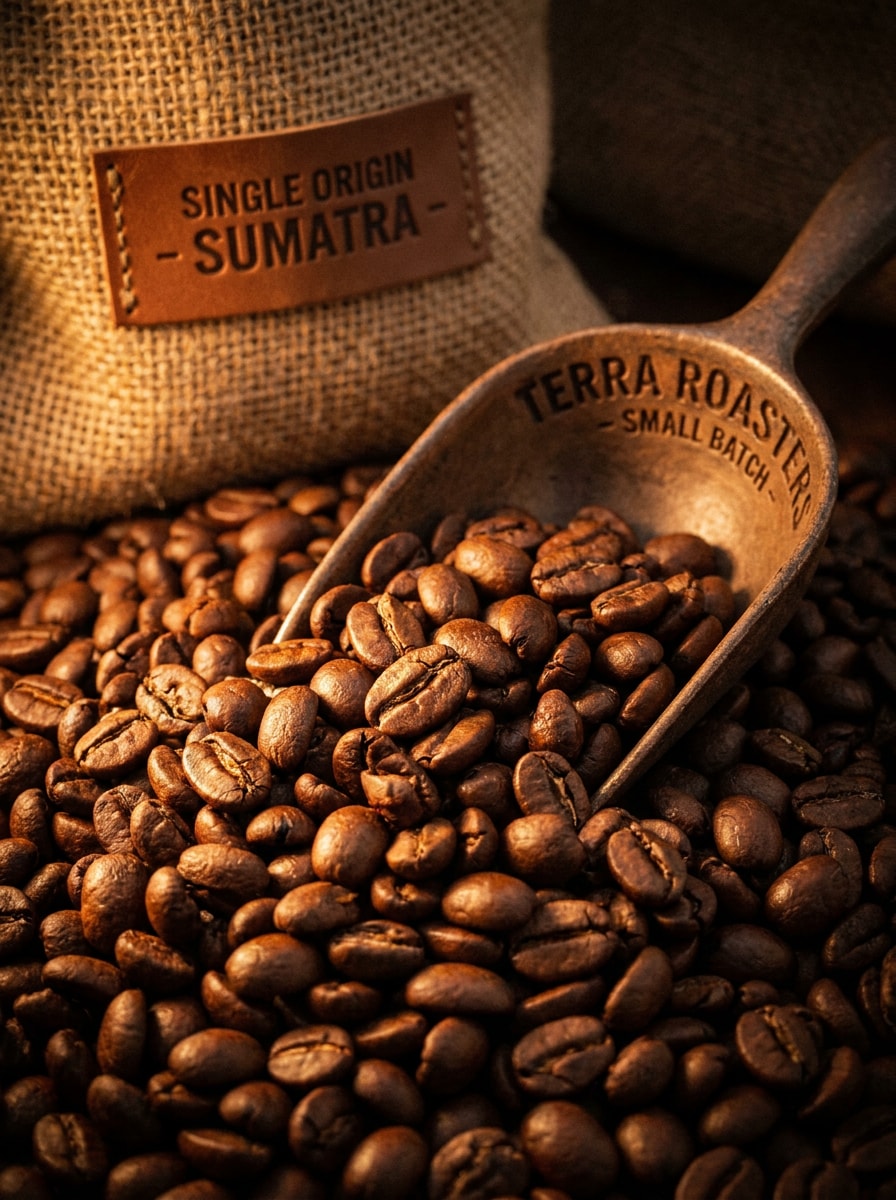
Use the uploaded image as the subject and apply a bold roasted coffee look with strong warm contrast, chocolate-brown depth, crisp details, subtle vignette, artisan cafe branding mood, textured richness, and an eye-catching dramatic finish.

Why Use Media.io for Coffee-Style Photo Edits

Keep Your Subject Recognizable While Changing the Mood

For portraits, cafe scenes, or lifestyle shots, Media.io lets you upload a reference image and apply coffee-inspired grading while preserving the original person or composition, so the final edit feels stylish without losing identity.

Explore Different Looks Without Losing Direction

A single idea often needs more than one look. Media.io helps reinterpret the same coffee photo filter across different styles so each version can better match the project brief.

Create High-Resolution Images for Real Use

Some results need to do more than look good in a preview. Media.io helps generate cleaner coffee photo filter with output up to 4K so the final image holds up in wallpapers, decks, and mockups.

Fast Browser Workflow for Desktop and Mobile Editing

When a coffee photo filter idea starts away from your main setup, Media.io lets you create and refine it in the browser so moving between mobile and desktop feels seamless instead of disruptive.

How to Apply a Coffee Filter to Your Photo

Turn your words into stunning visuals in three simple steps, then continue refining the result if you want to take it further.

how to use image to image AI for coffee photo filter step 1
Step 1

Upload Your Reference Image

Start with a clear portrait, cafe shot, product image, or lifestyle photo in JPG, PNG, or JPEG format. A clean, well-lit source image gives Media.io better detail to preserve while adding warm coffee-inspired styling.

how to use image to image AI for coffee photo filter step 2
Step 2

Describe the Change and Set Options

Enter the look you want, such as cozy coffeehouse, vintage sepia, bright latte, or moody espresso. Then choose your model and adjust aspect ratio, resolution, or image count to match your final use.

how to use image to image AI for coffee photo filter step 3
Step 3

Generate, Download, and Keep Improving

Create your filtered versions, compare the results, and download the one that fits best. You can refine the prompt, generate more variations, or continue editing until the cafe mood and color grading feel right.

Unlock the Potential of AI Coffee Filter

See how creators use this Coffee Photo Filter for content, marketing, and personal projects, then adapt each idea to fit the brief.

Upgrade Portraits With a Cafe Mood

Turn everyday selfies or lifestyle portraits into warm, polished visuals that feel like they were shot in a stylish coffee shop. This is especially useful for creators who want a softer editorial tone without reshooting in a real cafe.

Create Consistent Branding for Food and Drink Posts

Give menu images, espresso shots, pastries, and tabletop scenes a unified warm-brown palette. A well-matched filter helps cafes, small brands, and social teams build a recognizable visual identity across posts and campaigns.

Test Vintage, Moody, and Minimal Looks Fast

Instead of manually editing each image, generate multiple directions from one upload and compare them side by side. It is a practical way to find the right tone for reels, moodboards, product covers, or seasonal cafe promotions.

What Users Say About This Coffee Filter Tool

user
Emma R.

Lifestyle Creator

star star star star star

"Great for warm cafe-style portraits" I used it to turn a simple indoor portrait into a cozy coffee shop look. The warm tones felt natural, and the result was much faster than trying to build the same mood manually.

user
Daniel K.

Cafe Owner

star star star star star

"Helpful for social media branding" We tested several coffee-themed edits on product photos and found a style that made our feed look more consistent. The ability to generate variations from one image saved our team a lot of time.

user
Sofia M.

UGC Photographer

star star star star star

"Better than basic preset apps" Most preset apps flatten the image too much, but this kept my subject recognizable and sharp. I liked being able to describe the exact mood, from vintage sepia to a brighter latte feel.

user
Chris T.

Content Marketer

star star star star star

"Easy to use on my phone" I edited a campaign image from my mobile browser and got a polished result quickly. It was convenient for fast approvals because I could upload, generate, and download without switching devices.

Coffee Photo Filter FAQs

1. What is a coffee photo filter?

A coffee photo filter is an image effect that gives a photo warm cafe-inspired tones, such as caramel highlights, mocha browns, vintage sepia shading, or moody espresso contrast. In Media.io, it works as an image-to-image edit, so you upload a photo and transform its mood and color grading while keeping the main subject recognizable.

Upload your photo to Media.io, describe the style you want, such as cozy coffeehouse, latte glow, or vintage cafe film, then choose your image settings and generate the result. This browser-based workflow makes it easy to apply a coffee-style edit online without installing desktop software. Media.io is a web-based tool that works on any device with a browser (Windows, Mac, iOS, Android).

Free users can try Media.io with free credits. If you need more usage or want extra download benefits, you can check the pricing page. Free users may also see watermarks, while paid subscribers can download watermark-free high-resolution images. Free users can use free credits. For more usage, users can subscribe to a plan on the pricing page. Upgrade to a paid plan on the pricing page for more credits and watermark-free high-resolution downloads.

It can, especially when you start with a clear upload and choose suitable output settings. Media.io supports 1K, 2K, and 4K resolution options, so your coffee aesthetic filter edit can keep strong detail while changing color, lighting mood, and overall atmosphere.

Media.io is built for reference-based editing, so one uploaded image can be restyled into several directions, including vintage sepia, warm latte, moody espresso, or cozy coffeehouse looks. You can generate variations from the same source image and compare which atmosphere works best.

Media.io is web-based, so it works on phones, tablets, and computers through a browser. That makes it convenient if you want to create a quick cafe-inspired edit or test a warm portrait look while working on mobile.

Media.io Online AI Tools Quality Rating:
vote 4.7 (162,357 Votes)