Birthday Photo Frame Maker for Fast, Stylish Online Party Edits
Create custom birthday-framed portraits, collage-style party edits, and share-ready celebration images in minutes. This birthday photo frame maker makes editing photo for birthday moments easy online with themed overlays, elegant styles, and mobile-friendly browser tools—no app install required. It also supports birthday frame photo editor online.
Review these example directions, then tailor the details to get stronger results from Media.io’s birthday photo frame maker for birthday frame photo editing, happy birthday photo frame editing, or a polished happy birthday online photo frame.
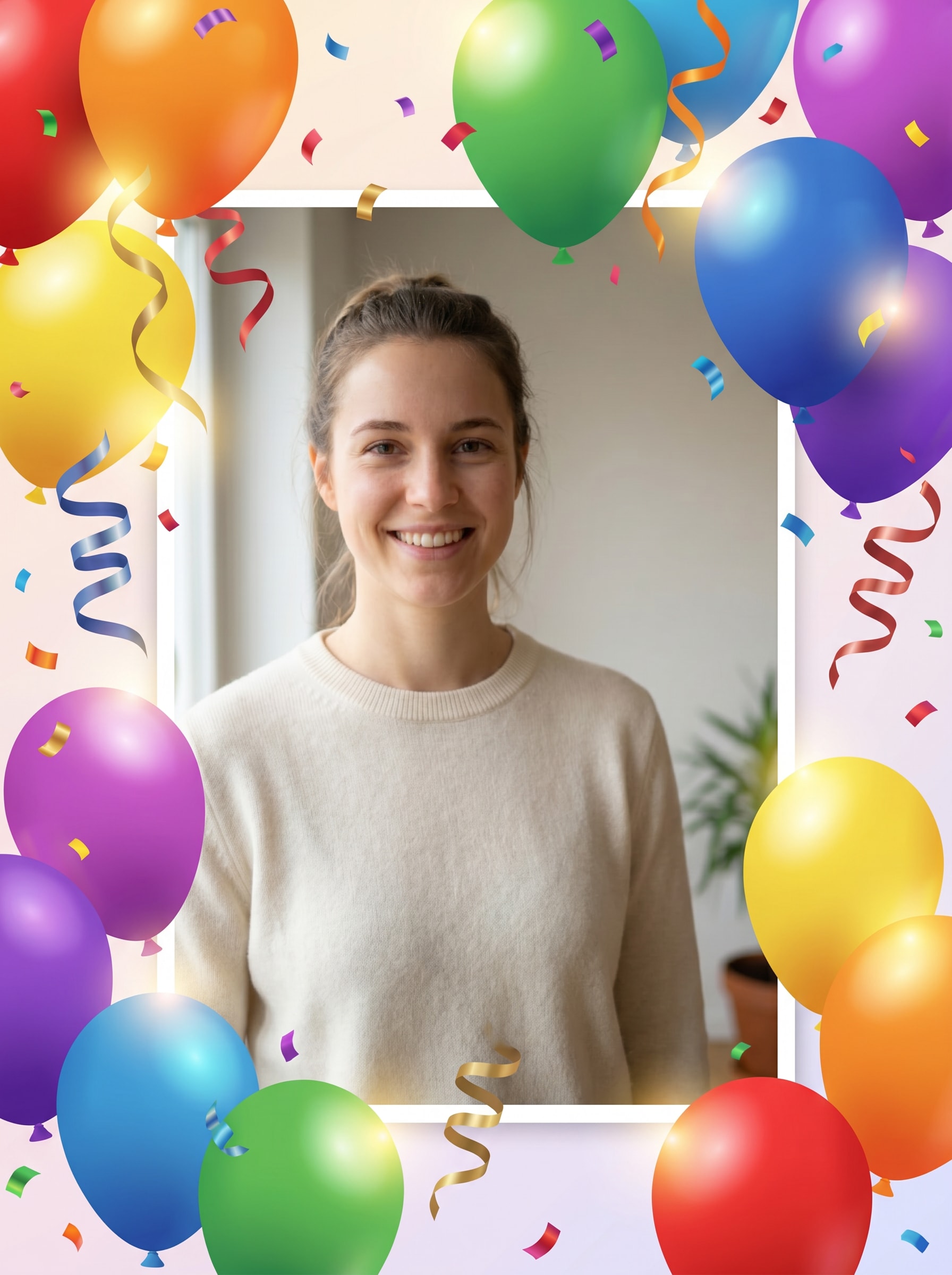
Balloons and Confetti
Use the uploaded image as the main portrait and transform it into a cheerful birthday party design with a bright balloon border, floating confetti, curled ribbons, soft glowing highlights, and a clean centered photo window. Keep the subject recognizable, use vivid rainbow colors, polished digital textures, and a joyful festive mood.
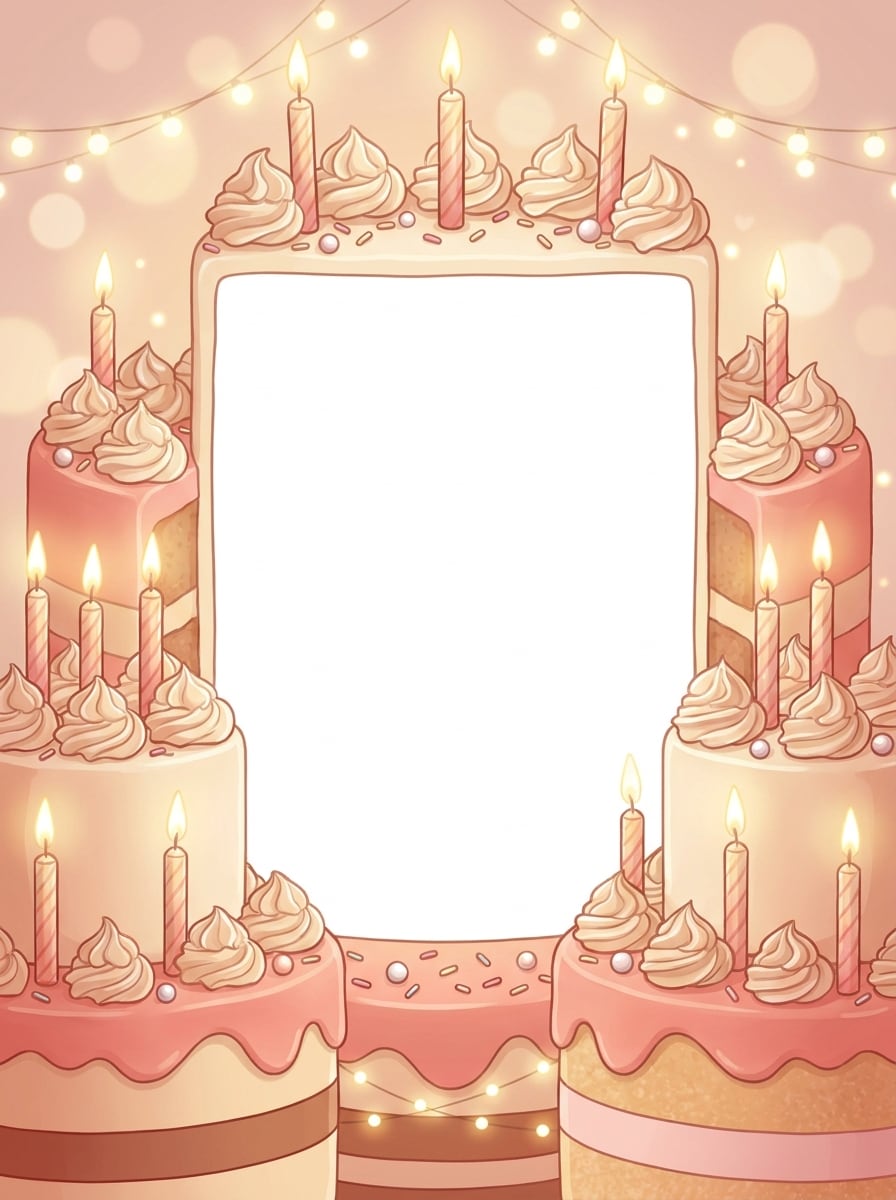
Cake Celebration Frame
Use the uploaded image as the subject and add a birthday cake themed frame with frosted edges, candle illustrations, sprinkles, soft bokeh highlights, and a warm celebration palette. Preserve the face clearly, keep the center uncluttered, and create a sweet polished party look with creamy textures and inviting festive detail.
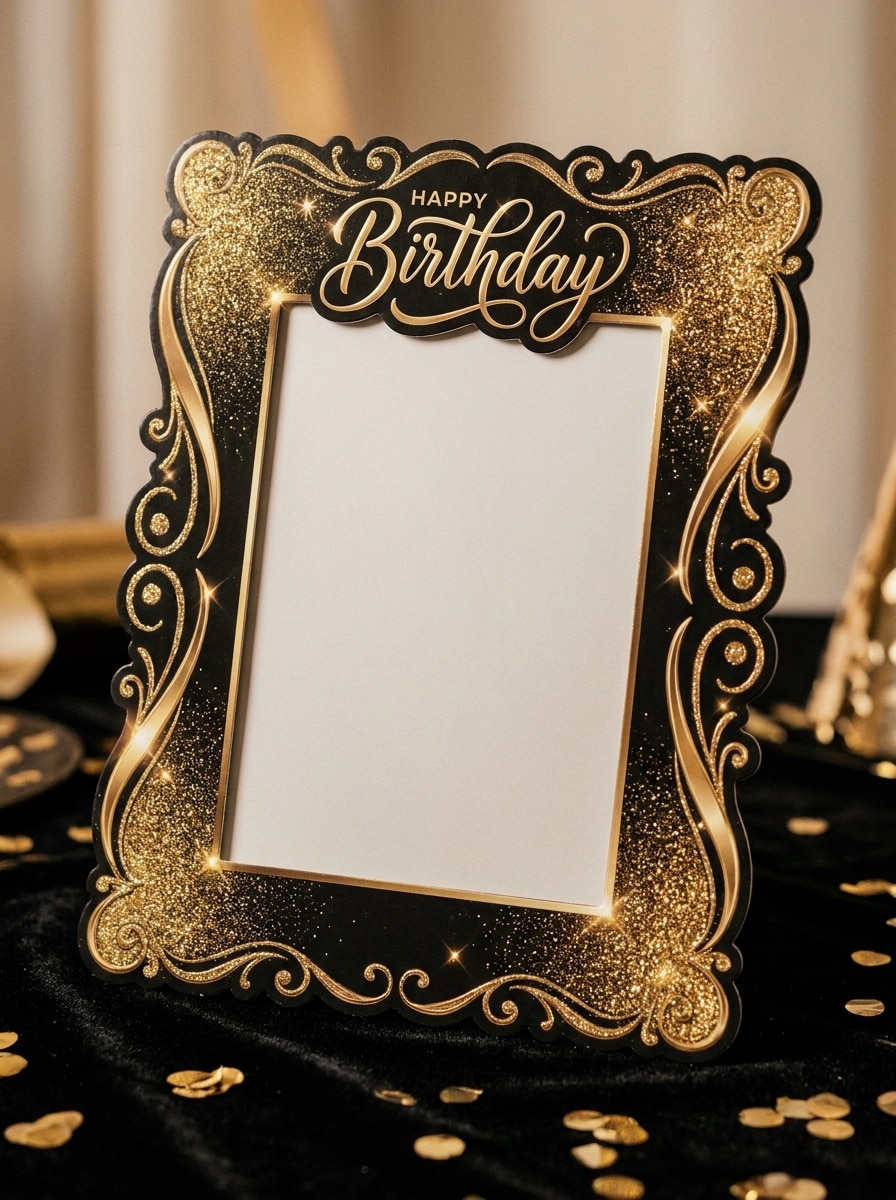
Gold Glitter Luxury
Use the uploaded portrait and transform it into an elegant birthday frame with gold glitter textures, delicate sparkles, black and champagne accents, refined decorative corners, and soft dramatic lighting. Keep the person recognizable and centered, with a premium glamorous mood, crisp details, and a clean luxury celebration composition.
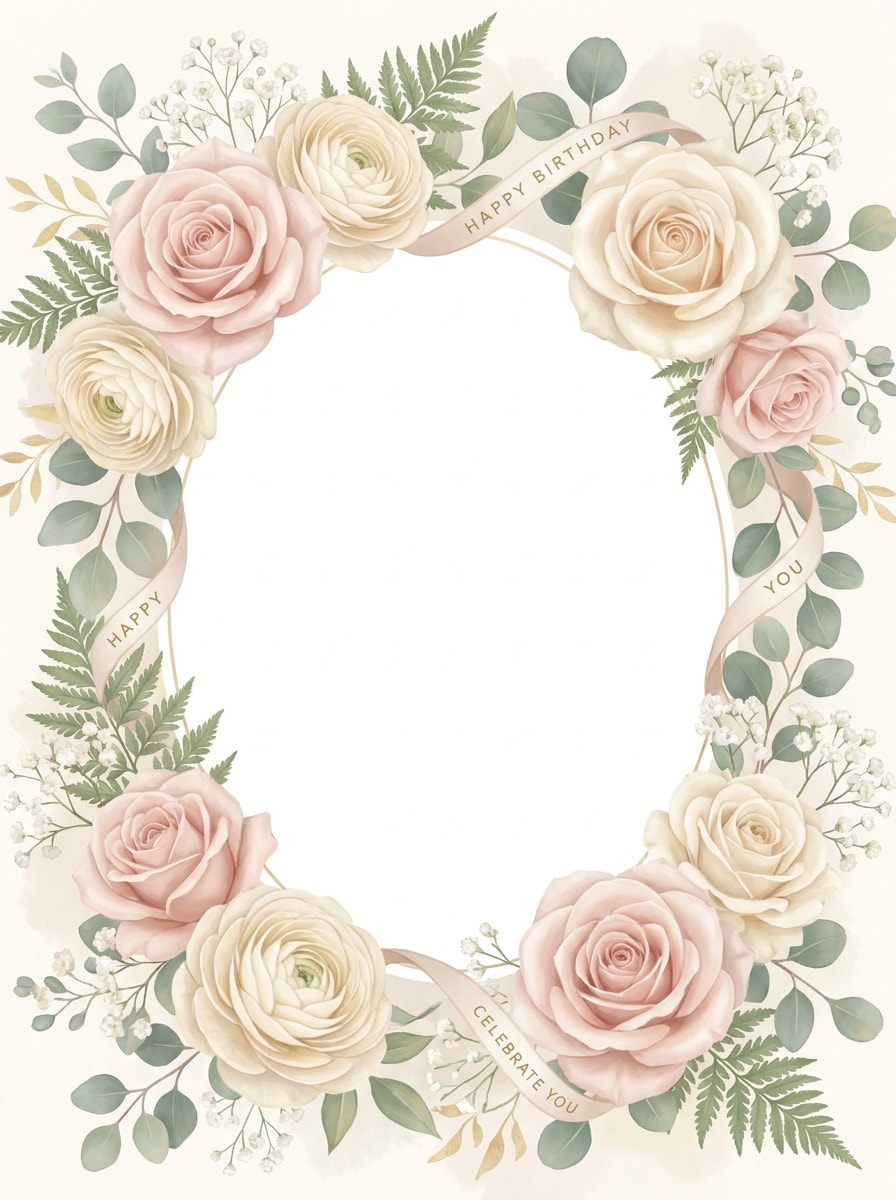
Floral Pastel Birthday
Use the uploaded image as the focus and create a soft floral birthday frame with blush pink flowers, cream petals, pastel greenery, airy highlights, and a delicate feminine border. Keep the portrait clear and natural, with gentle lighting, refined botanical textures, and a calm celebratory mood suited for elegant greetings.
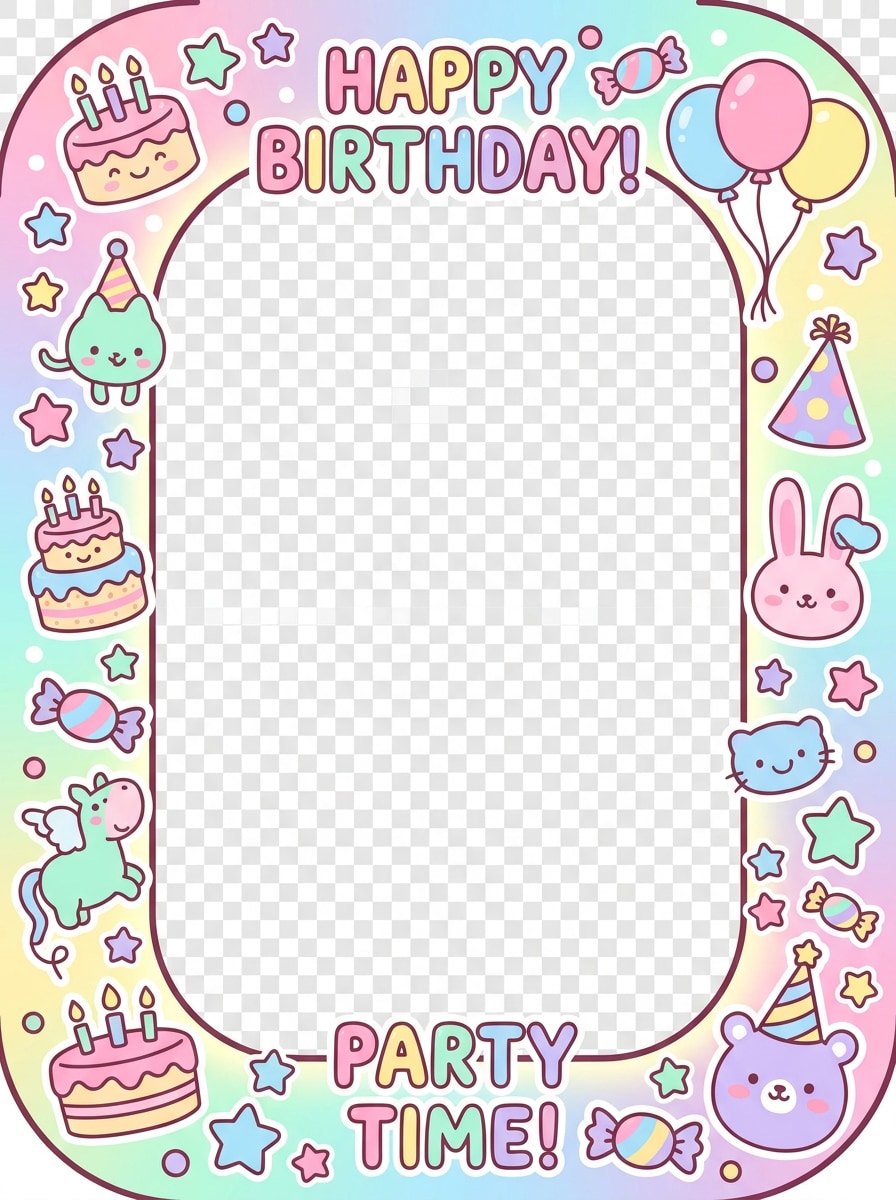
Cartoon Cute Party
Use the uploaded photo as the central character and turn it into a cute birthday frame with cartoon stars, cake icons, candy colors, playful stickers, rounded shapes, and bright celebratory energy. Keep facial identity visible while surrounding the portrait with fun child-friendly elements, smooth textures, and a vibrant party mood.
Princess Birthday Theme
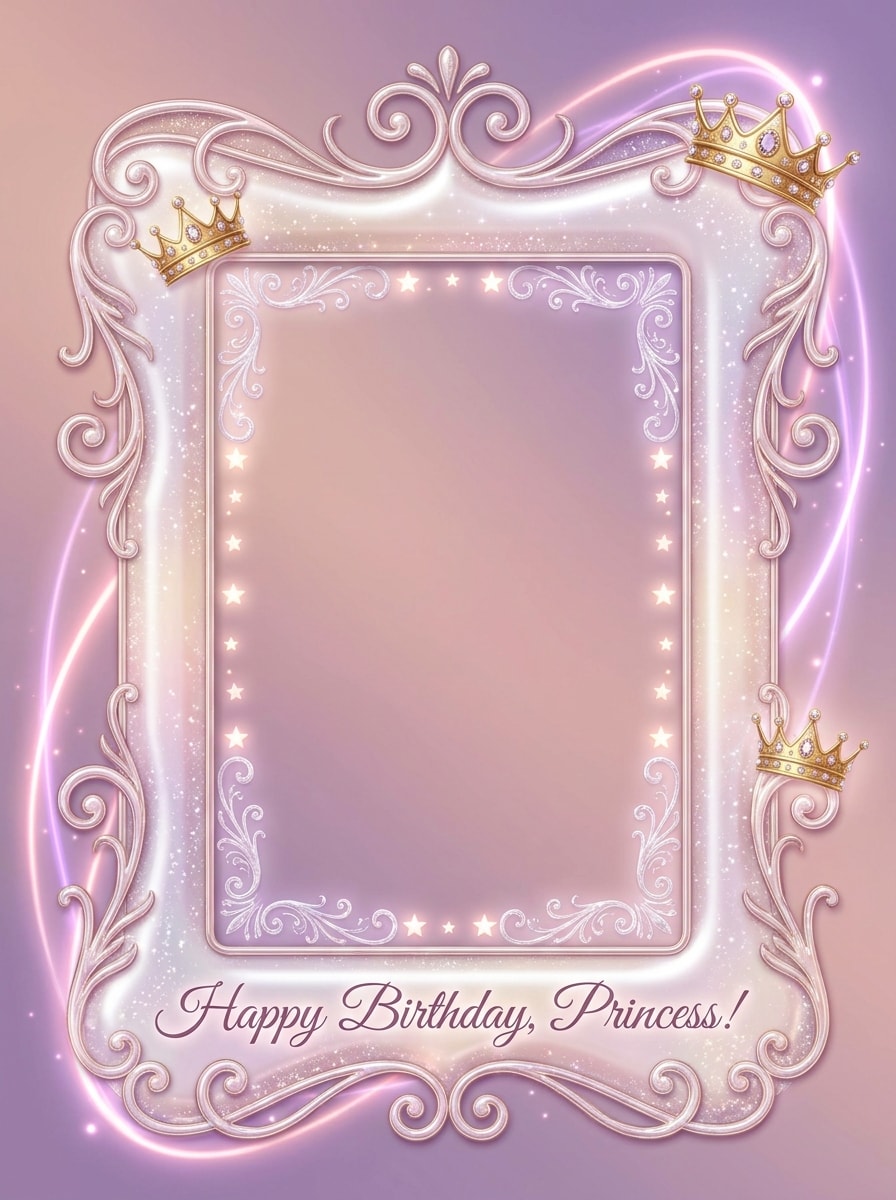
Use the uploaded image as the subject and style it with a princess birthday frame featuring pink sparkles, tiny crowns, magical glow, soft gem-like details, and dreamy decorative flourishes. Preserve the face clearly, use pastel pink and lilac tones, and create a whimsical celebratory design with polished fantasy charm.
Scrapbook Birthday Collage
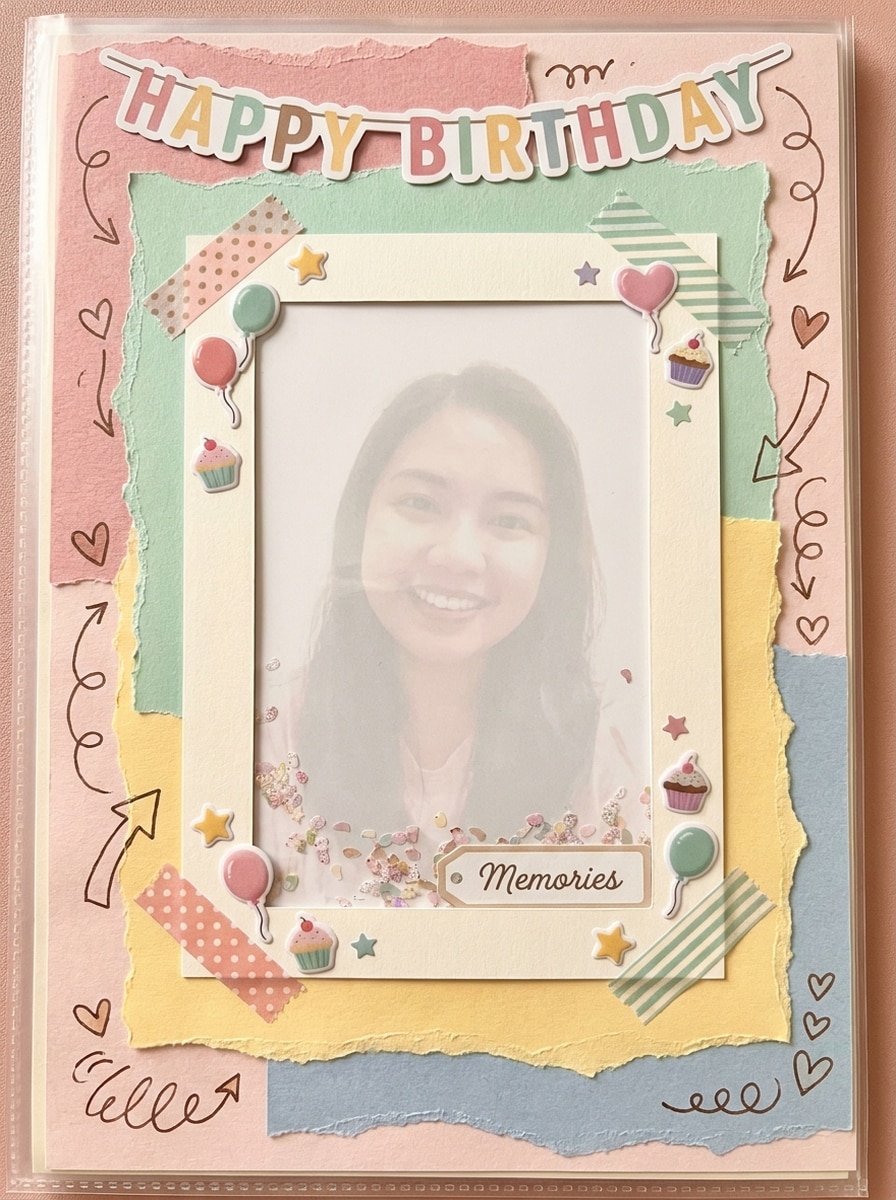
Use the uploaded image as the main memory photo and transform it into a scrapbook-inspired birthday collage frame with paper textures, tape corners, doodle stickers, handwritten-style accents, and layered festive pieces. Keep the subject clear, add warm nostalgic colors, and create a handcrafted celebration layout full of personality.
Polaroid Multi-Photo Birthday
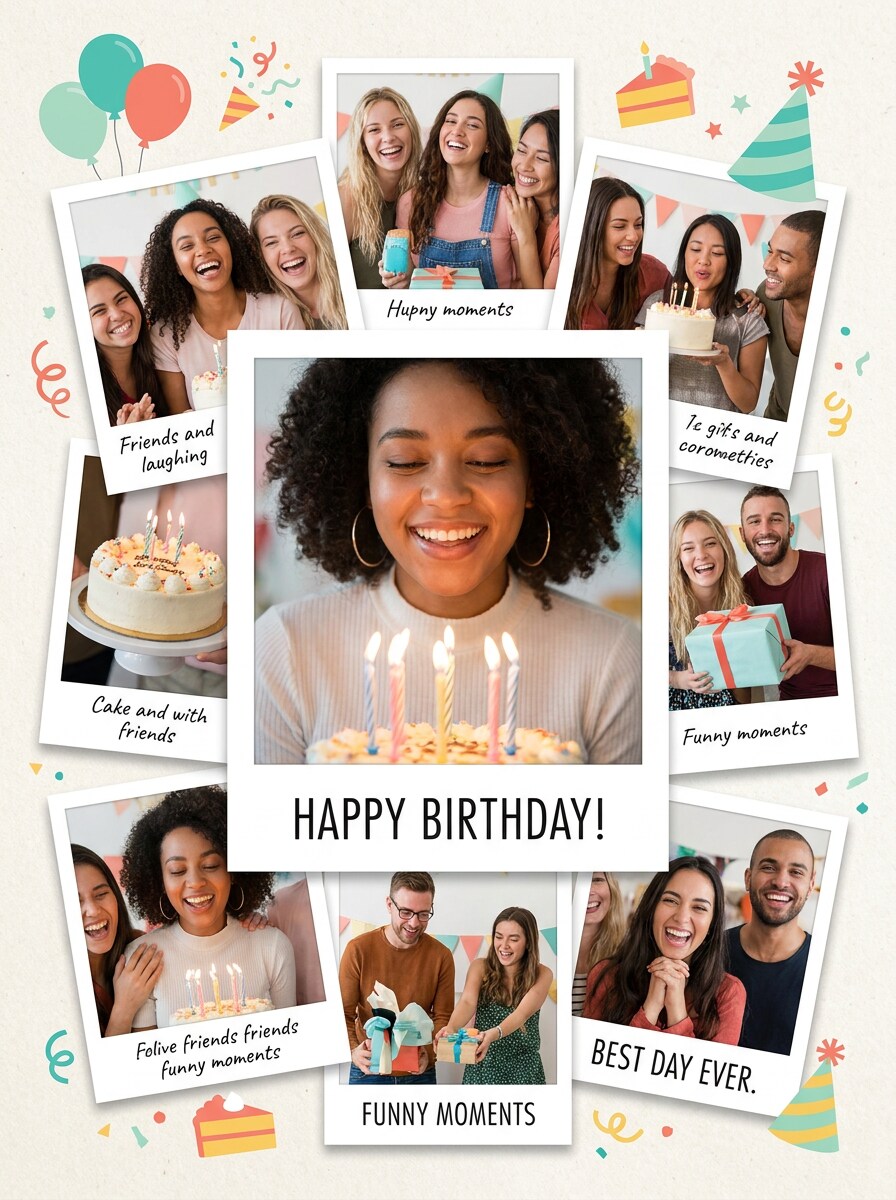
Use the uploaded image as the featured portrait and convert it into a birthday collage frame with polaroid-style layers, playful spacing, soft shadows, party icons, and caption-ready decoration areas. Keep the subject recognizable, use bright modern colors, and create a fun memory-sharing composition with clean social-post balance.
Instagram Story Birthday Frame
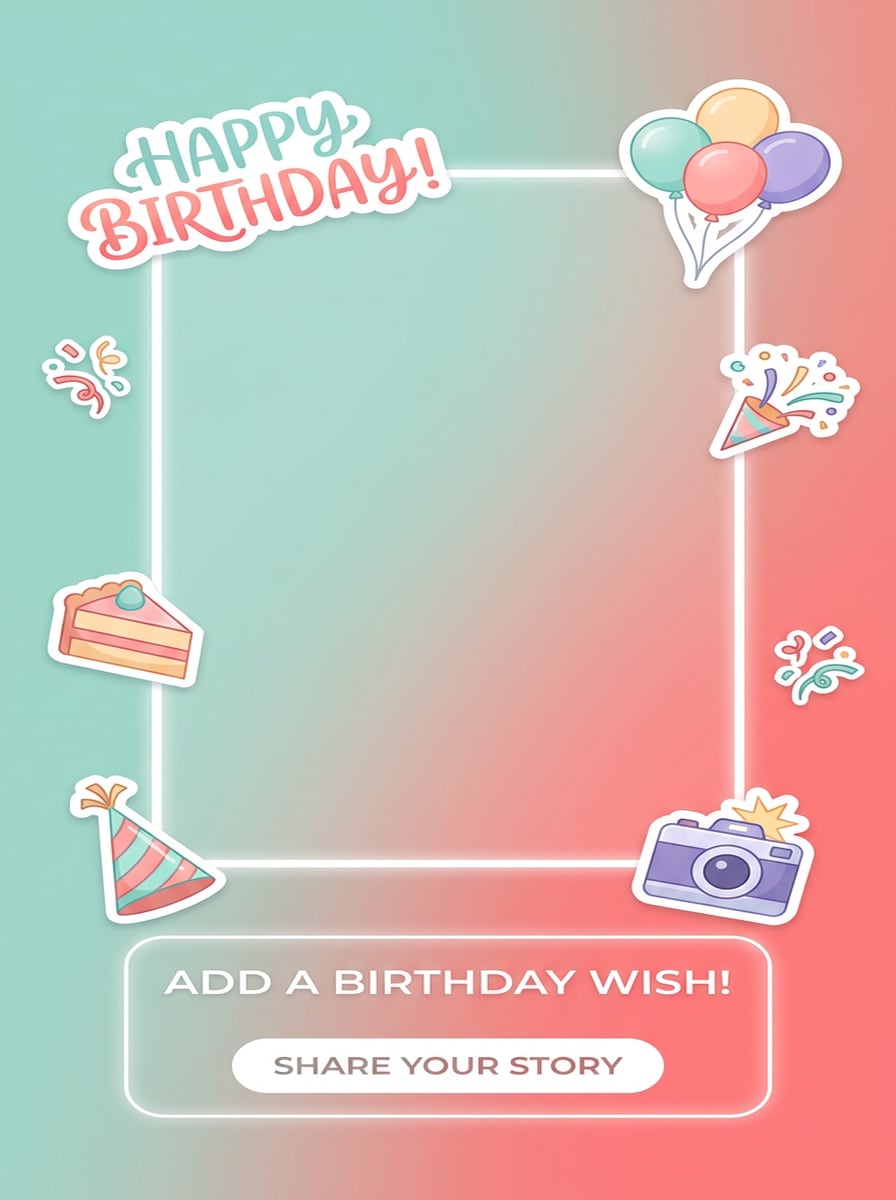
Use the uploaded portrait as the hero image and create a vertical birthday story frame with trendy stickers, subtle gradients, floating icons, clear text space, and a sleek social-media-ready composition. Preserve the face and body proportions, keep the center open, and use a fresh modern party mood for mobile sharing.
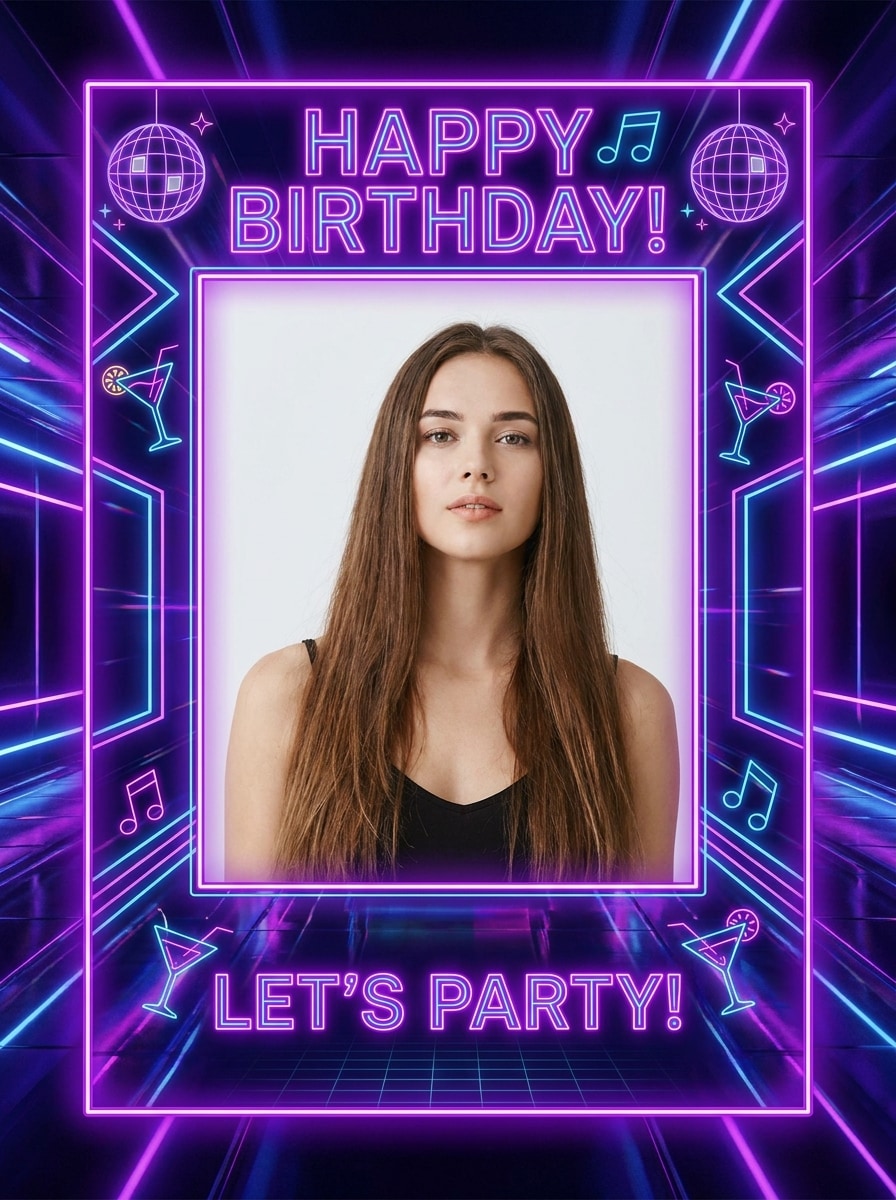
Neon Birthday Night Party
Use the uploaded image as the main portrait and transform it into a neon birthday party frame with glowing purple and blue lights, modern nightlife graphics, sleek luminous edges, and a stylish evening celebration atmosphere. Keep the face clear, add high contrast highlights, and maintain a bold share-ready party composition.
Why Use Media.io for Birthday Frame Photo Editing
Make themed birthday edits from one uploaded photo
For portraits that still need to look like the original person, Media.io helps preserve recognizable features while adapting the overall birthday photo frame maker style, so your final image feels personal and usable for social posts, branded graphics, or mockup.
Explore Different Looks Without Losing Direction
Different outputs call for different aesthetics. Media.io helps you explore varied treatments of the same birthday photo frame maker concept so the final visual lands in the right tone faster.
Keep your celebration image sharp for sharing or printing
When a birthday photo frame maker is headed for real publishing use, Media.io gives you sharper output up to 4K, which helps the image stay clear across presentations, backgrounds, and reused assets.
Edit in your browser without switching devices
Creative work can continue smoothly across screens with Media.io in the browser. You can start a birthday frame edit online, adjust the design on another device, and download the finished image without interrupting your workflow.
How to Make a Birthday Frame Edit Online
Turn your words into stunning visuals in three simple steps, then continue refining the result if you want to take it further.
Step 1
Upload Your Reference Image
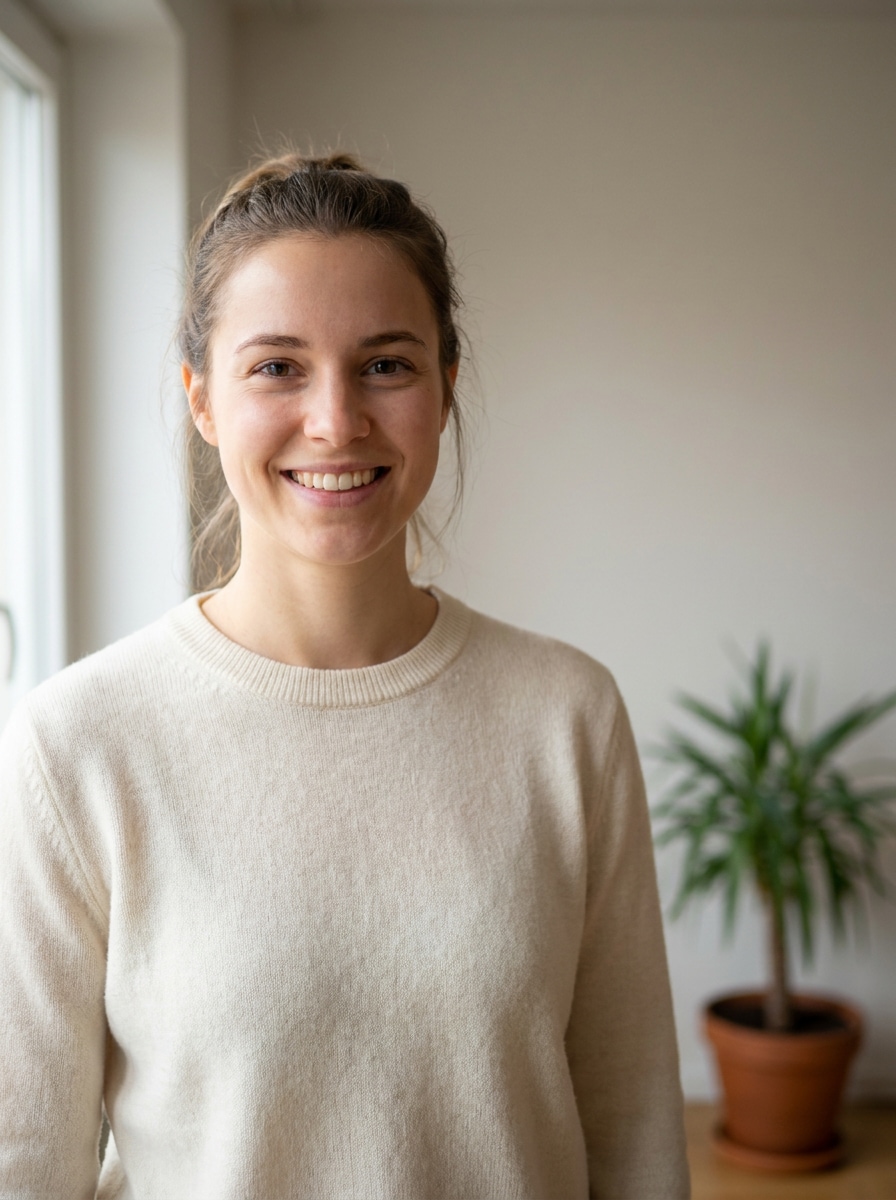
Start with a clear portrait, selfie, kids party photo, or family picture in JPG, PNG, or JPEG format. A clean source image helps Media.io create better birthday frames for photo editing while keeping faces recognizable and centered.
Step 2
Describe the Change and Set Options
Type the frame style you want, such as floral, glitter, cake-themed, scrapbook, or story-ready. Then choose the AI model and adjust aspect ratio, resolution, and image count for a square post, vertical story, or printable happy birthday online photo frame.
Step 3
Generate, Download, and Keep Improving
Create several birthday variations, compare the results, and download your favorite version. If needed, refine the prompt, try another style, or generate again until your frame looks right for sharing, gifting, or saving as a birthday keepsake.
Unlock the Potential of Editing Photo For Birthday
See how creators use Media.io for birthday-themed image designs across content, marketing, and personal projects, then adapt each idea to fit your brief.
Make share-ready greetings for friends and family
Turn a simple portrait into a festive post, message card, or digital greeting in minutes. Media.io works well as a birthday frame editor online for adding balloons, glitter, flowers, or a cake border before you share the final image on chat apps or social media, including a happy birthday frame online free style.
Create sweet milestone edits for kids and first birthdays
Design playful layouts for baby albums, family posts, and party displays with pastel, cartoon, or princess-inspired looks. This is especially useful for 1st birthday frames for photo editing and other birthday frames free concepts, where parents want a polished keepsake without learning complex design software.
Personalize elegant portraits for moms and women
Build floral, pastel, or luxury gold designs for heartfelt birthday tributes, including stylish edits for moms, sisters, and close friends. Media.io can support woman birthday frames for photo editing, a happy birthday mom photo editor look, or a happy birthday photo frame with name and photo edit when you want a more personal result.
What Users Say About This Birthday Frame Maker
Ariana M.
Social Media User
"Fast and easy for birthday story posts" I needed a last-minute birthday story design and Media.io made it simple. I uploaded one portrait, described the look I wanted, and got several cute framed versions in just a few minutes.
Daniel K.
Parent
"Great for first birthday keepsakes" We used it for our daughter’s first birthday pictures and the results looked far better than basic sticker apps. The pastel and scrapbook frame styles felt polished enough for both social sharing and printing.
Nisha R.
Gift Creator
"Lovely floral and elegant options" I wanted a classy birthday portrait for my mom, and the floral frame came out beautiful. It was much easier than searching through dozens of templates, and I liked being able to refine the prompt.
Ethan J.
Casual Designer
"Works well on phone and desktop" I started the edit on my phone and downloaded the final version on my laptop later. That browser-based workflow is exactly what I wanted from a birthday frame photo editor online.
1. How can I make a birthday photo frame online for free?
You can upload a photo to Media.io, enter a birthday frame prompt, choose your preferred style and size, and generate the design right in your browser. Free users can try it with credits, while paid plans offer more usage and watermark-free high-resolution downloads. That makes Media.io a practical choice for people looking for birthday frames for photo editing online free, birthday photo frame editor online free, free happy birthday photo frames, or birthday frames for photo editing online.
2. Can I add a birthday frame to my photo without downloading an app?
Media.io can generate high-quality birthday photo frame maker visuals with enough detail for sharing, presentations, or further editing. It also works well if you want a birthday frame edit photo result that feels polished without using complex desktop software. Free users may see watermarks.
3. What types of birthday photo frames can I create?
Yes. Media.io can be used for birthday frame photo editing in different styles, from simple party borders to more customized happy birthday online photo frame designs. You can guide the result with prompts based on the mood, color palette, and frame elements you want.
4. Will my birthday photo frame keep the original image quality?
Media.io supports 1K, 2K, and 4K output options, so you can choose a higher-resolution result when you want a cleaner final image for sharing or printing.
5. Can I use a birthday frame maker on my phone and desktop?
Yes. Media.io can help create themed designs such as woman birthday frames for photo editing, family tributes, and personalized celebration layouts. You can also describe details for birthday frame edit online workflows, including flowers, balloons, elegant borders, or name-based birthday concepts.
6. How long does it take to create a framed birthday photo?
In most cases, it only takes a few minutes to upload your image, describe the style, generate results, and download a finished design. It is a fast option for birthday photo editing online, whether you want a simple happy birthday frame online or a more detailed collage-style birthday frame.