すべて
画像
ビデオ
オーディオ

Baby Face Generator for Realistic Future Baby Photos Online

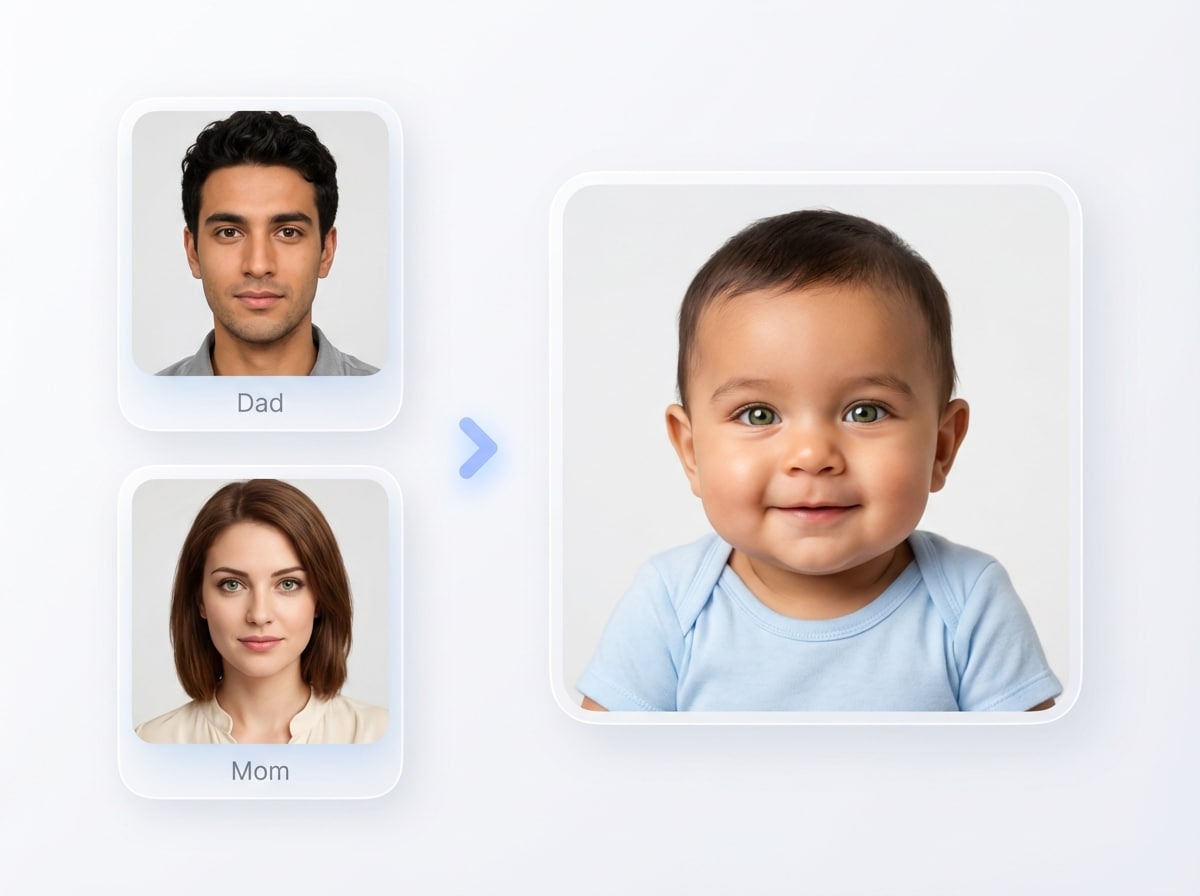
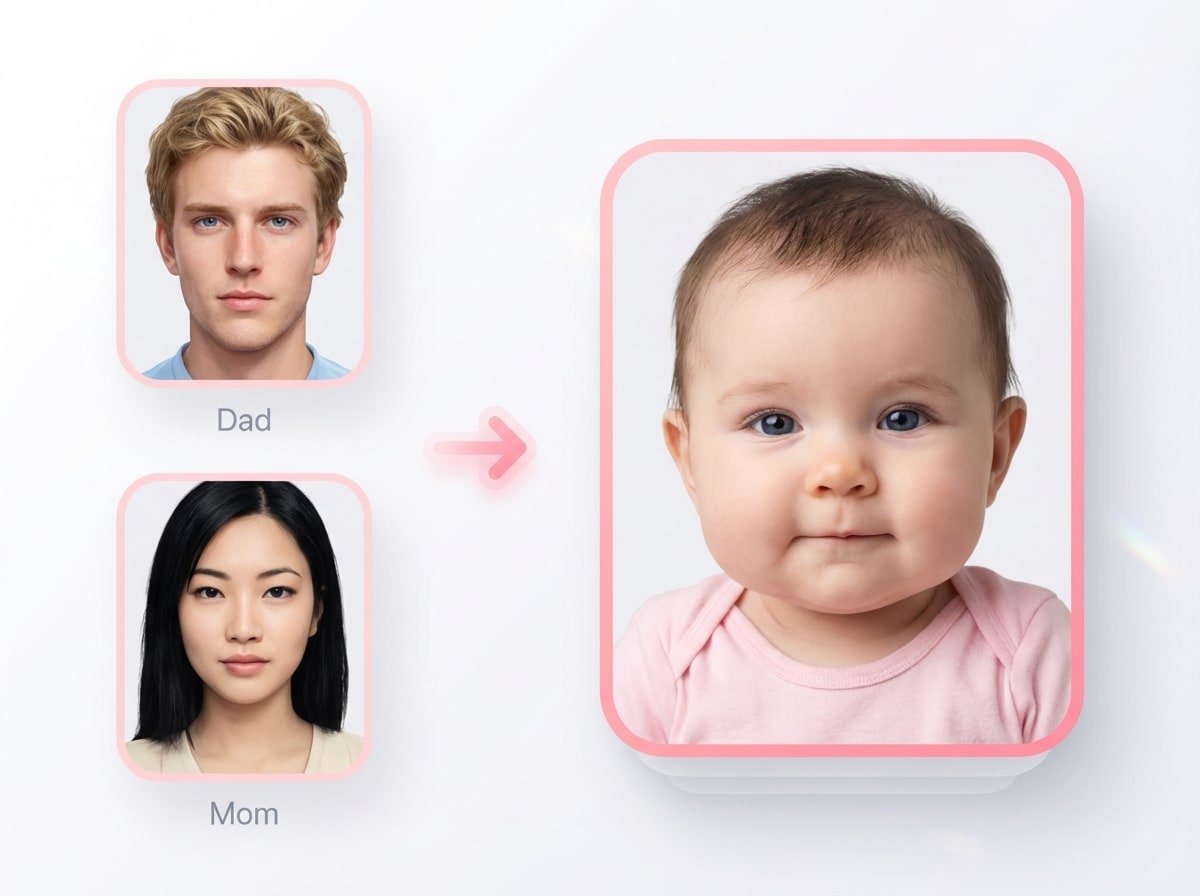
Upload parent photos and create a cute, lifelike future baby image in seconds. Media.io’s baby face generator helps you explore realistic baby predictions, social-ready reveal styles, and fun variations with easy image-to-image controls right in your browser.

Create My Future Baby

Type your idea -> AI designs it. Free to try.

Explore our curated collection of baby face generator styles.

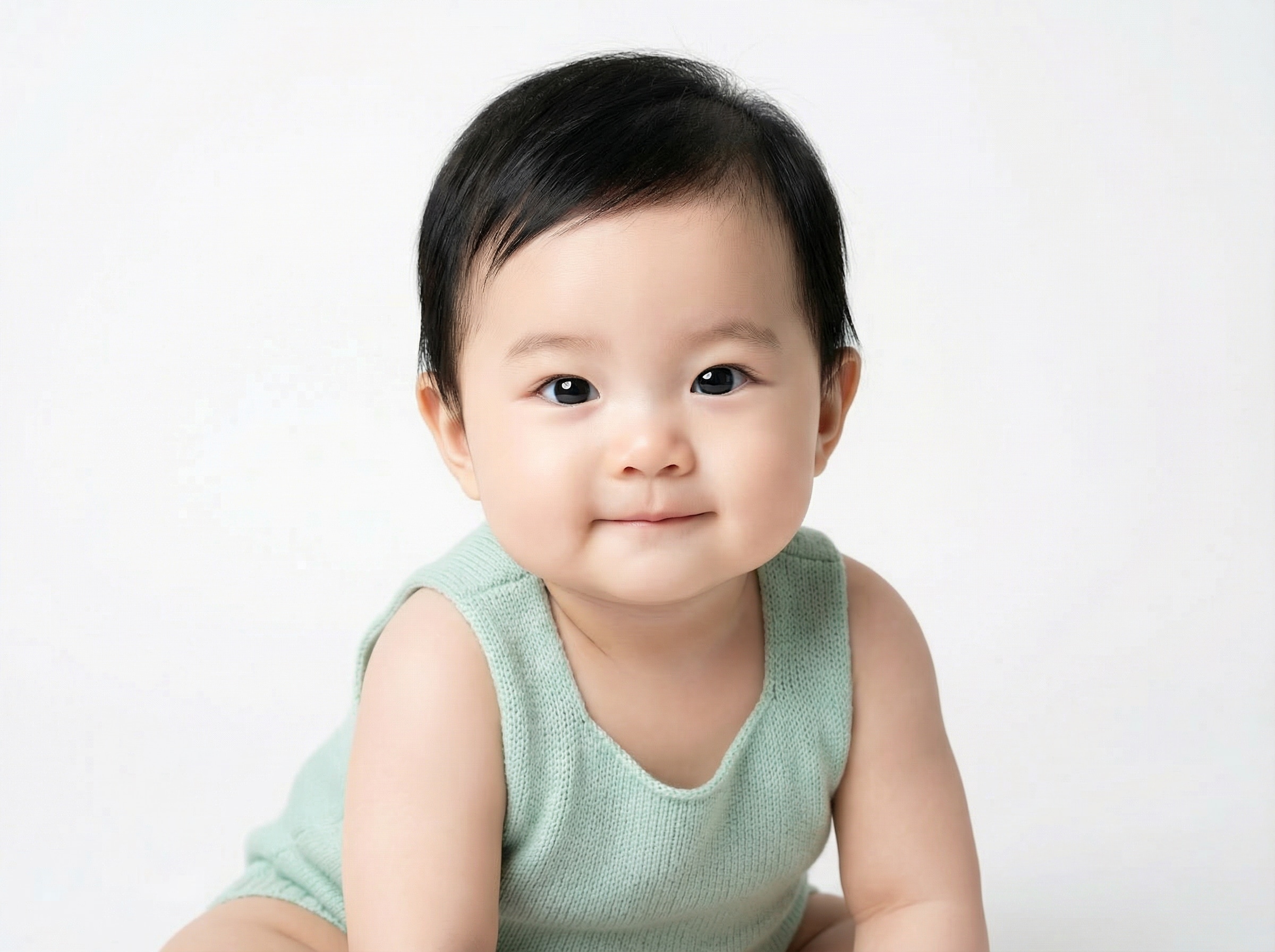
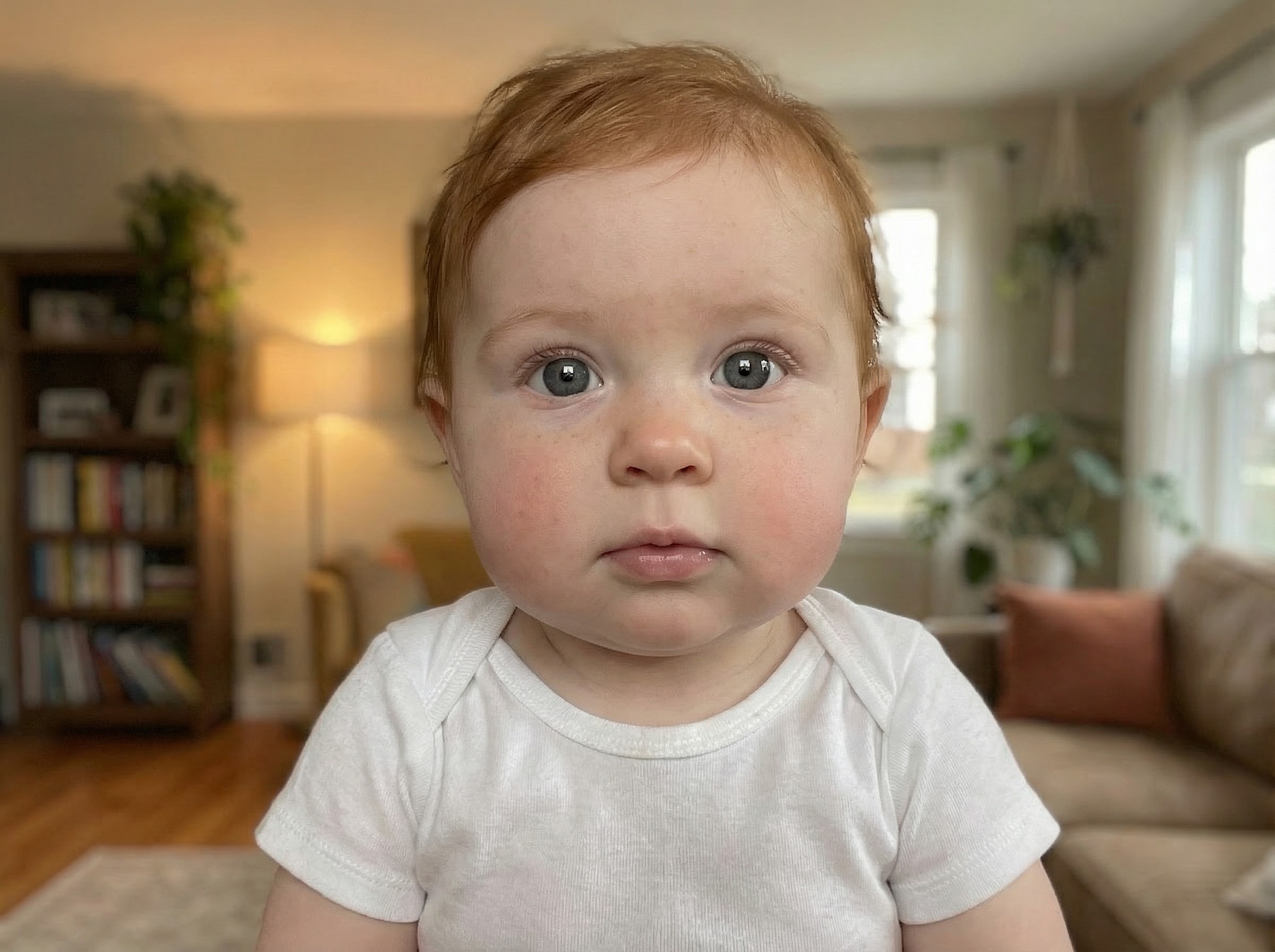
Studio Newborn Portrait

Studio Newborn Portrait

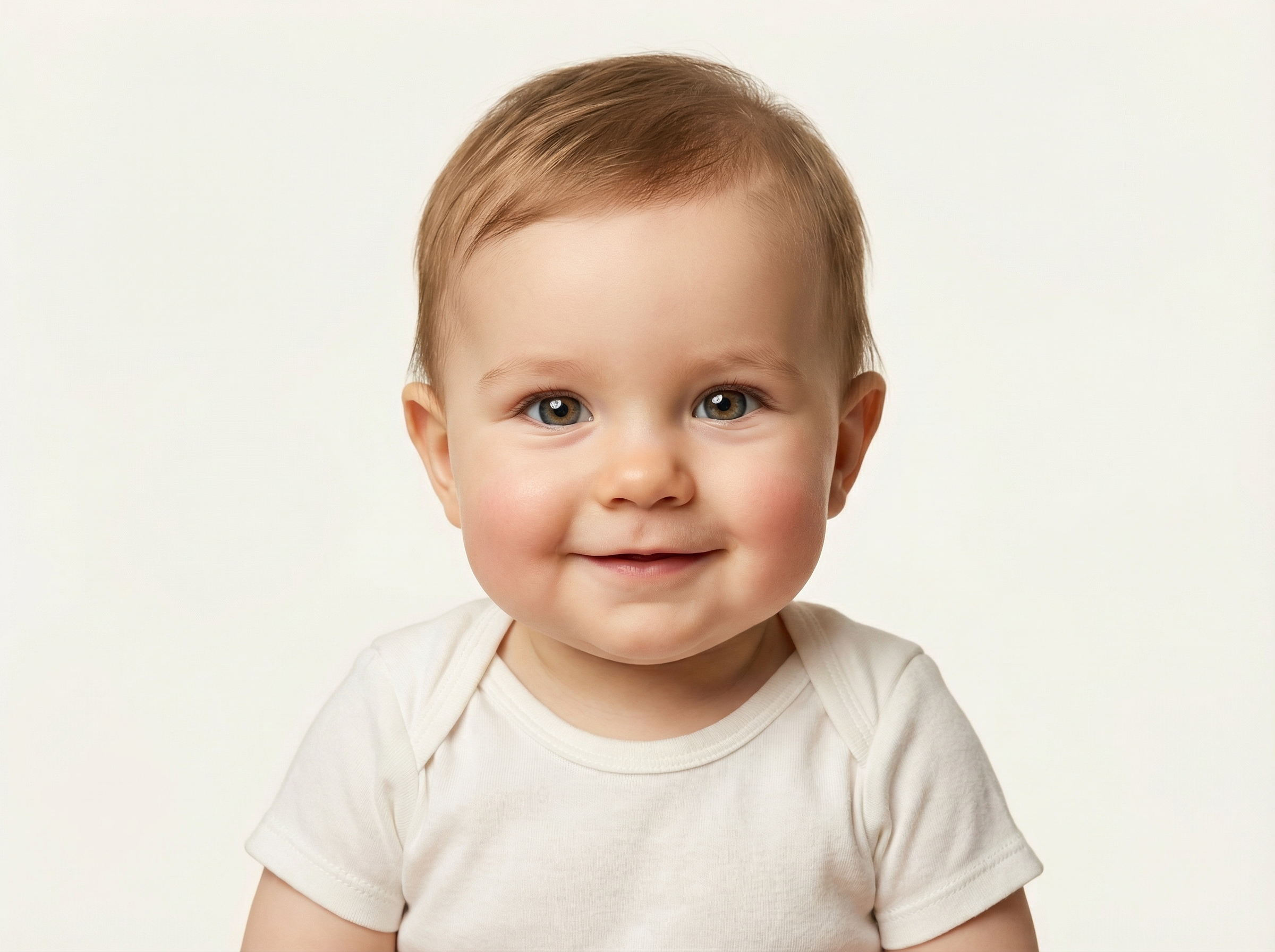
Use the uploaded parent photos as the facial reference and transform them into one photorealistic newborn baby portrait. Keep the baby front-facing with soft skin texture, bright natural eyes, gentle expression, pastel studio background, centered composition, even newborn lighting, and highly detailed family-friendly realism.

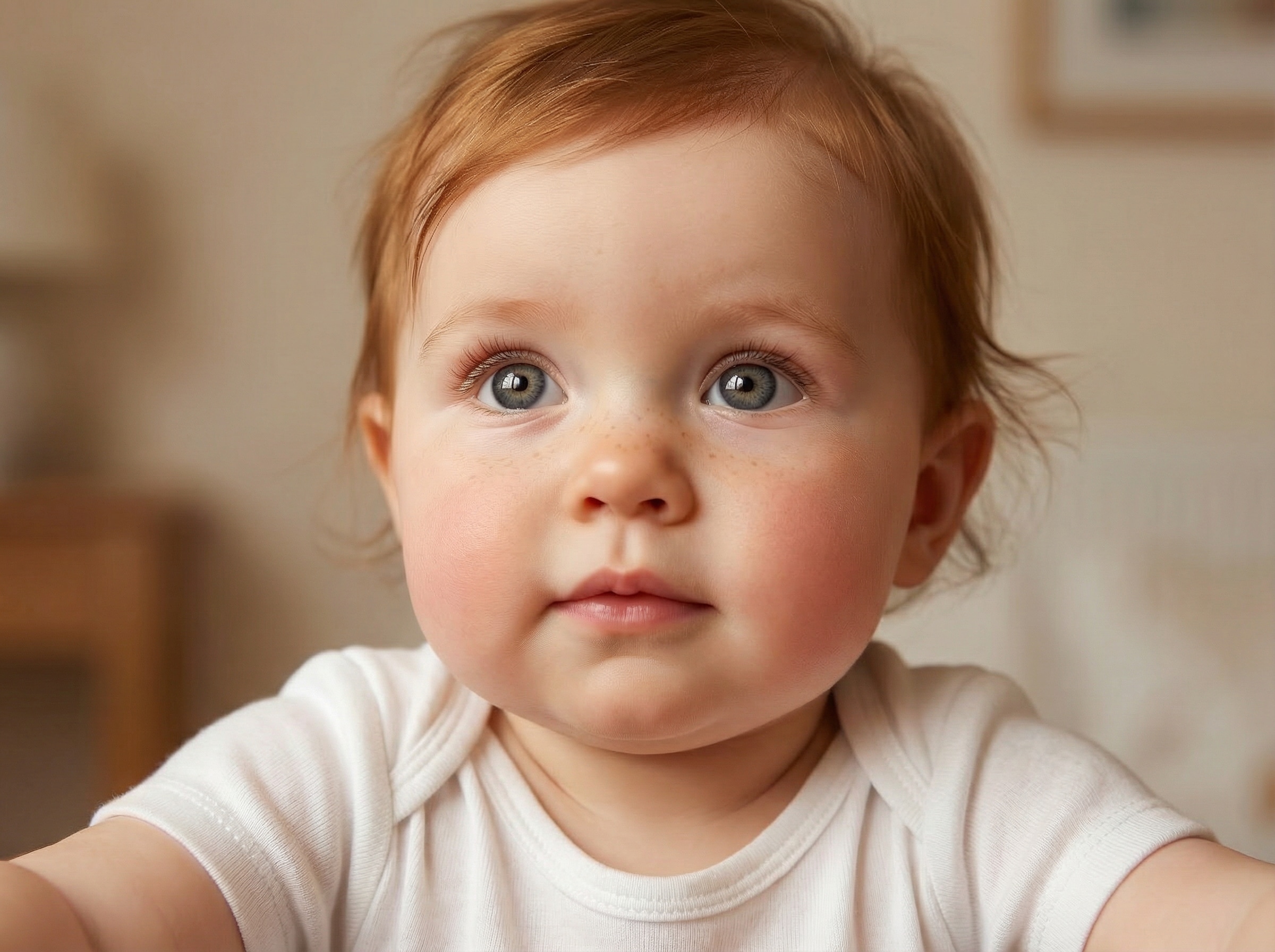
Toddler Prediction Portrait

Toddler Prediction Portrait

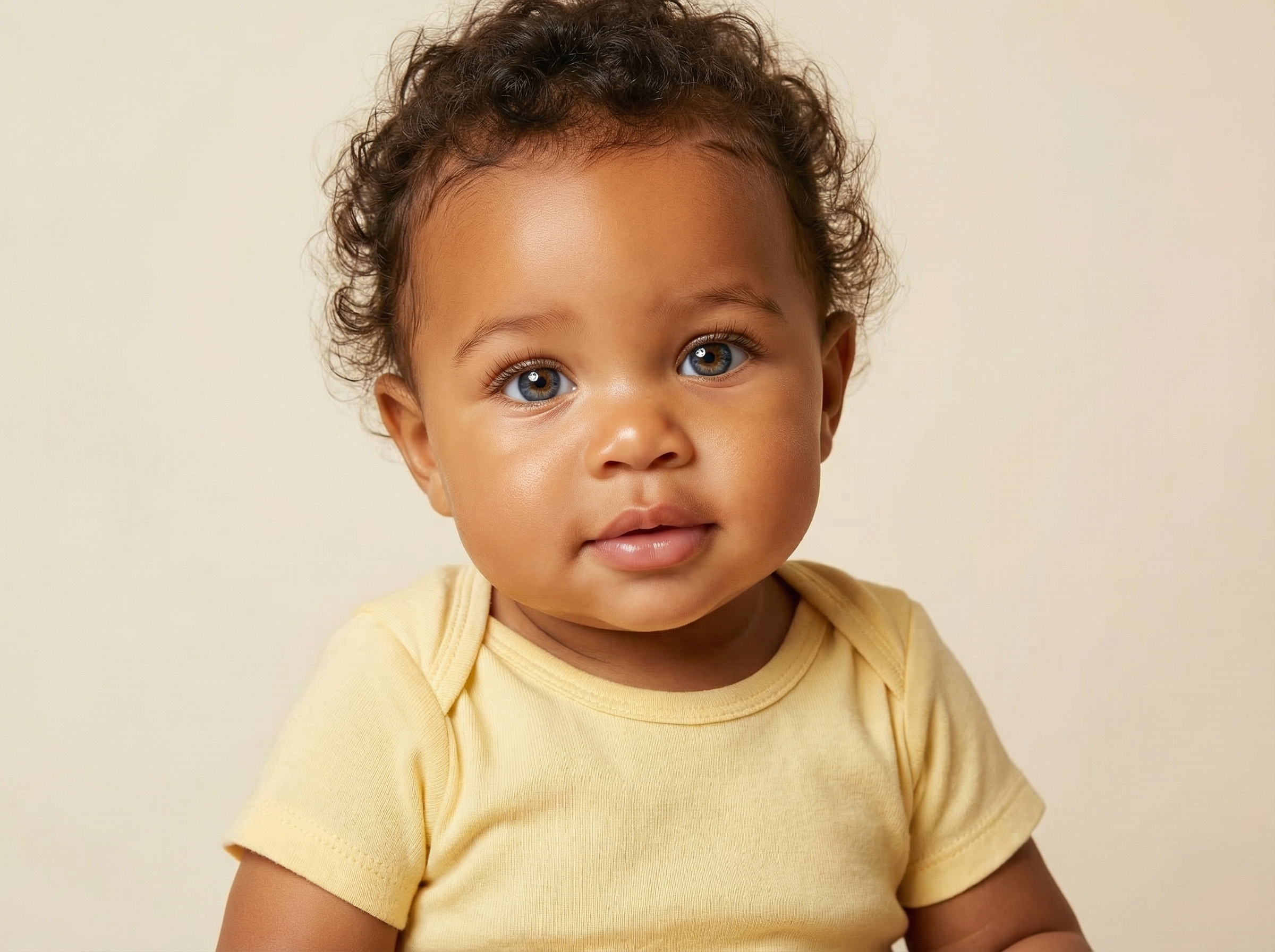
Use the uploaded parent images as the subject and generate a realistic toddler version of their future child. Show a close-up portrait with warm natural lighting, soft baby hair, bright eyes, smooth skin texture, clean uncluttered background, balanced facial resemblance, and a cute, believable expression.

Hospital Newborn Look

Hospital Newborn Look

Use the uploaded parent photos to create a lifelike just-born baby portrait with a soft hospital-style feel. Show the infant wrapped in a neutral swaddle, with authentic newborn proportions, gentle facial expression, soft clinical lighting, natural skin tones, and realistic detail without harsh shadows.

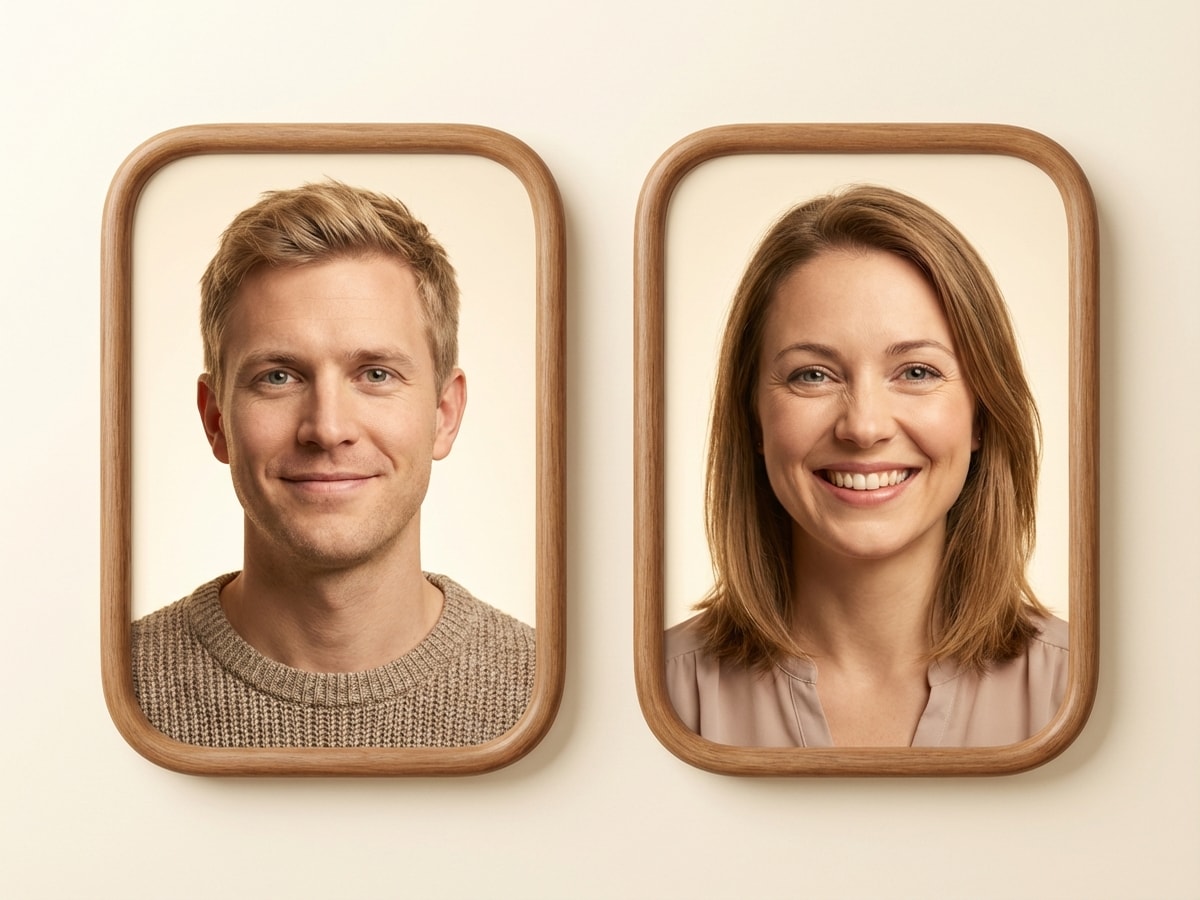
Mom Dad Baby Collage

Mom Dad Baby Collage

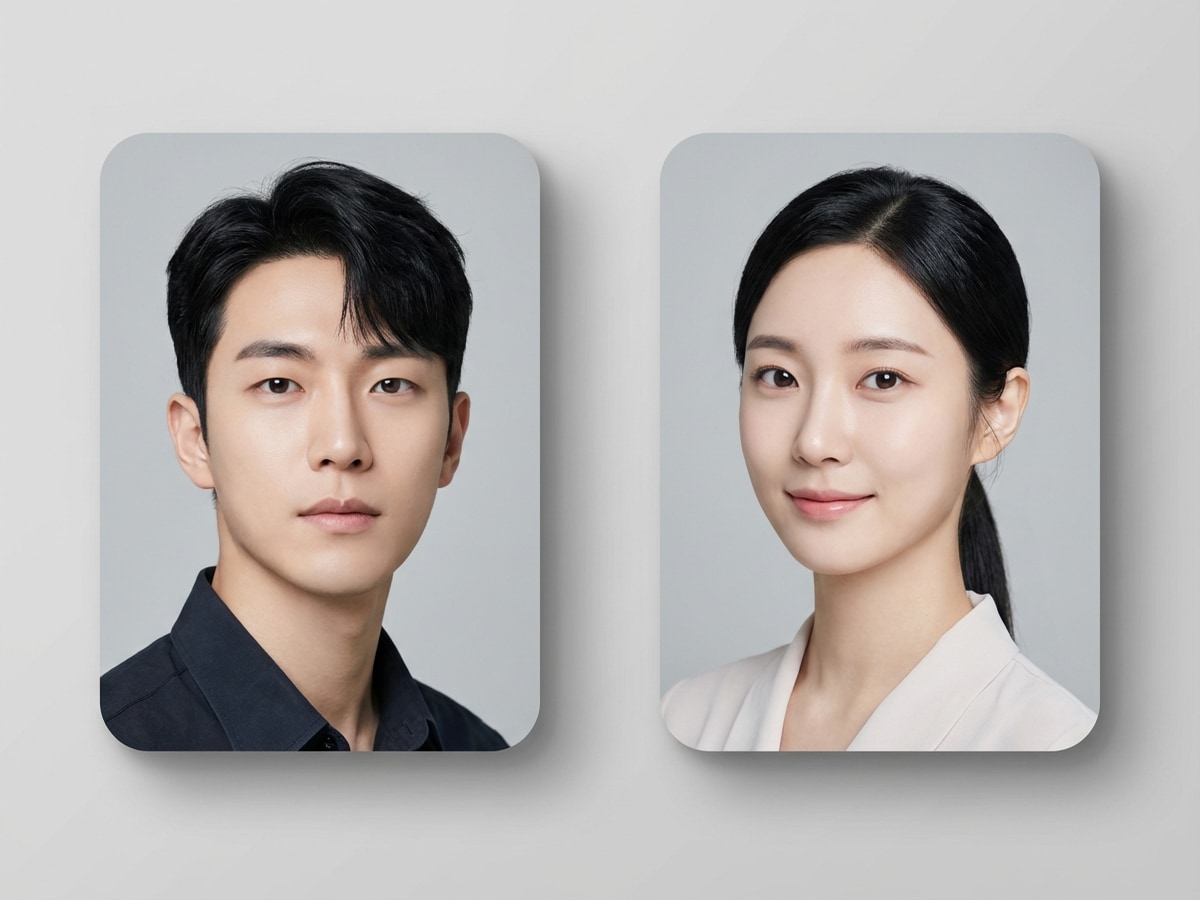
Use the uploaded parent photos and transform them into a social-ready collage that includes both parents and one generated baby result. Keep faces clearly visible, use soft pastel tones, balanced spacing, clean modern layout, photorealistic baby rendering, and an emotionally warm family-friendly composition.

Swipe-Reveal Thumbnail

Swipe-Reveal Thumbnail

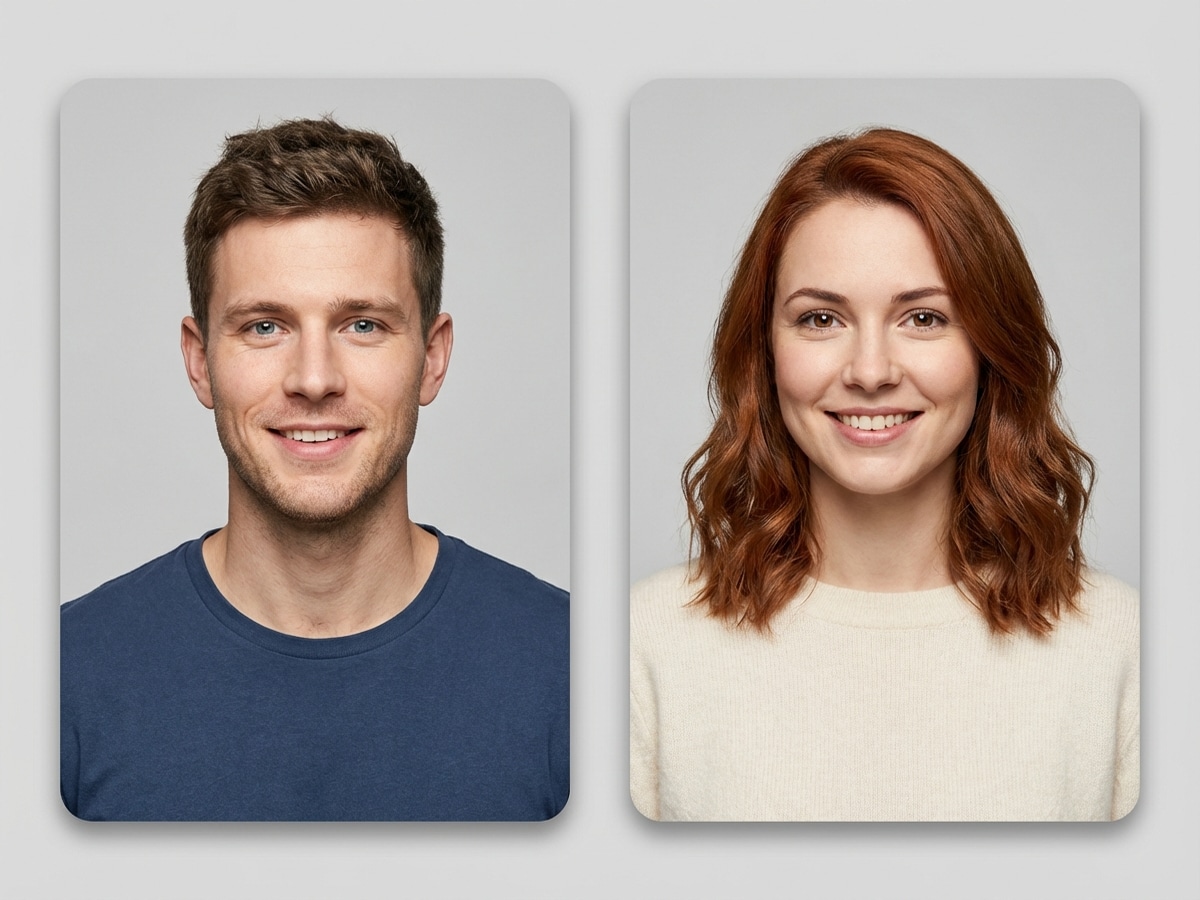
Use the uploaded parent images as the basis for a dramatic future baby reveal thumbnail. Create a vertical, social-friendly composition with two parent portraits and one smiling photorealistic baby result, bright facial lighting, strong visual contrast, soft family-safe colors, and highly clickable emotional warmth.

Gender Variant Pair

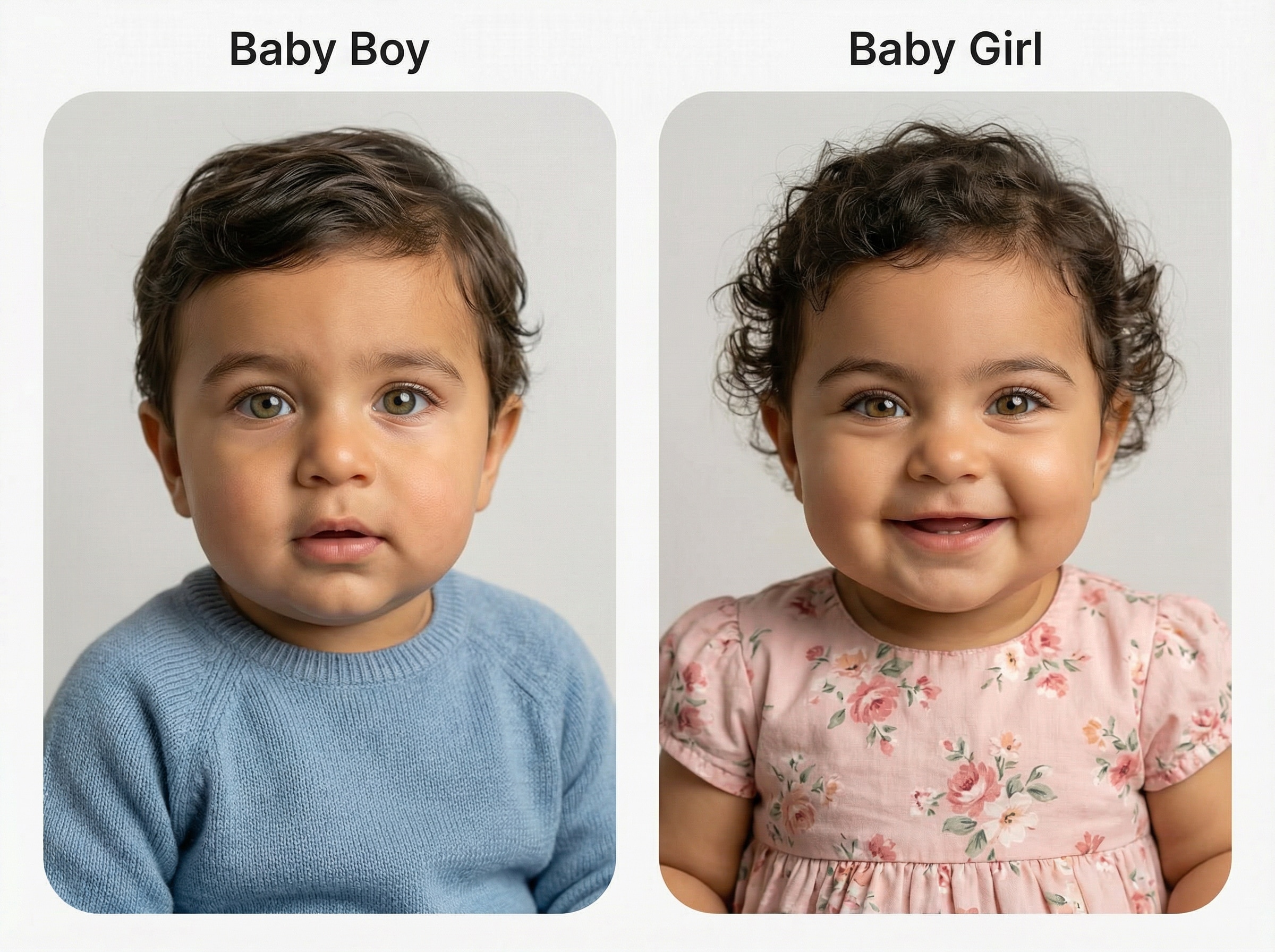
Gender Variant Pair

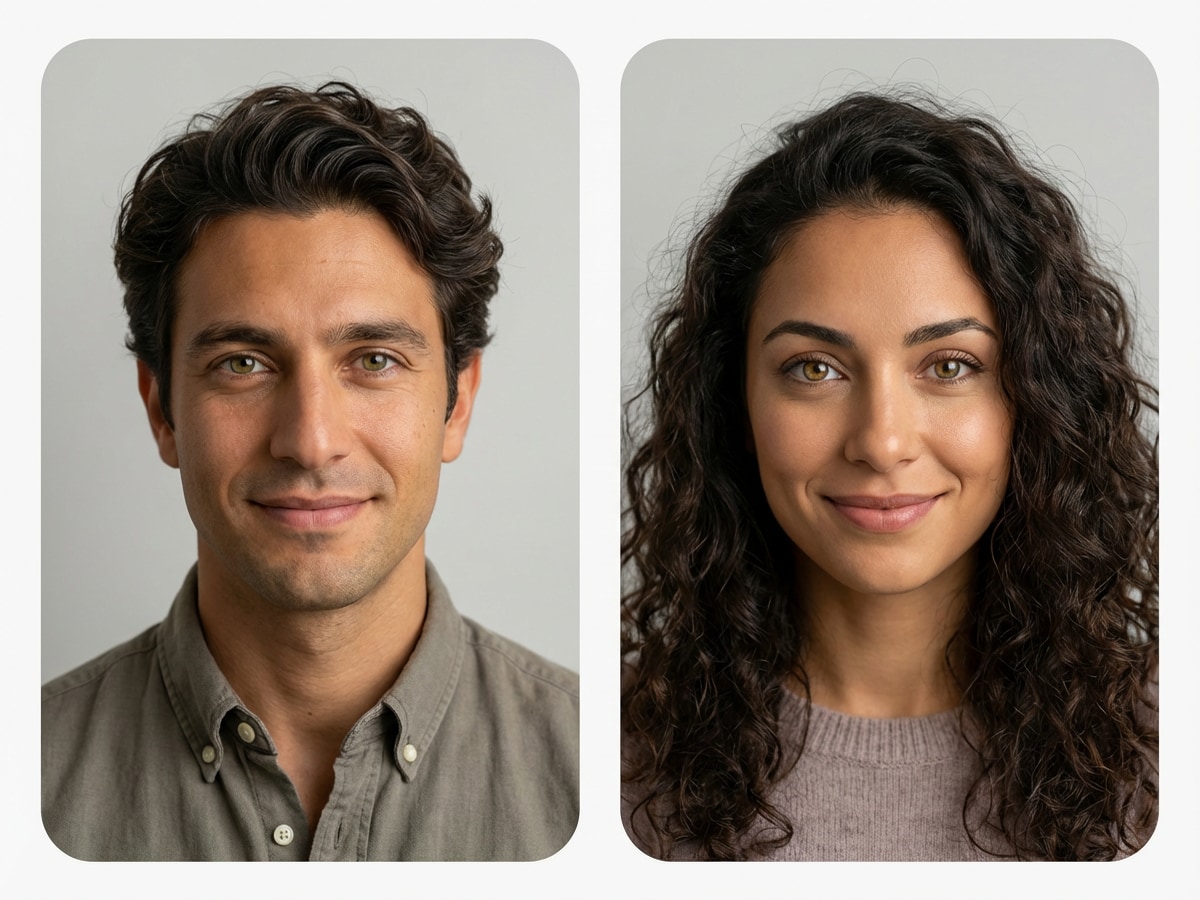
Use the uploaded parent photos to generate two realistic future baby variations from the same facial blend: one baby boy version and one baby girl version. Keep both portraits consistent in family resemblance, soft studio lighting, pastel background, clean composition, and lifelike infant facial detail.

Luxury Baby Editorial

Luxury Baby Editorial

Use the uploaded parent photos and transform them into a premium editorial-style future baby portrait. Keep the baby photorealistic with creamy neutral colors, soft directional lighting, refined wardrobe details, polished skin texture, elegant composition, and a high-end magazine-inspired finish.

Outdoor Golden Hour Baby

Outdoor Golden Hour Baby

Use the uploaded parent images as facial references and generate a realistic future baby portrait outdoors at golden hour. Include warm sunlight, soft bokeh background, natural skin tones, bright eyes, candid baby expression, gentle color grading, and a cinematic family-photography mood.

Cozy Home Portrait

Cozy Home Portrait

Use the uploaded parent photos to create a cute future baby image in a cozy home nursery setting. Add warm indoor light, soft blankets, calm neutral colors, intimate close framing, authentic infant proportions, natural resemblance, and a comforting lifestyle photography feel.

Pixar-Inspired Baby

Pixar-Inspired Baby

Use the uploaded parent photos as the subject and transform them into a cute 3D animated future baby character. Keep the resemblance recognizable while adding oversized expressive eyes, smooth stylized skin, soft lighting, playful charm, pastel tones, and a polished family-animation look.

Why Use Media.io for a Future Baby Face Generator

Upload Parent Photos in Common Formats

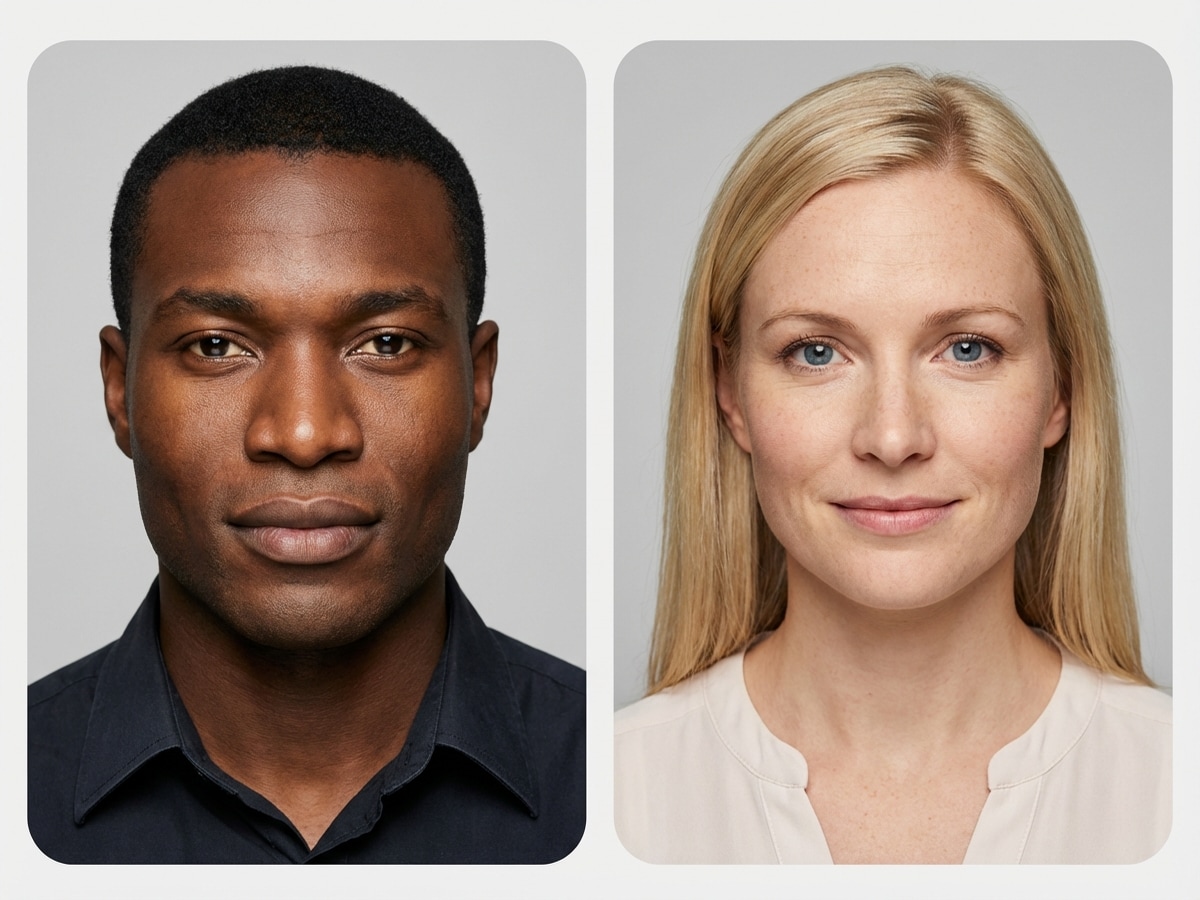
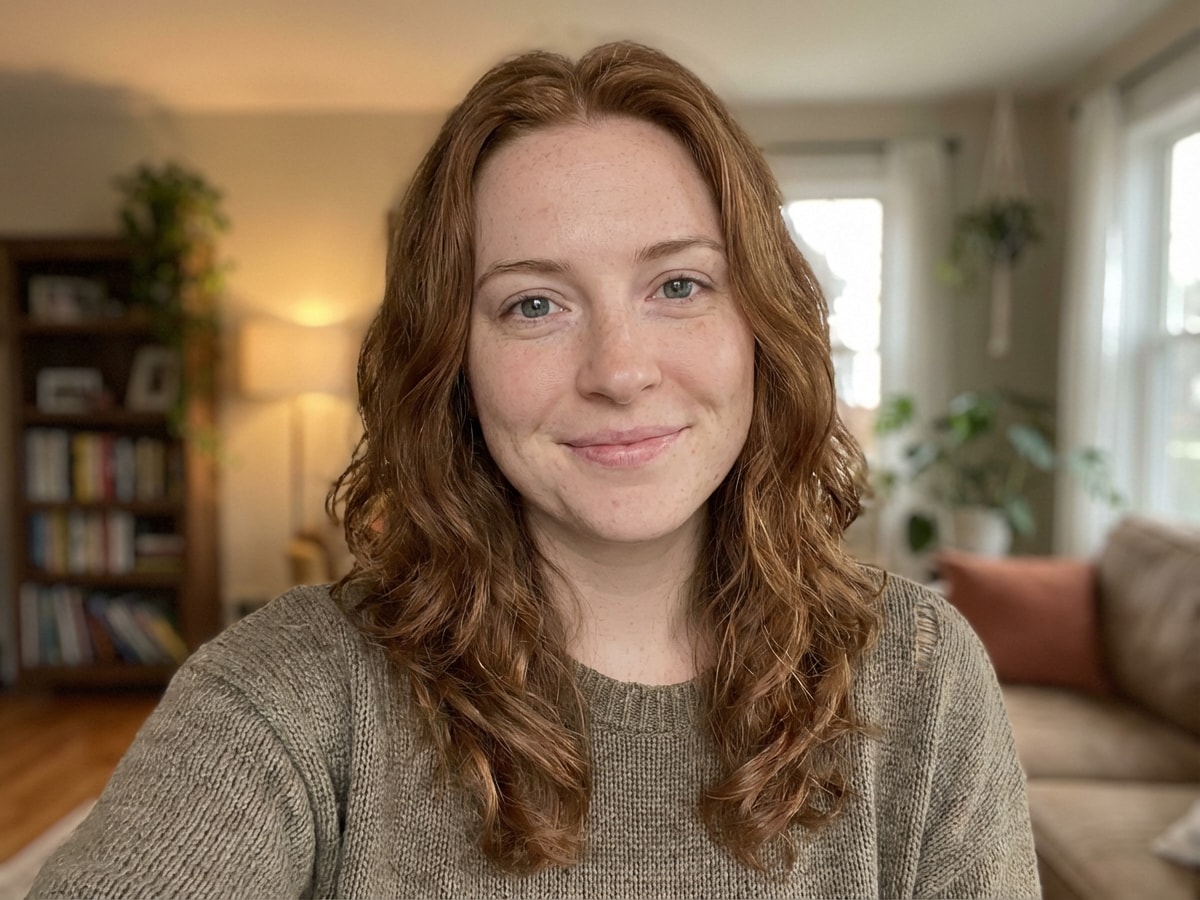
Start quickly with JPG, PNG, or JPEG images. Upload parent photos to guide the AI baby generator and create a more personalized future baby preview from your references.

Fine-Tune Style, Size, and Composition

Choose from multiple aspect ratios and resolutions including 1K, 2K, and 4K. You can also generate 1 to 4 images in a batch to compare different baby face styles and results.

Powered by Advanced Image Models

Media.io supports powerful models including Nano Banana Pro, Nano Banana 2, Media 2.0, Seedream 5.0 Lite, and Media 1.0 for high-quality image-to-image baby portrait generation.

Browser-Based and Privacy Minded

The tool works on Windows, Mac, iOS, and Android with no install required. Uploaded images are automatically deleted from Media.io servers after 7 days to help protect your privacy.

How to Use the Media.io Baby Face Generator

1
2
3
1
Open Media.io Baby Face Generator

Go to Media.io and open the Baby Face Generator under AI -> Image to Image. This online tool runs in your browser, so you can create a future baby image on desktop or mobile without installing anything.

2
Upload Parent Photos and Add Your Prompt

Upload clear parent photos in JPG, PNG, or JPEG format. Then enter a detailed prompt like: “Use the uploaded parent photos to create a photorealistic newborn baby portrait with soft studio lighting, natural skin tones, bright eyes, and a pastel background.” Adjust aspect ratio, resolution, and image count if needed.

3
Generate, Refine & Download

Click Generate to create your AI baby result. If needed, refine the prompt, try another style, or test multiple outputs. Then download your final baby portrait in high resolution for sharing, saving, or comparing variations.

Step 1
Step 2
Step 3

What Users Say About This AI Baby Generator

user
Mia R.

Lifestyle Creator

star star star star star

"Cute, realistic results" I tried this baby face generator with two parent photos and the result looked surprisingly natural. The studio-style baby portrait felt much more realistic than the novelty tools I tested before.

user
Daniel K.

Social Media User

star star star star star

"Easy for reveal posts" The collage and reveal styles are great for sharing. I made a future baby image for a fun post with my partner, and the mobile workflow was simple from upload to download.

user
Priya S.

Design-Savvy Parent-to-Be

star star star star star

"Good controls and output quality" I liked being able to change the aspect ratio and generate more than one version. That made it easier to compare a newborn look and a toddler prediction without starting over each time.

user
Ethan L.

Casual Creator

star star star star star

"Better than gimmicky baby filters" This felt more polished than a random baby filter app. The generated face had softer detail, a cleaner composition, and a more believable family resemblance in the final image.

Baby Face Generator FAQs

1. What is a baby face generator?

A baby face generator is an AI image tool that creates a baby-style portrait from uploaded reference photos. With Media.io, you can upload parent images and generate a future baby preview in different visual styles, such as photorealistic portraits, collages, or stylized variations.

Media.io can generate an AI-simulated future baby image based on uploaded parent photos, but it is a creative visual prediction rather than a scientific or genetic certainty. It’s best used for curiosity, entertainment, sharing, and trying different baby portrait styles.

Open the Media.io image-to-image tool, upload parent photos in JPG, PNG, or JPEG format, and enter a prompt describing the kind of baby portrait you want. You can then choose settings like aspect ratio, 1K/2K/4K resolution, and generate 1 to 4 images to compare results.

Yes. Media.io supports uploading reference images to guide image generation, so you can use parent photos as the basis for a future baby face result. Clear, front-facing photos typically make it easier to create a more polished baby portrait preview.

Free users get 3 credits per day on Media.io. If you need more generations, higher usage, or want a better workflow for repeated baby face generation, you can upgrade on the pricing page: https://www.media.io/pricing.html. Free-user downloads may include watermarks, while paid subscribers can download watermark-free high-resolution images.

Media.io is web-based and works in your browser on Windows, Mac, iOS, and Android. For privacy, uploaded images are automatically deleted from Media.io servers after 7 days. If you need more advanced use and cleaner exports, you can also review paid options here: https://www.media.io/pricing.html.

Media.io Online AI Tools Quality Rating:
vote 4.7 (162,357 Votes)