
モダンプロスポーツカード
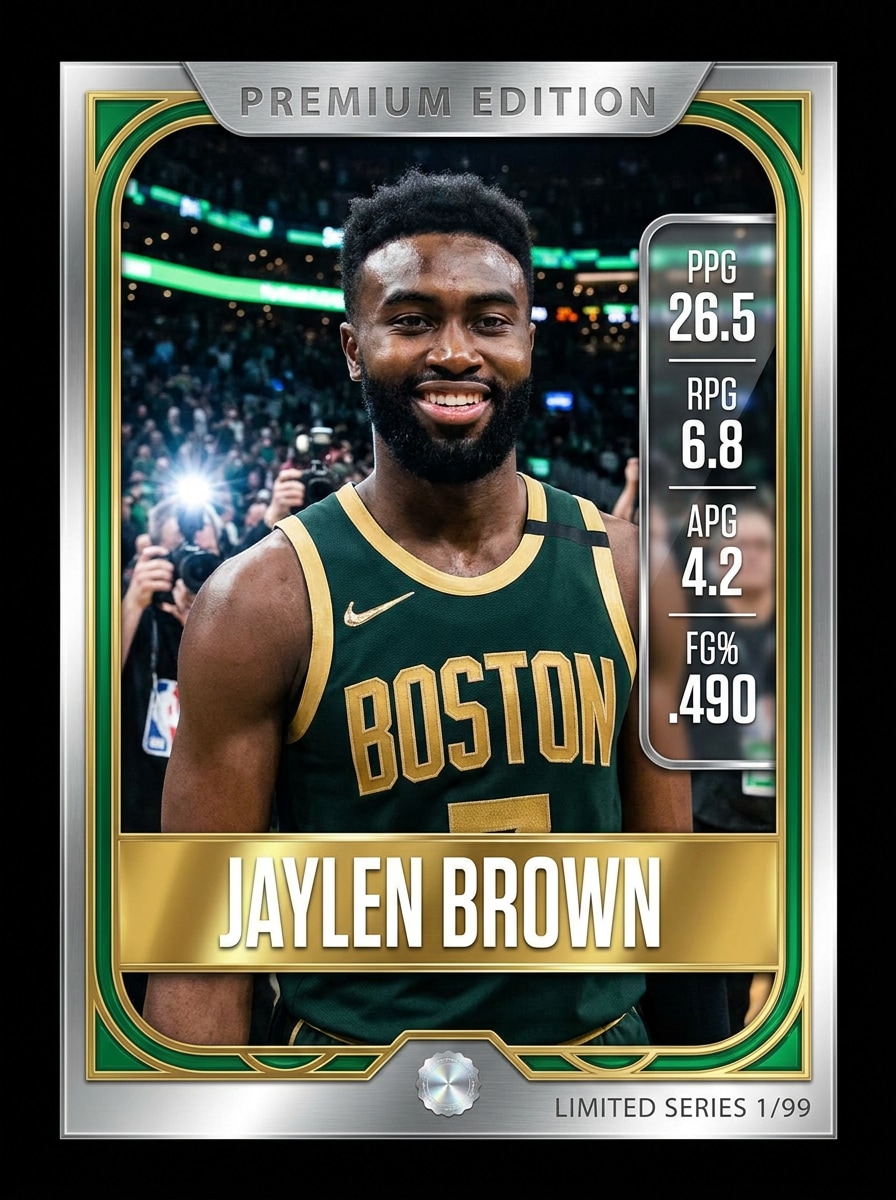
アップロードした画像をメインのアスリートポートレートとして使用し、プレミアムなモダンプロトレーディングカードに変換します。光沢のあるカードフレーム、太字のプレイヤーネームプレート、チームカラーのアクセント、ダイナミックなスタジアム背景、スタットパネル、メタリックハイライト、クリアなタイポグラフィ、ドラマチックなスポーツライティング、そして高精細なコレクターフィニッシュを追加します。
 Nano Banana Pro
 創造力を解き放ち、Media AIの魔法をすぐに体験しよう!














数分でポートレートから際立った AIトレーディングカードフィルター のルックを作成しましょう。1枚の画像をアップロードし、スポーツ、ホロ、ファンタジー、またはレトロスタイルを適用して、Media.ioを使って写真をトレーディングカードデザインに変換。シェア、コレクション、または印刷用モックアップに対応した、スムーズなブラウザベースのワークフローをご利用いただけます。
アイデアを入力 -> AIがデザイン。無料でお試しいただけます。
以下のサンプル指示を参考にして、Media.ioの トレーディングカード写真フィルター.
アップロードした画像をメインのアスリートポートレートとして使用し、プレミアムなモダンプロトレーディングカードに変換します。光沢のあるカードフレーム、太字のプレイヤーネームプレート、チームカラーのアクセント、ダイナミックなスタジアム背景、スタットパネル、メタリックハイライト、クリアなタイポグラフィ、ドラマチックなスポーツライティング、そして高精細なコレクターフィニッシュを追加します。
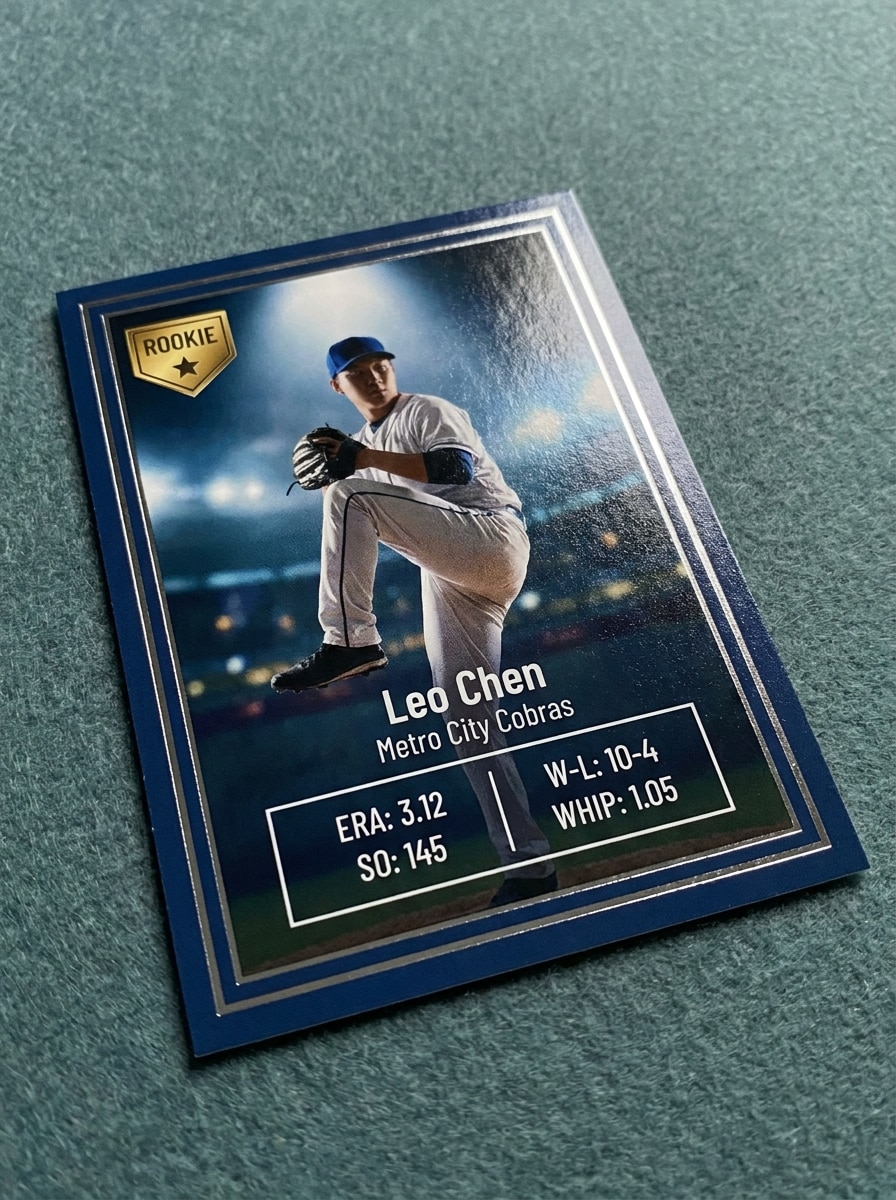
アップロードしたポートレートを被写体として使用し、クリーンなボーダー、ルーキーバッジ、繊細なホイルトリム、読みやすいスタットセクション、スタジアムの背景、スポットライト照明、プレミアムカードストックテクスチャ、そして本物らしいファーストシーズンコレクタームードを持つルーキートレーディングカードに仕上げます。
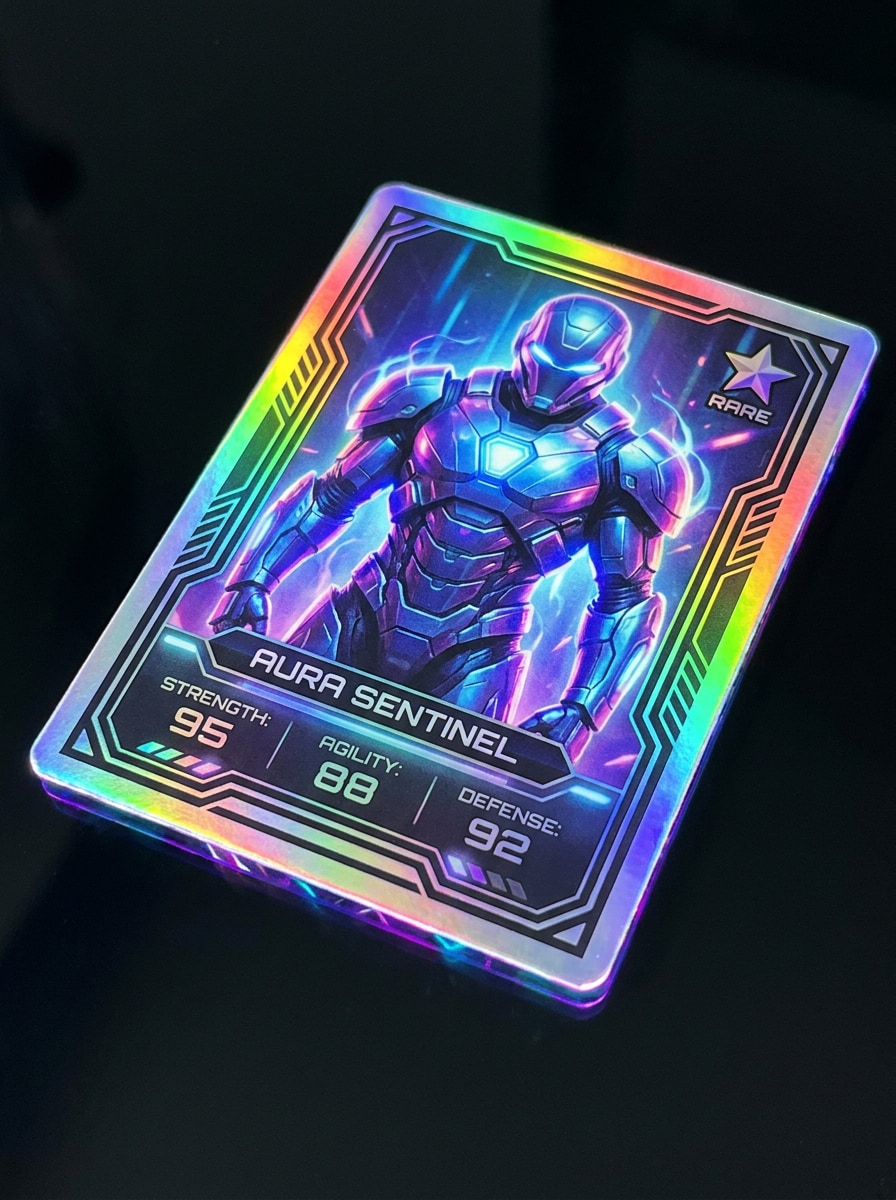
アップロードした画像をメインポートレートとして使用し、ホログラフィックレアトレーディングカードに変換します。レインボーホイルの反射、光沢のあるプレミアムカード表面、レアリティアイコン、未来的なボーダー、発光エッジエフェクト、クリーンなスタットレイアウト、鮮やかなコントラスト、そして価値があり展示に値するシャープなコレクターフィニッシュを追加します。
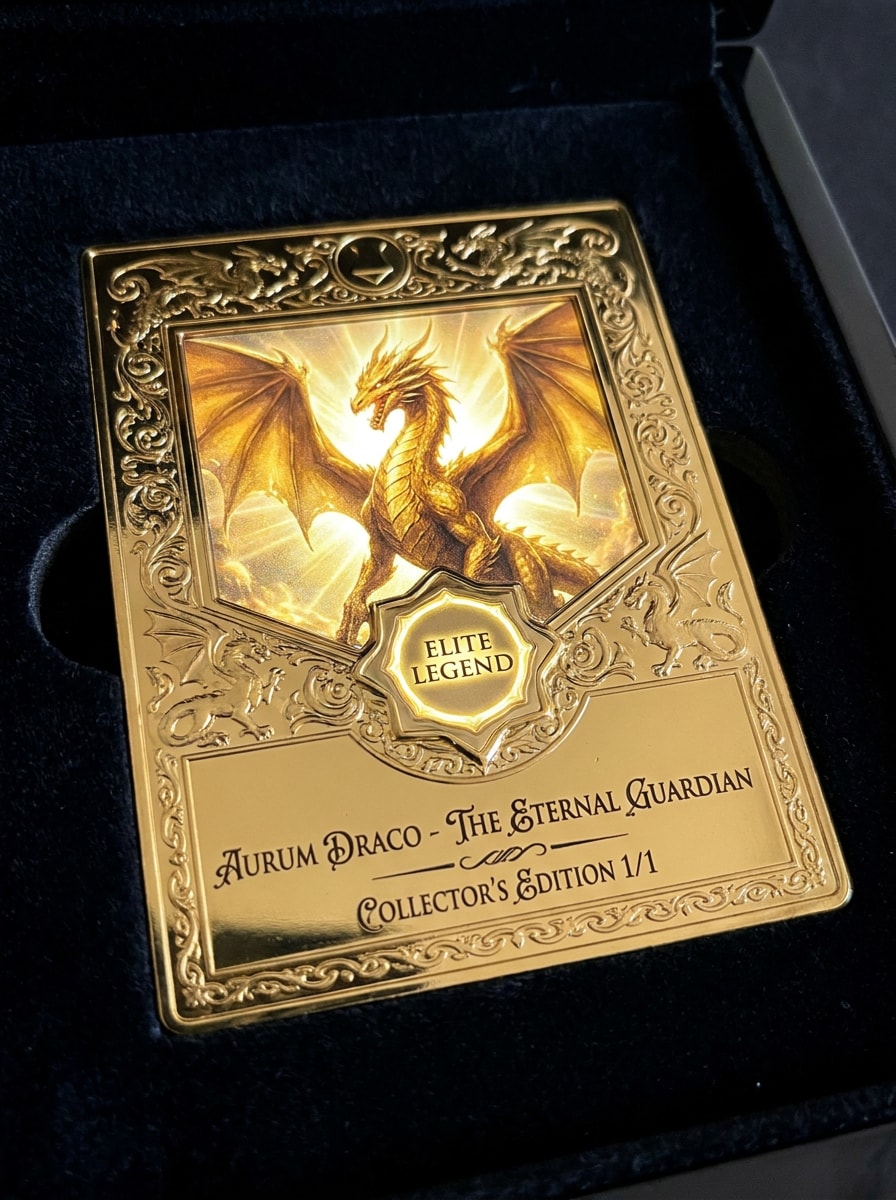
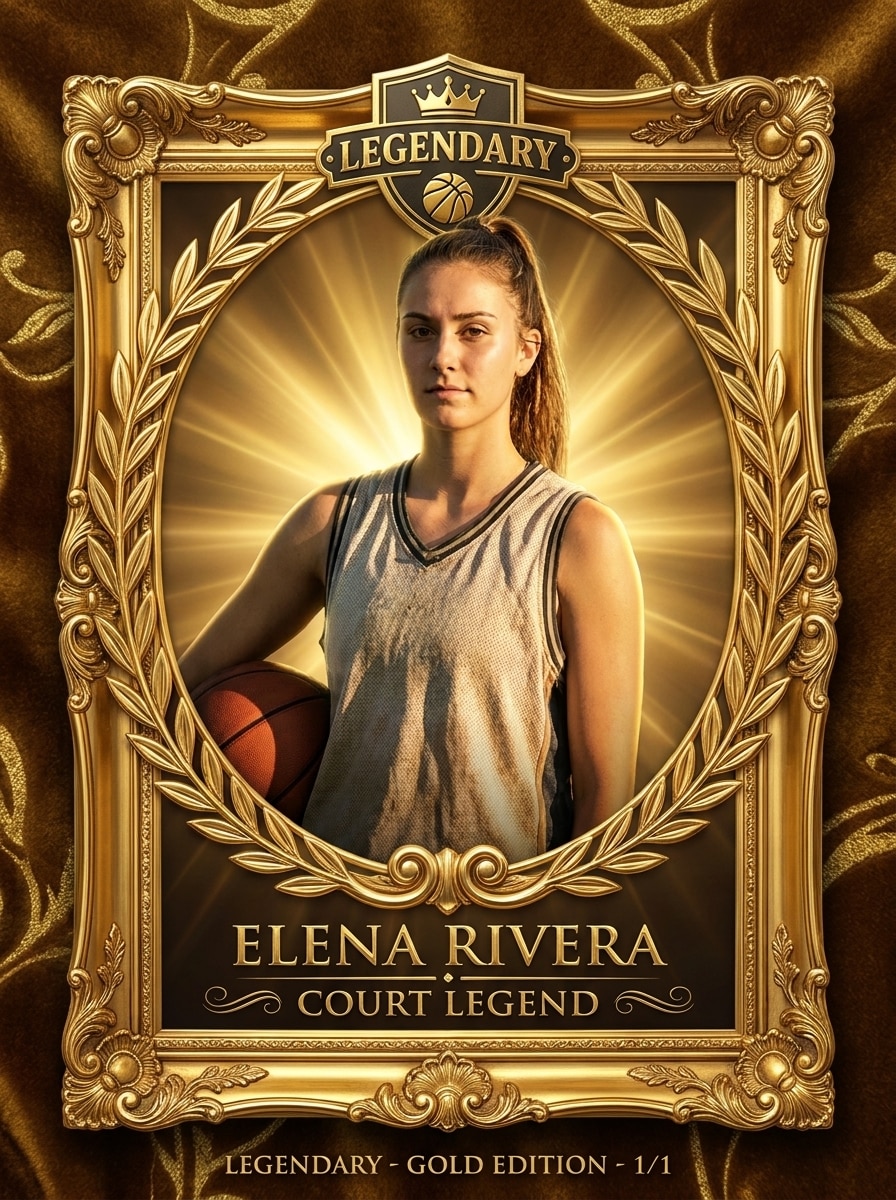
アップロードしたポートレートを使用し、装飾的なメタリックフレーム、エリートバッジ、エンボス加工の細部、輝くバックライト、ドラマチックな影、豪華なホイルアクセント、エレガントなタイポグラフィ、そしてレアで力強くプレミアムな雰囲気のコレクターエディションレイアウトを持つレジェンダリーゴールドトレーディングカードに変換します。
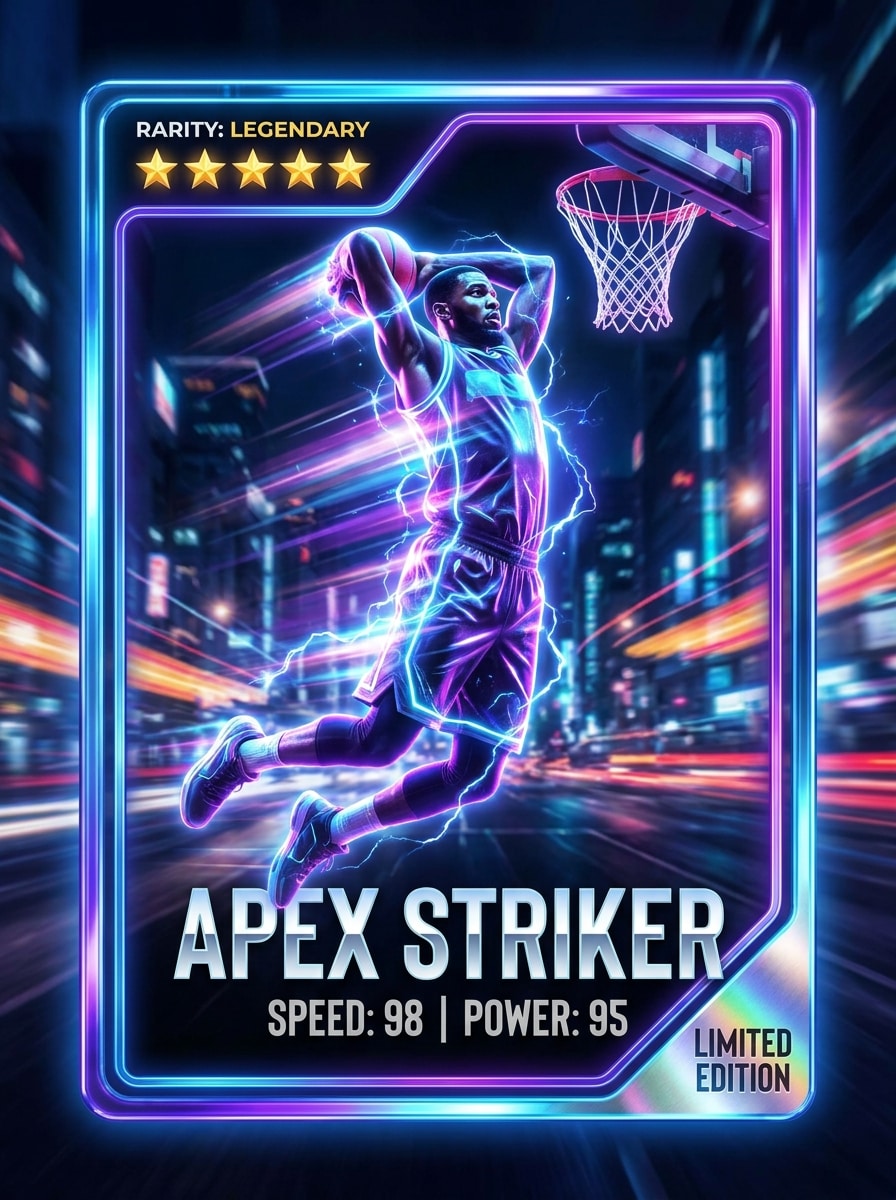
アップロードした写真を被写体として使用し、ネオンスポーツトレーディングカードとして再制作します。電気的なリムライティング、都会の夜の背景、モーションブラーアクセント、メタリックグラデーション、レアリティスター、スピードとパワーのスタット、光沢のあるフレーム、太字のモダンタイポグラフィ、そハイエネルギーなソーシャル対応コントラストを追加します。
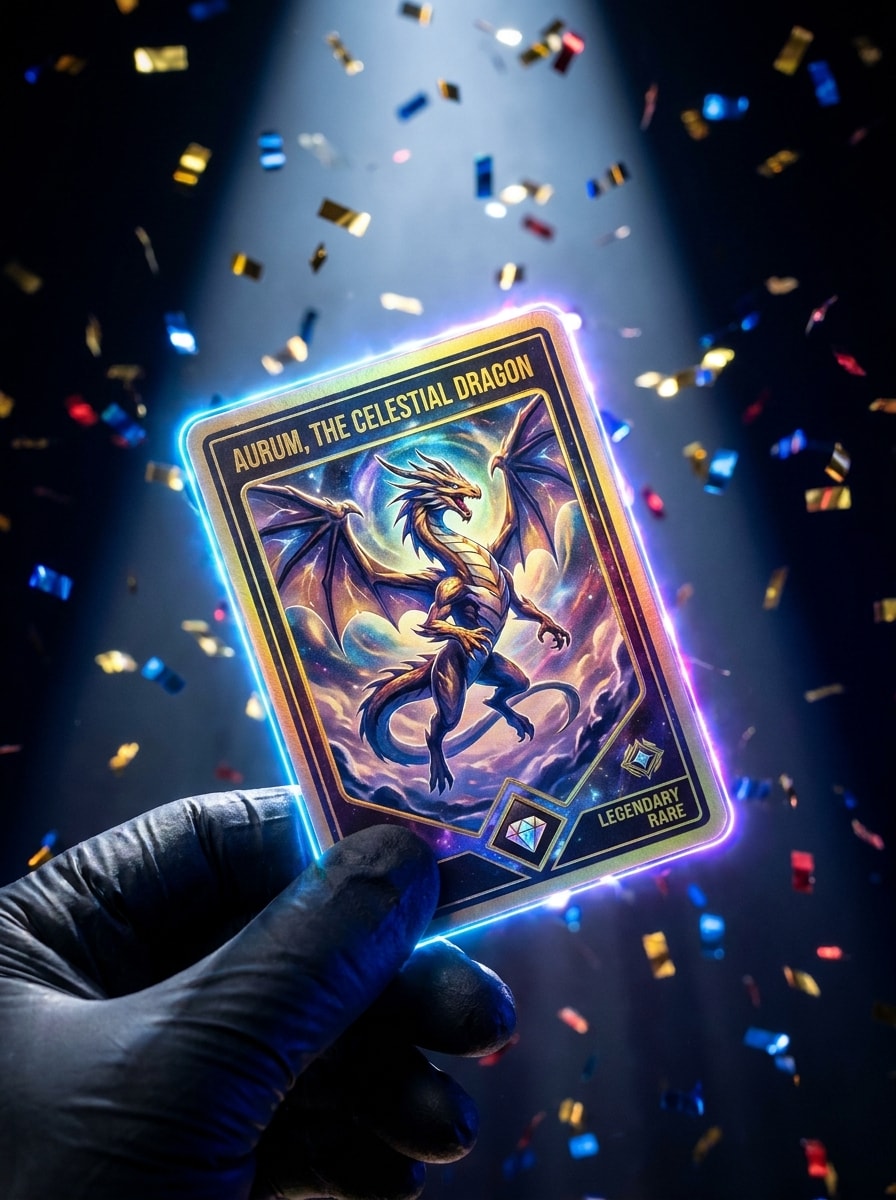
アップロードした画像をフィーチャードキャラクターとして使用し、ハイエネルギーなトレーディングカードリビールに変換します。光るエッジ、紙吹雪のスパーク、ドラマチックなスポットライト、プレミアムホイルフレーム、鮮やかなコントラスト、レイヤードレアリティエフェクト、ソーシャルメディア対応の演出、そしてバイラルなパックオープニングの瞬間にインスパイアされた映画的なフィニッシュを追加します。
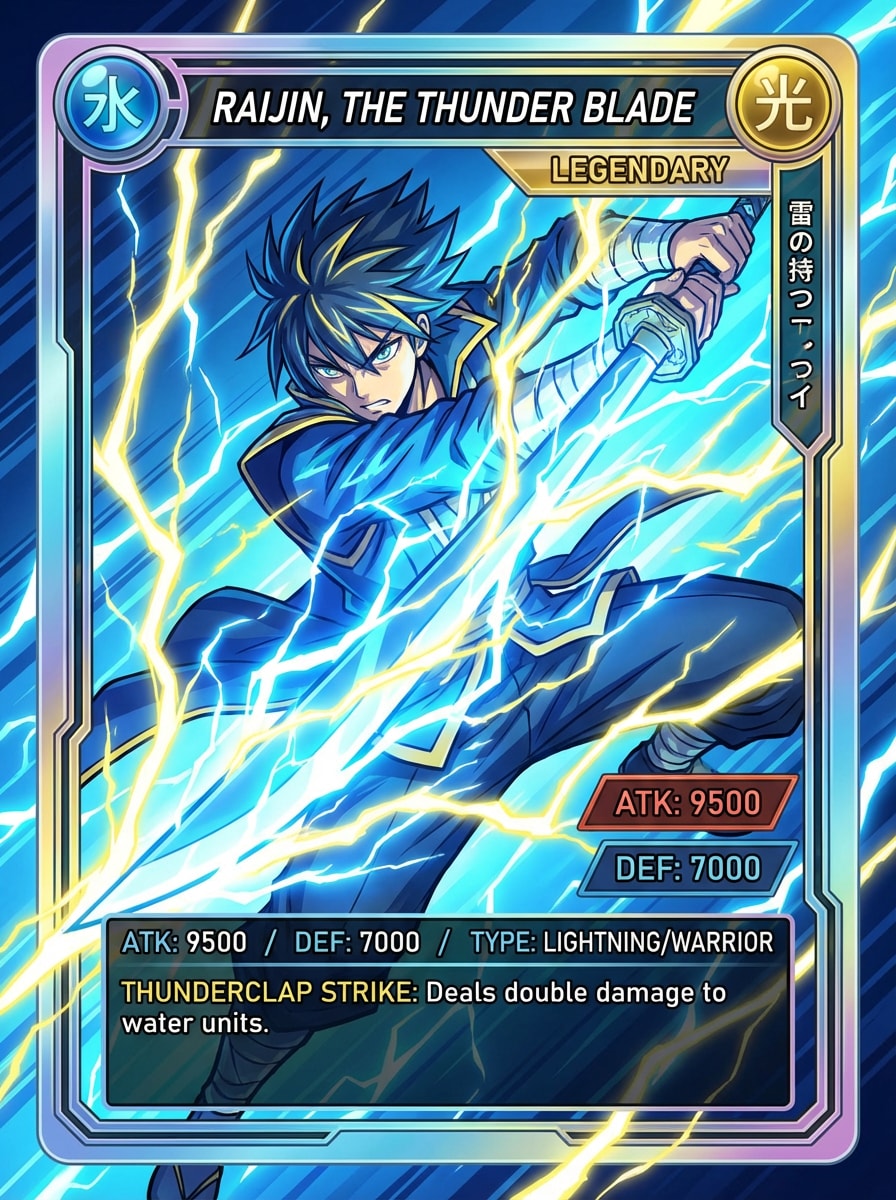
アップロードした写真をベース被写体として使用し、アニメバトルトレーディングカードに変換します。セルシェーディングスタイル、ファンタジーフレーム、レアリティジェム、発光エネルギーエフェクト、スタットパネル、鮮やかな色彩、シャープなラインディテール、そしてアクションパックなゲームインスパイアの強度を持つ洗練されたコレクターレイアウトを追加します。
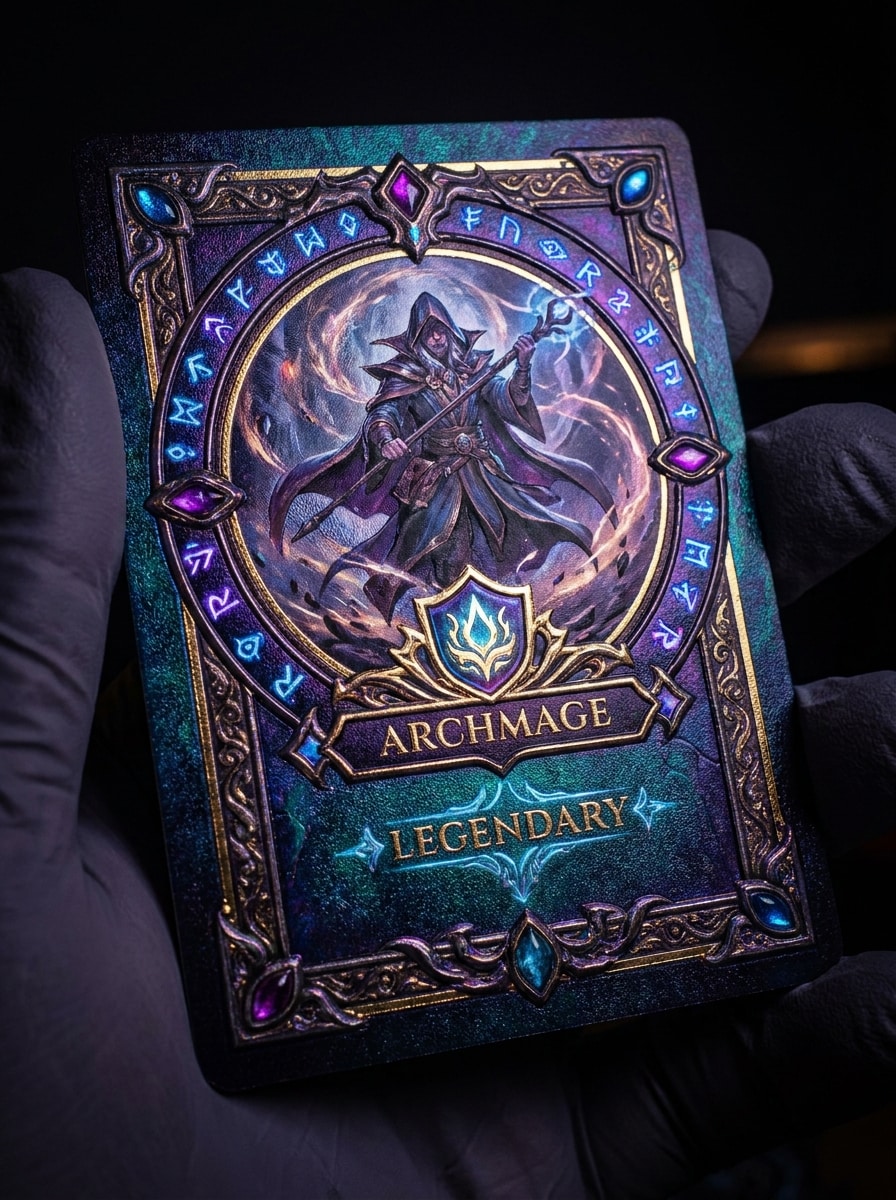
アップロードしたポートレートをメインキャラクターとして使用し、アルケインファンタジートレーディングカードに変換します。魔法のオーラ、装飾的な神秘的ボーダー、発光シンボル、レアリティクレスト、キャラクタークラスラベル、映画的な照明、深いジュエルトーン、そして魔法のムードを持つ複雑なコレクターディテールを追加します。
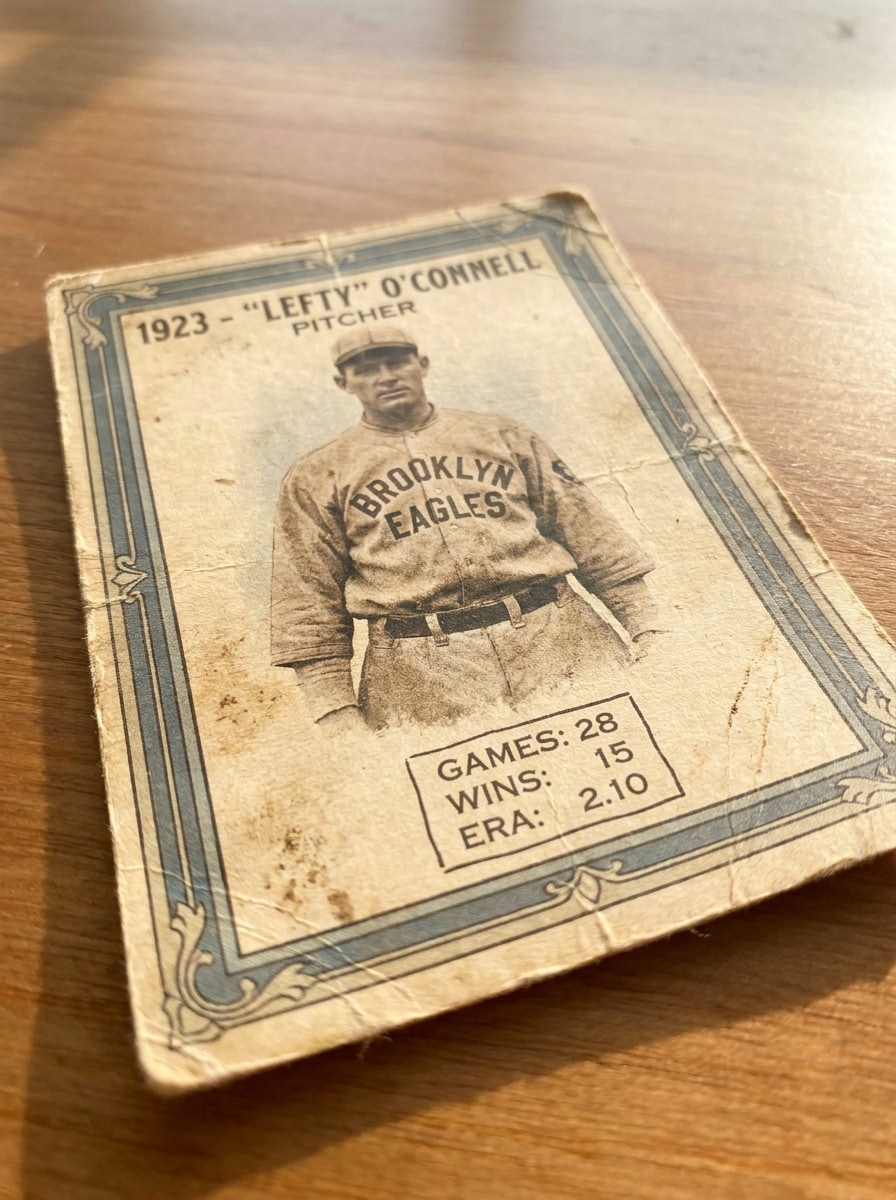
アップロードした画像をプレイヤーポートレートとして使用し、レトロなベースボールカードに変換します。経年劣化した紙のテクスチャ、クラシックなボーダー、落ち着いたチームカラー、ノスタルジックなタイポグラフィ、軽く使い込まれた印刷仕上げ、シンプルなスタットエリア、柔らかい日光トーン、そして本物の昔ながらのコレクタームードを追加します。
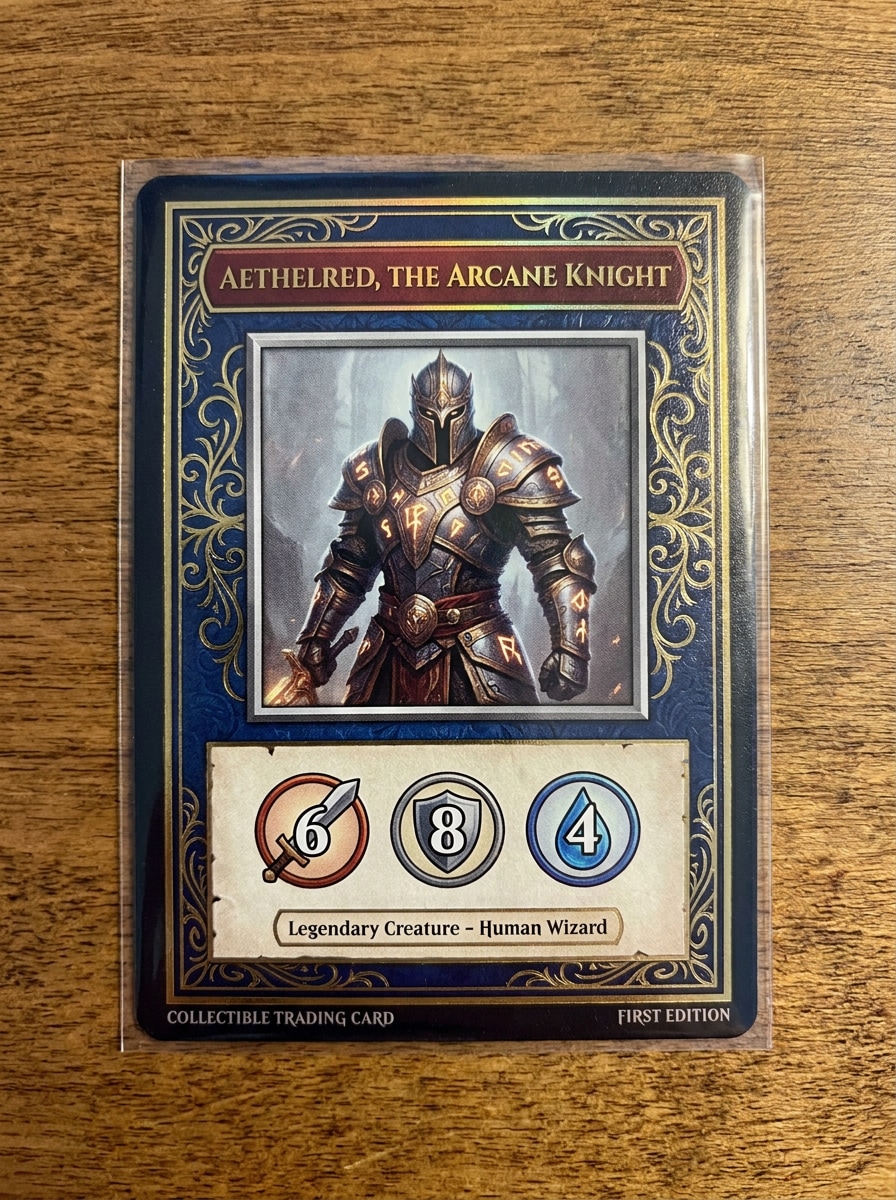
アップロードした画像をフィーチャードキャラクターとして使用し、その周囲に印刷可能なカスタムTCGカードを構築します。バランスの取れたフレーム、名前ゾーン、スタットパネル、クリーンなボーダー、プレミアムカードスタイリング、洗練されたテクスチャ、読みやすいコンポジション、そしてシェアやモックアップ印刷に適した高解像度レイアウトを追加します。
洗練された スポーツトレーディングカードフィルター のルックからホロ、アニメ、レトロレイアウトまで、Media.ioは1枚のアップロードを素早くリスタイルできるため、カードコンセプトがテーマに合い、単なる写真ではなく完成されたコレクタブルカード写真のように感じられます。
プロジェクトによって求められる美的感覚は異なります。Media.ioは同じ カスタムトレーディングカードフィルター コンセプトのさまざまなスタイルを探索し、最終的なビジュアルが適切なトーンで素早く完成するようサポートします。
1つのコンセプトが複数の配信ニーズをカバーする必要がある場合、Media.ioは異なるレイアウトに合わせて出力を調整し、最終的なアセットがよりフォーマットに適した状態で使用可能になるよう支援します。
最終的なカードデザインが小さなプレビュー以上の用途に再利用される場合、Media.ioは4Kまでのシャープな結果を提供し、AIトレーディングカードフィルター画像が実用的なデザインやプレゼンテーション作業においてより信頼性の高いものになるようサポートします。
3つの簡単なステップで言葉を魅力的なビジュアルに変換し、さらに磨きをかけたい場合は結果を改良し続けることができます。

クリアなJPG、PNG、またはJPEGのポートレート、アスリート写真、またはキャラクター画像から始めます。シャープで明るい元画像はAIにより多くの情報を提供し、最終的なカードで被写体の認識性を保ちながら、より強力なコレクタブルデザインを追加するのに役立ちます。

Media.ioに希望するカードの見た目(ホロホイル、ルーキーカード、ファンタジーTCG、ポスタースタイルのスポーツデザインなど)を伝えます。次に、モデルを選択し、ソーシャルシェアや印刷出力に合わせてアスペクト比、解像度、画像数を調整します。

カードのバリエーションを作成し、レイアウトを比較して、最も気に入ったものをダウンロードします。必要に応じて、プロンプトを修正したり、別のスタイルを試したり、カードフレーム、ムード、テキスト配置が適切と感じられるまでさらにバージョンを生成したりできます。
クリエイターがこのAIトレーディングカードフィルターをコンテンツ、マーケティング、個人プロジェクトにどのように活用しているかをご覧いただき、各アイデアをご自身のプロジェクトに合わせてアレンジしてください。
チーム紹介、誕生日編集、ハイライト投稿、またはファンコレクタブル向けに、ポートレートからドラマチックなプレイヤースタイルのビジュアルを作成します。Media.ioは、複雑なデザインソフトを学ぶことなく、自分の写真からプレミアムな見た目のコレクタブルカード写真を素早く作成できる方法を提供します。
セルフィーやコスチューム写真を、レアリティエフェクト、スタットパネル、テーマボーダーを持つスタイライズドキャラクターアートに変換します。Media.ioは、アバタースタイルの投稿向けに際立ったリビール画像、デジタルコレクタブルコンセプト、またはカスタムトレーディングカードフィルターの結果を求めるクリエイターに最適です。
グッズコンセプト、パーティーのお土産、ソーシャルコンテンツ、または趣味のプロジェクト向けに洗練されたカードレイアウトを作成します。投稿やモック印刷に対応した見た目のトレーディングカードアートに写真を変換したい場合、Media.ioは柔軟なサイズ調整でワークフローをはるかに簡単にします。

スポーツコンテンツクリエイター

「素早いスポーツカード編集に最適」 ポートレートをアップロードしたところ、予想よりもはるかに速く洗練されたプレイヤーカードの見た目が得られました。スポーツスタイリング、ホイルの細部、レイアウトオプションのおかげで、ソーシャル投稿にすぐ使えるコンテンツを簡単に作成できました。

コレクタブル愛好家
「基本テンプレートを超えた楽しいバリエーション」 同じ写真からホロ、レトロ、ファンタジーのルックを試せたのが良かったです。結果は標準的なフレームオーバーレイよりもクリエイティブに感じられ、スタイルの再生成も簡単でした。

中小企業デザイナー
「モックアップとプロモーションに役立つ」 スタッフ写真をコレクタブルスタイルのプロモーショングラフィックに変換するために使用しました。ブラウザのワークフローは分かりやすく、アスペクト比を変更することで投稿と印刷モックアップの両方のバージョンを作成できました。

モバイルクリエイター
「スマートフォンで使いやすい」 何もダウンロードせずにクイックなコレクタブルカード写真エフェクトが欲しかったのですが、モバイルでもスムーズに動作しました。自分のスタイルに合うカードが見つかるまで、さまざまなカードルックをテストし続けることができました。
クリアなJPG、PNG、またはJPEG画像をMedia.ioにアップロードし、希望するカードスタイル(スポーツデザイン、ホロホイルルック、ファンタジーカード、レトロコレクタブルレイアウトなど)を説明するプロンプトを入力します。その後、お好みのモデルと出力設定を選択し、画像を生成して、アイデアに最も合うバージョンをダウンロードします。
Media.ioは無料クレジットを提供しているため、コミットする前にツールを試してAIトレーディングカードフィルターのワークフローをテストできます。無料ダウンロードにはウォーターマークが含まれる場合があり、有料プランではより多くの使用量とウォーターマークなしの高解像度エクスポートが利用可能です。料金ページでオプションを比較できます。
はい、自分のポートレートをアップロードして、パーソナライズされたカードメイクオーバーの参照画像として使用できます。Media.ioはスポーツトレーディングカードフィルタースタイルに適しており、AIがカードフレーミング、スタットエリア、タイポグラフィ、よりコレクタブルなビジュアル処理を追加しながら、元の被写体をベースとして維持します。
Media.ioはウェブベースのため、ブラウザを通じてスマートフォン、タブレット、コンピューターで動作します。iPhone、Android、Mac、Windowsのいずれで編集する場合でも、別のデザインソフトをインストールすることなく、写真をアップロードし、カードのバリエーションを生成し、結果をダウンロードできます。
通常、被写体がはっきり写った明るくシャープな画像が最良の結果をもたらします。鮮明な顔の細部、シンプルな背景、バランスの取れた照明は、Media.ioがより強力な コレクタブルカード写真 エフェクトを生成するのに役立ちます。無料ユーザーにはウォーターマークが含まれる場合があります。
プロンプトでルーキーバッジ、レアリティエフェクト、カラーテーマ、カードボーダー、スタットセクション、全体的なムードなどの要素を説明することで、生成中にスタイルとレイアウトを誘導できます。また、Media.ioではさまざまなモデル、アスペクト比、解像度、複数の生成を試すことができ、同じソース画像からよりパーソナライズされたカードコンポジションを求める場合に役立ちます。
 4.7 (162,357 票)


