AI Gamer Filter for Fast, Social-Ready Gamer Avatar Transformations
Create bold gaming avatars, esports portraits, and streamer-style profile photos from a single upload. AI Gamer Filter on Media.io turns your selfie into a neon, anime, cyberpunk, or realistic creator look with flexible styles for a gamer portrait filter workflow. It can also help with streamer gamer filter.
Review these example directions, then tailor the prompt details to get stronger results with this AI Gamer Filter on Media.io.
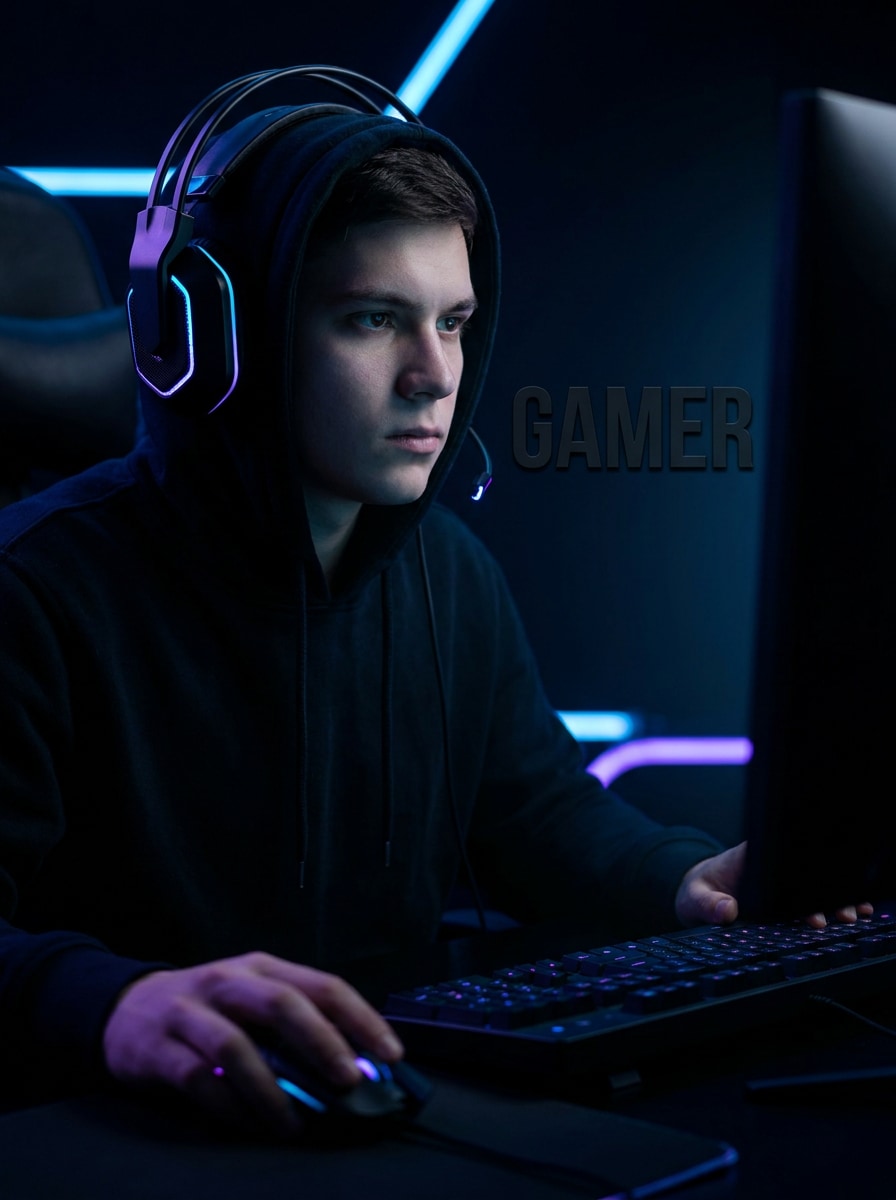
Neon RGB Esports
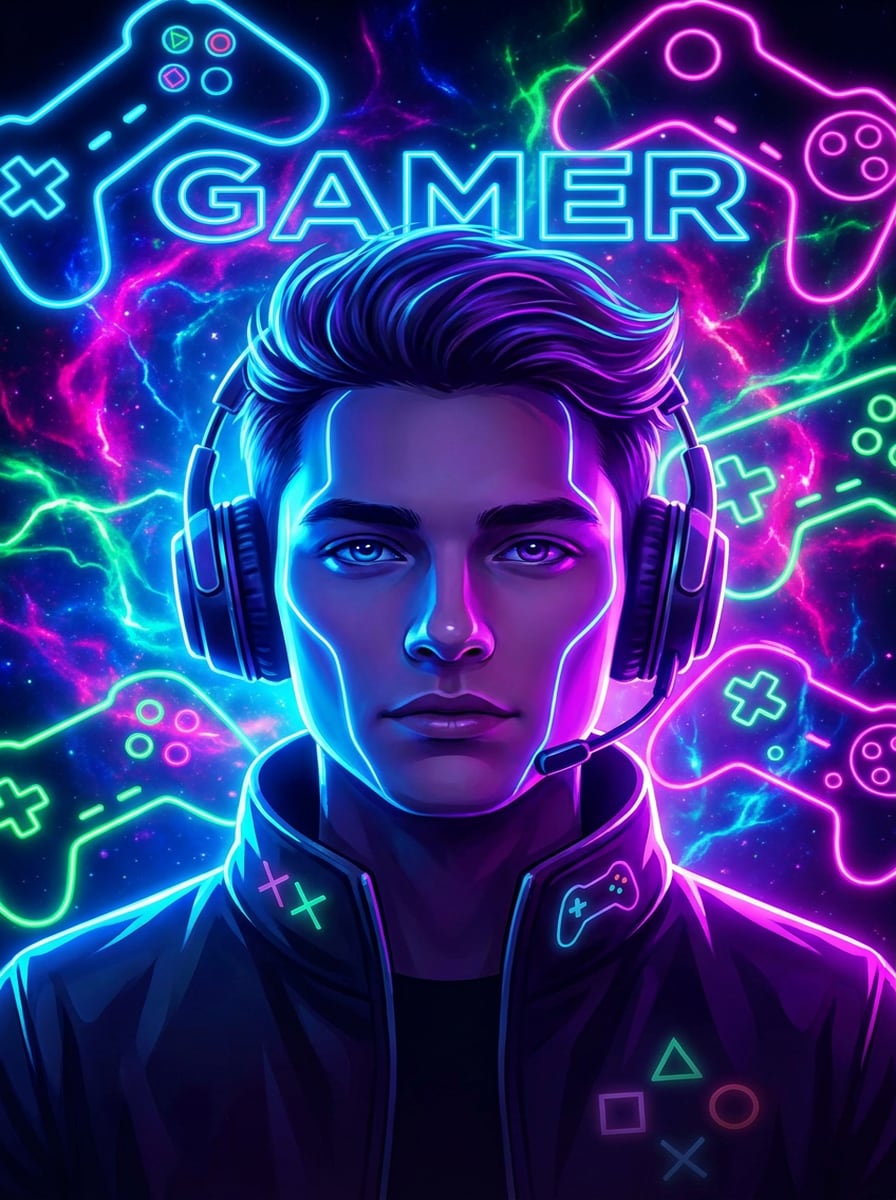
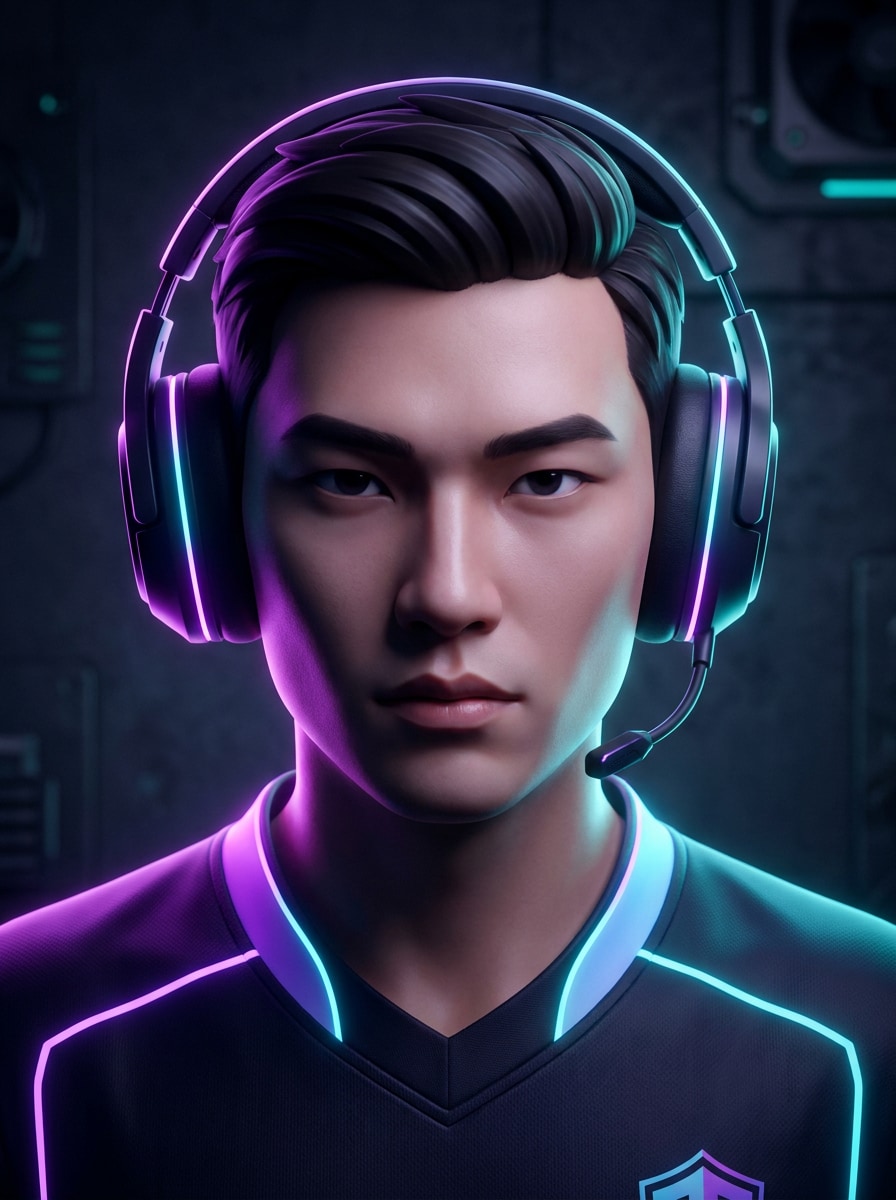
Use the uploaded image as the subject and transform it into a polished esports gamer portrait with neon purple and cyan RGB lighting, a dark studio background, crisp facial focus, subtle headset details, cinematic shadows, glossy highlights, and a high-contrast social-profile composition.
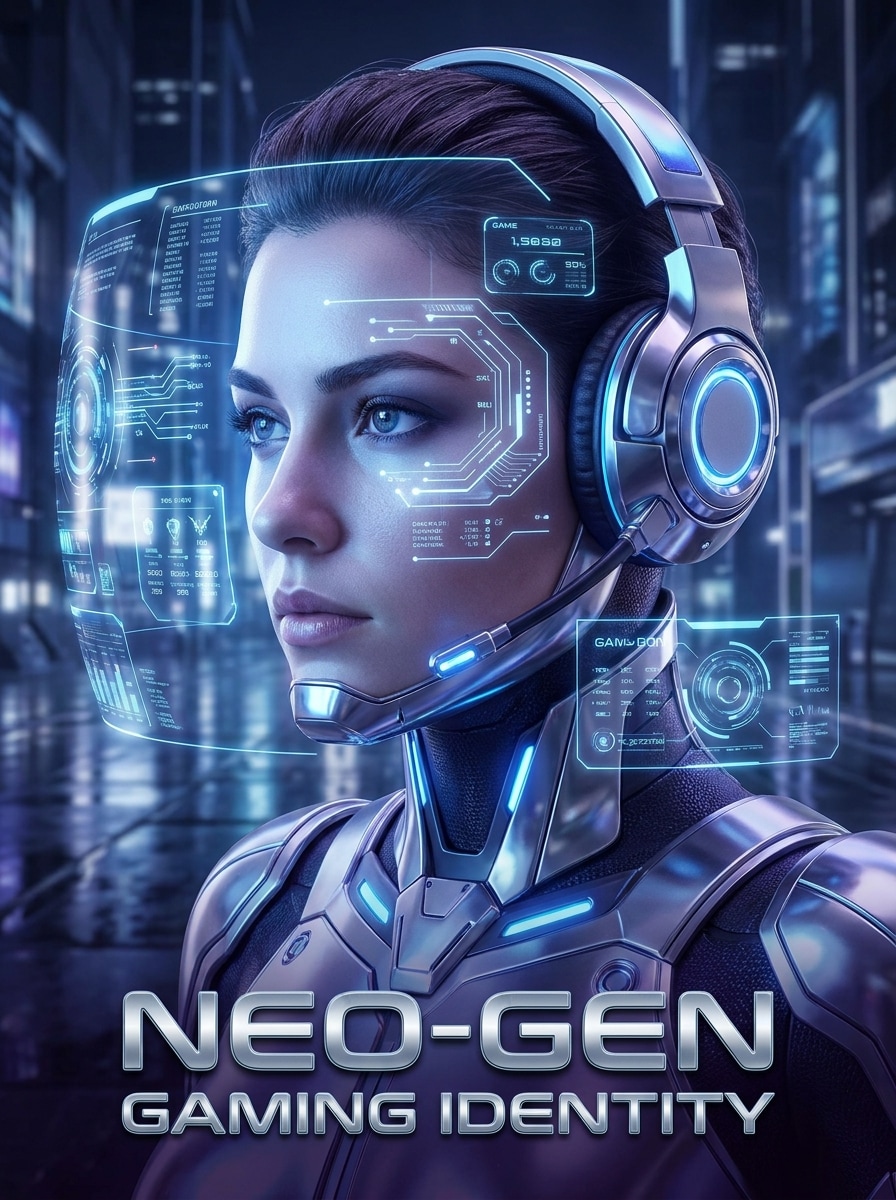
Futuristic HUD Gamer
Use the uploaded image as the subject and restyle it into a futuristic gamer portrait with holographic HUD overlays, cool blue lighting, metallic reflections, subtle digital particles, sleek gaming-room ambience, crisp face detail, and a premium sci-fi mood designed for shareable avatar art.
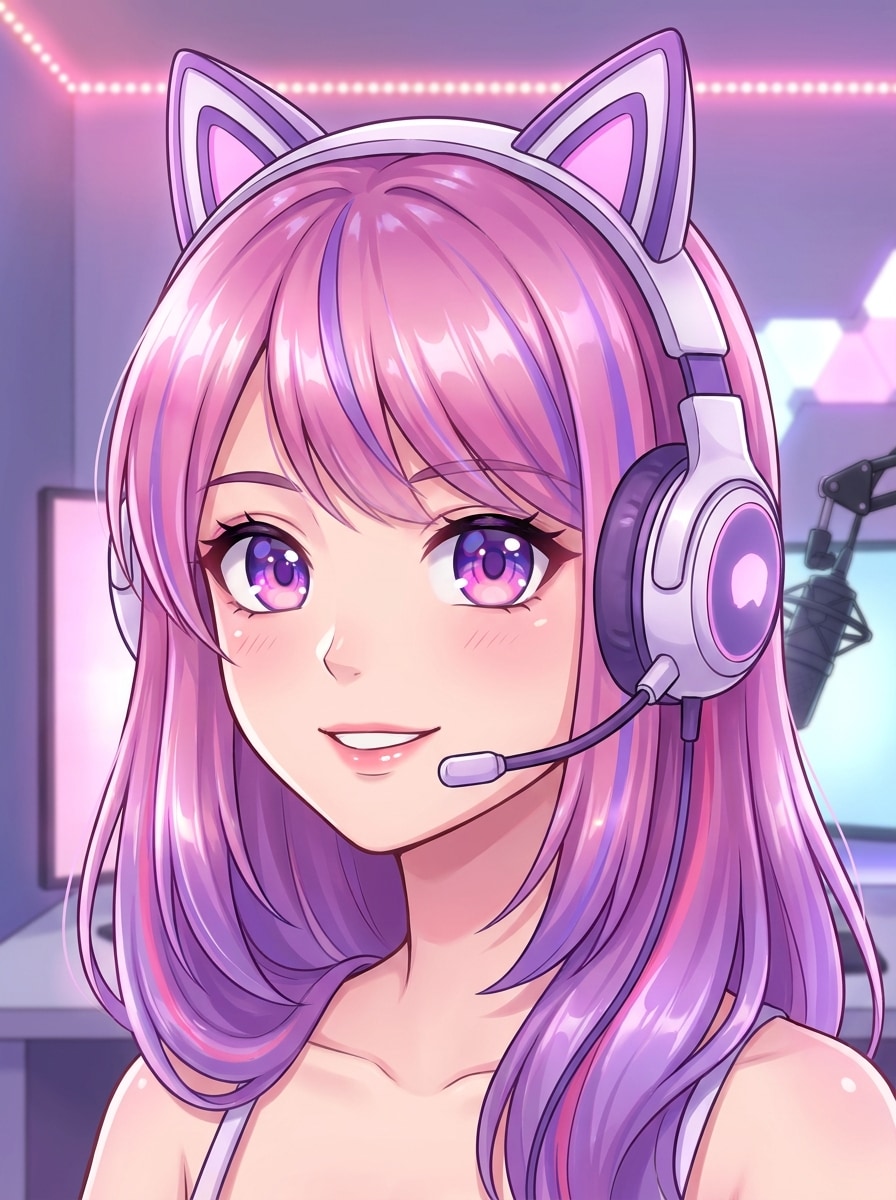
Anime Streamer Avatar
Use the uploaded image as the subject and transform it into a polished anime streamer avatar with expressive eyes, clean cel shading, a stylish gaming headset, vibrant pink and purple tones, soft room glow, smooth linework, and a friendly creator-focused composition for social platforms.
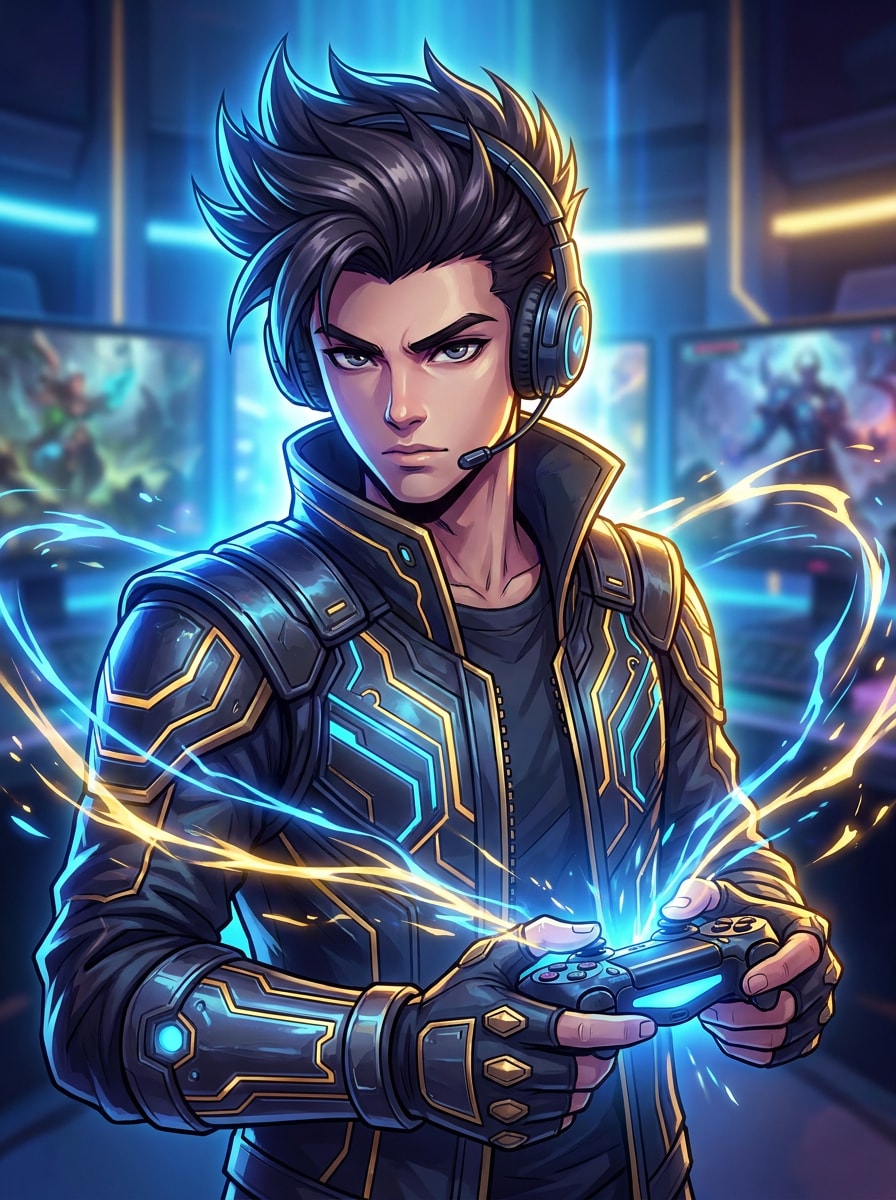
Action RPG Gamer Portrait
Use the uploaded image as the subject and convert it into an anime-inspired RPG gamer hero portrait with dynamic lighting, dramatic hair detail, glowing energy effects, fantasy-tech costume accents, strong contrast, and an illustrated avatar finish that feels adventurous and collectible.
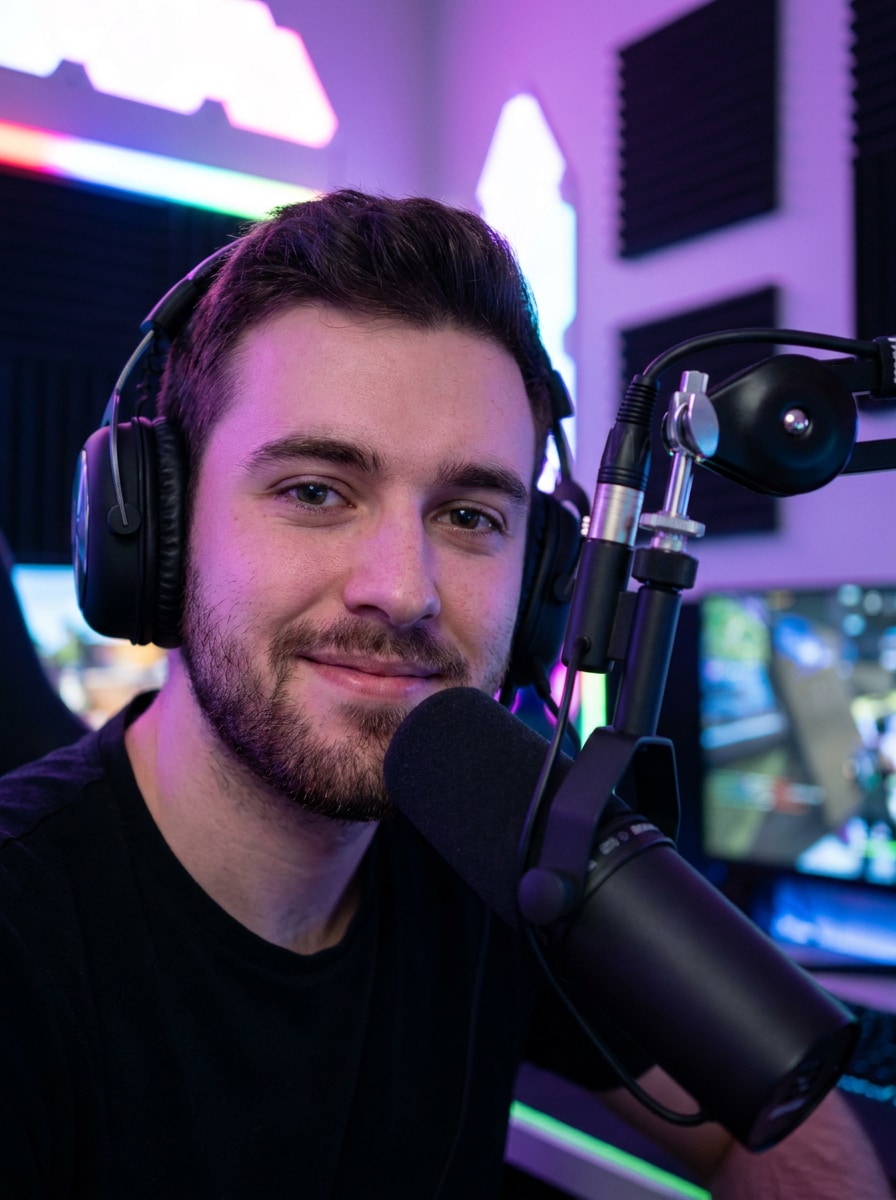
Pro Streamer Studio
Use the uploaded image as the subject and restyle it into a realistic pro streamer setup portrait with cinematic key light, blurred RGB gaming-room background, premium microphone and headset cues, realistic skin detail, clean branding composition, and a sharp professional creator vibe.
Dark Mode Gamer Edit
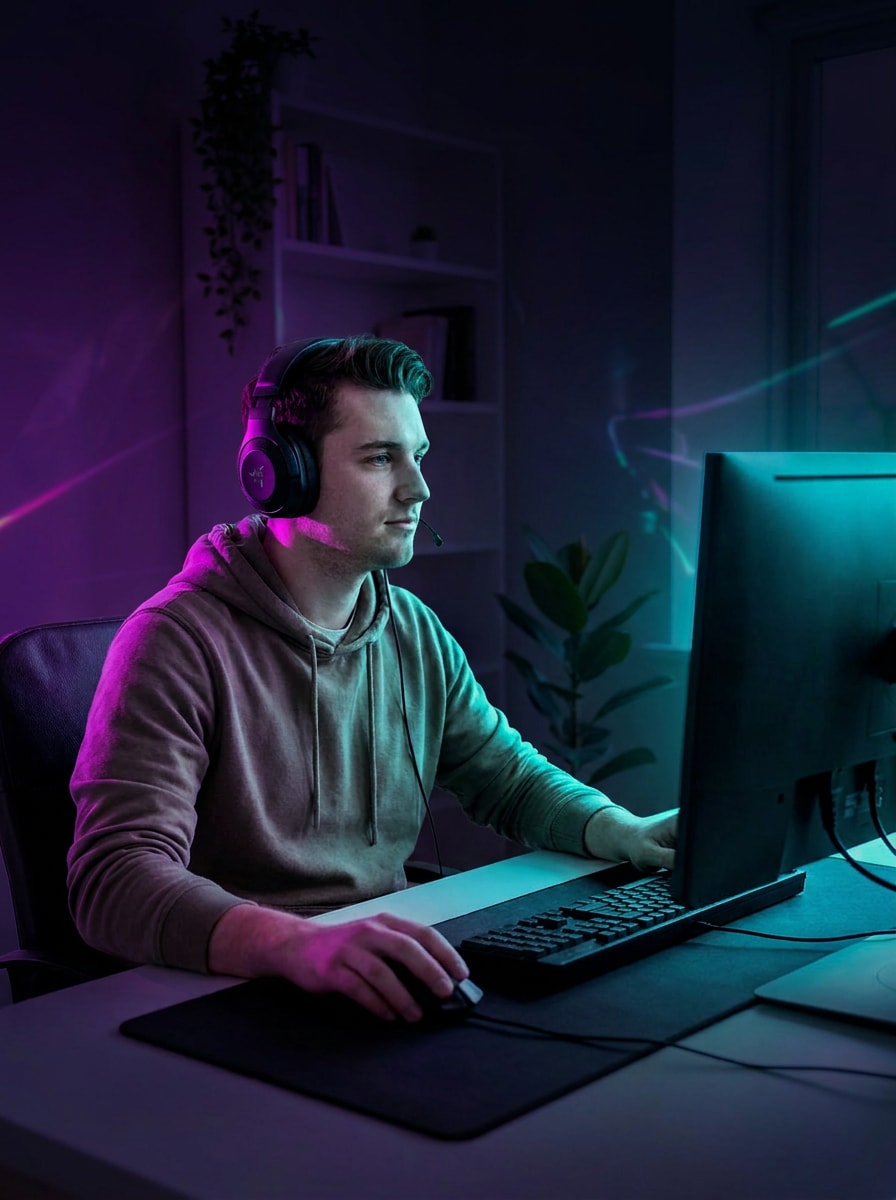
Use the uploaded image as the subject and give it a dark moody gamer aesthetic with black background, selective neon highlights, subtle monitor glow, crisp jawline shadows, dramatic contrast, cool-toned grading, and a modern influencer-style portrait made for eye-catching social posts.
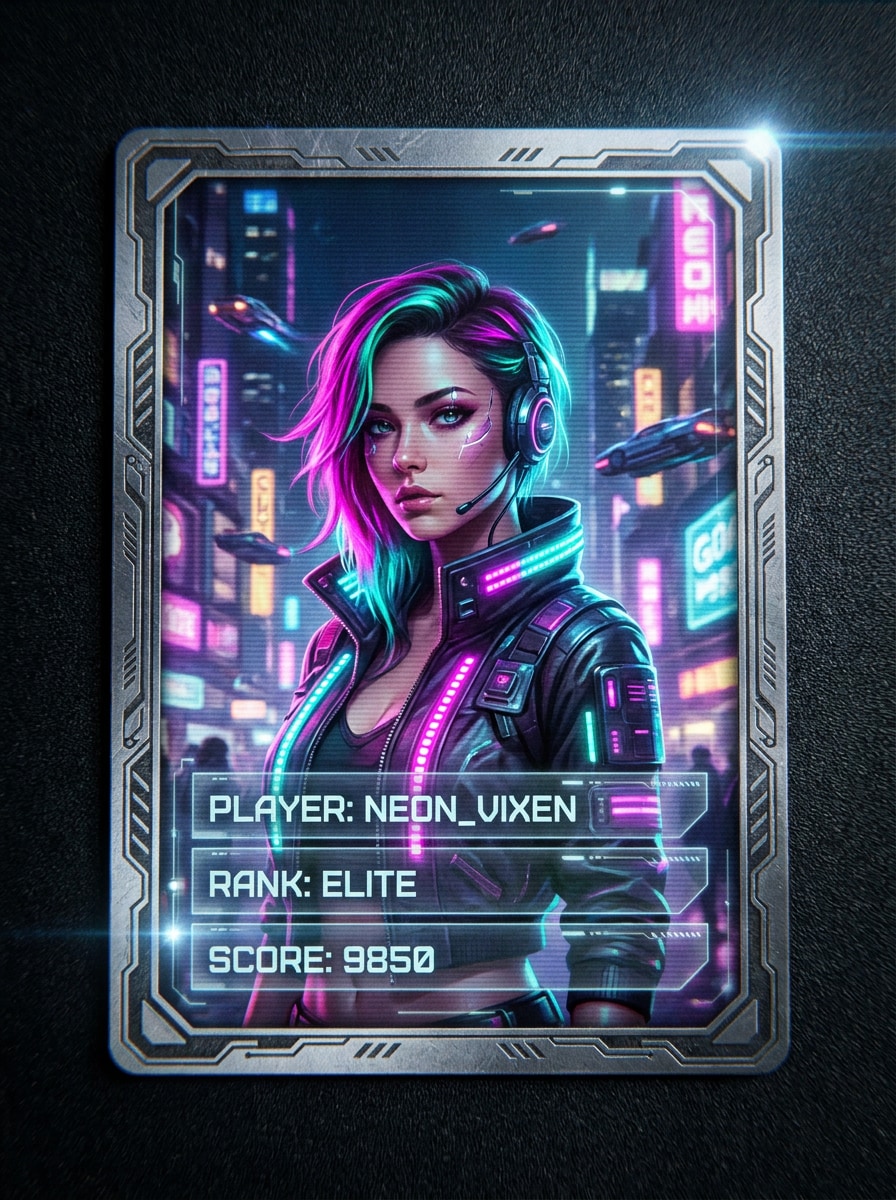
Cyberpunk Player Card
Use the uploaded image as the subject and transform it into a cyberpunk gamer player-card portrait with magenta and teal city glow, layered digital textures, bold edge lighting, futuristic fashion accents, collectible card framing, and a sleek high-energy aesthetic for standout branding.
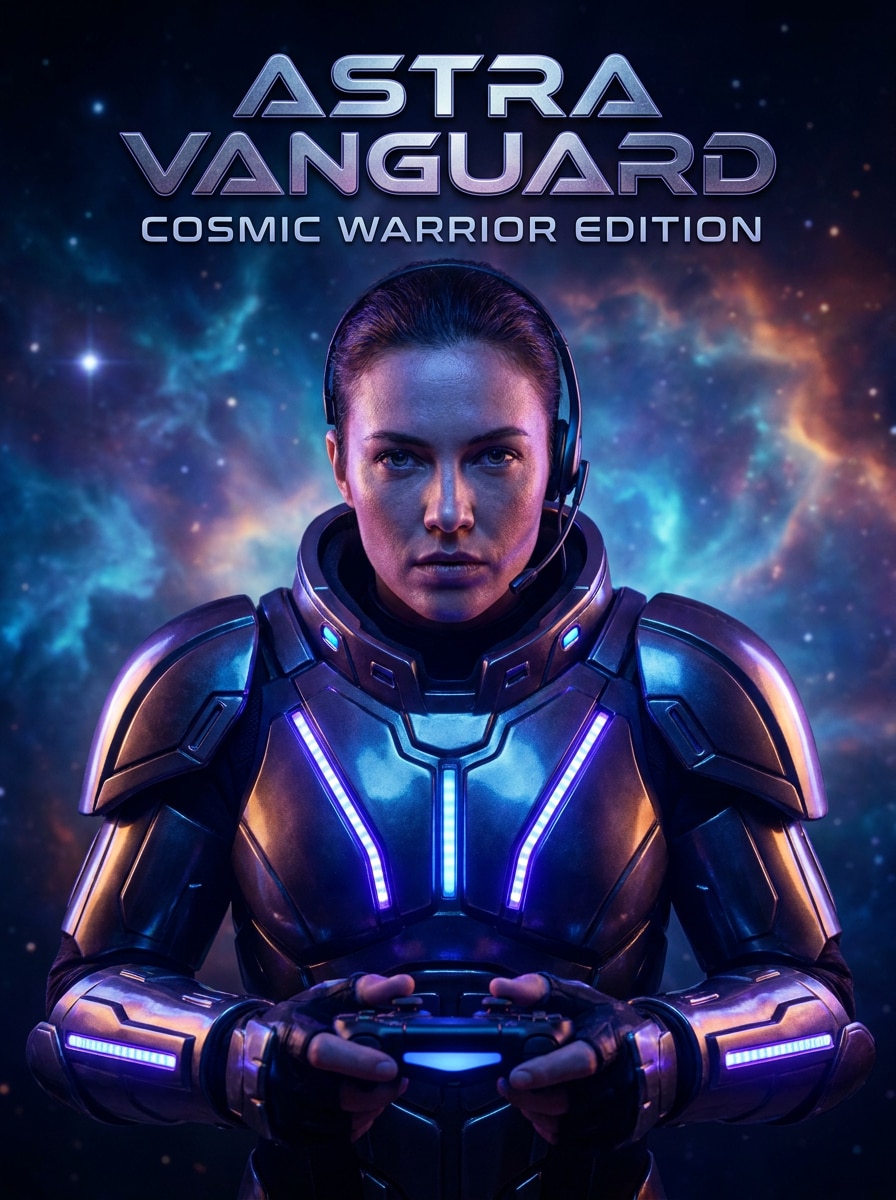
Space Warrior Gamer
Use the uploaded image as the subject and restyle it into a sci-fi gamer hero portrait with luminous armor-inspired details, cosmic haze, blue-violet energy glow, sharp facial realism, epic cinematic lighting, and a game-cover composition that feels futuristic and powerful.
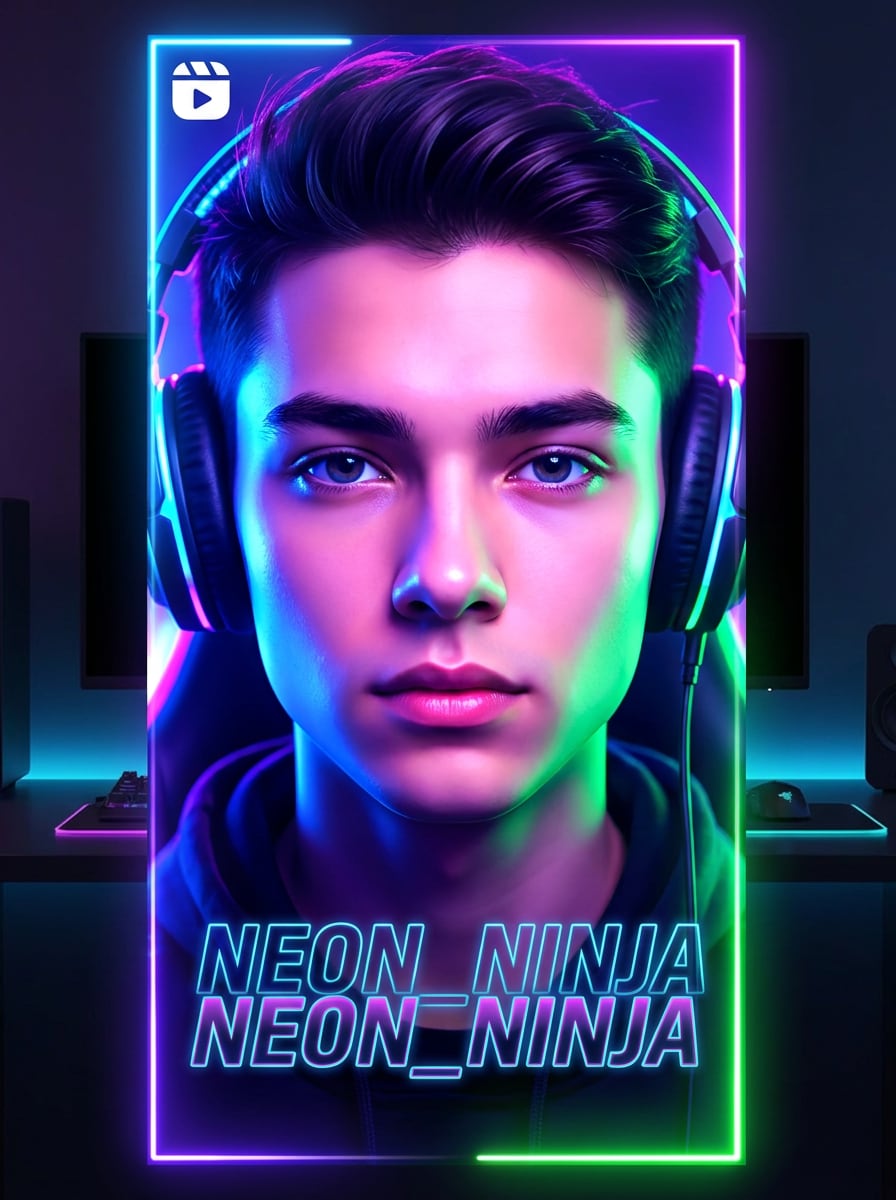
TikTok AI Glow Filter
Use the uploaded image as the subject and apply a viral gamer glow treatment with luminous edge light, enhanced facial clarity, vivid RGB color grading, thumbnail-friendly contrast, smooth highlights, dark backdrop, and a modern social-first finish built for short-form content.
Gamer Profile Picture Icon
Use the uploaded image as the subject and turn it into a centered gamer profile image with a clean facial crop, vivid neon background, subtle headset or gaming cues, strong readability at small sizes, smooth polished finishing, and a bold avatar style for Twitch or Discord.
Why Use Media.io for Gamer Avatar Edits
Personalize Results Around a Reference Subject
For profile pictures, creator branding, or a pro gamer photo filter result, Media.io uses your uploaded image as a visual reference, helping the final edit stay closer to your facial identity while delivering a stronger gaming aesthetic.
Match Different Gamer Aesthetics in One Workflow
Different outputs call for different aesthetics. Media.io helps you explore varied treatments of the same Gamer Filter visual concept so the final visual lands in the right tone faster.
Generate Cleaner Output Up to 4K
Some images need to work beyond the preview. Media.io helps generate cleaner Gamer Filter visuals with output up to 4K, so the final image holds up better in wallpapers, decks, and mockups.
Create Anywhere Without Installing Extra Software
For creators who bounce between mobile and desktop, Media.io keeps Gamer Filter visual creation in the browser so the workflow stays practical wherever you happen to be working.
How to Use the AI Gamer Filter
Turn your words into stunning visuals in three simple steps, then continue refining the result if you want to take it further.
Step 1
Upload Your Reference Image
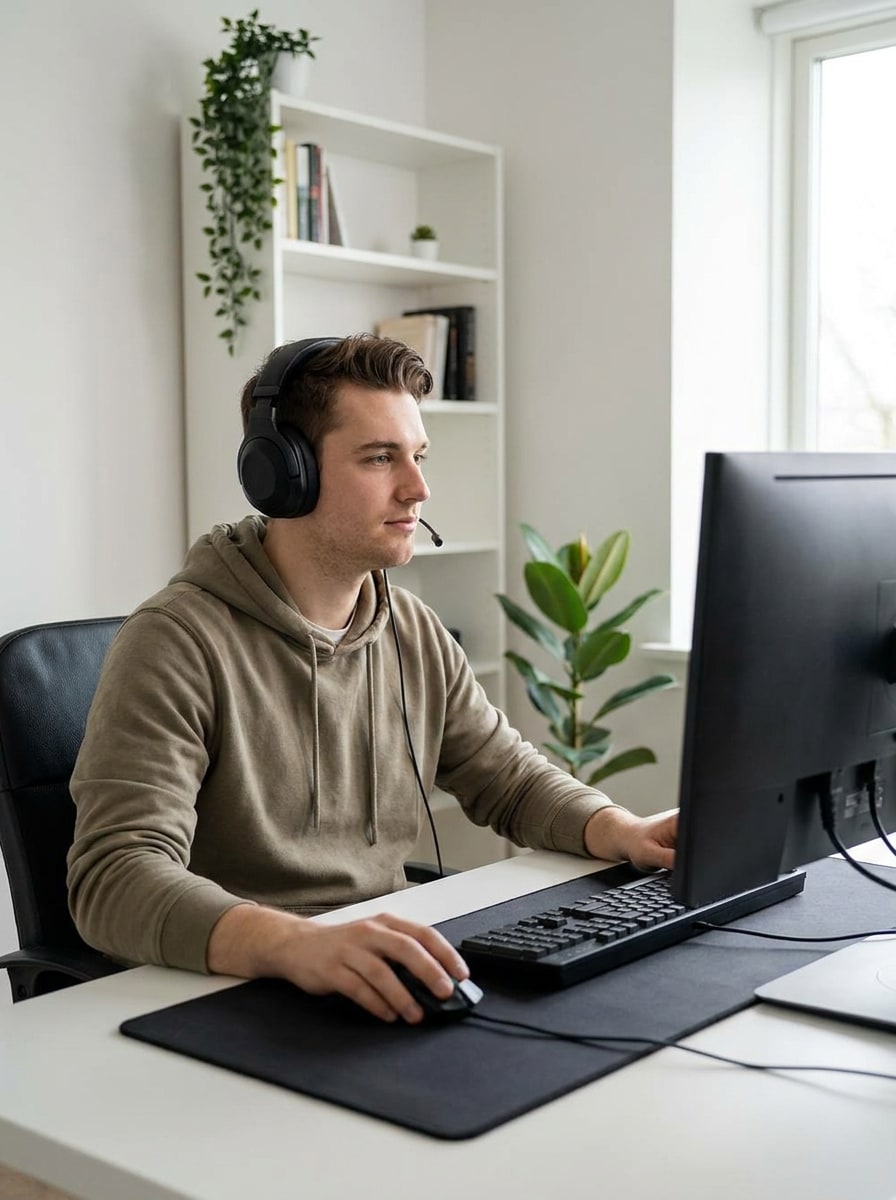
Start with a clear selfie or portrait in JPG, PNG, or JPEG format. A front-facing photo with good lighting helps Media.io keep your facial features cleaner while transforming it into a gaming avatar or creator-style profile image.
Step 2
Describe the Change and Set Options
Type the style you want, such as neon esports, anime avatar, cyberpunk card, or realistic streamer edit. Then choose your model and adjust aspect ratio, output quality, and the number of image variations you want to generate.
Step 3
Generate, Download, and Keep Improving
Create your gamer portraits, compare the results, and download the version you like best. If needed, refine the prompt, try another style direction, or generate more variations until the avatar matches your gaming identity.
See how creators use this AI Gamer Filter for content, marketing, and personal projects, then adapt each idea to fit the brief.
Level Up Twitch, Discord, and YouTube Profiles
Turn an everyday selfie into a polished gaming identity for channel avatars, Discord icons, and creator bios. Media.io makes it easy to create a memorable gamer portrait filter look without hiring a designer for every profile update.
Create Viral Social Edits for Reels and TikTok
Generate dramatic neon portraits, glow-heavy creator shots, or futuristic edits that stand out in short-form feeds. With Media.io, a stylized gaming look can make before-and-after posts, teasers, and profile refreshes feel more clickable and current.
Build Consistent Branding for Esports or Streaming Teams
Use one workflow to create matching player portraits, creator cards, and team visuals with different gaming aesthetics. Media.io is useful for small esports groups, gaming communities, and streamers who want coordinated branding across platforms.
What Users Say About This Gamer Avatar Tool
Jordan M.
Twitch Streamer
"Great for streamer profile refreshes" I uploaded a simple portrait and got a clean neon gamer avatar in minutes. The results looked much better than basic mobile filters, and I liked being able to try different styles for my Twitch and Discord profiles.
Aaliyah R.
Gaming Content Creator
"Easy anime and cyberpunk variations" I wanted a more stylized look without losing my face too much. Media.io gave me anime and cyberpunk versions that still felt like me, which made it useful for social posts and creator branding.
Marcus T.
Esports Community Manager
"Helpful for team visuals" We tested it for player portraits and social graphics, and the workflow was simple enough for non-designers. The different aspect ratio options helped us adapt images for profile icons and promotional layouts.
Sofia L.
Discord Server Owner
"Good quality with a clear workflow" The tool was straightforward: upload, describe the style, and generate. I used it to make a darker gamer-style avatar with RGB lighting, and the result looked sharp enough for both profile use and social sharing.
An AI Gamer Filter is an image-to-image tool that transforms an uploaded portrait into a gaming-themed avatar or edited profile photo. With Media.io, you can restyle your image into esports, anime, cyberpunk, neon RGB, or streamer-inspired looks while using your original photo as the reference.
2. How do I turn a photo into a gamer avatar with AI?
Upload a clear JPG, PNG, or JPEG portrait to Media.io, then describe the style you want, such as a gamer avatar, esports profile picture, or neon creator portrait. After that, choose your model and output settings, generate the image, and download the result you like best.
3. Can I use the AI gamer filter for free?
Free users can try Media.io with free credits. If you need more generations or want higher-quality, watermark-free downloads, you can compare plans on the pricing page and upgrade for more credits and high-resolution exports.
4. Which gamer styles can I create, like anime, esports, or cyberpunk?
Media.io supports a wide range of gaming aesthetics through prompt-based image transformation. You can create anime-inspired avatars, neon esports portraits, futuristic HUD looks, dark gamer edits, cyberpunk player-card styles, and realistic streamer branding images from the same uploaded photo.
5. Will my AI gamer photo keep my face recognizable?
It can, especially when you start with a clear reference image and use prompts that focus on style rather than changing identity. Media.io is built for image-to-image editing, so your uploaded portrait helps guide the transformation and usually keeps your face more recognizable than a text-only generation workflow.
6. What image size and quality does the gamer filter export?
Media.io offers flexible export settings for gamer portraits, including 1K, 2K, and 4K resolution options. You can also choose aspect ratios such as 1:1, 9:16, 16:9, 4:3, and 3:4, which makes it easier to prepare images for profile pictures, posts, or other social assets. Free users may have watermarks.