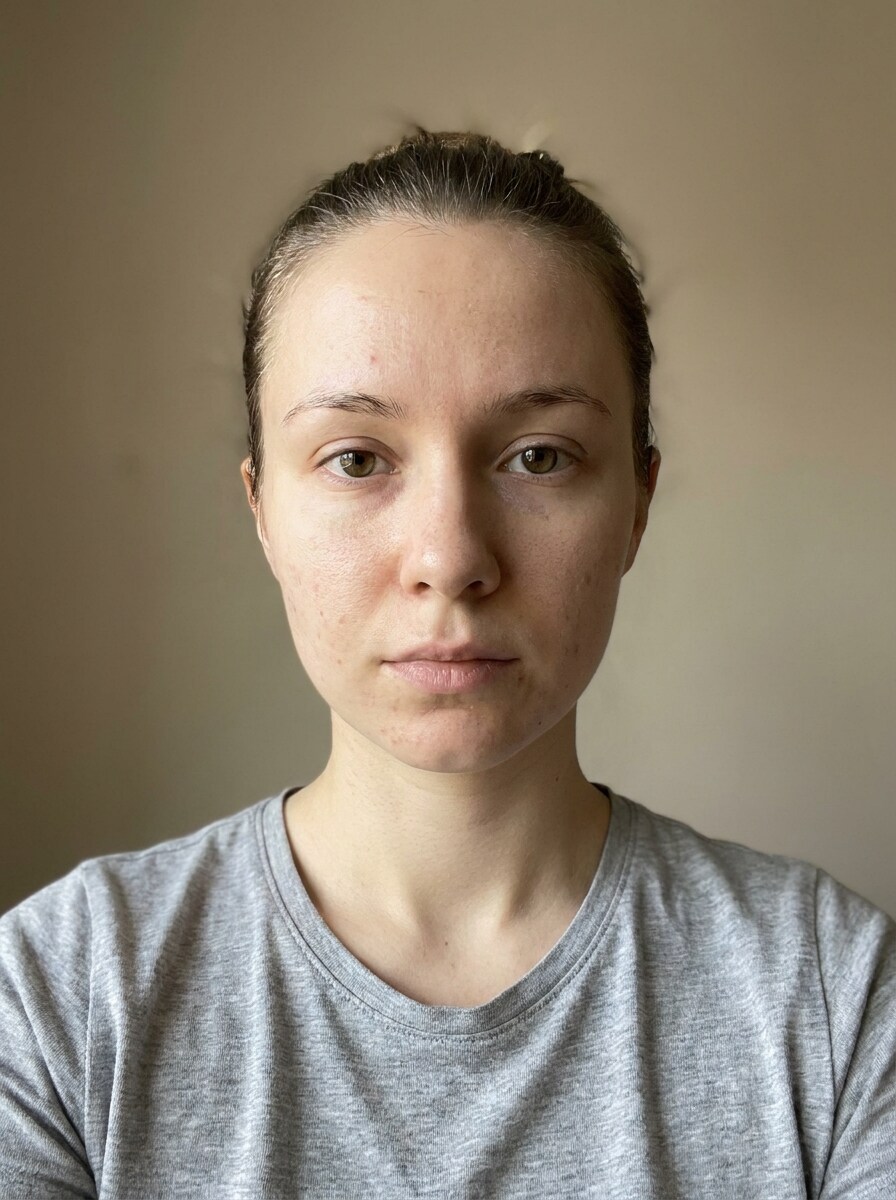
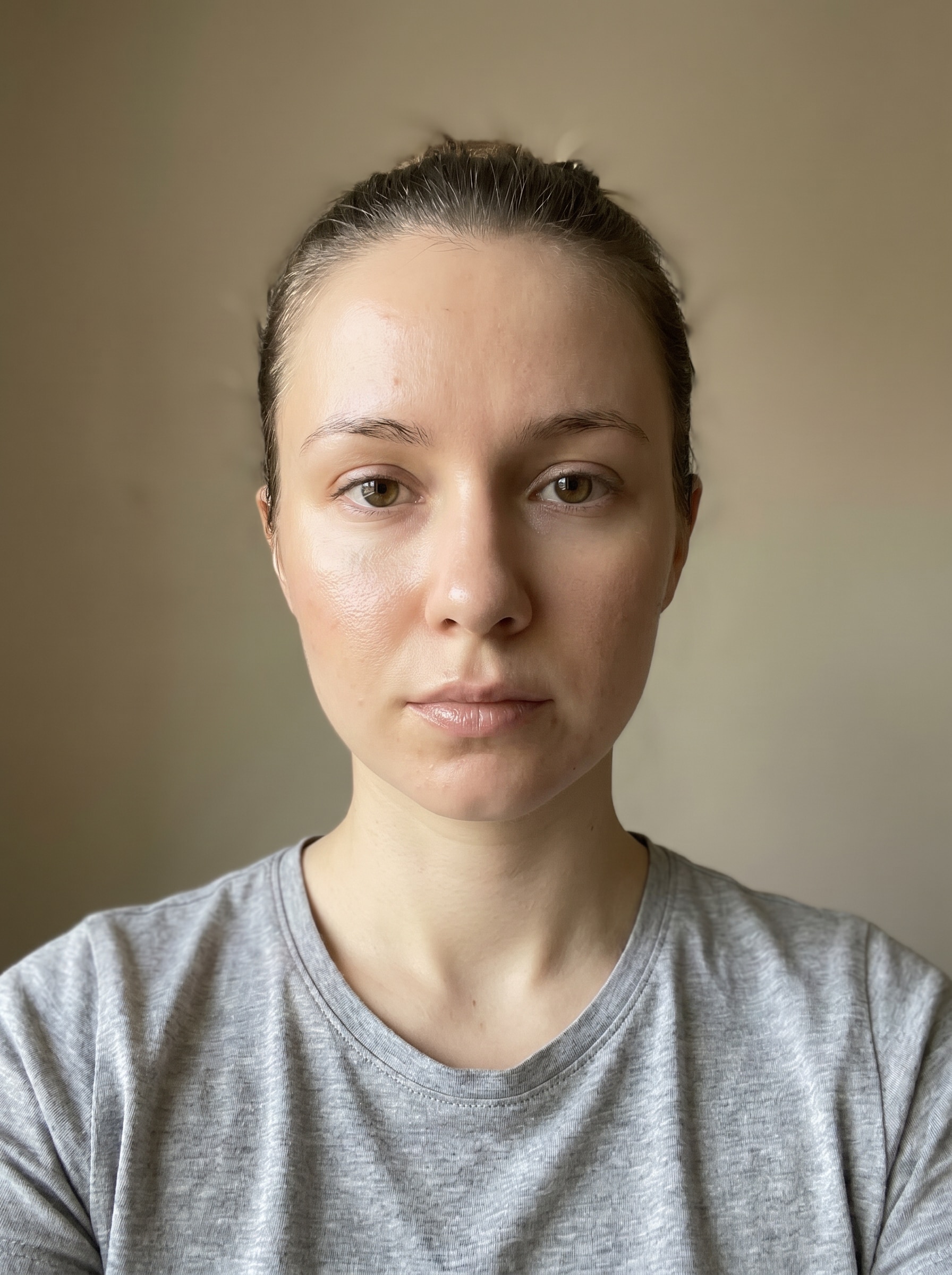
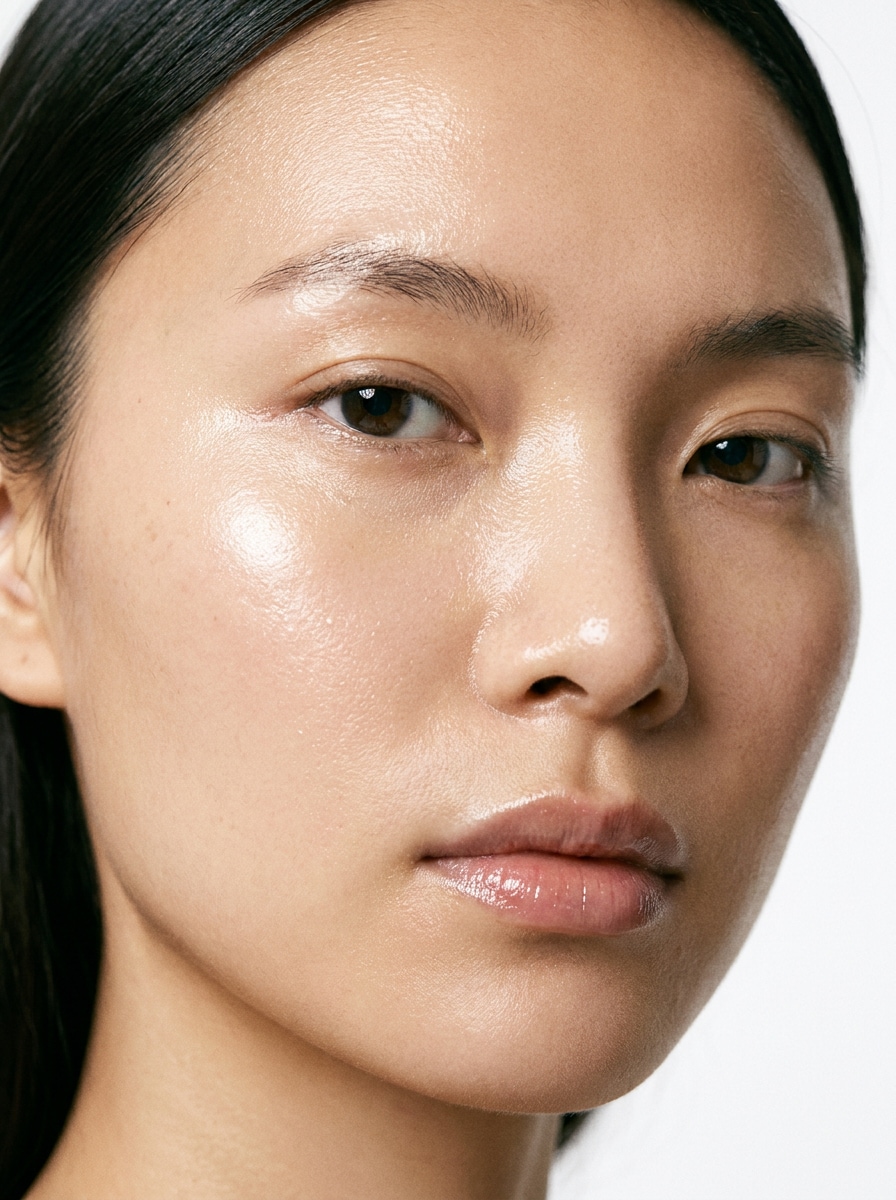
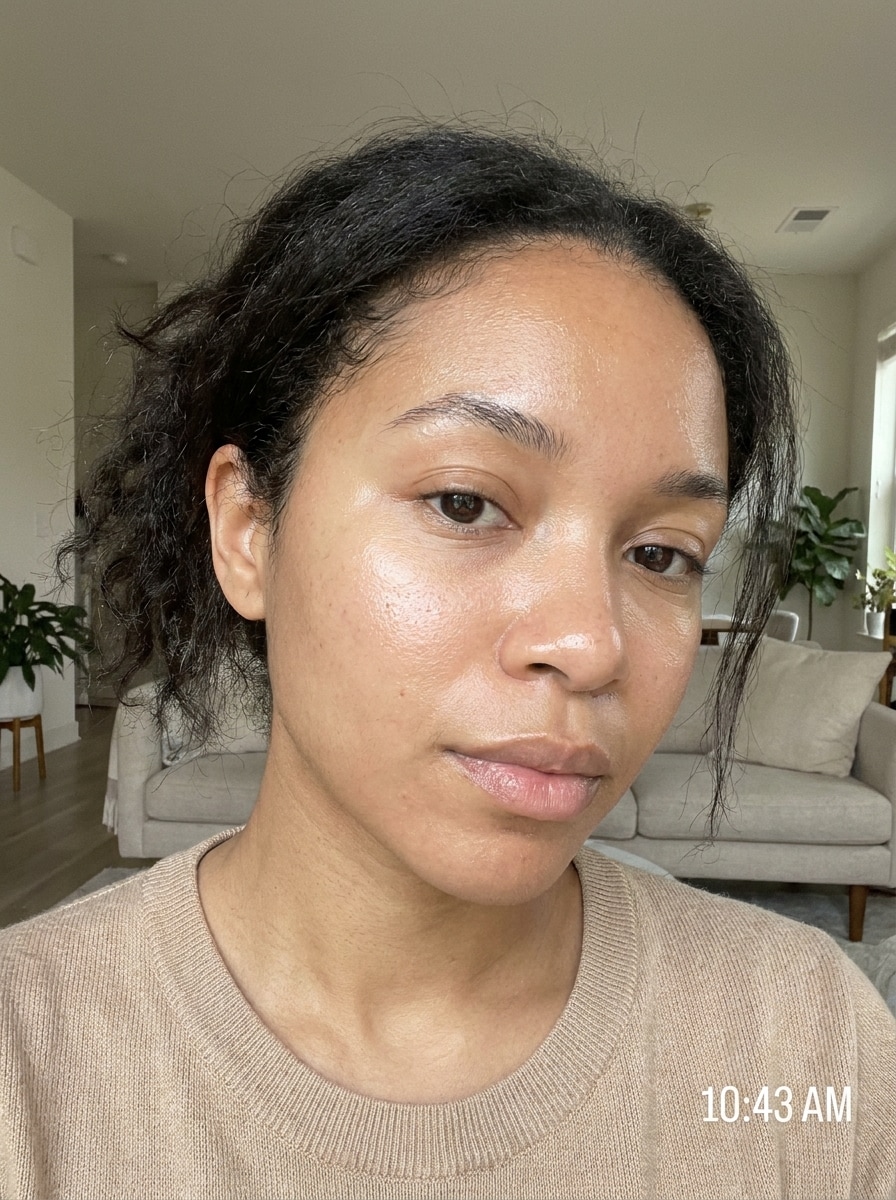
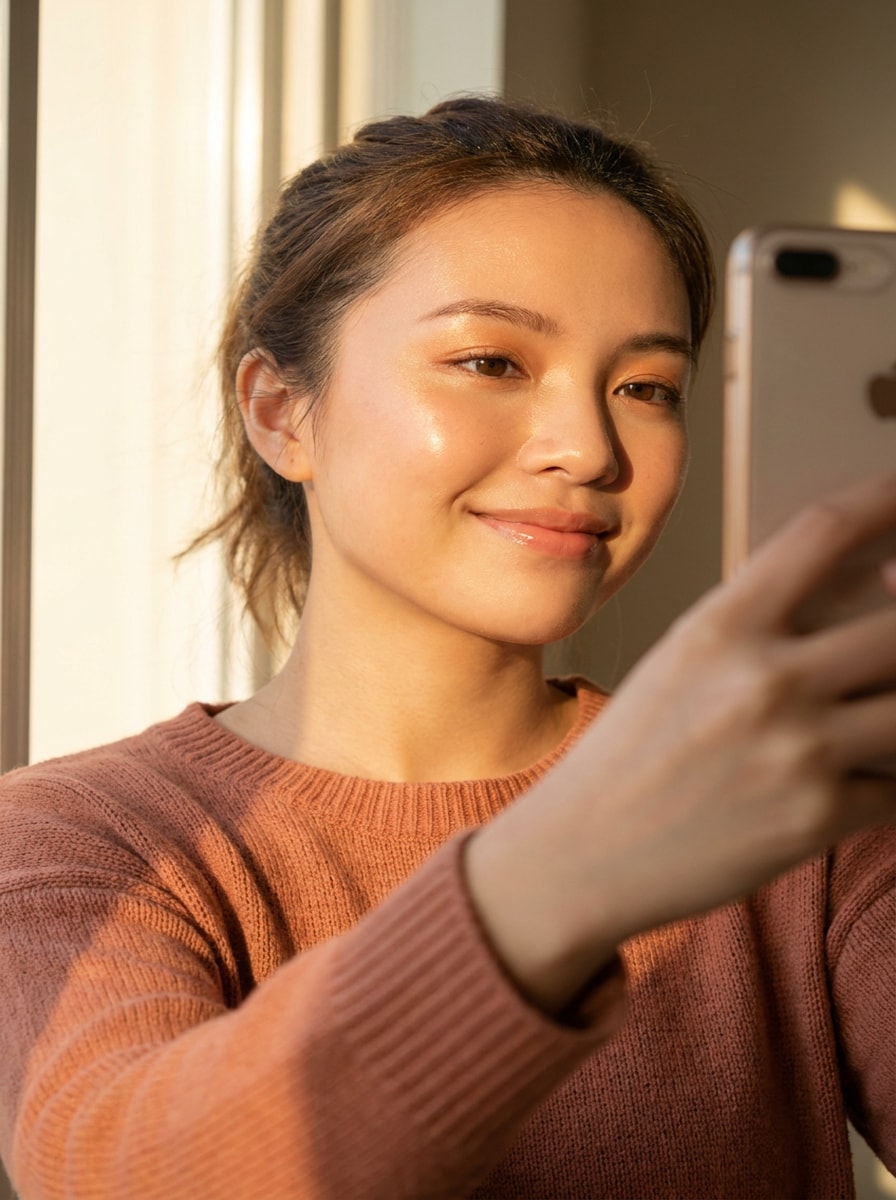
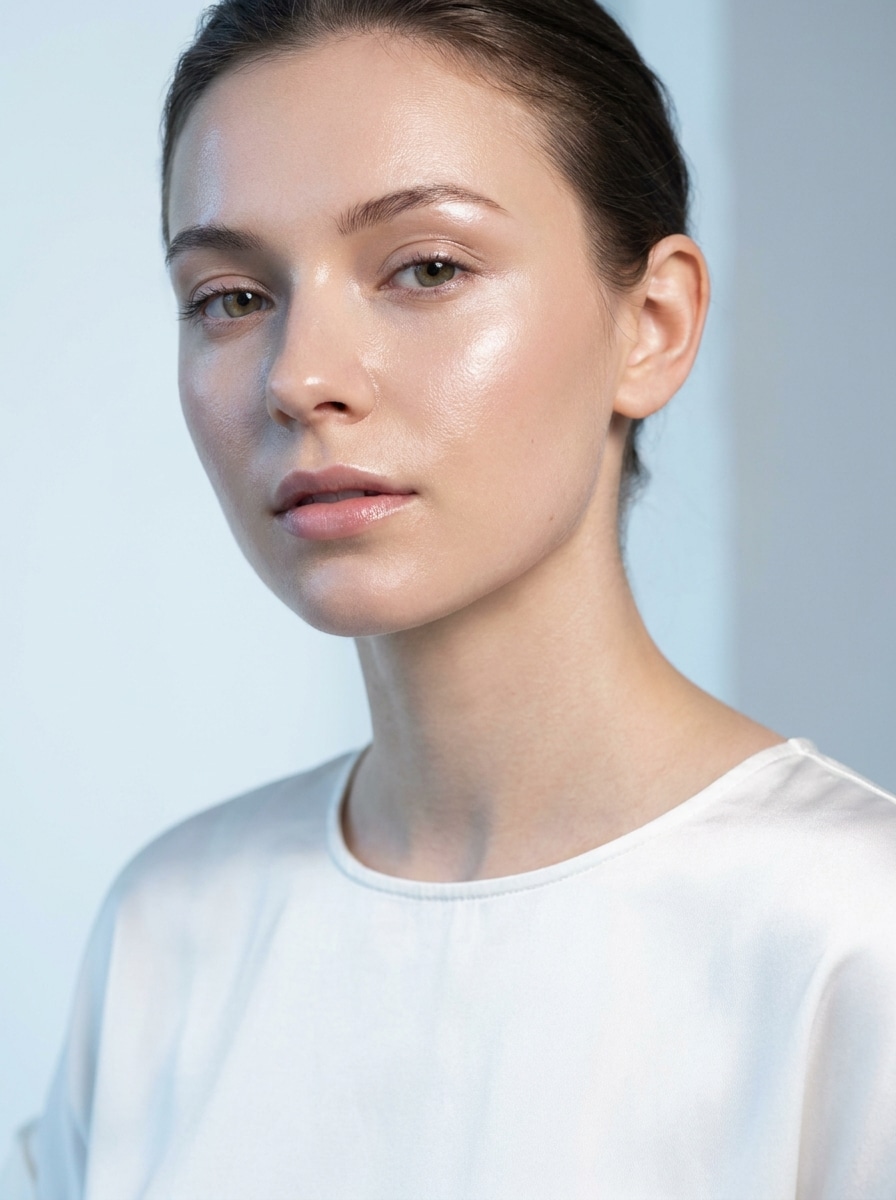
Creations are stored for only 7 days. Assets created after upgrading to a Membership plan will be stored permanently.
Unlock your creative potential and experience the magic of Media AI right away!
Apply a Glass Skin Filter for Dewy, Natural-Looking Portraits
Turn selfies and portraits into radiant, smooth beauty edits with a glass skin filter. Media.io helps you create a realistic dewy finish, whether you want a korean glass skin filter, a subtle AI smooth skin filter, or a polished glass skin photo filter in seconds.
Review these example directions, then tailor the prompt details to get stronger results with this Glass Skin Filter.
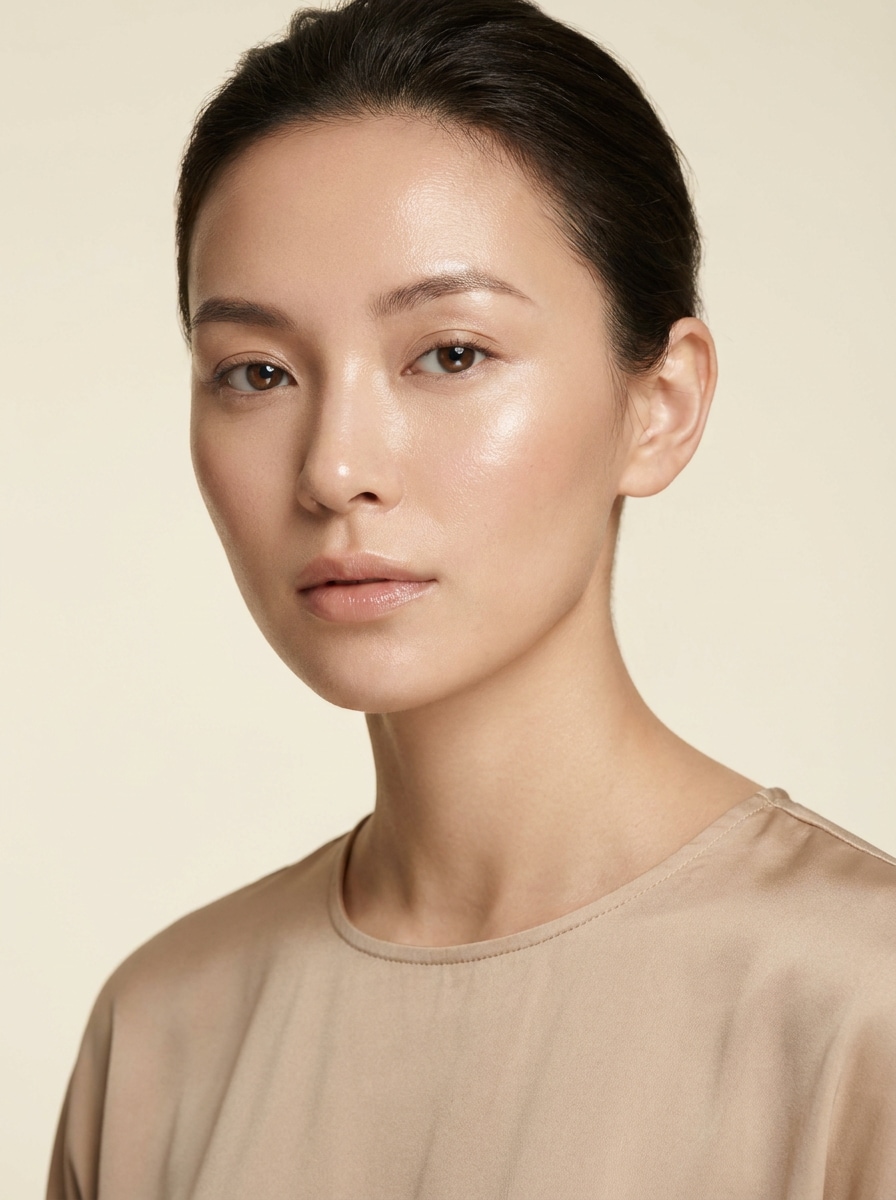
K-Beauty Dewy Glow
Use the uploaded image as the subject and transform it into a clean K-beauty beauty portrait with natural glass skin, soft dewy highlights on the cheeks, forehead, and nose bridge, even skin tone, gentle pore softening, bright diffused lighting, neutral background, realistic facial detail, and a fresh polished finish.
Barely-Edited Selfie Glow
Use the uploaded selfie as the subject and add a realistic glass skin filter with subtle radiance, hydrated skin finish, balanced highlights, minimal retouching, preserved natural pores, clear eye and lip detail, soft indoor daylight, authentic social-ready mood, and a believable no-overedit result.
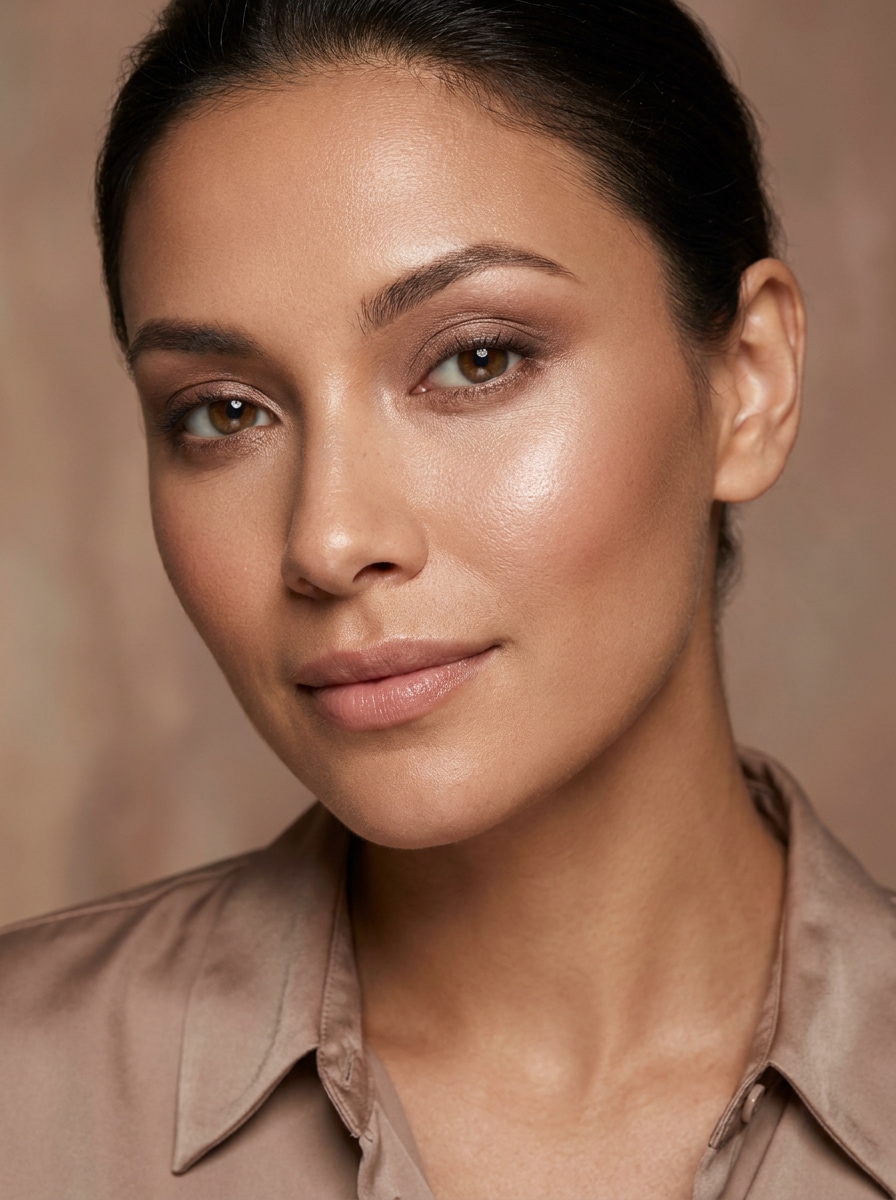
High-End Editorial Glow
Use the uploaded portrait as the subject and transform it into a luxury editorial beauty image with polished glass skin, softbox-style highlights, smooth even complexion, refined glow on cheekbones and forehead, creamy neutral tones, premium skincare-ad atmosphere, and realistic anatomy with sharp eye detail.
Soft Glam Glass Complexion
Use the uploaded face photo as the subject and add a soft glam glass skin effect with radiant complexion, subtle shine, blended skin smoothing, flattering cheek highlights, clean makeup-friendly finish, warm neutral tones, diffused beauty lighting, and preserved expression for a polished yet natural portrait.
Korean Passport-Style Glow
Use the uploaded portrait as the subject and create a bright, clean, minimal beauty look with smooth hydrated glass skin, fresh even complexion, soft front lighting, neutral tones, tidy plain background, natural facial proportions, and a simple polished finish inspired by modern Korean portrait aesthetics.
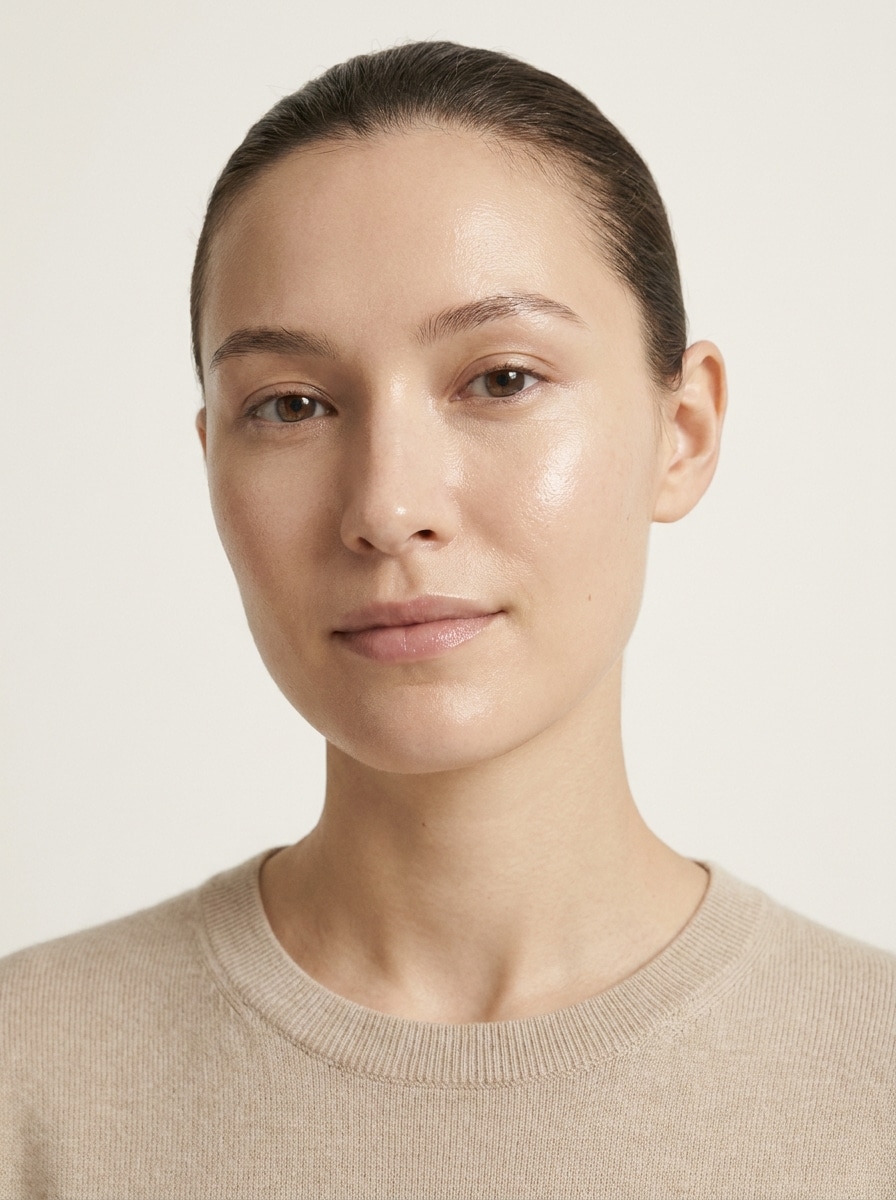
No-Makeup Dew Filter
Use the uploaded image as the subject and apply a no-makeup glass skin look with healthy hydration glow, soft skin balancing, light-reflective sheen, minimal cosmetic effect, natural brows and lips, airy daylight, soft neutral colors, and an everyday beauty finish that stays realistic and fresh.
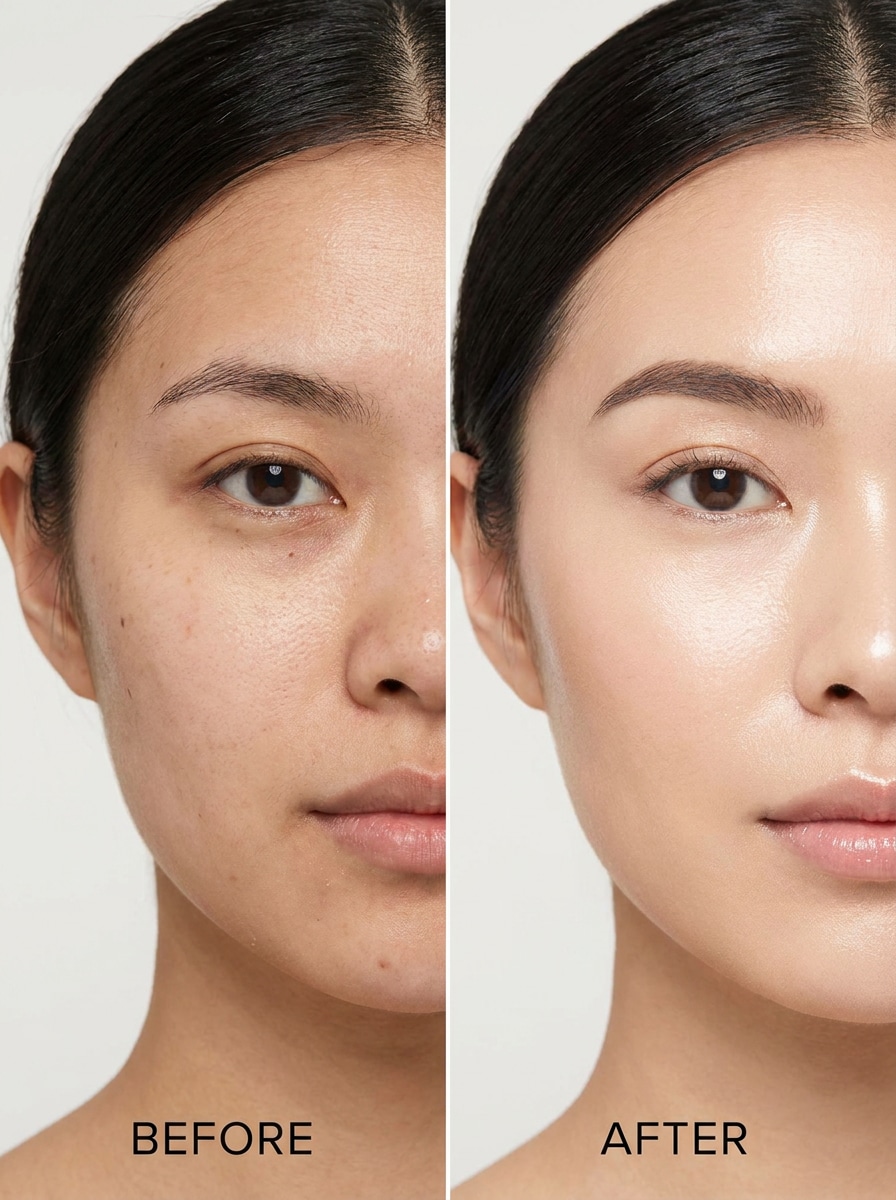
Split-Screen Transformation
Use the uploaded portrait as the subject and create a dramatic but believable beauty enhancement suitable for before-and-after comparison, with brighter complexion, smoother texture, refined glow, natural identity preservation, clean lighting, and clear visible improvement without turning the skin overly artificial or flat.
One-Tap Beauty Demo
Use the uploaded photo as the subject and give it an instantly upgraded one-tap beauty look with hydrated glass skin shine, balanced smoothing, natural light reflection, clean beauty styling, soft brightness, preserved facial details, and a quick transformation that still feels authentic and wearable.
Golden Hour Glass Skin
Use the uploaded selfie as the subject and add a warm golden hour glass skin glow with radiant cheeks, soft reflective highlights, healthy moisturized appearance, warm peach-gold tones, gentle sunlight mood, preserved eye and lip texture, and a flattering influencer-style finish that remains natural.
Cool-Tone Luminous Skin
Use the uploaded portrait as the subject and transform it with a cool-toned luminous skin effect featuring crisp clean highlights, smooth hydrated complexion, subtle clarity boost, fresh blue-neutral palette, soft studio lighting, premium skincare campaign mood, and a flattering realistic finish with preserved facial detail.
Why Use Media.io for a Glass Skin Photo Edit
Edit Beauty Portraits in a Browser on the Devices You Already Use
Reference-based work needs more than a loose style shift. Media.io helps keep key identity details recognizable while reworking the glass skin filter visual look, so the result feels personal instead of generic.
Keep Your Face Recognizable While Skin Looks Refined
When style is part of the decision-making, Media.io helps you compare multiple directions from the same glass skin filter visual base, which makes creative selection more efficient.
Dial In Detail From Quick Previews to Sharper Final Exports
Media.io makes it easy to test a soft dewy finish first, then export a cleaner final image at up to 4K when you like the look. That gives creators more control over believable skin texture, highlight placement, and overall presentation quality.
Work Across Devices Without Extra Installs
Whether you are exploring glass skin filter visuals on a laptop or checking drafts from your phone, Media.io keeps everything browser-based so you can pick up the same workflow across devices more easily.
How to Create a Glass Skin Effect Online
Turn your words into stunning visuals in three simple steps, then continue refining the result if you want to take it further.
Step 1
Upload Your Reference Image
Start with a clear selfie or portrait in JPG, PNG, or JPEG format. Front-facing photos with visible facial detail, balanced lighting, and a simple background usually give the most convincing dewy-skin transformation.
Step 2
Describe the Change and Set Options
Enter the look you want, such as natural glow, soft pore blur, cool-tone shine, or editorial radiance. Then choose your preferred model and adjust aspect ratio, image count, and resolution to match your beauty content or social post.
Step 3
Generate, Download, and Keep Improving
Generate your edited result, compare variations, and download the version you like best. If you want more sheen, softer smoothing, or a more natural finish, simply refine the prompt and create another pass.
See how creators use this Glass Skin Filter for content, marketing, and personal projects, then adapt each idea to fit the brief.
Upgrade Everyday Selfies for Social Media
Turn casual phone photos into bright, polished portraits with a believable dewy finish. This is ideal for creators who want a beauty edit that looks fresh on TikTok, Instagram, or profile photos without crossing into heavy retouching.
Create Clean K-Beauty Style Portraits
Use the tool to produce luminous close-ups inspired by modern skincare campaigns and minimalist beauty trends. It works well for users who want a refined glow, soft reflection, and a natural complexion that feels elegant rather than overly glam.
Make Before-and-After Beauty Comparisons More Convincing
Generate polished transformation visuals for tutorials, product mockups, or skincare-themed content. A well-controlled dewy finish helps show improvement clearly while keeping facial structure, expression, and detail realistic enough for persuasive comparison posts.
What Users Say About Media.io
Mina K.
Beauty Content Creator
"Natural glow without the fake filter look" I wanted that glossy K-beauty finish, but most apps made my face look plastic. Media.io gave me a softer, more realistic glow and kept my features intact.
Jasmine R.
Lifestyle Influencer
"Great for quick selfie upgrades" I used it on a few phone selfies and the results looked clean and bright in seconds. The skin looked smoother, but my eyes, lips, and face shape still felt real.
Evelyn T.
Freelance Designer
"Useful for beauty mockups and covers" I like that I can edit a portrait and then adjust the format for different layouts. It is helpful when I need polished beauty visuals for social posts and promotional designs.
Chloe W.
Skincare Brand Marketer
"Believable before-and-after style results" The glow effect looks noticeable without becoming too airbrushed. That balance makes the edits much more usable for campaign concepts and beauty comparison content.
A glass skin filter is a photo effect that makes skin look smoother, brighter, and more luminous, with a hydrated sheen inspired by K-beauty beauty trends. In Media.io, it works as an image-to-image edit, using your uploaded portrait to create a dewy, polished result while preserving your facial identity.
2. How do I add a glass skin effect to a photo online?
Upload a clear selfie or portrait to Media.io, then describe the look you want, such as soft glow, natural smoothing, or editorial shine. After that, choose your image settings, generate the result, and download the version you like best. This workflow is a simple way to create an AI glass skin filter from photo in your browser.
3. Is this glass skin filter free to use?
Yes, free users can try Media.io with free credits. If you need more generations or want higher-end usage options, you can check the pricing page. Free exports may include a watermark, while paid plans support watermark-free high-resolution downloads. Free users can use free credits. For more usage, users can subscribe to a plan on the pricing page. Upgrade to a paid plan on the pricing page for more credits and watermark-free high-resolution downloads.
4. Will the filter make my skin look natural or overly edited?
It can look very natural when you start with a clear portrait and use a prompt focused on subtle glow, balanced highlights, and light smoothing. Media.io is designed for reference-based editing, so you can aim for a realistic dewy finish instead of an overly airbrushed result. If the first version feels too strong, adjust the prompt and generate a softer variation.
5. Can I use the glass skin filter on iPhone, Android, or desktop?
Media.io is web-based, so you can use it on iPhone, Android, Windows, or Mac as long as you have a browser. That makes it easy to create a quick beauty edit on mobile or fine-tune portraits on a larger desktop screen. Media.io is a web-based tool that works on any device with a browser (Windows, Mac, iOS, Android).
6. What kind of photos work best for a glass skin photo edit?
You can customize the glass skin filter result by adjusting theme, color palette, layout, illustration style, and empty space directly in the prompt.