Seleziona / @ carattere, descrivi la scena che desideri generare.
0/2000
9:16
1K
1
Unlimited Banana Pro
Creations
Ideas Hub
How It Works
All
Popular features
View All
Sfida creativa di Halloween
View All
Storia di Frutta con IA
View All
Video Storia con AI
View All
Video virali oggi
View All
Video di prodotti IA
View All
Personaggio AI
View All
Tendenze di Danza
View All
GPT Image 2
View All
Seedance 2.0
View All
Match Celebrità con AI
View All
Suggerimenti per Pose di Coppia
View All
Prompt di Pose per Ragazze AI Estetiche
View All
Prompt di Pose per Ragazzo AI Elegante
View All
Generate List
Creations are stored for only 7 days. Assets created after upgrading to a Membership plan will be stored permanently.
Unlock your creative potential and experience the magic of Media AI right away!
Crea Design Realistici di Mockup per Sacchetti di Carta Online dalla Tua Grafica
Trasforma il tuo logo, etichetta o design di packaging piatto in un realistico mockup di sacchetto di carta in pochi minuti. Media.io ti aiuta a generare immagini visive di packaging kraft, retail e da asporto online senza Photoshop, inclusi concept rifiniti per un mockup di sacchetto di carta bianco o rapidi test di mockup di sacchetto di carta gratuito.
Scrivi la tua idea -> L'AI la progetta. Gratuito da provare.
Esamina questi esempi di indicazioni, poi personalizza i dettagli del prompt per ottenere risultati migliori con questo Mockup di Sacchetto di Carta.
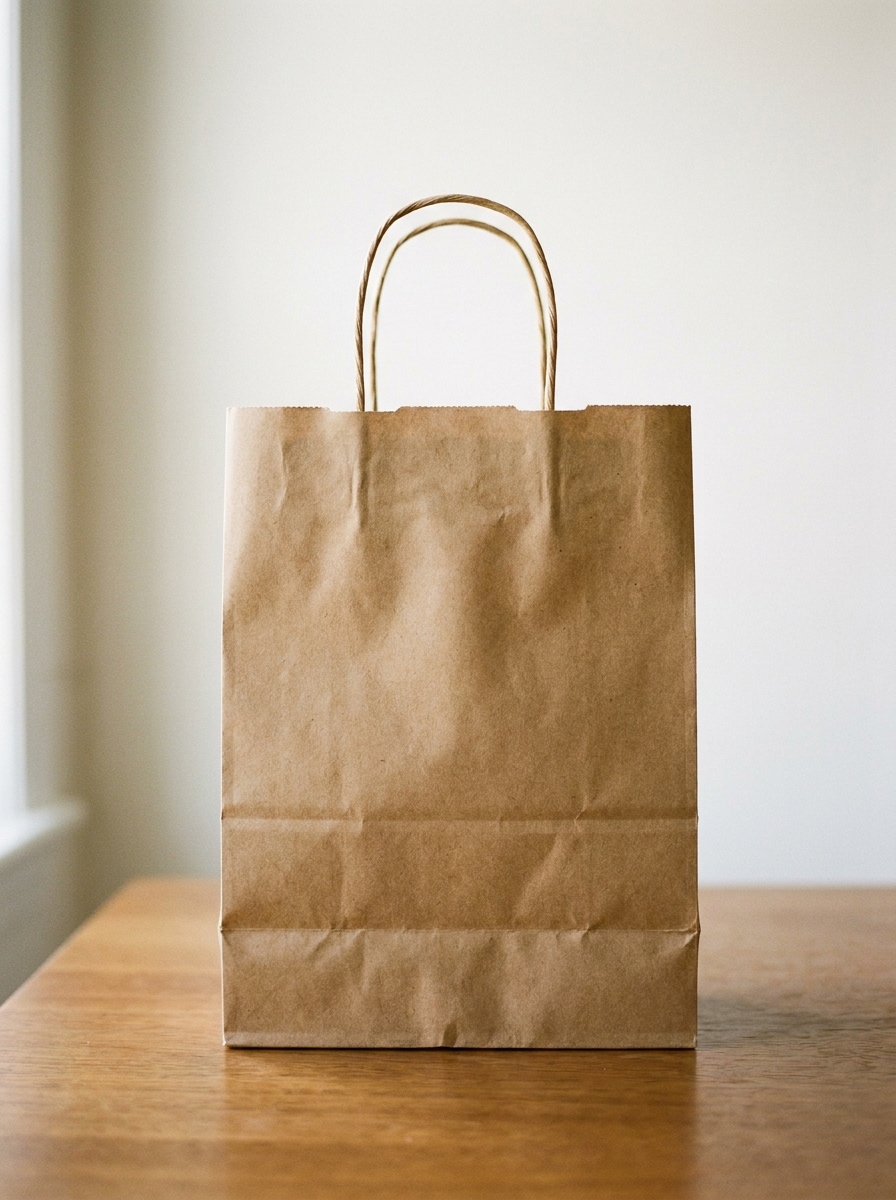
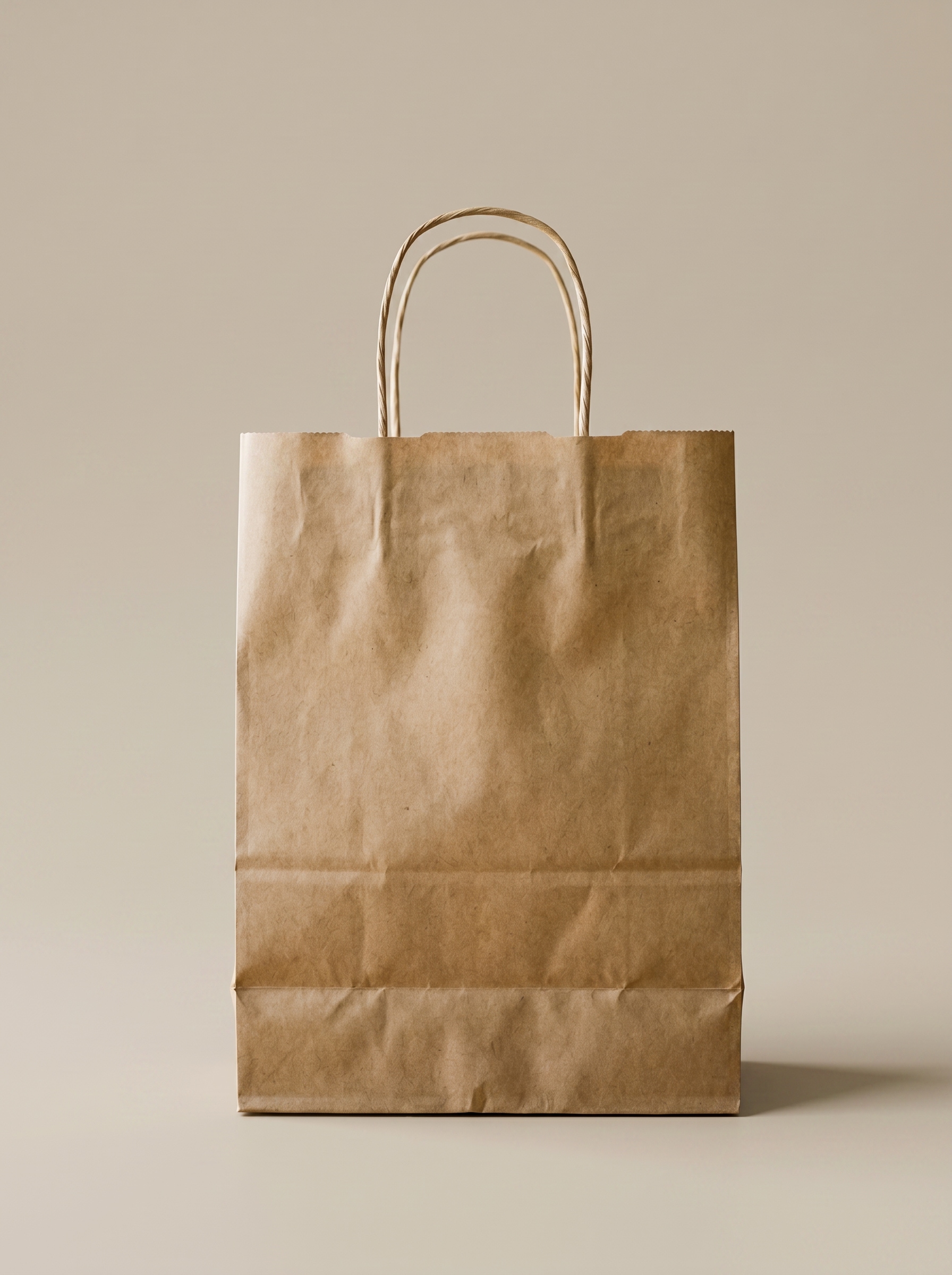
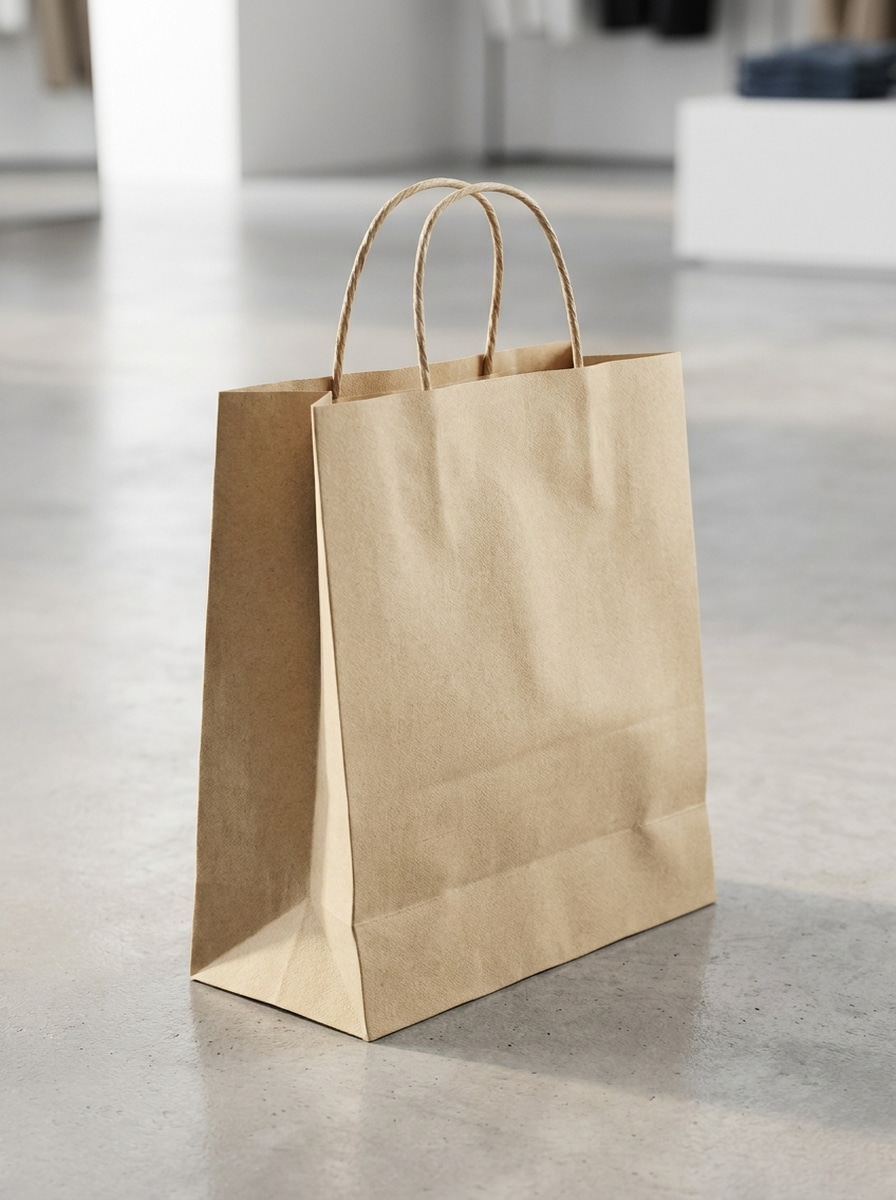
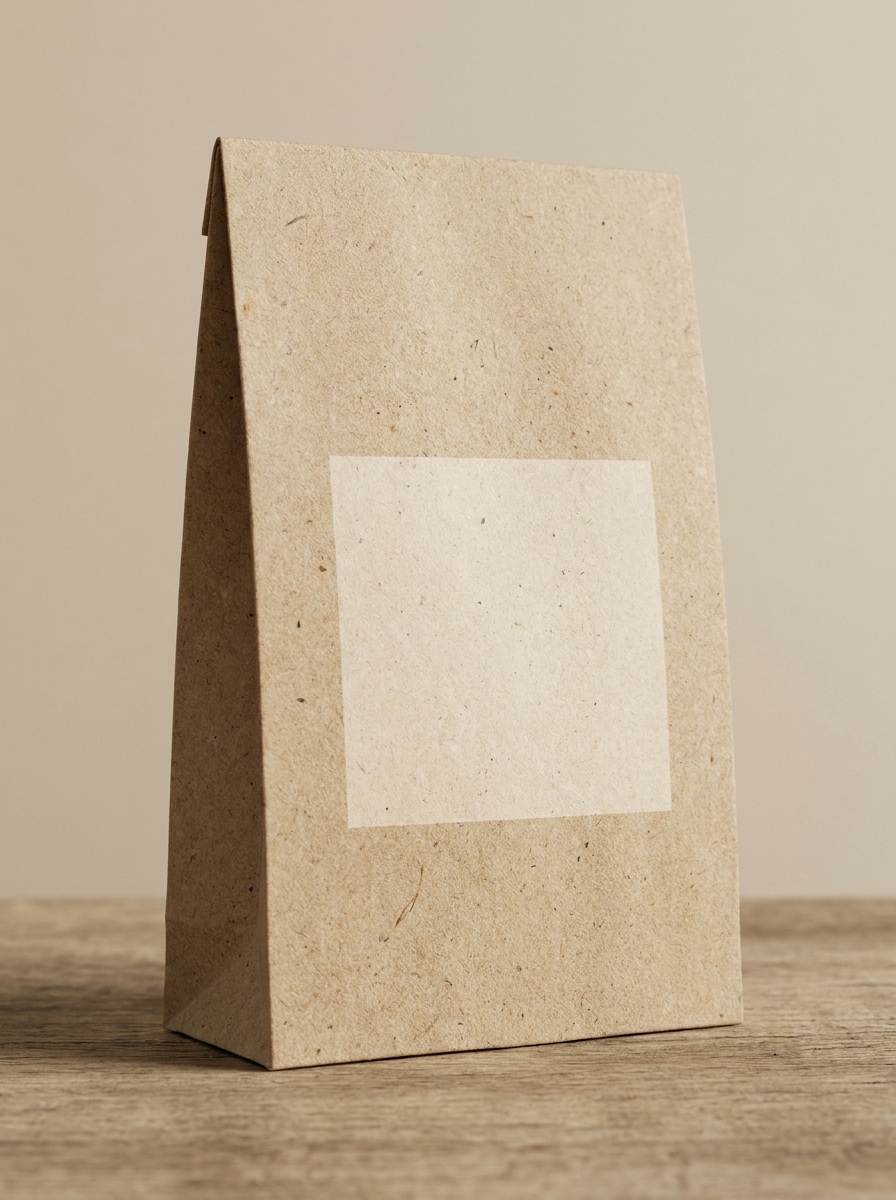
Vista Frontale Kraft
Usa l'immagine caricata come grafica del brand e trasformala in un realistico mockup di packaging per sacchetto di carta kraft, vista frontale, composizione centrata, texture naturale di carta riciclata marrone, bordi piegati nitidi, illuminazione soft da studio, ombra sottile sul pavimento, sfondo beige neutro, presentazione commerciale pulita, dettaglio fotorealistico.
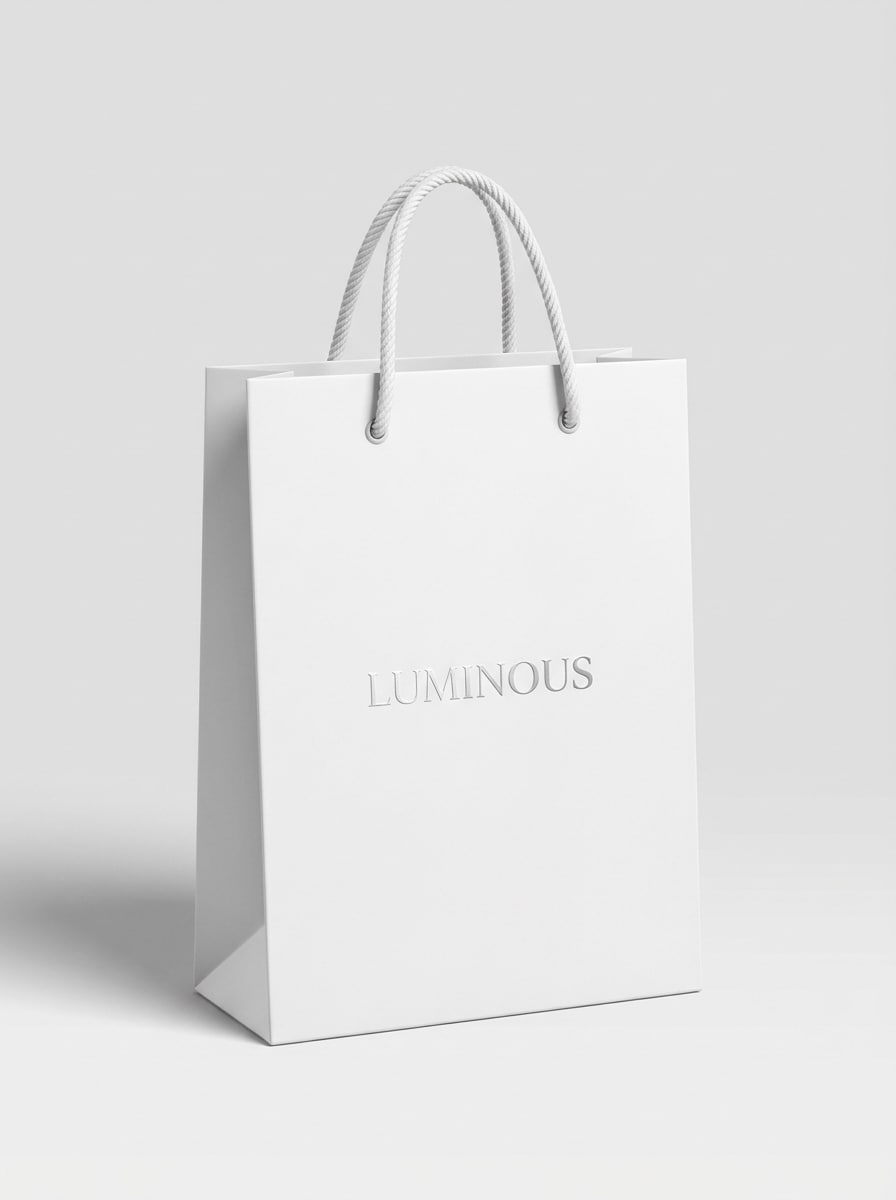
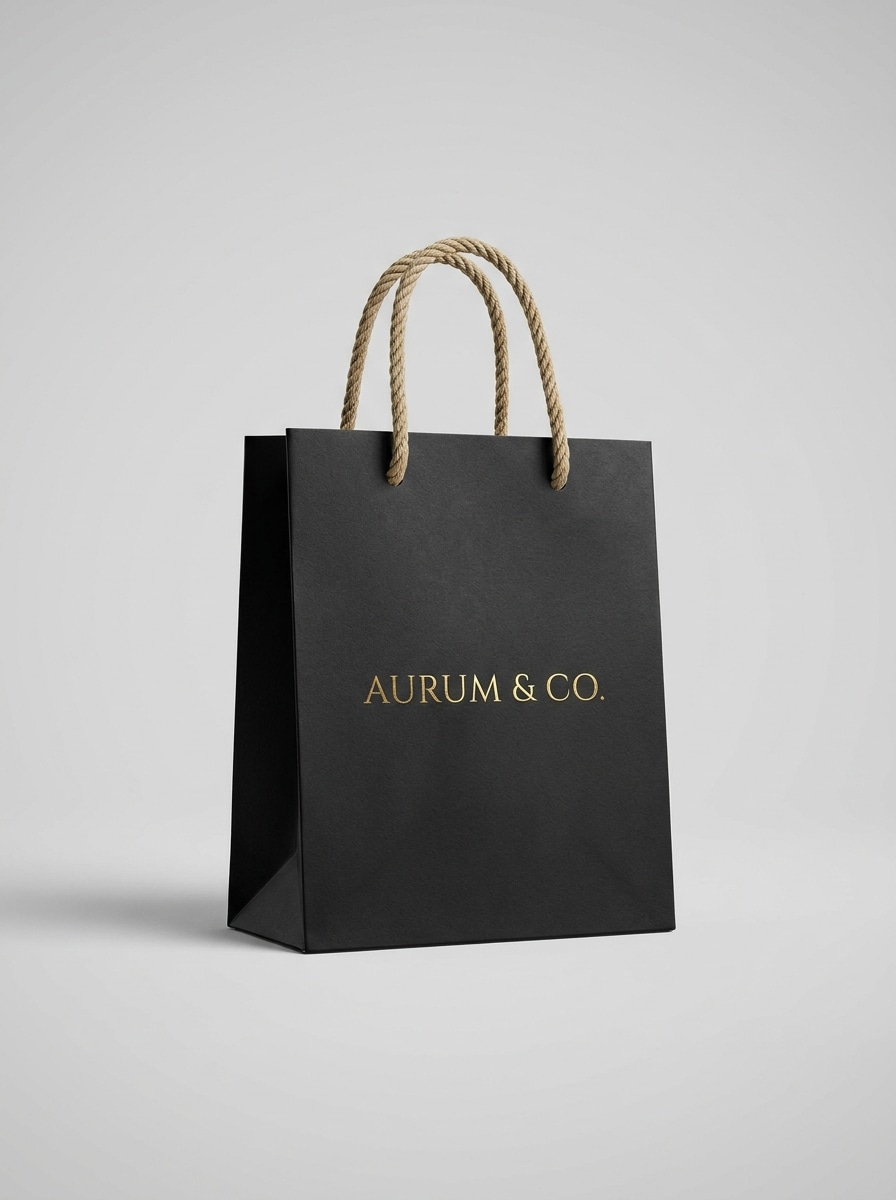
Sacchetto Retail Bianco
Usa l'immagine caricata come design principale e posizionala su un mockup premium di sacchetto della spesa in carta bianca, vista frontale, manici a corda visibili, bordi nitidi, superficie cartacea opaca liscia, ombra sottile sotto, sfondo minimalista da studio, illuminazione luminosa e pulita, elegante vetrina del packaging, qualità fotorealistica.
Vista 3/4 del Sacchetto della Spesa
Usa l'immagine caricata come design del brand e trasformala in un realistico mockup di sacchetto della spesa in carta da una prospettiva 3/4, mostrando i pannelli frontale e laterale, look retail premium, pieghe naturali, illuminazione direzionale soft, ombra sottile, sfondo neutro moderno, visualizzazione del packaging ad alto dettaglio.
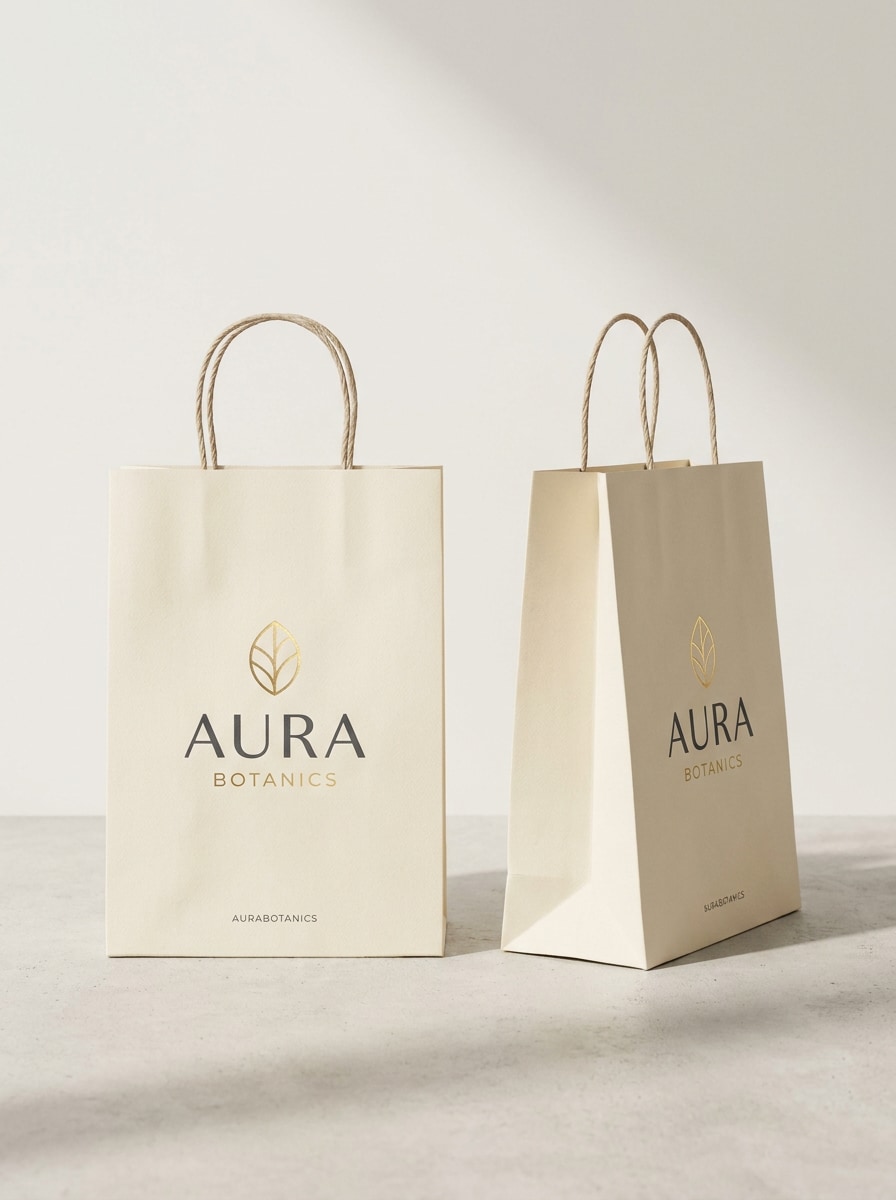
Due Sacchetti in Piedi
Usa l'immagine caricata come branding coordinato e applicala a due mockup di sacchetti di carta in piedi affiancati, uno frontale e uno angolato, posizionamento del logo coerente, ombre soft da studio, materiale cartaceo realistico, sfondo minimale, composizione equilibrata, esposizione retail premium del packaging, finitura fotorealistica.
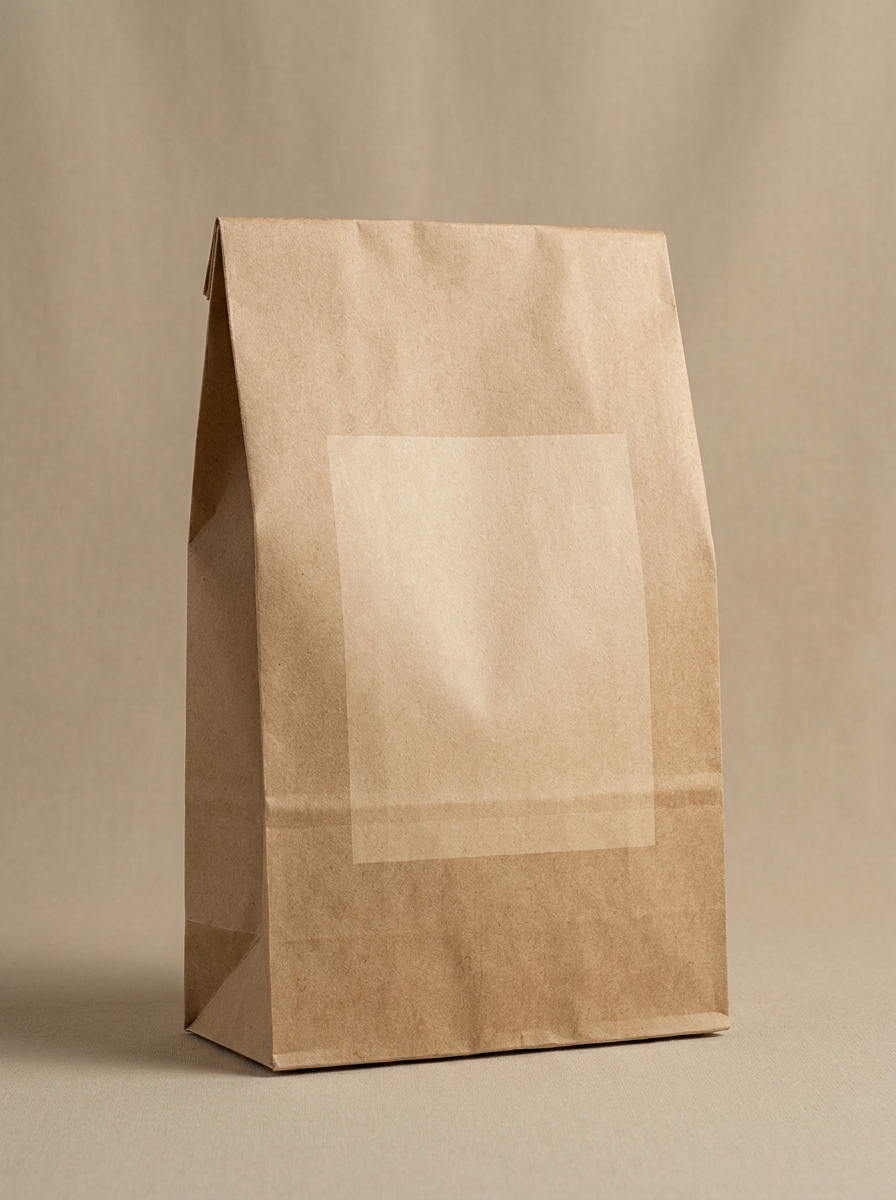
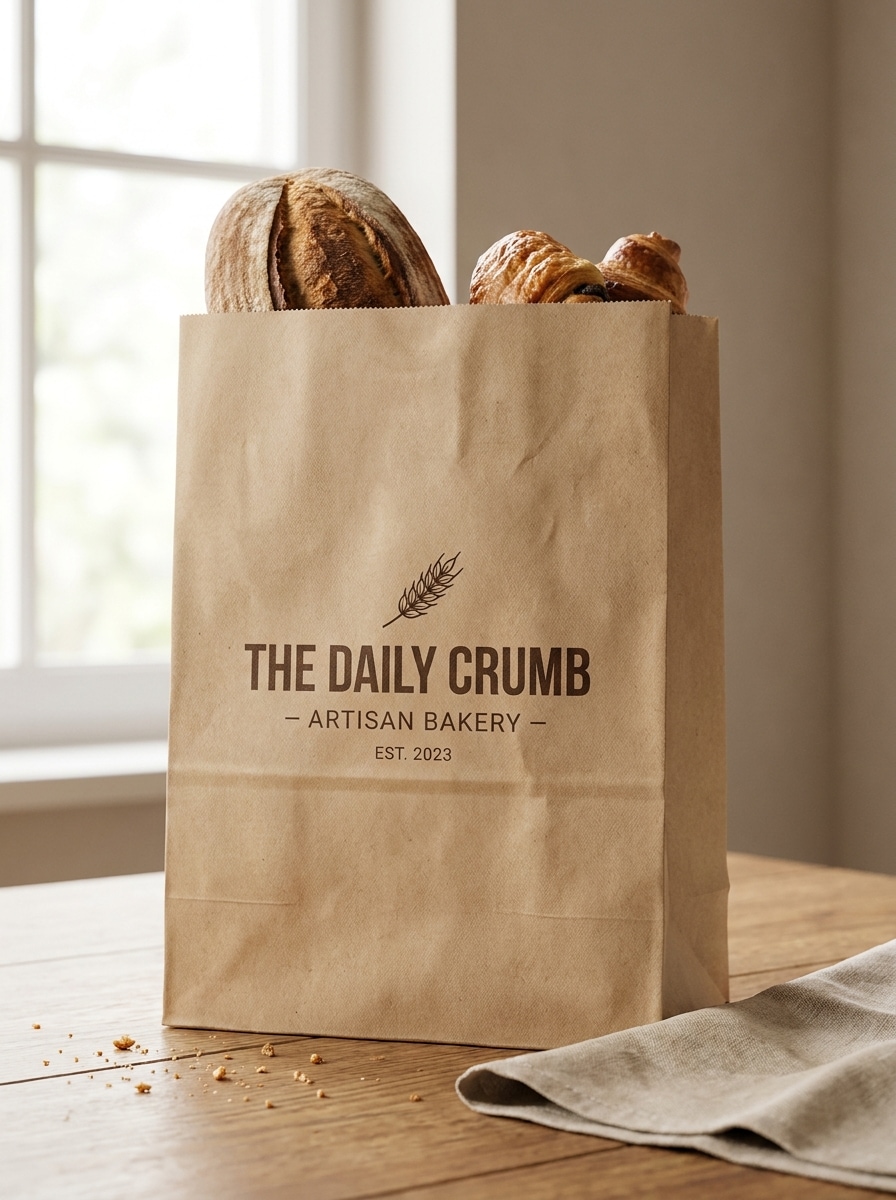
Sacchetto da Asporto per Panetteria
Usa l'immagine caricata come branding della panetteria e trasformala in un realistico mockup di sacchetto da asporto in carta, texture kraft calda, vista frontale, atmosfera di packaging artigianale, leggere pieghe, luce naturale soft, sfondo neutro pulito, tonalità terrose accoglienti, presentazione professionale del brand alimentare, dettaglio fotorealistico.
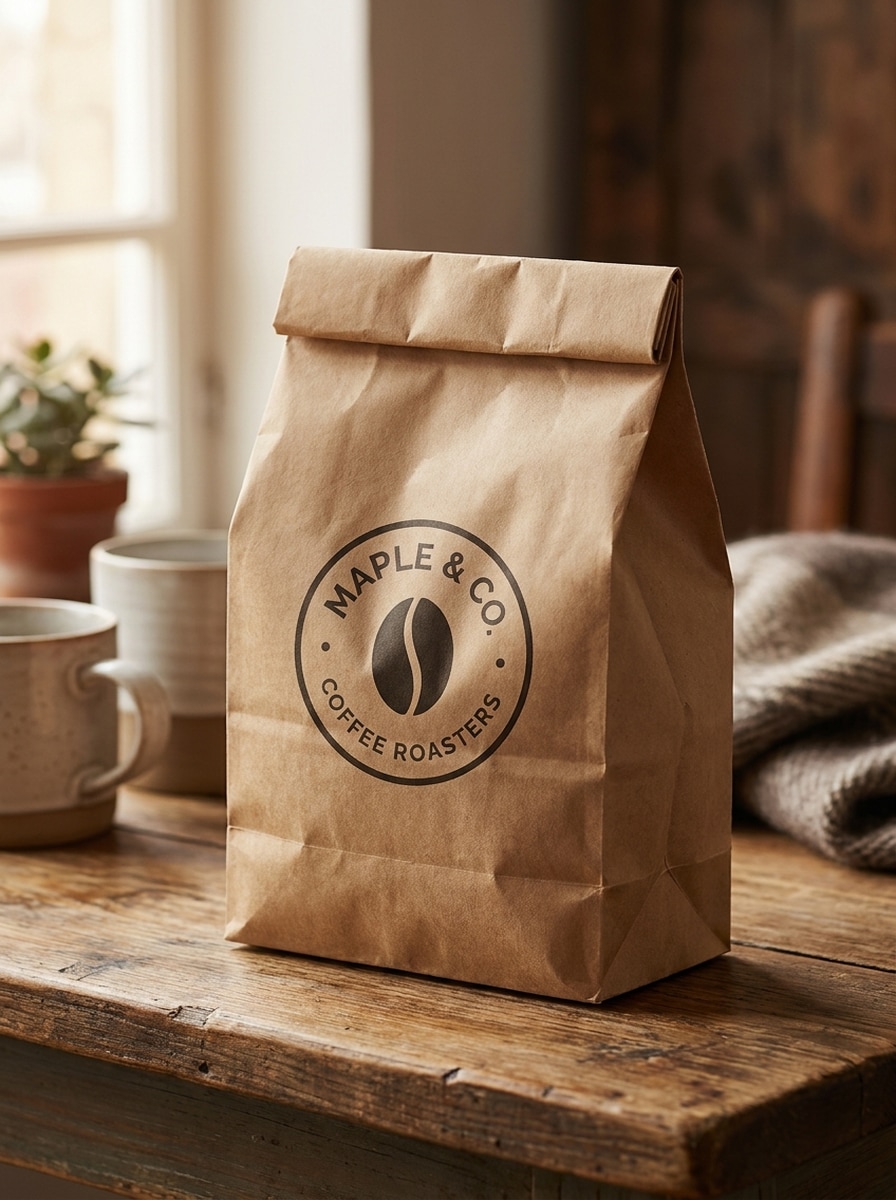
Sacchetto per Caffetteria
Usa l'immagine caricata come logo o etichetta del caffè e applicala a un mockup di sacchetto brandizzato per caffetteria, stile da asporto kraft, posizionamento moderno del logo, illuminazione naturale accogliente, pieghe e texture realistiche, presentazione su superficie da tavolo, palette calda nei toni del marrone, estetica del packaging lifestyle, qualità nitida fotorealistica.
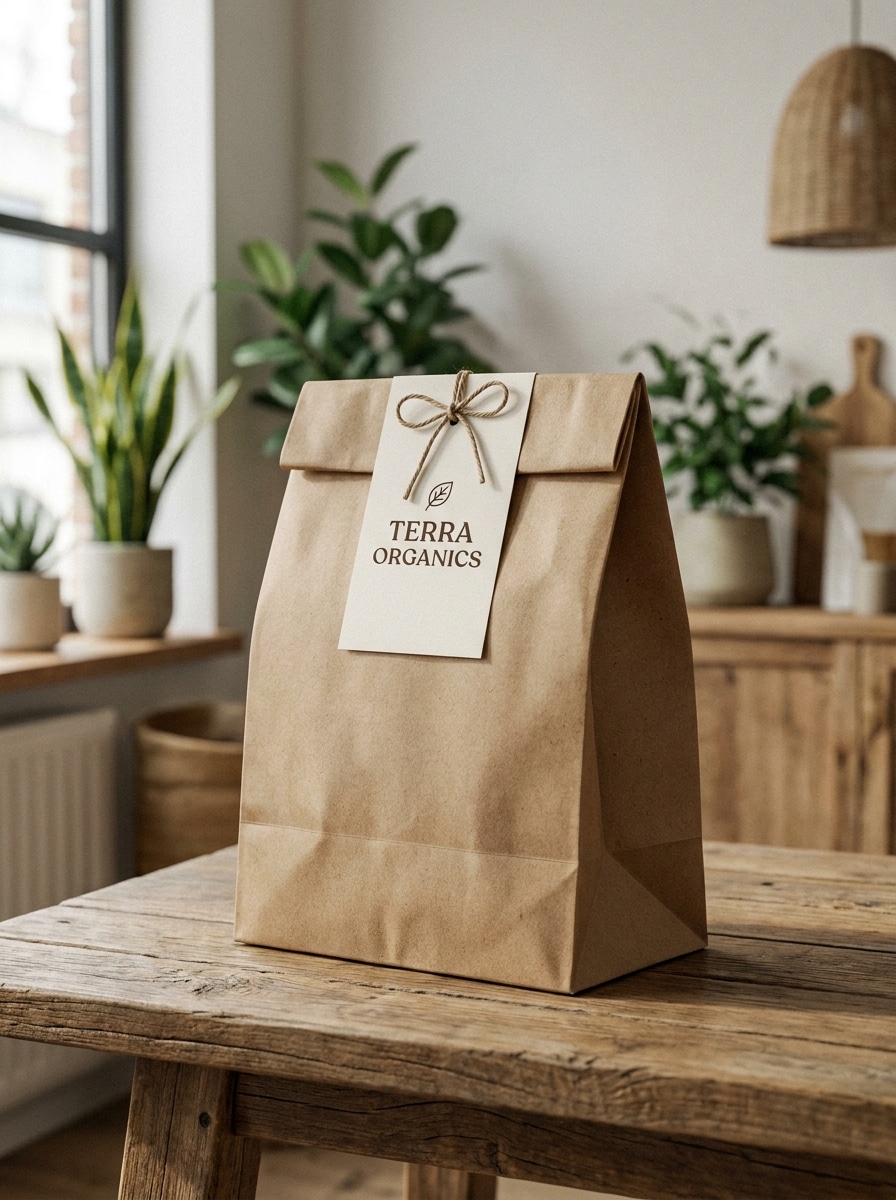
Stile Eco Kraft Riciclato
Usa l'immagine caricata come grafica del brand sostenibile e trasformala in un mockup di sacchetto di carta kraft riciclata eco-friendly, fibre naturali visibili, palette nei toni della terra smorzati, spazio branding pulito, luce diurna soft, composizione minimale, grana della carta realistica, look moderno di packaging sostenibile, rendering fotorealistico premium.
Packaging Brand Organico
Usa l'immagine caricata come design del brand organico e posizionala su un mockup di sacchetto di carta sostenibile con tonalità terrose, texture kraft premium, posizionamento elegante e minimalista dell'etichetta, luce naturale, composizione moderna di eco-packaging, ombre soft, pieghe realistiche rifinite, presentazione fotorealistica del brand del prodotto.
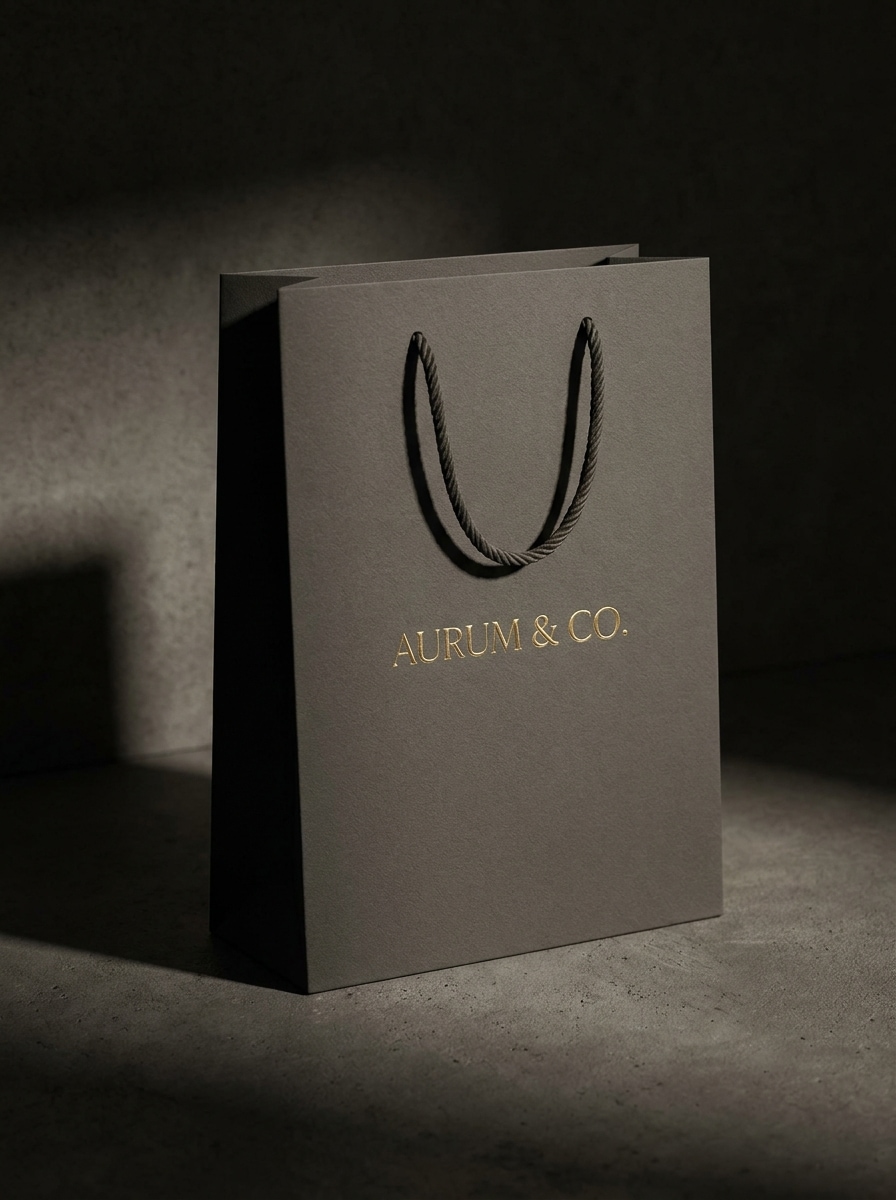
Sacchetto Boutique di Lusso
Usa l'immagine caricata come logo della boutique e trasformala in un mockup di sacchetto di carta di lusso con spessa texture di carta opaca, manici eleganti, branding centrato raffinato, ombra soft drammatica, illuminazione da studio di alta gamma, sfondo scuro neutro, atmosfera retail premium rifinita, finitura commerciale fotorealistica.
Hero Shot per Campagna
Usa l'immagine caricata come branding principale e trasformala in un visual di campagna per sacchetto di carta pronto per il marketing, composizione centrata forte, stile fotografico premium del packaging, texture cartacea realistica, illuminazione rifinita, sfondo pulito per la campagna, direzione artistica audace ma minimale, presentazione fotorealistica ad alto impatto.
Perché Usare Media.io per i Mockup di Packaging per Sacchetti di Carta
Personalizza i Risultati Attorno a un Soggetto di Riferimento
Dal packaging eco alle borse della spesa boutique e ai design da asporto alimentare, Media.io ti aiuta a testare diversi stili di sacchetti di carta dalla stessa immagine di riferimento, offrendoti visual flessibili per revisioni del packaging, post sui social o pagine ecommerce.
Rielabora un Soggetto in Più Stili
Quando un risultato deve rimanere legato al soggetto originale, Media.io aiuta a preservare le caratteristiche riconoscibili adattando lo stile generale del mockup del sacchetto di carta per uso social, branding o mockup.
Controlla Formato e Risoluzione per Output Pronto per il Cliente
I formati cambiano rapidamente da progetto a progetto. Media.io aiuta a ridimensionare il mockup del sacchetto di carta per schermi, copertine, biglietti da visita e mockup, così puoi riutilizzare un concept efficace in modo più efficiente.
Crea Immagini ad Alta Risoluzione per Uso Reale
Quando un mockup di sacchetto di carta è destinato a un uso editoriale reale, Media.io ti offre un output più nitido fino a 4K, che aiuta l'immagine a rimanere chiara su presentazioni, sfondi e asset riutilizzati.
Come Creare un Mockup di Sacchetto di Carta Online
Trasforma le tue parole in visual straordinari in tre semplici passaggi, poi continua a perfezionare il risultato se vuoi andare oltre.
Passo 1
Carica la Tua Immagine di Riferimento
Carica un logo chiaro, un layout di packaging, un design di etichetta o una foto di sacchetto vuoto in formato JPG, PNG o JPEG. Un riferimento pulito aiuta l'AI a posizionare il branding in modo più naturale su superfici di packaging kraft, retail o da asporto.
Passo 2
Descrivi la Modifica e Imposta le Opzioni
Inserisci un prompt dettagliato che descriva lo stile del sacchetto, l'angolazione, l'illuminazione, la texture e lo sfondo desiderati. Poi scegli il modello preferito e regola il rapporto d'aspetto, la qualità e il numero di immagini per l'output del mockup.
Passo 3
Genera, Scarica e Continua a Migliorare
Crea diverse varianti, confronta i risultati più realistici e scarica la versione che si adatta alla tua presentazione o campagna. Puoi perfezionare il prompt, provare uno stile di sacchetto diverso o rigenerare finché il visual del packaging non sembra giusto.
Scopri il Potenziale del Mockup di Sacchetto di Carta Gratuito
Scopri come i creator utilizzano questo Mockup di Sacchetto di Carta per contenuti, marketing e progetti personali, poi adatta ogni idea al brief.
Presenta Concept di Packaging ai Clienti Più Velocemente
Mostra loghi e sistemi di etichette su sacchetti realistici prima che inizi la produzione. Questo aiuta agenzie, freelance e team interni a presentare le direzioni del brand con più contesto, rendendo il feedback più chiaro e le approvazioni più facili.
Anteprima del Branding Retail ed Ecommerce
Crea visual raffinati di sacchetti per pagine prodotto, deck di lancio e campagne social. Un mockup pulito aiuta acquirenti e stakeholder a capire come apparirà il packaging in un contesto retail reale, dagli stili kraft a un raffinato risultato bianco.
Testa Idee di Packaging per Alimenti e da Asporto
Ristoranti, panetterie e brand di caffè possono esplorare rapidamente look di packaging da asporto senza costruire scene PSD personalizzate. Prova diverse texture di carta, posizionamenti di stampa e formati di sacchetti per trovare la presentazione più convincente per il tuo concept.
Cosa Dicono gli Utenti
Maya Chen
Designer di Packaging
"Utile per anteprime rapide ai clienti" L'ho usato per trasformare file logo piatti in concept realistici di sacchetti della spesa per una presentazione. I risultati sembravano abbastanza rifiniti per le tavole di presentazione, e non ho avuto bisogno di creare mockup manualmente in Photoshop.
Jordan Ellis
Piccolo Imprenditore
"Modo semplice per testare le direzioni del brand" Stavamo decidendo tra packaging kraft e bianco per il nostro negozio. Media.io ha reso semplice confrontare rapidamente diversi look di sacchetti, il che ci ha aiutato a scegliere una direzione prima di ordinare i campioni.
Sofia Ramirez
Brand Strategist
"Utile per le presentazioni di packaging" Gli stili angolati e frontali sono stati particolarmente utili per i deck dei clienti. Mi è piaciuto poter creare più varianti e ottenere visual che sembravano più vicini alla fotografia di packaging finita.
Ethan Brooks
Responsabile Marketing di Caffetteria
"Adatto per i mockup di packaging alimentare" Avevamo bisogno di visual rapidi di sacchetti da asporto per una campagna stagionale. Ho caricato il nostro branding e ho ottenuto concept utilizzabili per packaging da panetteria e caffè senza un flusso di lavoro complicato.
Esplora i più popolari effetti video e immagini AI
Un mockup di sacchetto di carta è un visual realistico che mostra come il tuo logo, etichetta o design di packaging potrebbe apparire su un sacchetto della spesa in carta, un sacchetto da asporto o un sacchetto kraft. È comunemente utilizzato per revisioni del branding, presentazioni ai clienti, visual ecommerce e anteprime di marketing prima della stampa.
2. Come posso trasformare il mio design in un mockup di sacchetto di carta online?
Carica il tuo design o immagine di riferimento su Media.io, poi descrivi il tipo di sacchetto che desideri, come kraft, retail, boutique o da asporto. Lo strumento usa la tua immagine caricata per guidare il risultato, e puoi regolare stile, rapporto d'aspetto, qualità e varianti prima di scaricare il mockup finale.
3. Posso creare un mockup di sacchetto di carta senza Photoshop?
Media.io è basato su browser, quindi puoi creare un visual di packaging per sacchetti di carta online senza installare Photoshop o modificare template PSD. Semplicemente carichi un'immagine di riferimento, inserisci il tuo prompt, generi le opzioni e scarichi la versione che si adatta al tuo progetto.
4. Esiste un generatore gratuito di mockup per sacchetti di carta?
Media.io offre crediti gratuiti per gli utenti che vogliono provare un flusso di lavoro gratuito per mockup di sacchetti di carta prima di effettuare l'upgrade. Gli utenti gratuiti potrebbero vedere filigrane, mentre i piani a pagamento sbloccano download ad alta risoluzione senza filigrana. Puoi confrontare le opzioni nella pagina dei prezzi. Gli utenti gratuiti possono usare crediti gratuiti. Per un utilizzo maggiore, gli utenti possono abbonarsi a un piano nella pagina dei prezzi. Effettua l'upgrade a un piano a pagamento nella pagina dei prezzi per più crediti e download ad alta risoluzione senza filigrana.
5. Quale dimensione di immagine funziona meglio per un mockup di sacchetto di carta ad alta risoluzione?
Un'immagine sorgente chiara e di alta qualità funziona meglio, specialmente se il tuo logo o design di packaging include testo piccolo o dettagli fini. Media.io supporta opzioni di output 1K, 2K e 4K, quindi iniziare con un caricamento nitido e scegliere la risoluzione giusta ti darà un risultato più pulito e pronto per la presentazione. Gli utenti gratuiti potrebbero avere filigrane.
6. Posso creare mockup di sacchetti di carta kraft, da shopping o da asporto con l'AI?
Di solito puoi ottenere una prima bozza rapidamente, poi migliorarla con brevi modifiche al prompt invece di ricostruire l'intero design da zero.
Oltre il Mockup Online di Sacchetti di Carta Basato su AI