Creations are stored for only 7 days. Assets created after upgrading to a Membership plan will be stored permanently.
Unlock your creative potential and experience the magic of Media AI right away!
AI Ukiyo E Filtro per trasformare le foto in arte in blocchi di legno
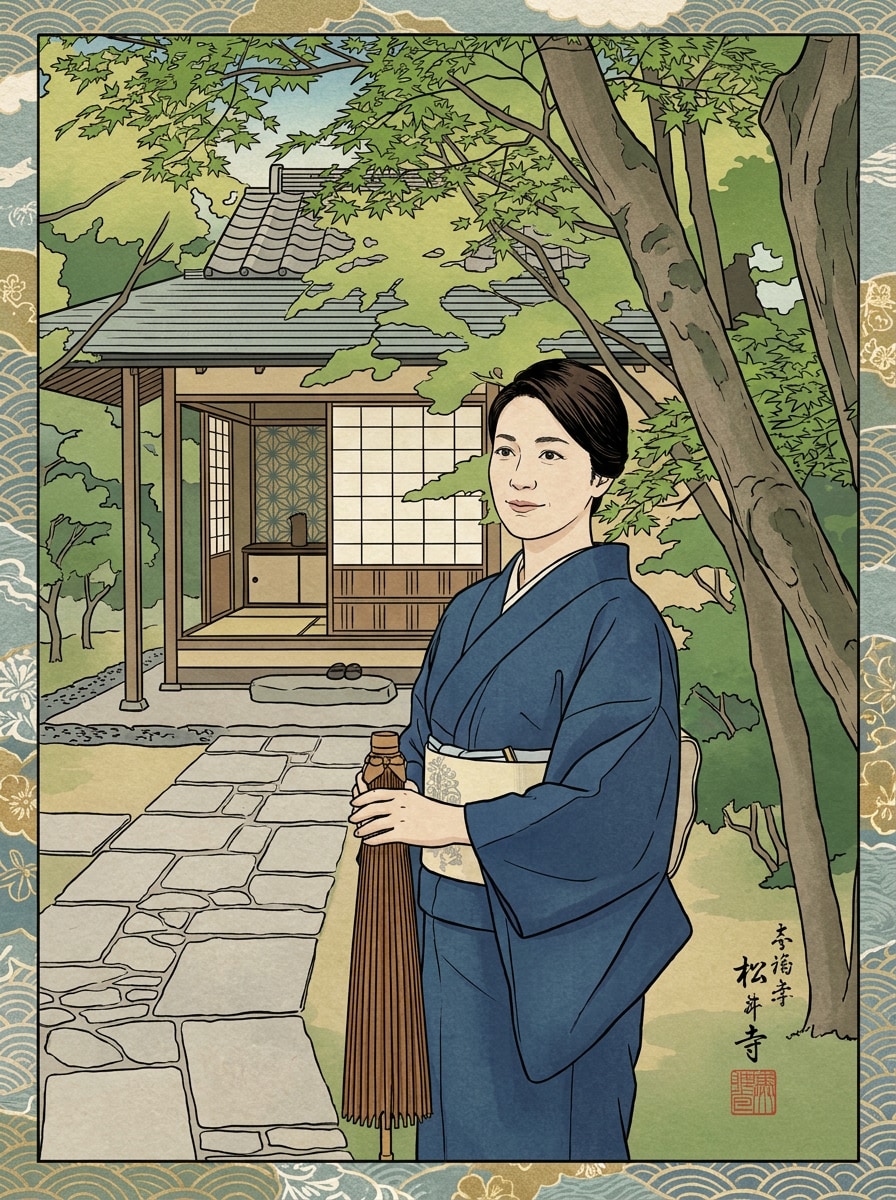
Crea impressionanti immagini in stile blocco di legno giapponese dalle tue foto conAI ukiyo e filtroeffetti. Caricare un ritratto, una foto di un animale domestico o un paesaggio, quindi trasformarlo in unedo art Filtro, Filtro di stampa giapponese, o classicoFiltro ukiyo-eGuarda con linee audaci, colori piatti e texture di carta.
Digita la tua idea-> AI la progetta. Libero di provare.
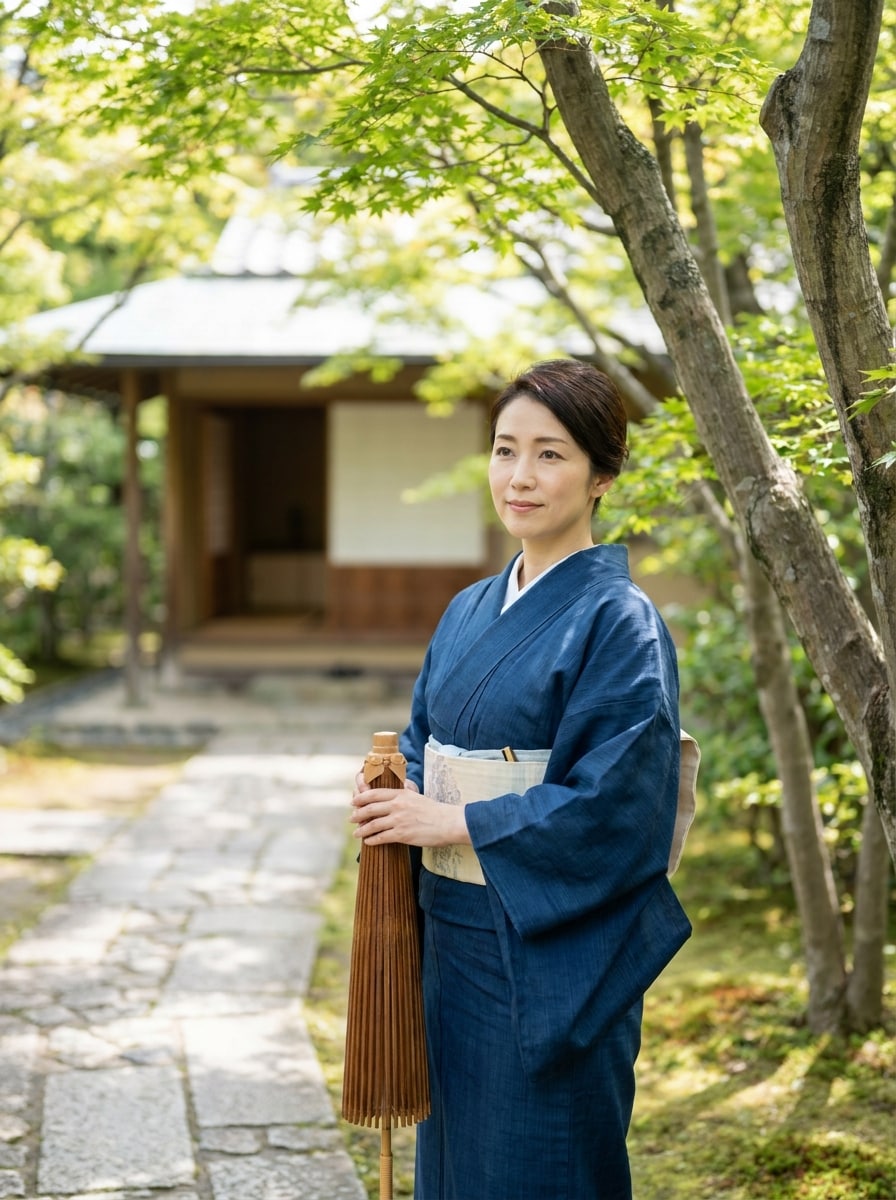
Esamina queste istruzioni di esempio, quindi personalizza i dettagli del prompt per ottenere risultati più forti con questo filtro Ukiyo E.
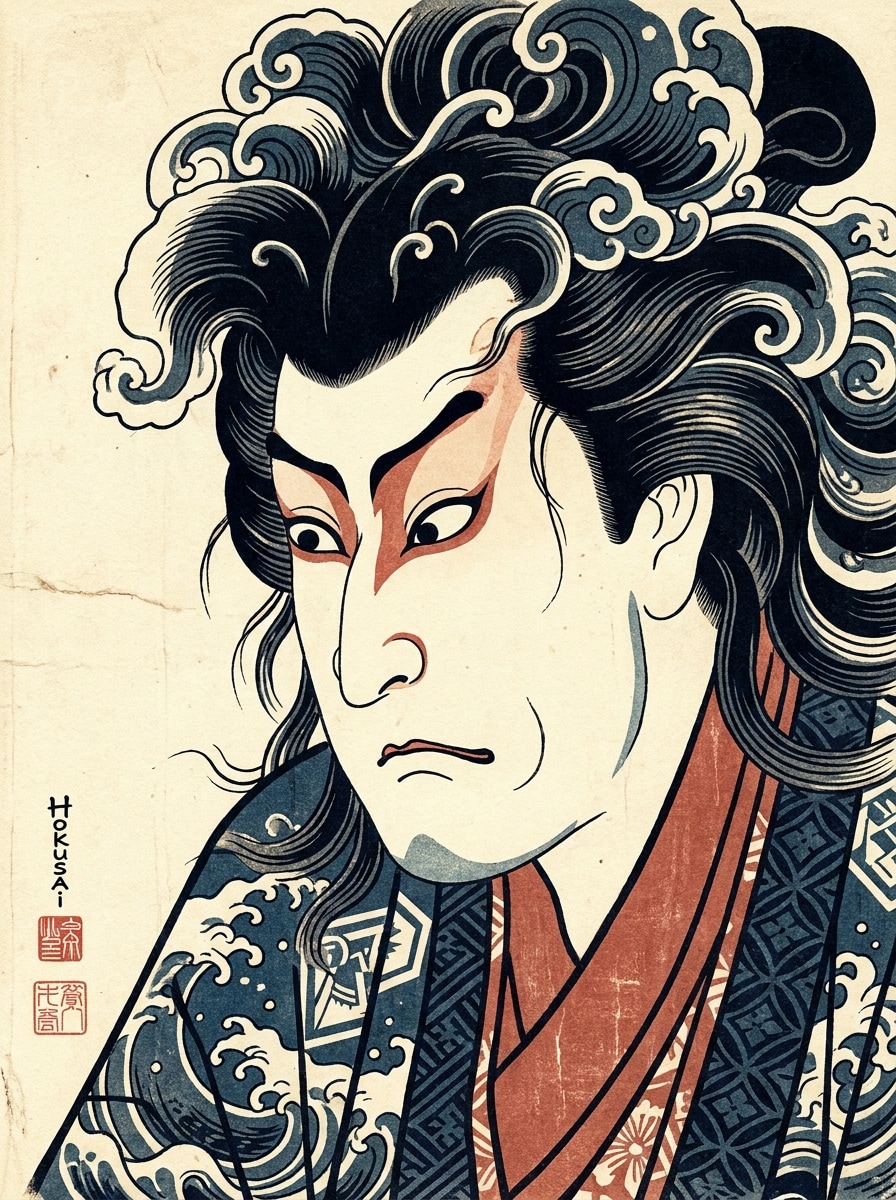
Ritratto di Hokusai
Usa l'immagine caricata come soggetto e trasformala in un ritratto ukiyo-e ispirato a Hokusai con linee di contorno nere audace, blocchi piatti di indaco e vermilione attenuato, morbida texture di carta crema, elegante composizione asimmetrica, umore calmo e raffinato e dettagli di stampa in blocchi di legno giapponesi fatti a mano.
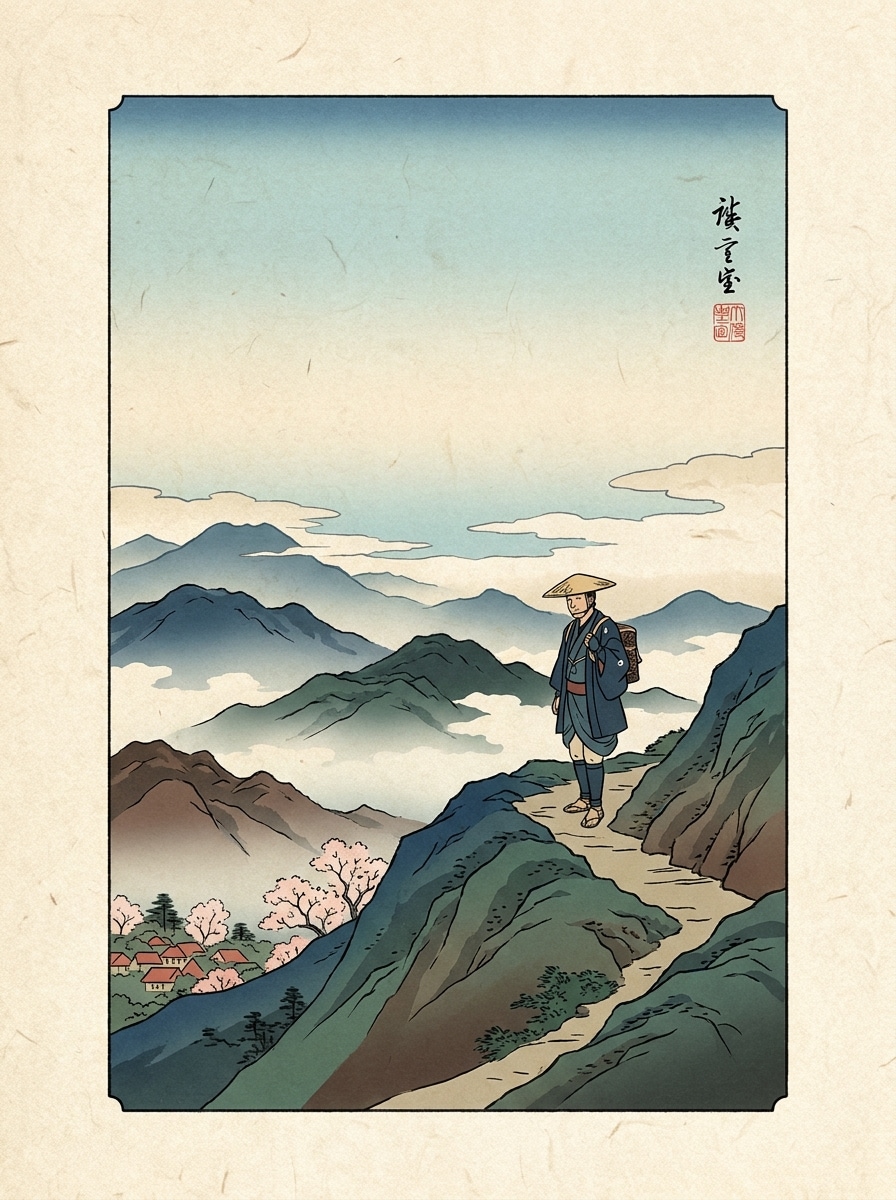
Ritratto di viaggio di Hiroshige
Usa la foto di viaggio caricata come soggetto principale e ristilala in una scena ukiyo-e ispirata a Hiroshige con profondità di paesaggio a strati, linee di contorno fine, gradienti morbidi del cielo, piani di colori piatti, atmosfera nebbiosa, trama di carta washi invecchiata e graziosa composizione di stampa di viaggio del periodo Edo.
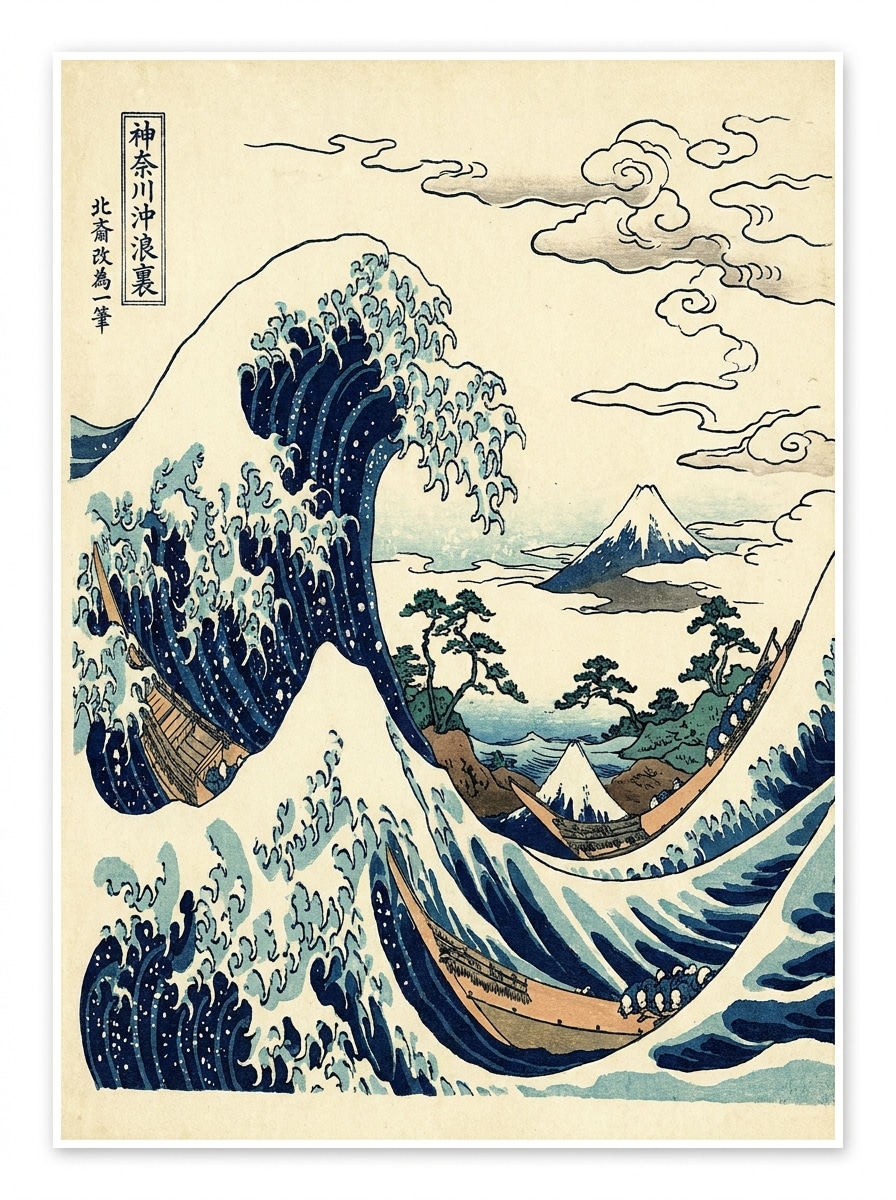
Paesaggio delle grandi onde
Utilizza l'immagine della spiaggia o dell'oceano caricata come base e applica una drammatica trasformazione ukiyo-e in stile Great Wave con motivi di onde curve, tavolozza profonda blu navy e avorio, contorni neri audaci, nuvole stilizzate, grana di carta visibile, movimento energico e classica composizione di stampa giapponese.
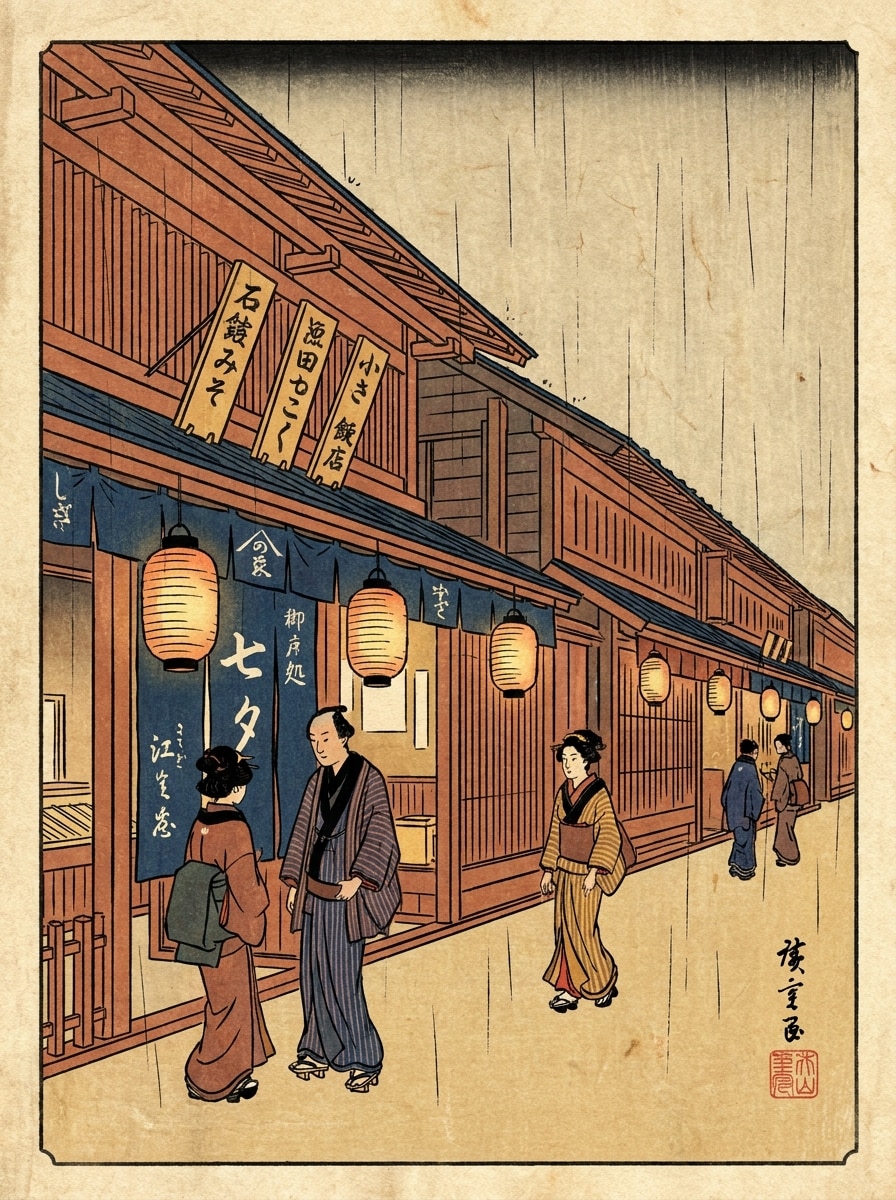
Scena di strada di Edo
Usa la foto della città caricata come fonte e trasformala in una stampa di strada del periodo Edo con architettura semplificata, colori piatti a strati, accenti caldi simili a lanterne, contorni di inchiostro nero, texture di carta sottile, atmosfera vivace ma ordinata e tradizionale composizione di scene in blocchi di legno giapponese.
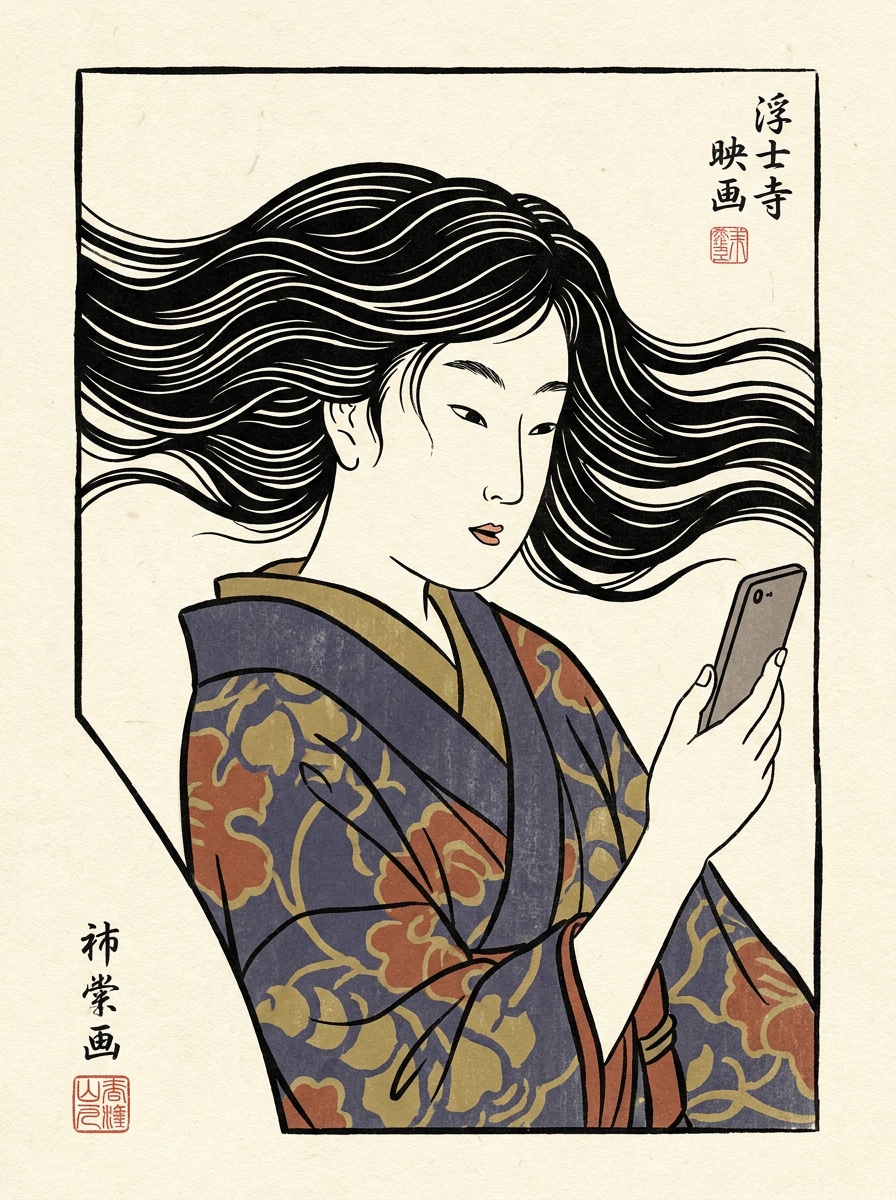
Selfie a Ukiyo-e Poster
Usa il selfie caricato come personaggio principale e trasformarlo in un moderno poster ukiyo-e con linee ispirate a blocchi di legno, sfondo morbido crema, tavolozza di inchiostro limitata, forme di capelli stilizzate, elegante cornice asimmetrica, ombreggiatura piatta liscia e una raffinata finitura editoriale grafica.
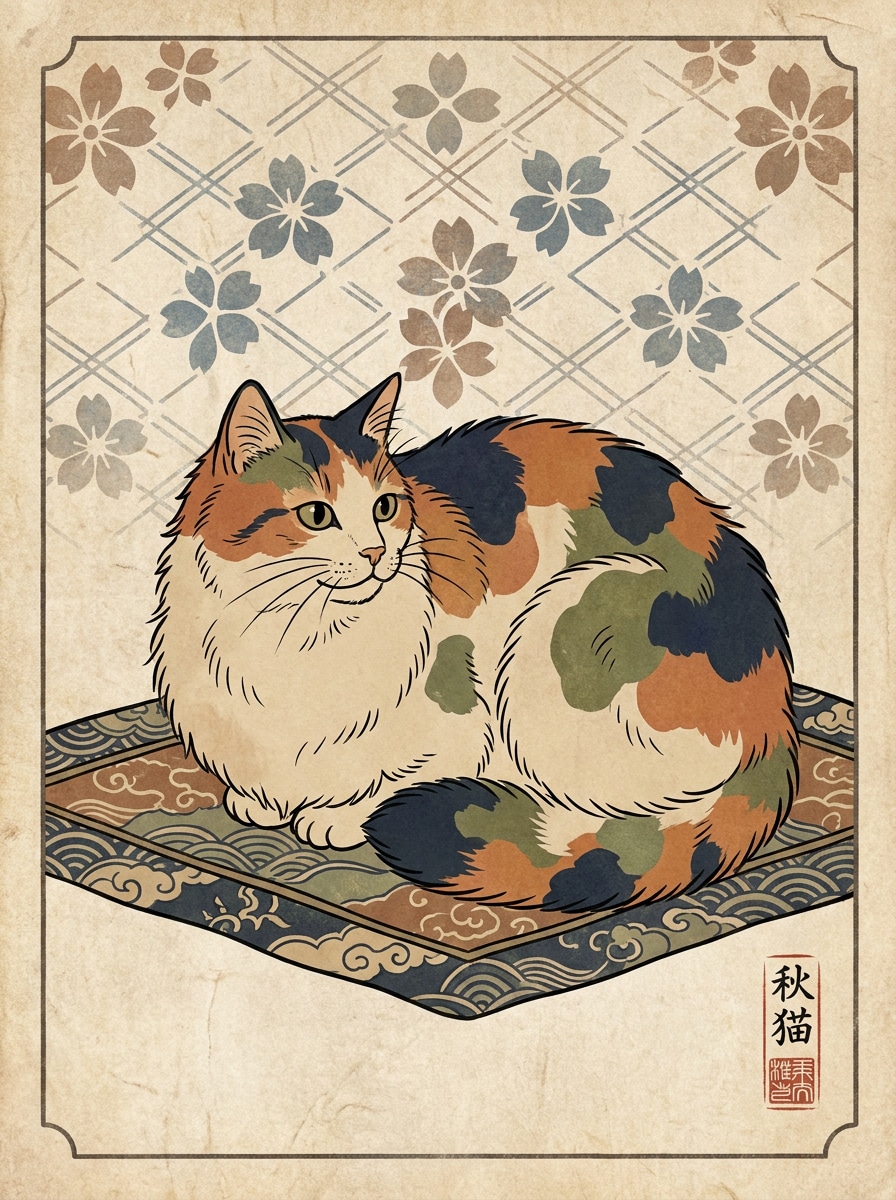
Pet Ukiyo-e illustrazione
Usa la foto dell'animale domestico caricata come soggetto e convertirla in un'affascinante illustrazione in stile ukiyo-e con contorni nitidi, toni naturali piatti, sfondo fantasmaggiato, delicata texture di carta, composizione di stampa giapponese equilibrata, umore calmo e giocoso e dettagli decorativi fatti a mano.
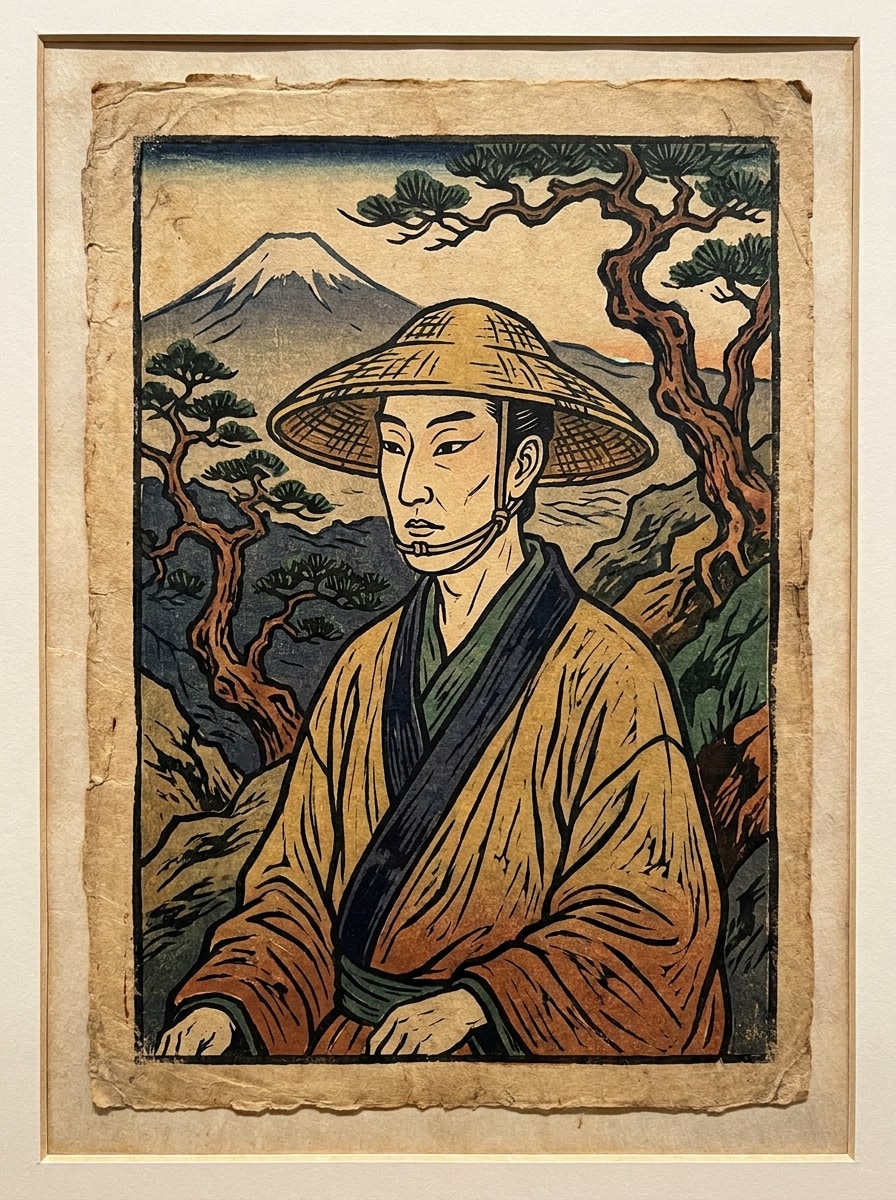
Vintage Woodcut ibrido
Utilizza l'immagine caricata come riferimento e applica un trattamento ibrido ukiyo-e e vintage woodcut con trama a linee scolpite, tavolozza di colori ridotta, bordi di carta intemperati, forte contrasto grafico, contorni scuri e una sensazione di stampa artigianale con carattere storico.
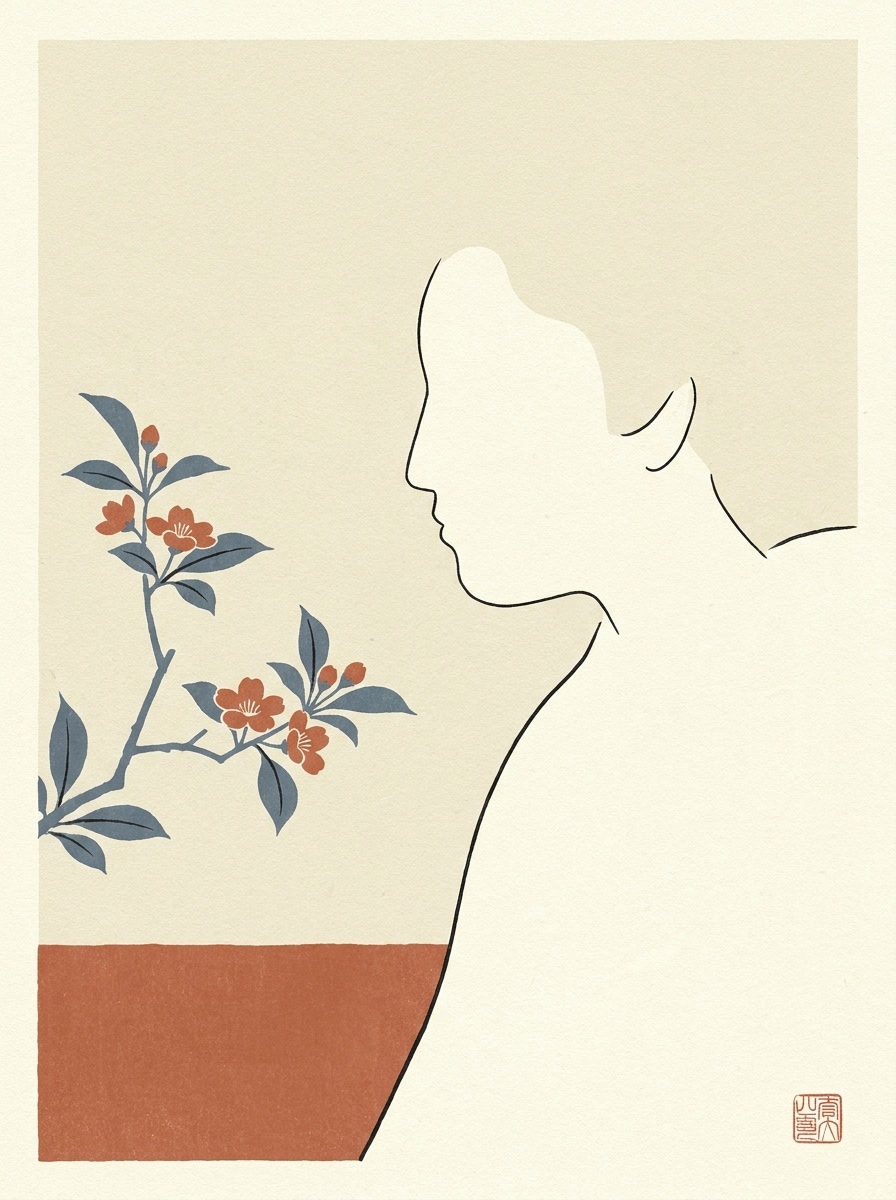
Minimale piatto-colore Ukiyo-e
Utilizza l'immagine caricata come fonte e crea un'opera d'arte minimalista ukiyo-e con forme semplificate, spazio negativo bilanciato, sottili contorni neri, colori piatti attenuati, sottile trama di carta di riso, umore tranquillo ed elegante e composizione moderna pulita radicata nel design di stampa tradizionale.
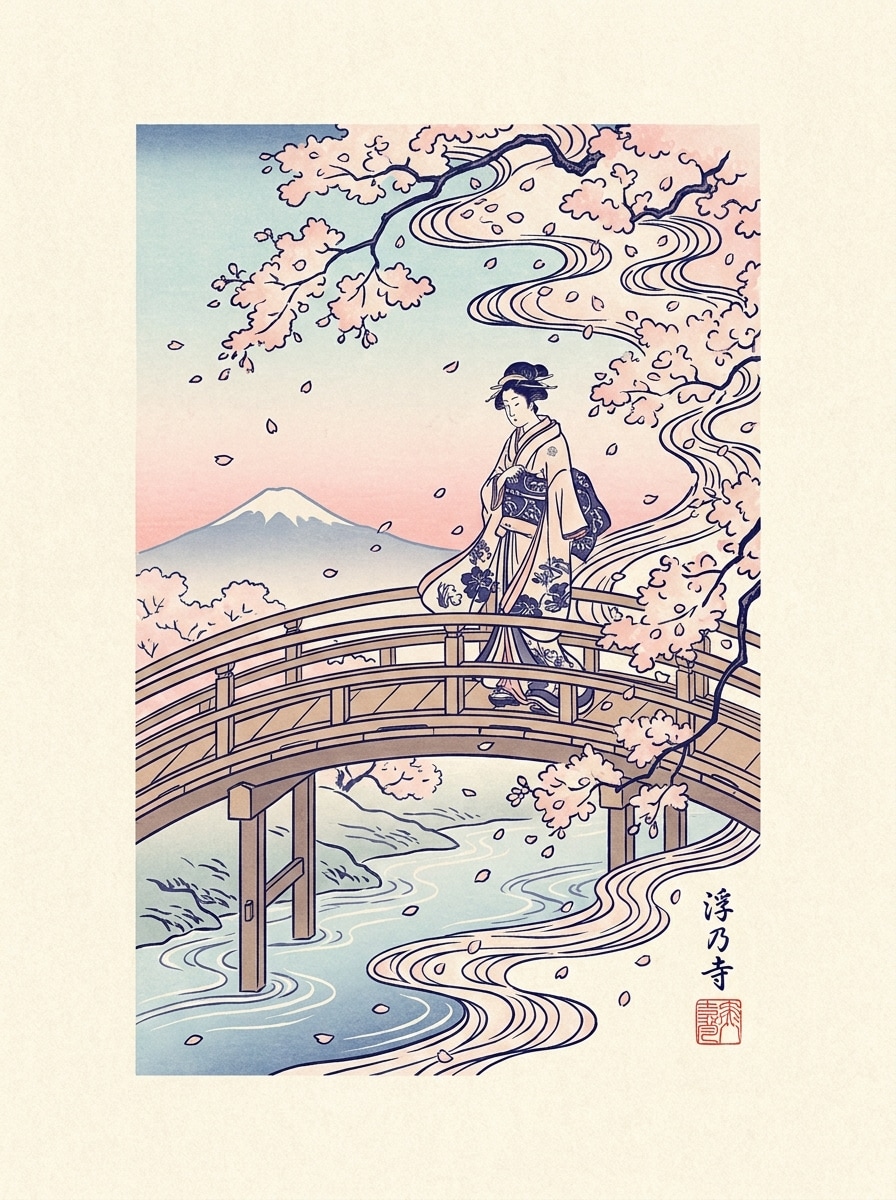
Fiore di ciliegio Ukiyo-e
Usa la foto primaverile caricata come base e trasformala in una stampa ukiyo-e di fiori di ciliegio con accenti rosa pallido, contorni indaco, ritmo floreale, morbidi gradienti del cielo, texture di carta antica, atmosfera stagionale aggraziata e elegante composizione in stile blocco di legno.
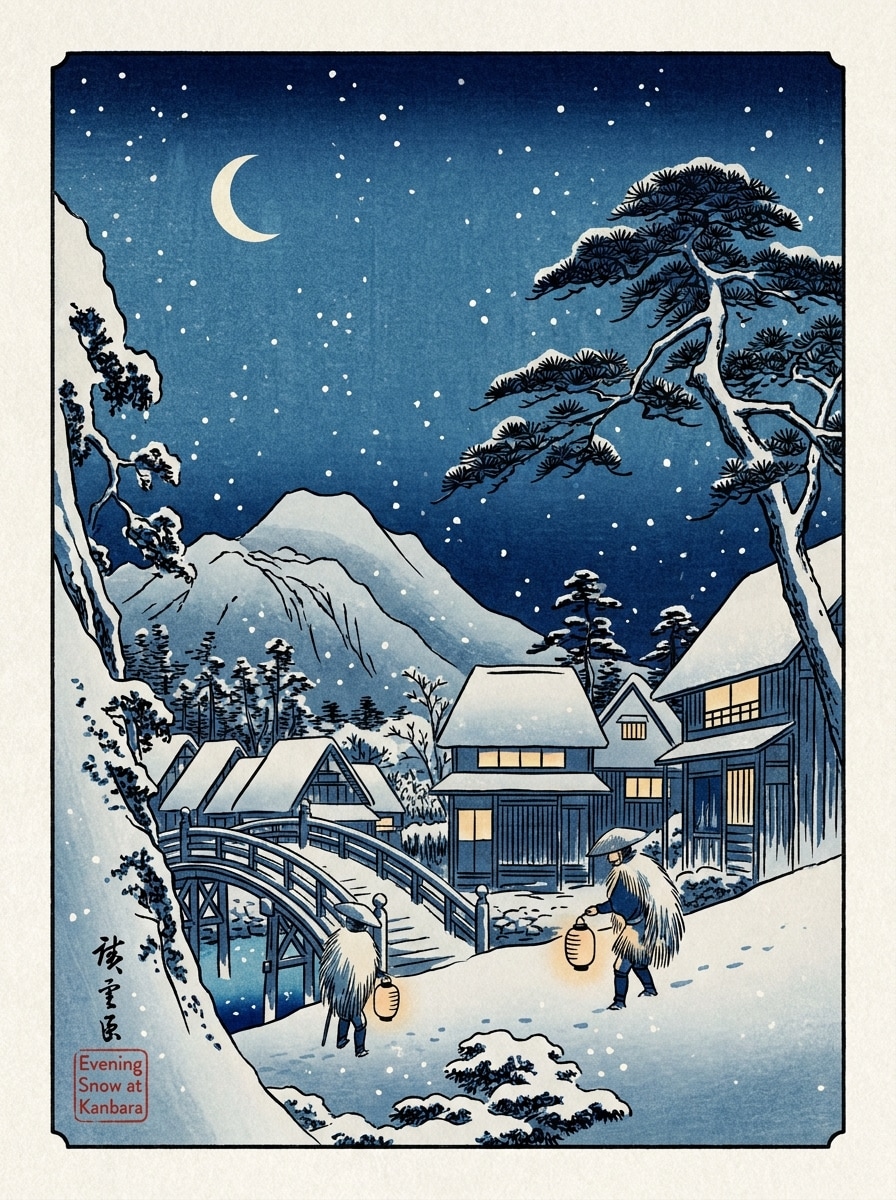
Notte innevata Ukiyo-e
Usa l'immagine invernale caricata come sorgente e ristylala in una stampa in blocchi di legno ukiyo-e innevata con strati di blu, dettagli di neve che cade, linee nitide, prospettiva atmosferica calma, superficie di stampa strutturata, umore serale sottile e poetico equilibrio della scena invernale giapponese.
Perché utilizzare Media.io per le trasformazioni fotografiche in stile Ukiyo-e
Autentico stile in blocco di legno dalla tua foto
Media.io ti consente di caricare un ritratto, un'immagine di animale domestico o un paesaggio e rimodellarlo con contorni audaci, blocchi di colori piatti e texture simili a carta, in modo che l'opera d'arte finale sembri più vicina a un classicoFiltro in legno giapponeseInvece di un effetto cartone animato generico.
Esplora diversi look senza perdere la direzione
Una singola idea ha spesso bisogno di più di un sguardo. Media.io aiuta a reinterpretare lo stesso filtro ukiyo e visivo in diversi stili in modo che ogni versione possa corrispondere meglio al brief del progetto.
Crea immagini ad alta risoluzione per un uso reale
Alcuni risultati devono fare più che apparire bene in anteprima. Media.io aiuta a generare visuali ukiyo e filter più puliti con output fino a 4K in modo che l'immagine finale resiste in sfondi, deck e mockup.
Flusso di lavoro veloce del Browser senza configurazione del Design
Quando un'idea visiva di ukiyo e filter inizia lontano dalla tua configurazione principale, Media.io ti consente di crearla e perfezionarla nel browser in modo che il passaggio tra mobile e desktop sembri fluido anziché dirompente.
Come applicare un filtro AI Ukiyo-e in 3 semplici passaggi
Trasforma le tue parole in immagini straordinarie in tre semplici passaggi, quindi continua a perfezionare il risultato se vuoi andare avanti.
Passaggio 1
Carica la tua immagine di riferimento
Inizia con un ritratto chiaro, una foto di viaggio, una foto di animale domestico, una scena di strada o un paesaggio. Carica un JPG, PNG o JPEG che abbia un soggetto visibile e un'illuminazione pulita per la migliore trasformazione in stile stampa tradizionale.
Passaggio 2
Descrivere le opzioni di modifica e impostazione
Dite all'IA il look che desideri, come onde ispirate a Hokusai, una scena di viaggio di Hiroshige o un poster giapponese minimalista. Quindi scegli il modello e regola il rapporto d'aspetto, la qualità e il conteggio delle immagini in modo che corrispondano al tuo progetto.
Passaggio 3
Generare, scaricare e continuare a migliorare
Crea più varianti, confronta i risultati e scarica la versione che ti piace di più. Puoi perfezionare il prompt, provare un'altra direzione di stile o generare nuove modifiche finché l'estetica del blocco di legno non sembra giusta.
Scopri come i creatori utilizzano questo filtro Ukiyo E per contenuti, marketing E progetti personali, quindi adatta ogni idea per adattarla al brief.
Trasforma i ritratti in stampe artistiche ispirate al maestro
Carica selfie o ritratti in studio e ristylali con linework dell'era Edo, texture di carta e tavolozze di colori limitate. Si adatta perfettamente all'arte di profilo, ai regali, ai poster o a chiunque voglia un raffinato look di illustrazione giapponese senza disegnare a mano il pezzo.
Riimmagina le foto di viaggio e di strada con un'atmosfera storica
Converti scene cittadine, templi, mercati e punti panoramici in composizioni stampate stilizzate che sembrano senza tempo. Questo funziona particolarmente bene per i creatori che costruiscono caroselle di viaggio, mood boards o visuali in stile souvenir con un'estetica caratteristica del filtro di stampa giapponese.
Crea arte murale decorativa da animali domestici, stagioni e paesaggi
Usa fiori primaverili, strade innevate, onde sulla spiaggia o ritratti di animali domestici come immagini sorgente, quindi dia loro una classica finitura di stampa. Se desideri una sensazione più morbida del filtro ukiyo-e o un aspetto più intagliato del filtro fotografico di stampa in blocchi di legno, puoi esplorare entrambe le direzioni da un unico caricamento.
Cosa dicono gli utenti su questo strumento fotografico Ukiyo-e
Mina K.
Creatore di contenuti di viaggio
"Bella trama di stampa per le foto di viaggio"Ho caricato una foto di strada di Kyoto e ho ottenuto un risultato che mi è davvero sentito ispirato alle classiche stampe giapponesi. La trama della carta, I colori piatti e la composizione sembravano molto migliori dei filtri artistici generici che avevo provato prima.
Giordano L.
Disegnatore Poster
"Ottimo per poster di ritratti"L'output del ritratto ha mantenuto il soggetto riconoscibile aggiungendo una forte linea in stile blocco di legno. Mi è piaciuto anche poter cambiare il rapporto aspetto in modo che l'immagine finale funzionasse per un layout verticale del poster.
Aya S.
Gestore dei Social Media
"Semplice flusso di lavoro del browser su dispositivi mobili"L'ho usato dal mio telefono per trasformare un semplice selfie in un visuale in stile poster giapponese per Instagram. Il processo è stato veloce e provare diverse varianti è stato molto più semplice che modificare a mano.
Chris W.
Proprietario di animali domestici e creatore di Hobby
"Risultati divertenti e sorprendentemente eleganti per animali domestici"La foto del mio cane è uscita come un'affascinante illustrazione in stile blocco di legno con contorni puliti e bella texture. Sembrava abbastanza decorativo da stampare, non solo come un filtro di novità.
Esplora i più popolari effetti video e immagini AI
Un filtro AI ukiyo e è uno strumento immagine-immagine che trasforma una foto caricata in un'opera d'arte ispirata alle tradizionali stampe in blocchi di legno giapponesi. In Media.io, caricare un'immagine di riferimento JPG, PNG o JPEG, inserire la direzione di stile desiderata, scegliere impostazioni come rapporto d'aspetto o risoluzione e generare una nuova versione con contorni In grassetto, forme di colore più piatte e texture simili a stampa.
2. Posso trasformare qualsiasi foto in un'immagine di stile stampa in legno giapponese?
Sì, molti tipi di immagini possono essere restyled, tra cui ritratti, animali domestici, foto di viaggio, scene di strada e paesaggi. Media.io funziona meglio quando l'immagine caricata ha un soggetto chiaro e una composizione leggibile, rendendo più facile creare un filtro ukiyo-e o un filtro in blocchi di legno giapponese convincente dalla foto originale.
3. Quali tipi di immagini funzionano meglio per un filtro fotografico ukiyo-e?
Le foto con un'illuminazione forte, una separazione visibile del soggetto e una cornice pulita di solito producono i migliori risultati. Ritratti, scene oceaniche, foto di fiori, strade della città e scatti panoramici di viaggio sono particolarmente efficaci perché Media.io può tradurre le loro forme e le loro atmosfere in un classico filtro di stampa giapponese o in una composizione in stile Edo in modo più chiaro.
4. Quanto tempo ci vuole per generare un'immagine AI ukiyo-e?
La generazione è progettata per essere veloce nel browser, in modo da poter caricare un'immagine, impostare il prompt e creare variazioni in un breve flusso di lavoro. Il tempo esatto può variare a seconda del modello e delle impostazioni scelte, ma Media.io è progettato per una rapida sperimentazione foto-arte piuttosto che un lento processo di modifica manuale.
5. Questo filtro ukiyo-e AI è gratuito da usare o richiede crediti?
Gli utenti gratuiti possono provare Media.io con crediti gratuiti. Se hai bisogno di più generazioni o desideri un utilizzo esteso, puoi visualizzare i piani disponibili nella pagina dei prezzi. I download gratuiti possono includere una filigrana, mentre gli abbonati a pagamento possono scaricare immagini ad alta risoluzione senza filigrana. Gli utenti gratuiti possono utilizzare i crediti gratuiti. Per un maggiore utilizzo, gli utenti possono iscriversi a un piano nella pagina dei prezzi. Aggiorna a un piano a pagamento sulla pagina dei prezzi per ottenere più crediti e download ad alta risoluzione senza filigrana.
6. Quale qualità di output o risoluzione posso aspettarmi?
Media.io supporta le opzioni di risoluzione 1K, 2K e 4K per la generazione da immagine a immagine. Puoi anche scegliere tra più rapporti di aspetto come 1:1, 9:16, 16:9, 4:3 e 3:4, il che è utile se vuoi risultati adatti per sfondi, poster, post social o arte stampabile.