Creations are stored for only 7 days. Assets created after upgrading to a Membership plan will be stored permanently.
Unlock your creative potential and experience the magic of Media AI right away!
Filtro AI Lavaggio d'Inchiostro per Eleganti Trasformazioni Foto-in-Dipinto
Trasforma ritratti, paesaggi e scatti di viaggio in opere d'arte raffinate in stile inchiostro Filtro AI Lavaggio d'Inchiostro. Carica una foto, applica un morbido filtro pittura cinese a inchiostro oppure una lavatura monocromatica moderna e crea visual pronti per la galleria con dettagli soggetto preservati in pochi clic.
Scrivi la tua idea -> L'AI la disegna. Provalo gratis.
Consulta queste indicazioni d'esempio, poi personalizza i dettagli del prompt per ottenere risultati migliori con questo Filtro Lavaggio d'Inchiostro.
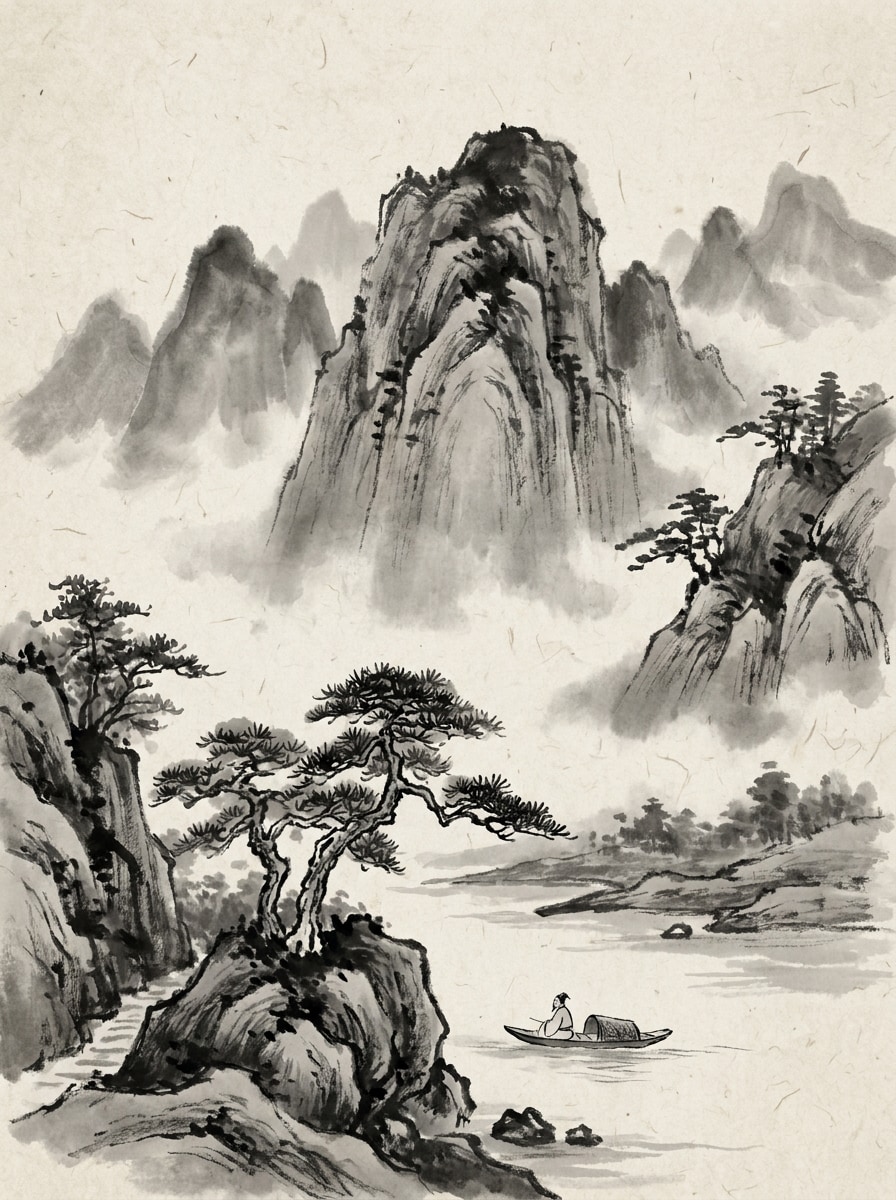
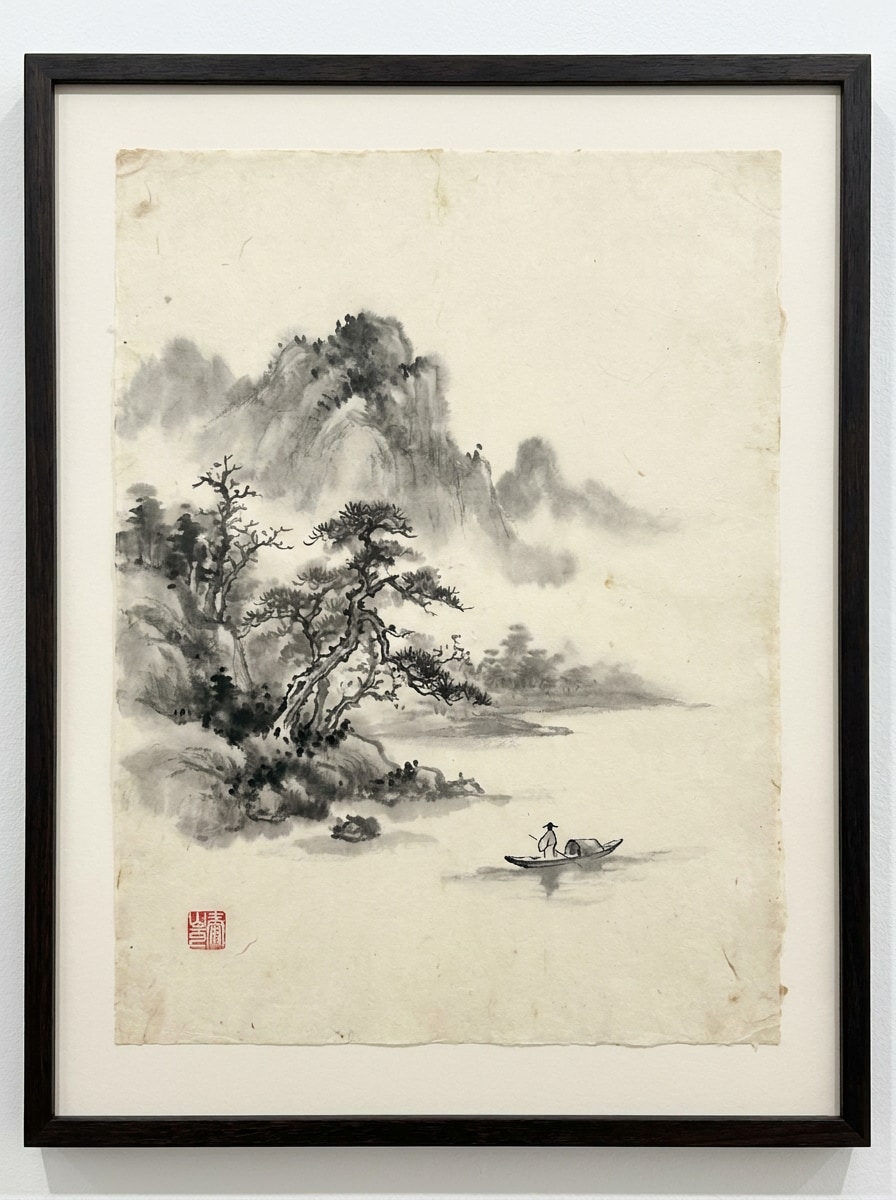
Sumi-e Montagna Nebbiosa
Usa la foto paesaggistica caricata come soggetto e trasformala in una scena tradizionale cinese a lavaggio d'inchiostro con montagne stratificate avvolte dalla nebbia, pennellate nere fluide, diffusione grigia delicata, texture di carta di riso, spazi negativi ampi, atmosfera poetica calma ed elegante dettaglio monocromatico con profondità naturale.
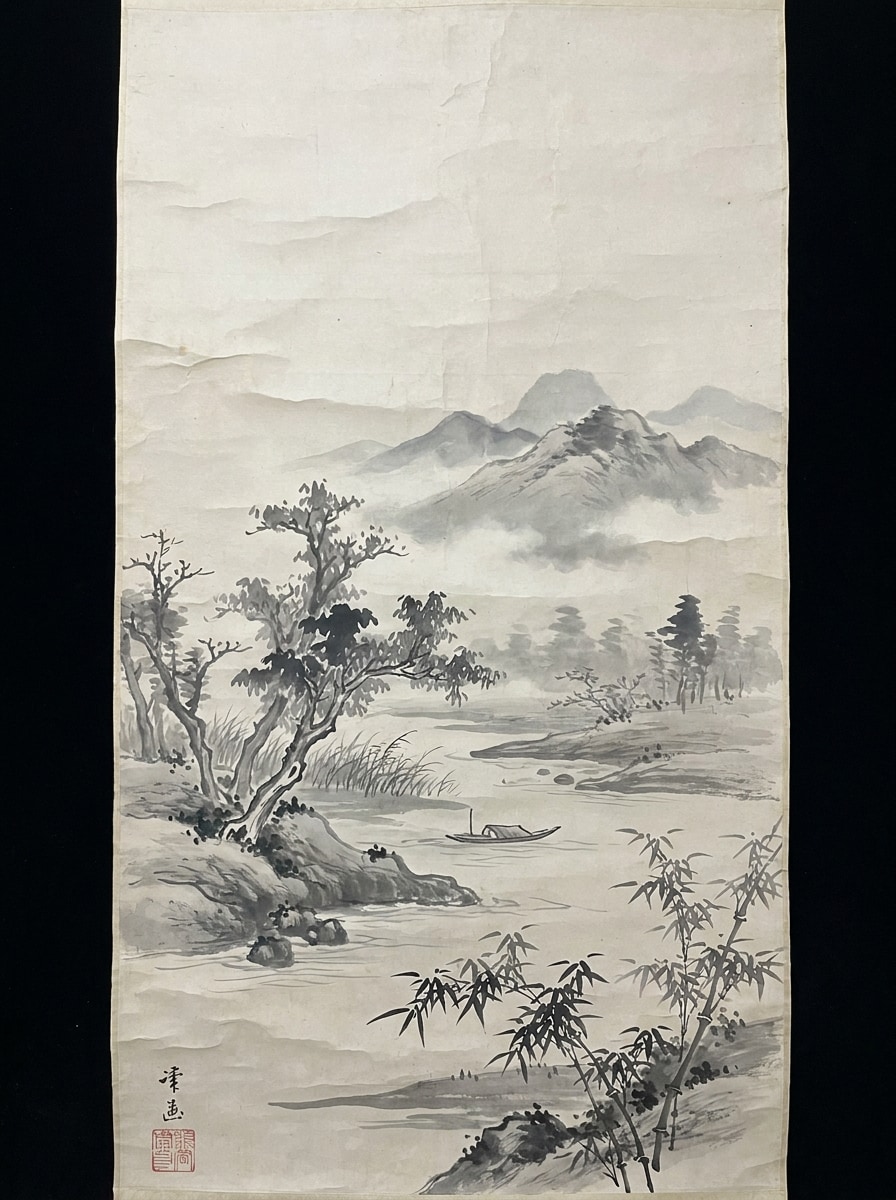
Rotolo di Fiume e Bambù
Usa la foto della natura caricata come base e rielaborala in un rotolo classico a lavaggio d'inchiostro con bambù slanciato, nebbia fluviale che si disperde, acqua delicatamente dipinta a pennello, texture di carta tipo pergamena, stratificazione tonale raffinata, palette monocromatica sobria e un'atmosfera serena e meditativa.
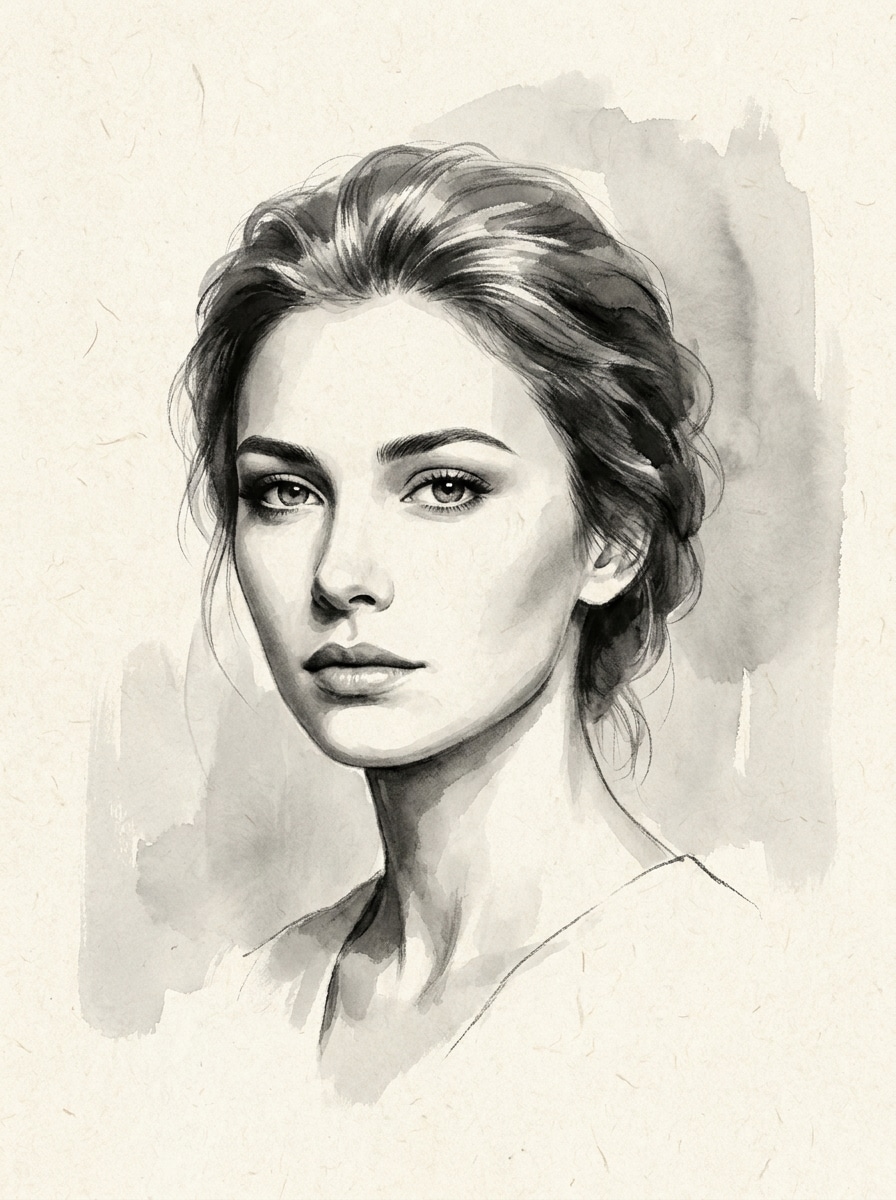
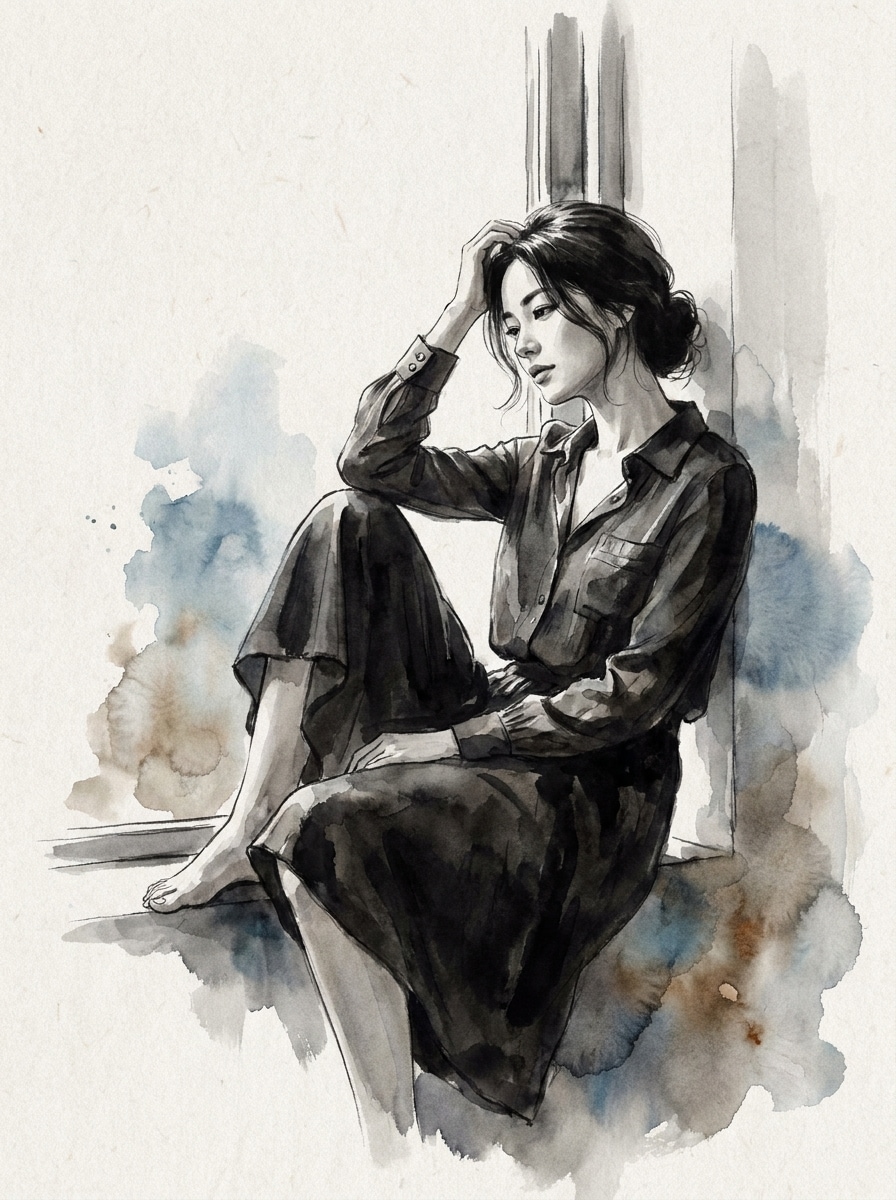
Ritratto Monocromatico Elegante
Usa il ritratto caricato come soggetto e trasformalo in un'opera raffinata filtro ritratto a inchiostro nero con somiglianza facciale preservata, ombreggiature grigie morbide, bordi pennellati delicati, sfondo minimalista, texture di carta fine e un mood editoriale elegante.
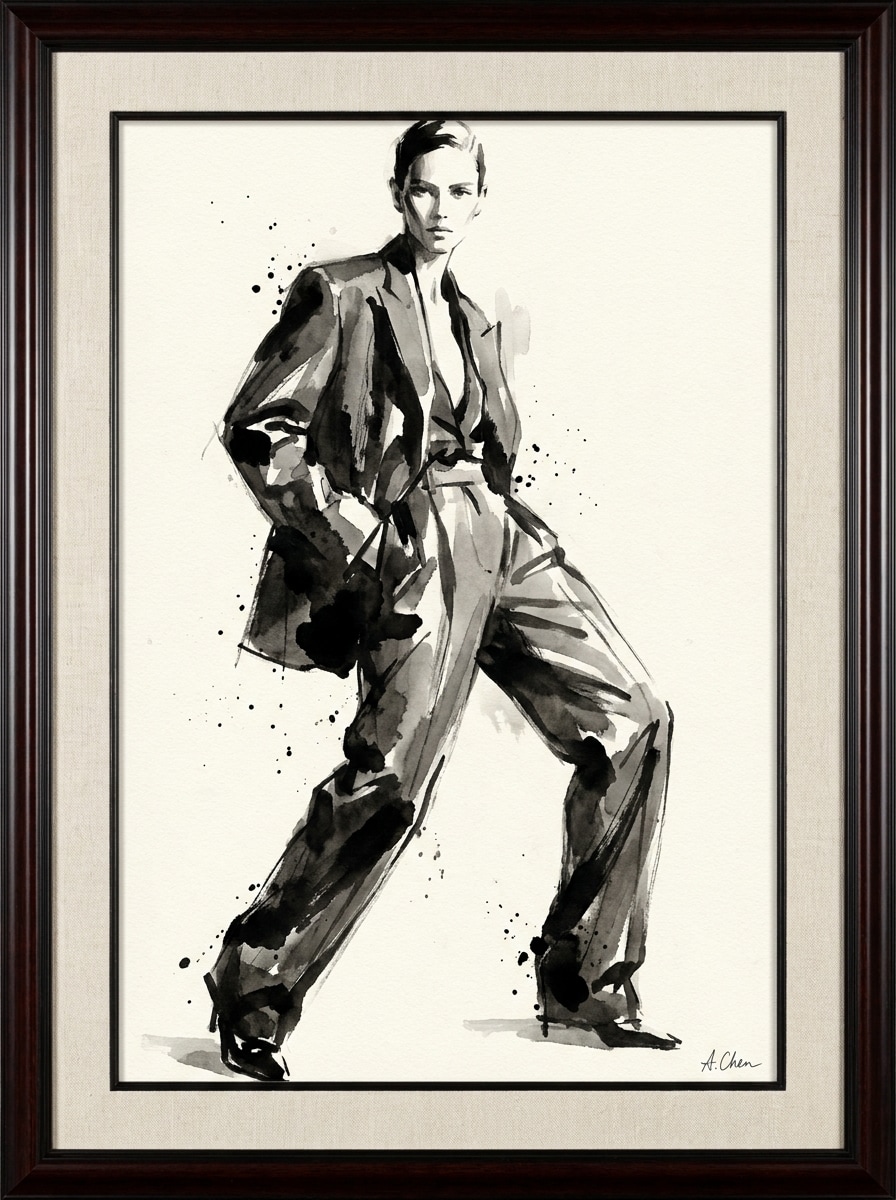
Inchiostro Editoriale Moda
Usa la foto fashion caricata come riferimento e converti in un'immagine editoriale moderna a lavaggio d'inchiostro con silhouette ben definite, ombreggiature grigio-carbone, texture espressive di pennelli, grana di carta di qualità, styling monocromatico ad alto contrasto e una finitura artistica elegante da rivista.
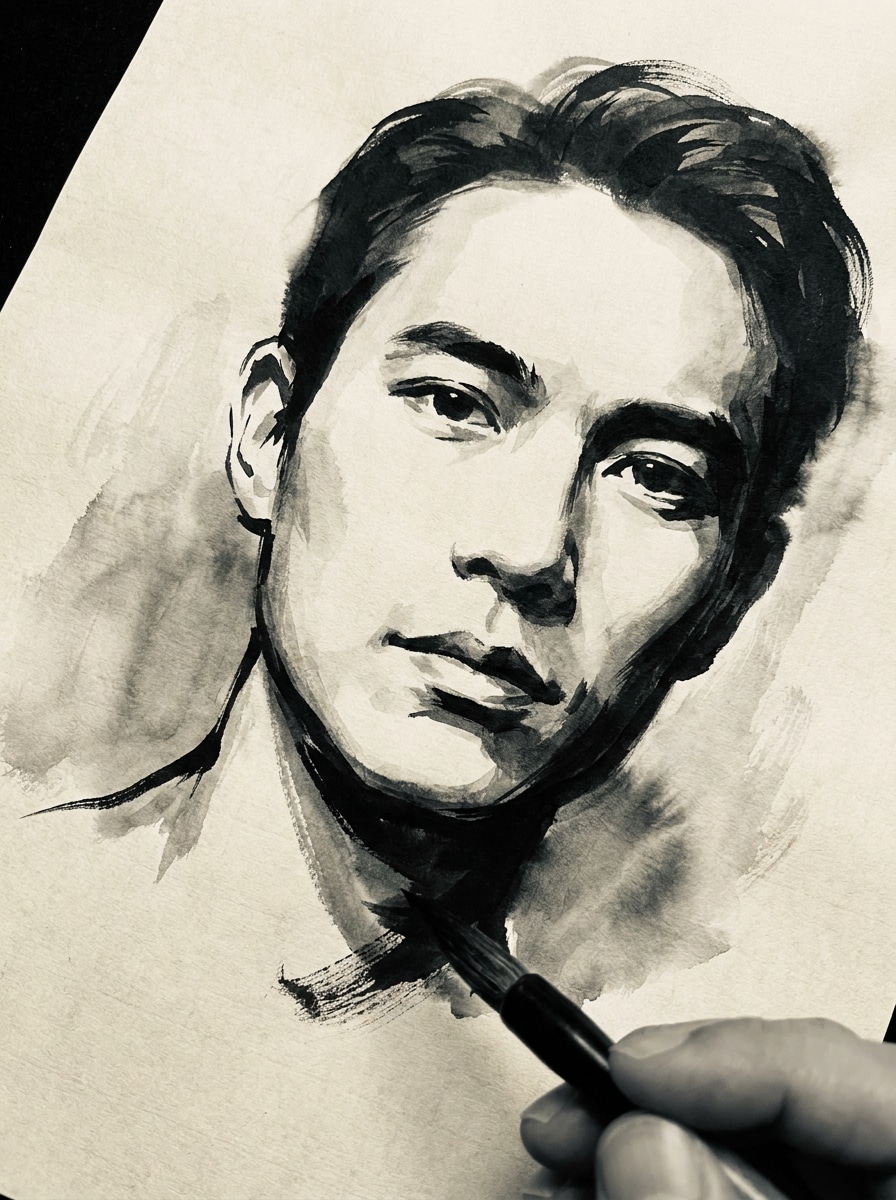
Selfie in Sumi-e
Usa il selfie caricato come soggetto e trasformalo in un'opera sumi-e drammatica con pennellate audaci, inchiostro che sfuma delicatamente ai bordi, forma del volto preservata, contrasto tonale monocromatico, texture di carta leggera e un impatto visivo cinematografico prima-e-dopo.
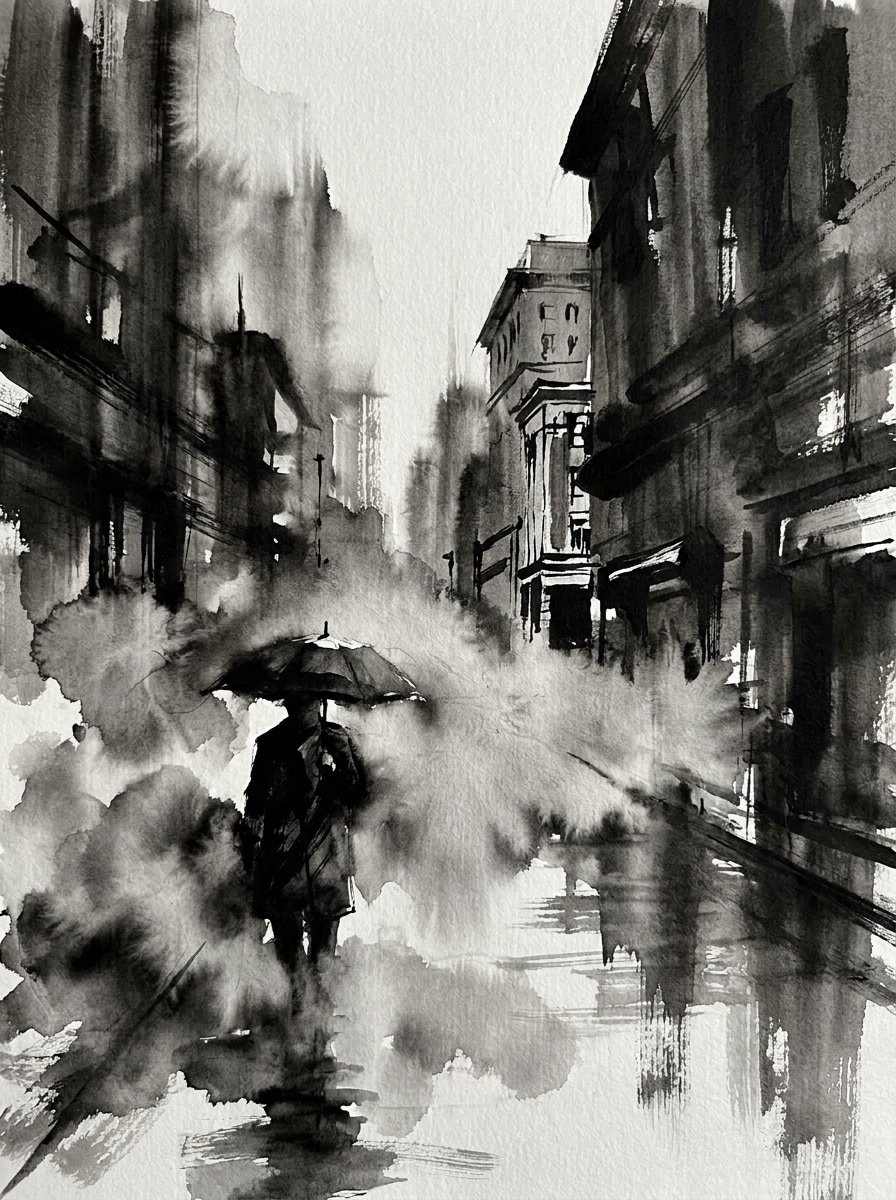
Dramma Inchiostro Fotografia di Strada
Usa la scena urbana caricata come base e applica un effetto foto pittura ad inchiostro con ombre suggestive, nebbia d'inchiostro, texture dinamiche di pennello, dettagli architettonici selettivi, ricco contrasto nero-grigio, finitura di carta testurizzata e un'atmosfera urbana cinematografica.
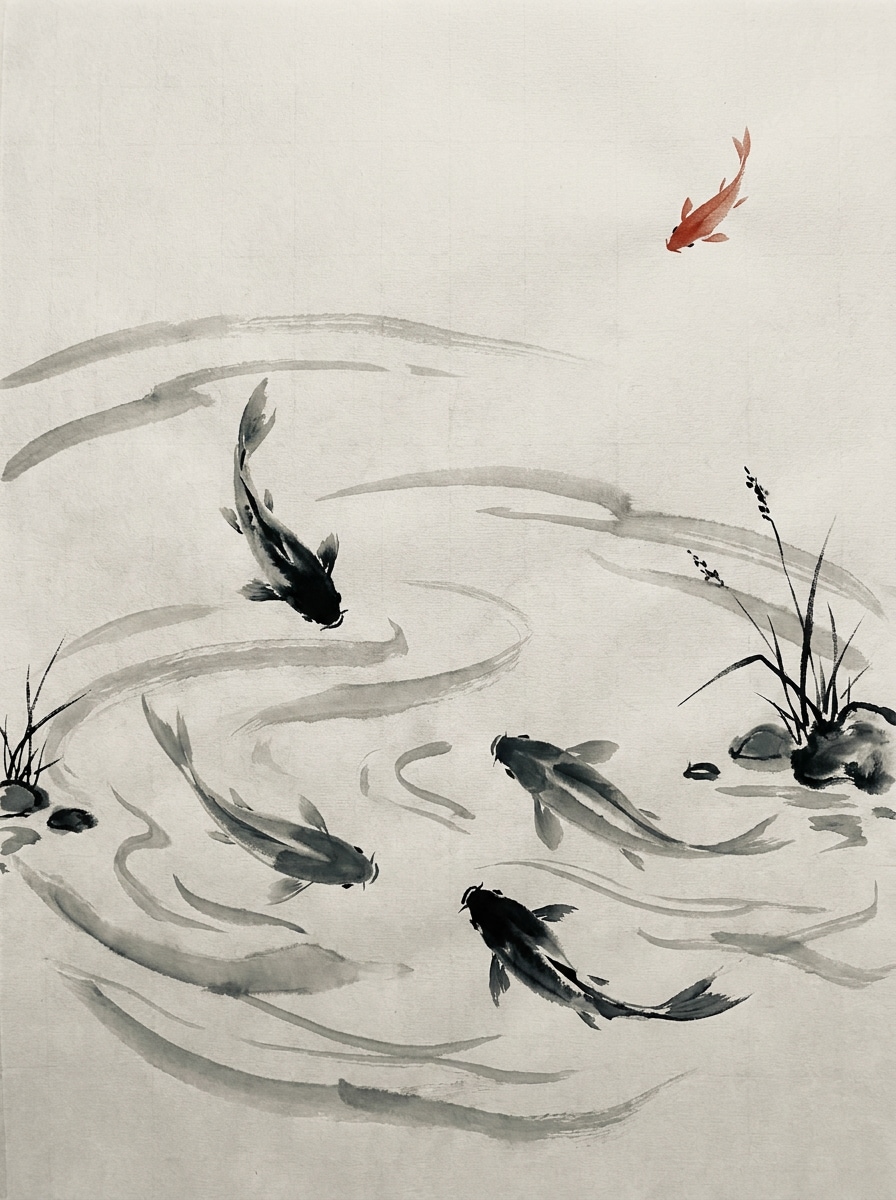
Dipinto Ink Pond di Koi
Usa la foto di pesce o stagno caricata come riferimento e converti in una composizione elegante a lavaggio d'inchiostro con pennellate d'acqua fluide, onde leggere, sfumature monocromatiche raffinate, pennellate tradizionali caratterizzate, spazi ariosi e un delicato accento rosso per un tocco artistico classico.
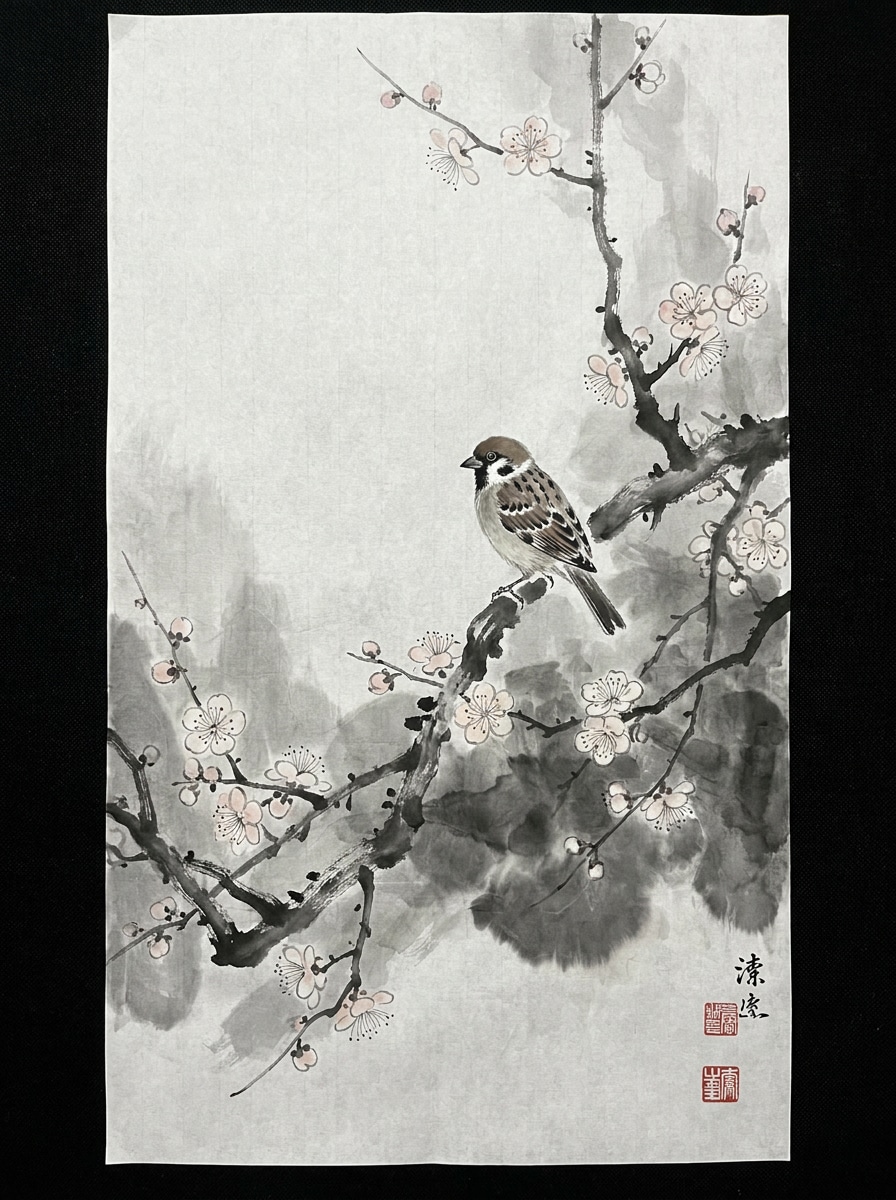
Lavaggio Inchiostro Uccello e Fiore
Usa la foto di uccello caricata come soggetto e trasformala in un'opera delicata a lavaggio d'inchiostro con rami fioriti, spazio negativo arioso, dettagli fini di pennello, tonalità bilanciate di grigio, texture di carta di riso e una composizione poetica calma ispirata alla pittura tradizionale asiatica.
Stile Accento Sigillo Rosso
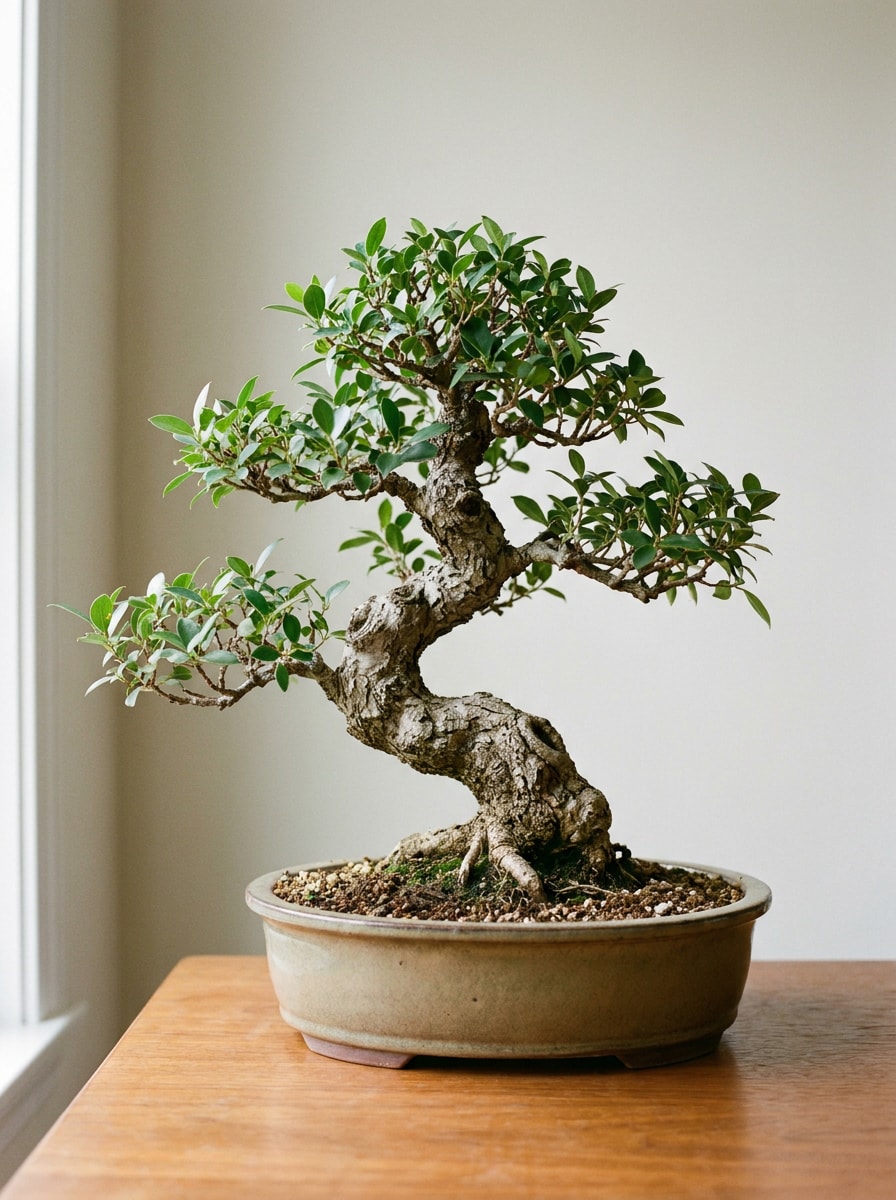
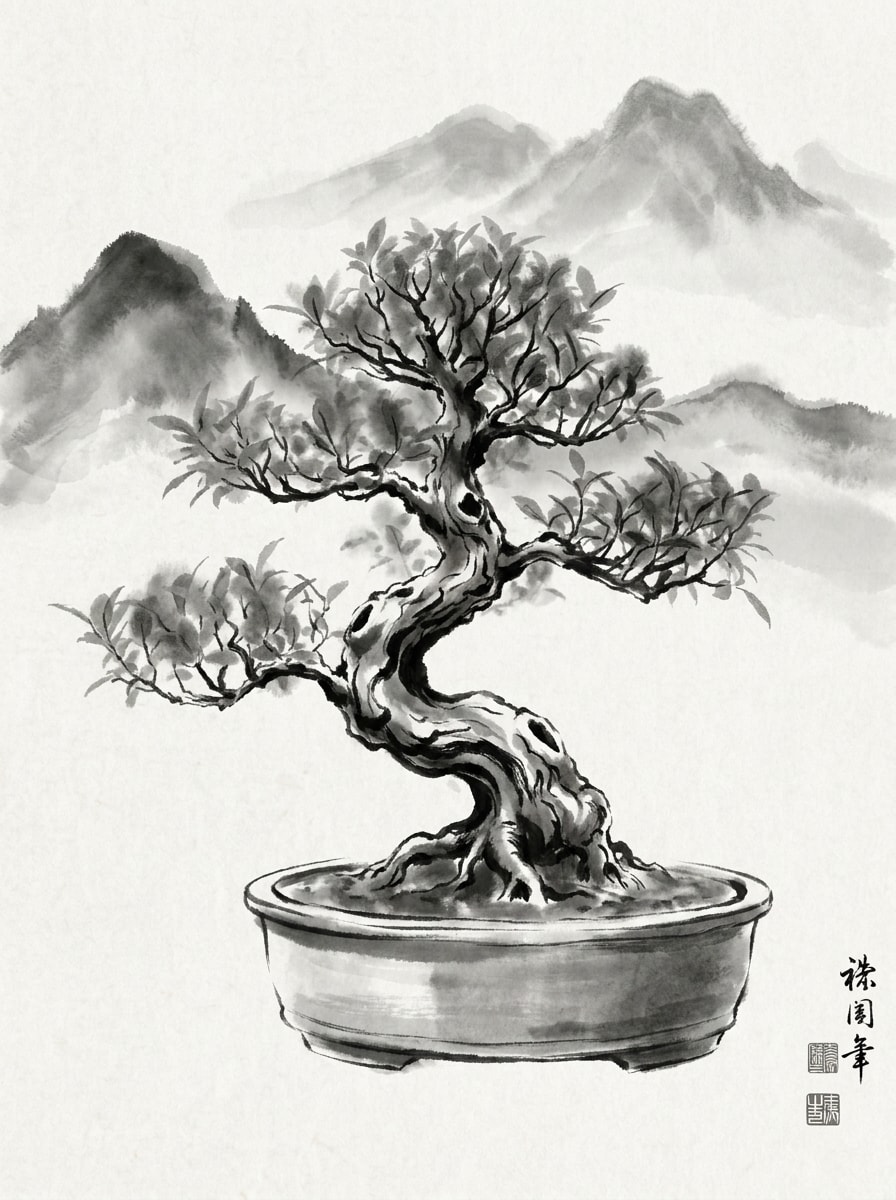
Usa l'immagine caricata come base e applica un filtro foto lavaggio d'inchiostro con estetica prevalentemente bianco-nero, bordi pennellati sfumati, composizione da museo, sfondo di carta testurizzata, diffusione d'inchiostro delicata e un sottile accento di sigillo rosso per autenticità.
Inchiostro Fioritura Minimal Color
Usa la foto caricata come riferimento e rielaborala in un'immagine moderna a lavaggio d'inchiostro con toni dominanti di inchiostro nero, accenni di colore ad acquerello molto delicati, grana morbida di carta, composizione elegante, transizioni tonali fluide e un'estetica pulita per la galleria contemporanea.
Perché Usare Media.io per Trasformazioni Foto Lavaggio d'Inchiostro
Mantieni Facce e Soggetti Riconoscibili Visivamente
Per ritratti, animali domestici o scatti di viaggio, Media.io usa la tua immagine di riferimento caricata per guidare la trasformazione, aiutando a preservare caratteristiche facciali chiave, posa e identità del soggetto mentre consegna un filtro foto lavaggio d'inchiostro risultato raffinato.
Passa tra Estetica Art Inchiostro Tradizionale e Moderna
Risultati diversi richiedono estetiche differenti. Media.io ti aiuta a esplorare varie interpretazioni dello stesso concetto visivo Lavaggio d'Inchiostro così che il visual finale raggiunga il tono desiderato più velocemente.
Crea Immagini ad Alta Risoluzione per Uso Reale
Se il visual finale Lavaggio d'Inchiostro sarà riutilizzato oltre una piccola anteprima, Media.io aiuta a ottenere risultati più nitidi fino a 4K così che l'immagine rimanga più affidabile nella progettazione e presentazione.
Crea Arte d’Inchiostro Velocemente in un Workflow Browser Semplice
Quando un'idea visiva Lavaggio d’Inchiostro nasce fuori dal setup principale, Media.io permette di crearla e perfezionarla nel browser così che passare tra mobile e desktop sembra fluido invece che interrotto.
Come Applicare un Filtro AI Lavaggio d'Inchiostro Online
Trasforma le tue parole in visual sorprendenti in tre semplici passaggi, poi continua a perfezionare il risultato se vuoi migliorarlo ancora.
Passo 1
Carica la tua Immagine di Riferimento
Inizia con un ritratto, paesaggio, foto di animale o scatto di strada chiaro in formato JPG, PNG o JPEG. Immagini con dettagli del soggetto visibili, illuminazione pulita e composizione forte tendono a produrre la trasformazione stile inchiostro più convincente.
Passo 2
Descrivi il Cambiamento e Imposta le Opzioni
Inserisci lo stile desiderato, come un ritratto sumi-e delicato, scena minimalista su carta di riso o lavatura monocromatica audace. Poi scegli il modello e regola il rapporto d'aspetto, qualità immagine e numero di varianti secondo il tuo progetto.
Passo 3
Genera, Scarica e Continua a Migliorare
Crea il tuo risultato, confronta versioni diverse e scarica quella che preferisci. Se necessario, perfeziona il prompt, prova un'altra composizione o genera più varianti finché l'opera d'inchiostro risulta equilibrata ed espressiva.
Sblocca il Potenziale del Filtro Ritratto a Inchiostro Nero
Vedi come i creator usano questo Filtro Lavaggio d'Inchiostro per contenuti, marketing e progetti personali, poi adatta ogni idea secondo il brief.
Trasforma Ritratti in Arte Pennellata da Galleria
Rielabora selfie, ritratti di famiglia o headshot dei creator in opere monocromatiche eleganti che sembrano fatte a mano. Ideale per immagini profilo, stampe da muro, inviti d'arte o un filtro ritratto a inchiostro nero look raffinato con più personalità di un semplice ritocco fotografico.
Dona alle Foto di Viaggio e Natura un Mood Poetico
Viste montane, fiumi, templi, giardini e scene di strada si abbinano perfettamente alla diffusione morbida dell'inchiostro e allo spazio negativo. Una trasformazione stile inchiostro può rendere foto di viaggio ordinarie più calme, suggestive e memorabili per condivisione social o stampe ricordo.
Crea Visual Distintivi per Poster e Copertine
Designer e piccoli brand possono usare modifiche ispirate all'inchiostro per creare copertine accattivanti, grafiche per eventi, cartoline o asset di campagne artistiche. L'effetto aggiunge profondità culturale, texture pennellata e un mood editoriale di qualità senza bisogno di abilità artistiche manuali.
Commenti degli Utenti su questo Effetto Lavaggio d'Inchiostro
Maya Chen
Creator Lifestyle
"I miei ritratti sembravano artistici senza perdere identità." Ho caricato una semplice foto ritratto e ho ottenuto un ritratto stile inchiostro morbido che mi assomigliava ancora. La texture pennellata era elegante, non disordinata, e ci ho messo poco a testare più versioni.
Daniel Foster
Fotografo di Viaggi
"Ottimo per foto panoramiche e modifiche suggestive." L'ho usato su foto di montagne e templi di un viaggio, e il risultato aveva una profondità nebbiosa bellissima. Ha dato alle mie immagini un tocco pittorico classico mantenendo abbastanza struttura dall'originale.
Aiko Ramirez
Designer di Poster
"Utile per copertine e artwork di eventi." I rapporti d'aspetto flessibili mi hanno aiutato ad adattare un'immagine sia per post social sia per un poster stampato. Mi è piaciuto che il risultato finale fosse abbastanza curato per moodboard e proposte al cliente.
Jordan Lee
Creator di Contenuti Mobile
"Facile da usare dal browser del telefono." Ho provato una modifica selfie-inchiostro su mobile e il flusso di lavoro era diretto. Sembrava molto più specializzato rispetto a una app d'arte AI generica perché il soggetto restava riconoscibile dopo la trasformazione.
Esplora i più popolari effetti video e immagini AI
Un filtro AI lavaggio d'inchiostro è un effetto da immagine a immagine che trasforma una foto caricata in un'opera ispirata alla pittura tradizionale a inchiostro. Media.io utilizza la tua immagine di riferimento per creare stili come sumi-e, lavatura monocromatica o una effetto foto pittura ad inchiostro mantenendo visibili dettagli importanti del soggetto.
2. Come posso trasformare una foto in un dipinto a lavaggio d'inchiostro online?
Carica una foto JPG, PNG o JPEG su Media.io, descrivi lo stile d'inchiostro desiderato, poi scegli modello e impostazioni immagine. Dopo la generazione, puoi confrontare varianti, scaricare il risultato e perfezionare il prompt se desideri una lavatura più leggera, una texture pennellata più marcata o una composizione più minimalista.
3. Questo filtro AI lavaggio d'inchiostro è gratis?
Gli utenti gratuiti possono provare lo strumento con crediti gratuiti. Se servono più generazioni o output di qualità superiore, puoi effettuare l'upgrade dalla pagina prezzi. I download gratuiti potrebbero includere una filigrana, mentre i piani a pagamento permettono esportazioni ad alta risoluzione senza filigrana. Gli utenti gratuiti possono usare crediti gratuiti. Per più utilizzi, puoi abbonarti dalla pagina prezzi. Passa a un piano a pagamento sulla pagina prezzi per più crediti e download ad alta risoluzione senza filigrana.
4. Posso applicare l'effetto lavaggio d'inchiostro su iPhone, Android o desktop?
Media.io è uno strumento web-based, quindi puoi usare l'effetto AI lavaggio d'inchiostro da qualsiasi dispositivo con browser, inclusi iPhone, telefoni Android, PC Windows e computer Mac. È facile iniziare una modifica da mobile o rifinire una composizione più tardi da desktop. Media.io è uno strumento web-based che funziona su qualsiasi dispositivo con browser (Windows, Mac, iOS, Android).
5. L'AI manterrà il mio volto o soggetto riconoscibile dopo la modifica lavaggio d'inchiostro?
Puoi personalizzare il risultato del Filtro AI Lavaggio d'Inchiostro regolando tema, palette colori, layout, stile illustrazione e spazio vuoto direttamente nel prompt.
6. Quali formati e tipi di foto funzionano meglio per un generatore stile lavaggio d'inchiostro?
Media.io supporta upload in JPG, PNG e JPEG. Ritratti chiari, foto di paesaggi, scene di viaggio, animali e scatti fashion funzionano soprattutto bene perché forme visibili, illuminazione bilanciata e composizione pulita danno all'AI struttura migliore da reinterpretare in un lavaggio d'inchiostro pittorico.
Oltre il Filtro Online di Inchiostro Lavato Potenziato dall'IA