Turn One Photo into a Ghost Dance
Upload one clear photo and turn the subject into a moving Halloween scene where cute or cinematic ghosts appear and dance around them.
Turn one photo into a playful Halloween dance video where friendly ghosts appear, float, spin, and move with you. Create a Dance with Ghost AI video for TikTok, Reels, Shorts, party posts, and seasonal campaigns—no choreography or manual video editing required.
Use a clear portrait and describe one progressive transformation for cleaner motion and stronger face consistency.
Upload one clear photo and turn the subject into a moving Halloween scene where cute or cinematic ghosts appear and dance around them.
Combine natural body motion with floating ghosts, jack-o’-lanterns, mist, particles, and Halloween lighting instead of using a static seasonal filter.
Start with a clear full- or half-body photo and preserve the subject’s face, clothing, proportions, and background while adding dance motion and supernatural characters.
Use a short 9:16 sequence with a clear entrance, ghost reveal, synchronized dance moment, and clean ending for TikTok, Instagram Reels, and YouTube Shorts.
Choose a clear full-body or half-body photo with the subject visible from head to legs when possible. A simple background gives the AI more room to add ghosts and dance motion.
Pick a cute ghost duet, cinematic ghost waltz, ghost squad dance, pumpkin party, or spooky street-dance prompt. Describe how and when the ghosts enter the scene.
Generate the clip, check face consistency, body motion, ghost placement, and background stability, then use your favorite take for a Halloween Reel, TikTok, Short, invitation, or campaign post.
These image-to-video prompts reflect the visible Dance with Ghost search and image intent: human-and-ghost interaction, synchronized dancing, cute floating spirits, Halloween decorations, cinematic mist, and vertical social video.
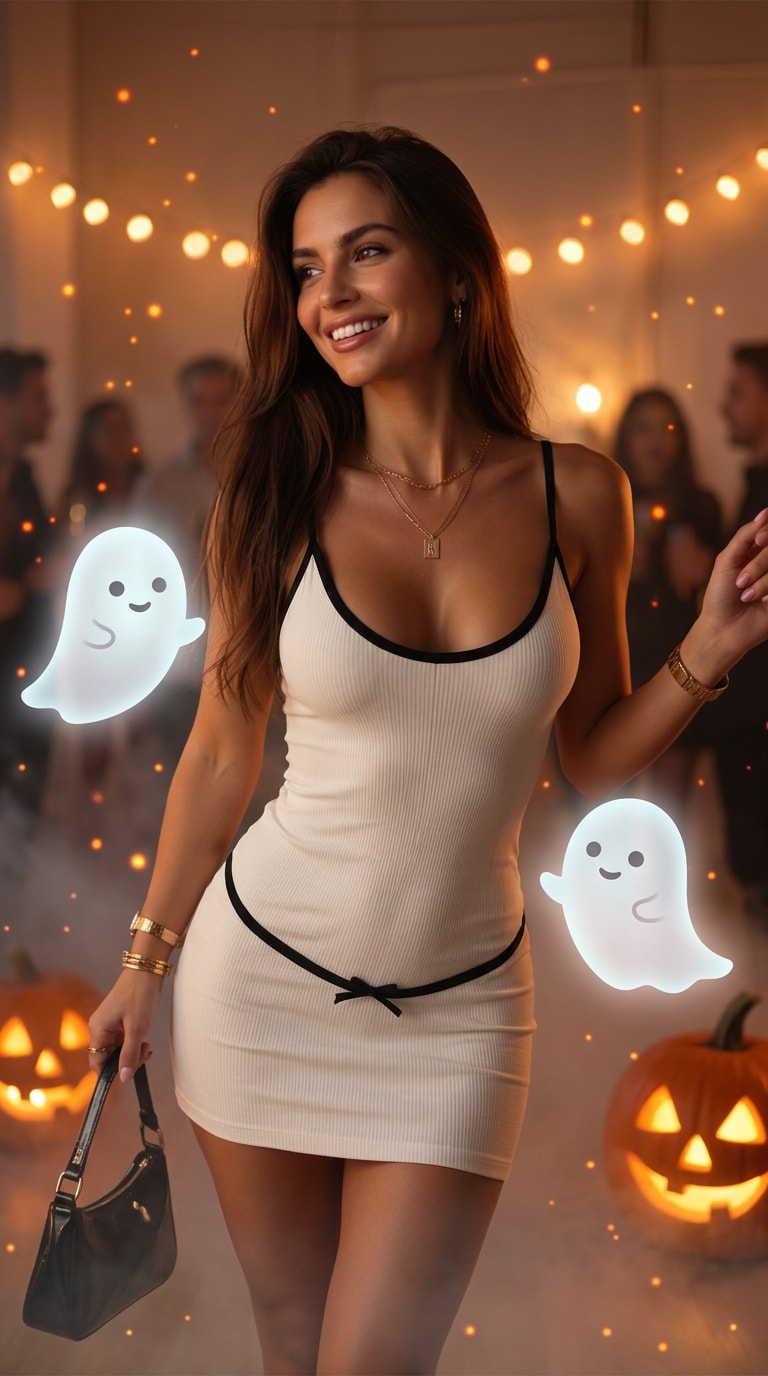
A playful social-first effect where friendly white ghosts pop into frame and mirror the subject’s dance.
Prompt: Animate the uploaded photo into a 7-second vertical Halloween dance video. Preserve the subject’s face, outfit, body proportions, and background. The subject notices two cute translucent white ghosts appearing on both sides, smiles, then begins a simple upbeat dance. The ghosts bounce, spin, and mirror the movement in sync. Add small floating jack-o’-lantern lights, soft mist, warm orange and cool moonlit accents, smooth natural body motion, stable hands and face, 9:16, no text, no logos.
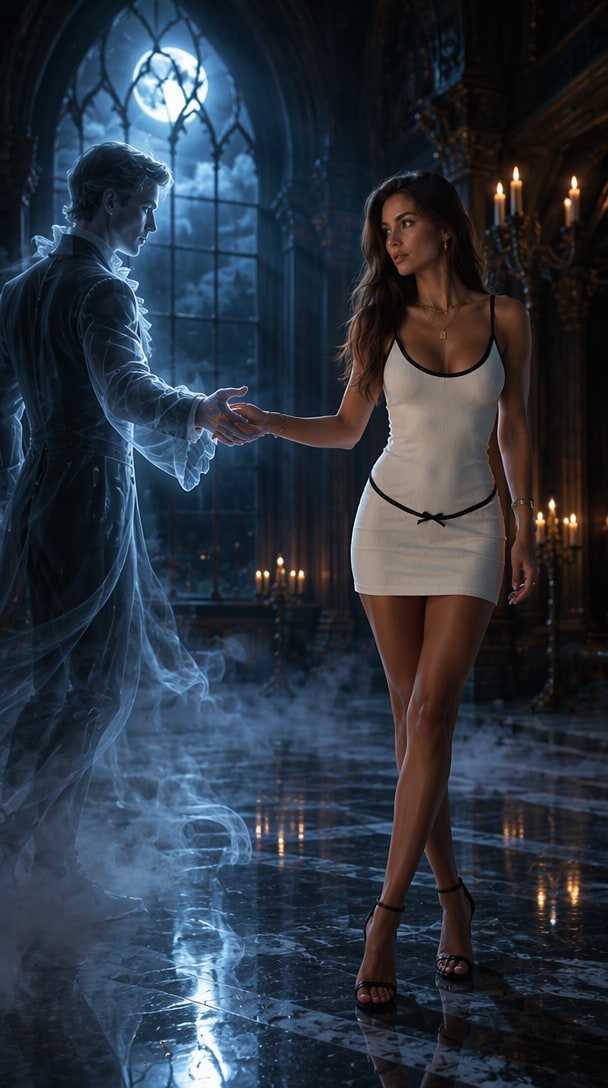
A moonlit gothic ballroom scene with an elegant translucent ghost partner and slow cinematic movement.
Prompt: Create an 8-second cinematic ghost waltz from the uploaded photo. Keep the subject recognizable. A luminous translucent ghost partner slowly materializes, reaches out, and the pair begin a graceful waltz in a moonlit gothic hall. Flowing spectral fabric, candlelight, subtle floor fog, soft blue-white glow, realistic contact and hand placement, slow camera push-in, elegant movement, 9:16 vertical composition, no text.
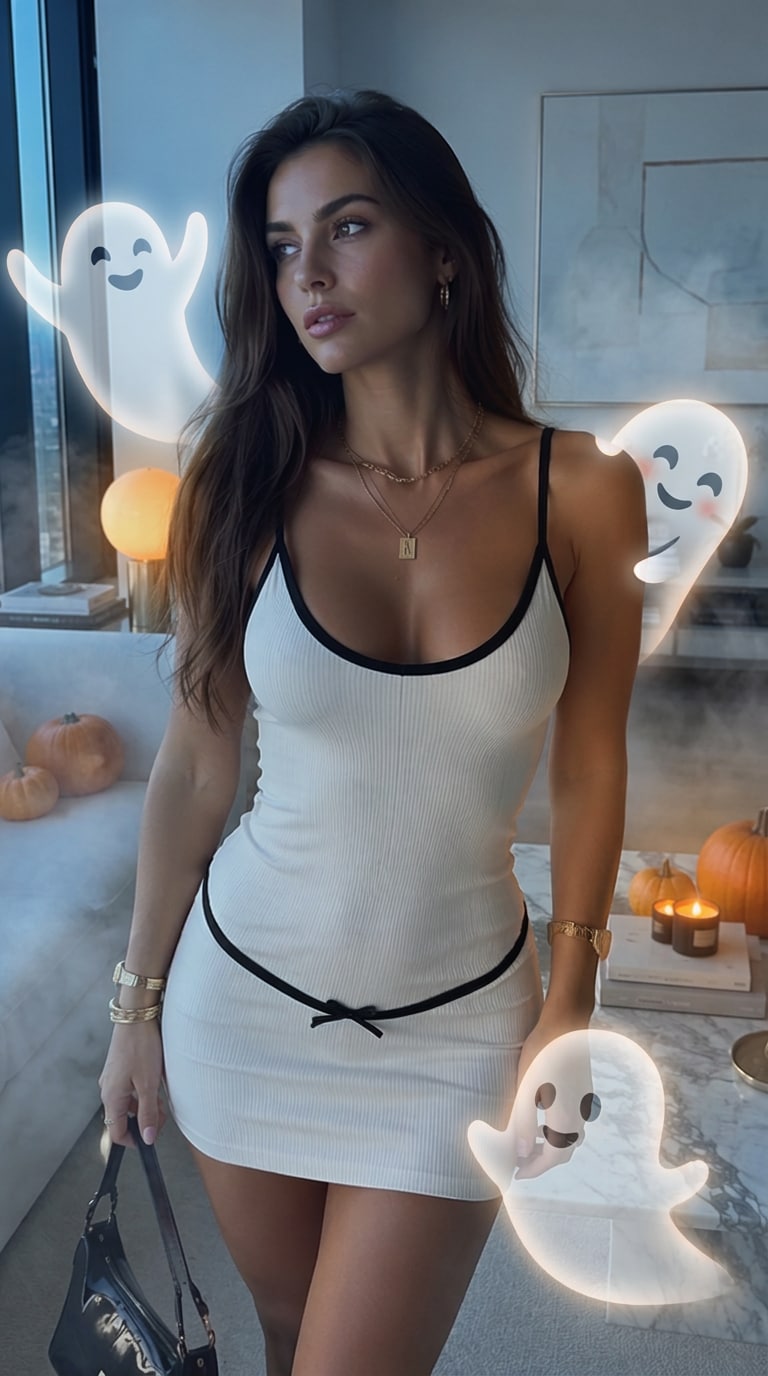
Multiple playful ghosts enter one by one and form a synchronized Halloween dance group around the subject.
Prompt: Turn the uploaded image into a 7-second Ghost Squad Dance. Preserve the person’s identity and clothing. Start with the subject alone, then three friendly semi-transparent ghosts float into frame one by one and form a loose dance line. The subject and ghosts perform simple synchronized side steps and arm movements. Add drifting mist, tiny light particles, subtle pumpkins in the background, stable camera, smooth motion, realistic lighting integration, 9:16, no text.
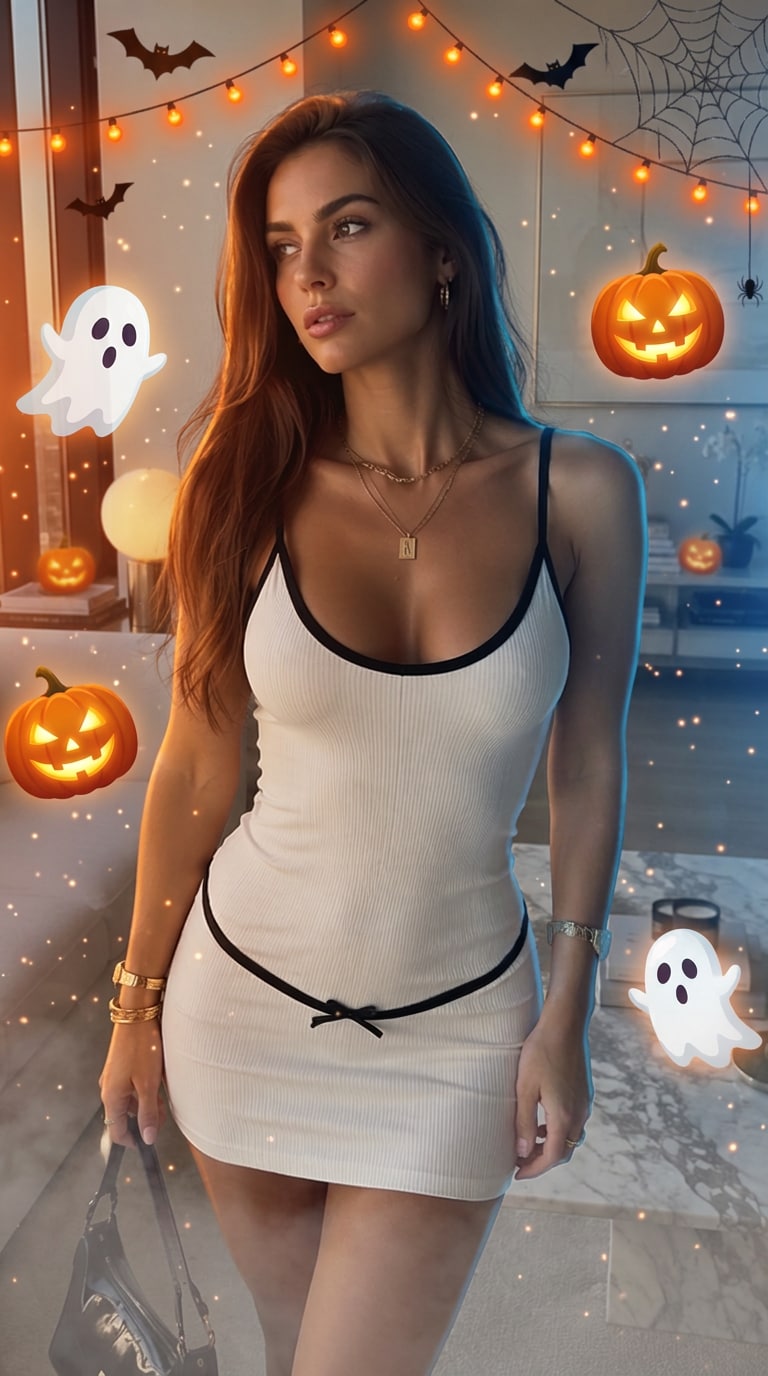
A brighter Halloween party treatment with floating ghosts, jack-o’-lantern glow, confetti-like particles, and easy dance motion.
Prompt: Animate the uploaded person at a festive Halloween night party. Keep the face and body recognizable. Cute ghosts pop up behind the subject while glowing jack-o’-lanterns and warm string lights illuminate the scene. The person starts a fun simple dance and the ghosts circle and bounce to the rhythm. Add orange light particles, gentle fog, natural shadows, smooth camera movement, playful energy, social-ready 9:16 framing, no text or logos.
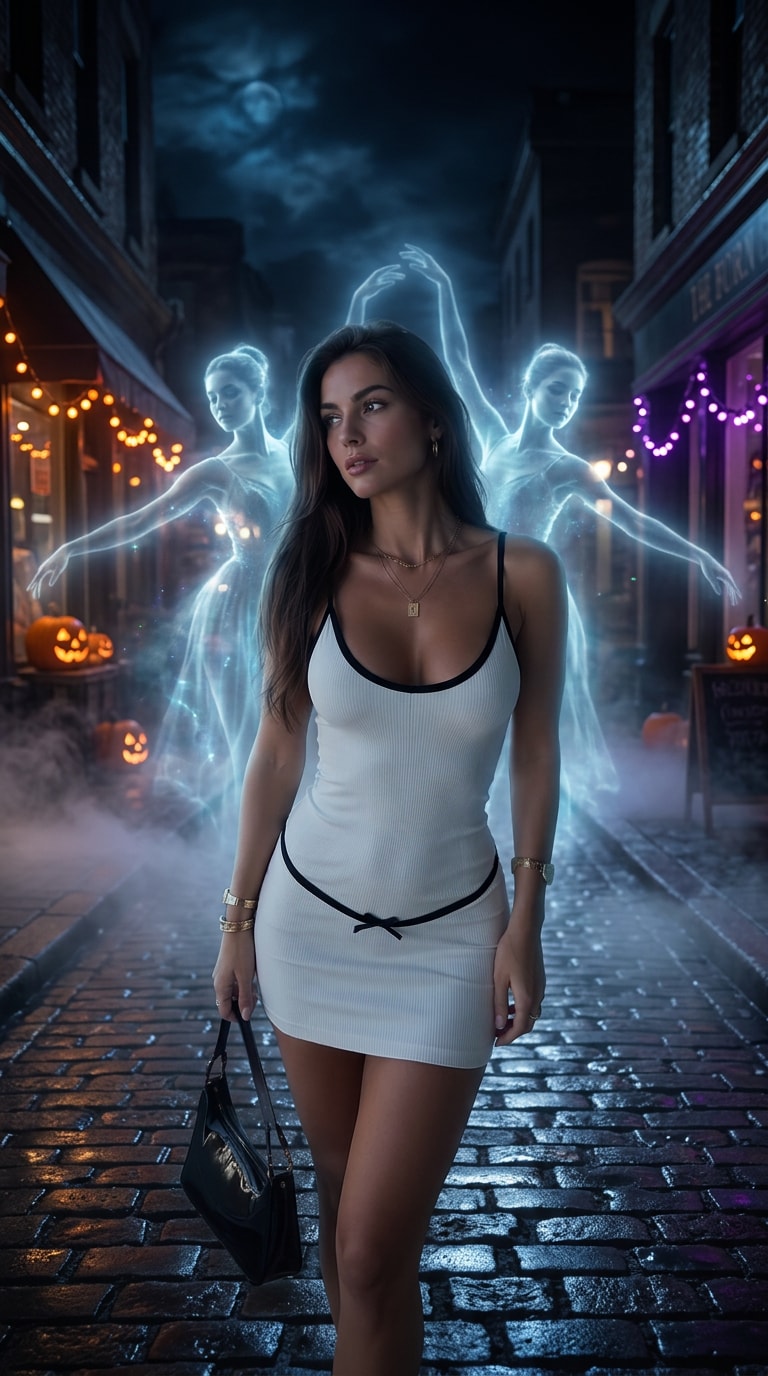
A darker urban version where spectral figures emerge from fog and join a confident street-dance sequence.
Prompt: Create a 7-second spooky street ghost dance from the uploaded photo. Preserve the subject’s exact identity, clothing, and proportions. Begin on a dim nighttime street with light fog. Two translucent spectral figures gradually emerge behind the subject and join a confident but simple synchronized dance. Use cool moonlight, soft orange Halloween practical lights, realistic ground shadows, subtle handheld cinematic movement, stable anatomy, smooth transitions, 9:16 vertical, no text.
Use the same transformation system for different Halloween content goals.
Start from your everyday portrait and use the transformation as a digital costume reveal for TikTok, Reels, Stories, or a party post.
Use a slow electric awakening as the first shot of a short horror story, character profile, or Halloween invitation video.
Place the original photo beside the final monster frame or cut directly from the normal portrait into the transformation for an easy social carousel or Reel cover.
Illustrative review copy for editorial approval. Replace with verified Media.io customer comments before publishing.

Halloween Creator · Sample
“The reveal reads instantly.” The lightning hit, stitches appeared, and the face still looked recognizable. It worked well as a short costume-transition post.

Reels Editor · Sample
“Better than a static filter.” I liked having a beginning, transformation, and final monster pose instead of just putting green makeup on a photo.

AI Video Creator · Sample
“The lab scene sold it.” Adding flickering machinery and electric rim light made the transformation feel much more cinematic without needing a complicated prompt.
An AI Dancing Ghost transformation turns a portrait into a short Halloween video with stitched skin, bolts, scars, laboratory lighting, electricity, and monster-like motion while aiming to preserve the person’s recognizable facial features.
Upload a clear portrait, choose or paste an image-to-video prompt, describe the transformation sequence and laboratory atmosphere, then generate a short clip. Review the face and motion before exporting your favorite version.
Describe what must stay recognizable, then specify stitched facial details, bolts, skin tone, clothing, laboratory setting, lightning, camera framing, motion sequence, and final pose. One controlled transformation usually works better than many unrelated effects.
Yes. Use a gothic reanimated-bride concept with dramatic swept hair, pale makeup, stitched details, vintage laboratory lighting, and a cinematic awakening. Keep the description generic rather than depending on one specific film costume.
Yes. Generate in a vertical 9:16 composition and keep the face centered. A 5–8 second before-to-after transformation is easy to understand in short-form feeds and leaves room for your own caption or audio.



