Creations are stored for only 7 days. Assets created after upgrading to a Membership plan will be stored permanently.
Unlock your creative potential and experience the magic of Media AI right away!
Motion Blur AI Photo Editing Prompt
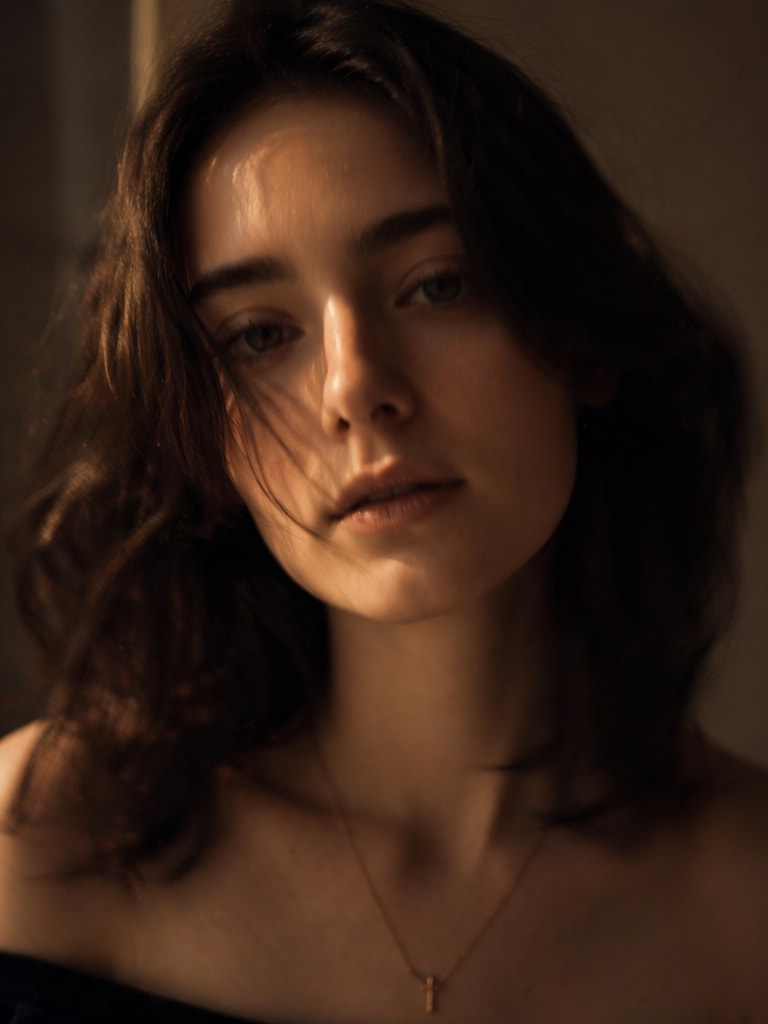
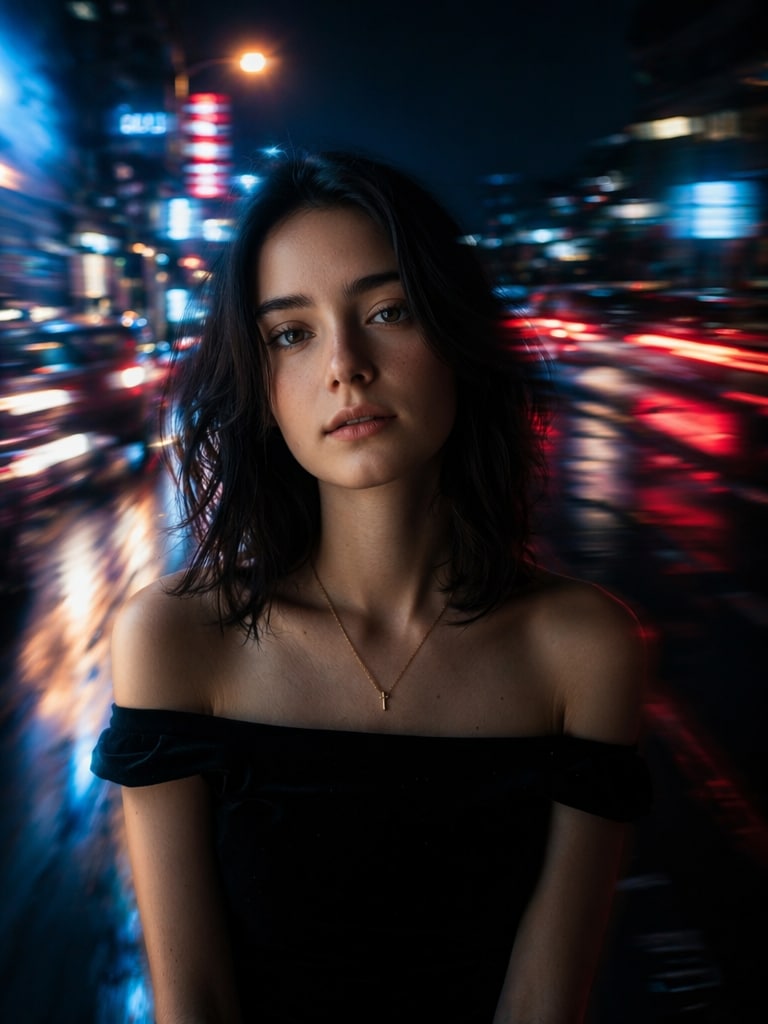
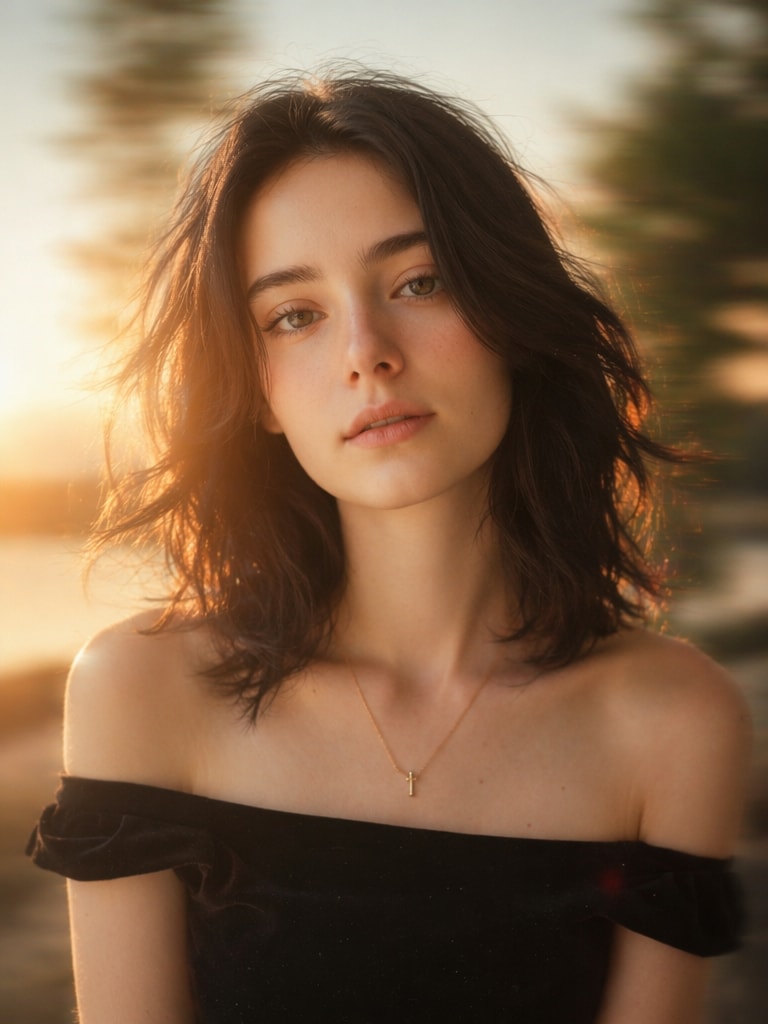
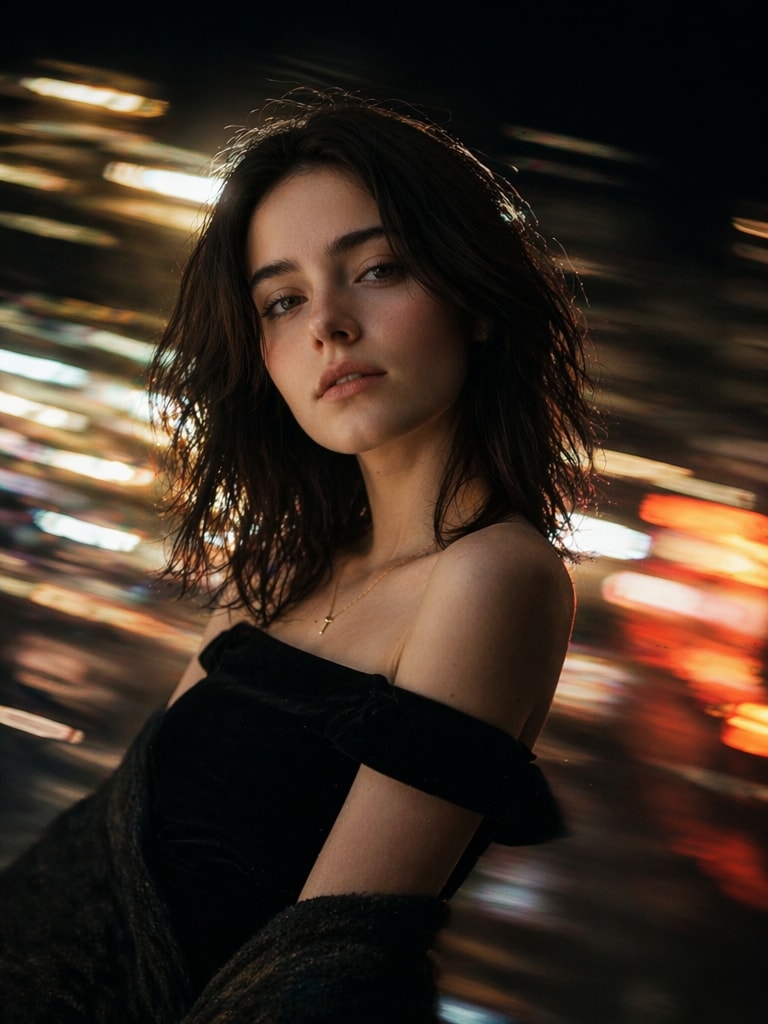
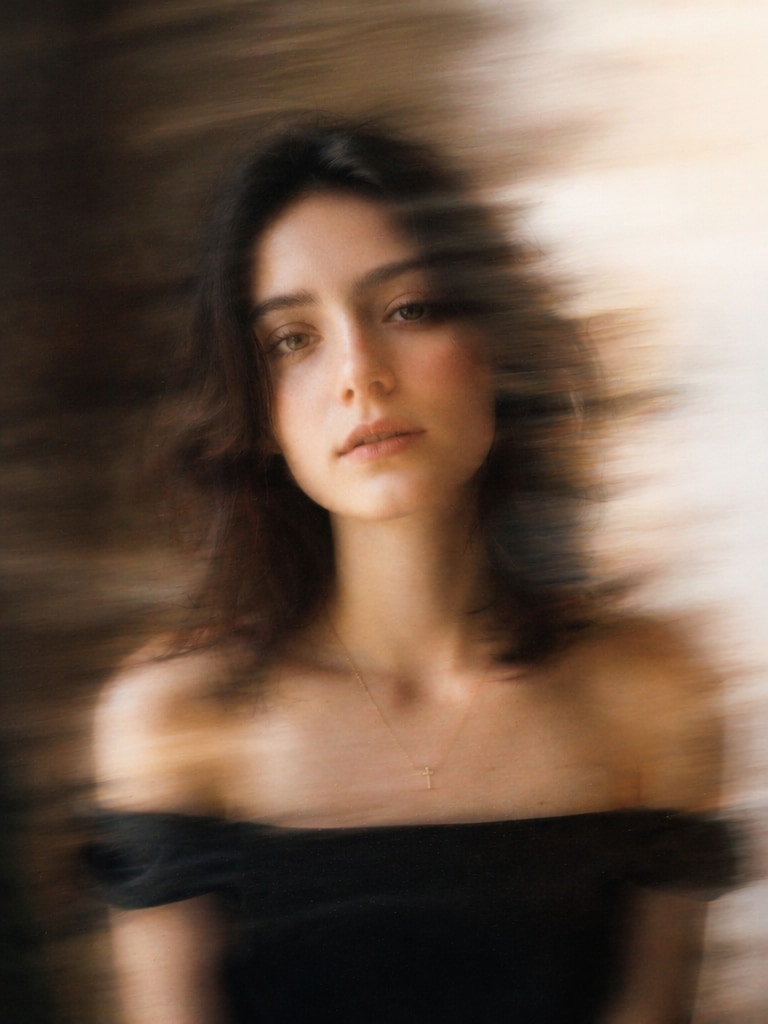
Create cinematic motion blur photos with ready-to-use Motion Blur AI Photo Editing Prompt ideas. Upload your portrait, paste an AI blur prompt, and generate aesthetic blur portraits, street photography edits, neon motion streaks, TikTok-style photos, and long-exposure cinematic images in seconds.
Upload your photo and create a cinematic motion blur portrait instantly.
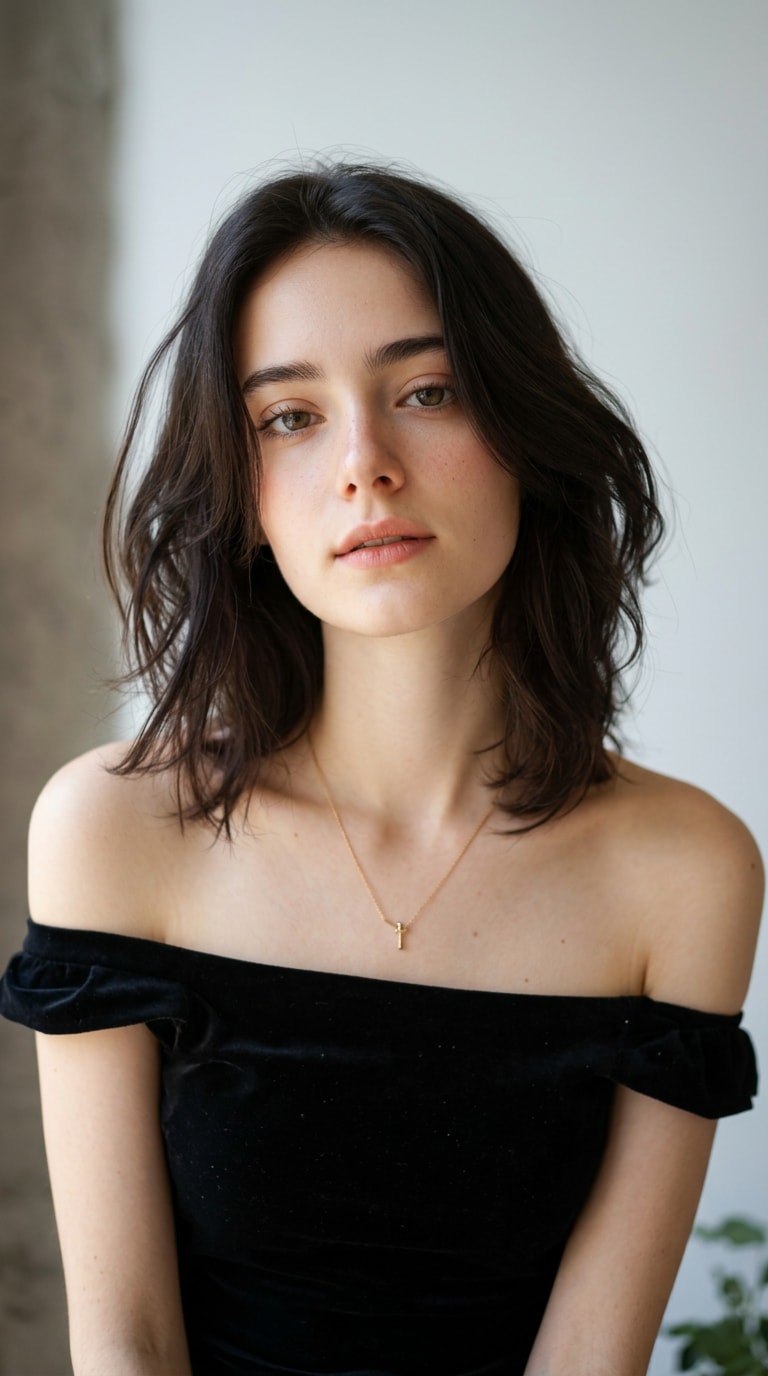
Before
Motion Blur AI Photo
Before
Prompt Edit
20 Motion Blur AI Photo Editing Prompt Ideas
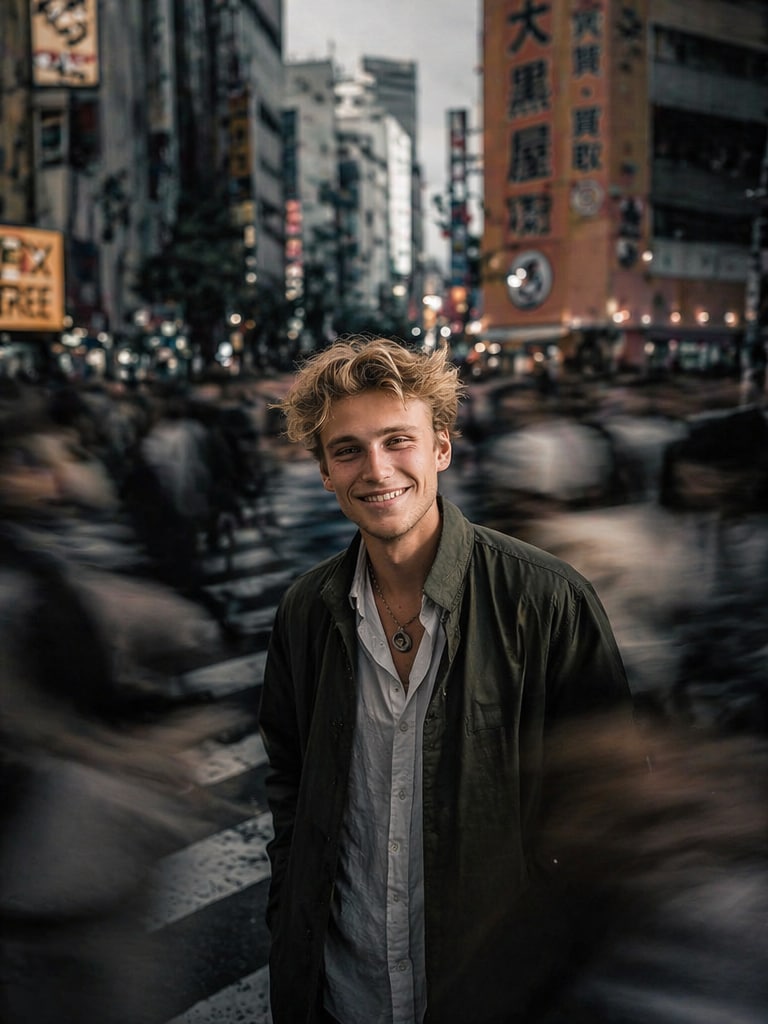
Cinematic Street Motion Blur
cinematic street portrait of a young man standing still in a crowded city crossing, surrounding people blurred with motion trails, shallow depth of field, moody urban lighting, realistic photography, sony a7r iv, 85mm lens, soft bokeh, dark cinematic tones, ultra detailed
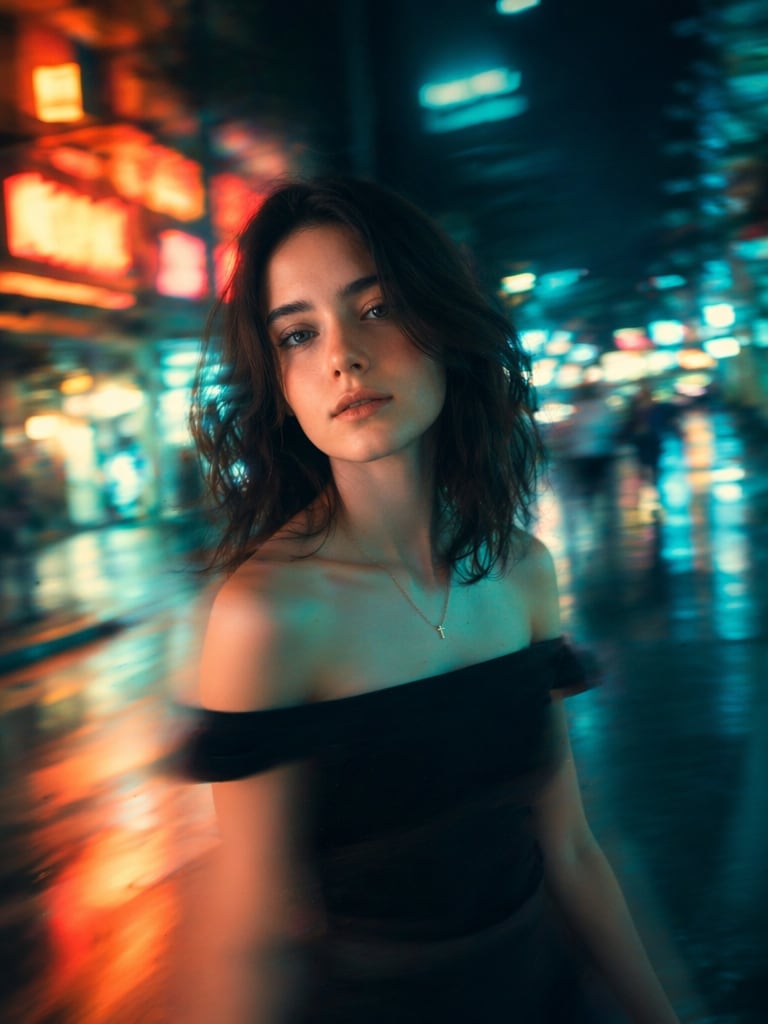
Dreamy Female Motion Blur Portrait
dreamy portrait of a woman walking through neon city lights, soft motion blur around her body, glowing reflections, emotional atmosphere, cinematic photography, teal and orange color grading, shallow focus, aesthetic blur effect
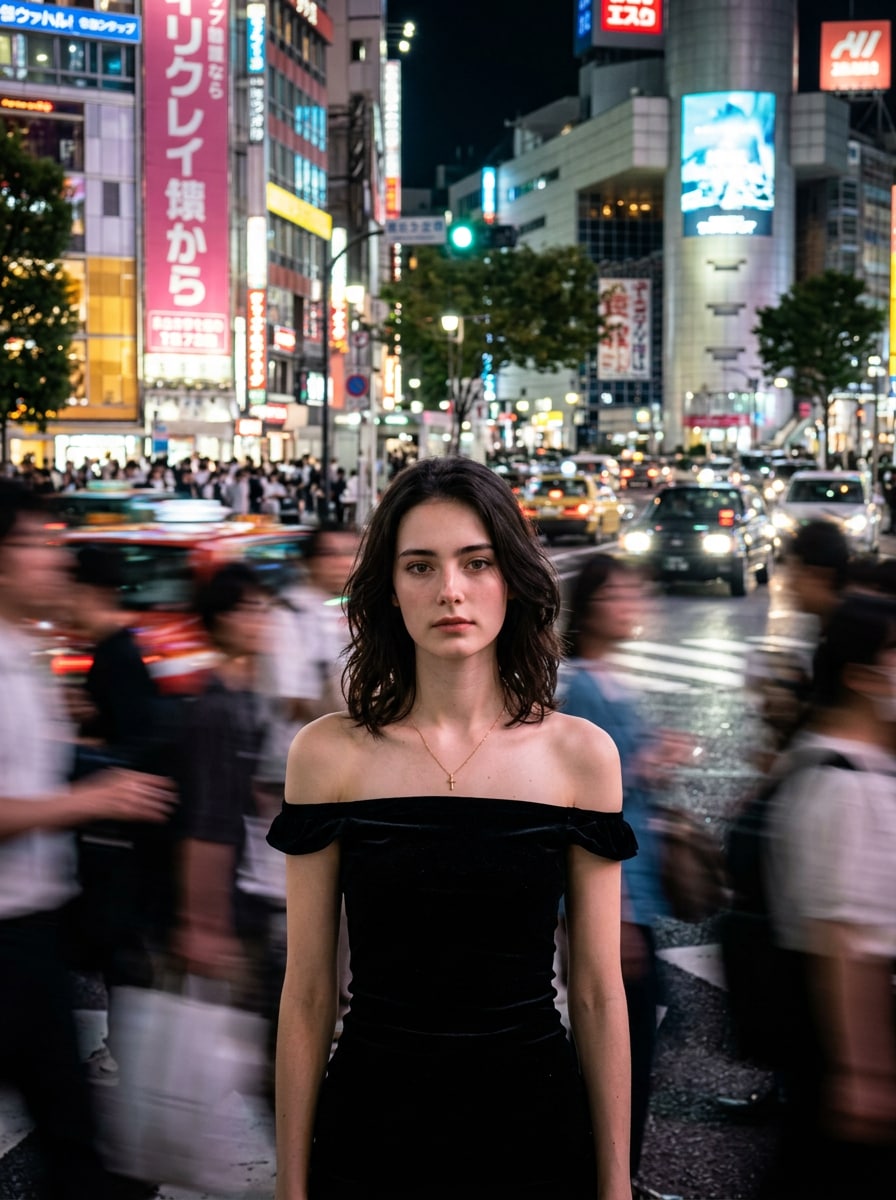
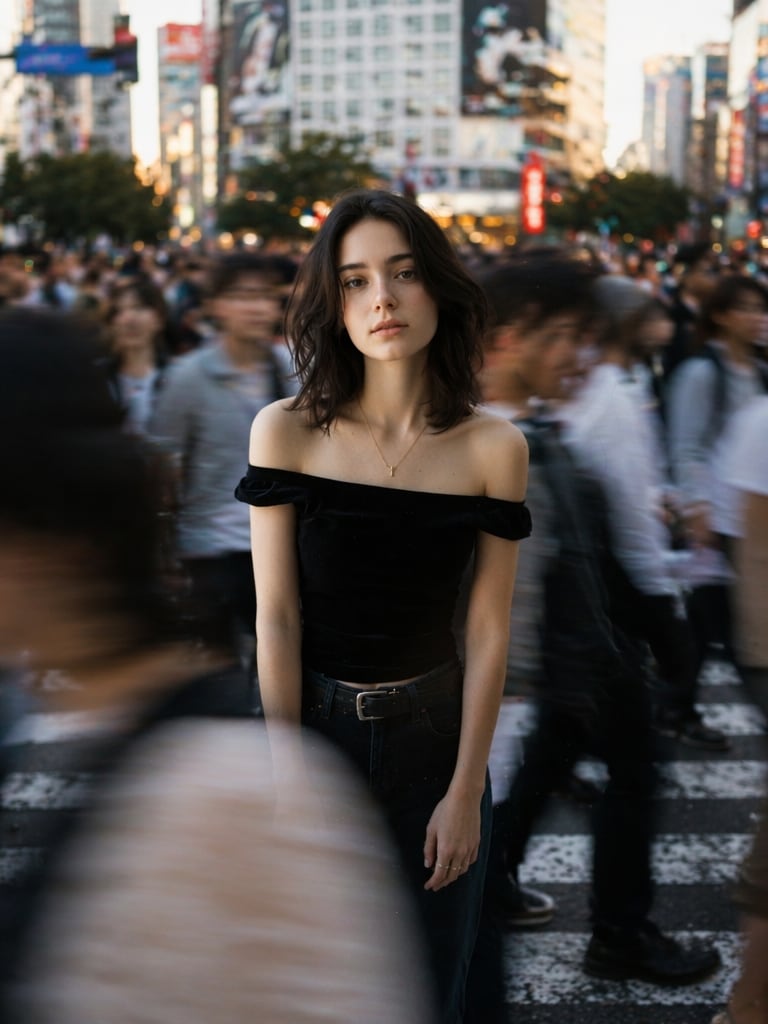
Reddit Style Viral Motion Blur
viral reddit style motion blur portrait, subject sharply focused while crowd moves rapidly around, long exposure effect, downtown tokyo at night, realistic skin texture, high contrast cinematic mood
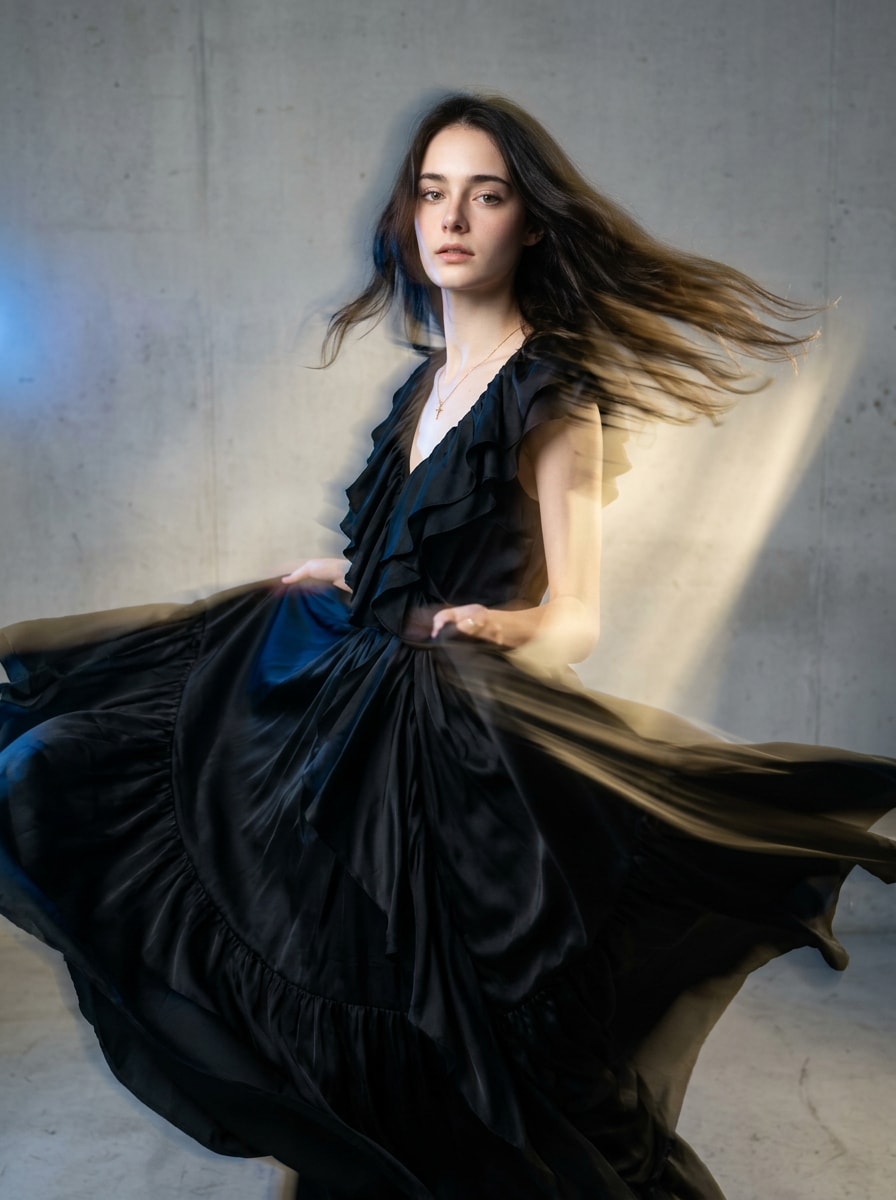
Fashion Editorial Blur Prompt
high fashion editorial portrait with dramatic motion blur fabric movement, luxury magazine photography style, studio lighting mixed with motion streaks, elegant aesthetic, ultra realistic
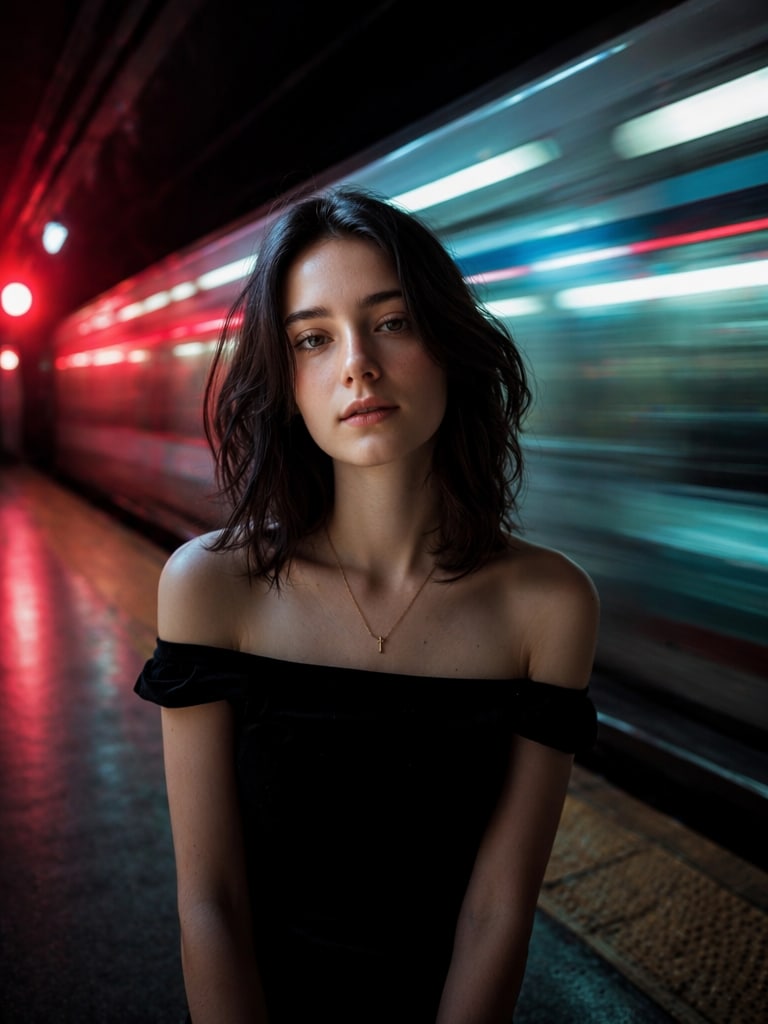
Subway Motion Blur Scene
woman standing inside a subway station while trains create strong horizontal motion blur, cyberpunk lighting, cinematic realism, atmospheric shadows, depth of field, long exposure photography
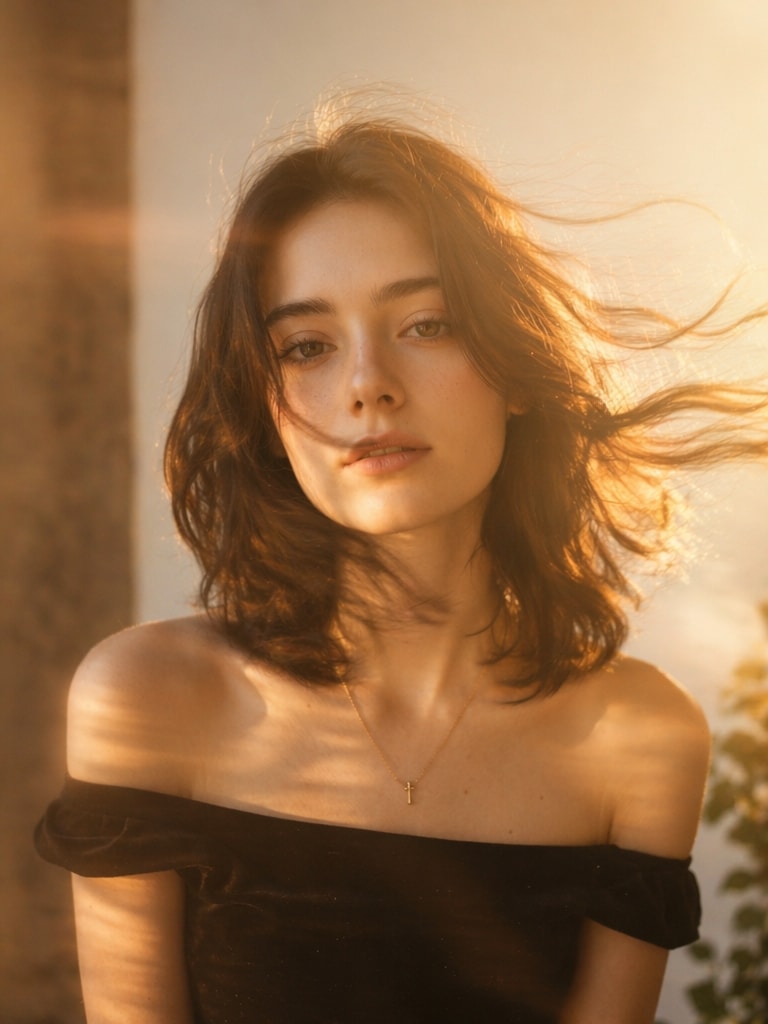
golden hour portrait with soft motion blur caused by wind and movement, dreamy sunlight, warm tones, aesthetic photography, realistic skin details, soft cinematic haze
Motion Blur Couple Portrait
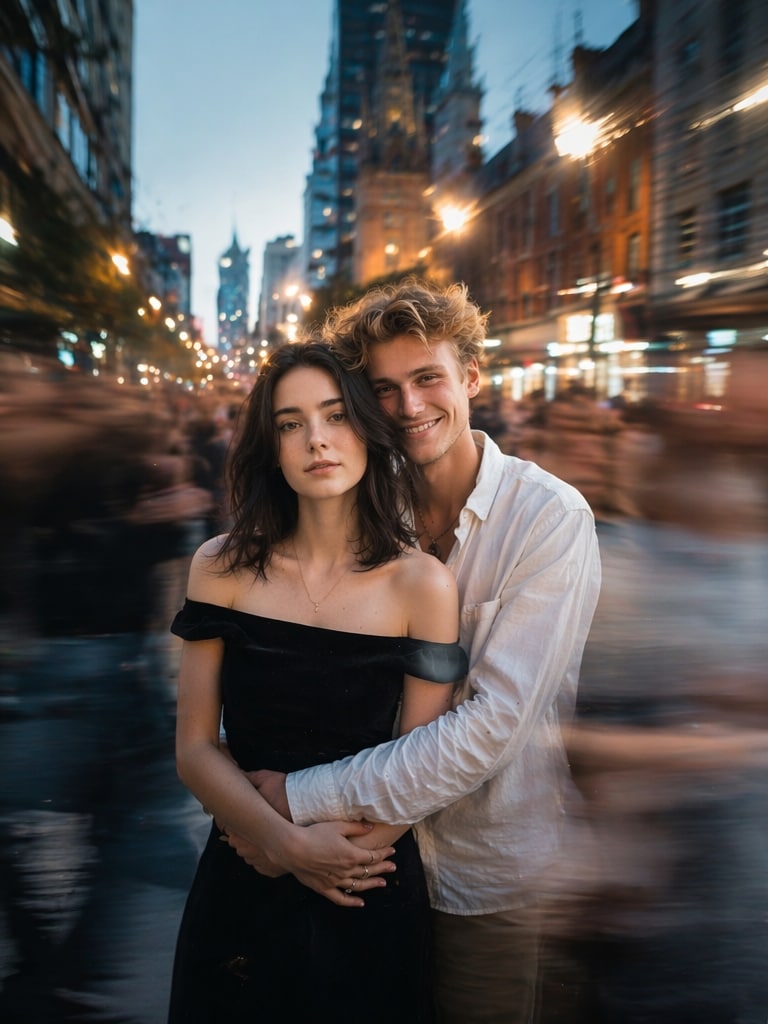
romantic couple standing still while busy city life blurs around them, cinematic storytelling, emotional atmosphere, long exposure street photography, ultra realistic lighting
AI Blur Effect Portrait
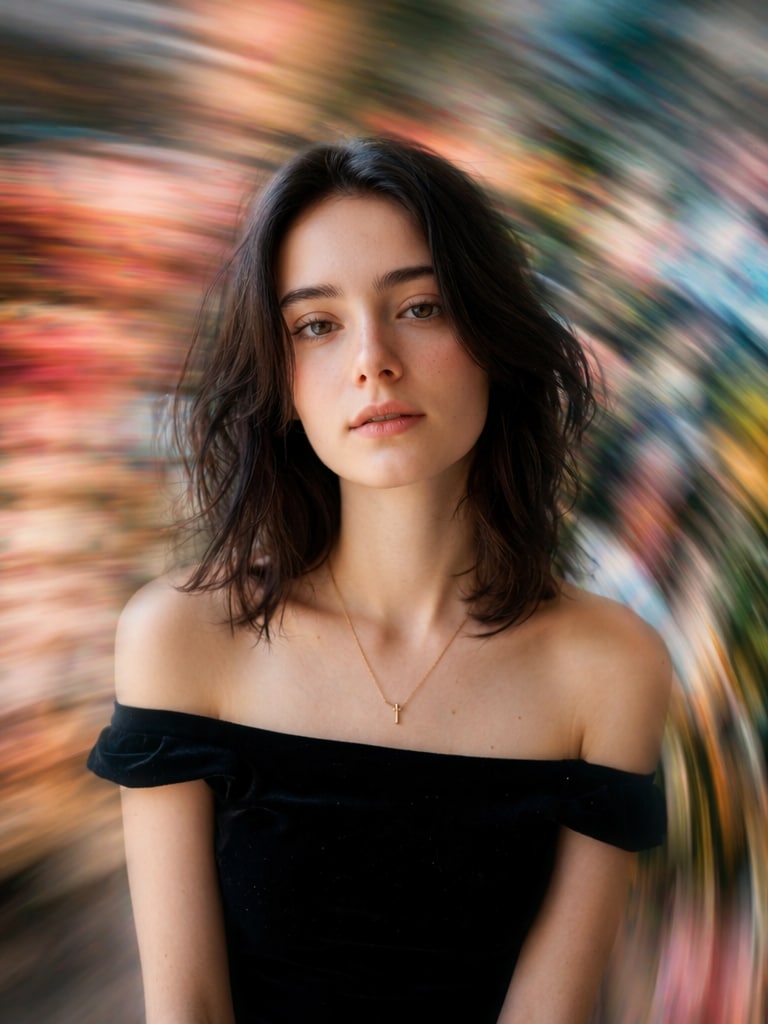
AI generated motion blur portrait, subject centered and sharp, background melting into colorful motion streaks, artistic blur photography, premium cinematic look
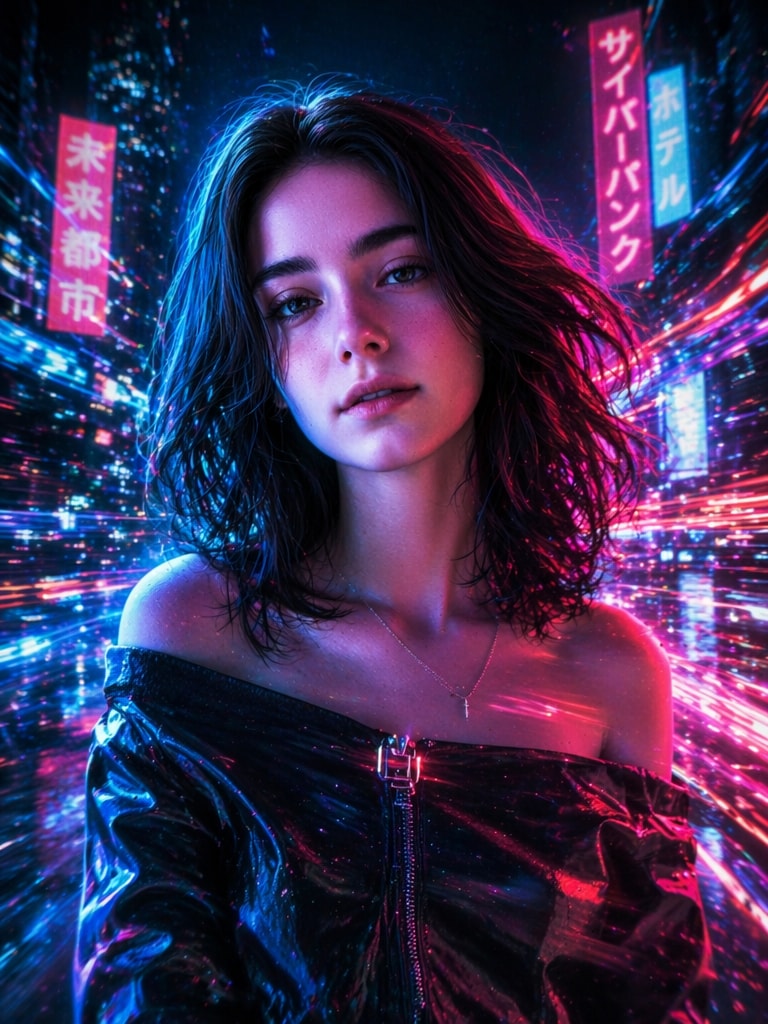
Neon Cyberpunk Motion Blur
cyberpunk portrait with neon motion blur lights, futuristic city background, dynamic movement trails, anime inspired cinematic realism, glowing atmosphere, ultra detailed
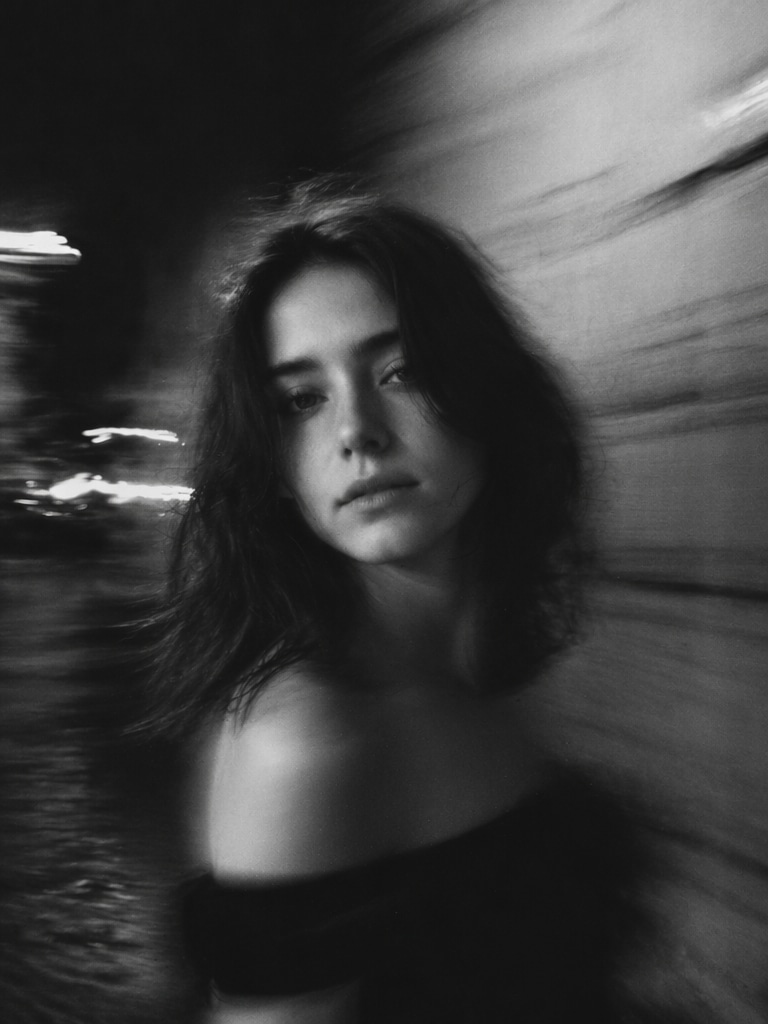
Black and White Motion Blur
black and white cinematic portrait with dramatic motion blur, emotional street photography, film grain texture, high contrast shadows, artistic long exposure effect
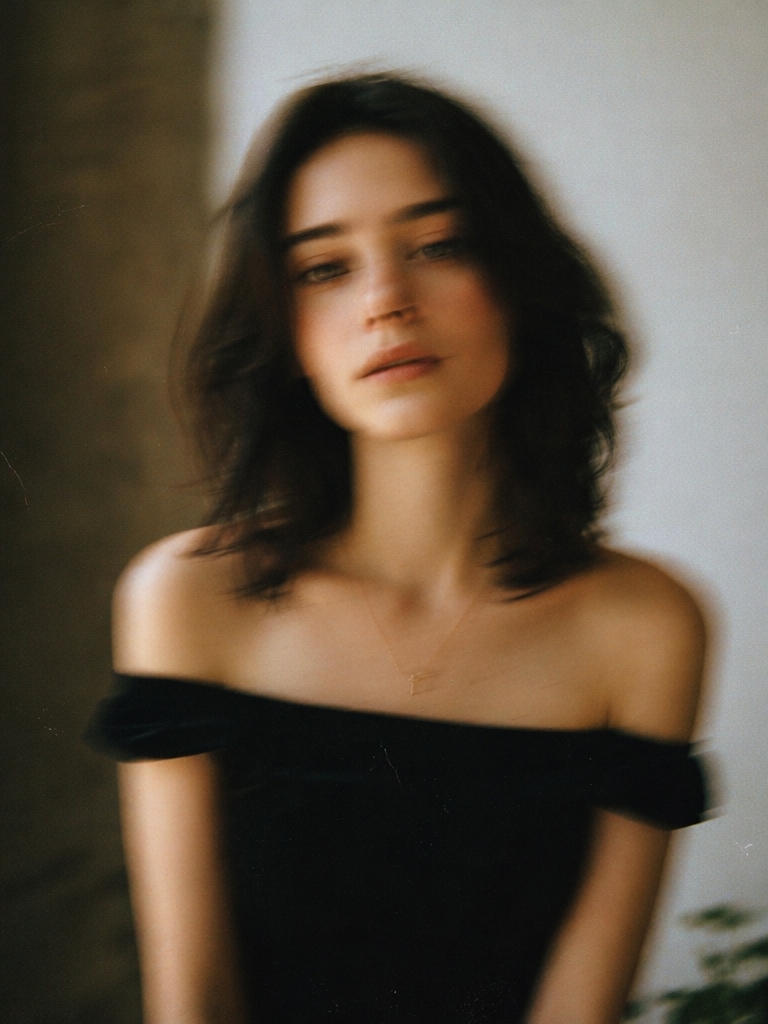
Vintage Film Blur Prompt
vintage 35mm film style motion blur portrait, nostalgic tones, analog photography aesthetic, dreamy movement, cinematic grain, realistic composition
Street Crossing Blur Effect
person standing still in the middle of a busy crosswalk, pedestrians blurred in all directions, cinematic urban storytelling, realistic photography, shallow depth of field
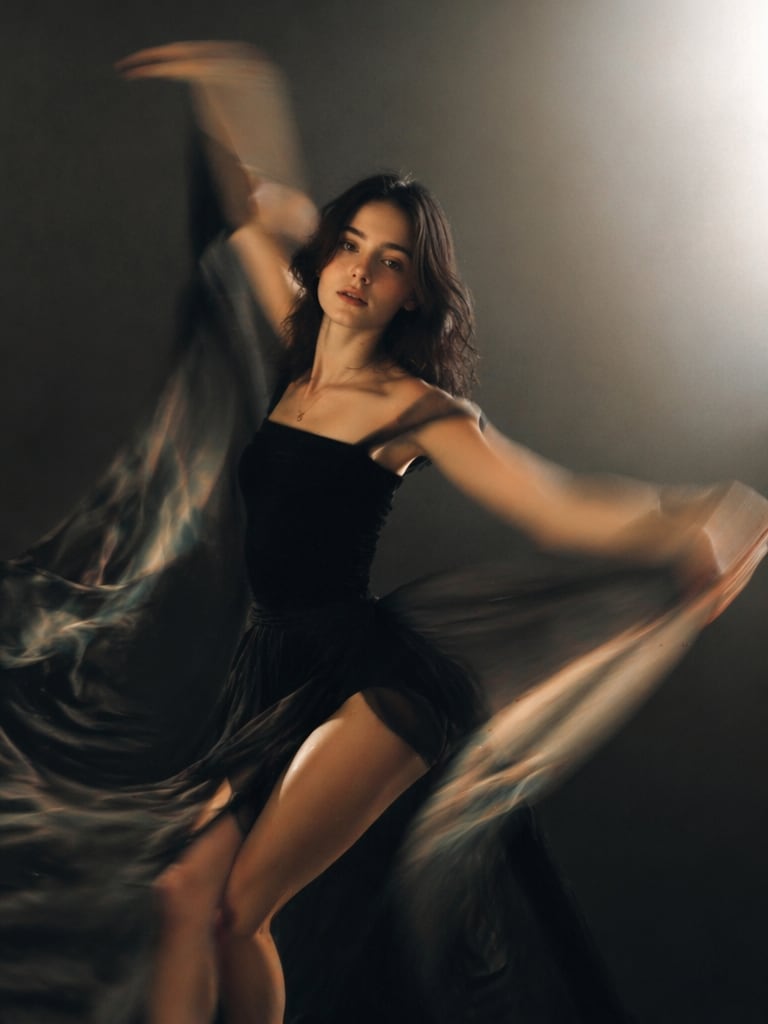
artistic dancer portrait with elegant body motion blur, dramatic studio lighting, flowing fabric trails, cinematic movement, ultra detailed fashion photography
Midnight City Blur
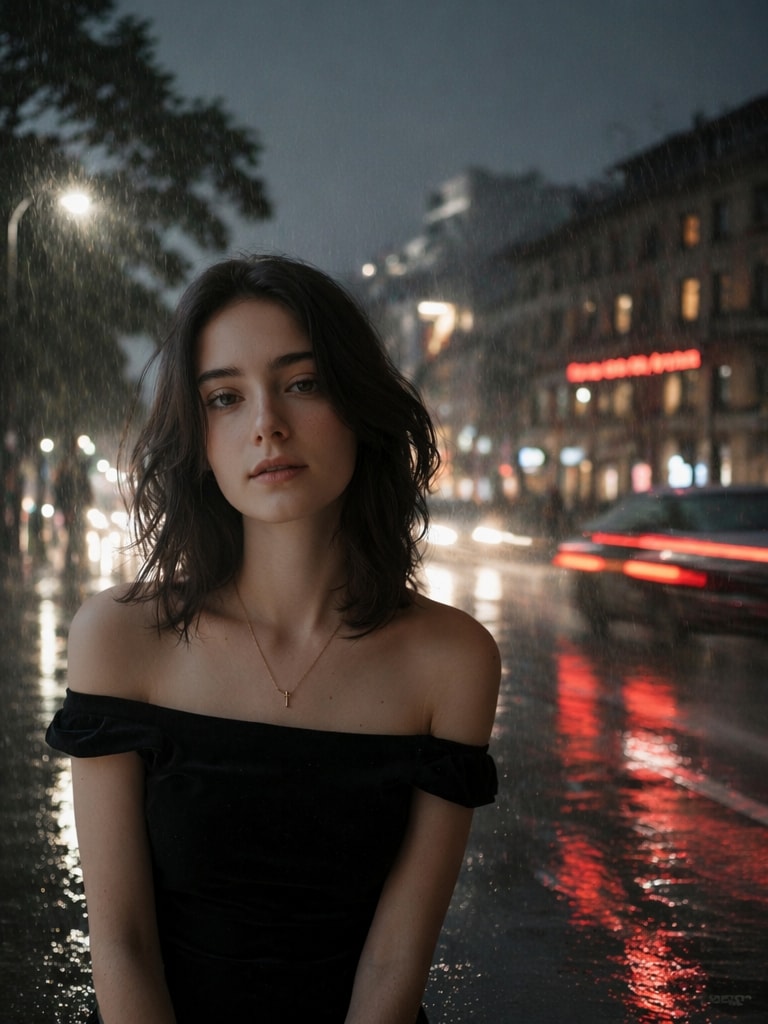
midnight city portrait with car light streaks and motion blur effects, dark cinematic atmosphere, neon reflections, realistic photography, moody urban aesthetic
Soft Blur TikTok Style
viral tiktok aesthetic portrait with soft motion blur background, glowing sunset light, dreamy cinematic mood, shallow depth of field, realistic face details
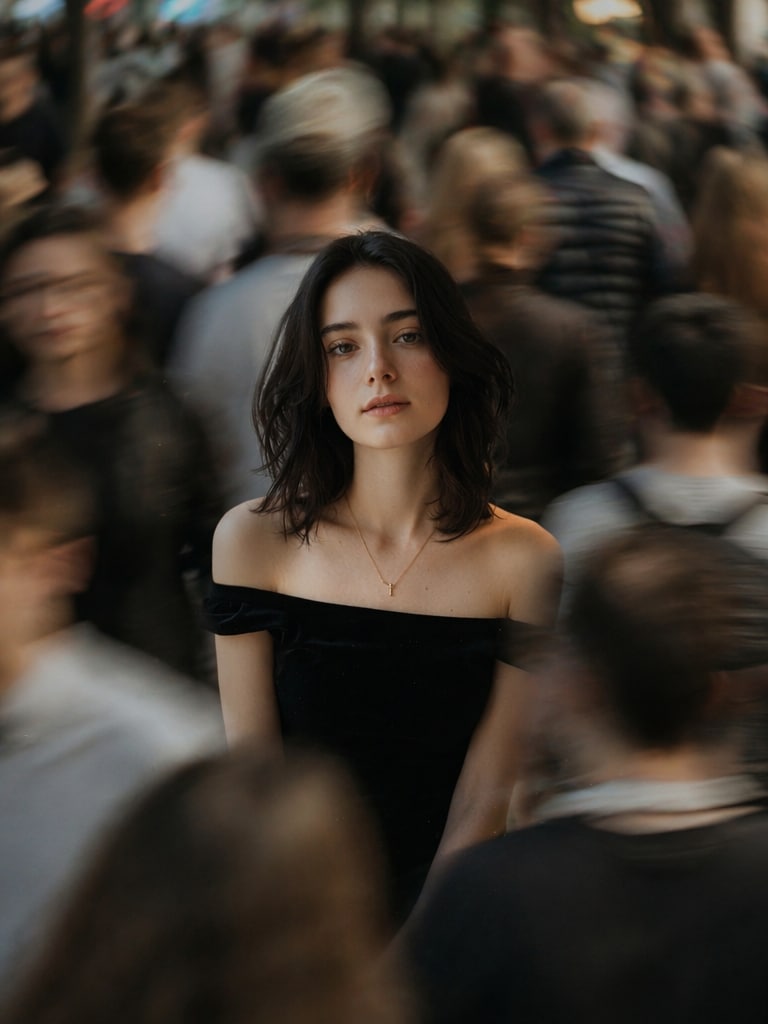
Crowd Isolation Effect
subject isolated sharply in focus while entire crowd becomes blurred through movement, emotional loneliness concept, cinematic street photography, realistic lighting
Long Exposure Fashion Shot
luxury fashion portrait with long exposure motion blur effects, elegant pose, blurred city lights, editorial magazine quality, cinematic tones, ultra realistic
Painterly Motion Blur Portrait
artistic painterly motion blur portrait, soft glowing edges, emotional cinematic atmosphere, realistic face with abstract movement, dreamy color palette, premium AI photography
Why Use Media.io for Motion Blur AI Photo Editing Prompt?
AI-Powered Cinematic Blur Generation
Media.io helps you turn static portraits into cinematic motion blur photos without Photoshop skills or complex camera settings.
It is ideal for creators who want realistic crowd motion, car light streaks, shallow depth of field, and long-exposure atmosphere in one click.
One-Click Aesthetic Blur Effects
Use an aesthetic blur photo prompt to create dreamy portraits, viral TikTok edits, fashion visuals, and emotional street photography scenes.
You can customize the subject, city background, neon lighting, rain reflections, motion direction, blur intensity, and cinematic mood.
Advanced Cinematic Lighting Control
A strong blur prompt should do more than add blur. It should guide the AI with camera style, lighting, depth of field, reflections, and storytelling details.
Media.io helps generate moody night scenes, golden-hour portraits, neon cyberpunk edits, rainy street photos, and fashion editorial blur effects.
Social Media Ready Output
Motion blur AI edits are perfect for TikTok covers, Instagram posts, Pinterest visuals, profile photos, music artwork, and fashion content.
Generate vertical cinematic portraits that look dynamic, emotional, and ready to share across every social platform.
How to Use Motion Blur AI Photo Editing Prompt Online
01
Step 1 – Upload Your Photo
Choose a portrait, selfie, street photo, or fashion image as your base photo.
For best results, use a clear subject with visible facial features, good lighting, and enough background space for blur movement.
02
Step 2 – Paste a Blur Prompt
Select a Motion Blur AI Photo Editing Prompt from this page and paste it into Media.io.
You can adjust the city scene, crowd motion, neon streaks, rain reflections, camera lens, color grading, and blur strength.
03
Step 3 – Generate and Download
Generate your motion blur AI photo, preview the result, and refine the prompt if needed.
Download the final image for Instagram, TikTok, Pinterest, profile photos, music covers, or cinematic creative posts.
Core Use Cases of Motion Blur AI Photo Editing Prompt
Social Media Aesthetic Portraits
Create trendy TikTok, Instagram Reels, and Pinterest-style portraits with dreamy motion blur, soft bokeh, glowing lights, and cinematic color grading.
Urban Street Photography
Generate realistic long-exposure street scenes with moving crowds, subway motion, rainy reflections, neon signs, and emotional city storytelling.
Fashion & Editorial Photography
Turn ordinary portraits into luxury editorial visuals with fabric motion, studio blur, dramatic lighting, and magazine-quality cinematic atmosphere.
What Users Say About Motion Blur AI Photo Editing Prompt
Emma
TikTok Creator
“Perfect cinematic blur effects”
I used these motion blur AI photo editing prompts for TikTok portraits, and the results looked like professional movie stills.
Daniel
Street Photographer
“Amazing urban photography aesthetic”
The crowd motion and neon blur prompts helped me create cinematic city photography without expensive camera setups.
Sophia
Fashion Content Creator
“Best AI blur prompts”
These aesthetic blur photo prompts gave my fashion shoots a luxury editorial look within minutes.
Frequently Asked Questions about Motion Blur AI Photo Editing Prompt
1. What is a Motion Blur AI Photo Editing Prompt?
A Motion Blur AI Photo Editing Prompt is a detailed text instruction used to create realistic blur movement in an AI image. It usually describes the subject, background motion, light streaks, camera lens, depth of field, color grading, and cinematic atmosphere so the AI can generate a dynamic motion blur photo.
2. How do I create a cinematic motion blur AI photo?
Upload your portrait to Media.io, choose a motion blur AI photo editing prompt from this page, paste it into the image-to-image workflow, and generate the result. For better realism, include details like “subject sharply focused,” “crowd motion blur,” “cinematic lighting,” “long exposure,” and “shallow depth of field.”
3. Can I use these blur prompts for Gemini, ChatGPT, or Midjourney?
Yes. These blur prompts are suitable for Media.io, Gemini AI, ChatGPT Image Generator, Midjourney, Flux, Stable Diffusion, and Leonardo AI. You can copy any prompt directly, then personalize the subject, location, lighting, mood, or image ratio for your platform.
4. What photos work best with an aesthetic blur photo prompt?
Portraits, fashion photos, street photography, subway scenes, rainy night images, neon city photos, dance shots, and full-body lifestyle images usually work best. A clear subject helps the AI keep the person sharp while adding realistic motion blur to the background or surrounding objects.
5. Are these motion blur AI photo editing prompts free to use?
Yes. You can copy these motion blur AI photo editing prompts for free and use them in Media.io or other AI image tools. You may also edit the prompt by changing the gender, outfit, city background, lighting style, camera lens, blur direction, or social media format.