/@ karakterini seçin ve oluşturmak istediğiniz sahneyi tanımlayın.
0/2000
9:16
1K
1
Unlimited Banana Pro
Creations
Ideas Hub
How It Works
All
Popular features
View All
Cadılar Bayramı Yaratıcılık Yarışması
View All
AI Meyve Hikayesi
View All
AI Hikaye Videosu
View All
Bugünün Viral Videoları
View All
Yapay Zeka Ürün Videoları
View All
Yapay Zeka Karakteri
View All
Dans Trendleri
View All
GPT Image 2
View All
Seedance 2.0
View All
Yapay Zeka Ünlü Eşleştirme
View All
Çift Pozları İpuçları
View All
Estetik AI Kız Pozu İstekleri
View All
Şık AI Erkek Poz İpuçları
View All
Generate List
Creations are stored for only 7 days. Assets created after upgrading to a Membership plan will be stored permanently.
Unlock your creative potential and experience the magic of Media AI right away!
Kendi Tasarımınızdan Hızla Ücretsiz Davetiye Mockup'ı Oluşturun
Yüklediğiniz davetiye görselini saniyeler içinde gerçekçi kırtasiye önizlemelerine dönüştürün. Media.io, ücretsiz davetiye mockup'ı oluşturmanıza yardımcı olur; zarif düğün, doğum günü ve etkinlik sahneleriyle bir davetiye kartı mockup'ını müşteriler, mağazalar veya sosyal medya paylaşımları için net bir şekilde sergilemenizi sağlar.
Fikrinizi yazın -> Yapay zeka tasarlasın. Ücretsiz deneyin.
Bu örnek yönergeleri inceleyin, ardından bu Ücretsiz Davetiye Mockup'ı ile daha güçlü sonuçlar elde etmek için komut ayrıntılarını özelleştirin.
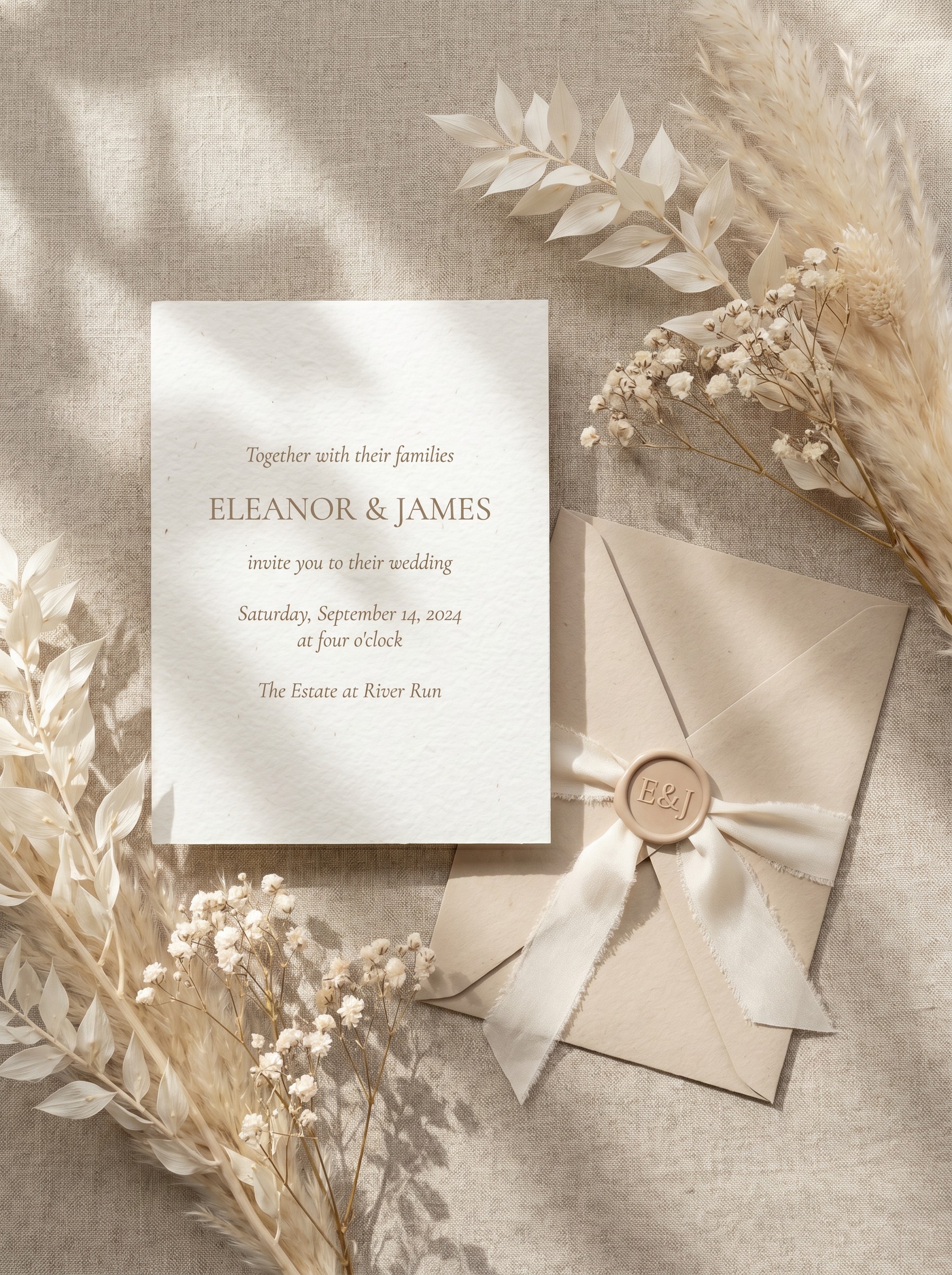
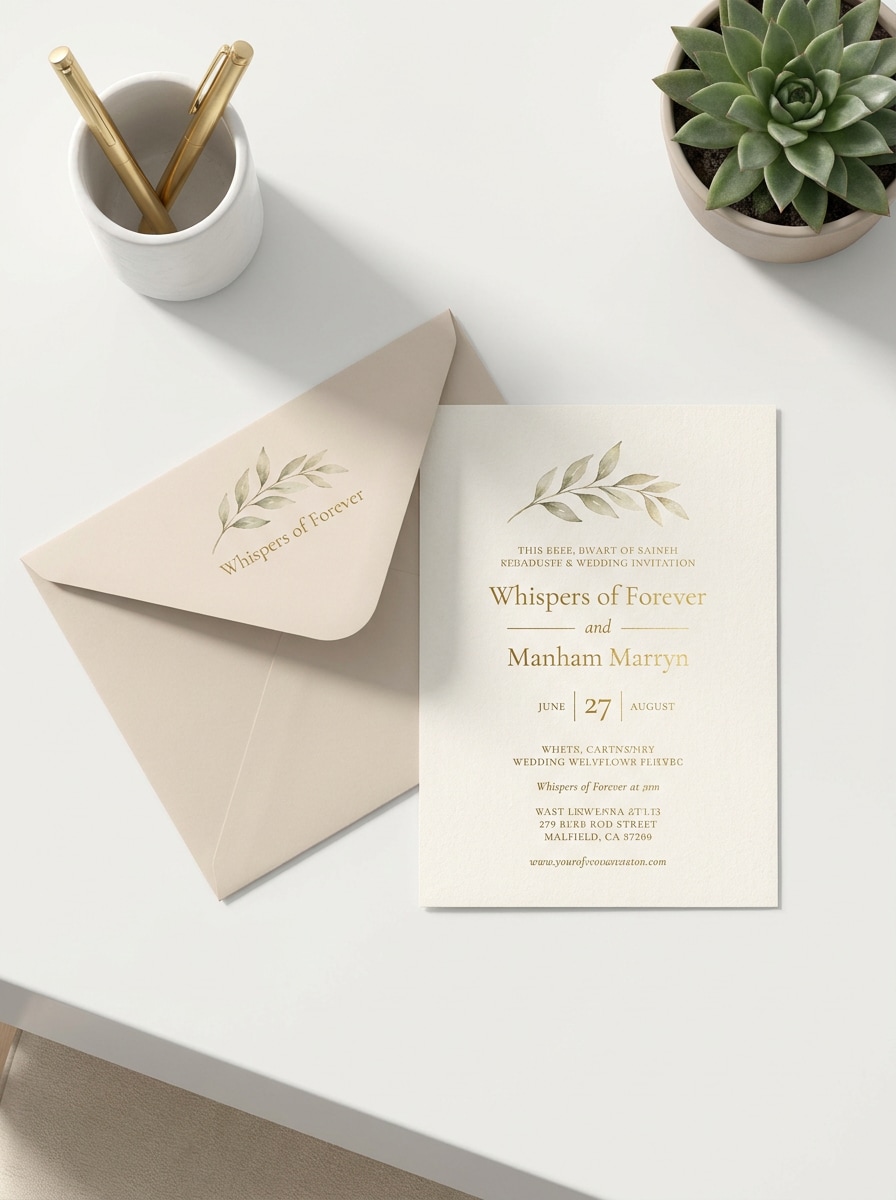
Lüks Bej Düz Çekim
Yüklenen görseli davetiye tasarımı olarak kullanın ve eşleşen zarf, ipek kurdele, mum mühür ve kurutulmuş çiçeklerle lüks bir bej düğün düz çekim mockup'ına dönüştürün. Kart tasarımını okunabilir tutun, yumuşak doğal gölgeler, el yapımı kağıt dokusu, nötr krem tonlar ve rafine bir editoryal tepeden bakış kompozisyonu kullanın.
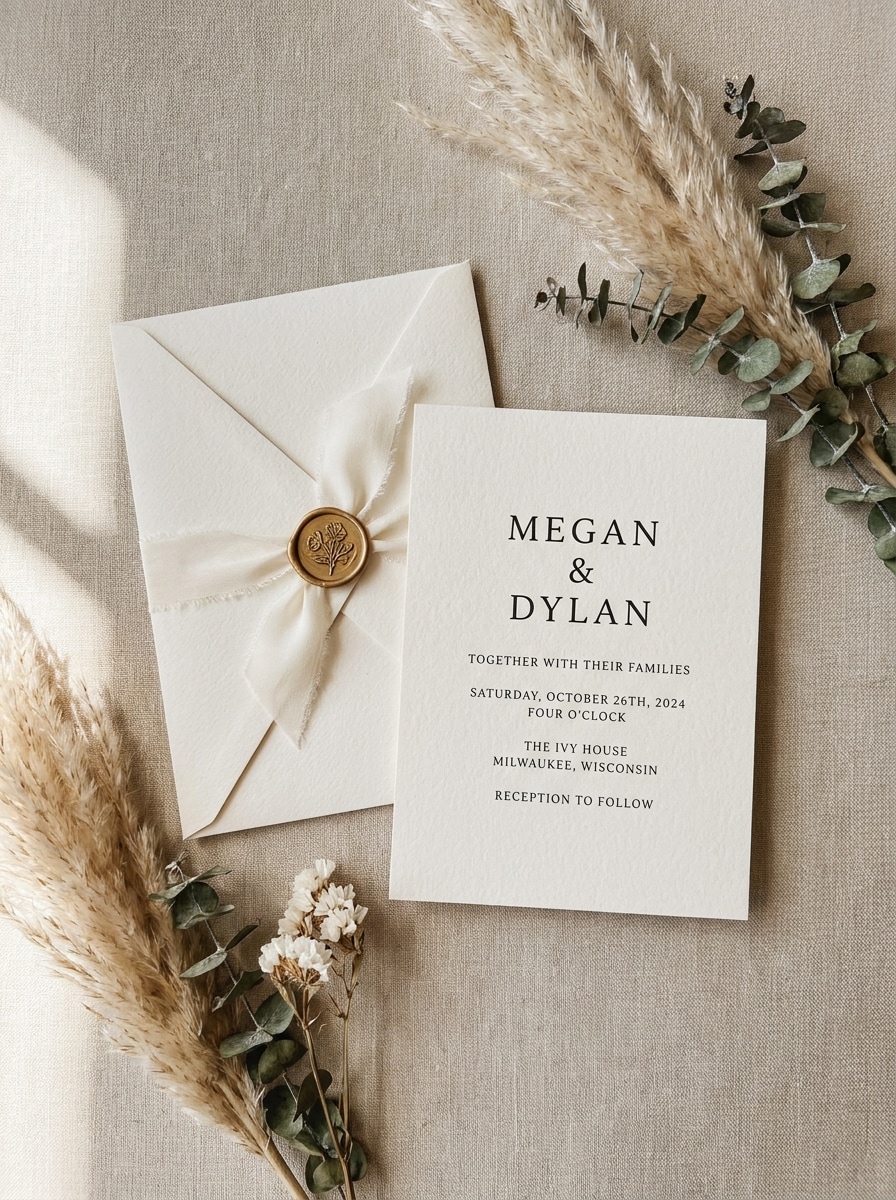
Dantelli Kenar Editoryal
Yüklenen görseli konu olarak kullanın ve dantelli kenarlı kağıt, yumuşak keten arka plan ve zarif zarf stiliyle güzel sanatlar düğün kırtasiyesi mockup'ına yeniden biçimlendirin. Net tipografi ve düzeni koruyun, hafif pencere ışığı, sığ alan derinliği, yumuşak gölgeler ve sıcak nötr tonlarda premium editoryal bir atmosfer ekleyin.
Temiz Stüdyo Kart Mockup'ı
Yüklenen davetiye tasarımını kullanın ve açık bir arka planda ortalanmış 5x7 kartla temiz modern bir stüdyo mockup'ına yerleştirin. Görseli keskin biçimde koruyun, net gerçekçi gölge, pürüzsüz kağıt dokusu, dengeli aydınlatma, minimal kompozisyon ve portföy veya müşteri incelemesi için uygun cilalı ticari bir sunum ekleyin.
Beyaz Masa Sahnesi
Yüklenen görseli kullanın ve kalem, zarf ve ataş gibi ince kırtasiye aksesuarlarıyla gerçekçi bir beyaz masa sahnesinde gösterin. Davetiye tasarımını doğru ve okunması kolay tutun, parlak gün ışığı, yumuşak gölgeler, düzenli kompozisyon ve temiz beyaz ve açık bej tonlarında modern bir marka estetiği kullanın.
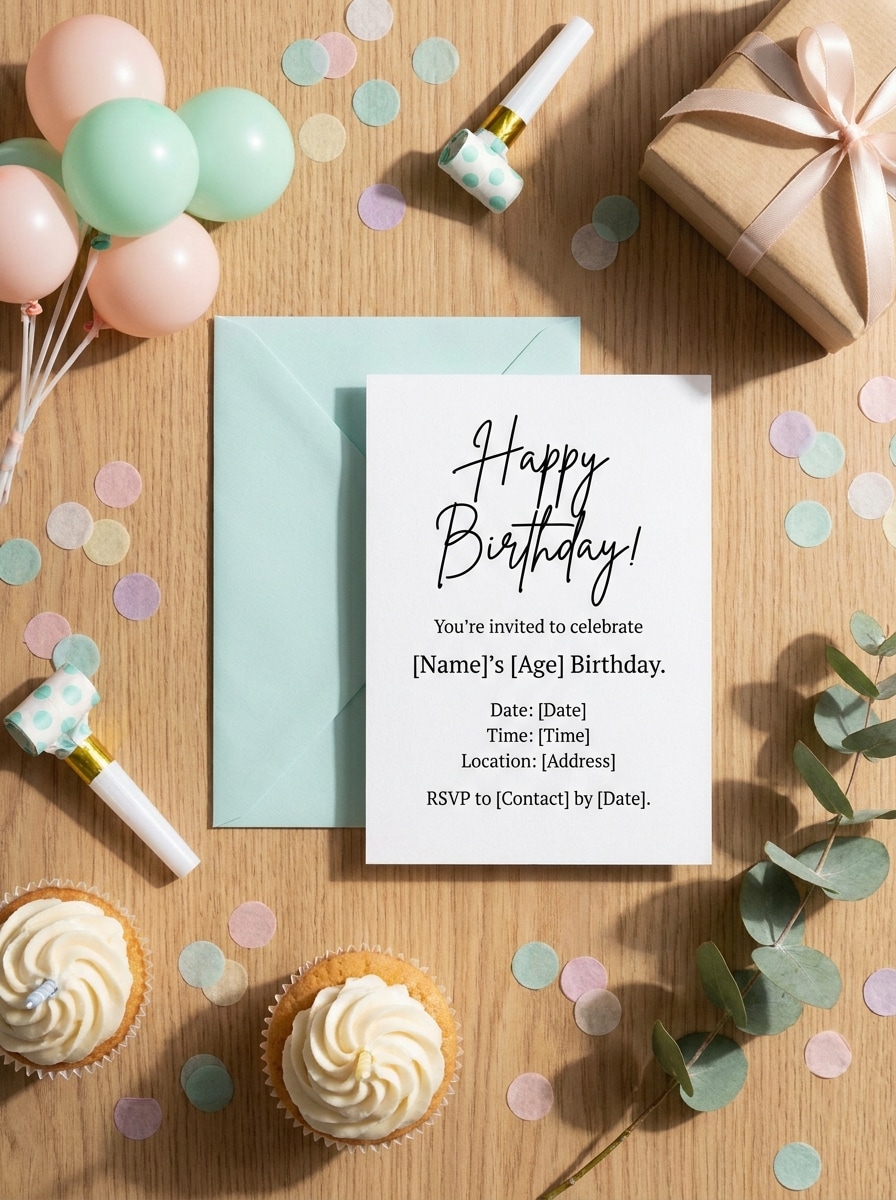
Doğum Günü Kutlama Sahnesi
Yüklenen kart tasarımını kullanın ve şık konfeti, eşleşen zarf ve renkli masa üstü aksesuarlarıyla şenlikli bir doğum günü davetiyesi mockup'ına dönüştürün. Orijinal tasarımı görünür ve net tutun; parlak neşeli aydınlatma, yumuşak gölgeler, gerçekçi kağıt dokusu ve eğlenceli pastel renklerde sosyal medyaya hazır bir kompozisyon kullanın.
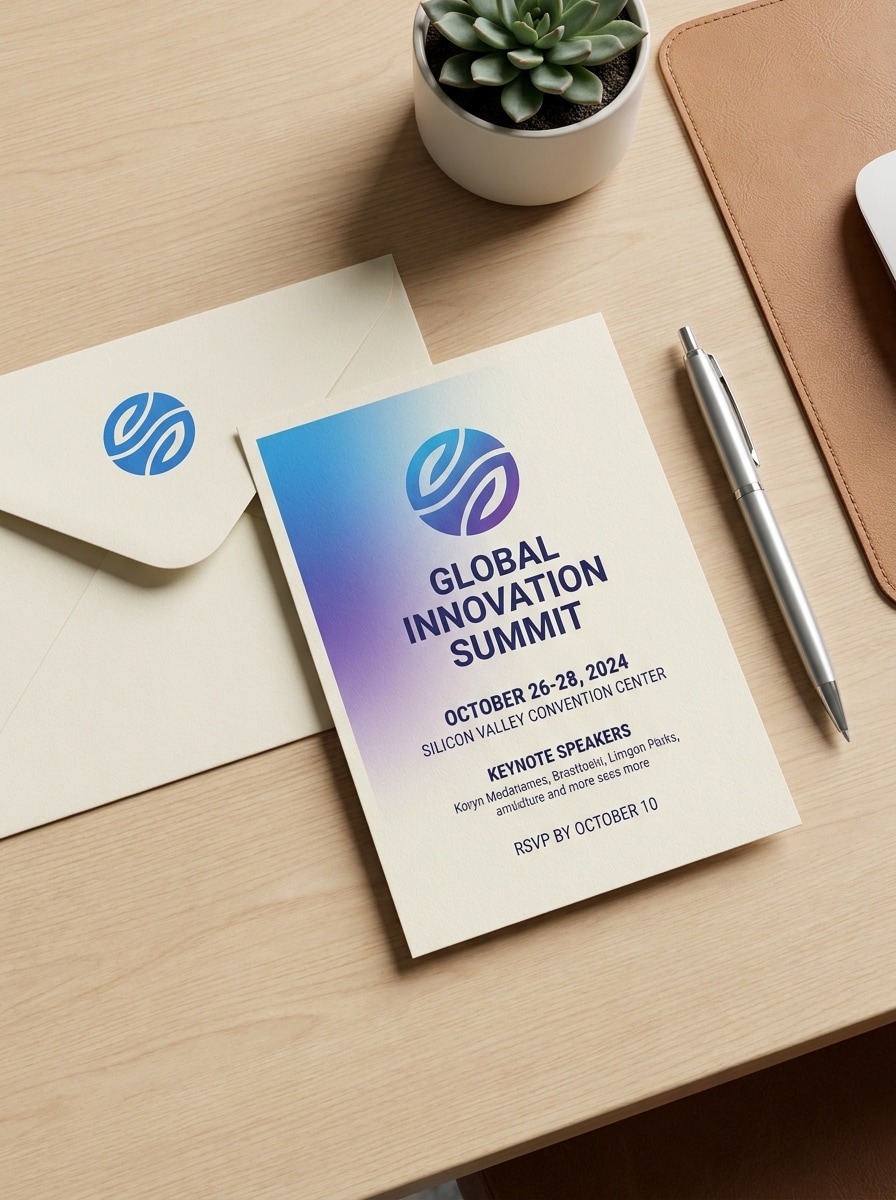
Kurumsal Etkinlik Daveti
Yüklenen daveti kullanın ve premium kağıt, düzenli zarf ve sade bir masa ortamıyla profesyonel bir etkinlik mockup'ına dönüştürün. Markayı ve metni keskin tutun, dengeli nötr aydınlatma, hafif gölgeler, temiz kompozisyon ve beyaz, antrasit ve sönük gri tonlarda cilalı bir kurumsal görünüm kullanın.
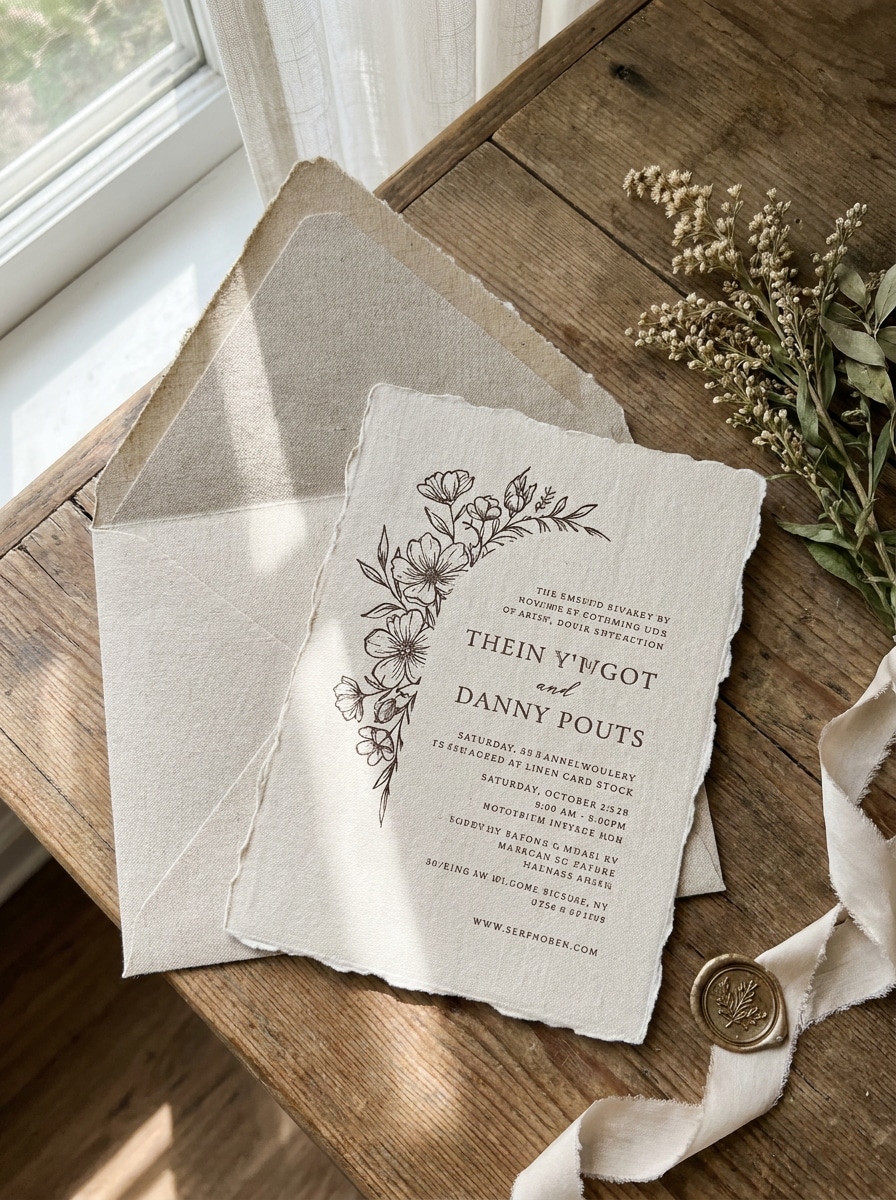
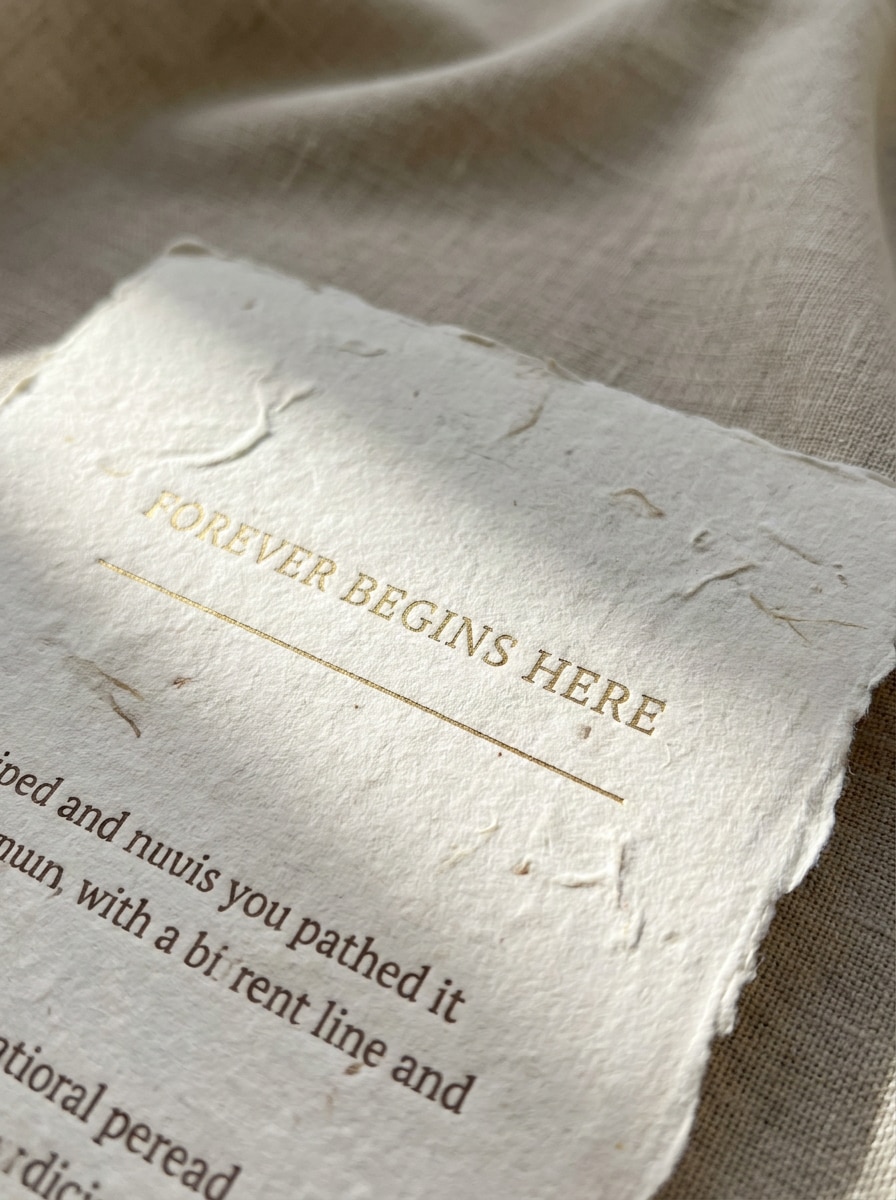
El Yapımı Kağıt Dokusu
Yüklenen görseli davetiye tasarımı olarak kullanın ve görünür lifler ve rafine baskı detayıyla gerçekçi el yapımı kağıt üzerinde render edin. Orijinal tasarımı net tutun, yumuşak yönlü aydınlatma, zarif nötr renkler, yakın çekim kompozisyon ve doku, işçilik ve dokunsal kaliteyi ön plana çıkaran premium kırtasiye gerçekçiliği kullanın.
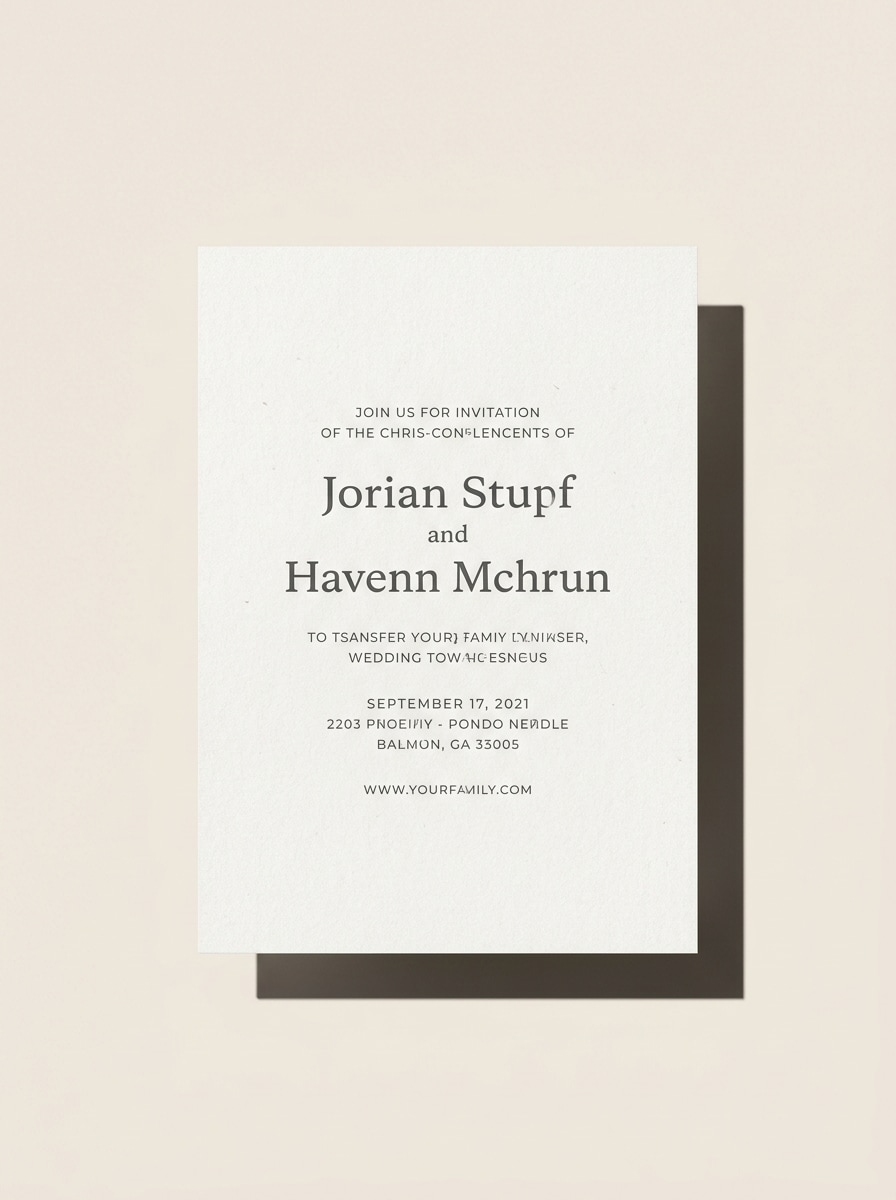
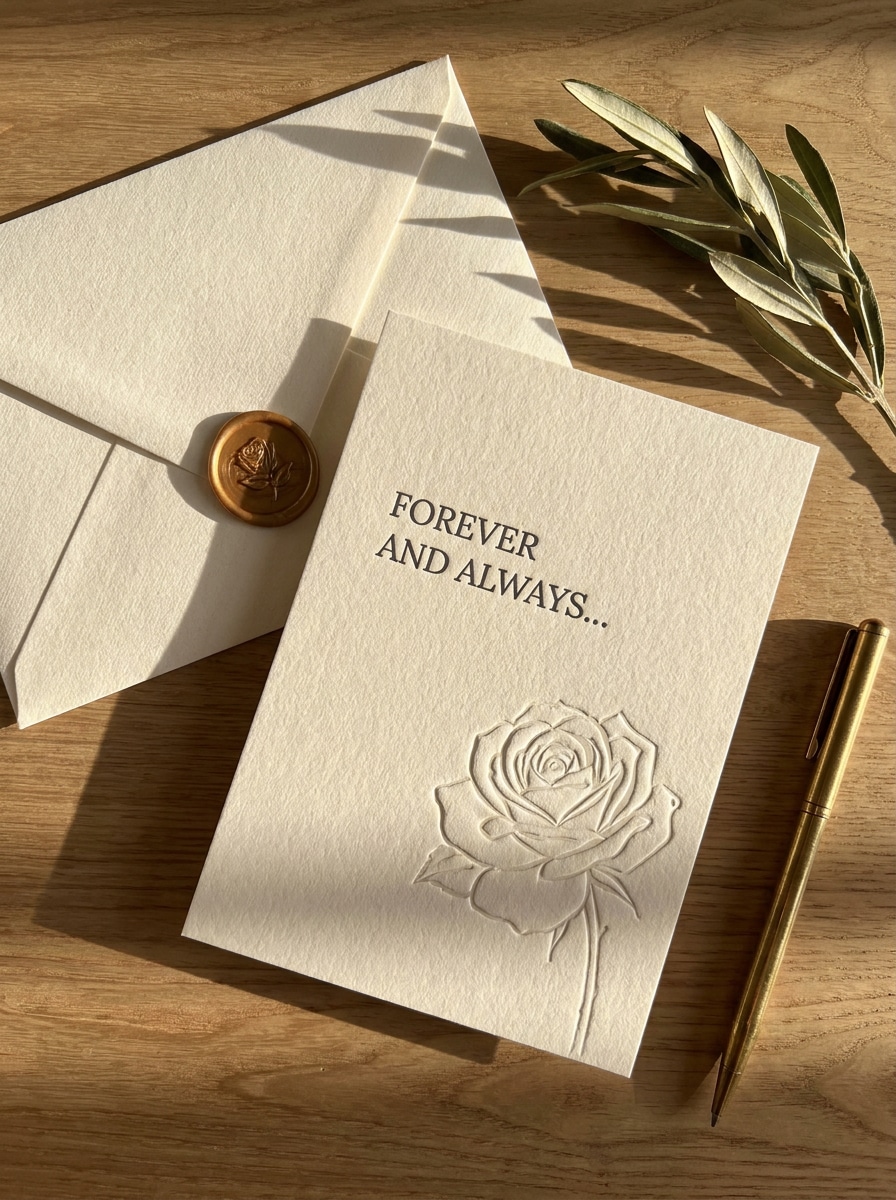
Letterpres Tarzı Önizleme
Yüklenen daveti temel olarak kullanın ve kalın pamuklu kağıt üzerinde premium bir letterpres kart gibi önizleyin. Orijinal ifadeyi ve hiyerarşiyi koruyun, hafif kabartma izi, ince gölgeler, zarif zarf stili, sıcak yumuşak ışık ve krem, fildişi ve sönük griyağı tonlarında lüks bir kırtasiye atmosferi ekleyin.
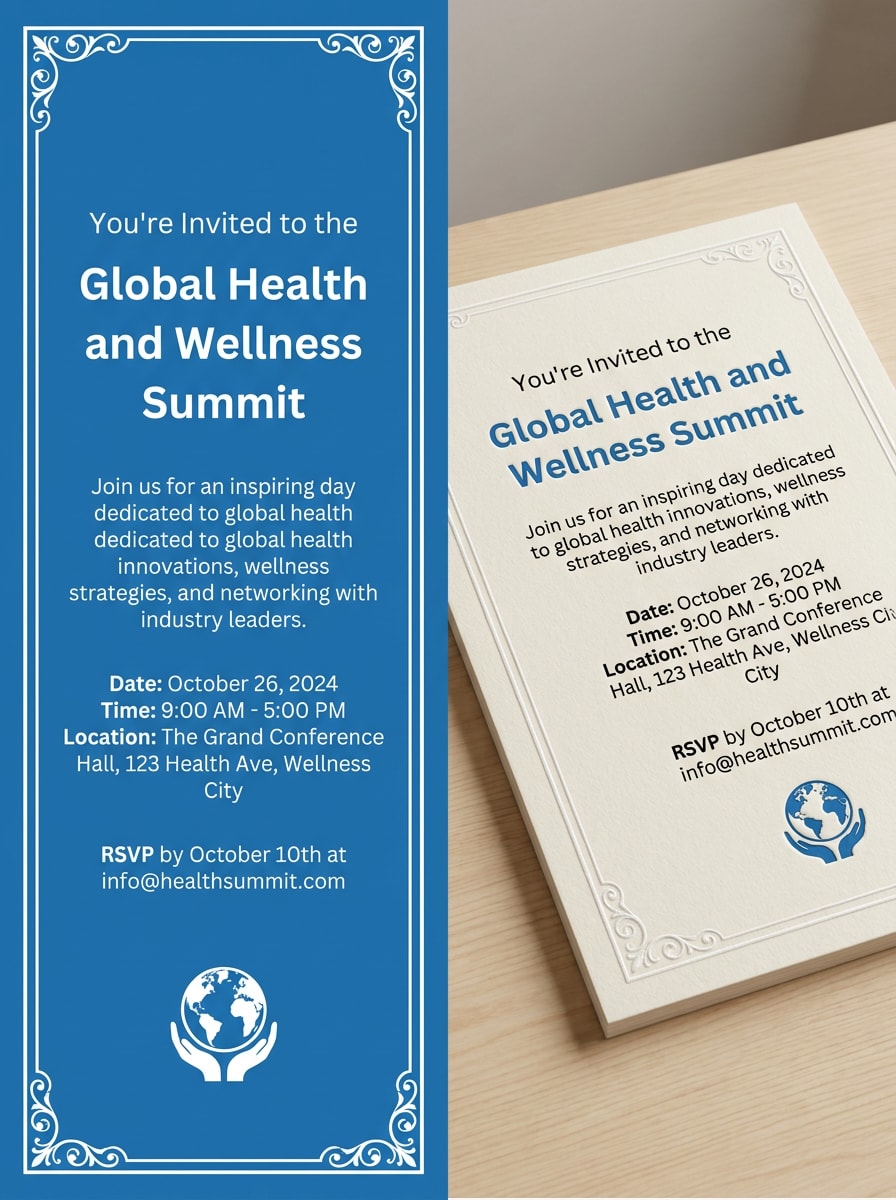
Önce ve Sonra Dönüşümü
Yüklenen tasarımı kullanın ve bir tarafta düz davetiyeyi, diğer tarafta tamamen stilize edilmiş gerçekçi mockup'ı gösteren yan yana dönüşüm görseli oluşturun. Kart görselini tutarlı tutun, net kompozisyon, dengeli aydınlatma, hafif kağıt dokusu ve sosyal içerik veya müşteri sunumları için uygun cilalı bir açıklama kullanın.
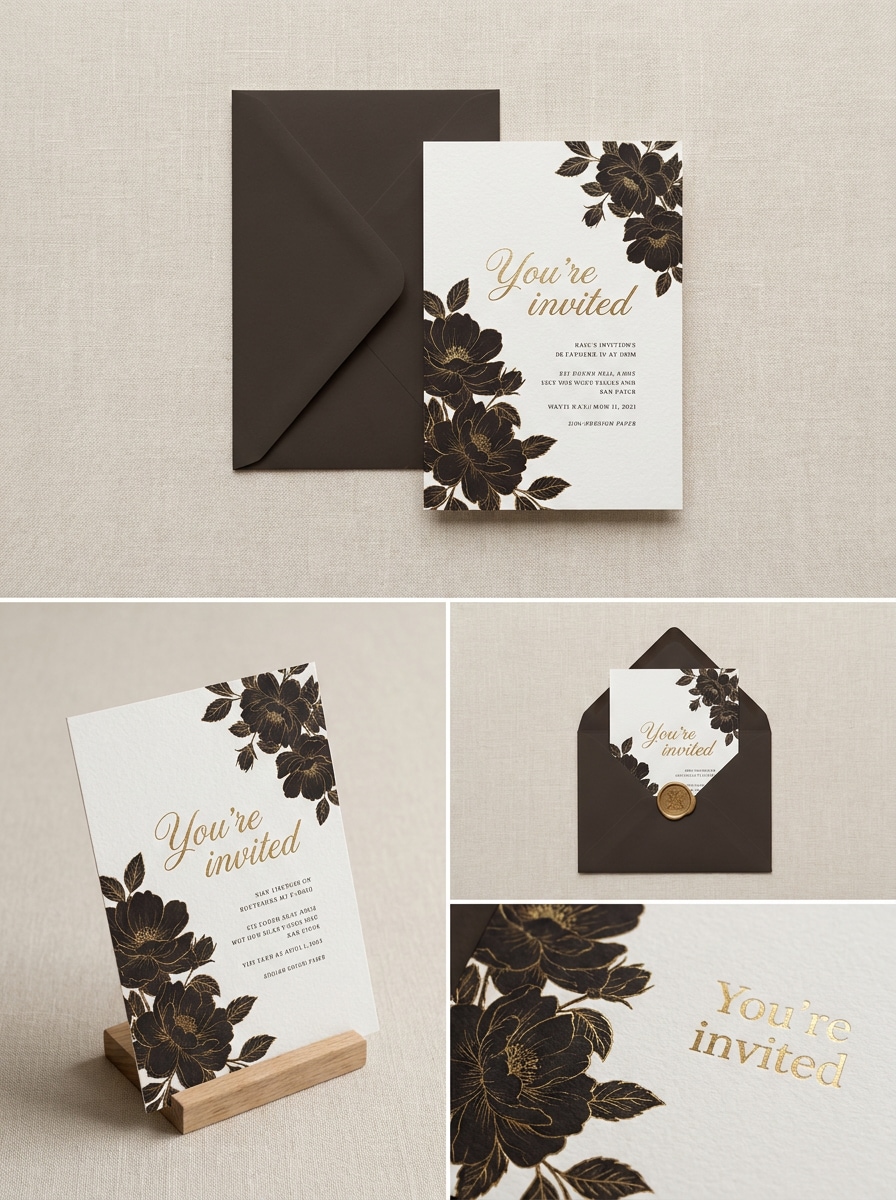
Çoklu Açı Mockup Seti
Yüklenen davetiye tasarımını kullanın ve tepeden düz çekim, açılı kart görünümü, zarf eşleşmesi ve yakın çekim detay görüntüsünden oluşan uyumlu bir mockup seti oluşturun. Tasarımı her karede tanınabilir tutun, tutarlı yumuşak aydınlatma, premium kağıt dokuları, zarif nötr renkler ve pazara hazır sunum için gerçekçi kırtasiye stili kullanın.
Davetiye Mockup'ları için Neden Media.io Kullanmalısınız
Görünümü Değiştirirken Kimliği Koruyun
Düğün setleri, doğum günü kartları veya etkinlik kırtasiyesi için Media.io, görselinizi yüklemenize ve orijinal tasarıma sadık kalan cilalı mockup sahnelerine dönüştürmenize olanak tanır; böylece fikirleri çok daha az manuel düzenlemeyle önizleyip sunabilirsiniz.
Her Sürüm için Doğru Stili Eşleştirin
Tek bir fikir genellikle birden fazla görünüm gerektirir. Media.io, aynı davetiye mockup'ını farklı stiller üzerinden yeniden yorumlamanıza yardımcı olarak her sürümün hedef yerleşimle daha iyi eşleşmesini sağlar. Bu, yaratıcı yönü daha geniş hissettirirken ek düzeltme çalışmalarını azaltır.
Tek bir daveti birçok yayın formatına uyarlayın
Her kanal için aynı tasarımı yeniden oluşturmak yerine, Media.io kartlar, mockup'lar, kapaklar ve sosyal medya varlıkları için davetiye görsellerini esnek en boy oranlarıyla yeniden şekillendirmenize yardımcı olur; bu da pazaryerleri, makaralar ve müşteri sunumları için tutarlı önizlemeler oluşturmayı kolaylaştırır.
Gerçek Projeler için Son Görselleri Keskin Tutun
Bazı sonuçların önizlemede iyi görünmekten fazlasını yapması gerekir. Media.io, 4K'ya kadar çıktıyla daha temiz davetiye mockup'ları oluşturmanıza yardımcı olur; böylece son görsel duvar kağıtlarında, sunumlarda ve mockup'larda kalitesini korur.
Çevrimiçi Davetiye Mockup'ı Nasıl Yapılır
Üç basit adımda kelimelerinizi çarpıcı görsellere dönüştürün, ardından daha ileriye götürmek istiyorsanız sonucu iyileştirmeye devam edin.
Adım 1
Referans Görselinizi Yükleyin
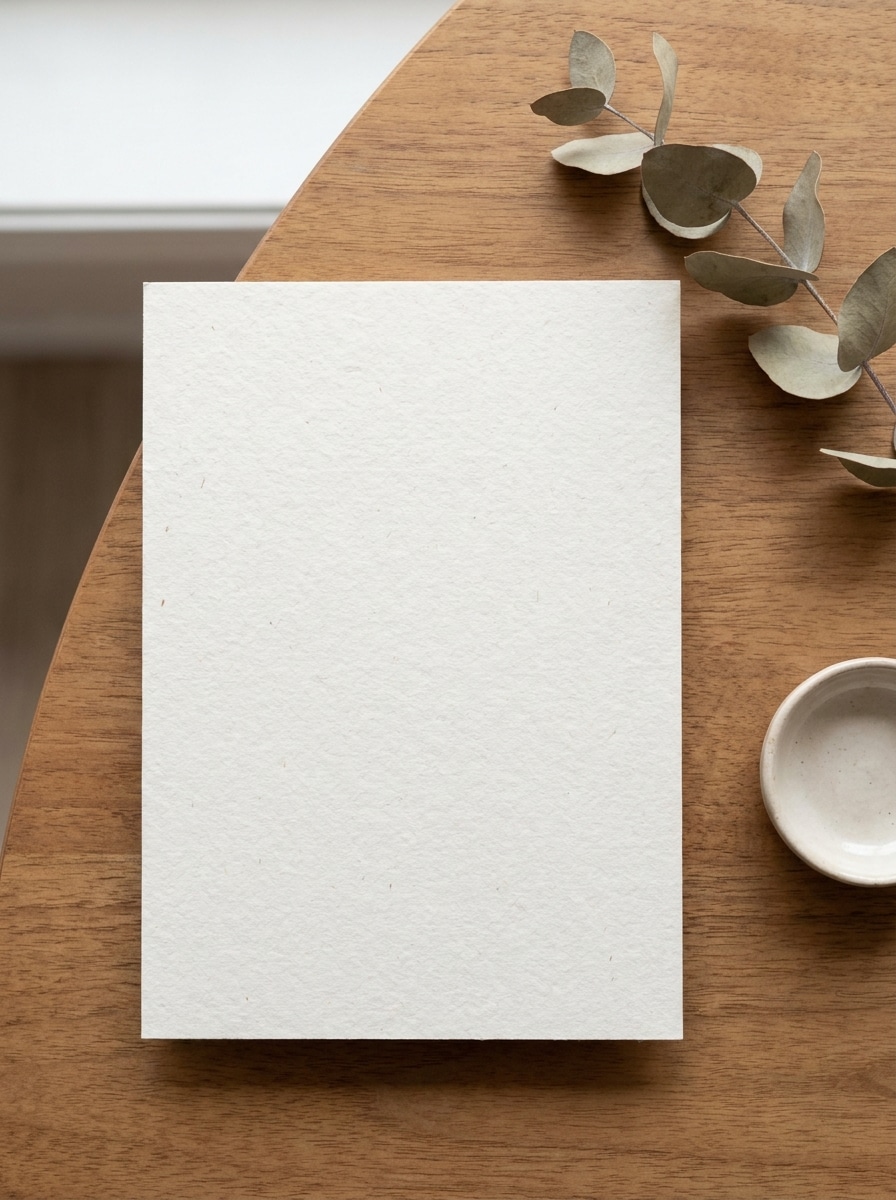
Davetiye tasarımınızın net bir JPG, PNG veya JPEG'ini yükleyin. Gerçekçi bir sahnede önizlemek istediğiniz düğün kırtasiyesi, doğum günü davetiyesi, etkinlik kartı veya 5x7 düzen için temiz ön yüzü gösteren bir görsel en iyi sonucu verir.
Adım 2
Değişikliği Tanımlayın ve Seçenekleri Belirleyin
Bej düz çekim, zarf sahnesi, dokulu kağıt veya temiz stüdyo görünümü gibi istediğiniz mockup stilini tanımlayan ayrıntılı bir komut girin. Ardından modelinizi seçin ve ihtiyacınız olan önizleme için en boy oranını, kaliteyi ve görsel sayısını ayarlayın.
Adım 3
Oluşturun, İndirin ve İyileştirmeye Devam Edin
Birden fazla varyasyon oluşturun, sonuçları karşılaştırın ve portföyünüze, mağazanıza veya müşteri onayına en uygun sürümü indirin. Gerekirse, aksesuarları, aydınlatmayı, dokuyu veya genel sunumu iyileştirmek için komutu düzenleyin ve yeniden oluşturun.
İçerik üreticilerinin bu Ücretsiz Davetiye Mockup'ını içerik, pazarlama ve kişisel projeler için nasıl kullandığını görün, ardından her fikri brifinize uyacak şekilde uyarlayın.
Müşterilere göndermeden önce düğün kırtasiyesini önizleyin
Baskıya geçmeden önce çiftlere, zarflar, kurdele ve dokulu kağıtla stilize düz çekimde bir setin nasıl görüneceğini gösterin. Bu, özellikle premium düğün markalaması, onay turları ve daha ikna edici bir portföy oluşturmak için son derece kullanışlıdır.
Dijital ürünler için cilalı mağaza görselleri oluşturun
Düzenlenebilir şablonlar veya yazdırılabilir davetiyeler satıyorsanız, gerçekçi ürün görselleri listelerin daha profesyonel ve güvenilir görünmesine yardımcı olur. Düz bir tasarımı pazaryerlerine, sosyal medya tanıtımlarına ve sezonluk kampanya gönderilerine uygun, sergiye hazır bir sahneye dönüştürebilirsiniz.
Doğum günü ve etkinlik konseptlerini hızlıca test edin
Tasarımcılar ve küçük işletmeler, görseli sıfırdan yeniden oluşturmadan bir kart yükleyerek farklı atmosferleri, aksesuarları ve yüzeyleri keşfedebilir. Bu, eğlenceli parti stilini, minimal kurumsal etkinlik önizlemelerini veya nötr masa üstü görünümlerini karşılaştırmanın hızlı bir yoludur.
Kullanıcılar Ne Diyor
Sophie M.
Düğün Kırtasiyesi Tasarımcısı
"Zarif müşteri önizlemeleri için mükemmel" Basit bir kart düzeni yükledim ve dakikalar içinde cilalı bir düğün kırtasiyesi önizlemesi elde ettim. Düz çekim sahneleri, tam PSD mockup iş akışına gerek kalmadan konseptimi çok daha premium gösterdi.
Daniel R.
Etsy Şablon Satıcısı
"Liste görselleri oluşturmanın hızlı yolu" Bu, davetiye şablonlarım için ürün görsellerini çok daha hızlı oluşturmama yardımcı oldu. Aynı yüklenen tasarımdan temiz stüdyo görünümlerini ve dokulu kağıt stillerini test edebildiğimi beğendim.
Alicia T.
Serbest Grafik Tasarımcı
"Hızlı konsept turları için iyi" Müşteriler etkinlik davetiyelerinin gerçek bir sahnede nasıl görünebileceğini görmek istediklerinde kullanıyorum. Revizyonlar sırasında zaman kazandırıyor ve karmaşık manuel kompozisyon olmadan birkaç sunum seçeneği sunuyor.
Marcus L.
Marka ve Etkinlik Danışmanı
"Hem masaüstünde hem mobilde kullanışlı" Varlıkları sık sık hareket halindeyken inceliyorum, bu nedenle tarayıcı tabanlı bir mockup oluşturucuya sahip olmak pratik. Sonuçlar temiz ve temel bir kaynak görselinden profesyonel görünümlü bir davetiye önizlemesi oluşturmak kolay.
Media.io, ücretsiz kullanıcıların ücretsiz krediler kullanarak davetiye mockup'ları oluşturmasına olanak tanır; böylece yükseltme yapmadan önce iş akışını test edebilirsiniz. Daha fazla kullanım veya filigransız yüksek çözünürlüklü indirmeler gerekiyorsa, fiyatlandırma sayfasında planları karşılaştırabilirsiniz. Ücretsiz kullanıcılar ücretsiz kredileri kullanabilir. Daha fazla kullanım için kullanıcılar fiyatlandırma sayfasında bir plana abone olabilir. Daha fazla kredi ve filigransız yüksek çözünürlüklü indirmeler için fiyatlandırma sayfasında ücretli bir plana yükseltin.
2. Davetiye tasarımımı gerçekçi bir mockup'a nasıl dönüştürürüm?
Davetiye görselinizi yükleyin, ardından düğün düz çekimi, zarf kurulumu veya temiz masa sunumu gibi istediğiniz sahneyi tanımlayın. Media.io, tasarımınızı gerçekçi bir mockup'a dönüştürmek için görüntüden görüntüye yapay zeka kullanırken stil, en boy oranı, kalite ve oluşturulan görsel sayısını ayarlamanıza olanak tanır.
3. Kendi görselimden düğün davetiyesi mockup'ı yapabilir miyim?
Kendi davetiye görselinizi yükleyebilir ve bir düğün kırtasiyesi sahnesi için referans görsel olarak kullanabilirsiniz. Media.io, görüntüden görüntüye oluşturmayı destekler; bu da mevcut bir tasarımı kağıt dokusu, zarflar veya editoryal düz çekim sunumuyla stilize bir mockup'a dönüştürmek için kullanışlı olmasını sağlar.
4. Davetiye kartı mockup'ı için hangi dosya türlerini yükleyebilirim?
Media.io bu iş akışı için JPG, PNG ve JPEG yüklemelerini destekler. Bu, kaydedilmiş bir tasarım taslağından, dışa aktarılmış kart görselinden veya gerçekçi bir mockup'a dönüştürmek istediğiniz başka bir görsel dosyasından başlamayı kolaylaştırır.
5. Mockup, orijinal tasarımımı ve metnimi net tutacak mı?
Media.io, yüklenen görselinizi referans olarak kullanacak şekilde tasarlanmıştır; amaç, yeni bir sunum stili uygularken ana tasarımı tanınabilir tutmaktır. Daha iyi netlik için keskin bir kaynak dosya yükleyin ve daha temiz önizlemeler gerektiğinde daha yüksek kaliteli çıktılar dahil mevcut çözünürlük seçeneklerini kullanın.
6. Bu davetiye mockup oluşturucuyu mobil veya masaüstünde kullanabilir miyim?
Media.io web tabanlıdır, dolayısıyla masaüstü veya mobil cihazlarda tarayıcı üzerinden kullanabilirsiniz. Bu, ayrı yazılım yüklemeden Windows, Mac, iPhone, iPad veya Android'de davetiye mockup'ları oluşturup inceleyebileceğiniz anlamına gelir. Media.io, tarayıcısı olan herhangi bir cihazda çalışan web tabanlı bir araçtır (Windows, Mac, iOS, Android).