Creations are stored for only 7 days. Assets created after upgrading to a Membership plan will be stored permanently.
Unlock your creative potential and experience the magic of Media AI right away!
Create a Diwali Poster With Photo in Festive AI Styles
Turn your portrait or family picture into a festive diwali poster with photo in minutes. Media.io helps you create glowing festival designs with diyas, rangoli, mandalas, and elegant lighting for social posts, greetings, and print-ready posters from your own image. This setup works well for diwali photo poster.
Review these example directions, then tailor the prompt details to get stronger results for a Diwali poster with photo in Media.io.
Golden Diya Glow
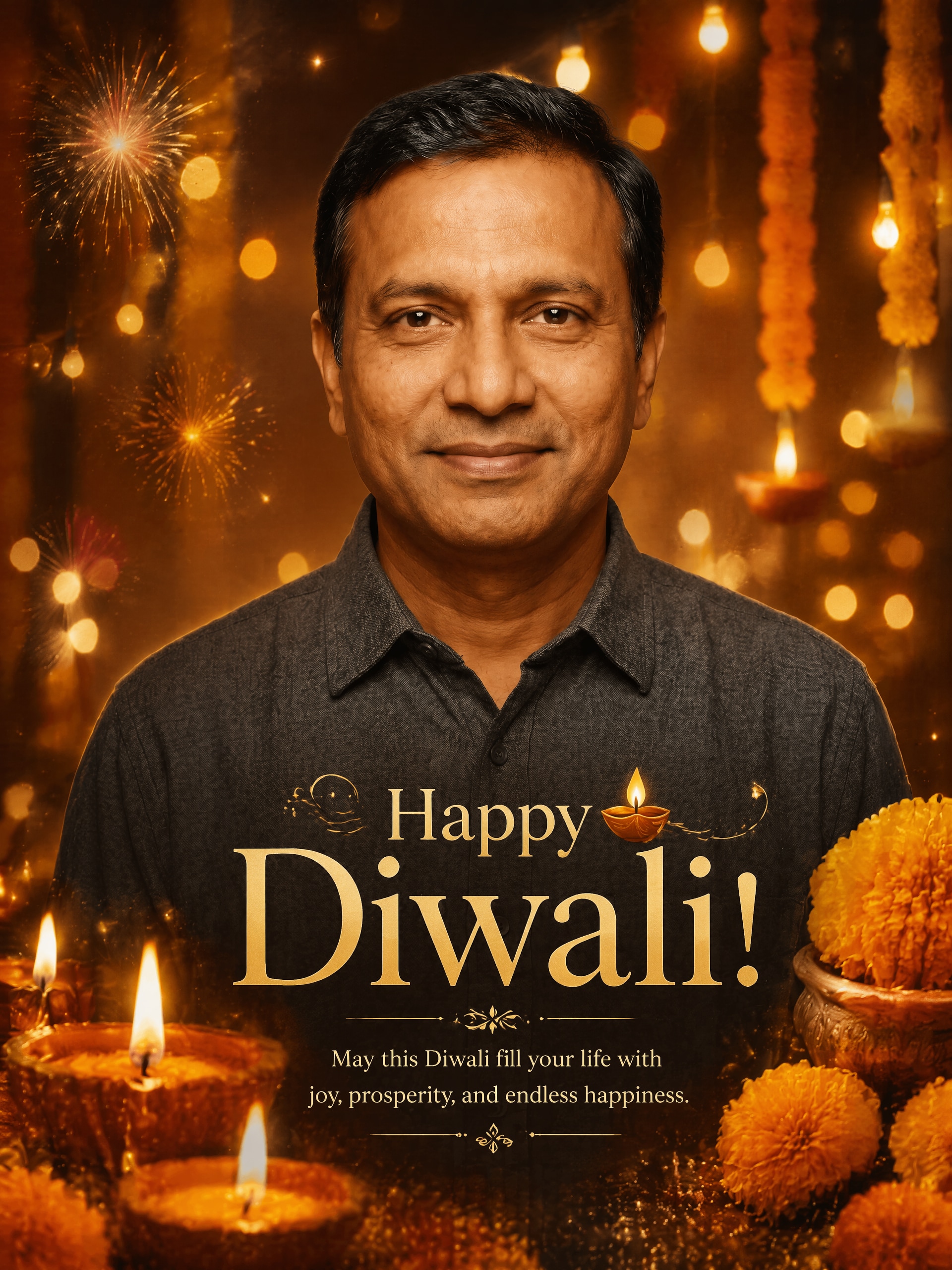
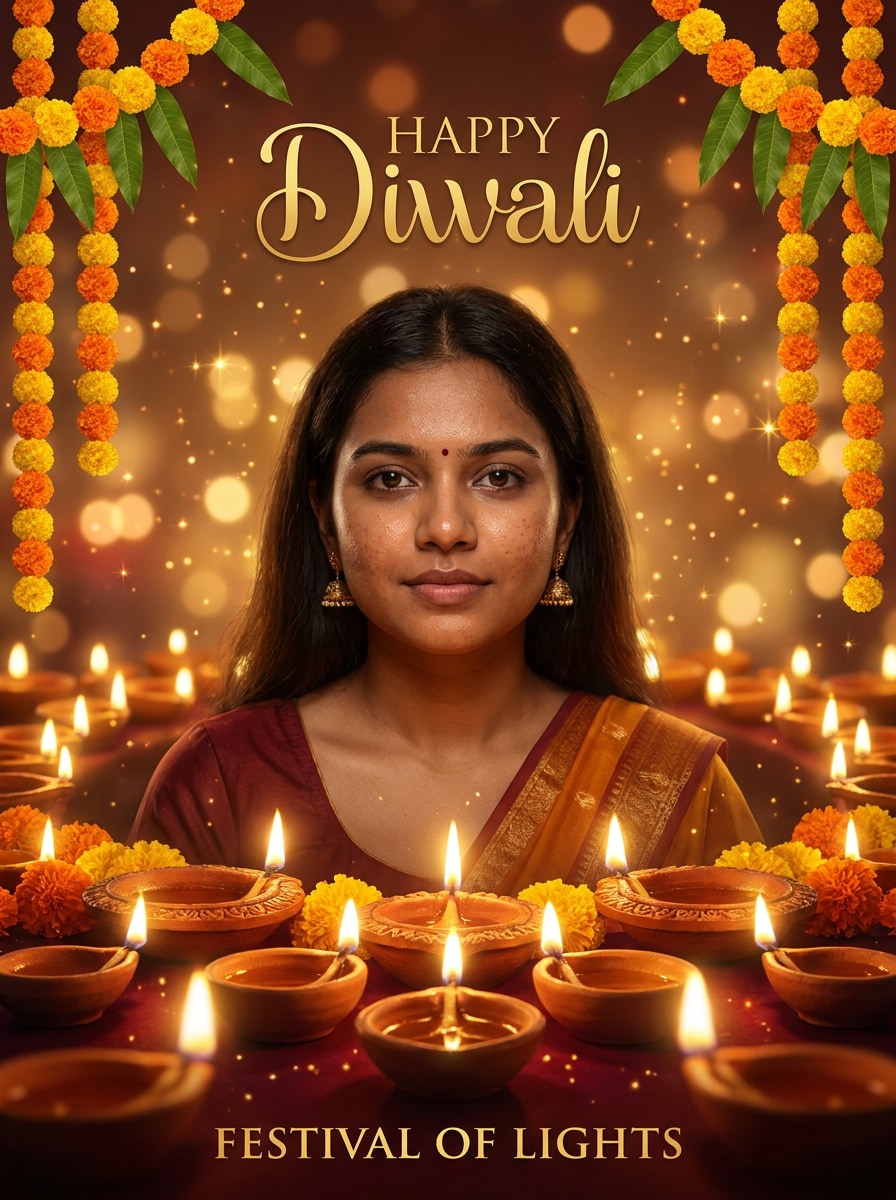
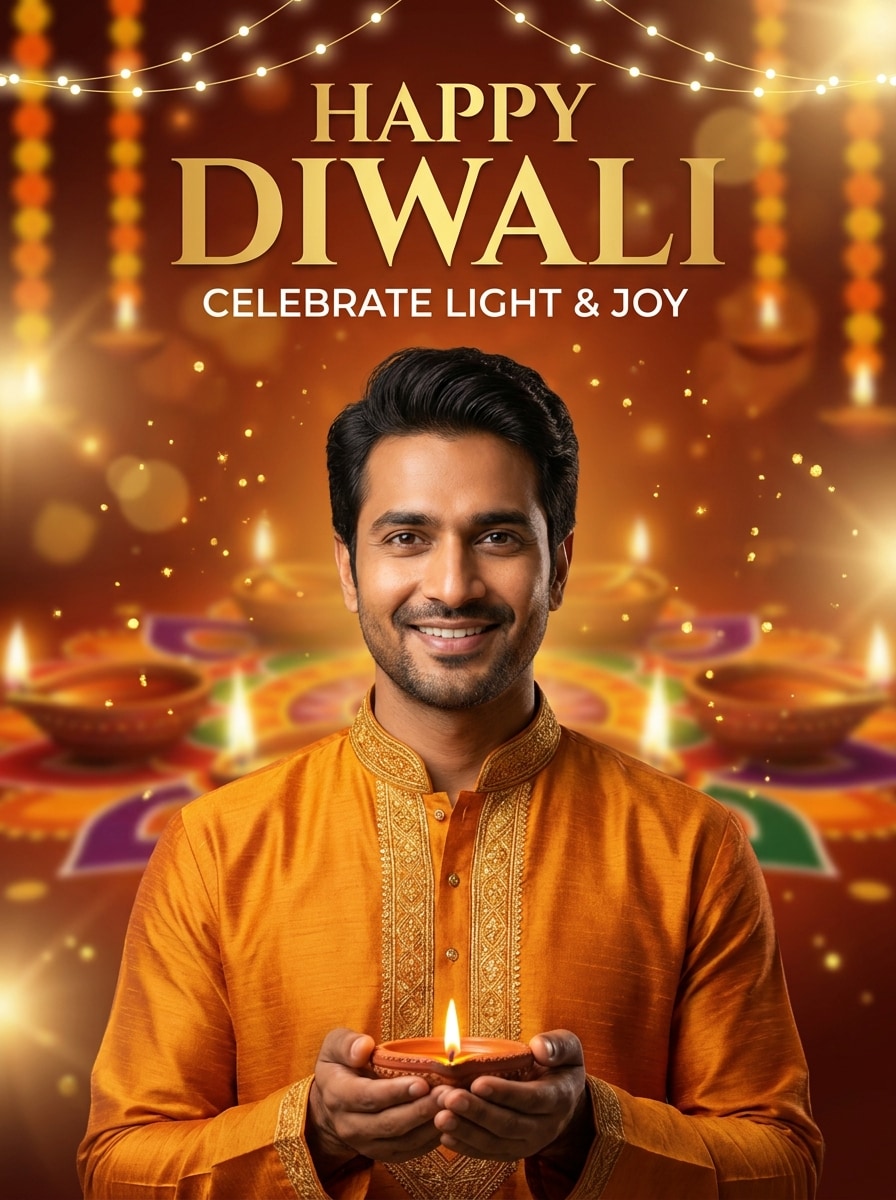
Use the uploaded image as the main subject and transform it into a warm Diwali poster. Keep the face realistic and recognizable, add glowing diyas in the foreground, soft golden bokeh, marigold flowers, festive sparkles, rich amber lighting, elegant poster composition, and a premium celebratory mood.
Royal Red and Gold Festival Poster
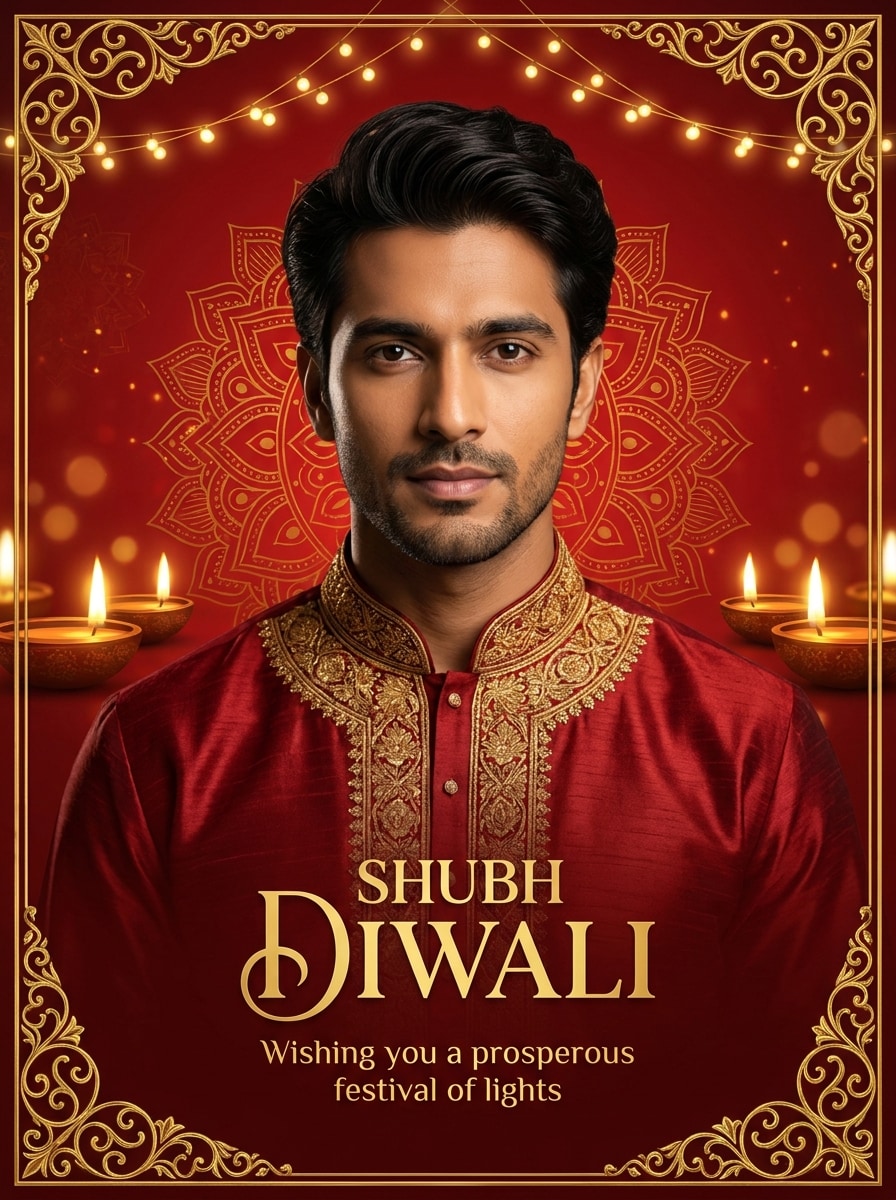
Use the uploaded photo as the hero portrait and redesign it into a luxurious Diwali poster with a deep red and gold palette. Add ornate borders, subtle mandala textures, warm festive highlights, refined shadows, and leave clean space for headline text while keeping the person natural and recognizable.
Instagram Festival Promo
Use the uploaded portrait and convert it into a modern Diwali social media poster. Keep the subject clear and realistic, add saffron and gold festival tones, floating sparkles, stylish light flares, a sleek graphic layout, and a bright celebratory atmosphere suitable for Instagram promotion or greeting posts.
WhatsApp Status Style Poster
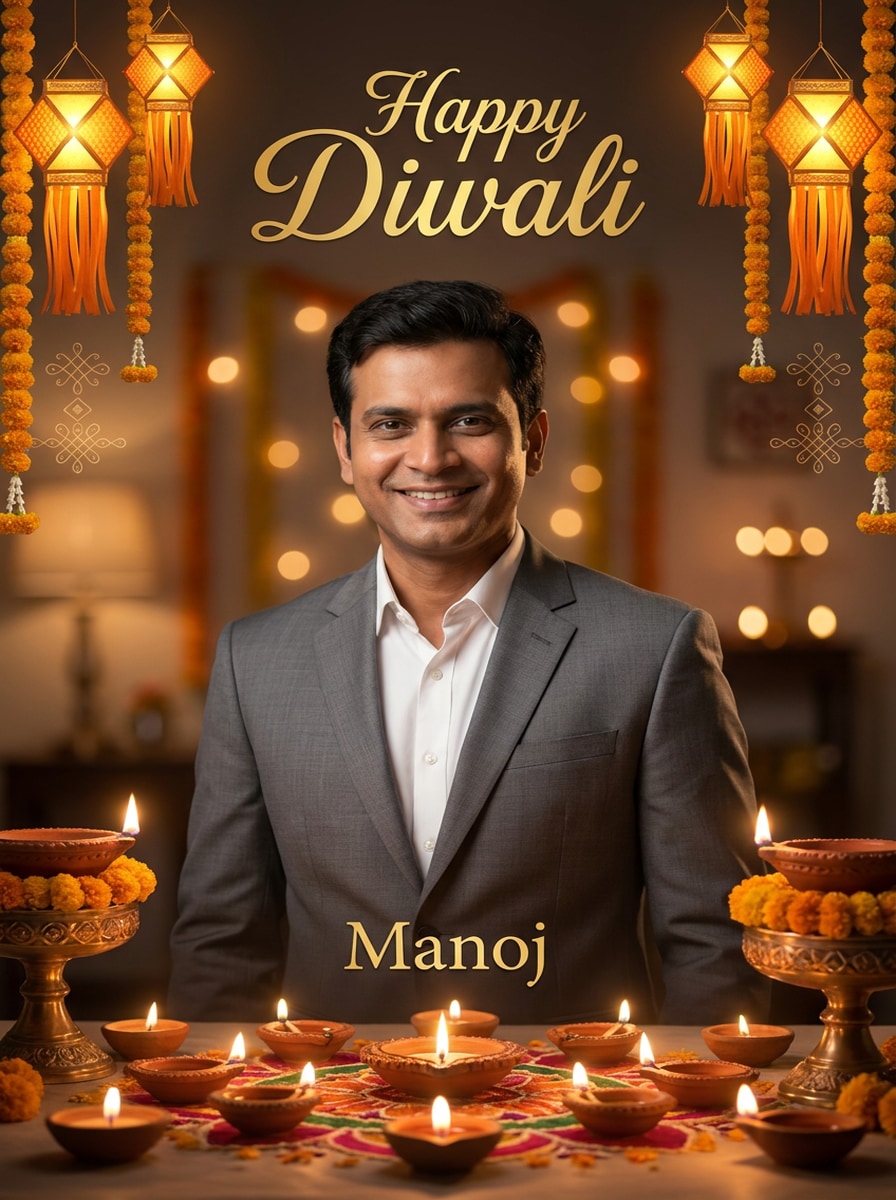
Use the uploaded image as the subject and create a vertical Diwali greeting poster for mobile sharing. Preserve facial features, add warm diya light, subtle decorative motifs, glowing lantern accents, soft background blur, and a clean center-focused composition designed for WhatsApp status and story-style viewing.
Rangoli Border Poster
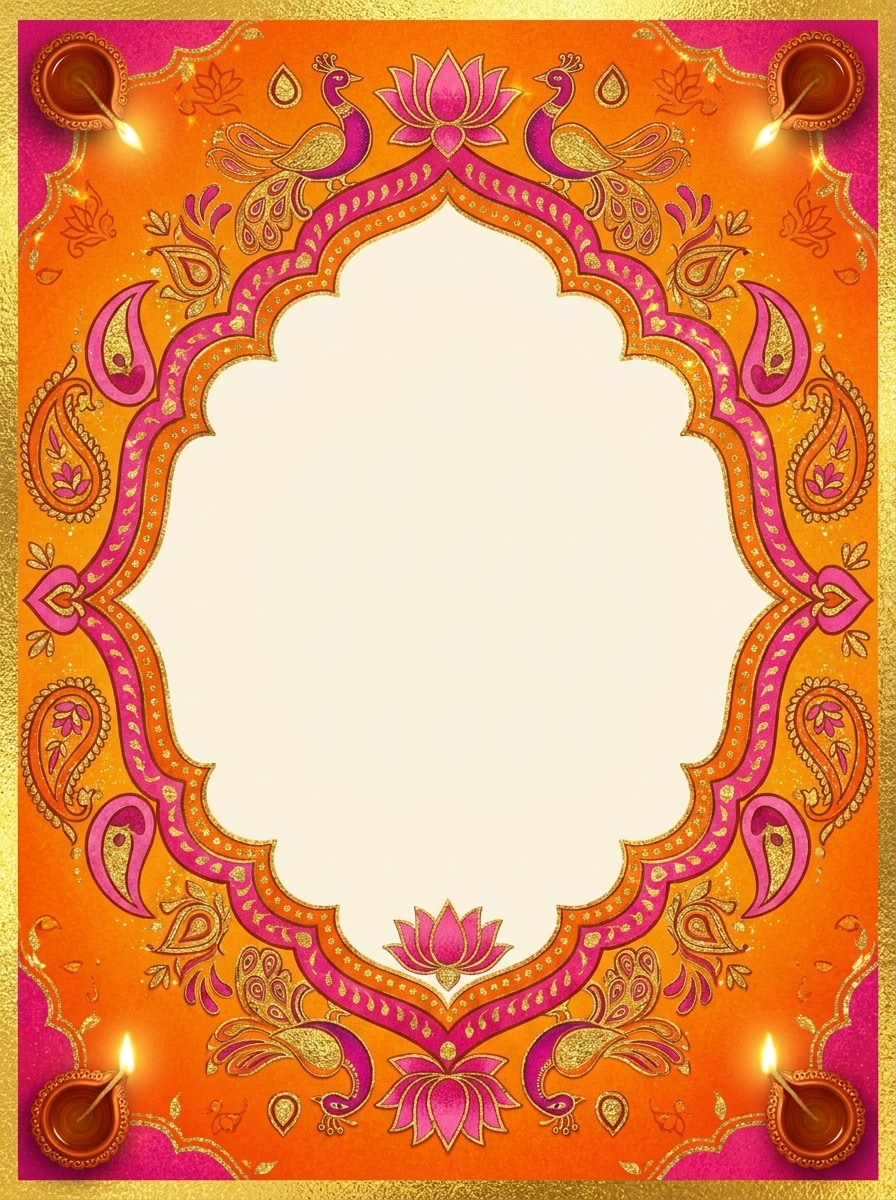
Use the uploaded photo as the central portrait and turn it into a Diwali poster framed by colorful rangoli artwork. Keep the face realistic, add diya decorations, symmetrical border design, festive textures, warm lighting, and a joyful Indian festival mood with a polished poster finish.
Mandala Frame Portrait
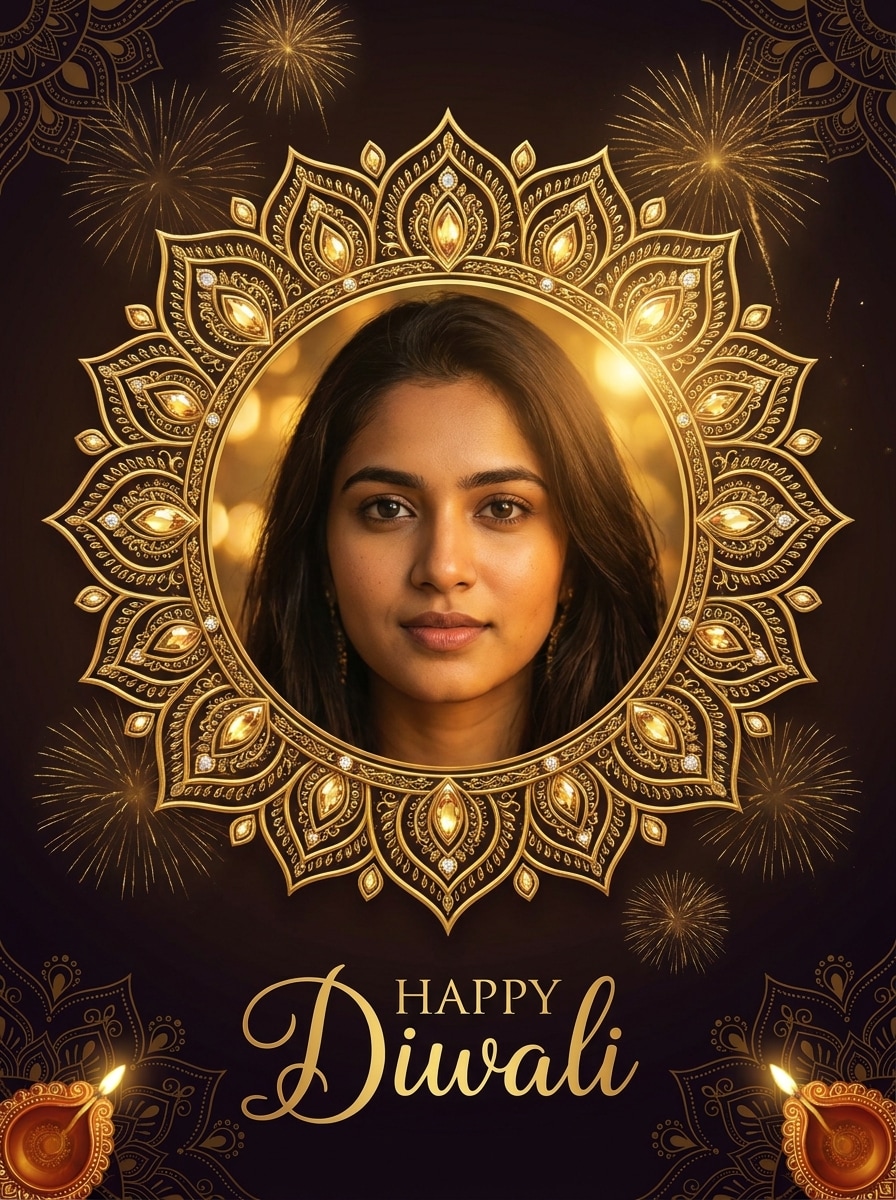
Use the uploaded image as the subject and create a refined Diwali poster with an intricate mandala frame. Keep the person recognizable, add golden festive glow, subtle fireworks, decorative Indian motifs, smooth skin detail, and a premium composition that feels elegant, celebratory, and poster-ready.
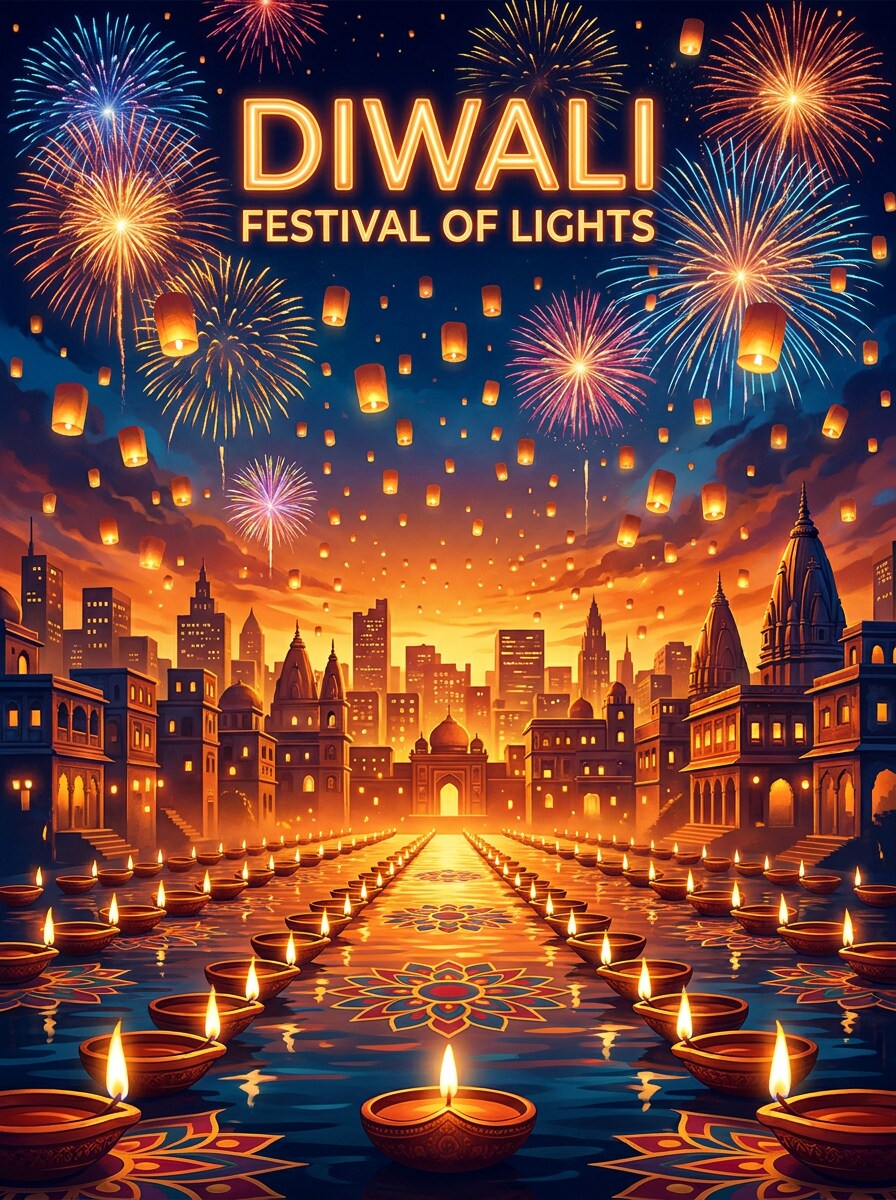
Fireworks Night Scene
Use the uploaded portrait and transform it into a dramatic Diwali night poster. Preserve the subject clearly, add a deep blue sky, glowing fireworks, cinematic rim light, festive city sparkle, rich gold highlights, and a bold poster composition with strong contrast and celebration energy.
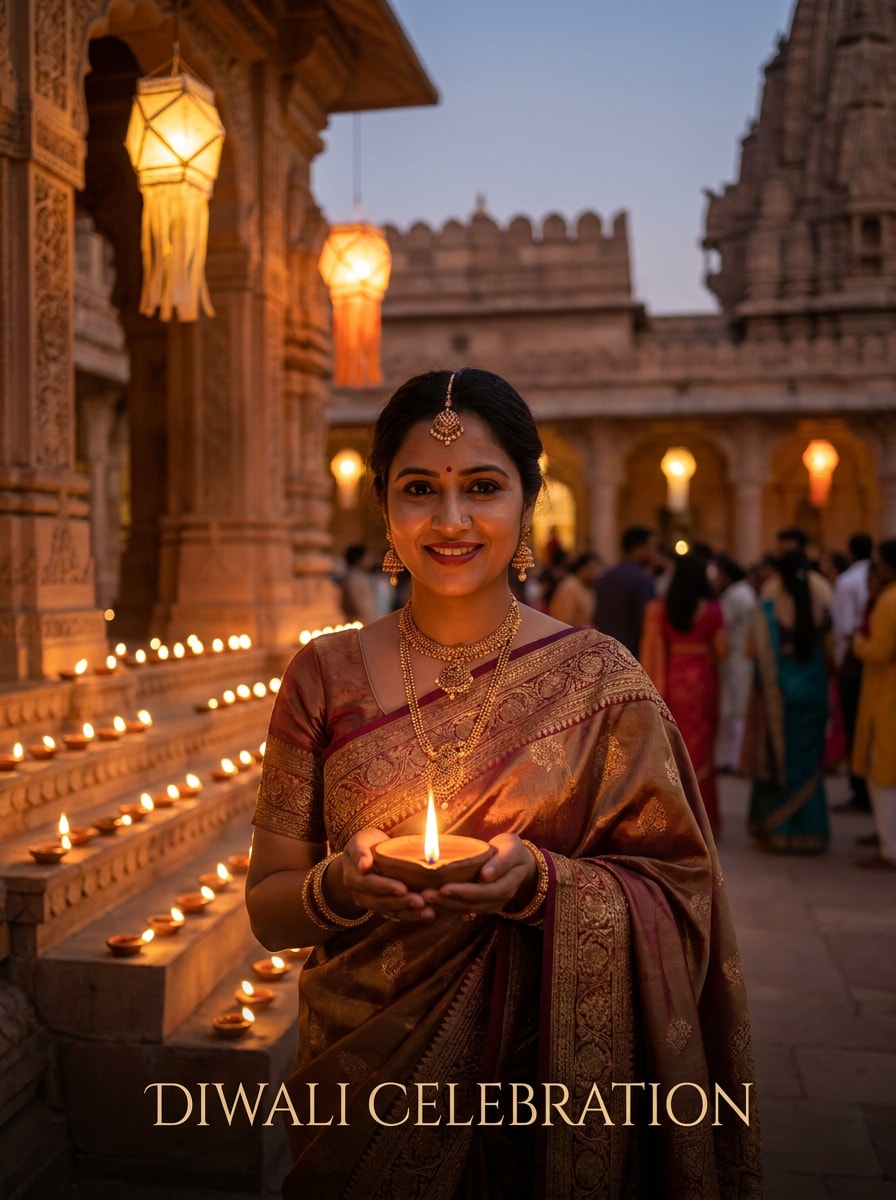
Temple Light Festival Scene
Use the uploaded image as the main subject and place it in a serene Diwali celebration scene near a softly lit temple. Keep identity intact, add rows of diyas, lantern glow, warm cinematic haze, elegant architecture, and a balanced poster layout with a calm, devotional festive mood.
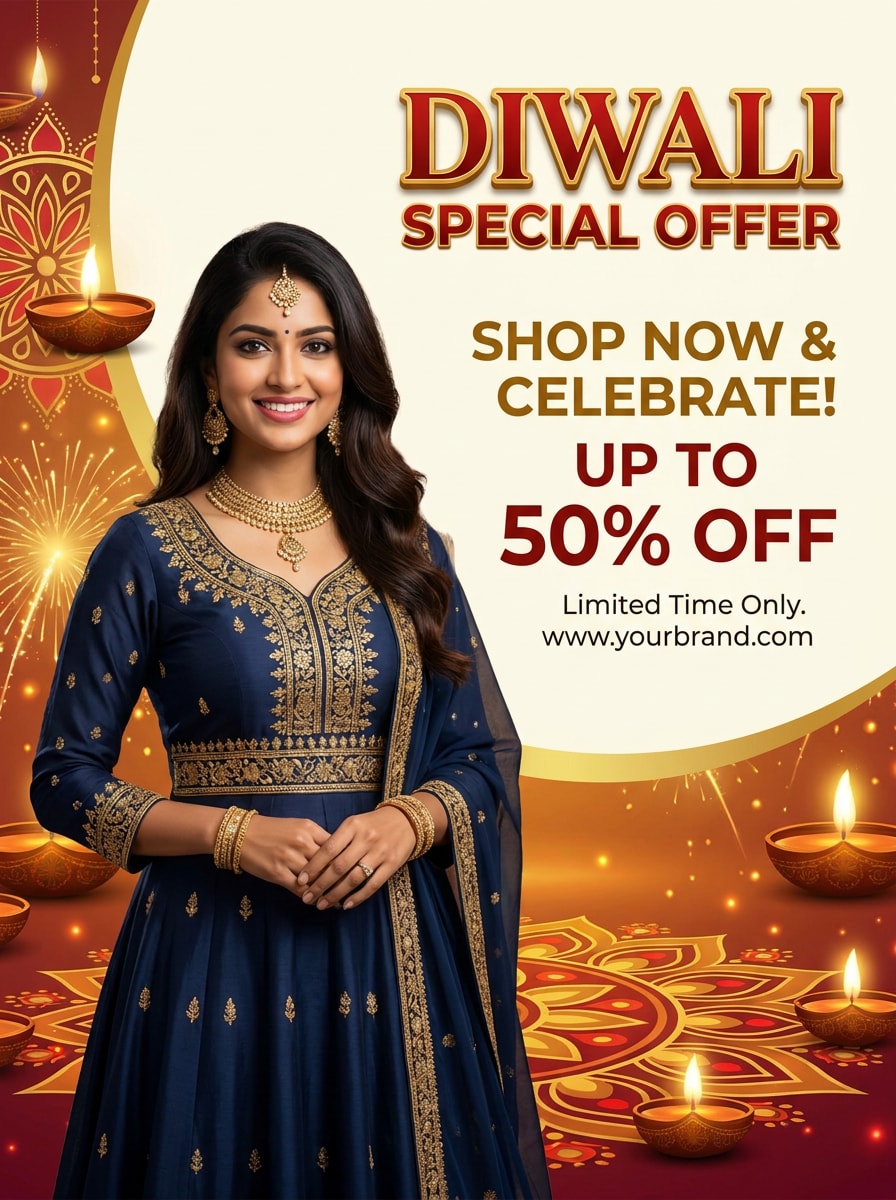
Business Offer Diwali Poster
Use the uploaded photo as the featured person in a commercial Diwali poster. Keep the face recognizable, add a festive gold-red palette, celebratory lighting, stylish background elements, and clean negative space for sale or offer text so the design feels bold, professional, and promotional.
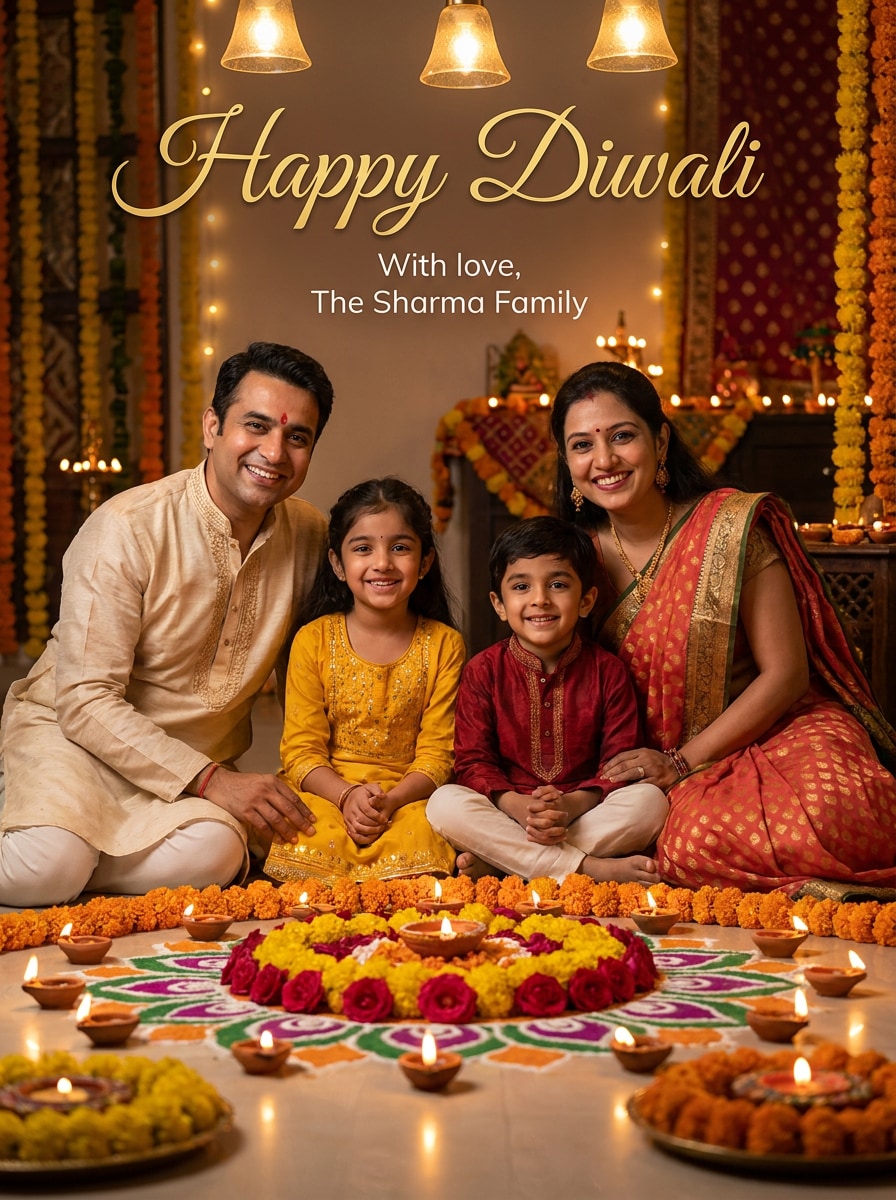
Family Greeting Card Poster
Use the uploaded family photo and transform it into a warm Diwali greeting poster. Keep every face recognizable, add glowing diyas, floral decorations, soft festive light, gentle sparkles, a balanced composition, and a welcoming greeting-card-meets-poster style suitable for sharing or printing.
Why Use Media.io for Diwali Photo Poster Creation
Personalize Results Around a Reference Subject
For personal greetings, campaign creatives, or diwali poster with my photo designs, Media.io uses your uploaded image as a reference so the subject stays recognizable while the background, lighting, and festival elements shift into a polished Diwali look.
Explore Different Looks Without Losing Direction
When style is part of the decision-making, Media.io helps you compare multiple directions from the same diwali poster with photo base, which makes creative selection more efficient.
Build Posters for Print, Stories, and Social Sharing
If one concept has to cover more than one publishing need, Media.io helps adjust the output for different layouts so the final assets feel more format-aware and ready to use.
Create High-Resolution Images for Real Use
When a diwali poster with photo is headed for real publishing use, Media.io gives you sharper output up to 4K, which helps the image stay clear across presentations, backgrounds, and reused assets.
How to Make a Diwali Poster With Your Photo
1
2
3
1
Step 1: Open Media.io AI Image Generator
Go to AI Image to Image Generator and open the AI Image Generator under AI -> AI Image Generator. This online tool runs in your browser, so you can create a festive poster from your photo without installing design software.
2
Step 2: Upload Your Photo and Enter a Prompt
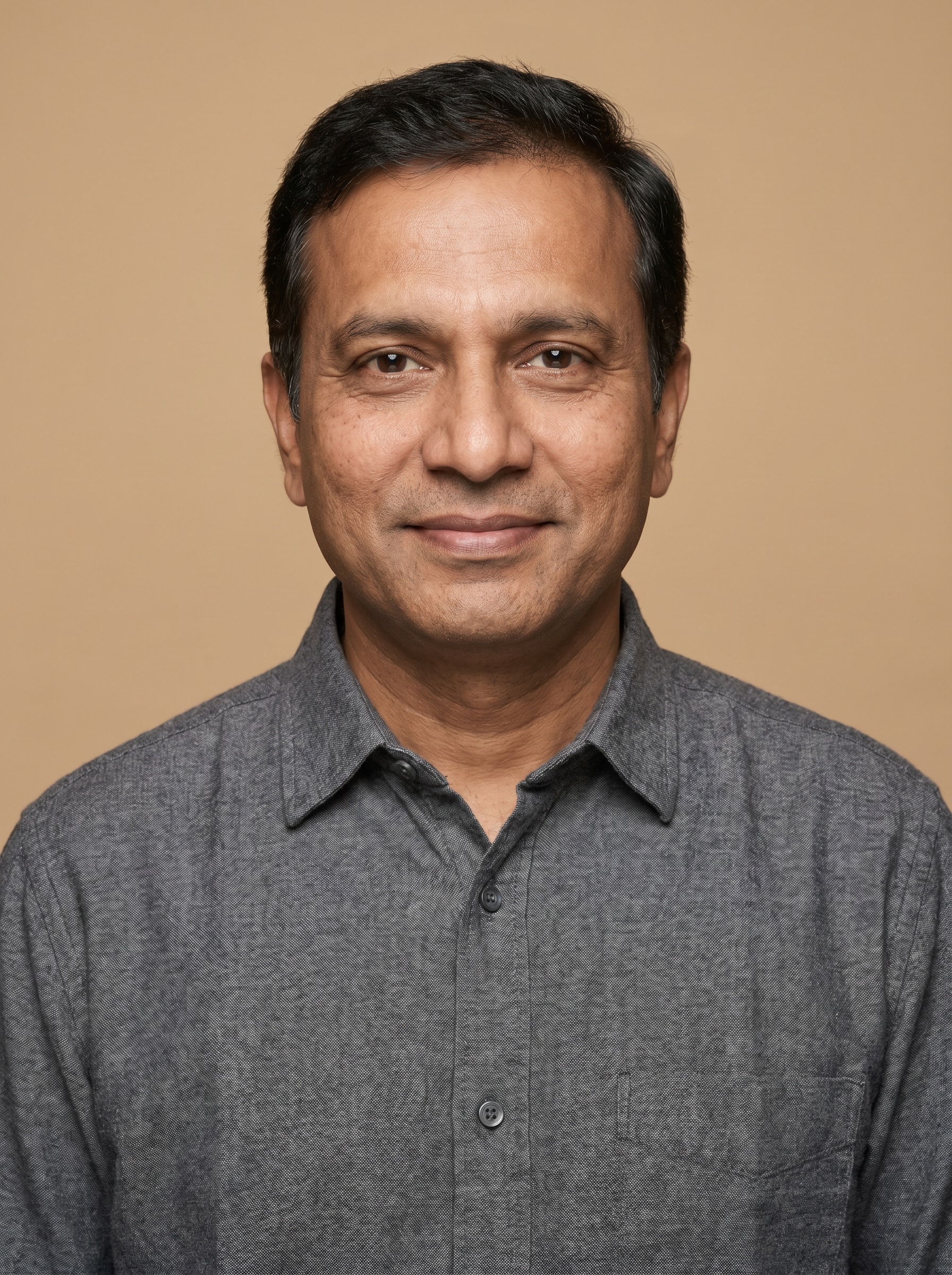
Upload a portrait or family photo, then type a detailed prompt like: "Use my uploaded image as the subject and turn it into a Diwali poster with glowing diyas, gold light, rangoli border, and elegant festive background." Adjust style and aspect ratio for poster or story format.
3
Step 3: Generate, Refine & Download
Click Generate. Review the result, tweak the prompt or settings if needed, and download your high-resolution Diwali poster for printing, WhatsApp sharing, or social posting.
Unlock the Potential of Diwali Poster Making With My Photo
See how creators use this Diwali Poster With Photo for content, marketing, and personal projects, then adapt each idea to fit the brief.
Personal festival greetings that look professionally designed
Turn a regular portrait into a polished celebration visual for festive wishes, digital invites, or a diwali poster making with my photo project. Media.io makes it easy to create something more personal than a generic template while still keeping the result stylish and seasonal.
Family posters for sharing across print and mobile
Create warm group visuals from one uploaded image for greeting cards, home prints, WhatsApp status, or story posts. Media.io helps turn a family picture into a festive Diwali poster with photo that feels memorable as a keepsake instead of a standard holiday banner.
Promotional creatives for shops, events, and local campaigns
Use your portrait in a branded festive design for Diwali sale announcements, event invites, or local business marketing. Media.io helps make a custom diwali poster photo feel more authentic, especially for store owners, creators, and community organizers.
What Users Say About This Diwali Poster Tool
Aarav Mehta
Small Business Owner
"Perfect for festive promotions" I uploaded my own portrait and got a Diwali sale poster that looked far better than the usual template edits. The lighting and festive background felt premium, and it was fast enough for same-day social posting.
Priya Sharma
Content Creator
"My face still looked like me" What I liked most was that the final design kept my features recognizable. I used it for a Diwali greeting post and story, and the diya glow plus gold tones made the image look festive without feeling overedited.
Rohan Kulkarni
Event Organizer
"Useful for both poster and phone formats" We needed one design for print and another for WhatsApp sharing. Media.io made it easy to create a clean festival poster from a photo and then adjust it for vertical mobile use.
Neha Verma
Parent
"Great for family greetings" I turned a family picture into a warm Diwali greeting poster with candles, flowers, and soft festive light. It felt personal, and the result was good enough to share digitally and print for relatives.
1. How can I make a Diwali poster with my photo online?
Open Media.io in your browser, upload a JPG, PNG, or JPEG photo, and enter a prompt describing the festive poster style you want. You can create a glowing Diwali poster with my photo by adding details like diyas, rangoli, mandalas, warm gold lighting, fireworks, or even a diwali poster with photo and name, then generate and download the result.
2. Can I create a Diwali poster with photo for free?
Yes, free users can try Media.io with available free credits. If you need more generations or want watermark-free high-resolution downloads, you can check the pricing page for paid plans.
3. What photo works best for an AI Diwali poster maker?
A clear, well-lit image with the face easy to see usually works best. For stronger results in a diwali poster photo edit workflow, choose a high-quality portrait or group shot with minimal blur, balanced lighting, and a simple background so Media.io can preserve the subject more cleanly during the festive transformation.
4. Can I turn a family photo into a Diwali poster?
Media.io can use a family image as the reference photo, so you can create a warm festive poster with glowing diyas, floral accents, and a greeting-style layout while keeping the group recognizable. This is especially useful for a shared holiday card, family banner, or printable celebration design.
5. Will the final Diwali poster be high resolution for printing?
Media.io offers 1K, 2K, and 4K resolution options, which helps when you want sharper output for print use. You can also adjust the aspect ratio to better fit poster layouts, cards, or social formats before downloading the final image. Free users may have watermarks.
6. Can I make a festival poster with photo on my phone?
Media.io is web-based, so you can create a festival poster with photo on a phone, tablet, or computer as long as you have a browser. That makes it convenient for quick edits, mobile uploads, and sharing your final design directly to social apps.