
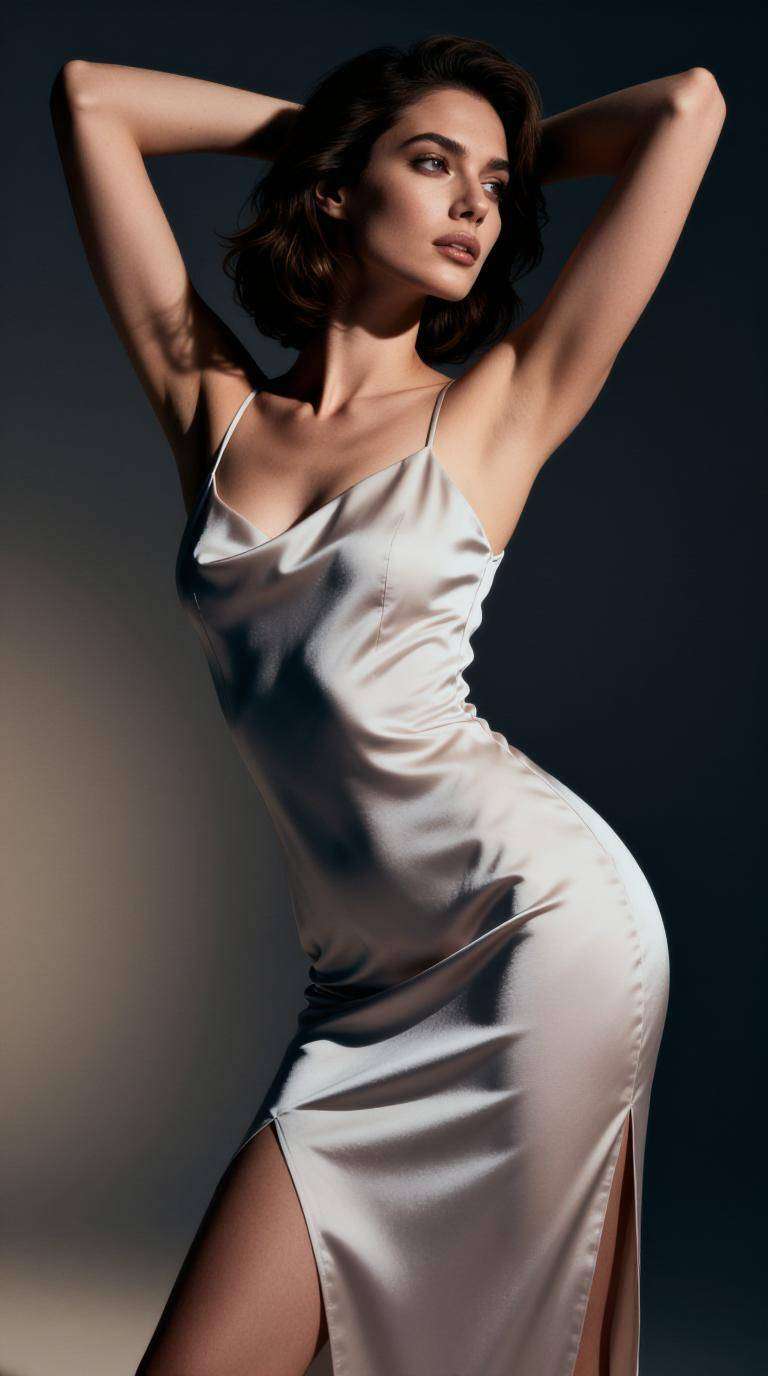
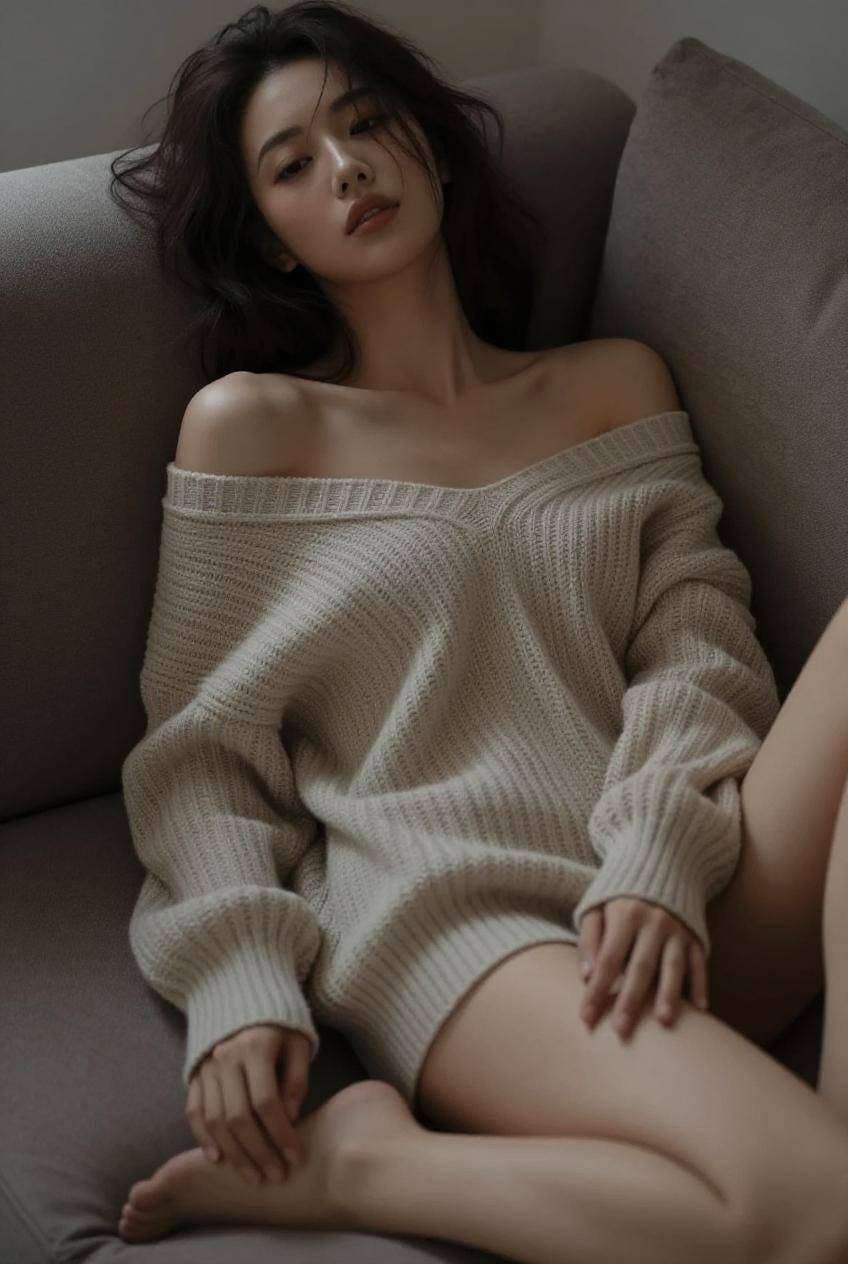
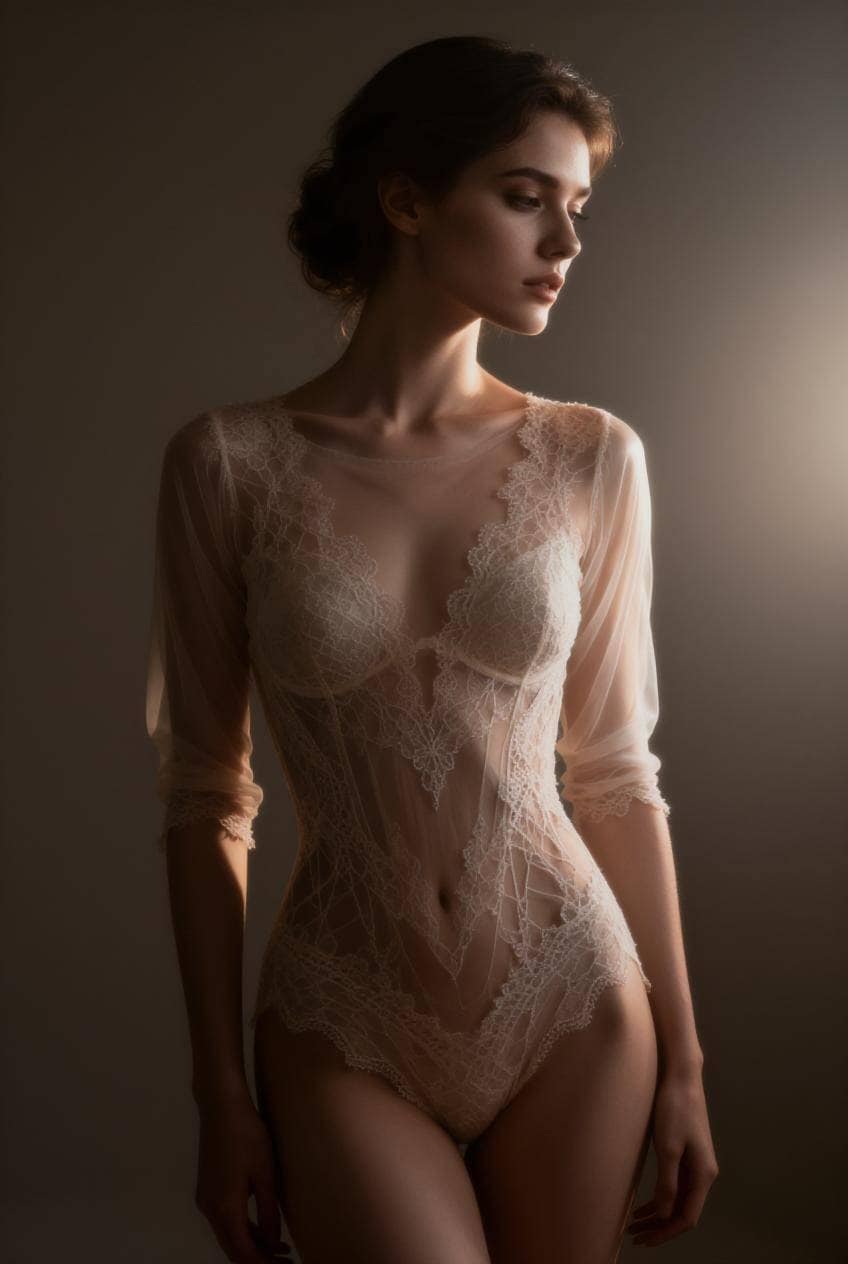
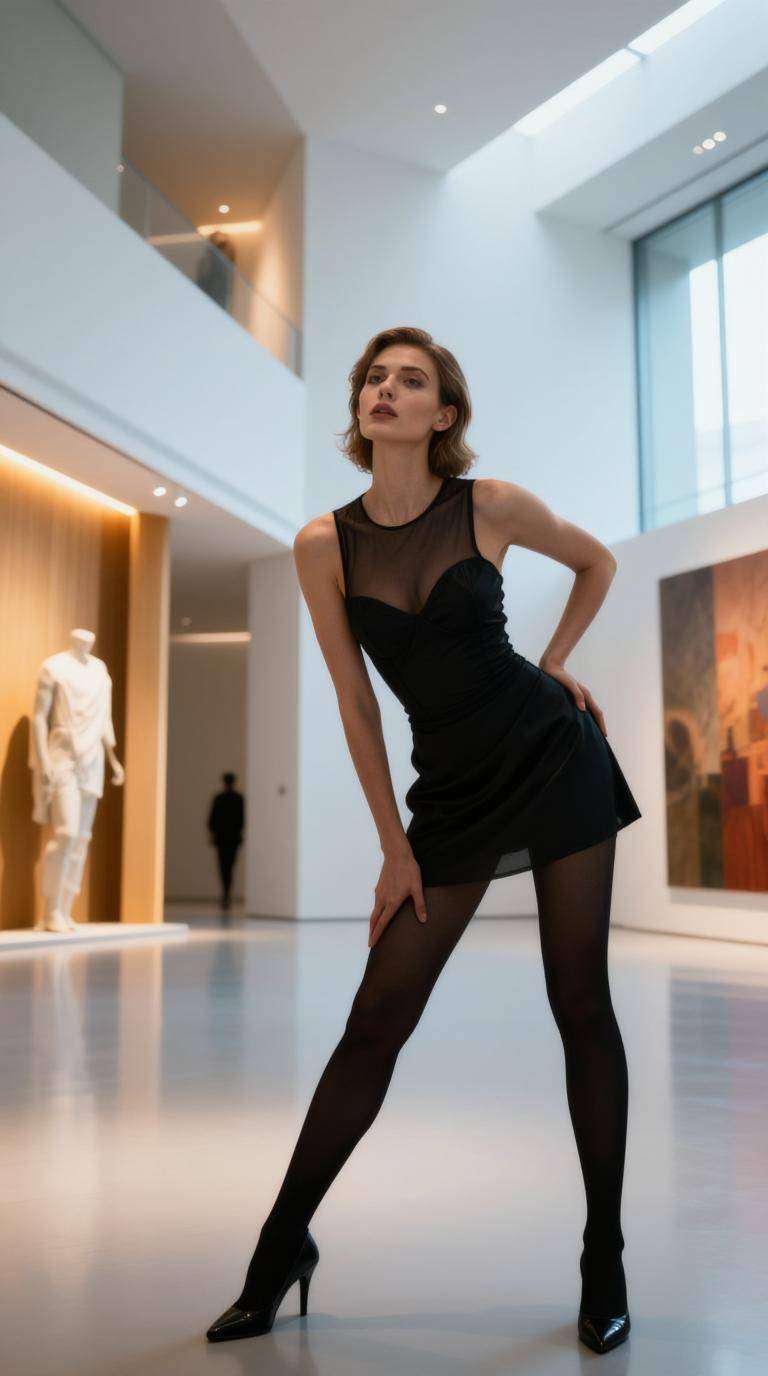
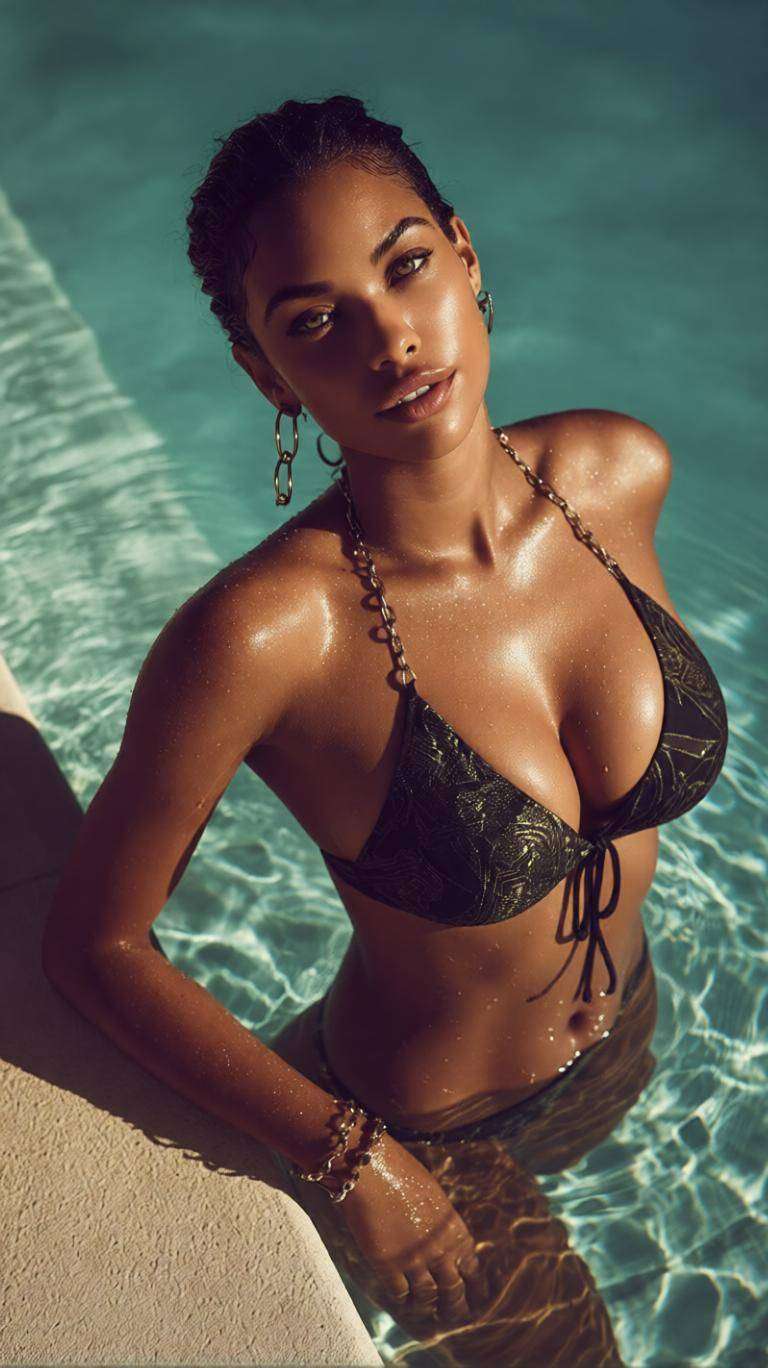
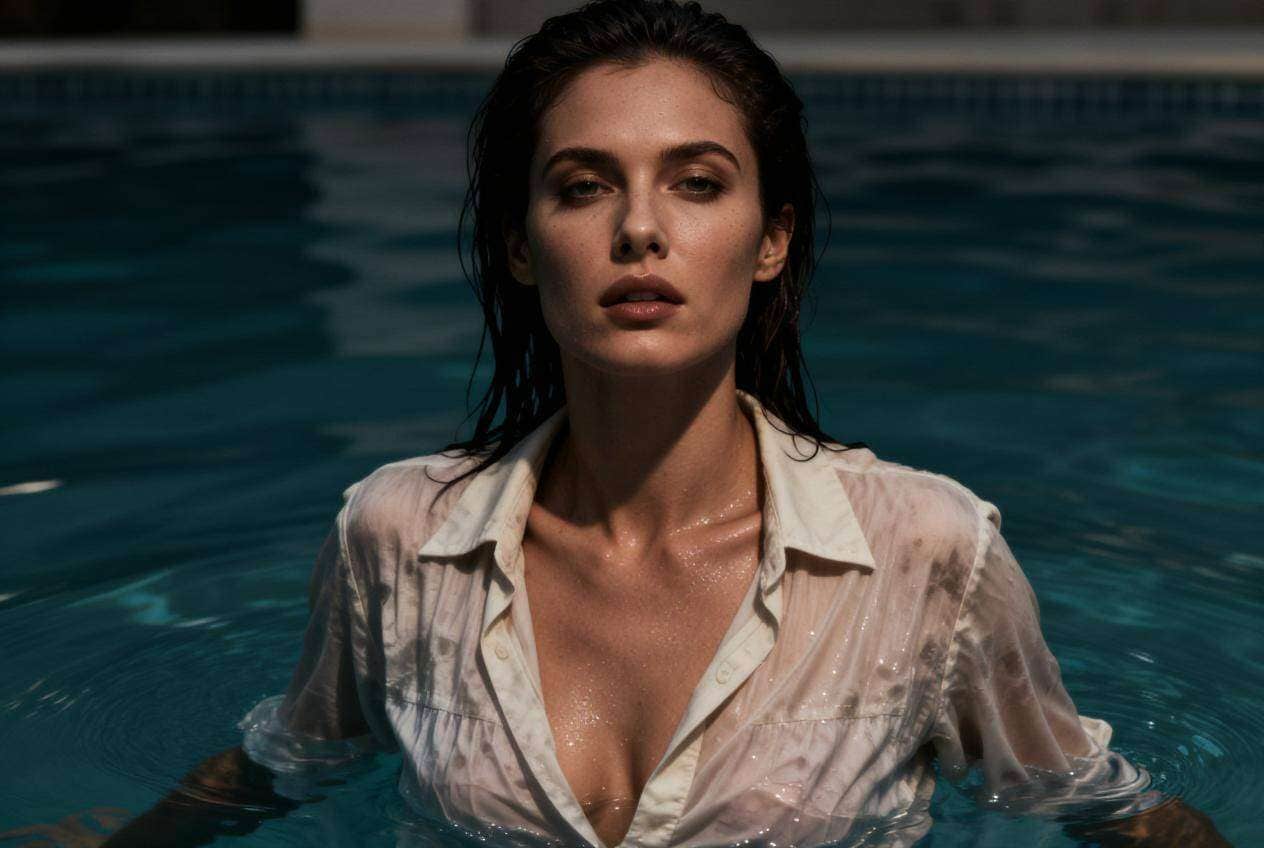
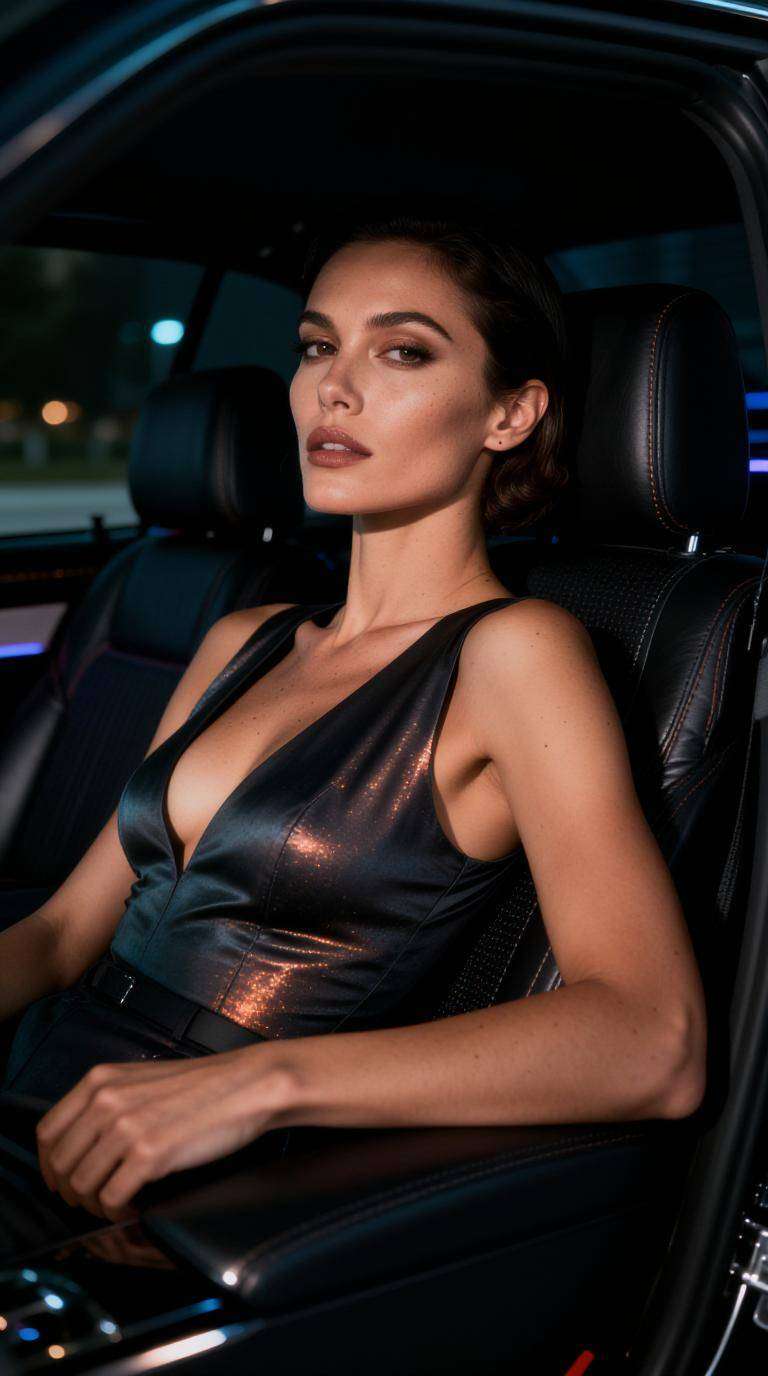
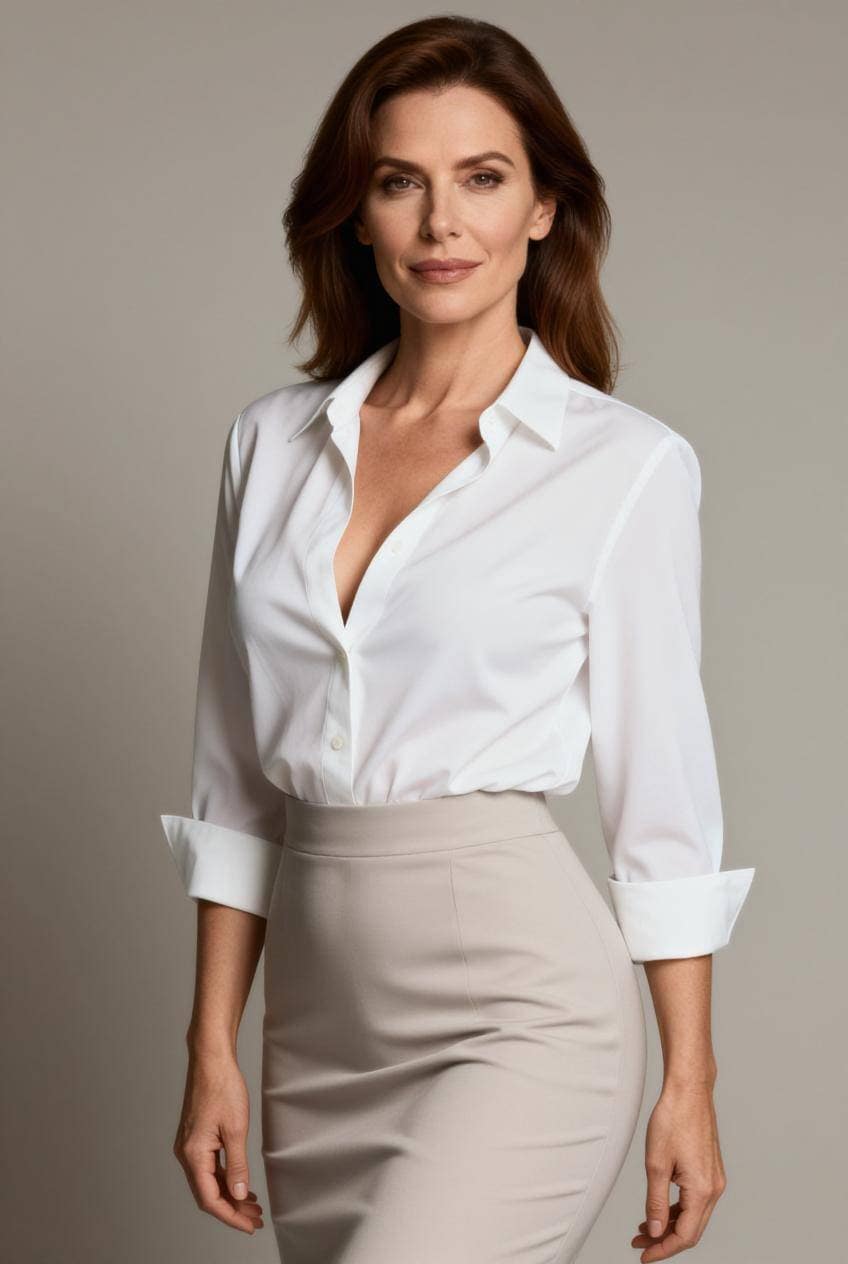
Image to Image
ToMoviee Lite
0/2000
Auto
4
Sample Video

Best AI for Image Generation: Create, Edit, and Animate with Leading Models

Discover the best AI for image generation with Media.io, a unified platform that continuously integrates leading image and video models. Create realistic photos, artwork, product visuals, and marketing assets from text or images, then refine or animate them in one workflow.

Choose a model for your goal, generate from text or images, edit the result, and turn it into video without switching platforms.

Why Media.io Is One of the Best AI Platforms for Image Generation

Media.io continuously integrates leading AI image and video models, giving creators one place to generate, compare, edit, enhance, and animate visual content. Choose the model that best fits realistic photography, illustration, products, social media, marketing, or concept design.

Access Multiple Leading AI Models

Different models excel at different tasks. Media.io lets you choose among integrated models for realistic photos, portraits, anime, product images, illustration, image-to-image transformation, and creative experimentation without learning a new interface each time.

Realistic Image Generation and Prompt Control

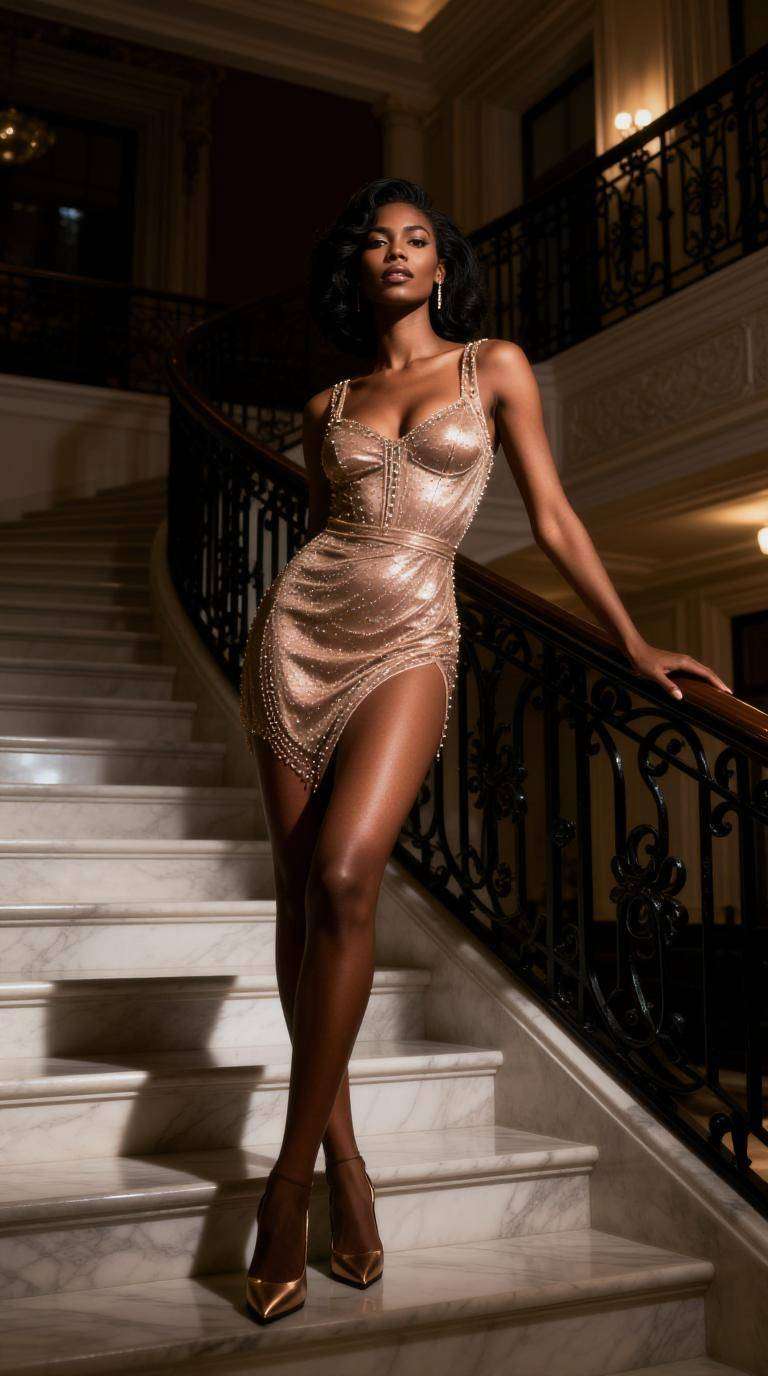
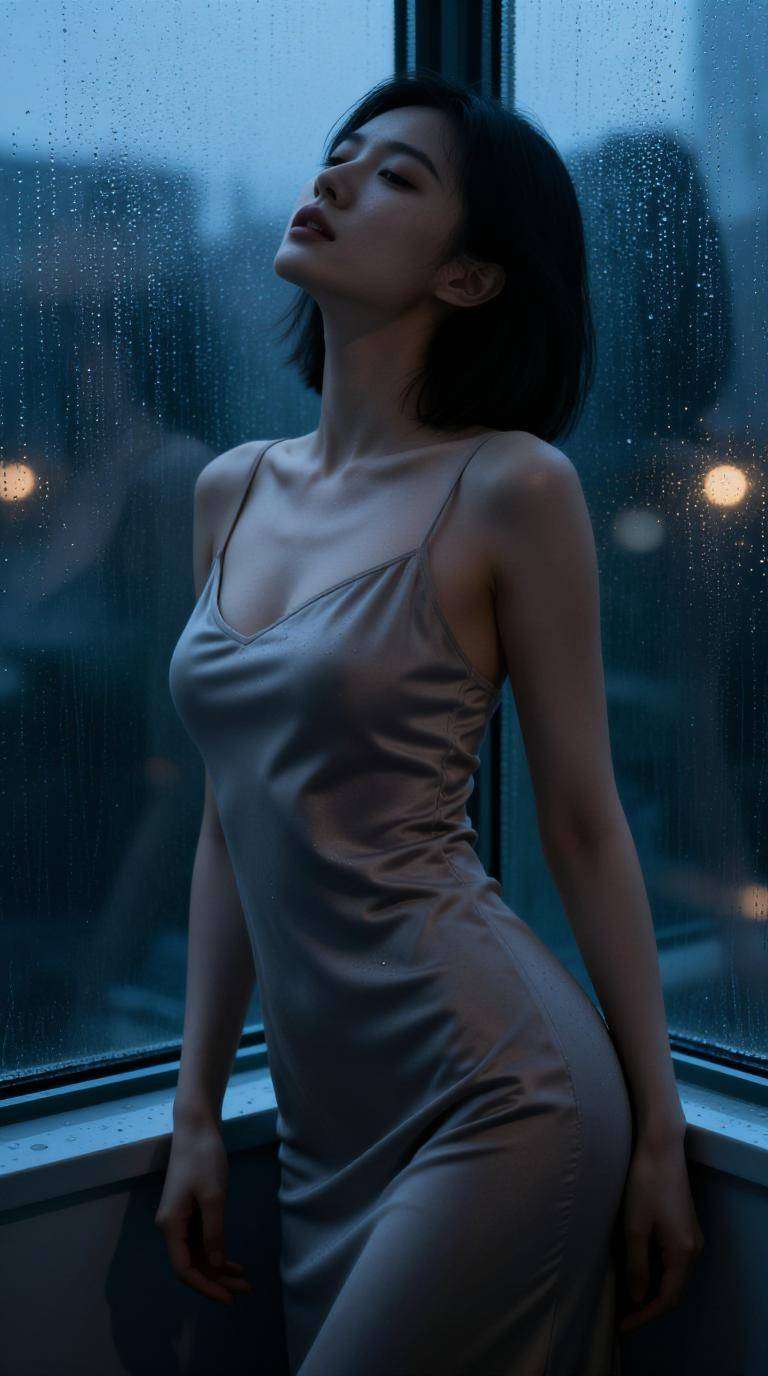
Create studio portraits, lifestyle scenes, product photography, fashion editorials, and other photorealistic visuals. Use editable prompts to control the subject, setting, lens, lighting, composition, color, and mood.

Image Generation and Editing Together

Media.io combines generation with background removal, object replacement, AI expansion, enhancement, upscaling, style transfer, face refinement, and other editing tools. Refine outputs without exporting them to separate software.

Create Images and AI Videos in One Platform

Turn generated images into talking photos, cinematic motion, image-to-video clips, social videos, or marketing assets with integrated video models. The connected workflow moves projects from concept to finished content faster.

How to Create with the Best AI for Image Generation

01

Step 1: Choose the Right AI Model

Select a model based on the result you need, such as realistic photography, illustration, anime, product imagery, image editing, or image-to-video creation.

02

Step 2: Enter a Prompt or Upload an Image

Describe the subject, style, lighting, composition, and mood, or upload an existing image for transformation, enhancement, restyling, or reference-based generation.

03

Step 3: Generate, Edit, and Export

Compare variations, refine the selected result with AI editing tools, and export the image. You can also send it into an integrated video workflow to create motion content.

Core Scenarios for the Best AI Image Generation Workflow

Realistic Photos and Professional Portraits

Generate studio headshots, lifestyle photography, fashion editorials, food images, real estate scenes, and other photorealistic content with models optimized for realism and detail.

AI Image Editing and Transformation

Use Media.io as the best AI for image editing by changing backgrounds, replacing objects, expanding compositions, enhancing details, restyling images, and generating new variations from a reference photo.

Multi-Model Content Creation

Compare models for product photography, campaign concepts, anime, game art, thumbnails, banners, presentations, social content, and AI video. Use the strongest output for each creative task.

Creators Use Media.io for Image Generation and Editing

user
Emily Carter

Graphic Designer

starstarstarstarstar

“Excellent Model Selection.” I can test different models for realistic photos, illustrations, and campaign concepts without opening several websites. It makes creative comparison much faster.

user
Jason Lee

Content Creator

starstarstarstarstar

“One Platform Does Everything.” Our team generates advertising images, edits product visuals, and creates AI videos in one workspace. The connected workflow saves a significant amount of production time.

user
Sophia Morgan

Small Business Owner

starstarstarstarstar

“Strong Realistic Results.” The realistic image models produce strong portraits and product scenes, while the editing tools let me refine the final details before export.

FAQs About the Best AI for Image Generation

1. Which AI is best for image generation for free?

The best option depends on the image you need. Some models perform better for realistic photos, while others are stronger for illustration, anime, products, or image editing. Media.io integrates multiple leading models so you can choose the best fit inside one platform and test supported tools with available free access or credits.

Users often search for the best AI for image generation no restrictions, but responsible platforms still apply safety rules and legal requirements. Media.io supports broad creative use across portraits, products, illustrations, marketing, and image transformation while maintaining platform safeguards.

Search results for best AI for image generation Reddit or best AI for image generation free Reddit vary because each model has different strengths, pricing, controls, and output styles. Media.io reduces the need to choose only one service by integrating multiple image and video models in one interface.

The best model for realistic photos should handle anatomy, skin texture, lighting, lenses, materials, and scene consistency well. Media.io offers access to models designed for realistic portraits, product photography, lifestyle scenes, fashion, interiors, food, and other photographic use cases.

Media.io combines text-to-image, image-to-image, background removal, object replacement, AI expansion, enhancement, upscaling, style transfer, face editing, and AI video creation. This unified workflow makes it a strong option for users who need both image generation and editing.

Media.io Online AI Tools Quality Rating:
vote 4.7 (162,357 Votes)



