
Schnell bessere Hintergründe erstellen
Ersetzen Sie langweilige, unordentliche oder ablenkende Fotohintergründe in Minuten durch professionelle Studio-, Lifestyle- und Markenszenen.
 ToMoviee Lite
Erstellen Sie mit dem kostenlosen KI-Hintergrundgenerator von Media.io in Sekunden saubere, realistische und auffällige Szenen. Laden Sie ein Porträt, ein Produktfoto, ein Haustierfoto oder ein Social-Media-Bild hoch und ersetzen Sie den ursprünglichen Hintergrund durch ein Studio-Setup, eine Lifestyle-Szene, einen Marken-Hintergrund oder eine individuelle Umgebung online.
Kostenlose Online-KI-Hintergrundgenerierung für Porträts, Produkte und kreative Fotobearbeitungen.
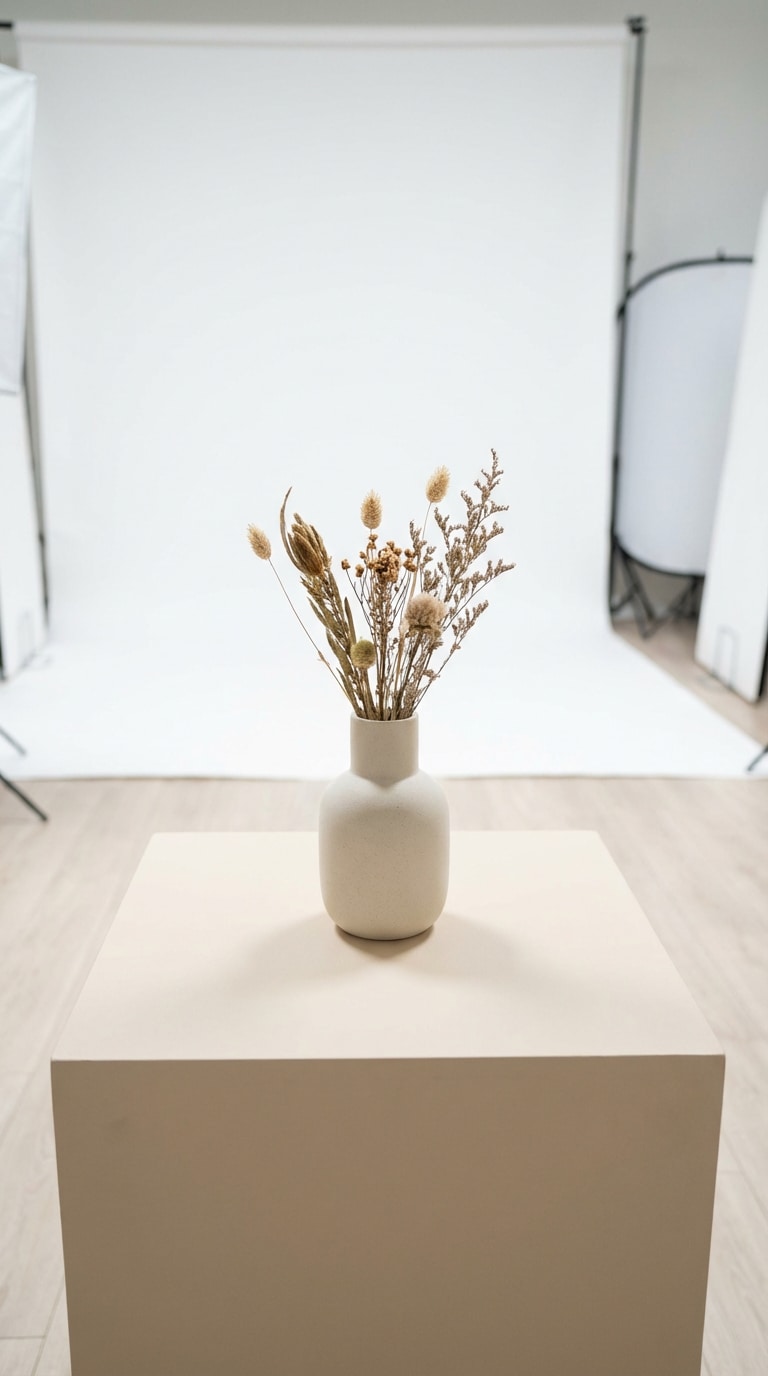
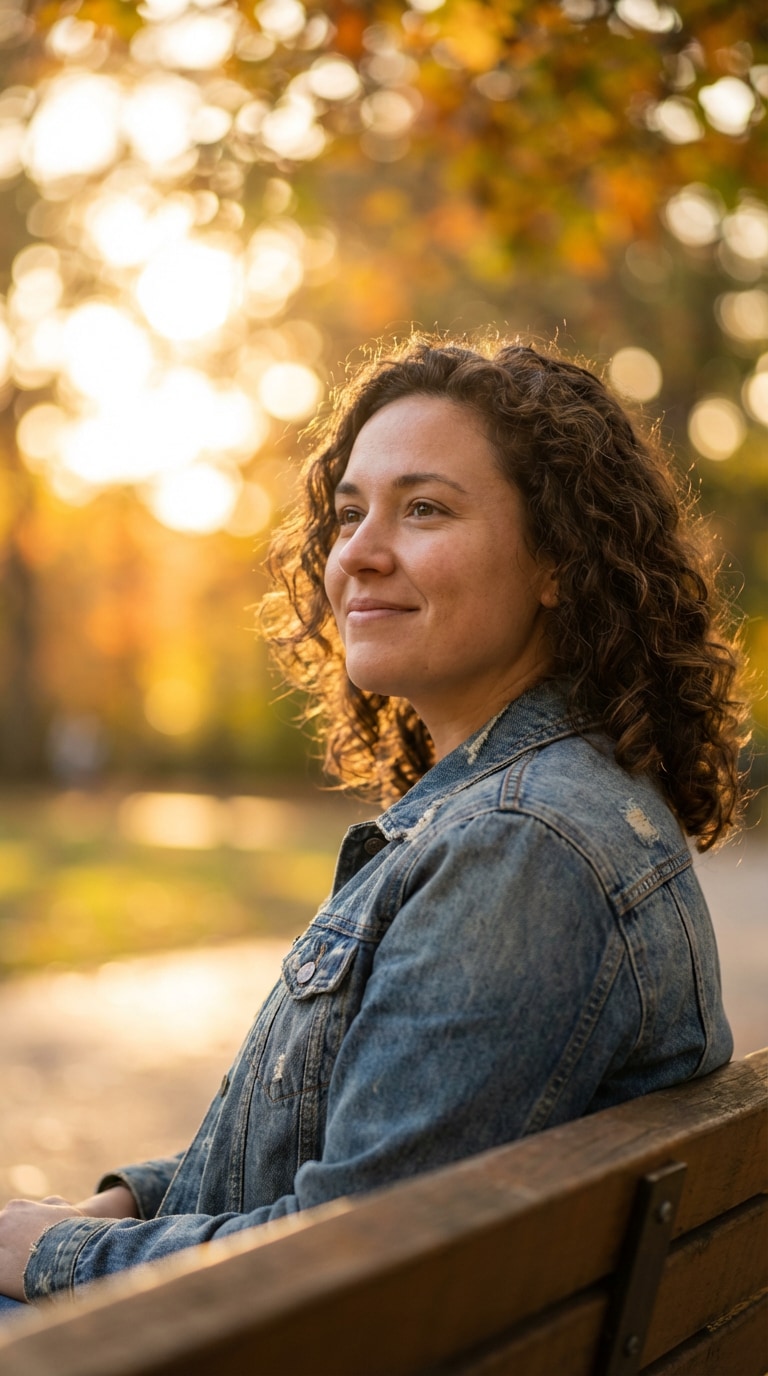
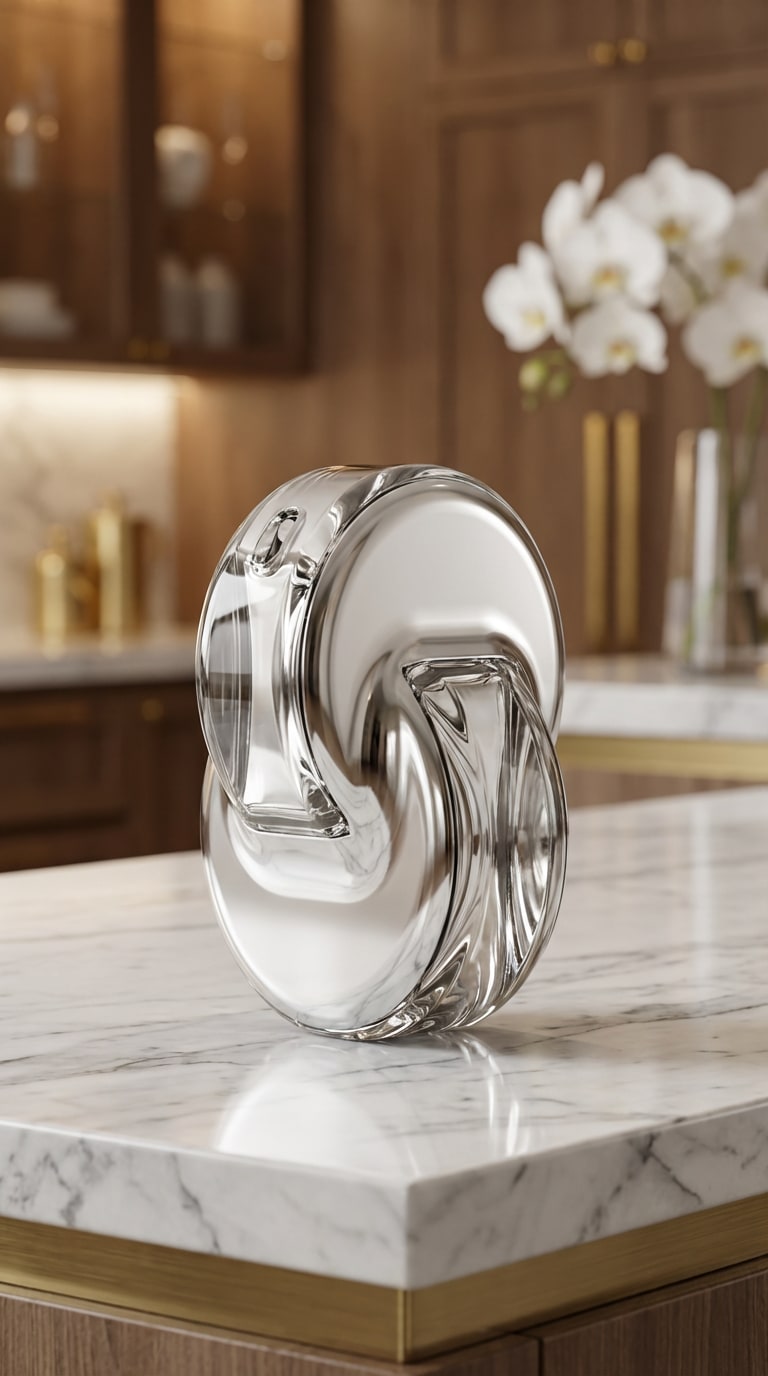

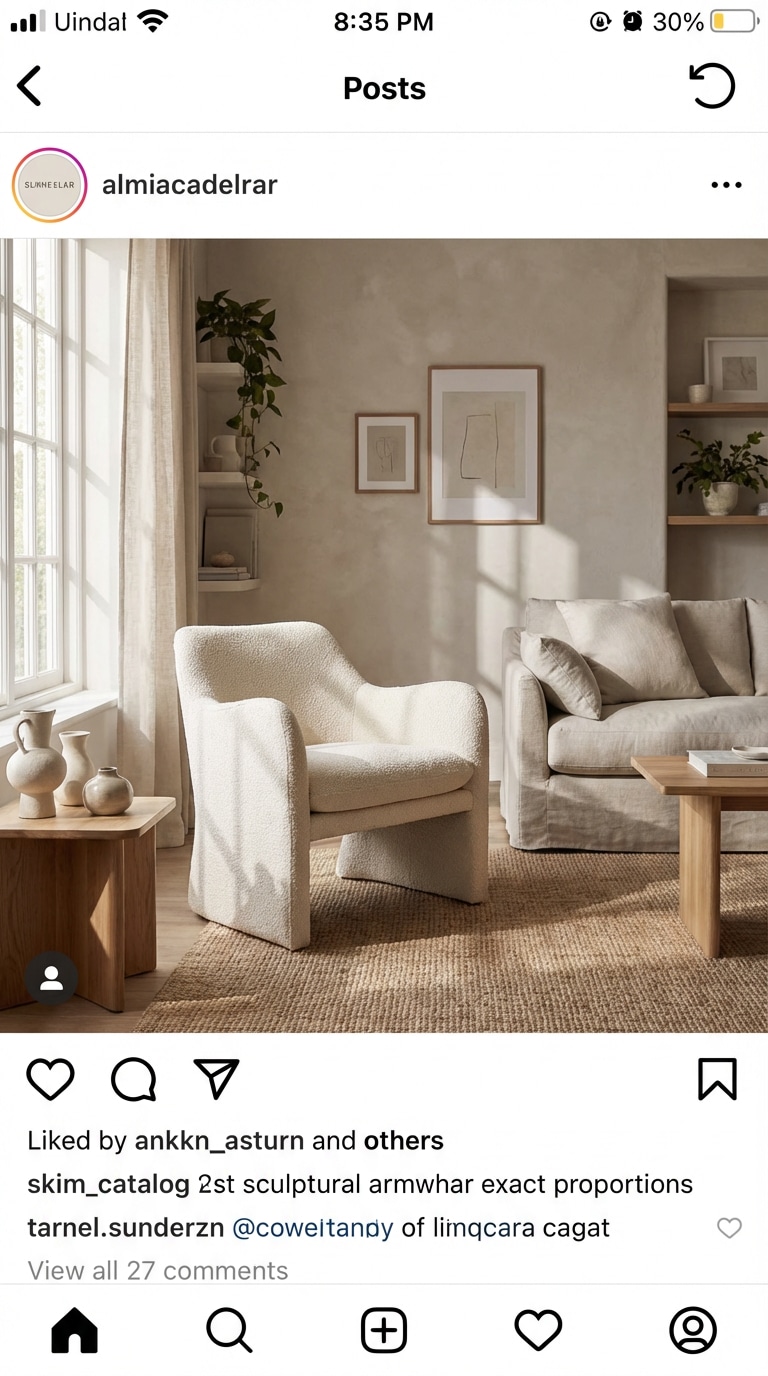
Hintergrund-Inspiration:Entdecken Sie 5 KI-Hintergrundideen für reale Fotobearbeitungsanforderungen, darunter Studio-Produktaufnahmen, Outdoor-Porträts, luxuriöse E-Commerce-Szenen, gemütliche Café-Bearbeitungen und Lifestyle-Interieurs.
Ersetzen Sie langweilige, unordentliche oder ablenkende Fotohintergründe in Minuten durch professionelle Studio-, Lifestyle- und Markenszenen.
Halten Sie Gesichter, Produkte, Haustiere und Objekte klar, während Sie eine frische neue Szene um sie herum generieren, für natürlicher wirkende Ergebnisse.
Verwenden Sie es für E-Commerce-Listings, Profilbilder, Werbe-Grafiken, Creator-Inhalte, Haustierfos und Produktmarketing-Visuals.
Beschreiben Sie den gewünschten Stil, z. B. Studio, Café, Büro, Strand oder luxuriöses Interieur, und generieren Sie neue Hintergründe online mit weniger Aufwand.
Fügen Sie ein Porträt, ein Produktfoto, ein Haustierbild oder ein beliebiges Bild mit einem klaren Hauptmotiv hinzu, das Sie behalten möchten.
Geben Sie einen Prompt ein wie sauberes Studio, gemütliches Café, modernes Büro, tropischer Strand oder luxuriöses Interieur, um das Ergebnis zu steuern.
Erstellen Sie die neue Szene in Sekunden, vergleichen Sie den visuellen Stil und laden Sie Ihr bevorzugtes KI-generiertes Hintergrundbild herunter.

Inhaberin eines E-Commerce-Shops

„Bessere Produktfotos schnell" Ich verwende es, um einfache Produktaufnahmen in sauberere, professionellere Shop-Bilder zu verwandeln. Es spart mir Zeit, wenn ich frische Visuals für Listings und Anzeigen benötige.
Content Creator
„Toll für die Porträtgestaltung" Ich kann unordentliche Zimmerhintergründe in Minuten gegen stilvolle Studio- oder Café-Szenen austauschen. Es lässt meine Profil- und Werbefotos viel gezielter wirken.
Freiberufliche Marketerin
„Nützlich für schnelle Kampagnen" Ich verwende Media.io, wenn ich thematische Hintergründe für Social-Media-Aktionen benötige. Es ist hilfreich, um kreative Richtungen zu testen, bevor eine vollständige Designrunde beginnt.
Ein kostenloser KI-Hintergrundgenerator ist ein Online-Tool, das mithilfe von künstlicher Intelligenz den Hintergrund eines Fotos erstellen oder ersetzen kann. Sie laden ein Bild hoch, beschreiben die gewünschte Szene und das Tool generiert automatisch einen neuen Hintergrund.
Ein Hintergrundentferner löscht hauptsächlich den vorhandenen Hintergrund. Ein KI-Hintergrundgenerator geht weiter, indem er eine völlig neue Szene erstellt, z. B. ein Studio, ein Büro, einen Strand, ein Café oder ein Marken-Setup, während das Hauptmotiv erhalten bleibt.
Ja. Es eignet sich gut für Produktfotos, da Sie sauberere, professionell wirkende Studio- und Lifestyle-Szenen für E-Commerce-Listings, Anzeigen, Produktseiten und Social-Media-Aktionen generieren können.
Es kann sehr natürlich aussehen, wenn das Motiv klar ist und der Prompt zum gewünschten Stil, Licht und zur Stimmung passt. Media.io hilft dabei, das Hauptmotiv sichtbar zu halten und gleichzeitig eine professionellere neue Umgebung zu schaffen.
Nein. Sie müssen nur ein Foto hochladen, einen Hintergrund-Prompt eingeben und das Ergebnis generieren. Es ist einfach gestaltet für Anfänger, Creator, Verkäufer und alle, die schnellere Fotobearbeitung online wünschen.


