Creations are stored for only 7 days. Assets created after upgrading to a Membership plan will be stored permanently.
Unlock your creative potential and experience the magic of Media AI right away!
Pembuat Emoji Discord untuk Emote Server Kustom yang Cepat, Jelas
Buat emote siap-Discord kustom dari prompt teks dengan pembuat emoji discord Media.io. Alat AI ini membantu Anda mendesain wajah reaksi, ikon maskot, dan grafis bergaya stiker dengan komposisi tampilan transparan, keterbacaan ukuran kecil yang tajam, dan kontrol gaya fleksibel untuk hasil imut, meme, anime, atau piksel.
Ketik ide Anda -> AI mendesainnya. Gratis untuk dicoba.
Tinjau contoh arahan ini, lalu sesuaikan detail prompt untuk mendapatkan hasil lebih kuat dengan pembuat emoji discord.
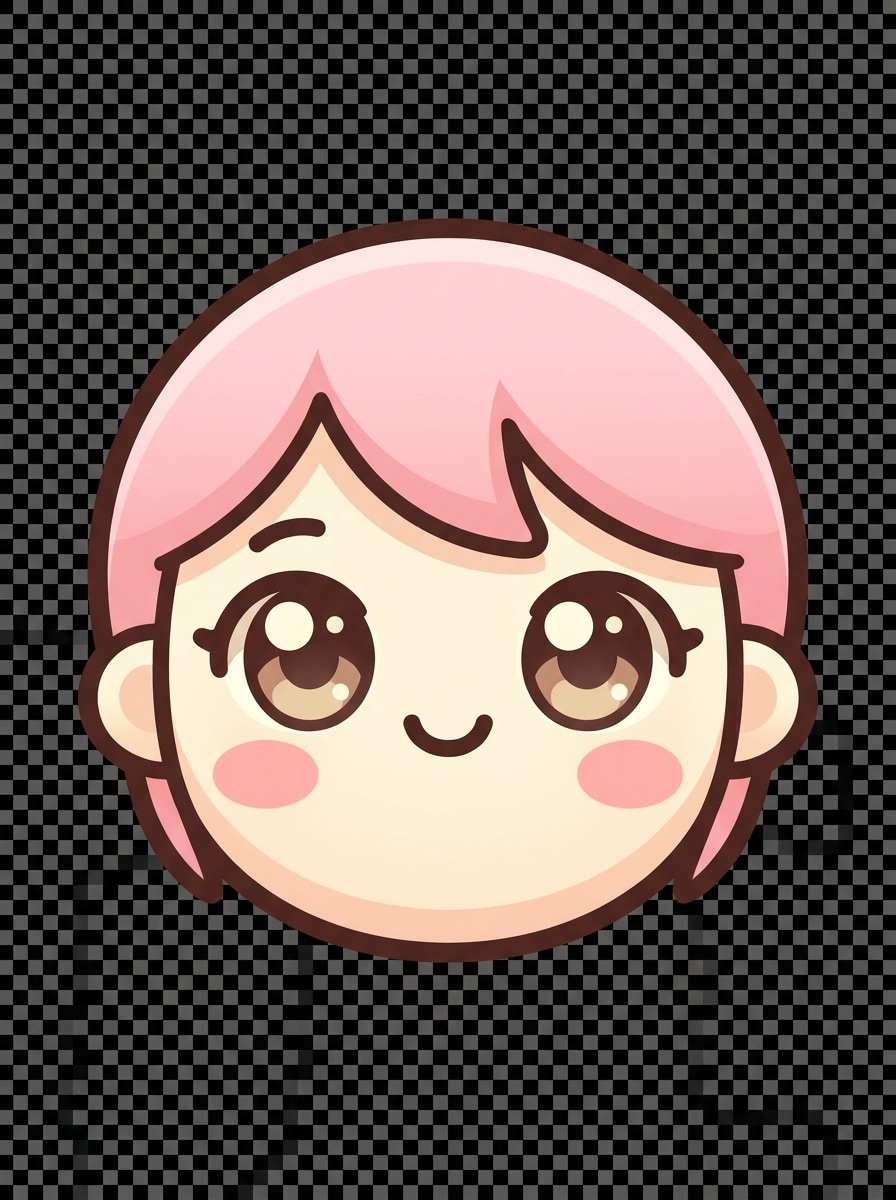
Wajah Chibi Kawaii
Buat emoji wajah chibi imut untuk Discord, komposisi close-up terpusat, mata berkilau berukuran besar, mulut tersenyum kecil, pipi merona, palet pink pastel dan krem lembut, garis tepi bersih tebal, shading mirip vektor halus, suasana ceria, latar belakang transparan, sangat terbaca pada ukuran emoji sangat kecil, hasil akhir berkualitas tinggi yang halus.
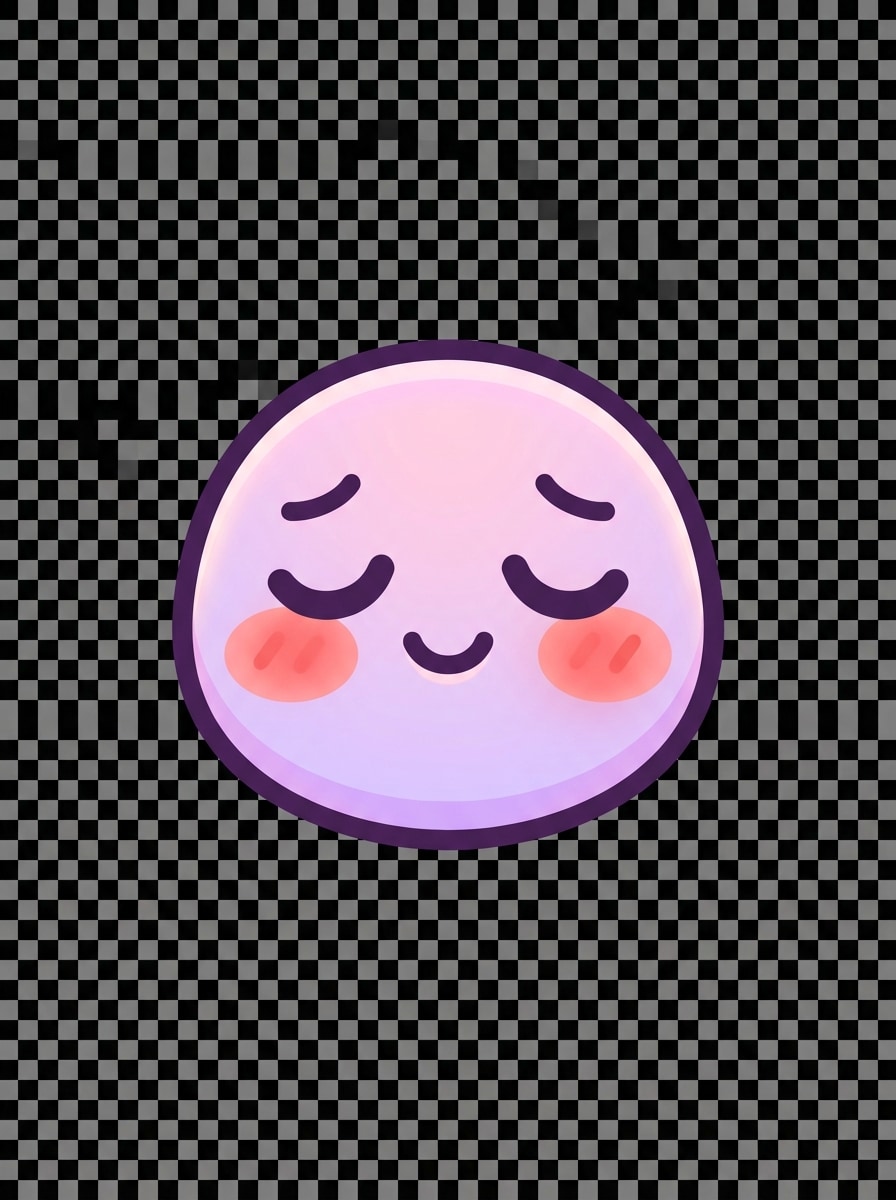
Reaksi Merona Pastel
Buat emoji reaksi malu merona untuk Discord dengan wajah bulat, mata menunduk, senyum halus, tanda merona hangat, palet warna pink dan lavender lembut, garis tepi tebal, detail wajah minimal, pencahayaan lembut, latar belakang transparan bersih, suasana kawaii nyaman, dan tepi tajam yang dioptimalkan untuk tampilan emoji server kecil.
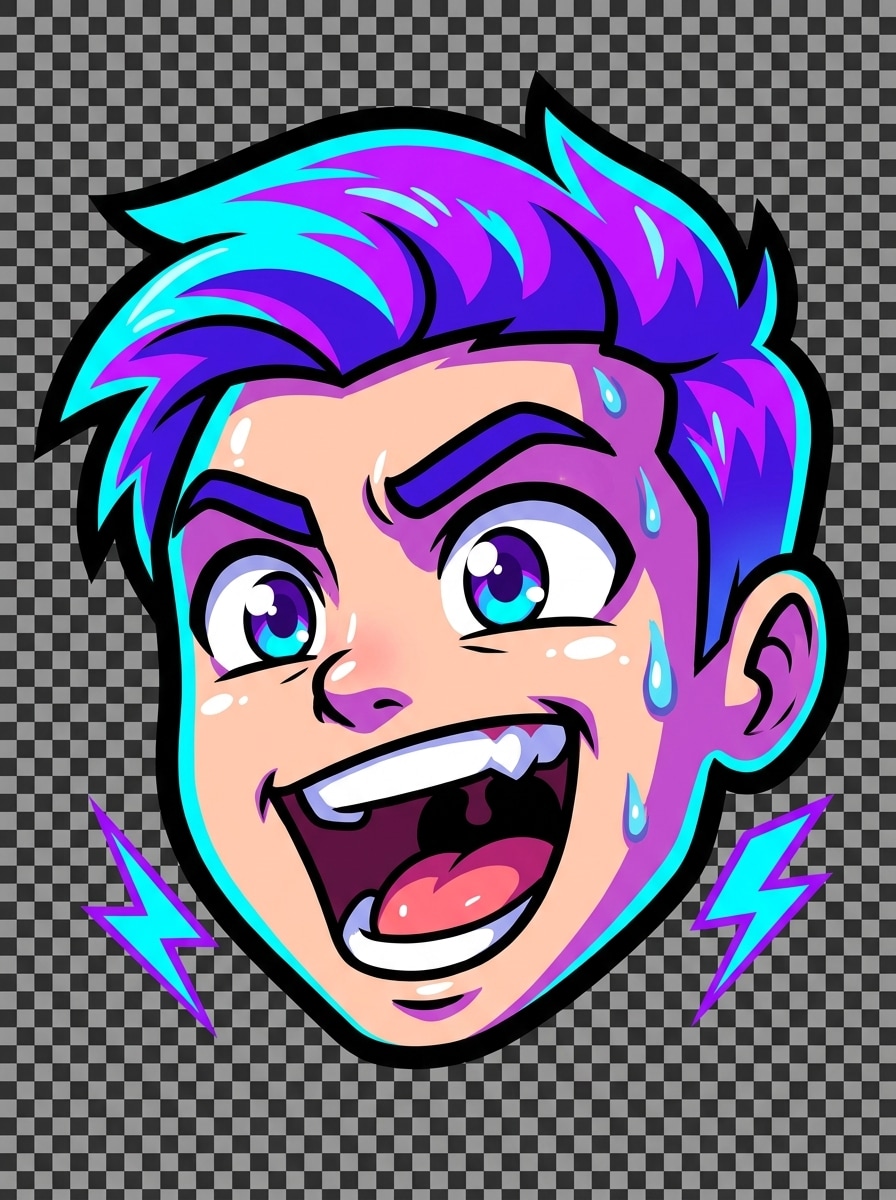
Emote Hype Streamer
Buat emote gamer berenergi tinggi untuk Discord, komposisi hanya wajah dengan ekspresi mulut terbuka bersemangat, alis terangkat, aksen biru neon dan ungu cerah, garis tepi hitam tebal, highlight mengkilap, kontras kuat, getaran streamer dinamis, latar belakang transparan, dan bentuk sederhana tebal yang tetap terbaca dari 32 hingga 128 piksel.
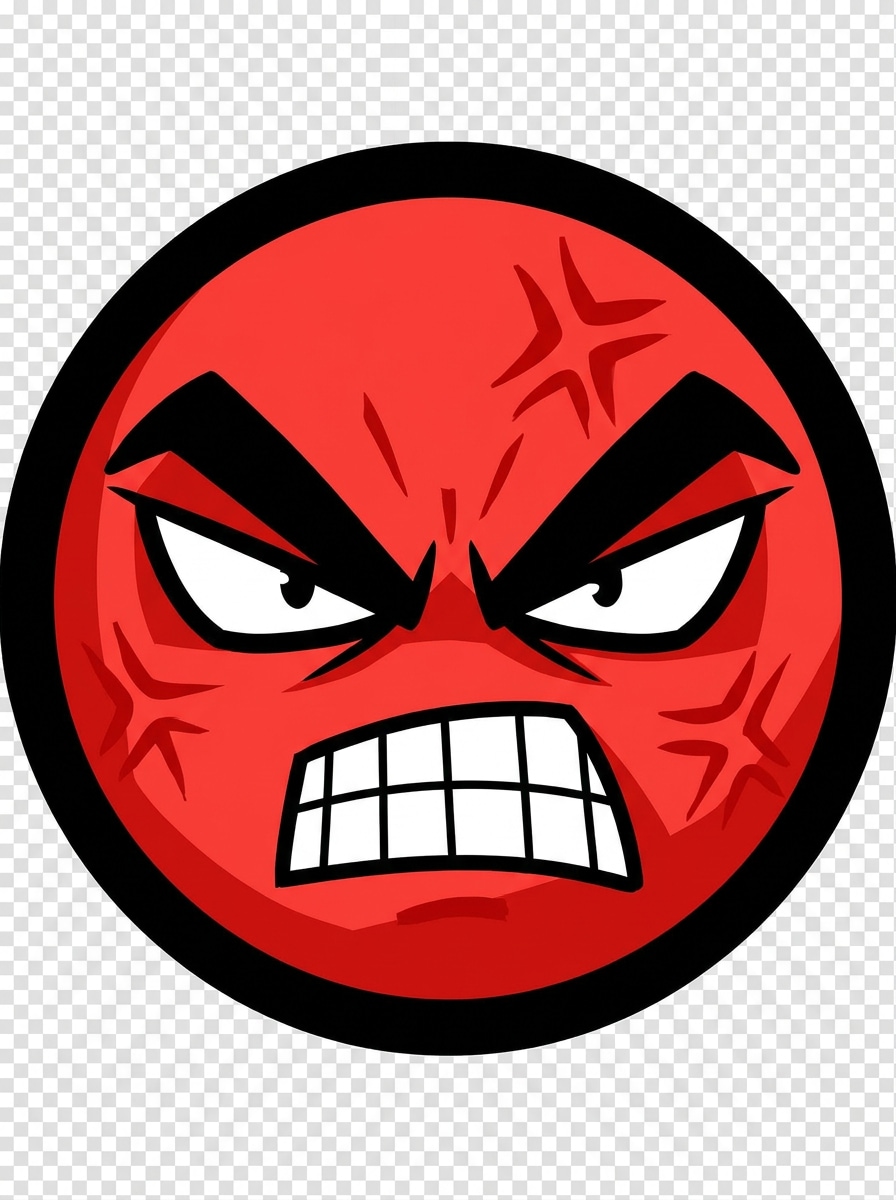
Emote Marah
Buat emote reaksi marah untuk Discord dengan alis marah berlebihan, gigi terkatup, mata tajam, garis stres aksen merah, gaya kartun, border tebal, crop terpusat, kontras dramatis, suasana intens, latar belakang transparan, dan geometri wajah disederhanakan sehingga ekspresi tetap langsung terbaca pada skala emoji kecil.
Reaksi Tertawa Menangis
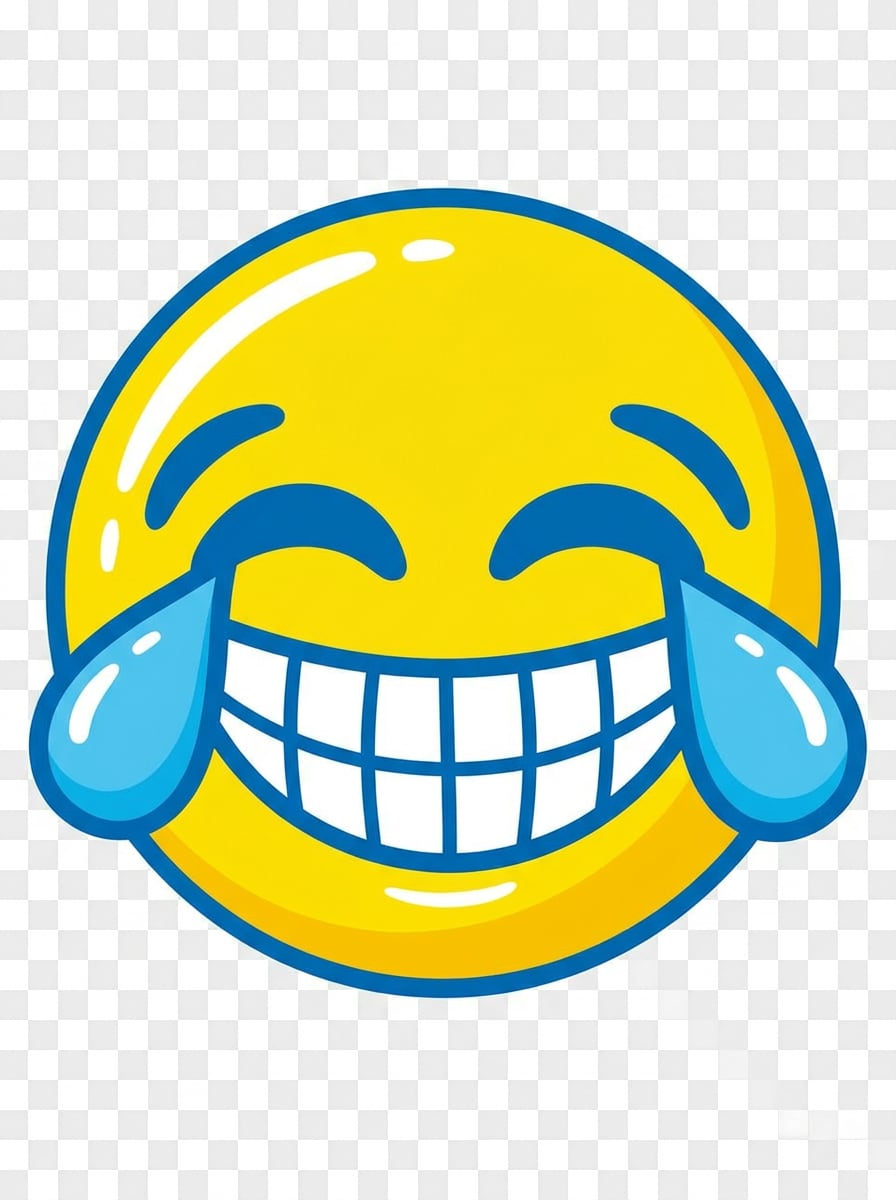
Buat emoji tertawa bergaya meme untuk Discord dengan senyum lebar, mata bahagia tertutup, tetesan air mata besar, wajah bulat, palet kuning dan biru tebal, garis tepi bersih tebal, highlight mengkilap, getaran humor internet yang menyenangkan, latar belakang transparan, dan siluet sederhana yang dirancang untuk pengenalan instan di thread chat yang bergerak cepat.
Pandangan Sisi Curiga
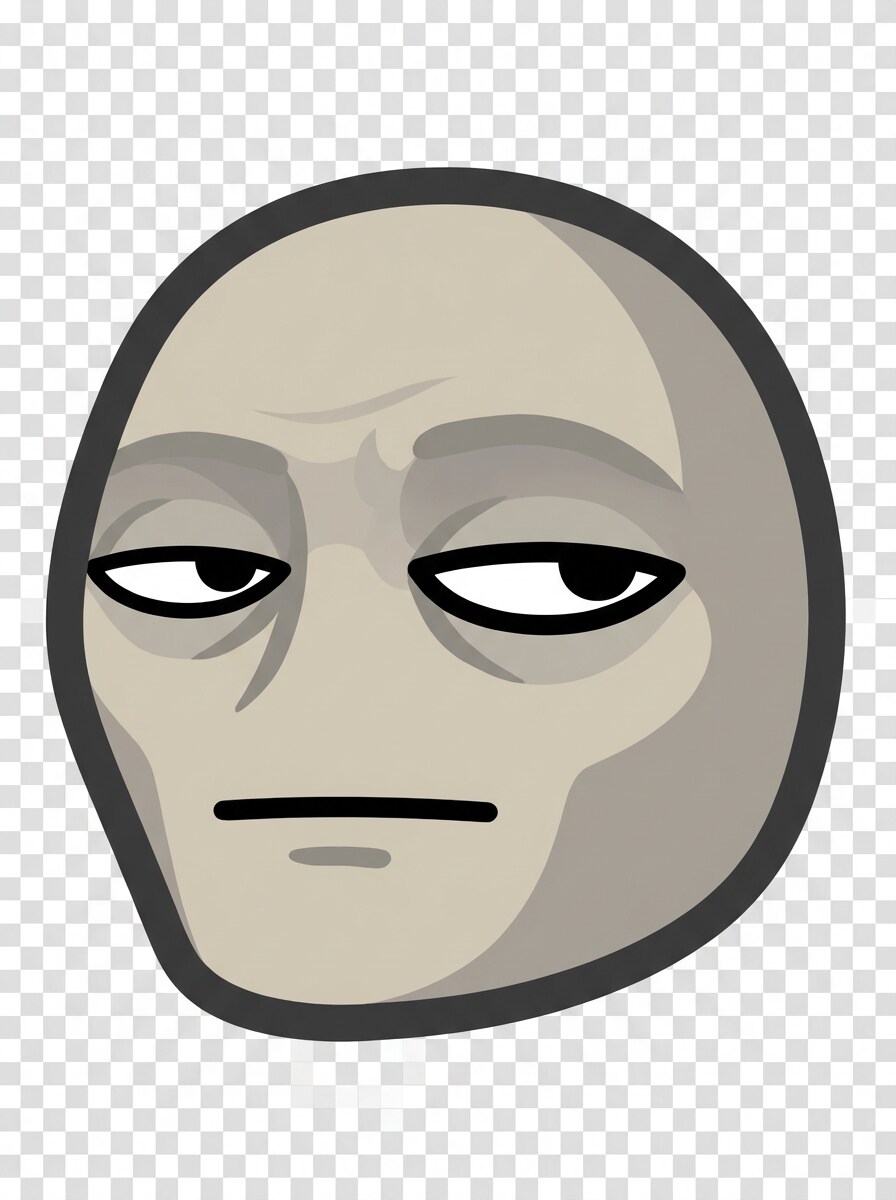
Buat emoji reaksi pandangan sisi skeptis untuk Discord, wajah miring sedikit ke samping, mata menyipit, mulut datar tidak terkesan, palet beige dan abu-abu redup, garis tepi tebal, detail minimal, bayangan halus, suasana sarkastik kering, latar belakang transparan, dan bentuk mata kuat yang tetap jelas bahkan pada ukuran emote sangat kecil.
Emote Kaget Anime
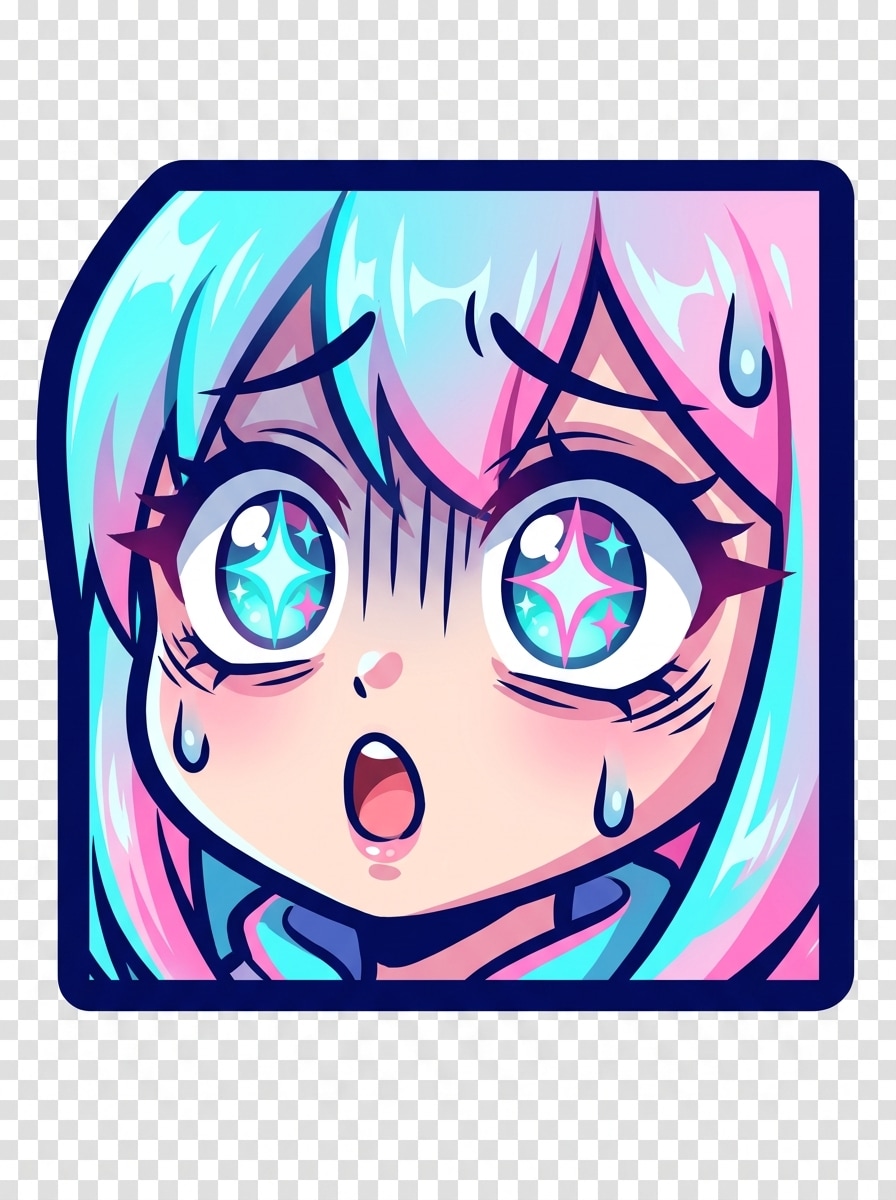
Buat emoji kaget terinspirasi anime untuk Discord dengan mata berkilau berukuran besar, mulut terbuka kecil, garis ekspresi dramatis, pewarnaan cel-shaded, aksen cyan dan pink cerah, border tebal, komposisi terpusat kompak, latar belakang transparan, intensitas emosional tinggi, dan shading halus yang tetap terbaca bersih pada ukuran tampilan kecil.
Emote Kucing Maskot
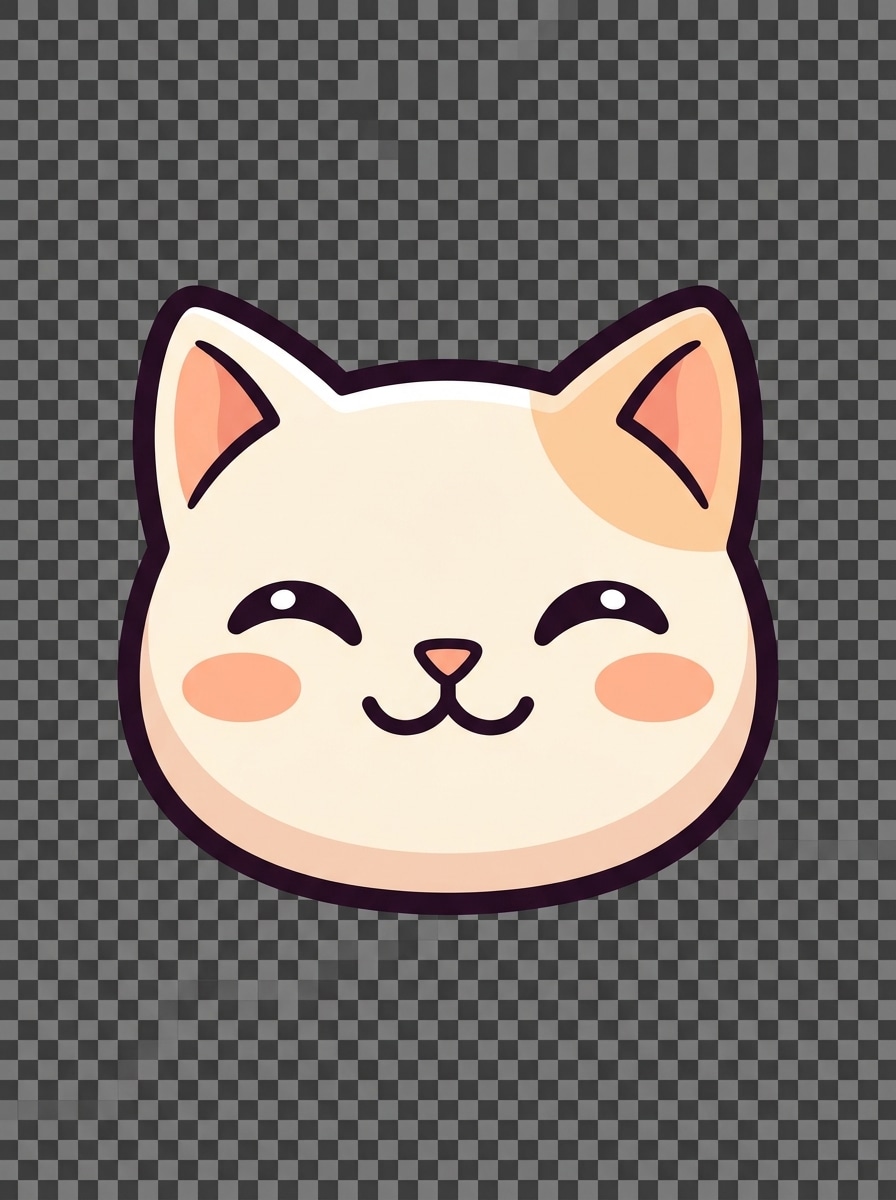
Buat emoji reaksi maskot kucing imut untuk Discord, crop hanya wajah dengan pipi bulat, mata ekspresif, hidung segitiga kecil, bulu krem lembut dengan aksen peach, hasil akhir mirip vektor bersih, garis tepi kontras tinggi tebal, suasana ramah menyenangkan, latar belakang transparan, dan fitur disederhanakan yang dioptimalkan untuk keterbacaan emoji tajam.
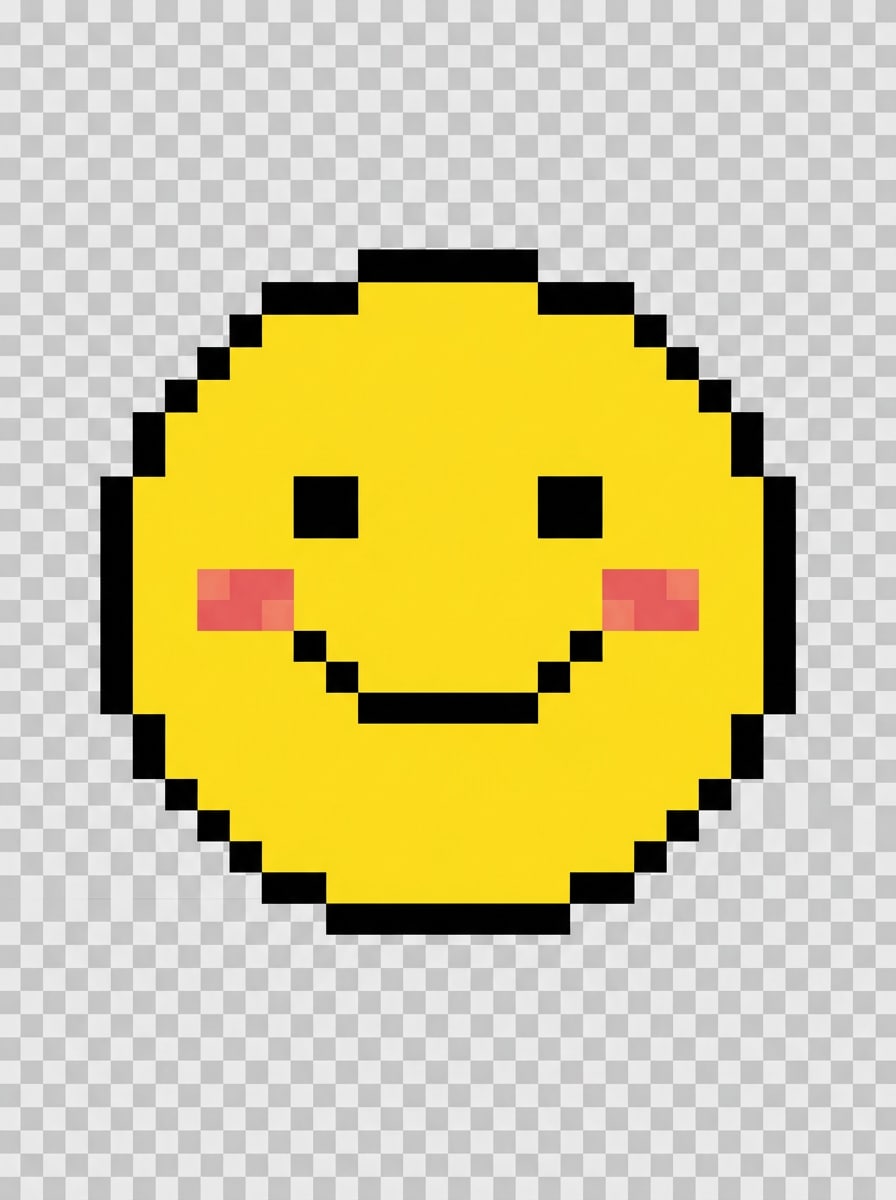
Emoji Senyum Piksel
Buat emoji senyum pixel art untuk Discord dalam gaya retro 8-bit, wajah bahagia terpusat, palet kuning, hitam, dan merona terbatas, tepi persegi tajam, tanpa anti-aliasing, latar belakang transparan, suasana arcade ceria, komposisi simetris, dan fitur yang disederhanakan dengan hati-hati sehingga desain tetap bersih dalam ekspor PNG kecil.
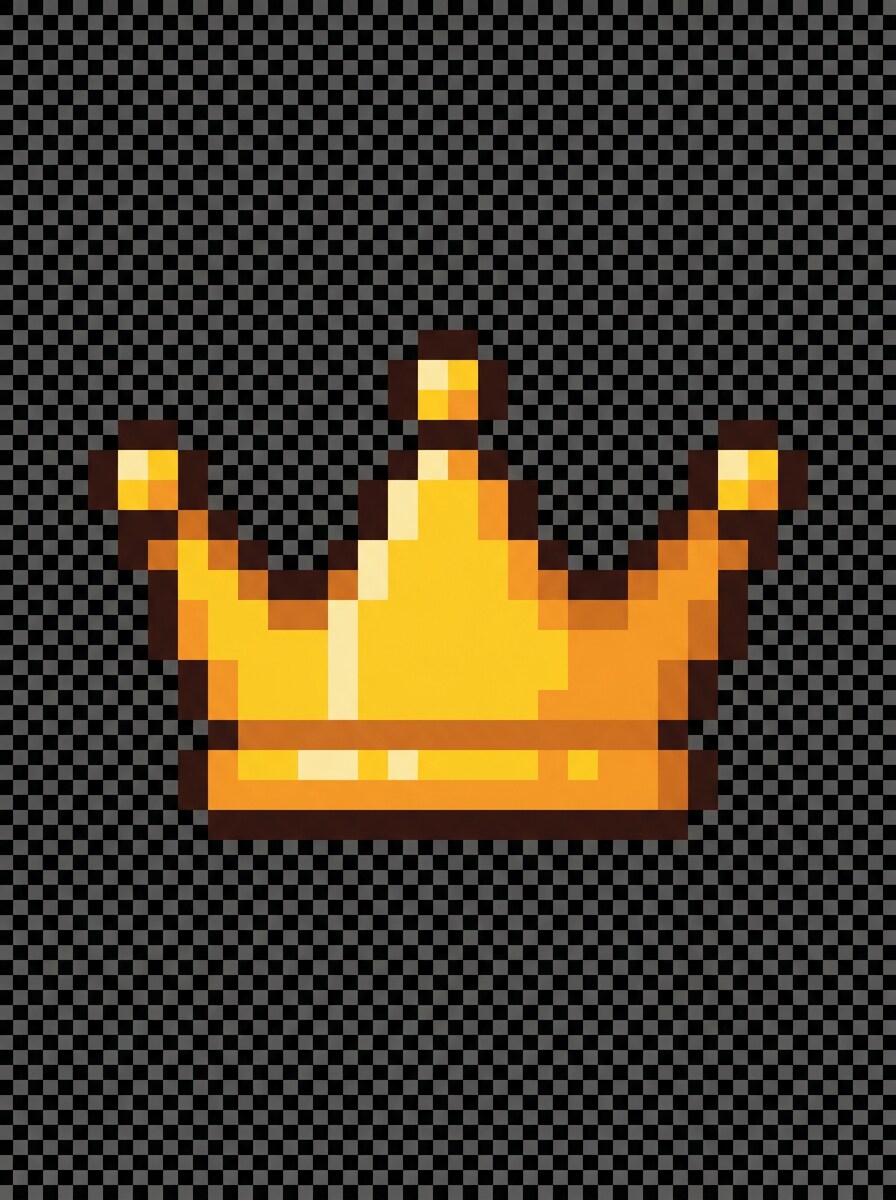
Ikon Peran Piksel
Buat ikon mahkota bergaya piksel untuk penggunaan emoji peran Discord, komposisi simetris terpusat, palet emas dan amber, garis tepi coklat gelap, geometri 8-bit tajam, latar belakang transparan, piksel highlight halus, suasana agung namun menyenangkan, noise minimal, dan bentuk ikon kompak yang tetap terlihat di daftar server yang ramai.
Mengapa Menggunakan Media.io untuk Desain Emoji Discord
Personalisasi Hasil Berdasarkan Subjek Referensi
Satu konsep sering memerlukan beberapa variasi untuk channel atau suasana berbeda. Media.io membantu menginterpretasi ulang ide yang sama di berbagai gaya, memudahkan pembuatan emoji Discord kustom yang lebih sesuai dengan identitas server atau brief proyek Anda.
Cocokkan Gaya yang Tepat untuk Setiap Versi
Output berbeda memerlukan estetika berbeda. Media.io membantu Anda menjelajahi perlakuan beragam dari konsep visual pembuat emoji discord yang sama sehingga visual akhir mencapai nada yang tepat lebih cepat.
Buat Gambar Resolusi Tinggi untuk Penggunaan Nyata
Daya tarik pratinjau tidak selalu cukup untuk penggunaan dunia nyata. Media.io membantu menghasilkan visual emoji yang lebih bersih dengan output hingga 4K, sehingga desain Anda tetap jelas dalam presentasi, mockup, wallpaper, dan aset lain di luar Discord.
Buat dan Sempurnakan dari Browser Apa pun
Dari merencanakan seni server di komputer hingga membuat pembaruan cepat di ponsel Anda, Media.io bekerja di browser dan menjaga proses pembuat emoji untuk discord tetap mudah diakses tanpa menginstal perangkat lunak tambahan.
Cara Membuat Emote Discord dalam Hitungan Menit
1
2
3
1
Buka Generator Gambar AI Media.io
Buka Generator Gambar AI Teks ke Gambar di bawah AI -> Teks ke Gambar. Alat online ini berjalan di browser Anda, sehingga Anda dapat mulai membangun konsep emoji Discord di desktop atau mobile tanpa menginstal perangkat lunak desain.
2
Masukkan Prompt atau Sesuaikan Gaya Anda
Ketik prompt terperinci, seperti "emoji wajah tersenyum chibi imut untuk Discord, garis tepi tebal, warna pastel, latar belakang transparan, terbaca pada ukuran kecil." Kemudian pilih arah gaya dan sempurnakan kata-kata untuk hasil meme, anime, piksel, atau seperti stiker.
3
Hasilkan, Sempurnakan & Unduh
Klik Hasilkan. Tinjau hasilnya, sesuaikan prompt Anda jika diperlukan, dan buat lebih banyak variasi untuk server Anda. Unduh gambar dalam resolusi tinggi, lalu ubah ukuran atau ekspor sesuai kebutuhan untuk penggunaan emoji Discord.
Lihat bagaimana kreator menggunakan Pembuat Emoji Discord Media.io ini untuk konten, pemasaran, dan proyek pribadi, lalu sesuaikan setiap ide agar sesuai dengan brief Anda.
Bangun paket reaksi untuk server aktif
Buat set yang cocok untuk respons hype, marah, tertawa, pandangan sisi, atau kaget sehingga percakapan terasa lebih personal dan berkesan. Alur kerja pembuat emote yang cepat sangat berguna untuk moderator, komunitas streaming, dan grup gaming yang menginginkan singkatan visual yang dapat dikenali.
Desain ikon maskot untuk branding kreator
Ubah persona streamer, maskot hewan petiharaan, atau karakter komunitas menjadi wajah ekspresif yang berfungsi di berbagai channel, tag peran, dan pengumuman. Ini juga cocok untuk pengguna yang menginginkan pendekatan pembuat stiker discord, di mana satu karakter dapat digunakan kembali dalam berbagai suasana.
Uji beberapa estetika sebelum mengunggah
Bandingkan konsep kawaii, anime, meme, dan piksel dari ide yang sama sebelum memilih apa yang paling sesuai dengan budaya server Anda. Media.io memudahkan siapa saja yang menginginkan pengalaman pembuat emoji discord cepat tanpa memulai dari kanvas kosong atau template kaku.
Apa Kata Pengguna
Lena P.
Manajer Komunitas Discord
"Cara cepat untuk menguji emote server" Saya memerlukan beberapa wajah reaksi untuk server gaming, dan Media.io membuat prosesnya jauh lebih cepat daripada menggambar semuanya secara manual. Promptnya mudah disempurnakan, dan hasilnya tetap cukup terbaca setelah diubah ukurannya.
Marcus T.
Streamer
"Bagus untuk reaksi hype dan meme" Saya menggunakannya sebagai pembuat emoji discord untuk paket komunitas saya. Output gaya anime dan meme memberi saya titik awal yang kuat, dan saya bisa menghasilkan beberapa ekspresi berbeda sebelum memilih yang terbaik.
Ari N.
Pemilik Server Indie
"Membantu bahkan tanpa pengalaman desain" Saya bukan ilustrator, jadi memiliki alur kerja teks-ke-gambar sangat membantu. Saya membuat ikon peran kustom dan set maskot kucing yang terlihat cukup halus untuk branding server kami.
Devon R.
Kreator Konten
"Pembuatan emoji berbasis browser yang mudah" Alur kerja Media.io sangat intuitif. Sangat menyenangkan bisa membuat begitu banyak variasi karakter penanda peran atau emotikon server hanya dengan beberapa baris deskripsi teks tanpa membuka aplikasi berat.
1. Bisakah saya membuat emoji Discord kustom sendiri dengan AI?
Media.io memungkinkan Anda membuat emoji Discord kustom sendiri dari prompt teks, sehingga Anda dapat mendeskripsikan suasana, karakter, atau reaksi dan menghasilkan gambar yang cocok dalam gaya seperti imut, anime, meme, atau piksel. Ini bekerja dengan baik jika Anda menginginkan alur kerja pembuat emoji discord sederhana tanpa menggambar dari awal.
2. Apakah pembuat emoji Discord ini gratis digunakan?
Media.io menawarkan kredit gratis, sehingga Anda dapat mencoba alat ini dan menghasilkan ide emoji Discord tanpa membayar di muka. Jika Anda memerlukan lebih banyak generasi atau menginginkan unduhan resolusi tinggi tanpa watermark, Anda dapat memeriksa halaman harga untuk paket yang tersedia.
3. Ukuran dan format file apa yang harus digunakan untuk emoji Discord?
Emoji Discord umumnya disiapkan sebagai file PNG, terutama ketika Anda menginginkan tampilan potongan bersih. Media.io menghasilkan gambar resolusi tinggi yang dapat Anda sempurnakan dan ubah ukurannya untuk penggunaan emoji, yang membantu grafis kecil tetap tajam setelah diekspor.
4. Bisakah saya membuat emoji Discord transparan dari prompt teks?
Ya, Anda dapat meminta tampilan latar belakang transparan saat menghasilkan konsep emoji Anda di Media.io. Itu memudahkan pembuatan wajah reaksi bersih, ikon, dan grafis seperti stiker untuk Discord, lalu mengekspor dan menyiapkannya sebagai aset bergaya PNG transparan untuk penggunaan server.
5. Bagaimana cara mengubah deskripsi teks menjadi emote Discord?
Buka Generator Gambar AI Media.io, ketik deskripsi terperinci seperti ekspresi, gaya seni, kekuatan garis tepi, dan preferensi latar belakang, lalu hasilkan gambar. Jika hasil pertama mendekati tetapi tidak sempurna, sesuaikan kata-katanya dan hasilkan ulang hingga konsep pembuat emote discord Anda sesuai dengan suasana server persis yang Anda inginkan.
6. Bisakah saya membuat emoji bergaya animasi atau reaksi untuk Discord?
Media.io dapat menghasilkan gambar statis dengan ekspresi berlebihan dan gaya terinspirasi gerakan, yang berguna untuk tampilan bergaya animasi bahkan ketika file emoji akhir masih berupa gambar tunggal. Itu menjadikannya pilihan kuat untuk paket reaksi, emote streamer, dan alur kerja visual pembuat stiker discord yang fleksibel.