
AI Script to Video Generator: Turn Scripts into AI Videos Online
Turn a prompt, screenplay, YouTube script, short drama, story, or brand idea into a complete AI video with Media.io AI Script to Video Generator. Choose Agent Mode for a fast end-to-end workflow, or use Structured Mode to review story structure, characters, and a storyboard before generation. Create AI visuals and voiceover, optionally add background music and subtitles, and export videos up to 2 minutes in up to 4K.
Choose How You Want to Turn a Script into Video
Media.io supports two script-to-video workflows. Use Agent Mode when speed matters most, or choose Structured Mode when you want to see how the story, cast, and storyboard are organized before the final video is generated.
Agent Mode: Prompt or Script to Finished Video
Best when you want a one-stop AI workflow. Enter a prompt or script, choose your generation options, and let Media.io handle the creation flow from idea to final video.
- Start from a prompt or a complete script
- Reduce manual planning steps
- Generate visuals and voiceover in one workflow
- Turn background music and subtitles on or off before generation
Structured Mode: Review the Story Before Generation
Best for story-driven or character-driven videos when you want more visibility into how the script becomes a video.
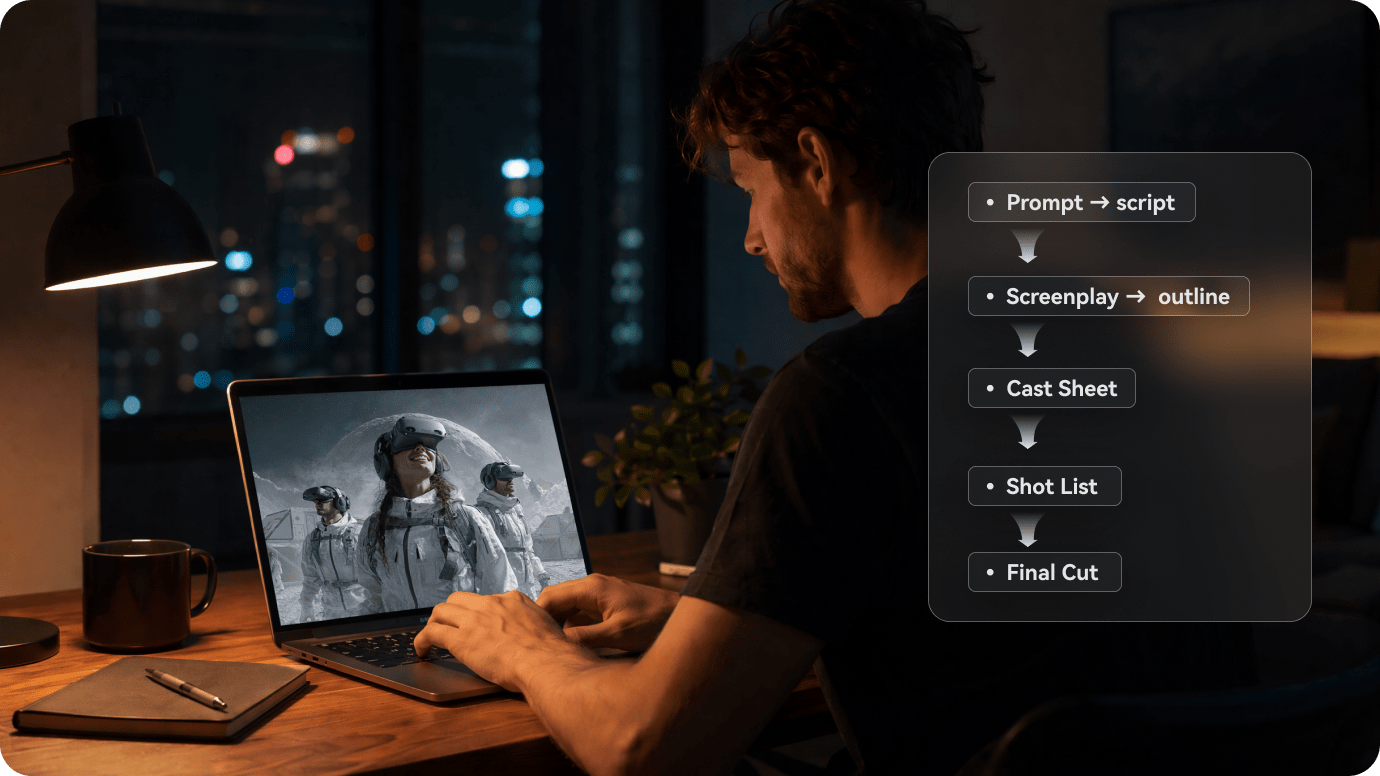
- Script understanding → identify the core narrative and intent
- Story structure → organize the setting, characters, and story beats
- Character setup → create characters or use reference photos
- Storyboard preview → review the planned visual flow before rendering
- Final generation → create visuals, voiceover, music, and subtitles based on your options
Core Features of Media.io AI Script to Video Generator
Build a complete video from written content without treating every scene as a separate generation task. Media.io combines script understanding, character setup, AI visuals, voiceover, optional music and subtitles in one script-to-video workflow.
Turn Scripts into Structured Visual Stories
Instead of using a script as narration alone, Structured Mode can analyze the story, organize key beats, prepare the cast, and create a storyboard preview before final generation. This is especially useful for short dramas, story channels, screenplays, and other multi-scene ideas.
- Story understanding for narrative intent, setting, and plot flow
- Story structure for connected scenes and key moments
- Storyboard preview before the final video is generated
Create Characters or Use Reference Photos
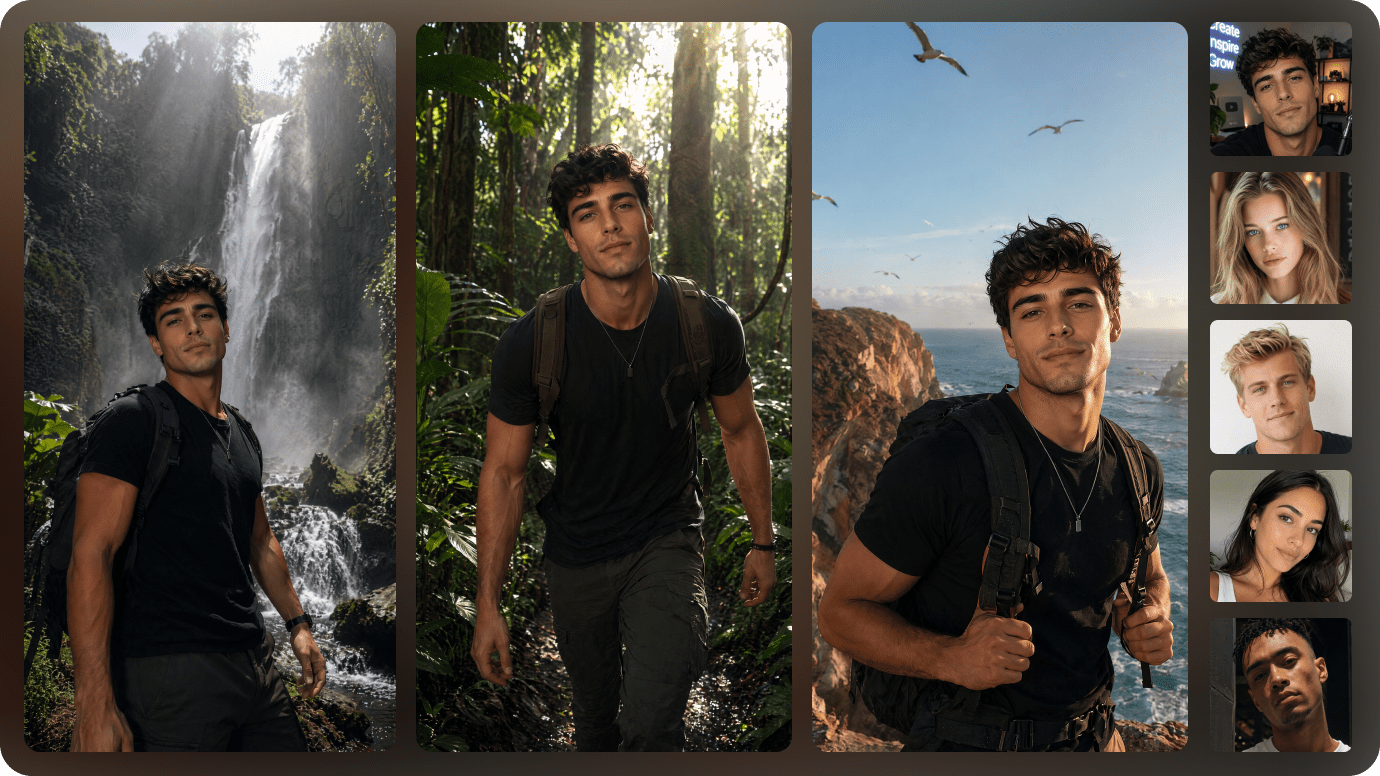
Build the cast for character-driven videos inside the structured workflow. Generate AI characters or upload reference photos to guide a character's appearance, then reuse saved character assets for related episodes and projects.
- AI Character Creation — create main and supporting characters for your script.
- Reference Photos — guide character appearance with uploaded images.
- Reusable Cast Assets — reuse saved characters across related videos.
- Visual Continuity — use consistent references and descriptions to improve character continuity across scenes.
Generate Visuals, Voiceover, Background Music, and Subtitles Together
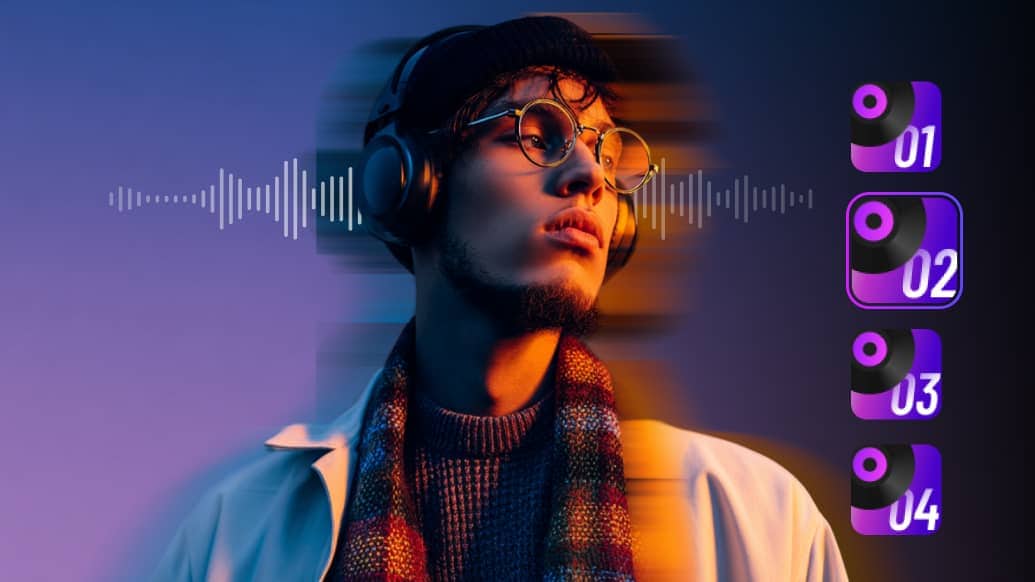
Media.io can generate more than visual scenes. The final script video can include AI voiceover, background music, and video subtitles or dialogue captions in the same workflow. Before generation, choose whether background music and subtitles should be included.
- AI Visuals — turn story moments into connected video scenes.
- AI Voiceover — turn narration or dialogue into spoken audio.
- Optional Background Music — switch music on or off before generating.
- Optional Subtitles — generate subtitles or dialogue captions together with the video when enabled.
Start with Realistic or Anime, or Describe Your Own Style
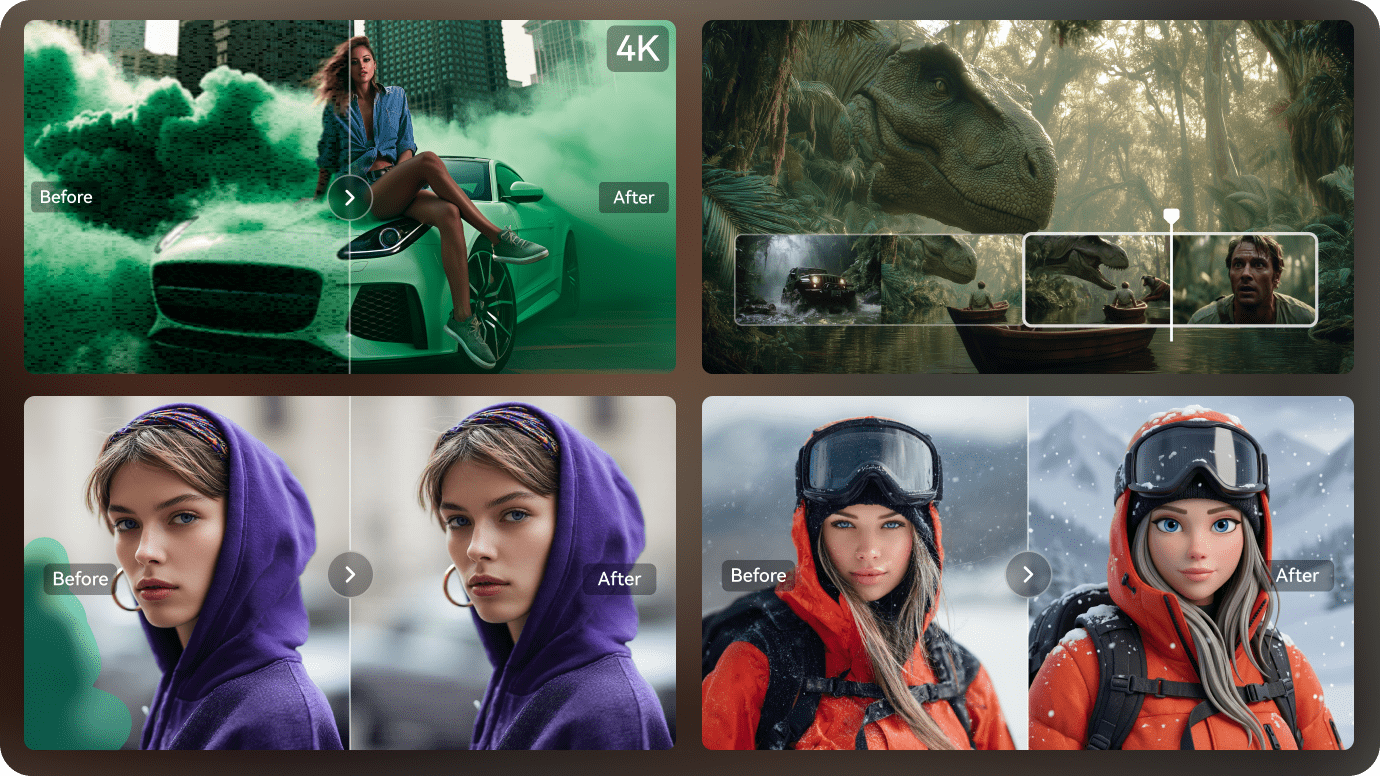
Realistic and Anime are available as quick style presets. They are starting points rather than limits: describe a cinematic, watercolor, comic, dark-fantasy, 3D, retro, or other visual direction in your prompt or script to guide the generated look.
When the video is ready, export a result up to 2 minutes long at up to 4K resolution, then continue refining it with Media.io video tools if needed.
What Can Media.io Script to Video Generate?
A quick product-facts view of the current Script to Video workflow.
| Capability | Media.io Script to Video |
|---|---|
| Input | √ Prompt or script |
| Workflow options | √ Agent Mode or Structured Mode |
| Structured workflow | √ Script understanding → story structure → character setup → storyboard preview → final generation |
| Generated media | √ AI visuals + voiceover |
| Background music | √ Optional; switch on or off before generation |
| Subtitles | √ Optional; switch on or off before generation |
| Quick style presets | √Realistic and Anime; other styles can be described in the prompt or script |
| Maximum video length | √Up to 2 minutes |
| Maximum resolution | √Up to 4K |
How to Turn a Script into a Video with Media.io
Three steps, with two ways to work: automate the full process with Agent Mode or review the story plan with Structured Mode before generation.
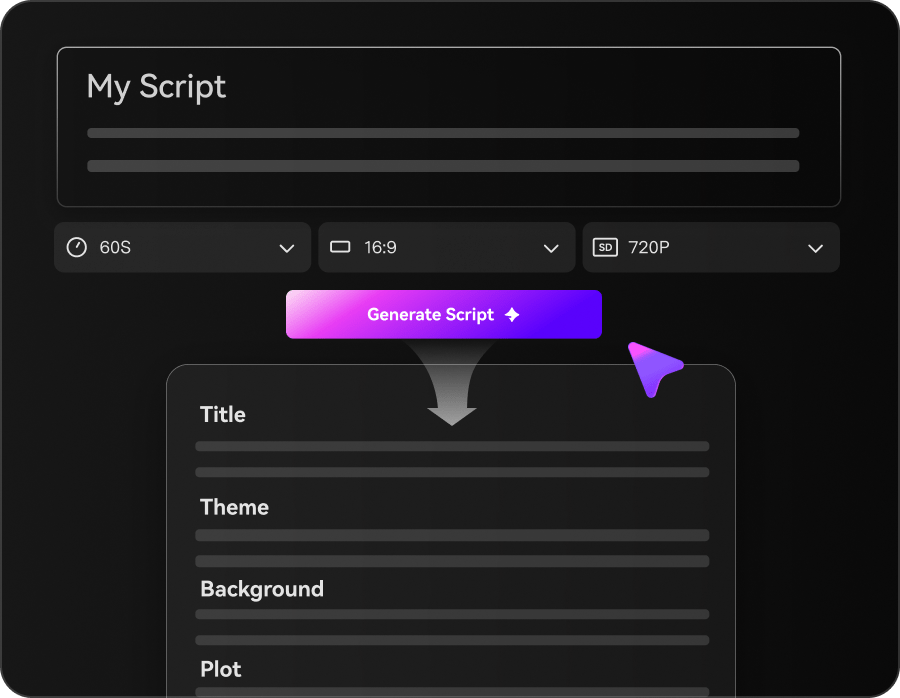
Enter a Prompt or Script & Choose a Mode
Start with a prompt, narration, screenplay, story, or other script. Choose Agent Mode for a faster end-to-end workflow, or Structured Mode when you want to review story planning before generation.
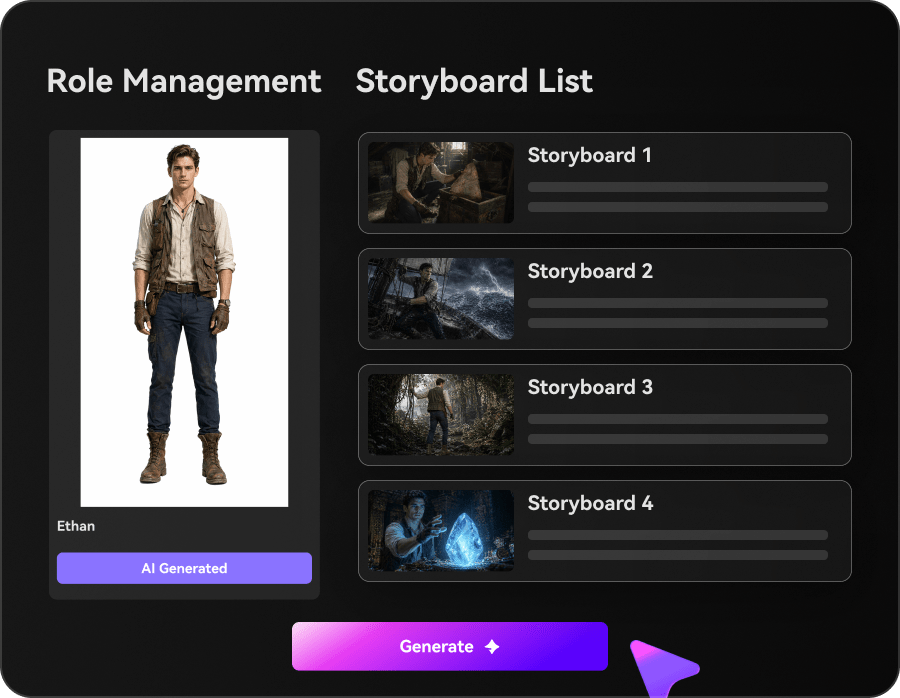
Set Characters, Style, Music & Subtitles
In Structured Mode, review story structure, set up characters, and preview the storyboard. Use Realistic or Anime as a quick preset or describe another style. Choose whether to generate background music and subtitles with the video.
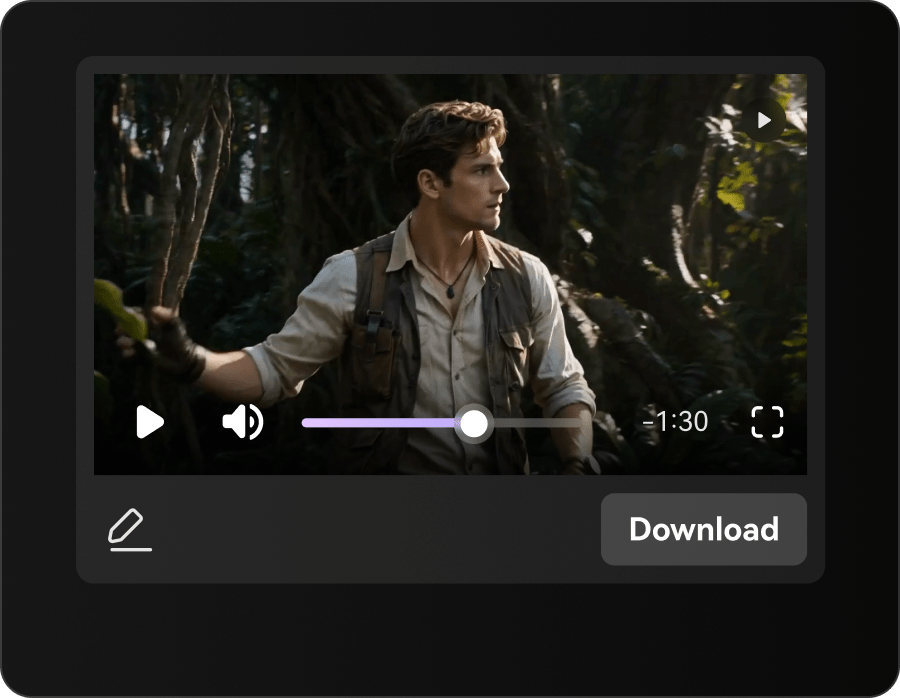
Generate & Export Your AI Video
Generate the final video with AI visuals and voiceover, plus music and subtitles when enabled. Create videos up to 2 minutes long and export at up to 4K resolution.
Script to Video vs Text to Video: Which Should You Use?
Both can generate AI video, but they start from different kinds of input and solve different creative jobs.
| Capability | Script To Video | Text to Video |
|---|---|---|
| Typical input | √ Script, narration, screenplay, story, or multi-scene idea | Short visual prompt or scene description |
| Best for | √ Narrative, character-driven, or structured videos | Individual clips and visual concepts |
| Story structure | √ Can organize story beats, cast, and planned visual flow | Usually driven by the prompt for a single clip |
| Character workflow | √ Can include character setup and reference photos | Character guidance depends on the prompt or reference workflow |
| Audio & captions | √ Voiceover plus optional background music and subtitles in the workflow | Depends on the individual text-to-video tool or follow-up editing |
| Use Media.io when... | √ You already have a script or want AI to develop a story-driven video workflow | You mainly need a short AI-generated visual clip from a prompt |
Need a clip-first workflow instead? Explore Media.io Text to Video.
What Can You Create with an AI Script to Video Generator?
From YouTube narration and Reddit stories to screenplays, brand stories, and long-form ideas, Media.io helps turn written scripts into structured AI-generated videos.
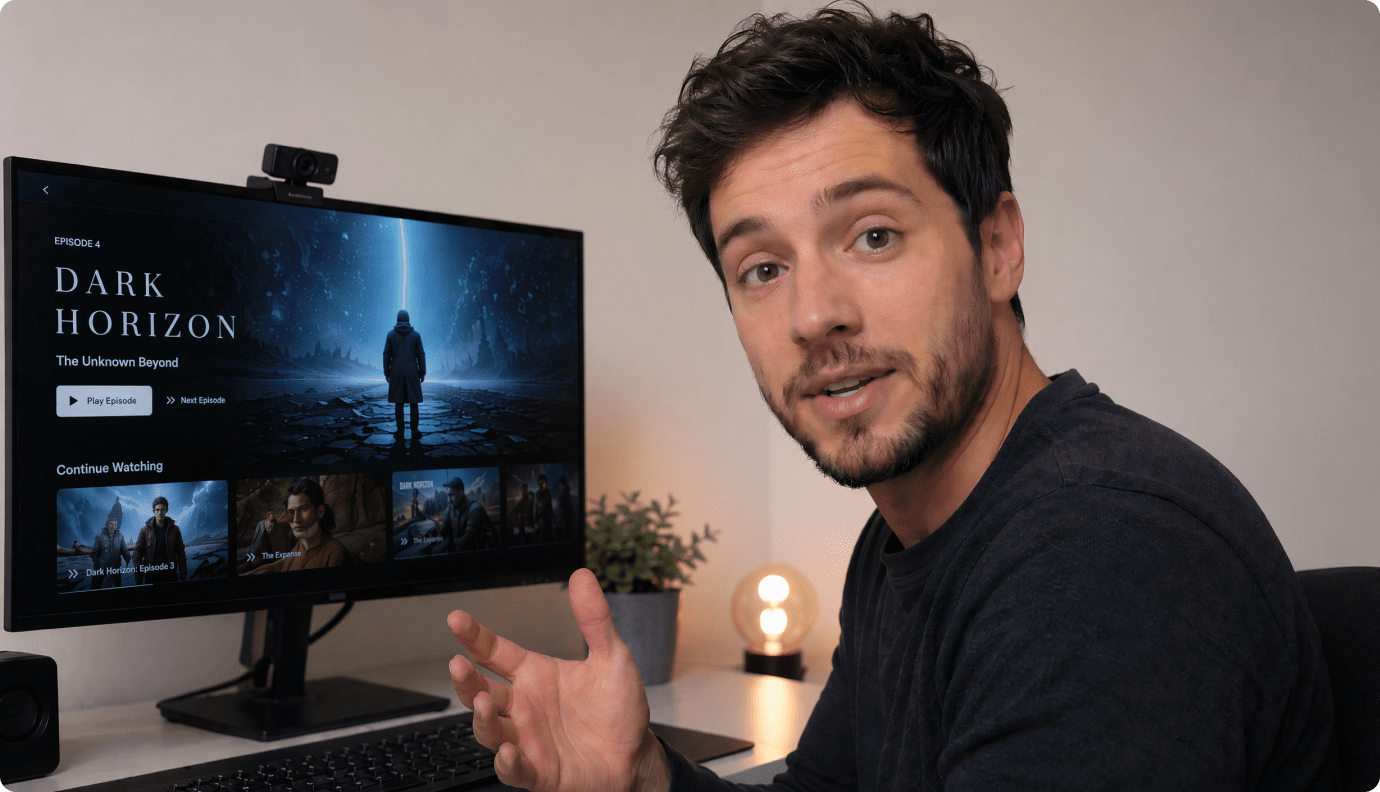
Turn YouTube Scripts into AI Videos
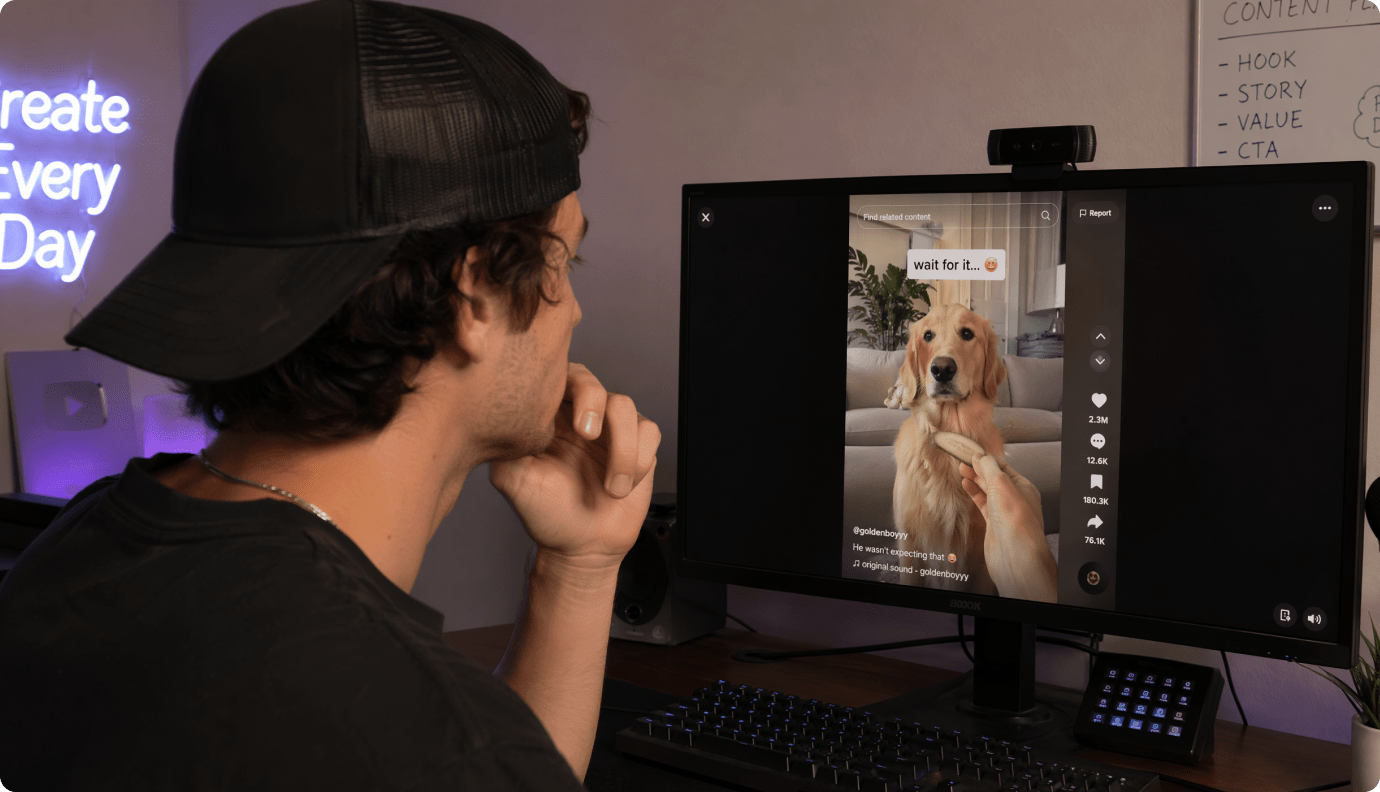
Paste a narration script, faceless channel idea, explainer draft, or story episode. Media.io helps organize the script, create characters, preview the storyboard, and generate a video from your written idea.
Convert Reddit Stories into Watchable Videos
Turn Reddit-style posts, horror stories, confessions, mystery threads, and short narrative ideas into AI story videos with structured plot flow, character setup, and storyboard preview.

Visualize Screenplays Before Production
Bring short film scripts, scene concepts, and screenplay ideas into a visual format. Media.io helps turn written scenes into structured AI video drafts for pitches, previews, and creative planning. For more pre-production planning ideas, see our AI previsualization tools guide covering storyboards, animatics, and camera planning.
Turn Brand Stories into AI Video Drafts
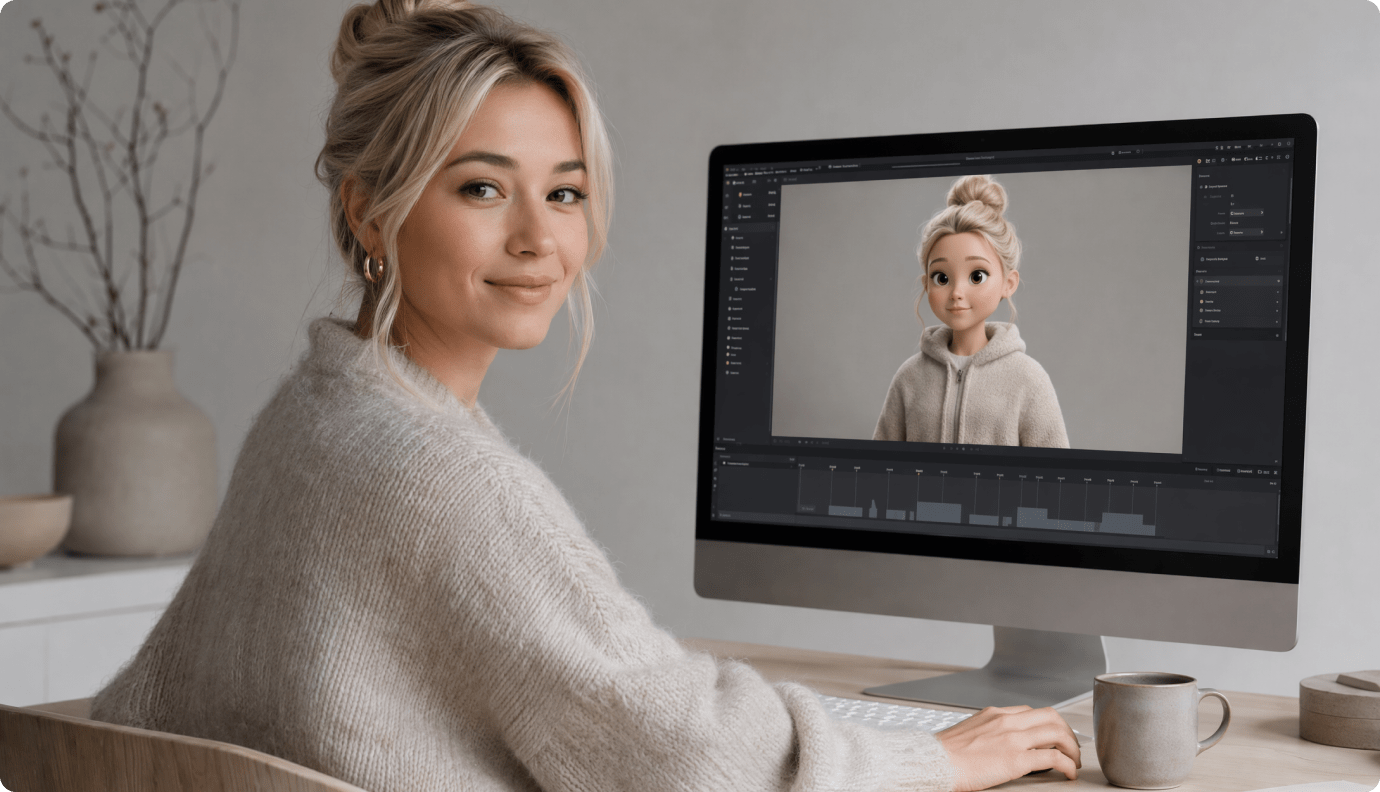
Transform brand stories, product concepts, campaign ideas, and character-driven messages into visual video drafts. It is a faster way to test story angles before building a full campaign.
See How Scripts Become AI Videos
Across Different Story Styles
Explore how Reddit stories, horror scripts, novel chapters, kids stories, brand ideas, and educational scripts can become structured, watchable AI videos with Media.io.
How Different Creators Use AI Script to Video
From short-drama creators and faceless YouTubers to screenwriters, novelists, and brand teams — see common ways creators can use Script to Video AI to move from written ideas to finished videos.


"Media.io helped me move from written scenes to visual story drafts much faster. I can start with a script, set up characters, preview the storyboard, and generate short-drama videos without building everything from scratch."

"I run a faceless story channel, so I need a faster way to turn YouTube scripts into videos. Media.io helps me organize narration, create characters, and turn written story ideas into visual videos in one connected workflow."

"I used Media.io to turn a screenplay scene into a visual pitch. It helped me show the tone, character setup, and story flow more clearly than a text-only treatment — without building a traditional pre-production workflow from scratch."

"I turned a chapter from my novel into a short AI video preview without hiring a production team. Media.io helped translate the story structure, characters, and atmosphere into something visual and easy to share."

"For Reddit-style story videos, Media.io gives me a more connected workflow from long-form text to a structured AI video. I can paste long text, review the story outline, build characters, and turn it into a structured AI video for my channel."

"We use Media.io to turn campaign scripts and product stories into short AI videos. It helps our team move from written concepts to visual brand storytelling in one workflow."
FAQs on AI Script to Video
What is an AI script to video generator?
An AI script to video generator turns a written script or prompt into a complete video. Media.io can generate visuals and voiceover, add optional background music and subtitles, and lets you choose between a one-step Agent Mode and a Structured Mode with story structure, character setup, and storyboard preview.
What is Agent Mode in Media.io Script to Video?
Agent Mode is designed for users who want a faster end-to-end workflow. Enter a prompt or script and let Media.io handle the video creation process without requiring you to review each planning stage first.
What is Structured Mode?
Structured Mode gives you more visibility before generation. It covers script understanding, story structure, character setup, and storyboard preview before Media.io generates the final visuals, voiceover, music, and subtitles according to your selected options.
How long can a generated Script to Video video be?
Media.io Script to Video can generate videos up to 2 minutes long. For a longer story or series, create multiple related videos or episodes.
What resolution does Media.io Script to Video support?
Media.io Script to Video supports export resolutions up to 4K, depending on the generation and export settings available for your project.
Can Media.io generate background music and subtitles with the video?
Yes. Background music and video subtitles or dialogue captions can be generated together with the video. You can turn music and subtitles on or off before generating.
What video styles can I create?
Media.io provides Realistic and Anime as quick style presets. You can also describe other visual styles directly in your prompt or script to guide the generated look.
Can I upload a real photo to create a character?
Yes. You can upload a reference photo to guide a character's appearance, or create AI characters as part of the structured workflow.
Can I preview the storyboard before generating the final video?
Yes. Choose Structured Mode when you want to review the story structure, character setup, and storyboard preview before final video generation.
What is the difference between script to video and text to video?
Text to video is commonly used to generate individual clips from short visual prompts. Script to video is better suited to narrative or multi-part ideas because the script can define story structure, characters, narration, and multiple visual moments before the final video is assembled.
What types of scripts work well with Media.io?
You can use YouTube narration, short-drama scripts, Reddit-style stories, screenplays, novel scenes, brand stories, educational scripts, and other character-driven or story-driven ideas.
Is Media.io Script to Video free to start?
Media.io is free to start, while video generation can use AI credits. Available export options and additional features depend on your plan and project settings.
Explore Script-to-Video Ideas and Use Cases
Explore focused generators for common story types, creator workflows, and visual styles built around Media.io Script to Video.

Turn Your Script into an AI Video
In One Online Workflow
Paste your script, story, or long-form idea. Media.io helps structure the text, set up characters, preview the storyboard, and generate a watchable AI video from your written idea.
 4.7 (162,357 Votes)