
AI Film Maker for Cinematic Shorts, Scenes, and Trailers
Turn a script, story idea, or scene concept into a film-style video with Media.io's AI Film Maker. Follow a complete AI filmmaking workflow to build a structured outline, generate a scene-by-scene storyboard, choose realistic or anime visual styles, and refine each shot without starting over. Keep characters consistent, adjust pacing, re-roll weak scenes, and export cinematic shorts, teasers, or story videos for YouTube, TikTok, Reels, and pitch-ready previews.
Make AI Films with Structure, Characters, and Scene Control
A good AI film is more than a prompt-to-video clip. Media.io helps you turn scripts, story ideas, and scene concepts into cinematic videos with a clear outline, reusable characters, editable storyboards, controlled pacing, and export-ready formats for every channel. For a broader step-by-step process, explore the complete AI video workflow from planning and generation to final export.
Turn Your Script into a Film Plan Before You Generate
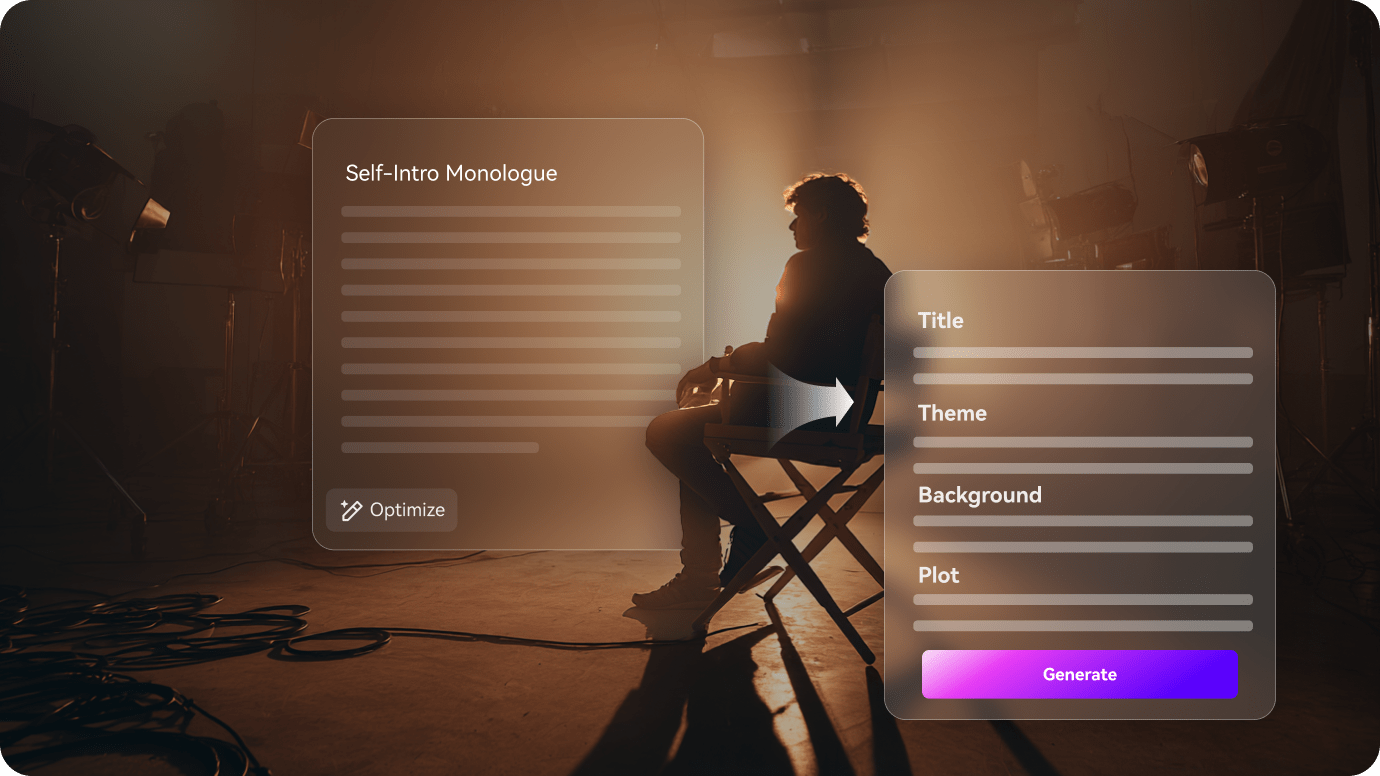
Start with a screenplay, short story, YouTube script, or movie idea. Media.io's AI Movie Maker breaks it into a usable production plan with title, theme, setting, plot, characters, and scene direction, so your video starts with structure instead of becoming a random montage.
- Script to Film Outline - Extract title, theme, setting, plot, and cast into an editable plan
- Scene-First Workflow - Shape the story before generating shots, so each moment has a purpose
- Cinematic Setup - Choose 720P, aspect ratio, visual style, and model before production starts
- Built for Short Films - Generate up to 2-minute cinematic videos, trailers, teasers, and story cuts
Create Characters That Stay Recognizable Across Scenes
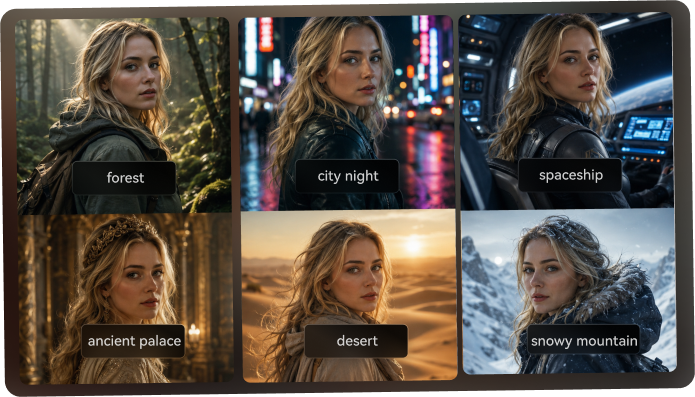
Generic AI video tools often lose the character from one shot to the next. Media.io lets you define your cast from a real photo, sketch, or text description, then use three-view references to guide recurring angles and keep your AI film visually consistent.
- Photo, Sketch, or Text Cast - Build leads, supporting roles, narrators, or stylized characters
- Three-View Character References - Generate front, side, and back views for stronger continuity
- Reusable Character Assets - Bring the same cast into sequels, variations, or future story videos
- Realistic or Anime Styles - Keep the same character identity while changing the visual direction
Make Different Types of AI Films from Scripts
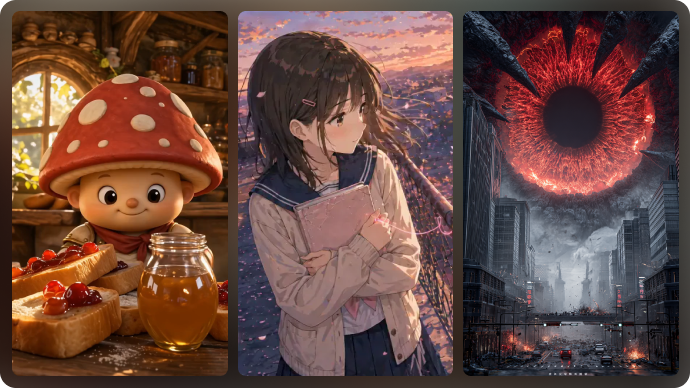
Every script needs a different visual treatment. Media.io helps turn your idea, story, or screenplay into an AI-generated film with the right direction — from horror and romance to anime, short drama, fantasy, brand stories, and educational scenes.
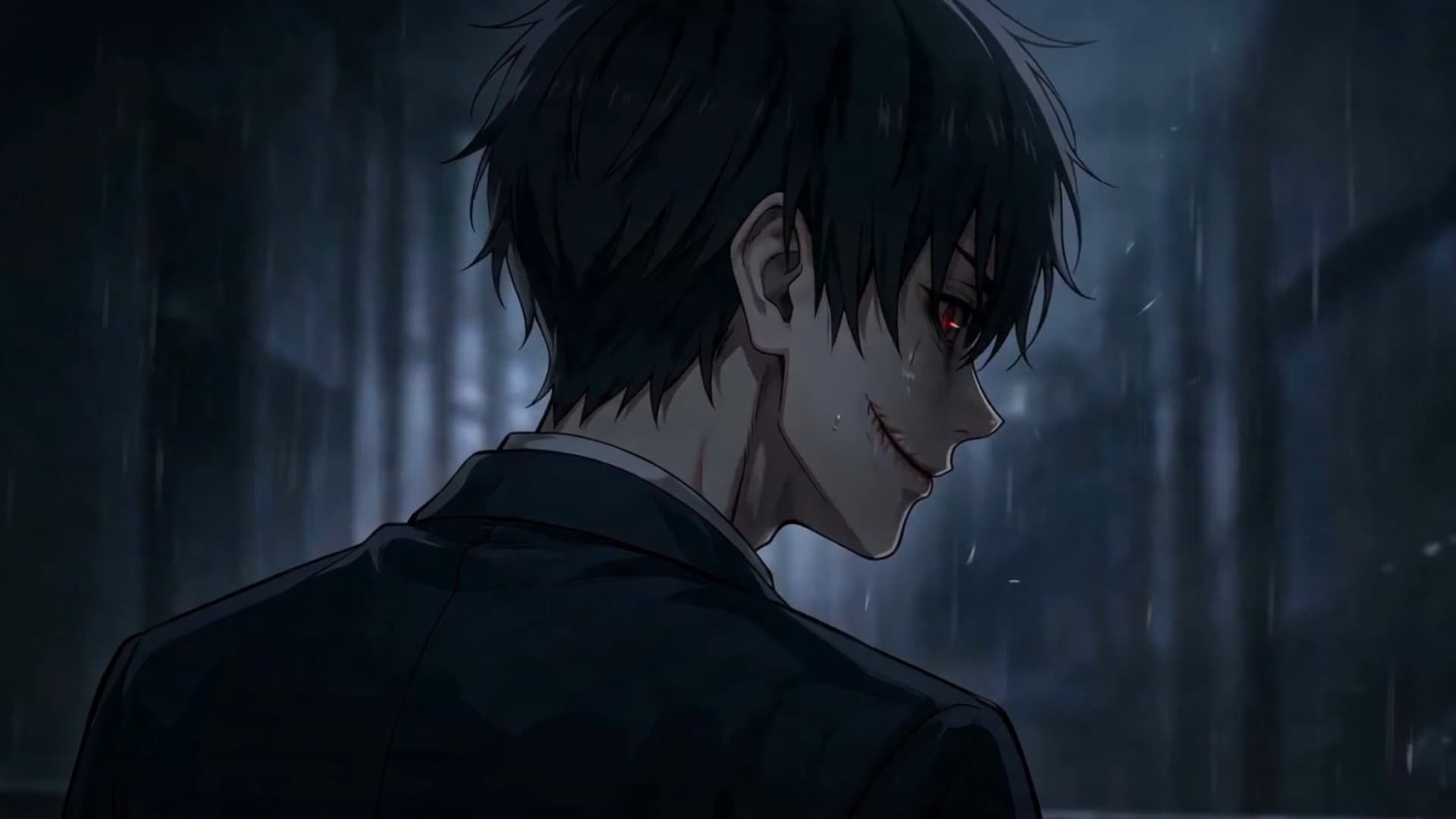
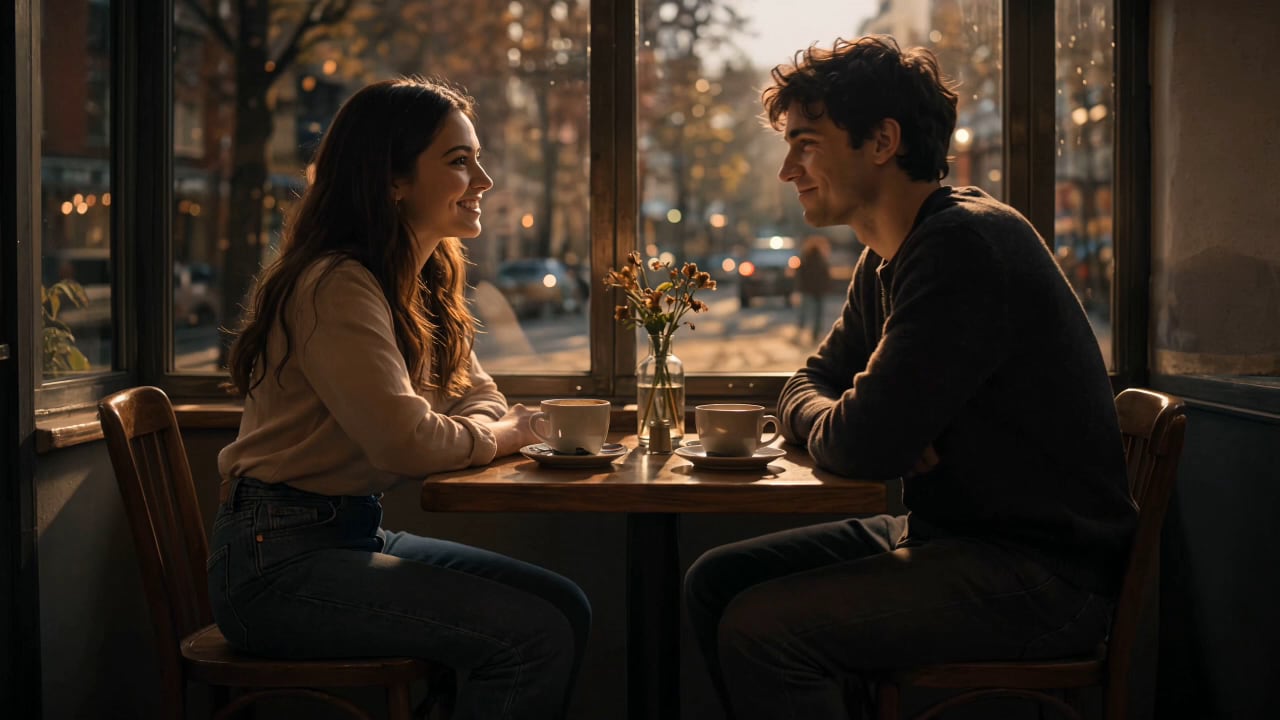
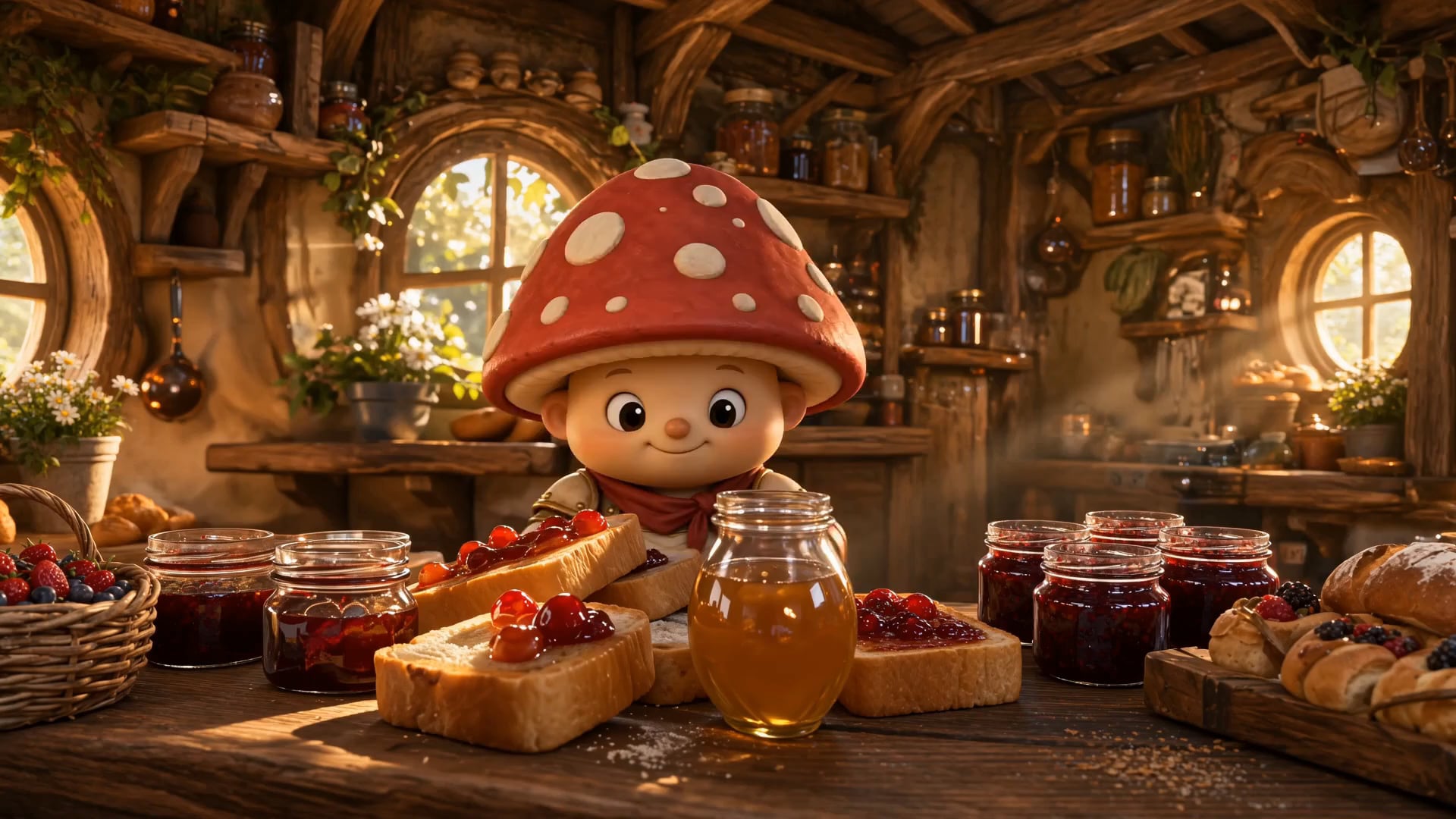
- Multiple Film Styles - Create horror stories, anime films, short dramas, romance scenes, fantasy clips, and more.
- Script-Based Direction - Let AI understand your plot, characters, setting, and emotional tone before generating the film.
- Storyboard Preview - Review the visual flow before the final video is generated, so the story feels easier to follow.
- Single-Shot Regeneration - If one generated shot does not fit the story mood, regenerate that shot without starting the whole project over.
Generate a Complete AI Film from Your Script
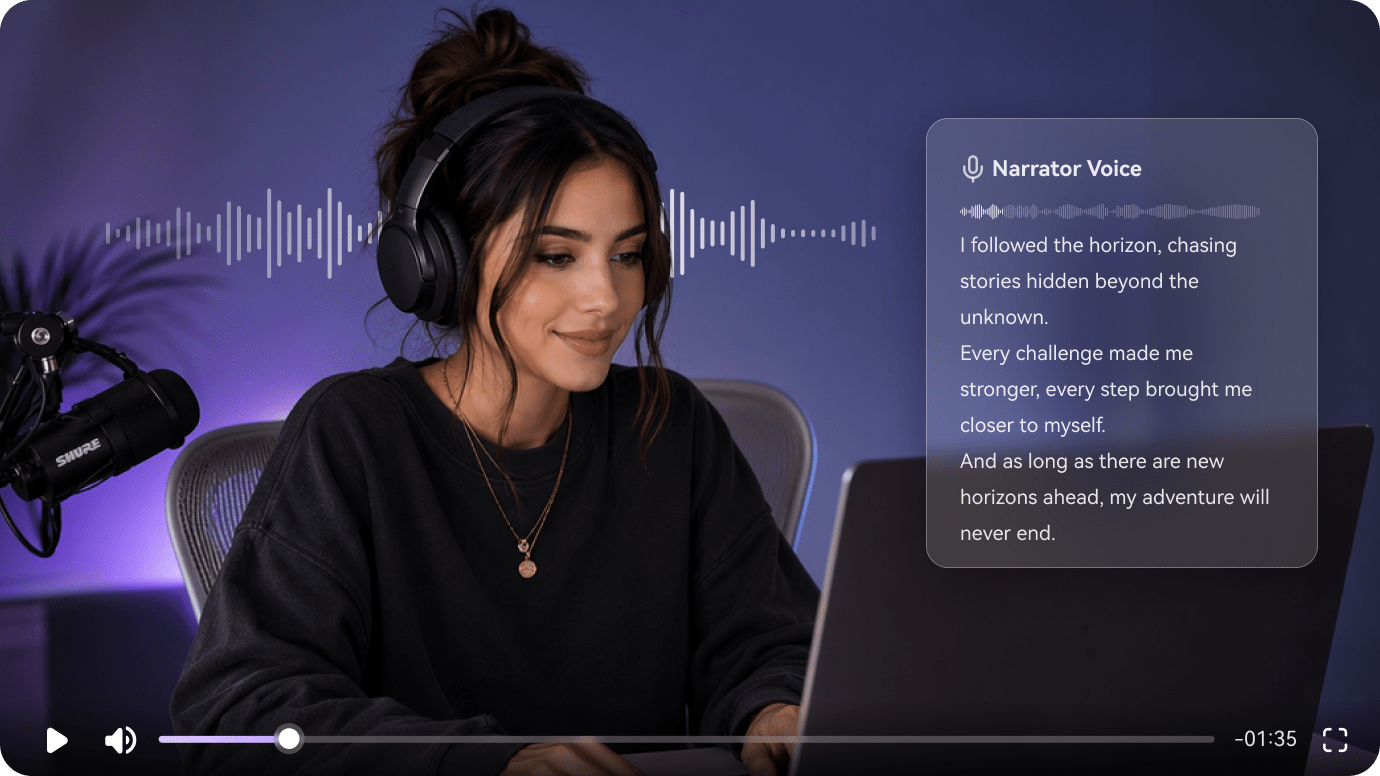
Turn your script into a complete, ready-to-use AI film with generated visuals, natural voiceover, and background music that matches the story mood. After the first video is created, continue polishing it with Media.io tools to improve quality, extend the storyline, or clean up unwanted details before sharing.
- Script-to-Film Generation - Transform your story, screenplay, or idea into a watchable AI video.
- Voiceover & Background Music - Add narration and matching music to make the film feel complete.
- Video Enhancer - Improve clarity and visual quality for a cleaner final result.
- Video Extend & Object Remover - Extend key story moments or remove unwanted details from important shots.
How to Make a Film with AI in Three Steps
Go from script, story idea, or scene concept to a cinematic video with a simple AI filmmaking workflow: plan the story, build the cast, edit the storyboard, then generate and polish your final cut.
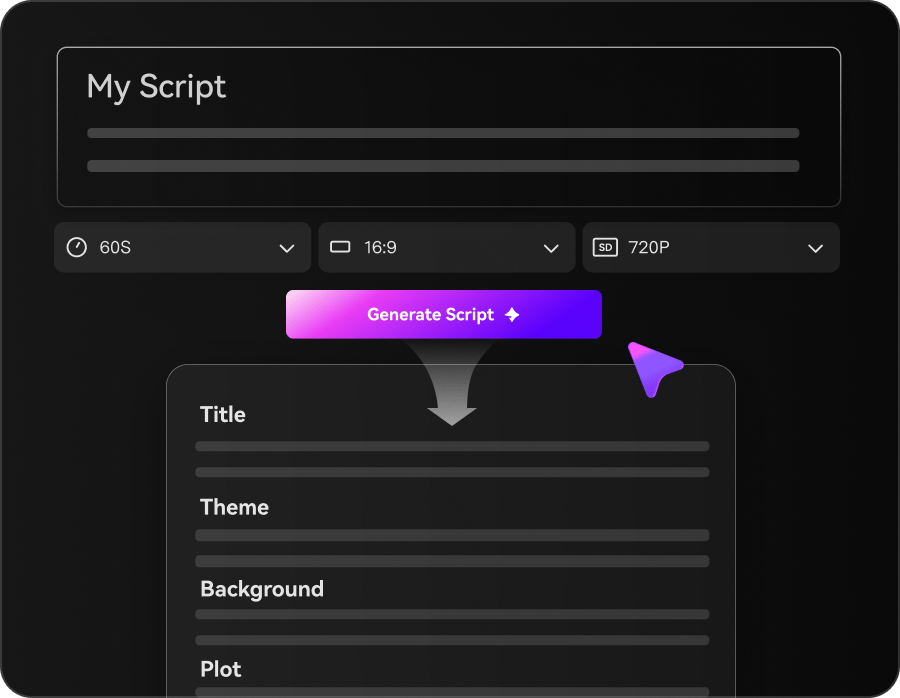
Paste Your Story and Set the Look
Paste a script, short story, YouTube idea, or scene concept, then choose the production settings before generation starts. Select 720P, 9:16 / 1:1 / 16:9, anime or realistic style, and the AI video model that best fits your film direction.
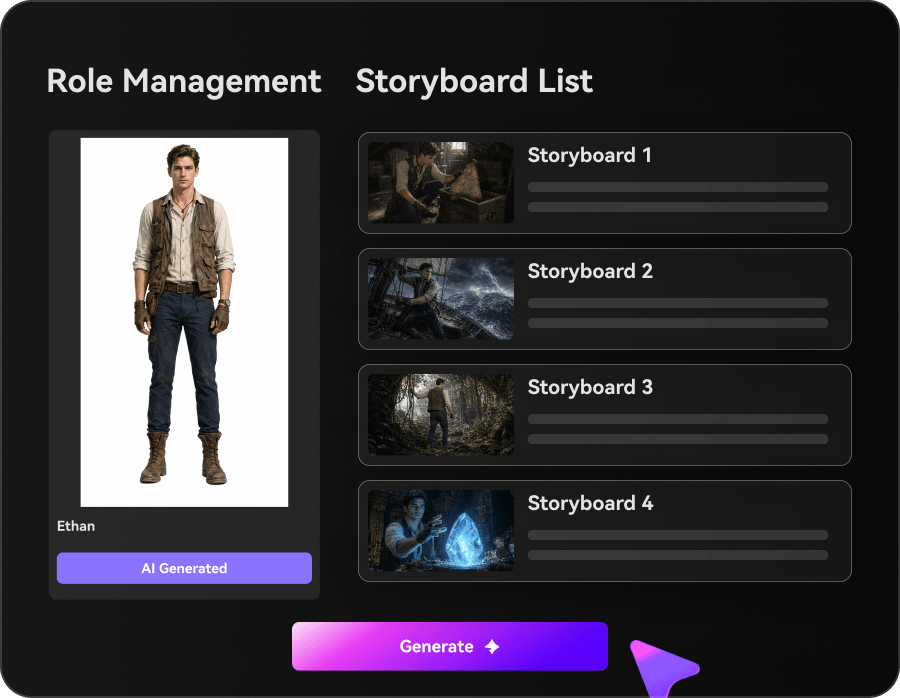
Build the Cast and Storyboard
Create characters from text, a photo, or a sketch, then generate three-view references to keep them recognizable. Review the storyboard cards, adjust scene descriptions, and make sure every beat supports the hook, tension, reveal, or emotional turn.
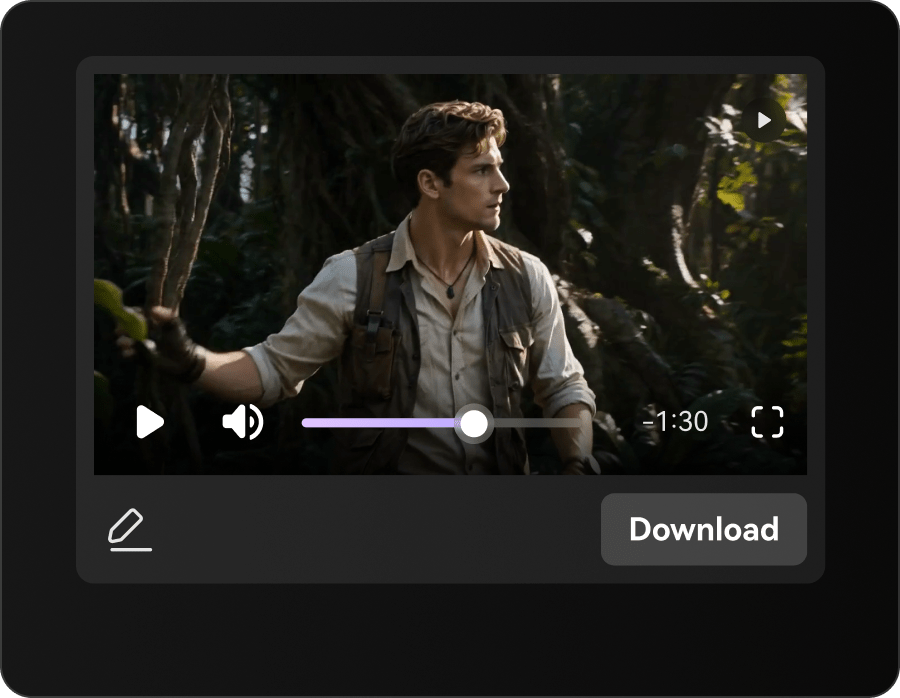
Generate, Re-Roll, and Export
Generate your AI film, re-roll any single shot that misses the mood or action, then polish the final cut with video enhancement, video extension, or object removal. Export your cinematic short, trailer, or story video in the right format for your channel.
Media.io AI Film Maker vs. Generic AI Video Tools
Some AI video tools create isolated clips from a prompt. Media.io is built for a fuller AI filmmaking workflow: plan the story, create characters, generate storyboard scenes, regenerate weak shots, and export a cinematic video for your channel.
Support Creators Who Need Film-Like Pacing
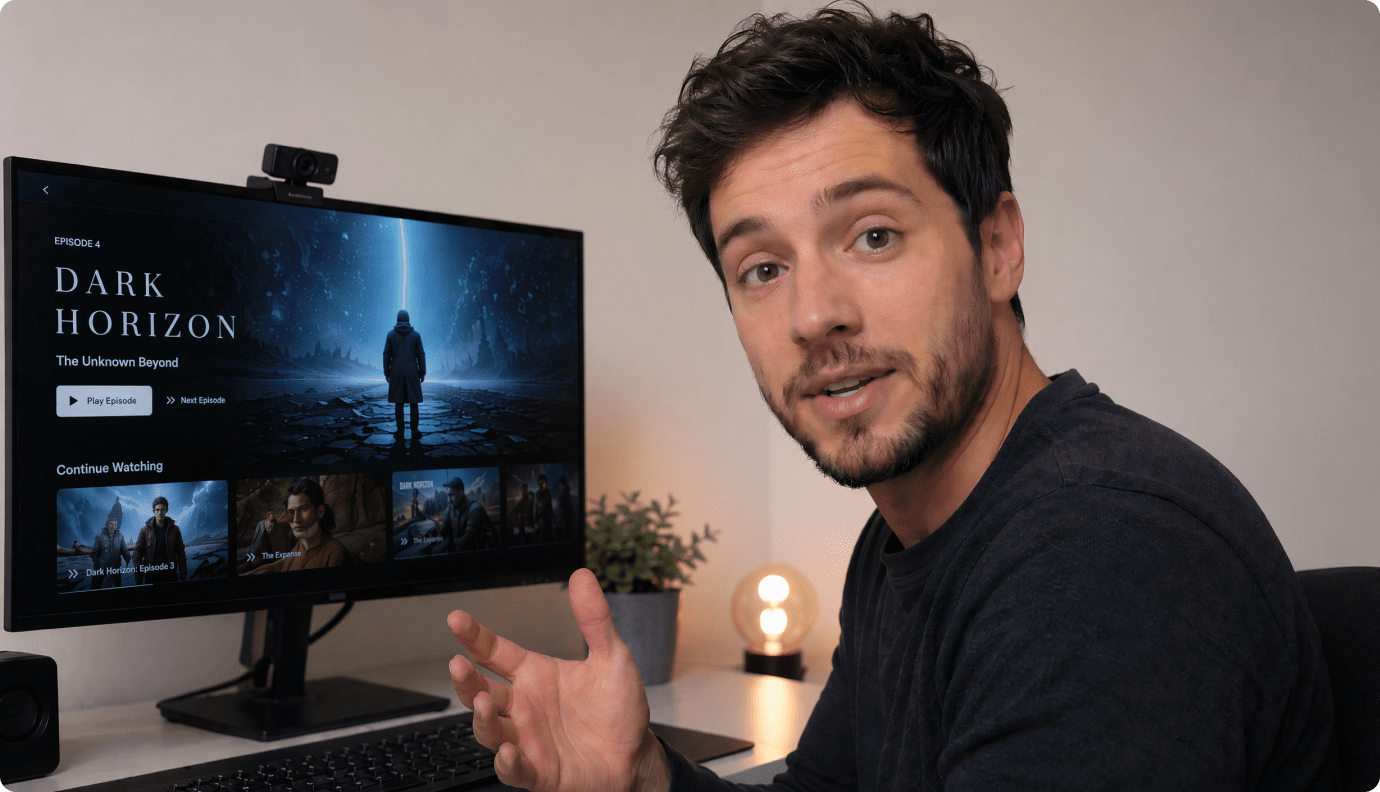
YouTube Trailer-Style Shorts
Cut a hook-first teaser for Shorts or a channel intro when you only have a script and a deadline.
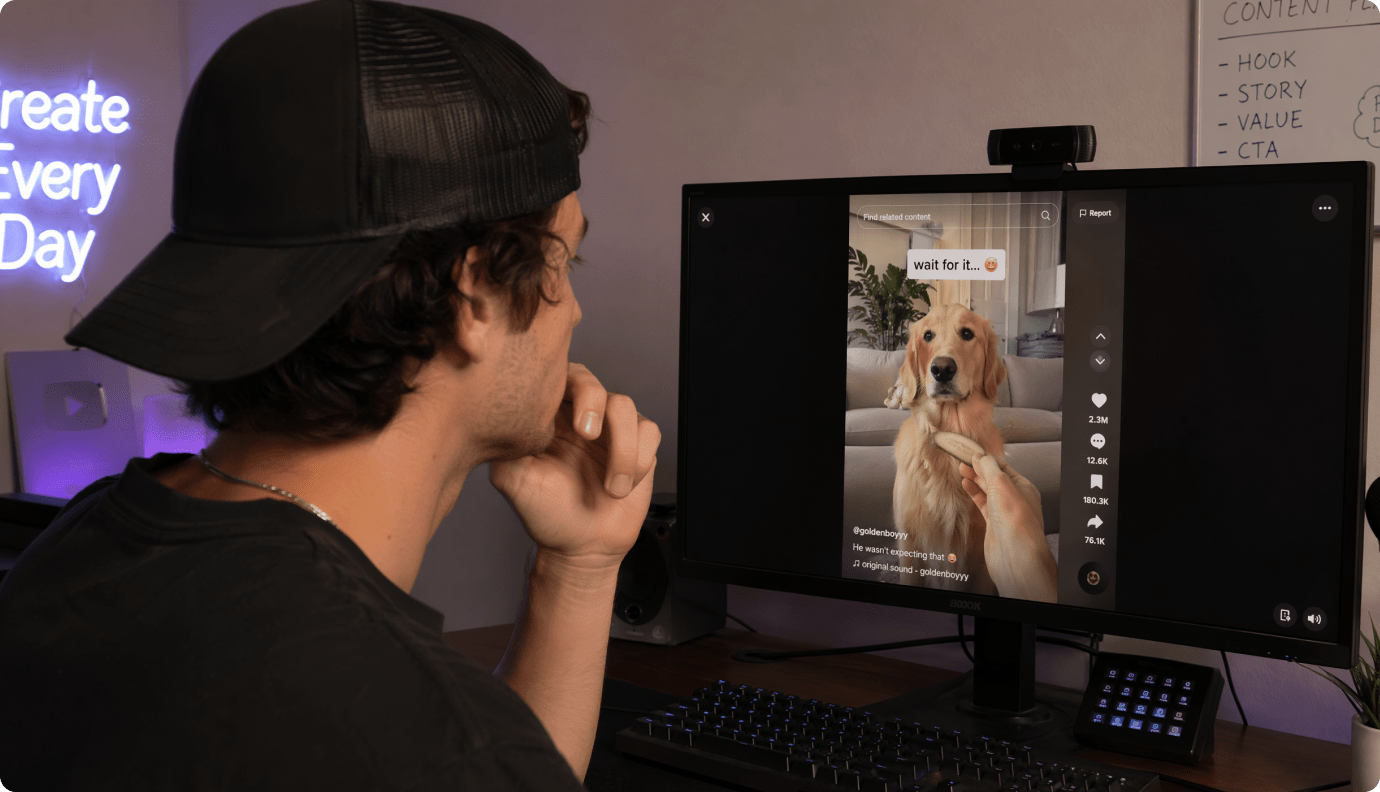
TikTok Series Storytellers
Turn episodic scripts into tight, scene-led clips that keep the same main character across parts.
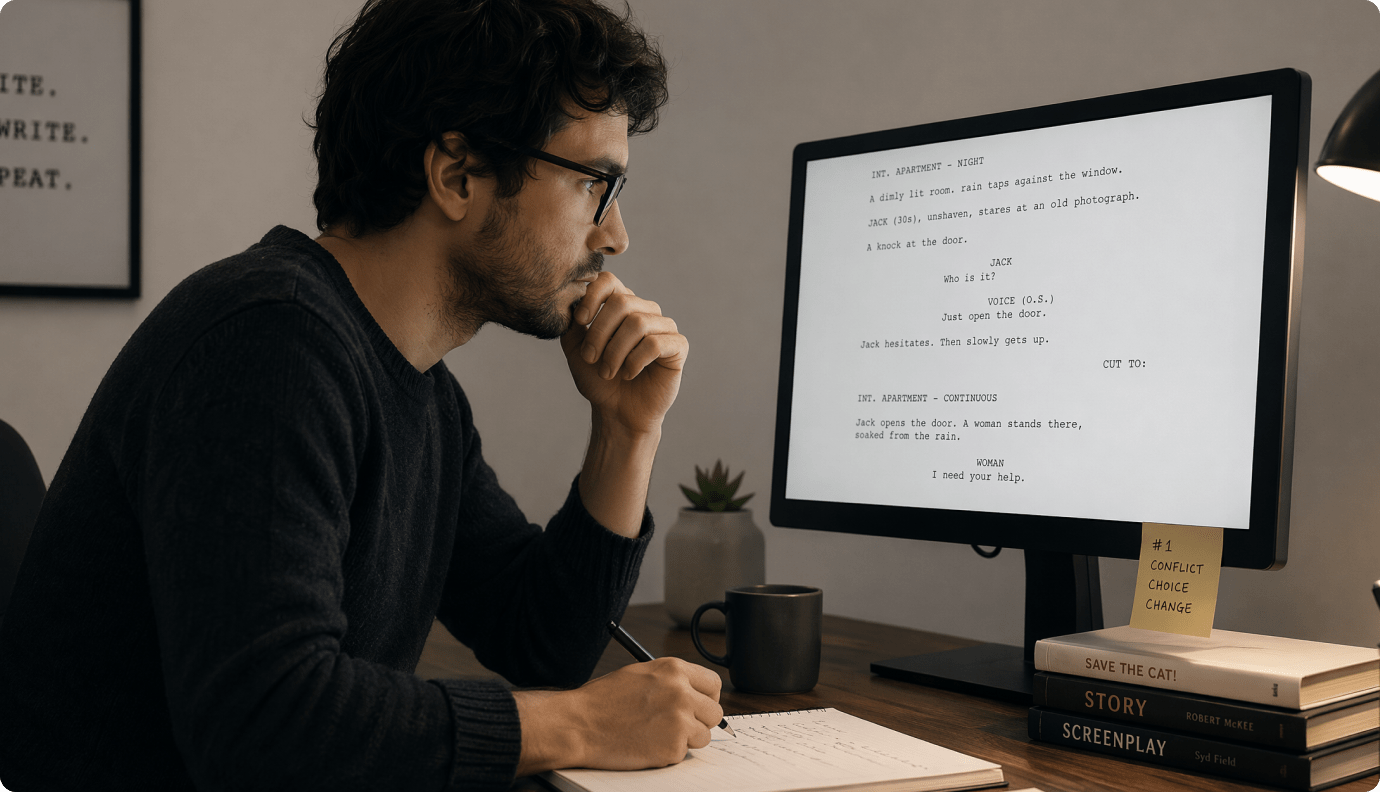
Indie Filmmakers and Pitch Decks
Make a visual proof-of-concept teaser to sell mood, setting, and cast before you shoot.
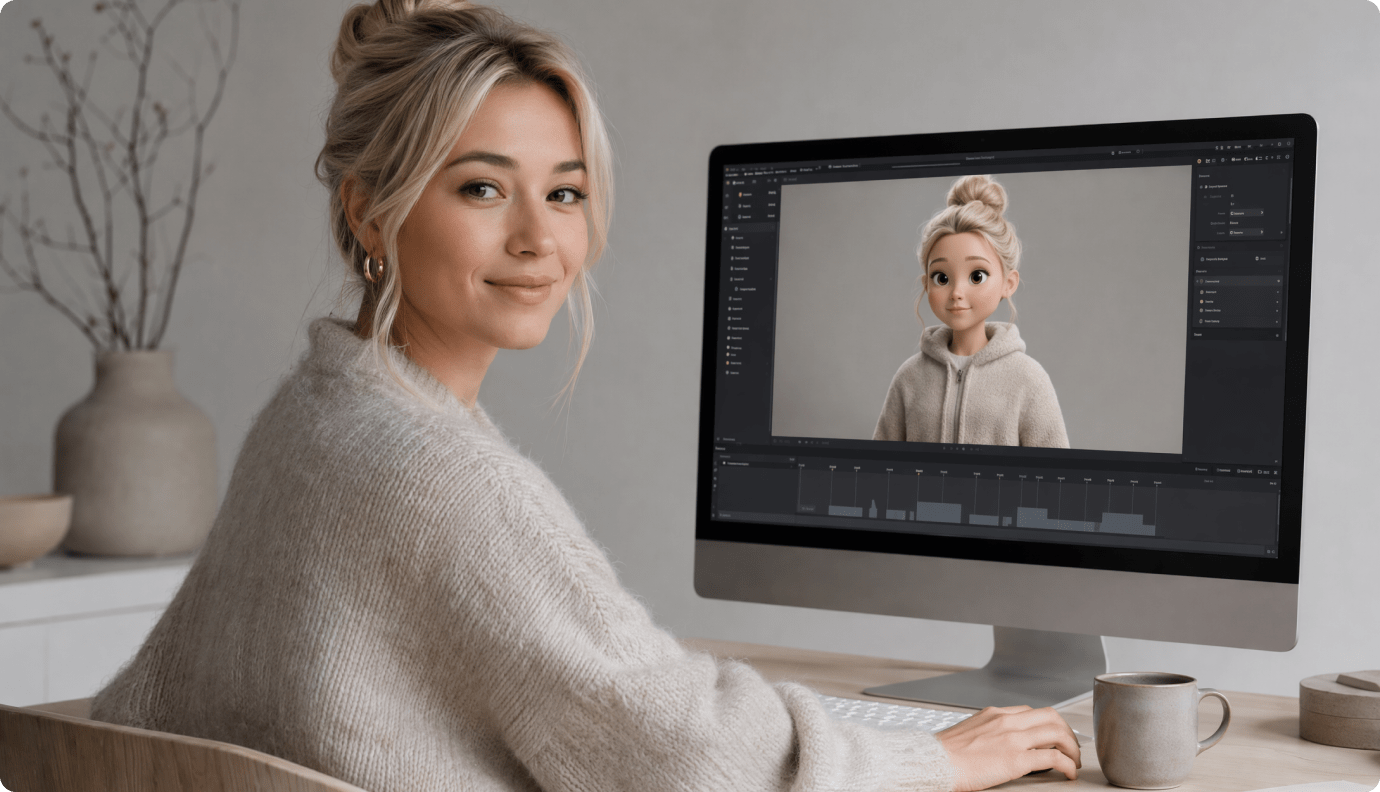
Marketers Launching Campaign Teasers
Draft trailer-style product or brand teasers with controlled scenes, then export for ads and landing pages.
See How Creators Ship
Ship Trailer-Ready Story Videos
Browse example outputs, then apply the same pacing and control to your next teaser.
Hear Creator Reviews on Trailer-Style Results
Real feedback from creators who care about pacing, continuity, and publishability.


"I needed a teaser cut for a new YouTube series, and the outline-to-storyboard flow made it feel planned. Re-rolling one scene saved my whole hook. Best part: it doesn't look like a random clip generator. Solid cinematic AI video maker."

"Character consistency is usually where these tools fall apart. The three-view references helped my lead stay recognizable across shots, even after revisions. I could actually direct the pacing like a trailer instead of settling for whatever it gave me."

"For TikTok, the first two seconds are everything. I used the storyboard cards to tighten the beat order and keep the reveal later. Exporting 9:16 with a clean cut was quick, and the results looked intentional on mobile."

"I make campaign teasers and usually fight with stock footage mismatches. Here I could generate scenes that match our mood, then remove a distracting object in a key shot. The workflow is practical when you need fast iterations for approvals."

"I used it to create a short 'cold open' for a lesson unit. The script paste produced an outline that kept the narrative tight, and I extended one beat to land the concept before discussion. Students stayed engaged longer than usual."

"As a faceless channel, I care about rhythm and clarity more than fancy effects. Being able to fix just one weak shot without restarting is huge. The export options also mean I can test the same cut on Shorts and regular YouTube."
FAQs on AI Film Maker
What Is an AI Film Maker?
An AI film maker is a tool that turns a script, story, or creative idea into a film-style video. Media.io helps transform your input into an outline, characters, storyboard preview, AI-generated visuals, voiceover, and matching background music, so you can create a short AI film online without filming from scratch.
What Can I Create with Media.io AI Film Maker?
You can create short films, trailer-style teasers, story videos, anime films, horror concepts, romance scenes, fantasy clips, brand stories, educational scenes, and social videos. It is especially useful when you want to turn a written idea into a watchable AI video with visuals, narration, and music.
What Should I Paste into the AI Film Maker?
You can paste a long scrip (up to 5000 characters), screenplay scene, or scene-by-scene outline. Media.io uses your text as the creative source, then helps organize it into a film-style video workflow before generation.
Can I Keep Characters Consistent Across the AI Film?
Yes. Media.io supports character setup from text or reference photos, helping guide the look of your cast across the generated film. This is useful for short dramas, story videos, brand mascots, recurring characters, and character-driven scenes.
Does Media.io Generate Voiceover and Background Music?
Yes. Media.io can help generate a complete AI film with visuals, voiceover, and background music that matches the story mood. This makes the output feel more complete than a silent clip or a simple text-to-video experiment.
Can I Make AI Films for YouTube Shorts, TikTok, and Reels?
Yes. You can create vertical story videos, trailer-style teasers, short drama clips, and cinematic social videos for YouTube Shorts, TikTok, Instagram Reels, and other social platforms. For longer ideas, you can split the story into multiple short episodes.
How Long Can the Generated AI Film Be?
Media.io can generate AI films up to 2 minutes long, making it suitable for short films, teasers, story videos, trailers, and social video concepts. If your story is longer, you can create multiple parts or continue the narrative across episodes.
What Aspect Ratios Can I Use for AI Film Output?
You can create videos in common social and cinematic formats, including vertical videos for TikTok, Reels, and Shorts, widescreen videos for YouTube, and square videos for social feeds. This helps you adapt one AI film idea for different publishing channels.
Can I Regenerate Just One Scene or Shot?
Yes. Media.io supports regenerating a single scene or shot when one moment does not match your story mood, visual direction, or character setup. The current workflow focuses on storyboard preview and single-shot regeneration rather than full storyboard card editing.
How Is Media.io AI Film Maker Different from a Basic Text-to-Video Tool?
Basic text-to-video tools often focus on one short prompt or a quick clip. Media.io is designed for script-based film creation, helping you move from story input to outline, character setup, storyboard preview, visuals, voiceover, music, and post-generation refinement with Media.io tools.
Discover More AI Video Generators for Every Story
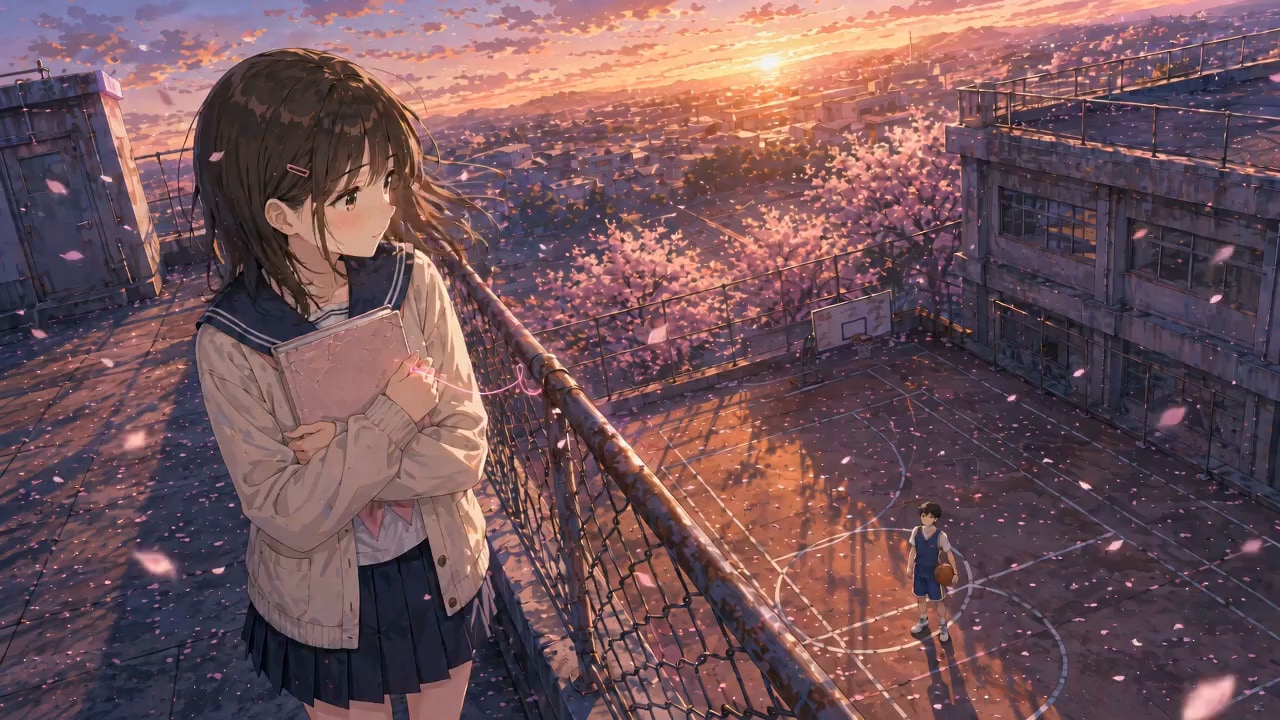
Continue your AI film creation workflow with related Media.io tools. From anime stories and horror scripts to faceless videos, story videos, and animation generators, find the right tool for your next script, scene, or creative idea.

Cut a Strong Hook.
Ship the Teaser Today.
Paste your script, direct the storyboard, and export a cinematic trailer-style cut in the exact format your audience watches.
 4. 8 (38421 Votes)