
AI Folk Tale Story Video Generator for Cinematic Legends, Fables, and Myths
Adapt village myths, trickster tales, and origin legends into watchable shorts without stitching random clips together. Media.io's AI Folk Tale Story Video Generator turns your script into a structured scene plan, helps you keep a recognizable cast, and lets you re-roll any weak shot while preserving the story's mood. Publish in the right format for TikTok, YouTube, or the classroom.
Direct Folklore Atmosphere, Characters, and Scenes with Confidence
Get a story that looks intentional: one world, one cast, and a clear beginning-to-moral arc.
Build a Mythic World That Matches the Tale's Mood
Set the visual tone first, then keep it steady across scenes. Choose anime or realistic looks and let the generator hold onto folklore cues like lantern-lit villages, misty forests, and parchment-era color. It also fits AI story video maker workflows when the audience expects topic-specific scenes.
- Style Presets - Pick anime or realistic to fit your tradition and audience
- Model Choice - Select SD2.0 Fast, Kling O3, or Vidu Dramma for the look you want
- Scene Continuity - Maintain lighting and environment across a full arc
- Creator-Friendly Length - Build up to a 2-minute myth without over-editing
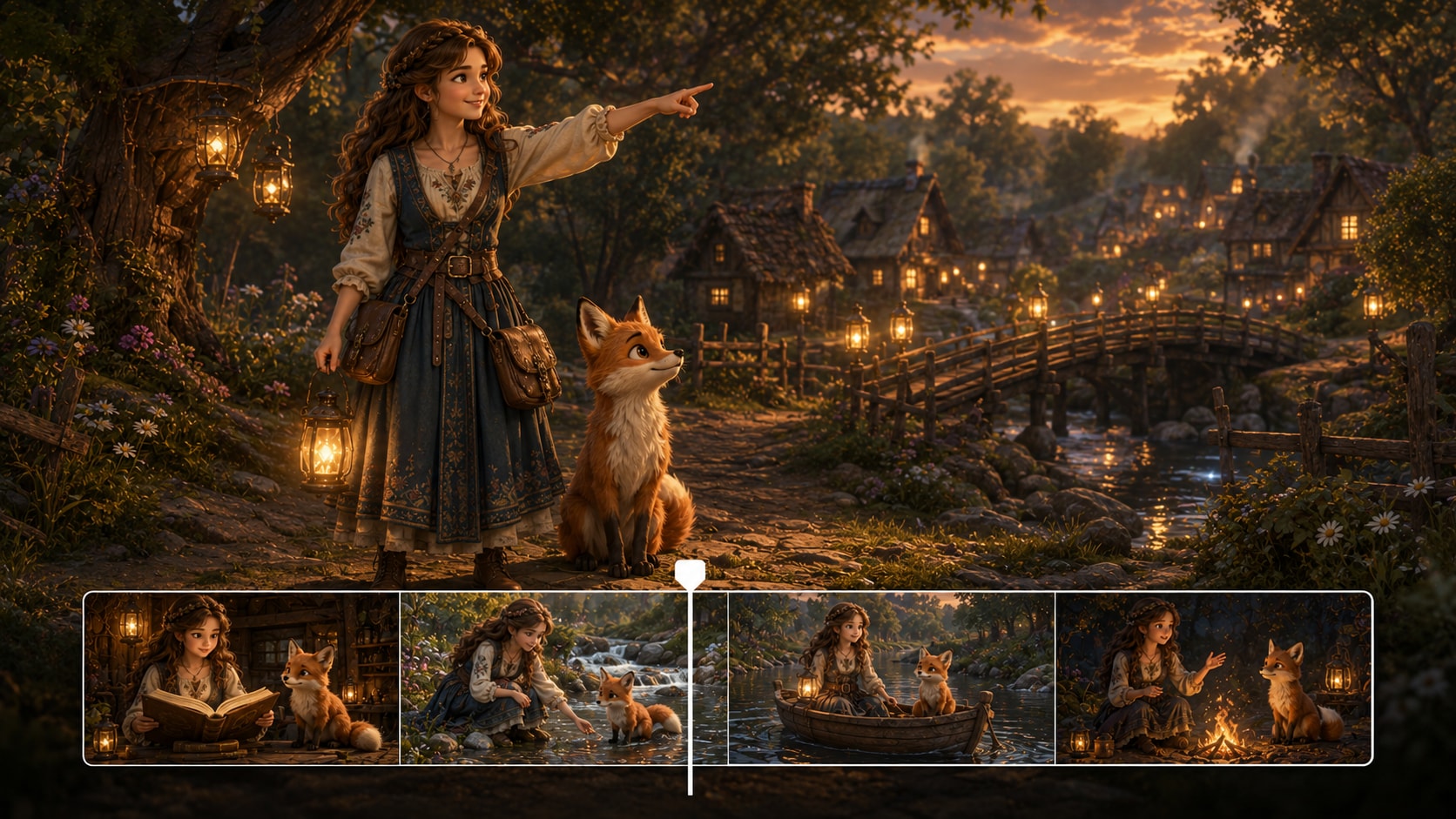
Keep the Hero Recognizable from Opening Hook to Moral
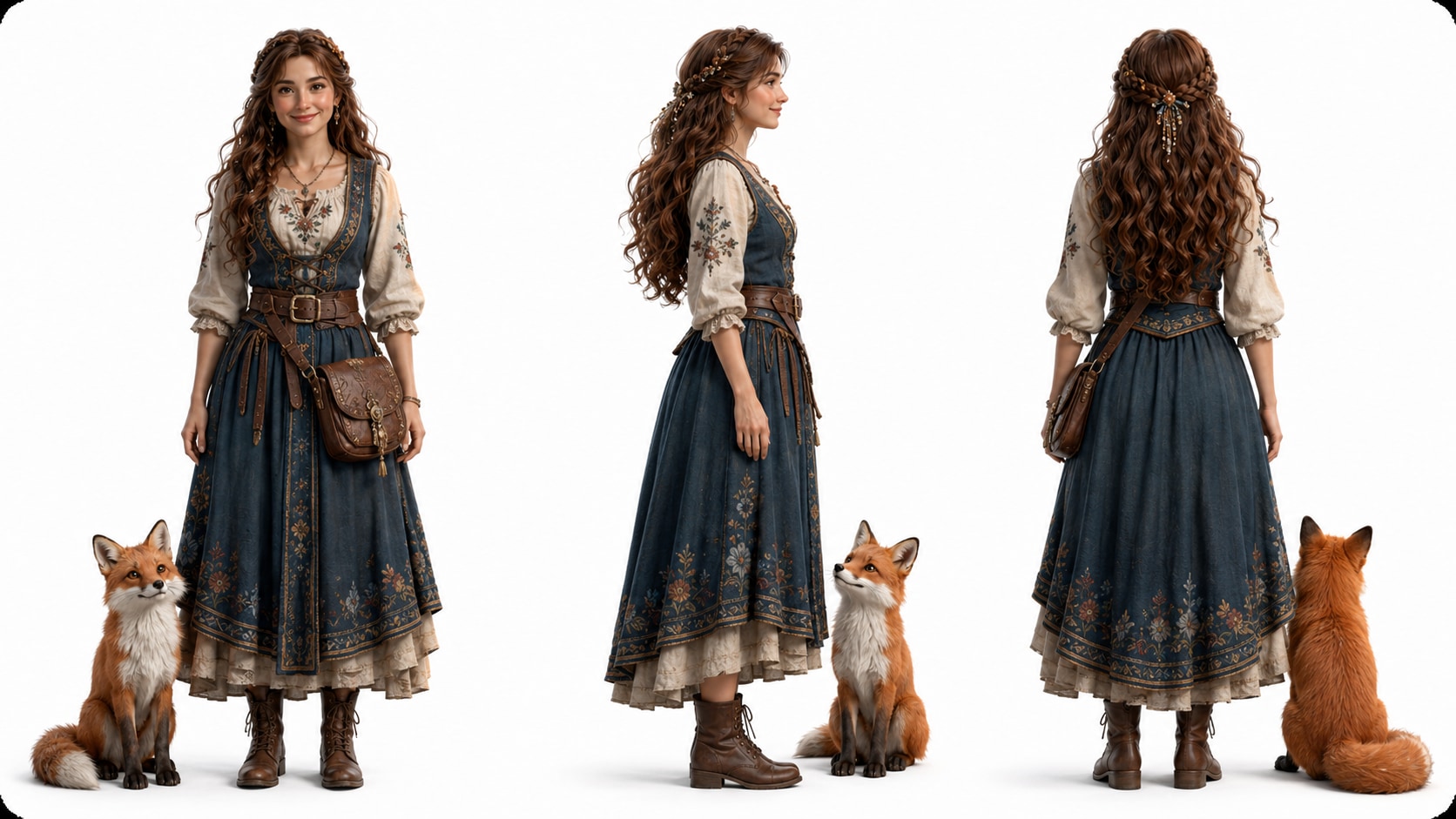
Define your storyteller's cast once, then reuse it across scenes. Generate characters from text, a sketch, or a real photo, and create three-view references so clothing, face, and silhouette stay consistent when the plot shifts from village to wilderness.
- Text / Photo / Sketch Input - Start from whatever you already have
- Three-View References - Front, side, and back views for a stable design
- Recurring Cast - Reuse the same hero, elder, and trickster across scenes
- Fewer "Random Faces" - Reduce character drift in multi-scene videos
Turn a Written Folk Tale into Directable Scene Cards
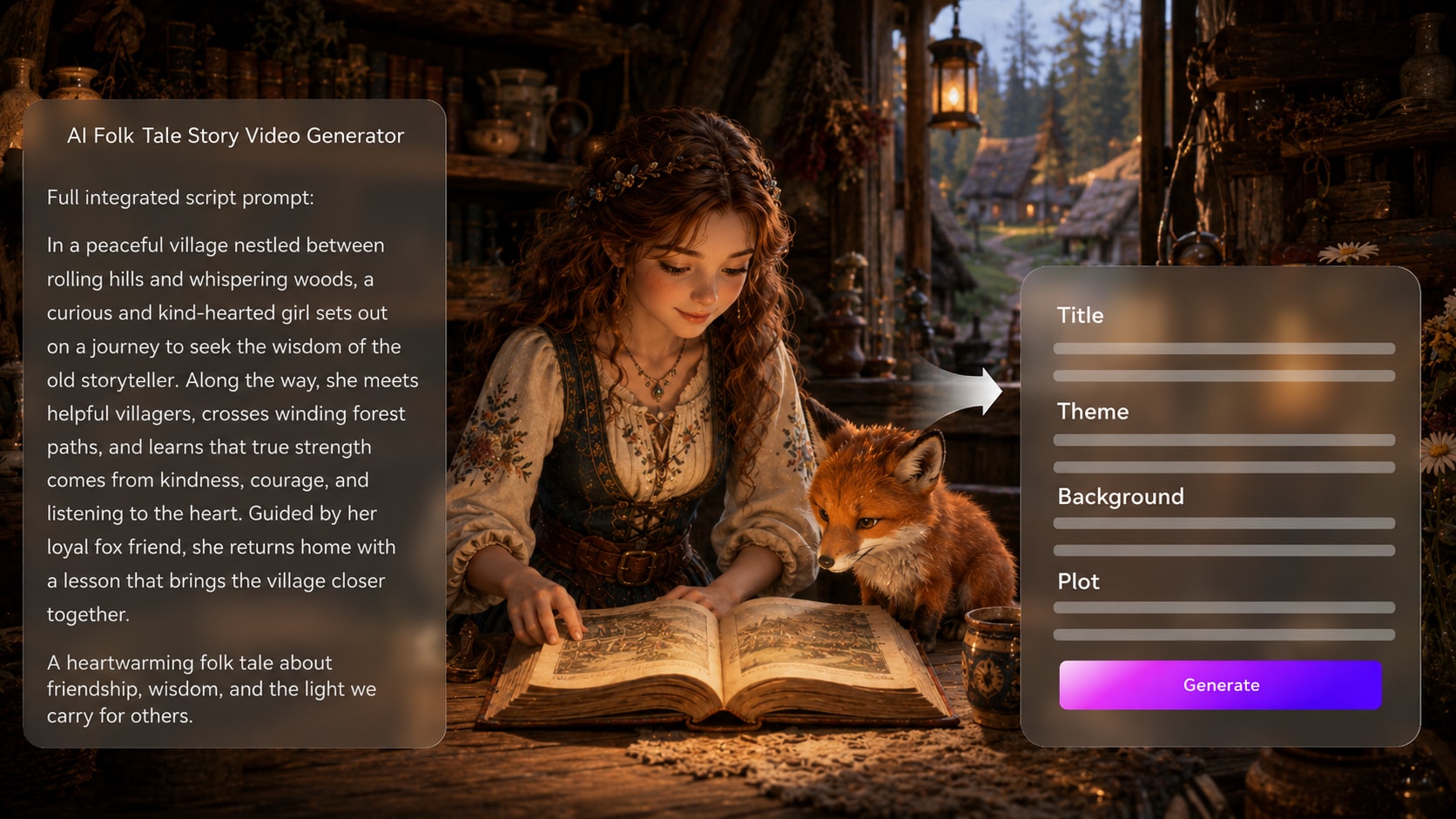
Paste your story and get an editable outline that pulls out theme, setting, plot beats, and characters before visuals are made. Then generate a scene-by-scene storyboard you can adjust, reorder, and refine.
- Outline Extraction - Title, theme, setting, plot, and character list from your text
- Storyboard Generation - Automatic scene breakdown you can edit
- Single-Shot Re-Roll - Fix one awkward scene without restarting the whole video
- Clear Story Arc - Keep the setup, challenge, and moral landing clean
Publish Ready for Shorts, Lessons, and Pitches
Export in the format your audience actually watches. Pick 9:16, 1:1, or 16:9 and render up to 1080P. After generation, polish the final cut with Enhance Video Quality, extend a key establishing shot, or remove a distracting object that breaks the era.
- Platform Ratios - TikTok / Reels, feeds, or YouTube layouts
- 1080P Output - Sharper detail for costumes and environments
- Post Tools - Enhance Video Quality, Video Extend, Object Remover
- Classroom-Friendly Cuts - Make clean, watchable clips for teaching
Create a Folk Tale Video from Script to Storyboard to Final Cut
Use a structured workflow that respects story shape, character guidance, and the final viewing platform.

Prepare the Script
Provide a detailed script or structured story input with scene order, narration, setting notes, and character descriptions. Review and edit the extracted outline fields, including title, theme, setting / background, story plot, and characters, then choose an aspect ratio such as 9:16, 1:1, or 16:9 during setup.

Guide the World
Set the visual direction for the folk tale, then prepare character guidance from text, photos, or sketches. Add details such as village clothing, animal symbols, forest weather, magical objects, narrator tone, and the moral lesson so the storyboard has clearer context.

Generate and Polish
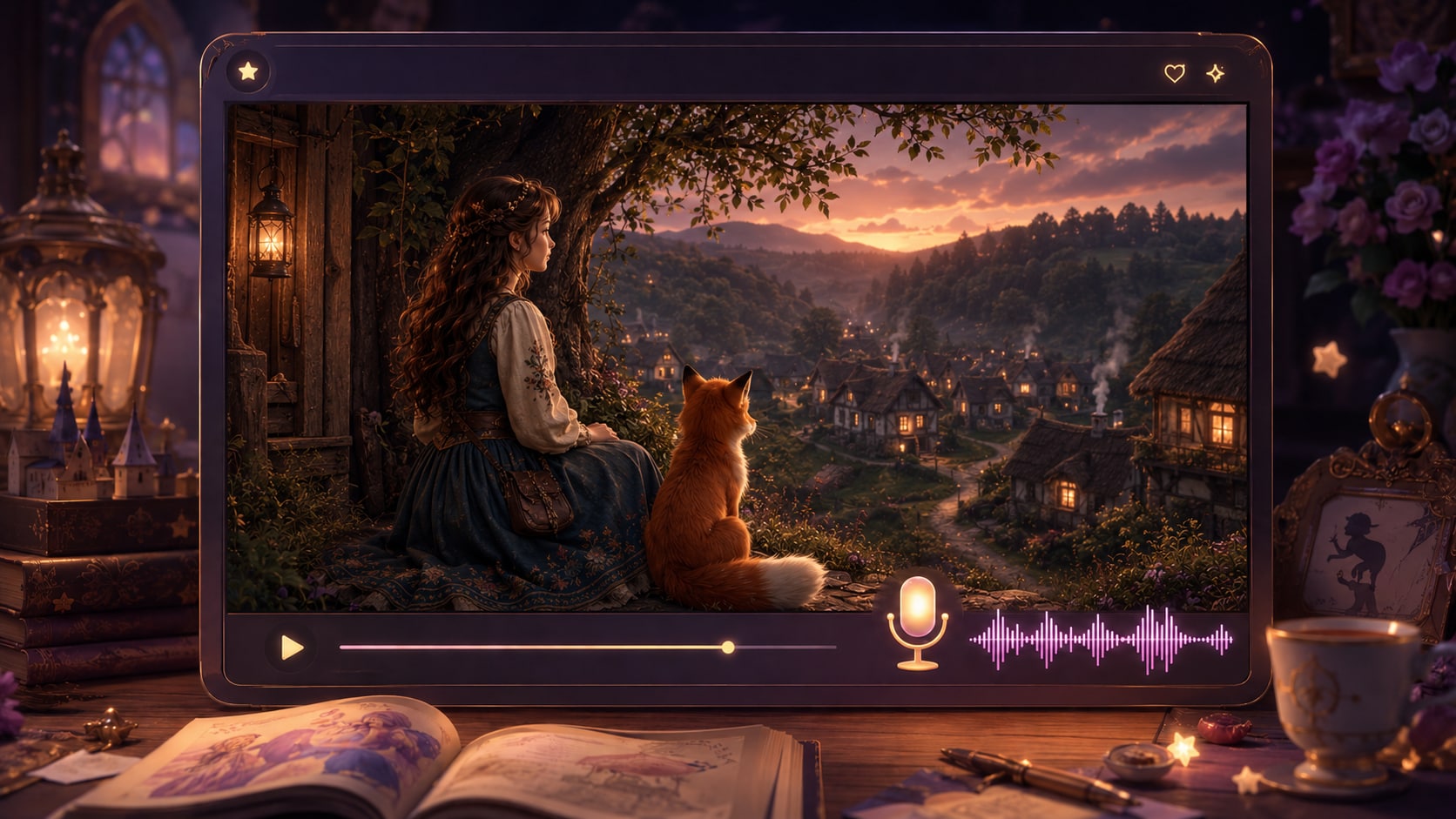
Generate storyboard images and review the sequence before creating the final video with script-based voiceover and music. If a specific storyboard image feels wrong, click Regenerate for that shot, then review the final result and use Enhance Video Quality or other Media.io polish tools when needed.
Choose an AI Folk Tale Story Video Generator Built for Legends, Not Loose Clips
The difference is structure: folk tales need a moral arc, recurring figures, atmosphere, and a visual rhythm that supports narration.
Create Folk Tale Videos for the People Who Share Stories

Storytellers
Retell fables, myths, and ancestral tales with scene visuals that support a narrator-led performance.

YouTube Creators
Build folklore episodes, legend explainers, and moral story videos with a repeatable script-to-video workflow.

TikTok Creators
Create vertical folk tale shorts with strong hooks, symbolic scenes, and narration-friendly pacing.

Educators
Turn moral stories, cultural legends, and reading lessons into visual materials students can discuss.
Explore More Stunning Story Video Examples
Explore fixed sample categories that show how narration, scenes, and mood can serve different creator formats.
Loved by Folklore Creators
Creators use the workflow to keep scripts organized while shaping mythic scenes and narrator-friendly videos.


"The outline step helped my legend keep its moral instead of becoming a pile of pretty fantasy shots."

"I used a class fable script and the storyboard preview made it easier to check the lesson before generating."

"My short folk tales need quick visual hooks, and Media.io helped me shape the forest scenes around the narration."

"It was useful for testing a mythic village sequence before I pitched the short film concept."

"I liked being able to describe my animal characters and review the storyboard before making the final video."

"The folk tale structure gave our origin story a clearer beginning, challenge, and takeaway."
FAQs on AI Folk Tale Story Video Generator
What Is an AI Folk Tale Story Video Generator?
An AI folk tale story video generator helps turn a detailed fable, legend, myth, or moral story script into a visual video. Media.io supports outline extraction, character guidance, storyboard image generation, and final video creation with script-based voiceover and music.
What Should I Paste into Media.io to Make a Folk Tale Video?
Use a detailed script or structured story input with narration, scene order, setting notes, character descriptions, and the lesson or moral. The clearer your source material is, the easier it is to shape the outline and scenes.
Can the Voiceover and Music Match My Folk Tale Script?
The final generated video can include voiceover and music based on the script. For better results, write narration cues, emotional beats, and atmosphere notes such as quiet forest, festival drums, or solemn ending directly into the story input.
How Do I Write a Better Folk Tale Script for Video?
Write in clear scenes: introduce the village or world, name the hero or trickster, set one problem, add a repeated motif or test, and close with a visible consequence or moral. Include visual details that can appear on screen.
What Mistakes Should I Avoid When Making Folk Tale Videos?
Avoid vague prompts, too many characters, unclear cultural setting, and endings without a lesson. Folk tale videos work best when the story has simple cause and effect, symbolic images, and narration that guides the viewer through each turn.
Can I Create Recognizable Folk Tale Characters?
Yes. Media.io can use text descriptions, real photos, or sketches to create clearer character guidance for heroes, elders, animals, spirits, or mythical creatures. This helps important characters stay recognizable, though it should not be treated as a guaranteed character lock.
Can I Make Folk Tale Videos for YouTube Shorts or TikTok?
Yes. During setup, you can choose a format and aspect ratio that fits platforms such as Shorts, TikTok, Reels, standard YouTube, or classroom playback. Review the final video before publishing and polish it with Media.io tools when needed.
Can I review the storyboard After It Is Generated?
You can review and edit the extracted story outline before storyboard generation. The storyboard images themselves are not manually editable, but if a specific storyboard image is unsatisfying, you can click Regenerate to create that shot again.
Why Use Media.io for Folk Tale Videos Instead of a Generic AI Video Tool?
Media.io is useful for folk tale videos because it connects the script, outline, characters, storyboard images, and final audio-supported video in one workflow. That makes it easier to preserve the moral arc, folklore atmosphere, and scene order.
Explore More Ways to Turn Story Scripts into Videos
If your folklore project expands into lessons, bedtime narration, scary legends, brand stories, or broader script-to-video content, explore related Media.io generators for adjacent storytelling workflows.















Start with a Legend
Finish with a Folk Tale Video
Paste your detailed script, shape the outline and characters, review the storyboard, and create a folklore video ready for your next audience.
 4.8 (286 Votes)