BEFORE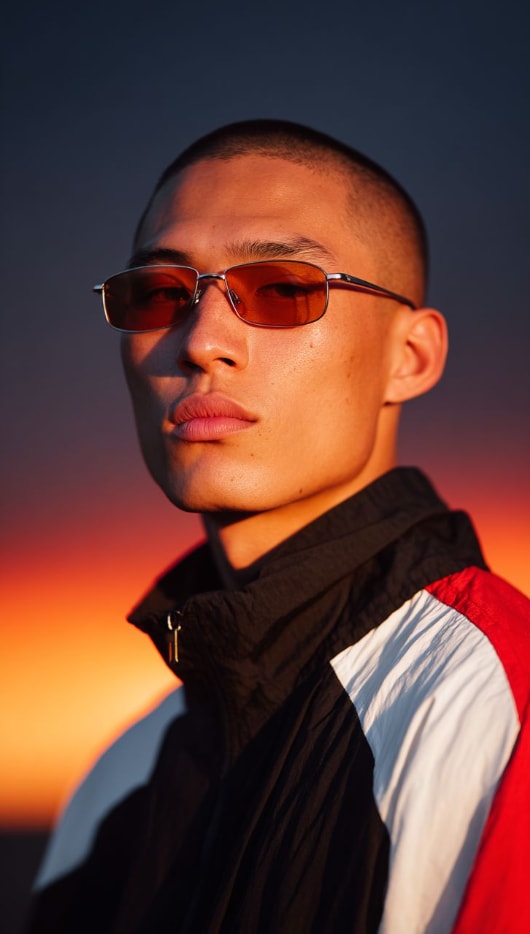
Sweater-weather portrait
Portrait and knit texture
Turn a sweater-weather portrait into a cozy Q50-inspired photo-to-video scene. Preserve the outfit, add soft seasonal light and subtle fabric movement, then review the face, clothing, and camera motion before sharing.
See a seasonal portrait become a cozy moving scene.
Portrait and knit texture
Soft light and gentle motion
Start with a sharp portrait where the sweater and pose are visible.
Use a close or medium shot, soft light, and subtle fabric movement.
Add a warm interior, autumn light, or gentle outdoor atmosphere.
Generate visuals first, then add audio you are licensed to publish.
Tap 'Make My Sweater Weather Video' to open Media.io Text to Video. Start with a vertical family-friendly scene, a clear dancer or small group, and a Thanksgiving setting that leaves room for full-body movement.
Try: 'Cheerful Thanksgiving dance, light bouncy steps, simple counting hand gestures, playful turkey wing arm moves, smiling family-friendly energy, steady full-body camera, vertical 9:16, end with everyone waving together.'
Check identity, fabric, and motion. Regenerate if the look or framing drifts.
See what creators are making on TikTok, Reels & Shorts — watch the effects and try your next viral idea.
Explore All AI TrendsIt is a seasonal photo-to-video concept combining a sweater-weather visual mood with a music-led short-form presentation.
Open Image to Video, upload a seasonal portrait, and describe cozy light, knit texture, and gentle camera motion.
Use a sharp portrait with visible face, sweater texture, and a clean background.
Ask for a close or medium shot, soft directional light, and subtle fabric movement.
Audio usage depends on licensing and platform rules. Add only music you are authorized to publish.