BEFORE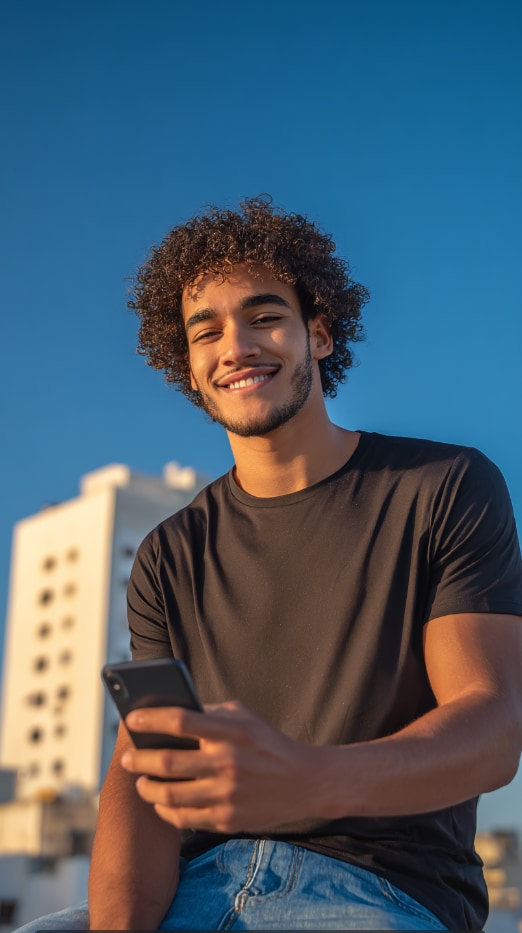
Character image
One expressive subject
Turn a character image into a playful AI performance clip inspired by the Fully Chop Takis format. Use a deadpan expression, bold rhythmic gestures, and a steady vertical camera, then add only audio you are licensed to use.
See a still character become a stylized music-performance video.
One expressive subject
Deadpan delivery and motion
Pair a serious expression with an energetic performance brief.
Describe one gesture at a time so the generated movement stays clear.
Try original designs or characters you have permission to use.
End with a freeze, point, or look to camera for a clean final beat.
Tap 'Make My Fully Chop Video' to open Media.io Text to Video. Start with a vertical family-friendly scene, a clear dancer or small group, and a Thanksgiving setting that leaves room for full-body movement.
Try: 'Cheerful Thanksgiving dance, light bouncy steps, simple counting hand gestures, playful turkey wing arm moves, smiling family-friendly energy, steady full-body camera, vertical 9:16, end with everyone waving together.'
Check mouth motion, hands, and identity. Regenerate when the performance becomes unclear.
See what creators are making on TikTok, Reels & Shorts — watch the effects and try your next viral idea.
Explore All AI TrendsIt is a fan-made AI performance format built around unexpected character motion and music-led presentation.
Open Image to Video, upload a character image, and describe a short deadpan performance with clear gestures.
Use Image to Video to preserve a supplied subject. Use Text to Video for a scene without a source image.
Only use material you have permission or rights to use. Audio licensing depends on the source and platform.
Generative video is variable. Short prompts, clear references, and simple gestures can improve consistency.