BEFORE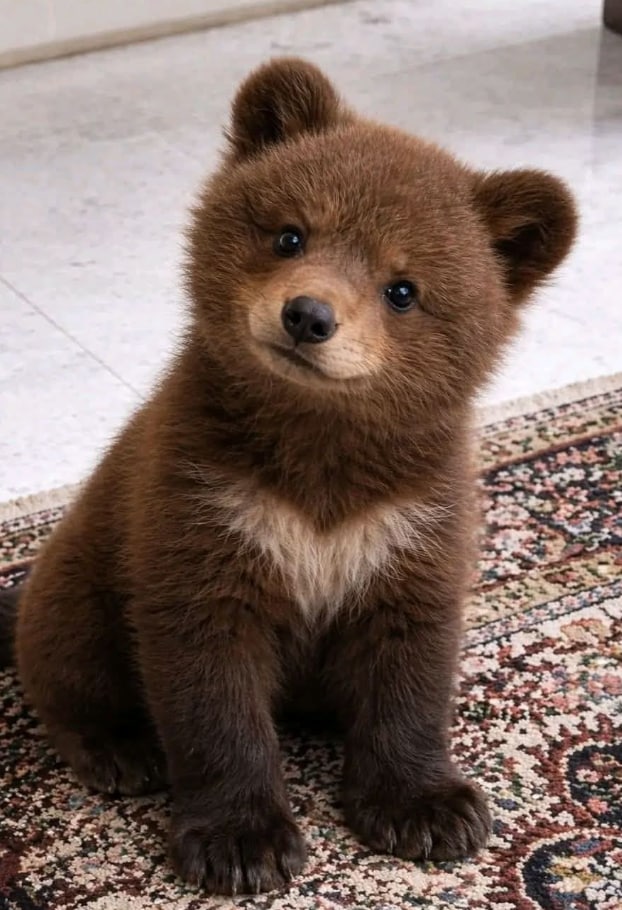
Two character photos
Teacher and student roles
Turn two authorized photos into a playful classroom-style reaction clip inspired by the “I Got My Eye on You, J-Quellin” format. Assign a teacher and student role, describe the pause and response, then review the generated expressions before sharing.
See two character photos become a comic classroom-style reaction video.
Teacher and student roles
Expressive callout and response
Use one clear photo for each role and keep the framing readable.
Describe a stern look, a pause, and a surprised response in order.
Create a playful version with consenting friends, family, or pets.
End on the eye contact or reaction that makes the joke readable.
Tap 'Make My J-Quellin Video' to open Media.io Text to Video. Start with a vertical family-friendly scene, a clear dancer or small group, and a Thanksgiving setting that leaves room for full-body movement.
Try: 'Cheerful Thanksgiving dance, light bouncy steps, simple counting hand gestures, playful turkey wing arm moves, smiling family-friendly energy, steady full-body camera, vertical 9:16, end with everyone waving together.'
Check faces, timing, and hands. Generate another take if expressions or identity drift.
See what creators are making on TikTok, Reels & Shorts — watch the effects and try your next viral idea.
Explore All AI TrendsIt is a fan-made classroom reaction concept inspired by the supplied trend brief. The generated result is an original variation and can differ by model.
Open Image to Video, upload two authorized photos, assign roles, and describe the classroom setting, eye contact, pause, and response.
Name the roles, camera framing, facial reactions, and three or four ordered beats. Keep the prompt short.
Yes, when you have permission to use their images and the result follows applicable platform policies.
No. Generative video is variable. Clear inputs and simple actions can improve consistency but cannot guarantee an exact recreation.