Turn One Portrait into a Monster Reveal
Use a single selfie or portrait as the starting frame, then animate stitched skin, bolts, scars, color change, and a full laboratory awakening.
Turn one portrait into a cinematic Frankenstein-style transformation. Add stitched skin, bolts, electric laboratory lighting, monster awakening, and a dramatic before-to-after reveal for Halloween Reels, TikToks, Shorts, costume posts, and horror edits.
Use a clear portrait and describe one progressive transformation for cleaner motion and stronger face consistency.
Use a single selfie or portrait as the starting frame, then animate stitched skin, bolts, scars, color change, and a full laboratory awakening.
Add flickering machinery, lightning arcs, green-gray skin, hard rim light, smoke, and a progressive shock-to-awakening motion instead of a static face filter.
Start with a clear subject and tell the model to preserve facial structure, age, and proportions while the skin texture, stitches, hair, and costume transform.
Use a 5–8 second vertical transformation with a clear starting face, visible midpoint, and strong final monster pose for TikTok, Reels, Shorts, and Halloween reveals.
Choose a front-facing or three-quarter portrait with the face fully visible. Neutral lighting and a simple background make stitches, skin texture, and transformation details easier to control.
Pick a classic awakening, electric-lab morph, stitched-face close-up, gothic bride, or modern neon-lab prompt. Keep the transformation sequence progressive and specific.
Generate the clip, check face consistency, hands, bolts, stitches, and movement, then export the strongest take for a Halloween post, costume reveal, party invitation, or horror edit.
These image-to-video prompts follow the strongest visible search and image intent: stitched facial details, laboratory electricity, progressive monster morphing, gothic reanimation, and a clear before-to-after reveal.
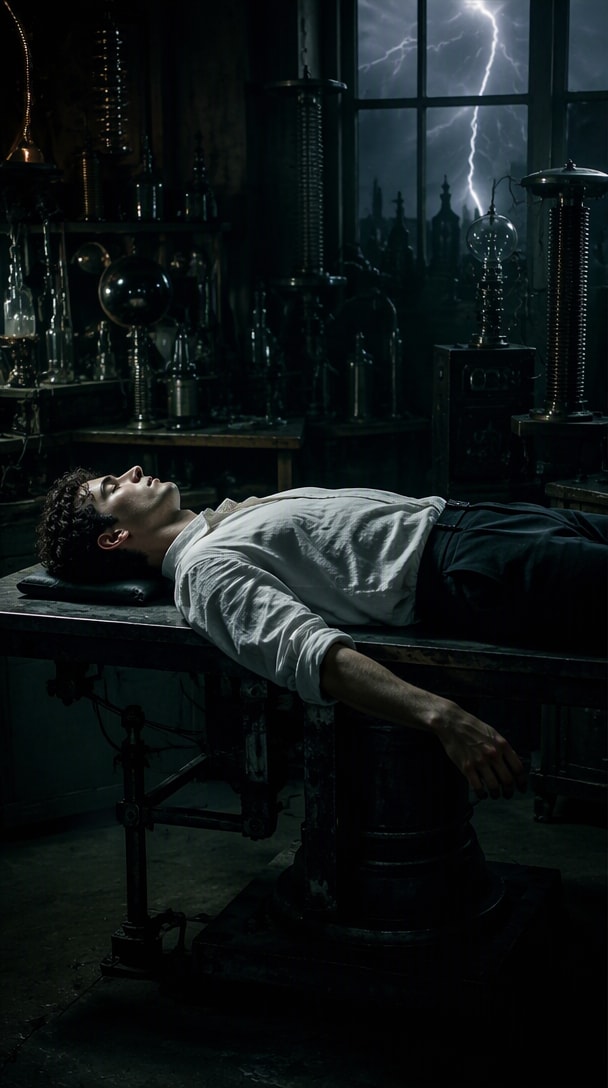
A full lab-table awakening with lightning flashes, stitched skin, bolts, smoke, and a slow first movement.
Prompt: Animate the uploaded portrait into a 7-second Frankenstein-style laboratory awakening. Preserve the exact face and identity. Start with the subject lying or standing motionless under dim laboratory light. Lightning flashes through the room as subtle stitches appear across the forehead and cheeks, the skin shifts toward a realistic muted green-gray tone, metal neck bolts become visible, and the eyes slowly open. Add flickering vintage machinery, drifting smoke, blue-white electrical arcs, cinematic shadows, realistic skin texture, restrained body movement, vertical 9:16, no text.
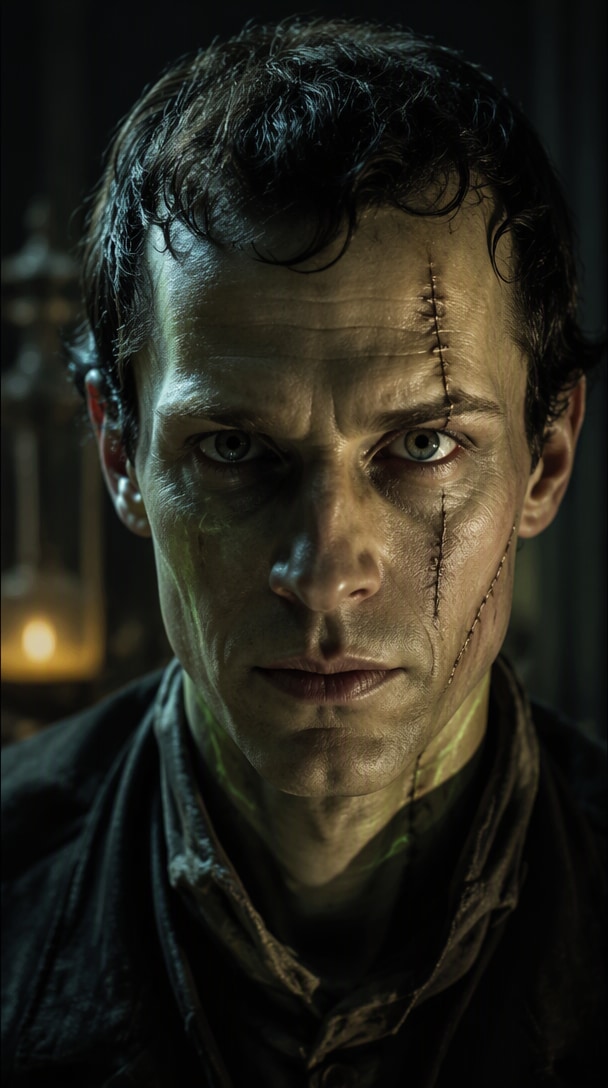
A tight portrait transformation focused on seams, skin texture, eye change, and electric light.
Prompt: Create a 6-second close-up transformation from the uploaded portrait. Preserve the face and proportions. Keep the camera tight on the head and shoulders while fine stitched seams gradually appear across the forehead, cheek, and neck. The skin becomes slightly desaturated green-gray, dark shadows form under the eyes, tiny metal details appear near the neck, and cold electric light pulses across the face. Add subtle breathing, one slow blink, realistic pores, cinematic contrast, shallow depth of field, vertical 9:16.
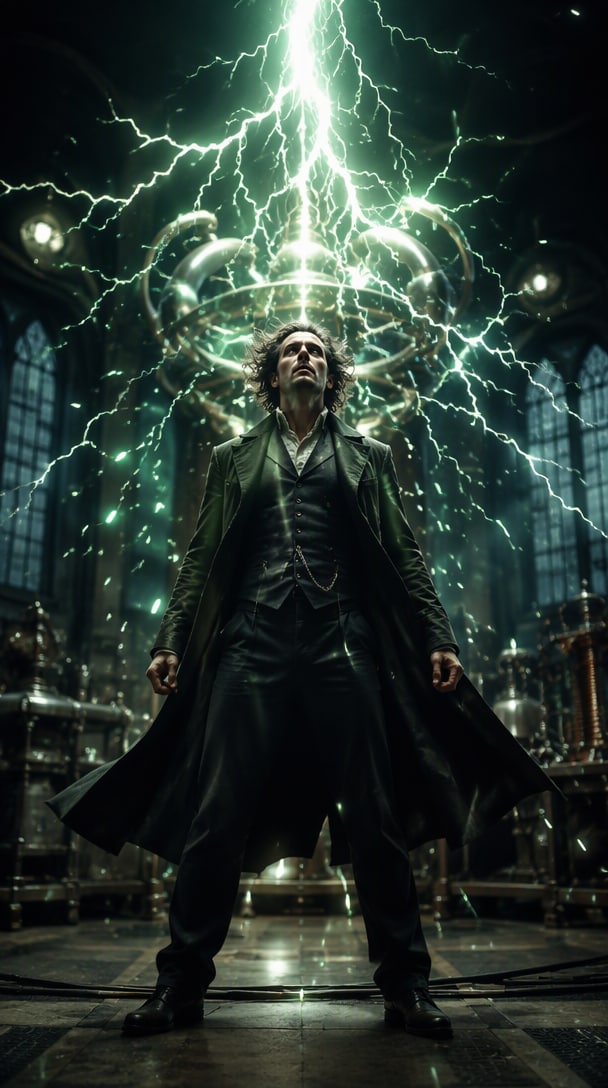
A faster social reveal where a lightning hit triggers the entire monster transformation.
Prompt: Turn the uploaded portrait into a 6-second Halloween transformation video. Begin with the person looking normal in a dark laboratory. A bright lightning flash hits the scene, briefly overexposing the frame. As the light fades, stitched scars, metal bolts, green-gray skin, heavier brow shadows, and a dark vintage jacket appear progressively while the subject lifts their head and stares into the camera. Add smoke, flickering bulbs, electrical sparks, cinematic horror lighting, realistic face preservation, vertical 9:16.
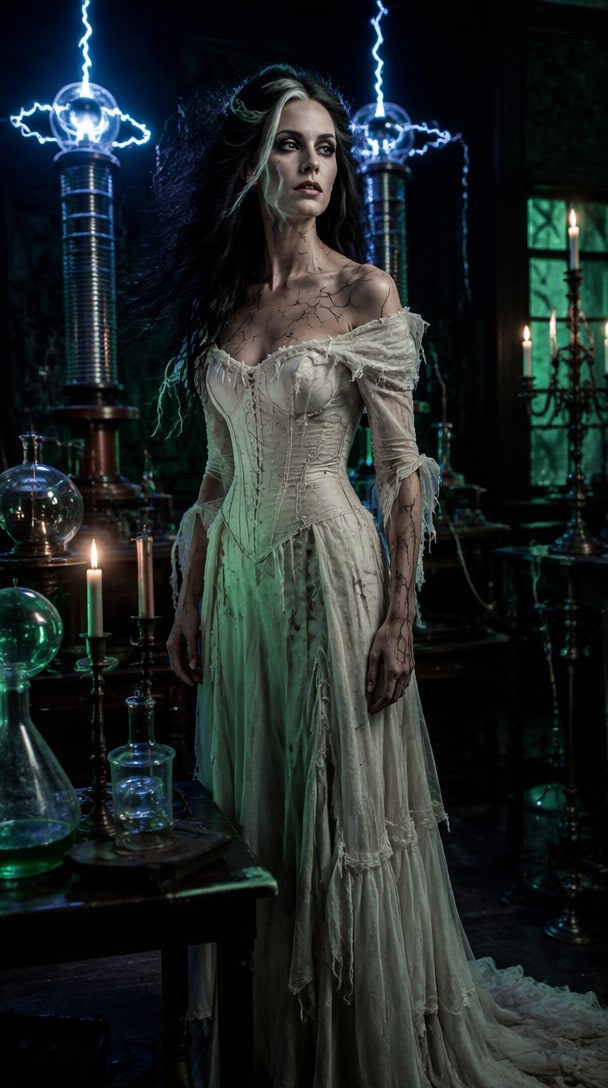
A gothic female transformation with dramatic swept hair, stitched details, lightning, and an elegant reanimated look.
Prompt: Transform the uploaded woman into a gothic reanimated-bride character while preserving her exact facial identity, age, and skin texture. Over 7 seconds, her hair rises into a dramatic swept shape with pale streaks, subtle stitched lines appear along the neck and temple, the makeup becomes cool and theatrical, and a structured black-and-white gothic outfit forms. Add a vintage laboratory, lightning flashes, drifting fog, candle accents, realistic motion, elegant rather than grotesque styling, vertical 9:16.
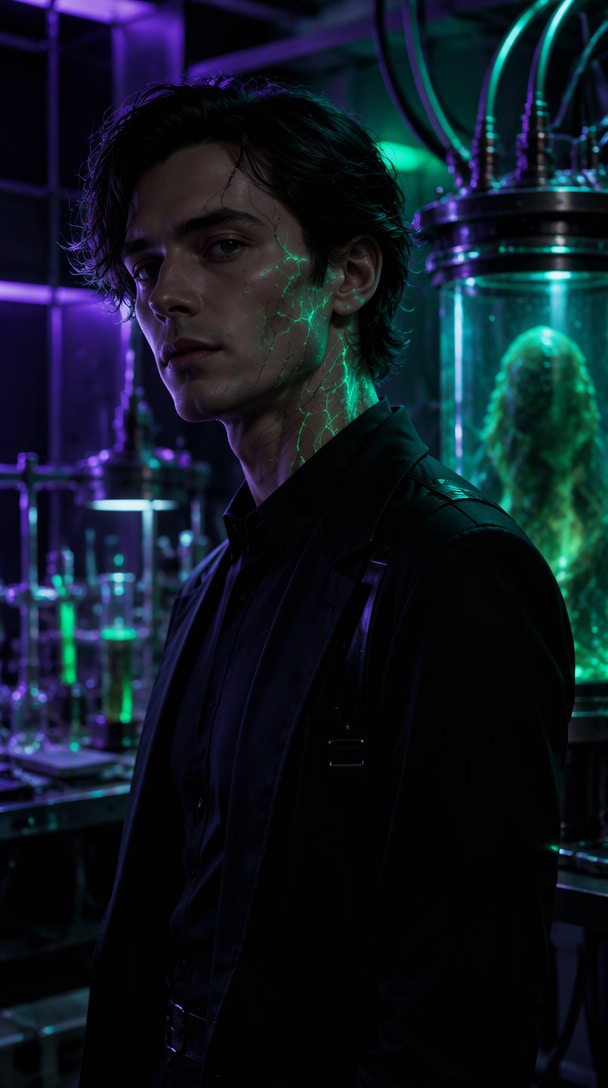
A modernized version with teal-green lab light, glowing seams, sparks, and a fashion-forward monster reveal.
Prompt: Create a modern Frankenstein-inspired 6-second transformation video from the uploaded portrait. Preserve the exact face and proportions. Begin in a dark futuristic laboratory lit by teal and violet light. Thin stitched seams gradually glow faintly across the face and neck, metallic bolt details appear, the skin shifts toward a natural muted green tone, and electric sparks travel through cables behind the subject. Finish with the subject stepping slightly forward into a strong final pose. Cinematic fashion-horror style, realistic skin, controlled motion, vertical 9:16, no text.
Use the same transformation system for different Halloween content goals.
Start from your everyday portrait and use the transformation as a digital costume reveal for TikTok, Reels, Stories, or a party post.
Use a slow electric awakening as the first shot of a short horror story, character profile, or Halloween invitation video.
Place the original photo beside the final monster frame or cut directly from the normal portrait into the transformation for an easy social carousel or Reel cover.
Illustrative review copy for editorial approval. Replace with verified Media.io customer comments before publishing.

Halloween Creator · Sample
“The reveal reads instantly.” The lightning hit, stitches appeared, and the face still looked recognizable. It worked well as a short costume-transition post.

Reels Editor · Sample
“Better than a static filter.” I liked having a beginning, transformation, and final monster pose instead of just putting green makeup on a photo.

AI Video Creator · Sample
“The lab scene sold it.” Adding flickering machinery and electric rim light made the transformation feel much more cinematic without needing a complicated prompt.
An AI Frankenstein transformation turns a portrait into a short Halloween video with stitched skin, bolts, scars, laboratory lighting, electricity, and monster-like motion while aiming to preserve the person’s recognizable facial features.
Upload a clear portrait, choose or paste an image-to-video prompt, describe the transformation sequence and laboratory atmosphere, then generate a short clip. Review the face and motion before exporting your favorite version.
Describe what must stay recognizable, then specify stitched facial details, bolts, skin tone, clothing, laboratory setting, lightning, camera framing, motion sequence, and final pose. One controlled transformation usually works better than many unrelated effects.
Yes. Use a gothic reanimated-bride concept with dramatic swept hair, pale makeup, stitched details, vintage laboratory lighting, and a cinematic awakening. Keep the description generic rather than depending on one specific film costume.
Yes. Generate in a vertical 9:16 composition and keep the face centered. A 5–8 second before-to-after transformation is easy to understand in short-form feeds and leaves room for your own caption or audio.



