
AI Animation Generator: Turn Scripts Into Consistent Animated Shorts
Media.io AI Animation Generator creates cohesive animated short videos from your text scripts. Lock consistent character designs, customize frame-by-frame storyboards, select 9:16 vertical / 16:9 widescreen ratios for TikTok, YouTube Shorts, and fine-tune single shots before export.
Direct Animated Stories That Stay on-Model and on-Plot
Make animation that reads like a planned short, not a montage.
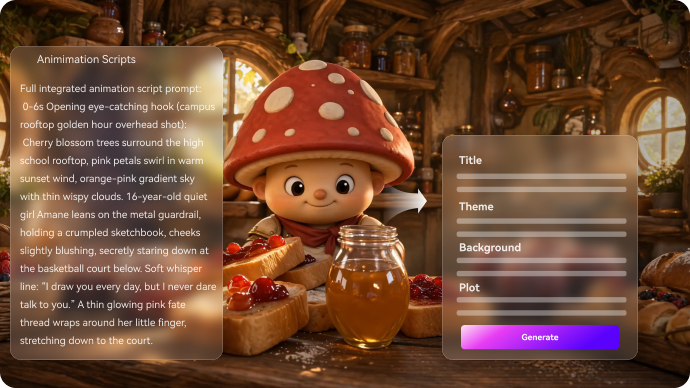
Shape a Real Plot Before the First Frame
Start by pasting your script and letting Media.io extract an editable outline with the title, theme, setting, plot beats, and characters. It also fits animated story video generator workflows when the audience expects topic-specific scenes.
- Script In - Up to 5000 characters per project
- Outline First - Edit story beats before rendering
- Scene Logic - Clear progression instead of disconnected visuals
- Preset Setup - Pick style, ratio, and resolution up front
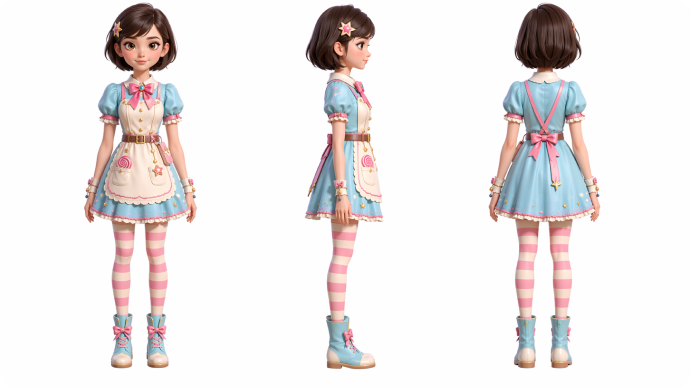
Keep Characters Recognizable Across Scenes
Create a cast that stays on-model. Generate characters from text, a photo, or a sketch, then use three-view references to keep faces, outfits, and proportions steady as you switch shots and locations. Use it for cartoon story video maker ideas without adding another editing step.
- Reference Inputs - Text, photo, or sketch supported
- Three-View Sheets - Front / side / back consistency
- Recurring Cast - Reuse characters across multiple videos
- Style Choice - Anime or realistic look per project
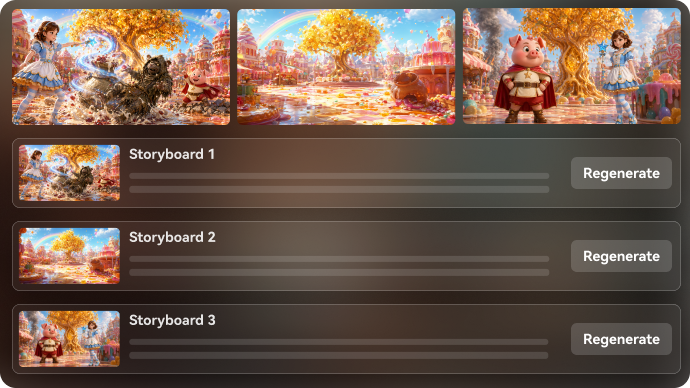
Direct Each Shot Like an Editor, Not a Gambler
Generate a scene-by-scene storyboard, adjust shot order, continuity and pacing. Re-roll only flawed single shots instead of regenerating the full animation video.
- Storyboard Cards – Preview scenes and re-generate single shots instantly
- Continuity Control – Keep consistent scenes, characters and actions
- Pacing Tweaks – Refine story build-up and plot reveals
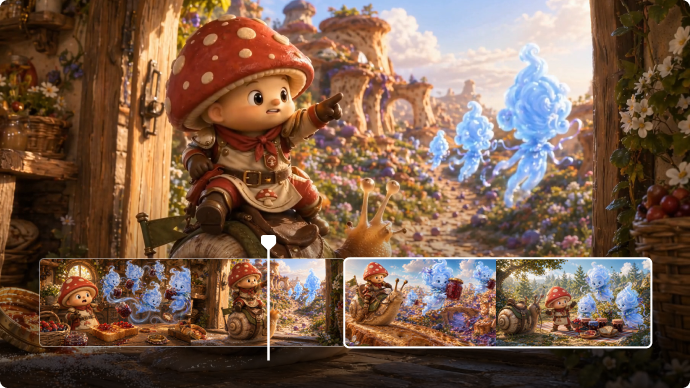
Publish in the Right Format with Clean Finishing
Choose your output while you set up the project: up to 1080P, up to 2 minutes, and the aspect ratio that fits where you post. After generation, polish fast with Enhance Video Quality, extend a clip when timing is tight, or remove stray objects.
- 1080P Output - Share-ready clarity
- Up To 2 Minutes - Built for short narrative arcs
- Post Tools - Enhance Video Quality, Extend, Remove Objects.
- Platform Fit - Frame for Shorts, TikTok, or YouTube
How to Generate an Animated Short?
A simple workflow that still gives you director-level control.
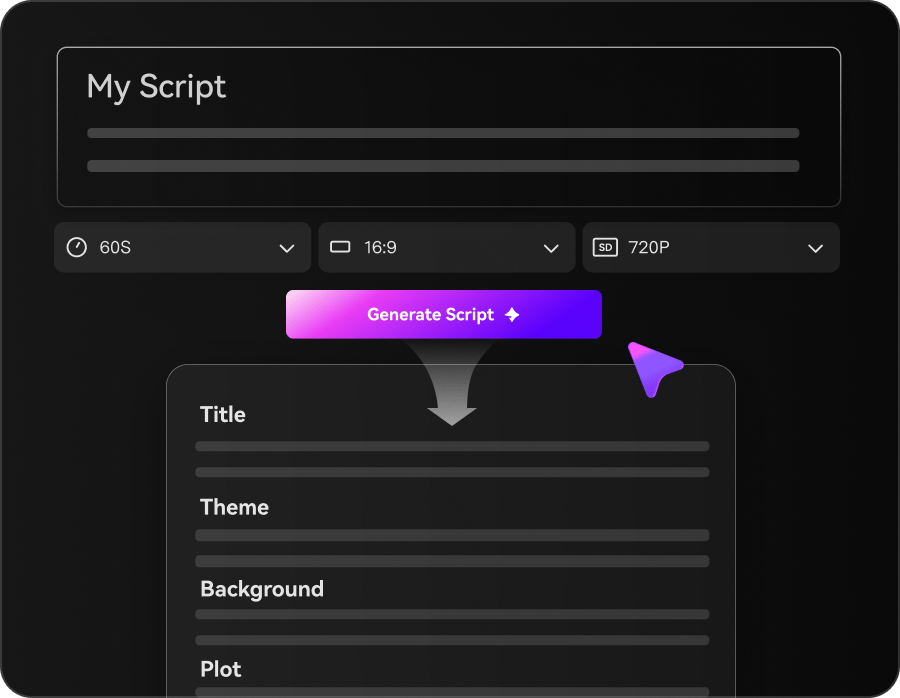
Set the Brief
Paste your script (up to 5000 characters), then choose 1080P, 9:16 / 1:1 / 16:9, a style (anime or realistic), and a model like SD2.0 Fast, Kling O3, or Vidu Dramma in the same setup step.
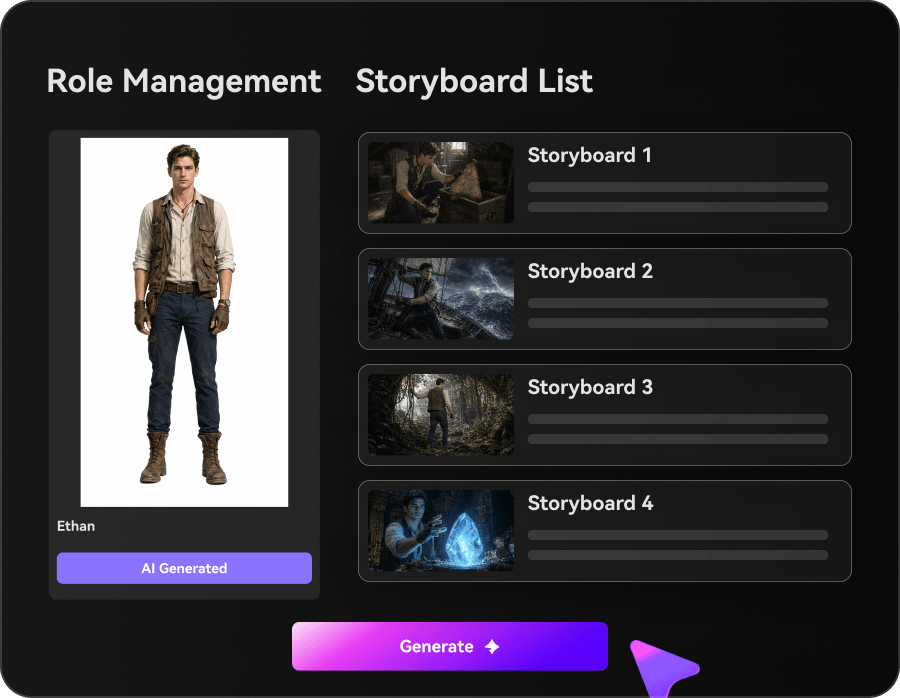
Lock the Cast
Add characters from text, photos, or sketches, and generate three-view references so your main character stays consistent as the setting and camera angles change.
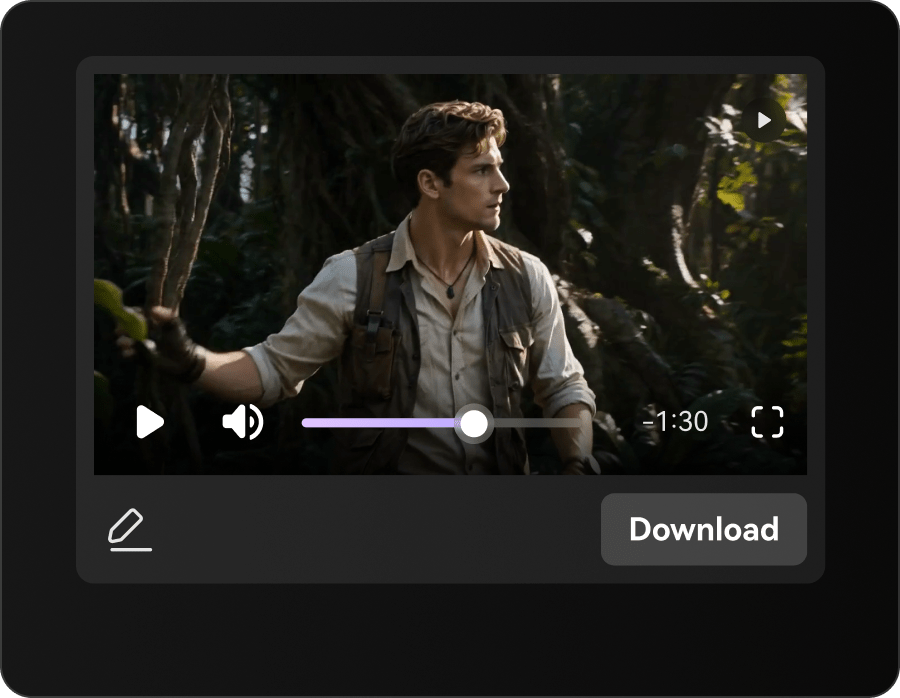
Generate and Refine
Generate the storyboard and preview scene cards. Re-roll any single shot that feels off, then finish with Enhance Video Quality before exporting for your channel.
Compare Media.io AI Animation Generator and Generic Tools
Most tools generate clips. Media.io helps you direct an animated story with control points that matter.
Support Creators Who Publish Animated Stories
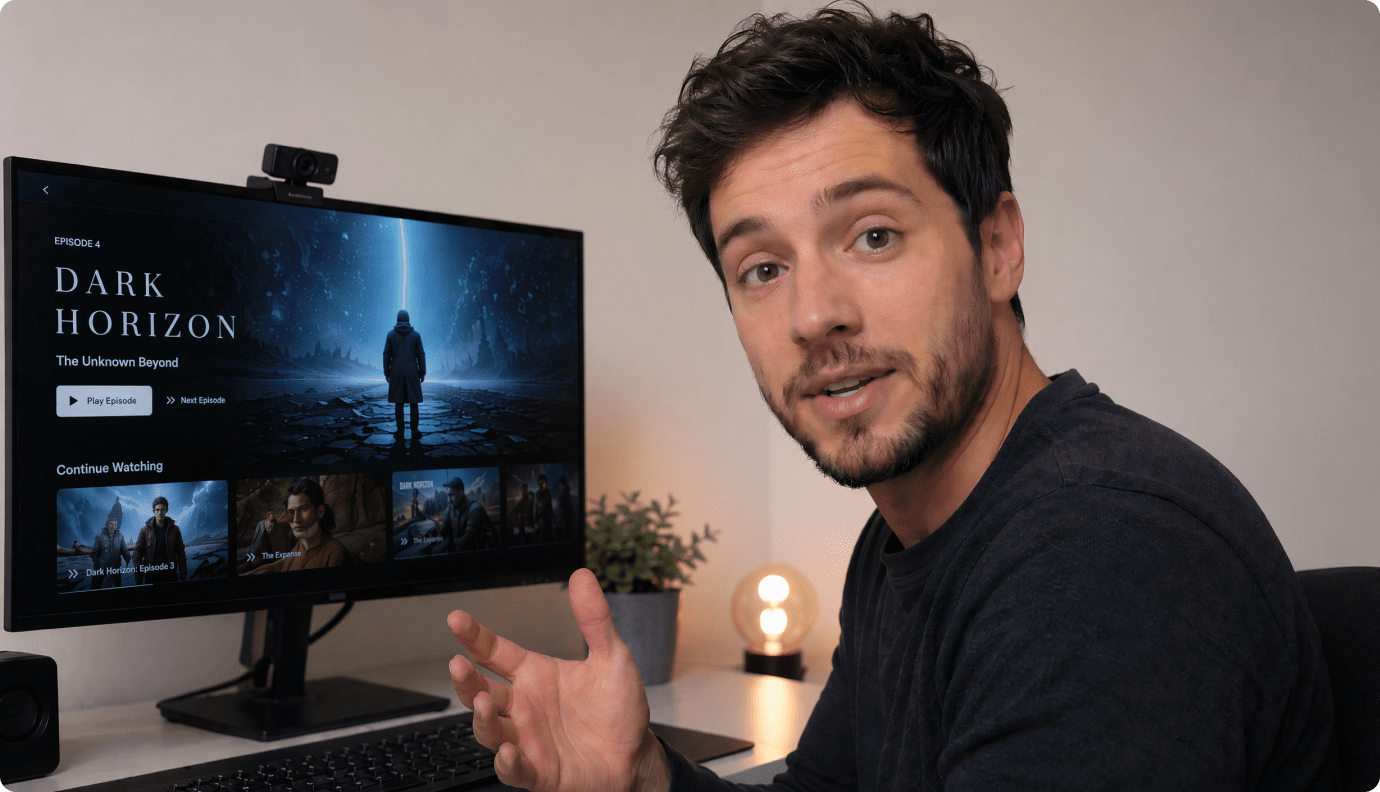
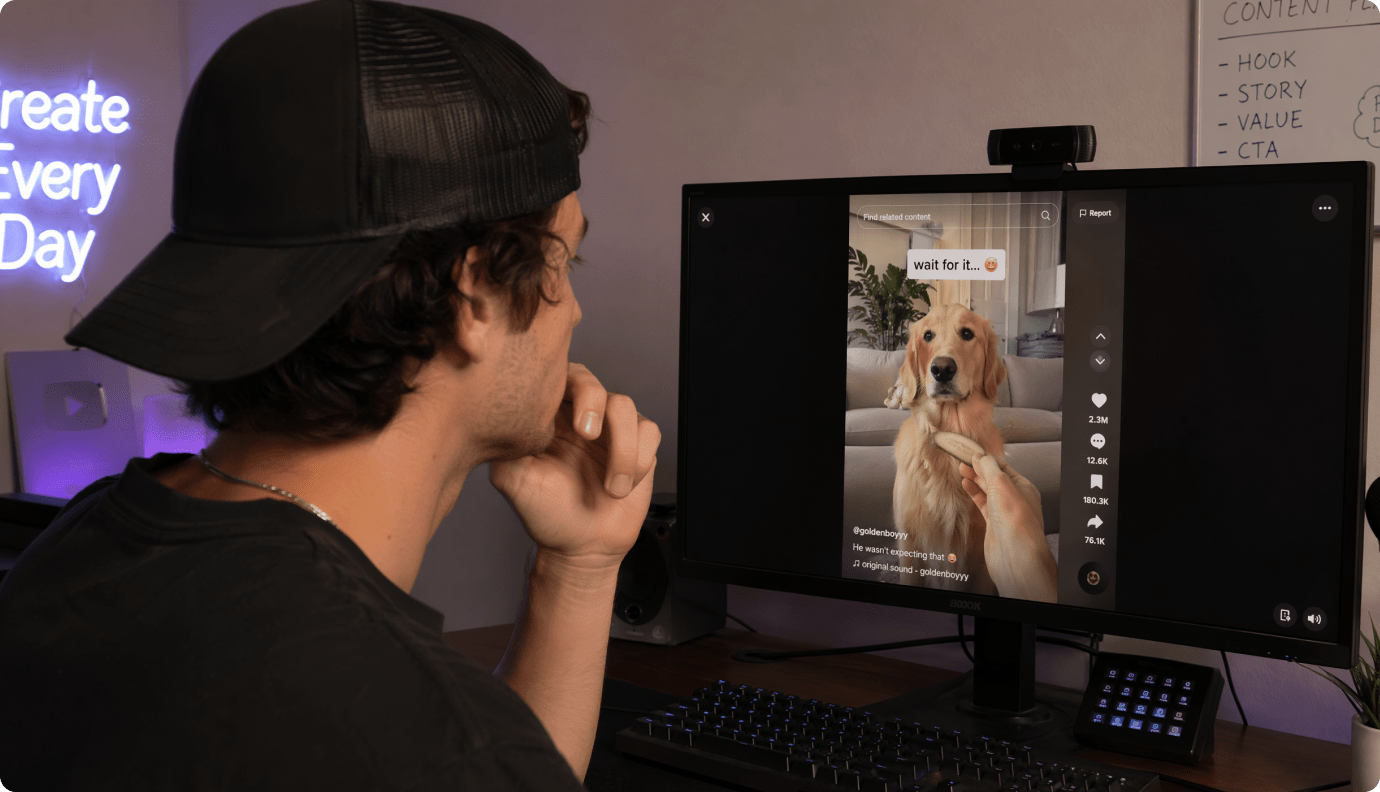
YouTube Shorts Storytellers
Turn hooks and scripts into animated shorts with readable pacing and a consistent lead character.
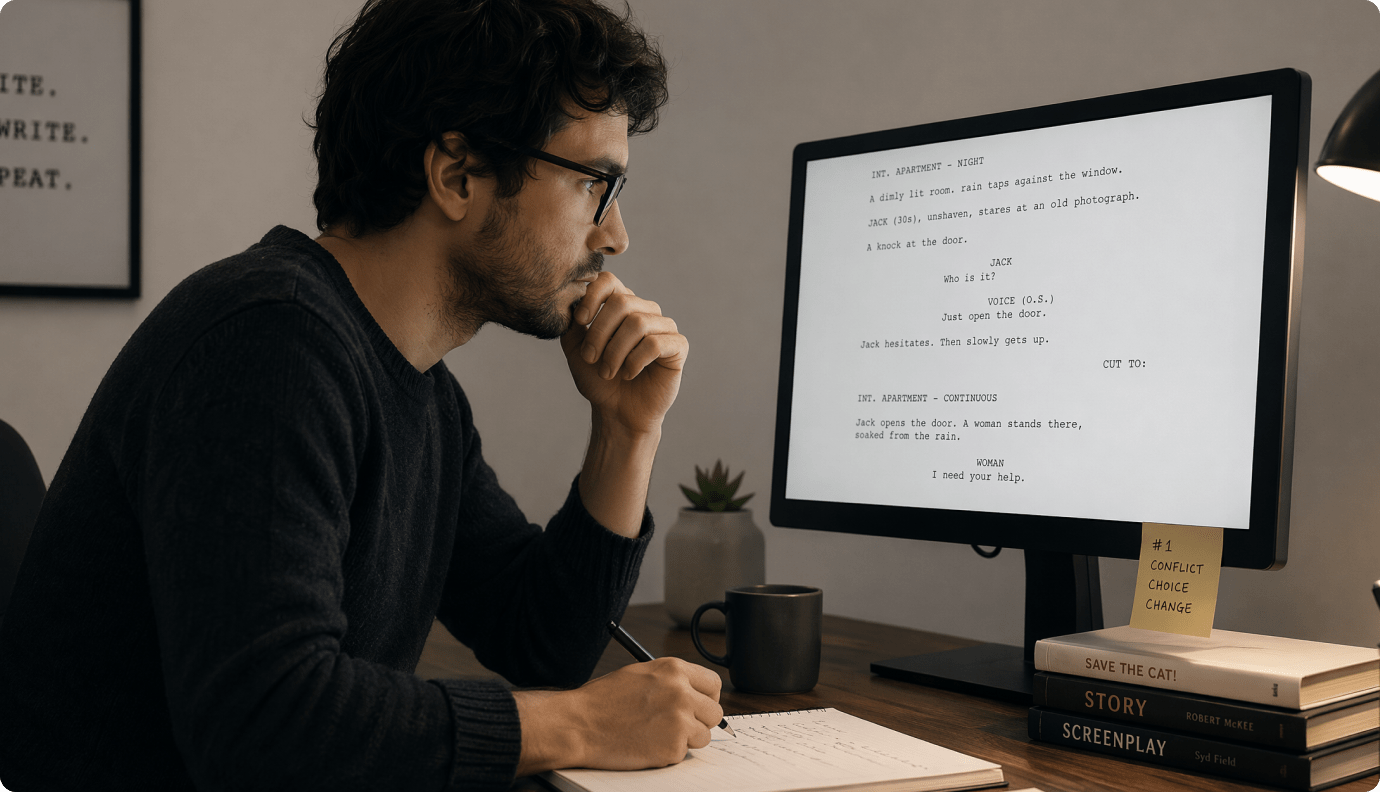
TikTok Series Creators
Keep the same cast and style across episodes so your series looks intentional from Part 1 onward.
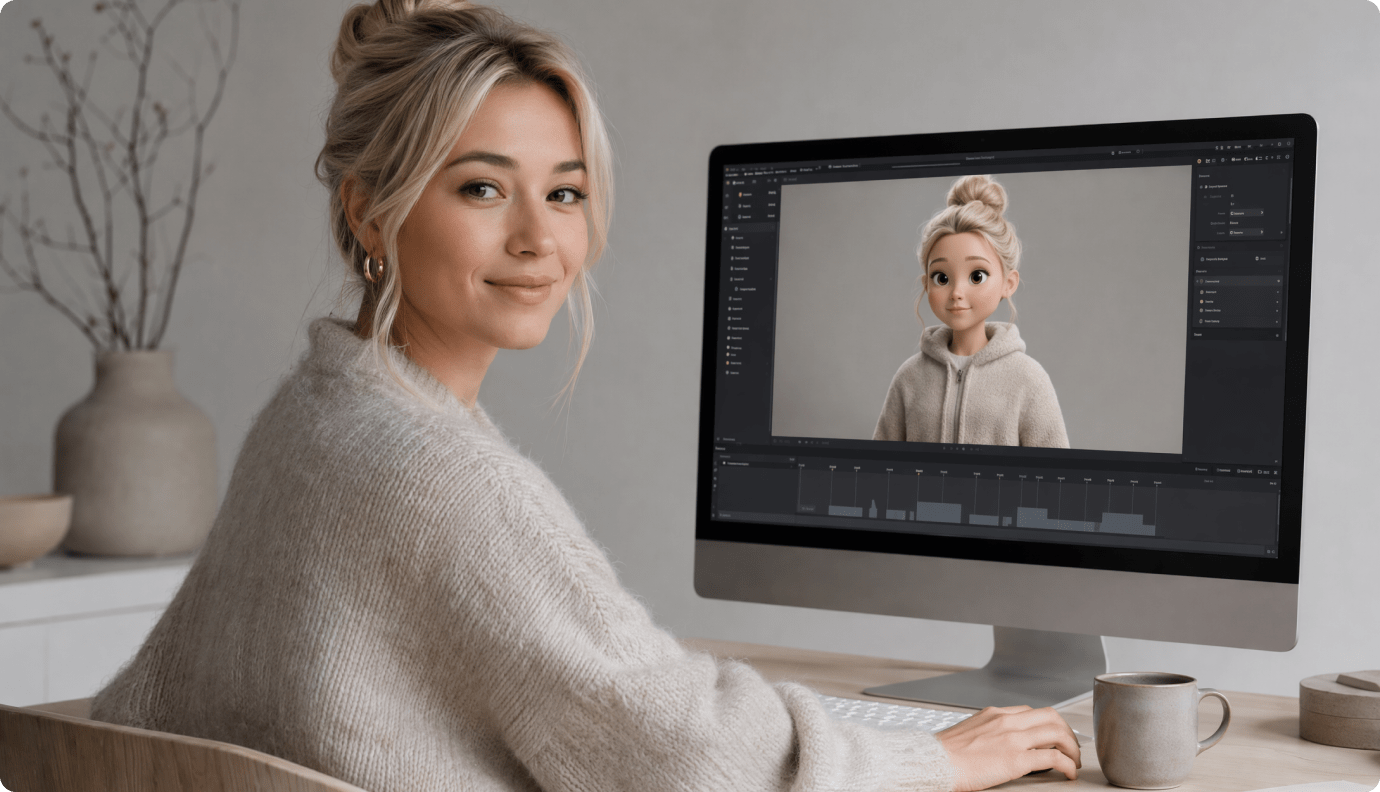
Educators and Trainers
Convert lesson scripts into visual scenes that explain concepts clearly, with formatting that works in class or LMS embeds.
Marketers and Social Teams
Produce animated story ads and brand narratives with controllable scenes, clean framing, and quick revisions.
See What Creators Ship with
Ship Media.io Story Animation
Explore different story types and pacing styles creators publish across platforms.
Hear What Creators Say After Publishing
Real feedback from people shipping animated content on tight timelines.


"I tried a few tools that felt like random clips stitched together. Media.io is the first one that behaves like an AI animation video generator for actual storytelling. The outline-to-storyboard flow made it easy to keep the beat changes where I wrote them."

"For my TikTok series, the biggest win is continuity. I can keep the same character look and then just change scenes and camera angles. As an AI cartoon video generator, it's practical for episodic posting without redoing everything."

"I build short explainers for my classroom. The script outline helps me tighten the lesson, and the storyboard cards let me swap one confusing scene without breaking the rest. It's a solid text to animated video tool for educators."

"We use it for quick brand narratives where the first three seconds matter. Being able to re-roll a single shot saved us a round of approvals. If you need AI animation generator online output that's ready for social, this fits."

"I'm prototyping a short and needed something between sketch boards and a full animatic. The character references kept my lead consistent, and the pacing edits felt familiar. Great storyboard to animation workflow for indie teams."

"I run a faceless channel and needed something more original than stock footage. This script to animation generator let me keep recurring visuals while changing settings each episode. The finishing tools helped clean up small artifacts before upload."
FAQs on AI Animation Generator
What Is an AI Animation Generator Used for?
It's used to create animated videos from text prompts or scripts without traditional frame-by-frame animation. The best tools also help you control characters, scenes, and pacing so the result feels like a real short, not a clip collage.
Can I Paste a Full Script, or Do I Need to Write Prompts Scene by Scene?
You can paste a script up to 5000 characters and let Media.io extract an editable outline (title, theme, setting, plot, characters). Then it generates scenes from that structure, so you start with story logic rather than isolated prompts.
How Do I Keep the Same Character Across Multiple Scenes?
Use character creation from text, photos, or sketches, then generate three-view character references. Those references help maintain consistent facial features, outfits, and proportions across the storyboard.
What Kind of Videos Can I Make for YouTube and TikTok?
You can create animated Shorts / Reels-style stories up to 2 minutes, designed for hooks, clear beats, and repeatable cast-driven series. Choose the aspect ratio during setup so your framing matches the platform from the start.
Does It Support Different Animation Looks, Like Anime or Realistic?
Yes. During setup you can choose an anime or realistic style preset, then generate scenes under that look so the short stays visually coherent.
Which Aspect Ratios Can I Export?
You can choose 9:16, 1:1, or 16:9 during the initial setup. That makes it easy to produce vertical, square, or widescreen versions without rebuilding the story.
What's the Main Advantage of Media.io for Animated Storytelling?
It combines story structure (outline extraction), repeatable characters (three-view references), and scene-level control (editable storyboard + single-shot re-roll). That combination is what makes the animation feel planned and publishable.
Explore More AI Script to Video Generators

Write the Story.
Direct the Animation.
Paste your script, lock your cast, and ship an animated short in the format your audience actually watches.
 4. 8 (128746 Votes)