Image à image
Nano Banana Pro
Télécharger une image
0 / 9
Cliquez ou faites glisser pour télécharger, ou choisissez parmi Mon Historique
Pas d'idées ? Générer une image d'abord. >
Formats de téléchargement pris en charge : jpg, png, jpeg.
Prompt
0/2000
Aspect ratio
Auto
9:16
16:9
1:1
4:3
3:4
3:2
2:3
21:9
Résolution
1K
2K
4K
Mode Illimité Banana Pro
Nombre d'images
1
2
3
4
Visibilité du public
Tout
Image
Vidéo
Audio
Générer une liste
Les résultats générés seront conservés pendant 7 jours. Veuillez les sauvegarder à temps.
ai_video_generatorLibérez votre potentiel créatif et découvrez la magie de l'IA médiatique dès mIAntenant!

Free Online Tint Generator for Photos, Brand Colors, and Mood Edits

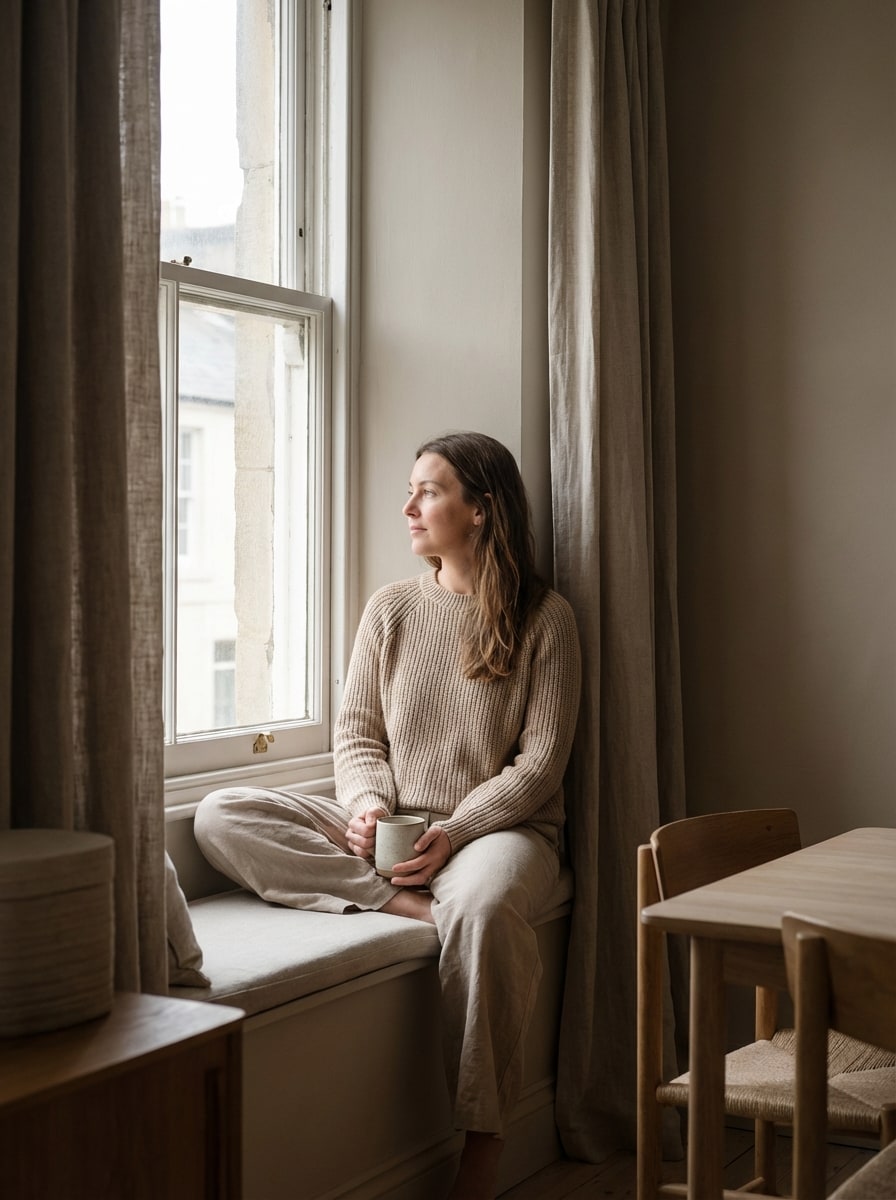
Tint Generator Before
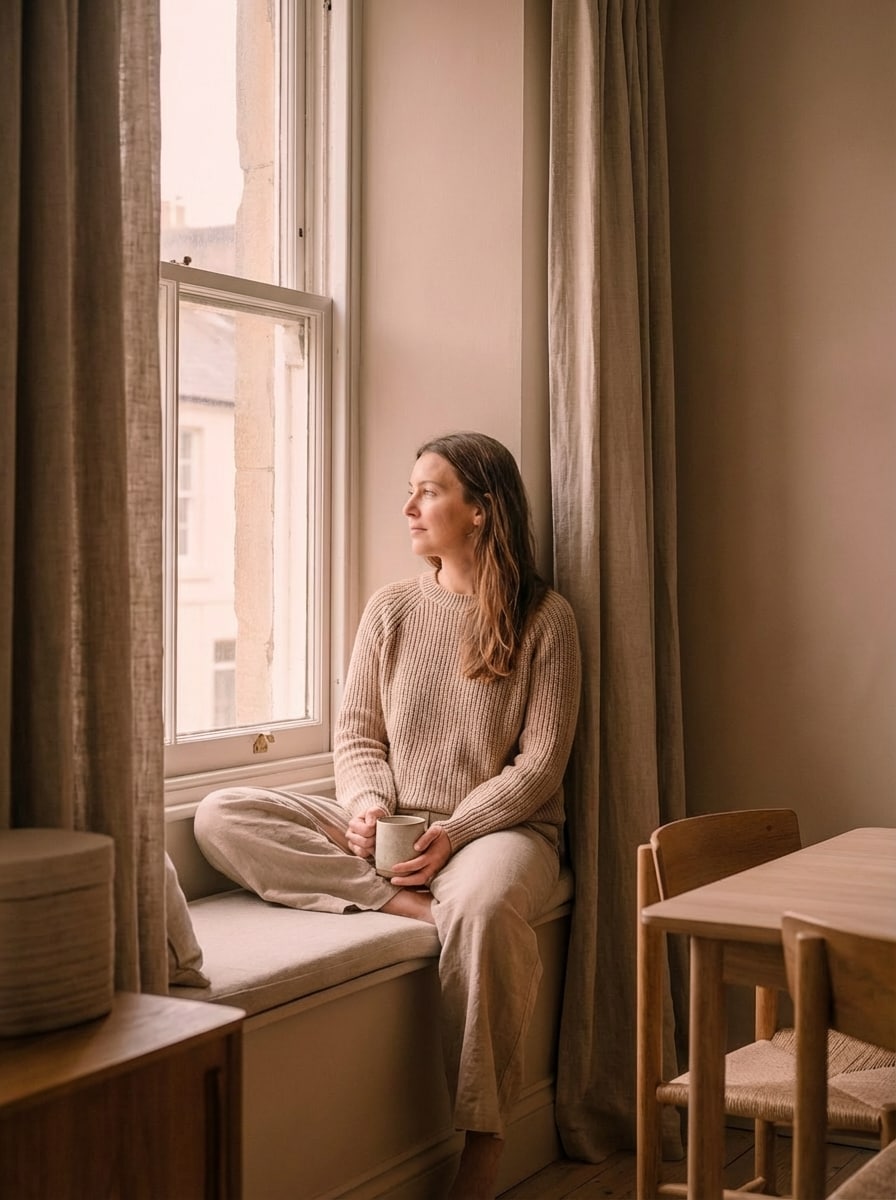
Tint Generator After

Create stylish image tints, recolor photos, and explore lighter or darker color variations in seconds. Upload a picture, apply cinematic, pastel, vintage, or branded tint effects, and generate polished visuals online without complicated editing software.

Create My Tint Effect

Type your idea -> AI designs it. Free to try.

Explore our curated collection of tint generator styles.

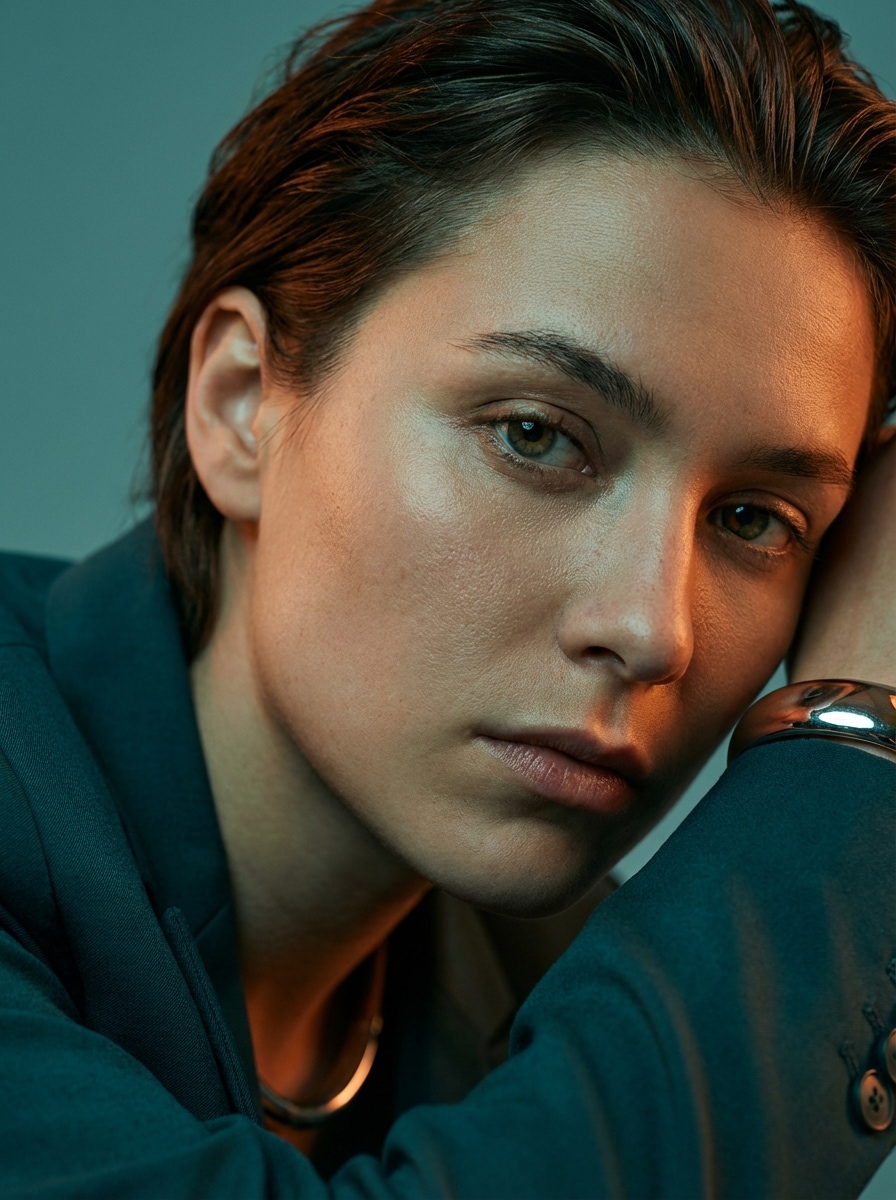
Teal Orange Tint

Teal Orange Tint

Use the uploaded image as the source. Transform the portrait with a cinematic teal and orange color grade, cool teal shadows, warm orange highlights, balanced contrast, subtle clarity, realistic skin tones, glossy light falloff, and a dramatic editorial mood. Preserve facial detail, natural textures, and sharp focus with a premium high-resolution finish.

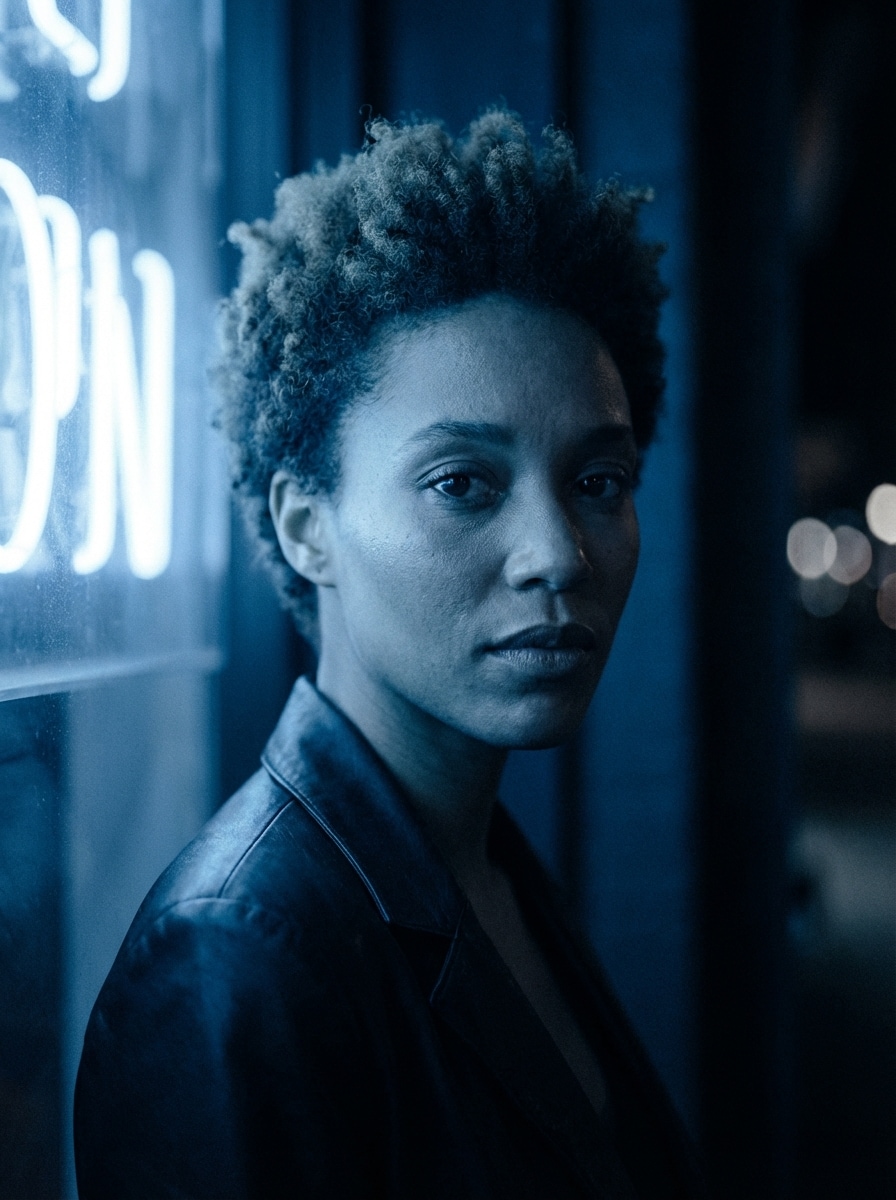
Moody Blue Tint

Moody Blue Tint

Use the uploaded image as the source. Apply a moody blue film tint to the portrait with cool blue midtones, soft shadow depth, subtle desaturation, fine film grain, gentle contrast, and a refined editorial atmosphere. Maintain realistic skin texture, clean edges, and high-resolution detail for a modern cinematic nighttime look.

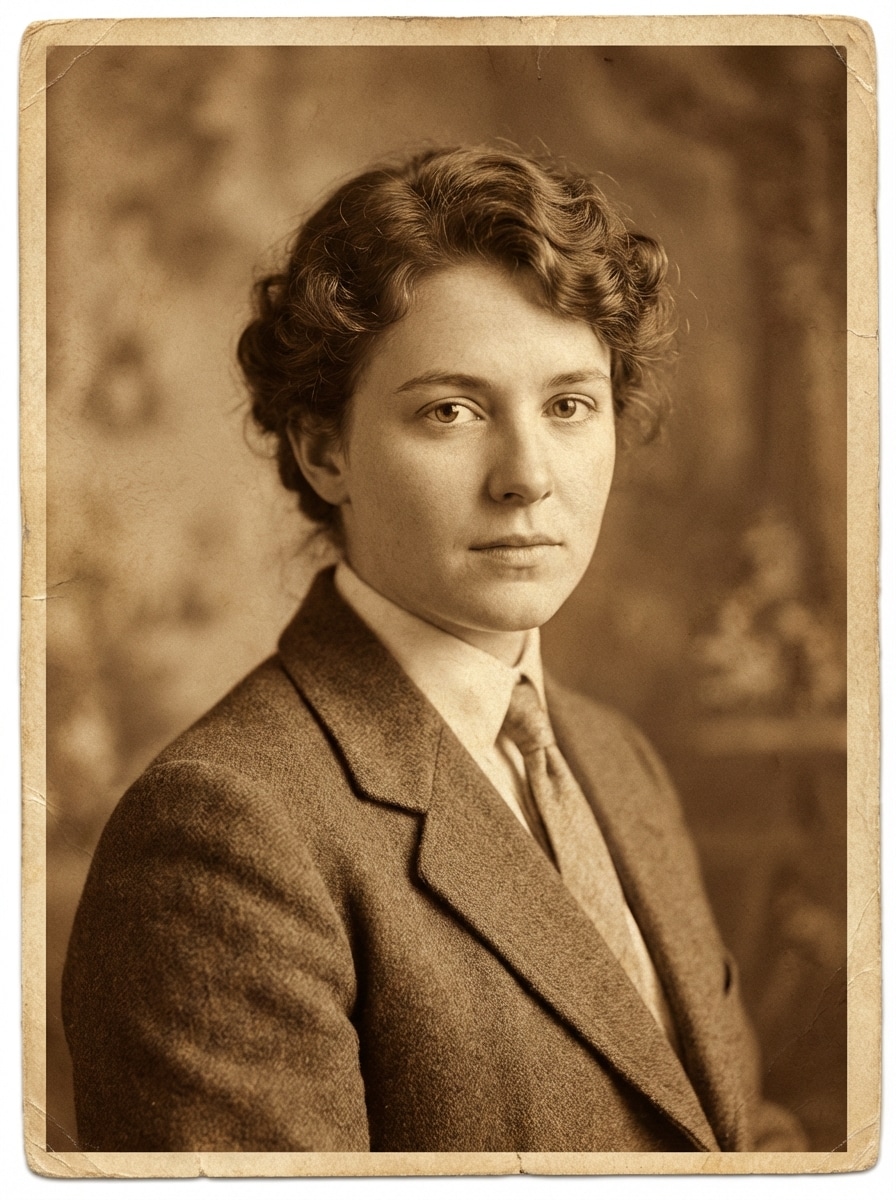
Sepia Vintage Tint

Sepia Vintage Tint

Use the uploaded image as the source. Create a sepia vintage portrait with warm brown and amber tinting, slightly faded blacks, soft contrast, delicate paper-like texture, and a timeless nostalgic mood. Keep the face, hair, and clothing sharp yet natural, with balanced lighting and an authentic old-photograph character in high resolution.

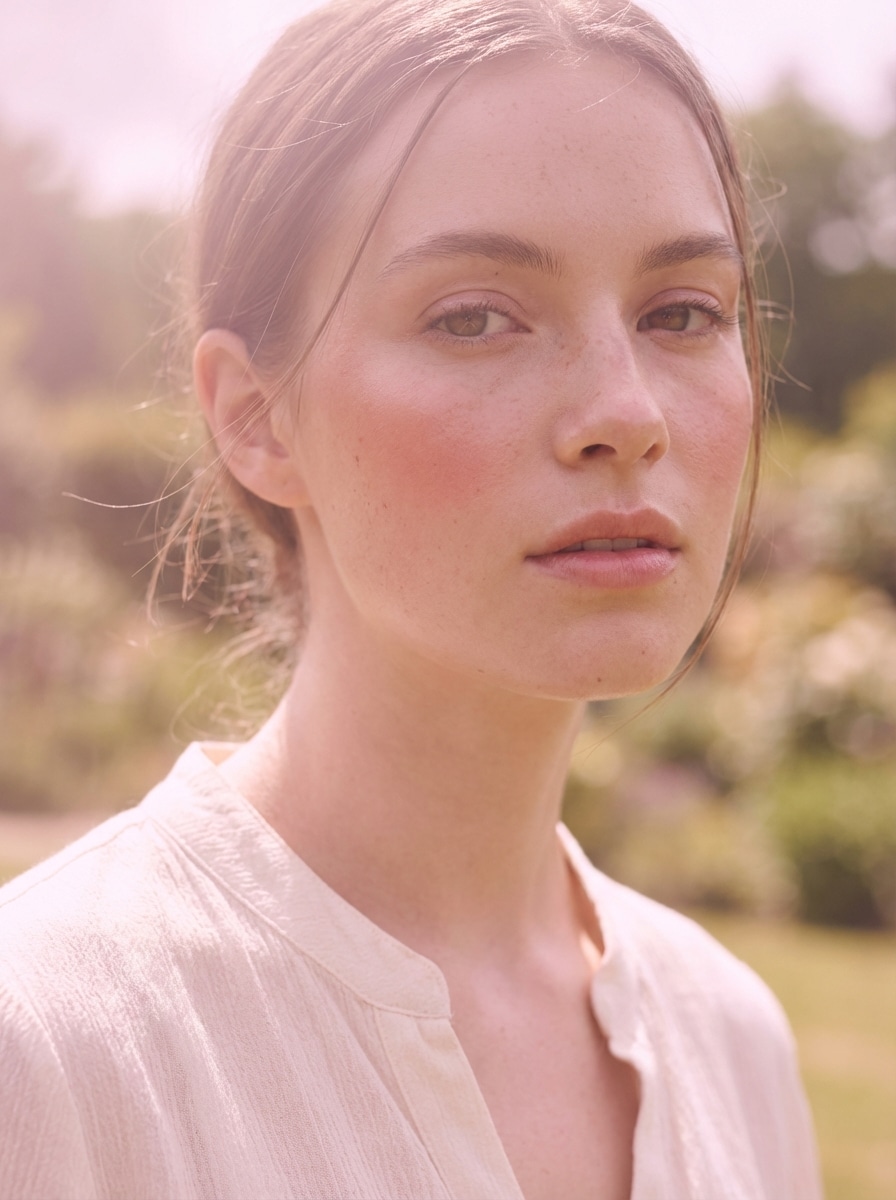
Pastel Pink Tint

Pastel Pink Tint

Use the uploaded image as the source. Transform the portrait with a pastel pink wash tint, soft blush highlights, smooth luminous skin tones, low contrast, delicate glow, and a dreamy aesthetic mood. Preserve natural facial features, fine textures, and sharp image quality while creating an elegant social-ready editorial result.

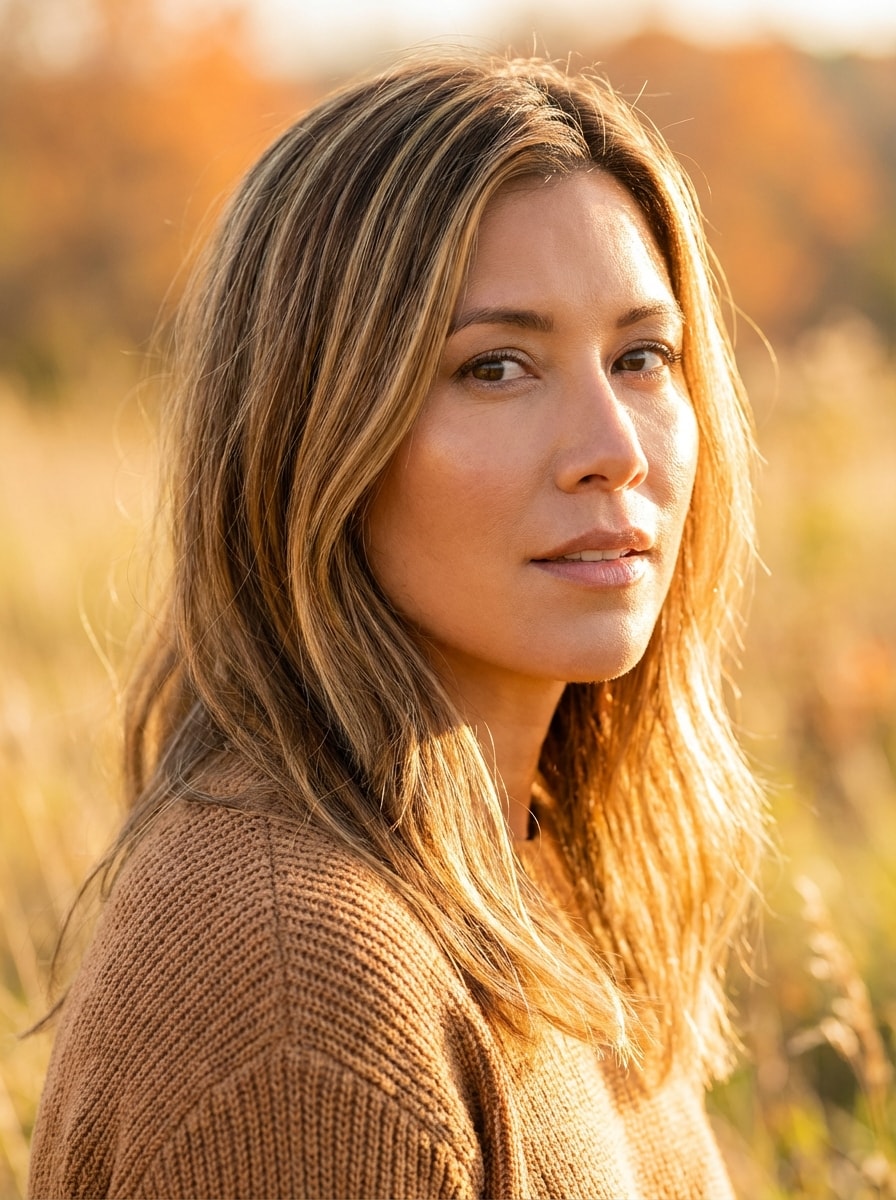
Golden Hour Tint

Golden Hour Tint

Use the uploaded image as the source. Apply a golden hour tint to the portrait with warm honey highlights, soft orange glow, luminous skin tones, gentle contrast, natural brightness, and a sunlit lifestyle mood. Keep facial details crisp, textures realistic, and the final result polished, vibrant, and high resolution.

Why Use Media.io for Tint Generation and Image Recoloring

Upload an Image and Recolor It Fast

Turn a reference photo into a tinted version in just a few clicks. Upload JPG, PNG, or JPEG files and apply cinematic, pastel, retro, or brand-color looks without using complex desktop editing software.

High-Resolution Tint Results

Keep your tinted photos sharp and presentation-ready with 1K, 2K, and 4K output options. Media.io helps you generate recolored images suitable for social posts, design mockups, and brand assets.

More Control Over Style and Framing

Choose from multiple aspect ratios including 1:1, 9:16, 16:9, 4:3, and 3:4, then generate 1 to 4 images at once. It is easy to test different tint directions for campaigns, product edits, and creative concepts.

Advanced AI Models in Your Browser

Media.io uses advanced image-to-image models including Nano Banana Pro and Nano Banana 2, plus specialized options like Media 2.0. You get a fast browser-based tint generator that works across desktop and mobile devices.

How to Use the Media.io Tint Generator

1
2
3
1
Step 1: Open Media.io Tint Generator

Go to AI Image to Image Generator and open the Tint Generator under AI -> Image to Image. This online tool runs in your browser, so you can create tinted photos and color-styled visuals on desktop or mobile without installing software.

2
Step 2: Enter a Prompt or Upload

Upload a reference photo, then type a detailed prompt such as "Use the uploaded image as the subject and apply a soft pastel pink tint with airy highlights and clean commercial contrast." Adjust aspect ratio, resolution, and image count based on your project.

3
Step 3: Generate, Refine & Download

Click Generate to create your tinted image. If needed, refine the prompt or try another style like sepia, teal-orange, or a brand-color overlay. When you are happy with the result, download your high-resolution image for design, social, or marketing use.

Step 1
Step 2
Step 3

Unlock the Potential of Tint Generator

Discover how creators and professionals are using our AI-powered Tint Generator to transform their creative workflows and bring unique ideas to life.

Create Branded Visual Variations Quickly

Marketing teams can use the tint generator to apply consistent brand-color overlays across campaign photos, product imagery, and social assets. It is a fast way to produce cohesive visuals without rebuilding every design from scratch.

Give Photos a Trend-Driven Mood Edit

Creators can transform ordinary pictures with cinematic teal-orange, pastel pink, vintage sepia, or cyberpunk-style tints. This helps make posts, thumbnails, and portfolio visuals feel more intentional, stylish, and platform-ready.

Recolor Product and Portfolio Images

Designers and small businesses can test tinted versions of product shots, mockups, and portfolio pieces to explore lighter or darker color directions. It is useful for previewing visual identity changes before committing to a final look.

What Users Say About This Tint Generator

user
Maya R.

Social Media Designer

star star star star star

"Fast way to create polished mood edits" I used this tint generator to create teal-orange and pastel photo versions for a campaign. The results looked clean and modern, and I did not need to open heavier design software.

user
Jordan L.

Brand Marketing Specialist

star star star star star

"Helpful for brand-color image variations" We needed several branded visual treatments for the same photo set. Media.io made it easy to test a single-color tint overlay and export versions that fit our campaign style.

user
Elena C.

Content Creator

star star star star star

"Simple on mobile and desktop" I liked that I could upload a photo, type a clear prompt, and get a tinted result in minutes. The vintage and lavender-style edits were especially useful for my social posts.

user
Noah T.

Freelance Designer

star star star star star

"Good quality for client previews" I often need quick recolor concepts for clients. This tool helped me show tinted image options without spending too much time on manual editing, and the output quality held up well.

Tint Generator FAQs

1. Is this tint generator free to use?

Yes. Media.io offers free credits, so you can try the tint generator without paying upfront. If you need more generations or higher-volume use, you can upgrade on the pricing page. Free users can use free credits. For more usage, users can subscribe to a plan on the pricing page.

This Media.io workflow supports uploaded reference images for image tint generation. You can upload a photo and describe the tint style you want, such as sepia, pastel pink, teal-orange, or a branded color overlay, to guide the recolor result. This helps you create tint generator results more consistently.

The fastest method is to upload your image and describe the exact tint direction you want, such as a lighter pastel wash or a darker moody blue treatment. You can then regenerate a few versions and compare the tonal changes to find the best color variation generator result for your project. This helps you create tint generator results more consistently.

Media.io supports 1K, 2K, and 4K resolution options, so your tinted image can remain sharp and usable for many design and marketing needs. Free users may have watermarks. This helps you create tint generator results more consistently.

Yes. Media.io is web-based and works on devices with a browser, including Windows, Mac, iPhone, iPad, and Android. That makes it easy to use this image tint generator from either desktop or mobile. Media.io is a web-based tool that works on any device with a browser (Windows, Mac, iOS, Android).

If you plan to use more generations or want premium output options, you can review plan details on the. This helps you create tint generator results more consistently.

Media.io Online AI Tools Quality Rating:
vote 4.7 (162,357 Votes)