Sélectionnez / @ caractère, décrivez la scène que vous souhaitez générer.
0/2000
9:16
1K
1
Mode Illimité Banana Pro
Créations
Centre d’idées
Comment ça marche
Tout
Fonctionnalités populaires
Voir tout
Défi créatif d’Halloween
Voir tout
Histoire de Fruits Drama IA
Voir tout
Vidéo d'Histoire par IA
Voir tout
Vidéos virales aujourd'hui
Voir tout
Vidéos de produits IA
Voir tout
Personnage IA
Voir tout
Tendances de Danse
Voir tout
GPT Image 2
Voir tout
Seedance 2.0
Voir tout
Correspondance de Célébrités IA
Voir tout
Suggestions de Poses pour Couples
Voir tout
Prompts de Poses de Fille IA Esthétique
Voir tout
Invites de Poses Élégantes pour Garçon IA
Voir tout
Générer une liste
Vos créations sont conservées pendant seulement 7 jours. Les éléments créés après la mise à niveau de l'Abonnement seront stockés de façon permanente.
Libérez votre potentiel créatif et découvrez la magie de l'IA médiatique dès mIAntenant!
Identificateur de Succulentes pour une Reconnaissance Rapide des Plantes par Photo
Téléchargez une photo de plante et utilisez cet identificateur de succulentes pour repérer les types de succulentes probables, comparer les sosies visuels et affiner les correspondances visuelles. Il prend en charge l'identification des cactus, l'identification des espèces d'aloès, ainsi que d'autres questions sur les plantes d'intérieur épineuses grâce à un flux de travail simple basé sur l'image, sur n'importe quel appareil.
Saisissez votre idée -> L'IA la conçoit. Essai gratuit.
Consultez ces exemples de directives, puis adaptez les détails de l'invite pour obtenir de meilleurs résultats avec cet Identificateur de Succulentes Media.io.
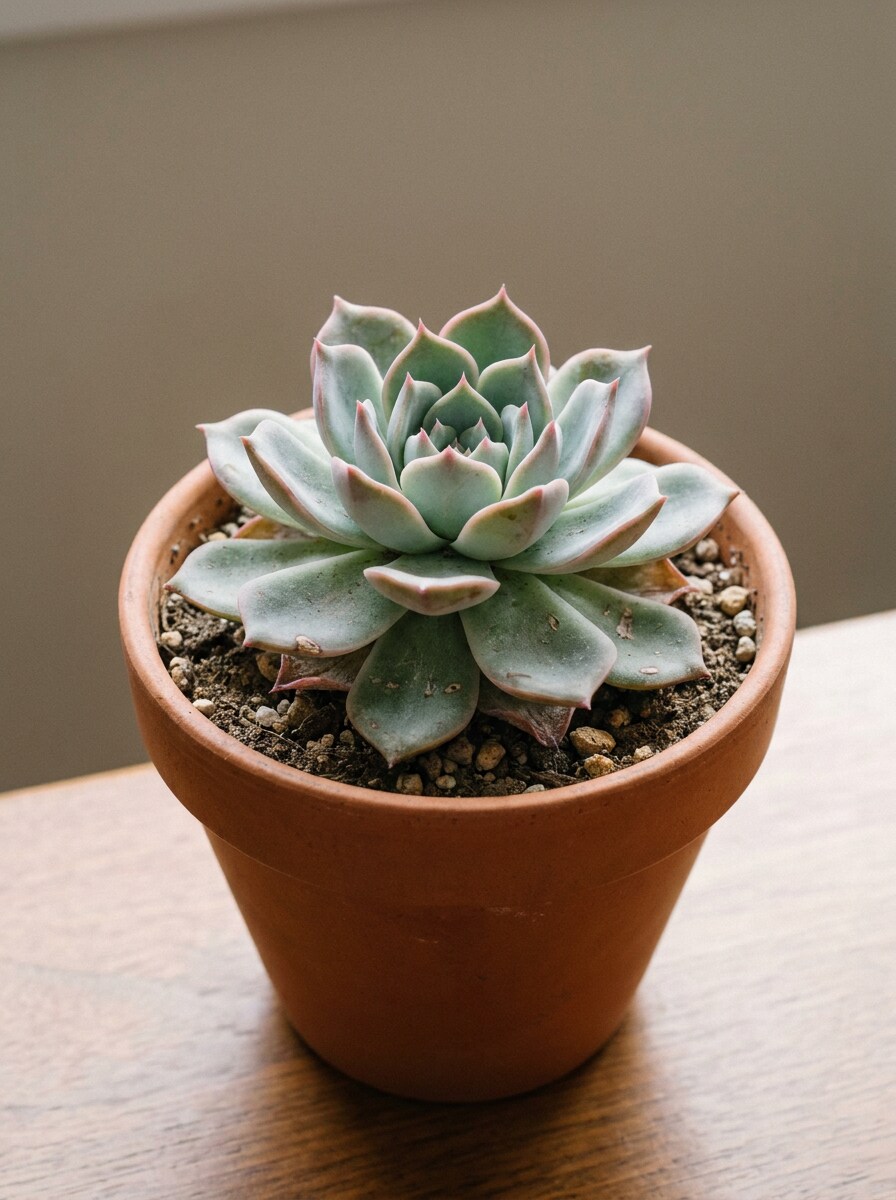
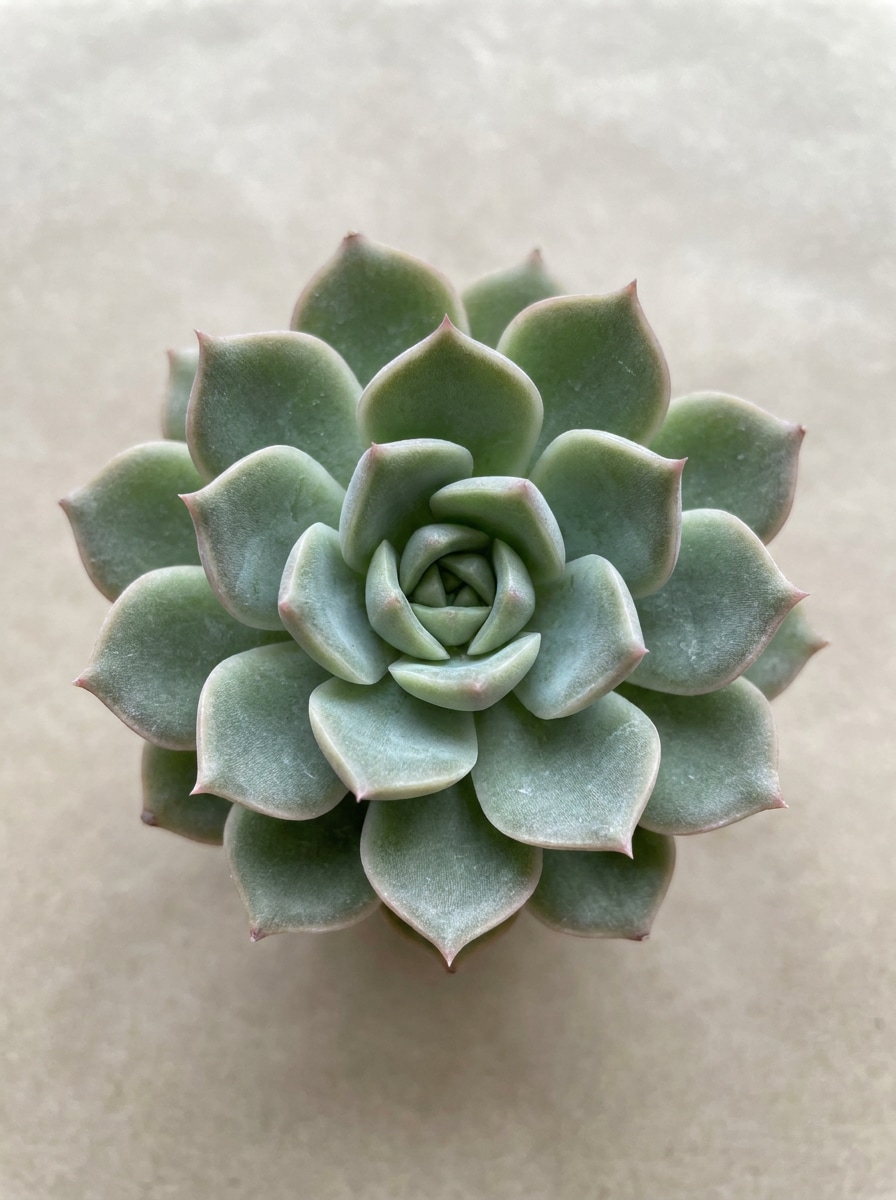
Macro Rosette Nette
Utilisez l'image téléchargée comme sujet et transformez-la en une photo d'identification botanique nette vue de dessus. Gardez la succulente centrée avec des bords de feuilles nets, une lumière naturelle douce, un arrière-plan beige neutre, une texture réaliste, un contraste équilibré, des ombres minimales et une clarté de type spécimen pour une comparaison visuelle précise.
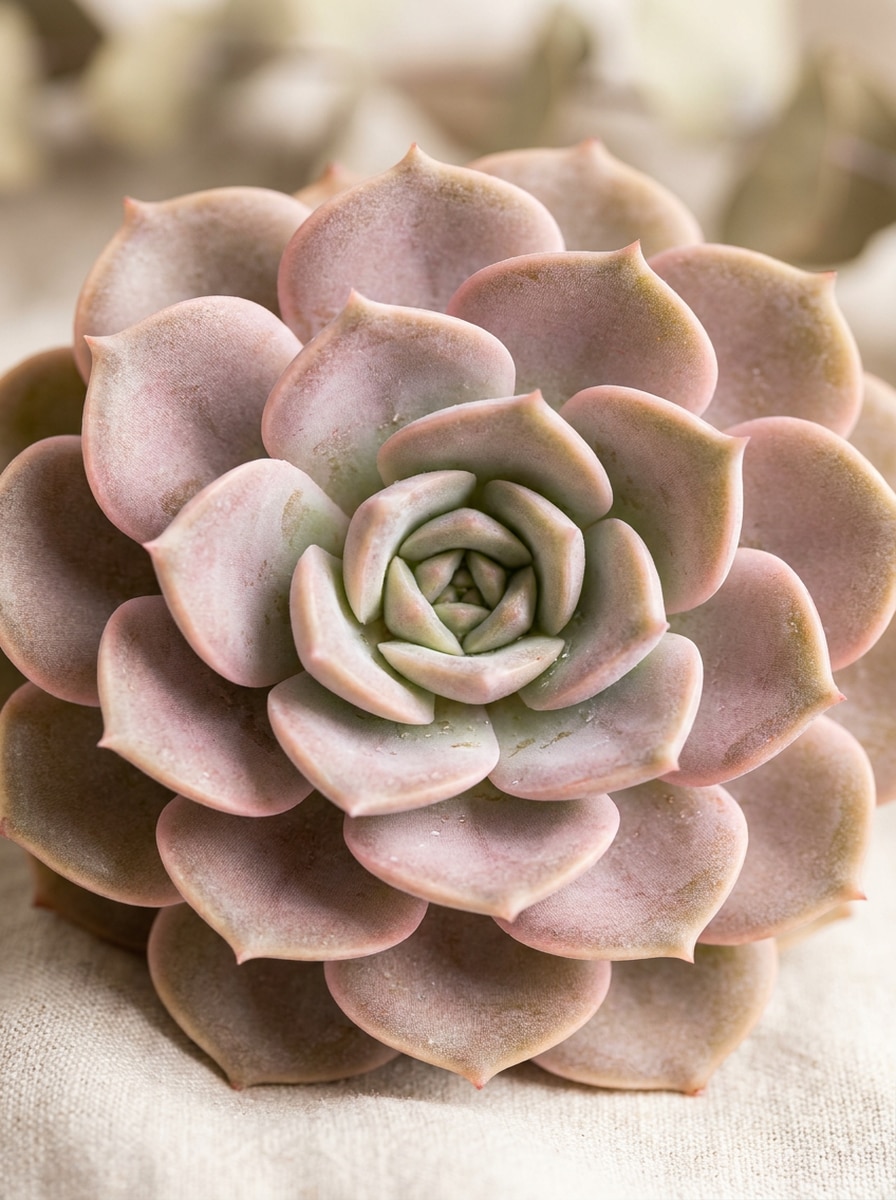
Gros Plan d'Echeveria Pastel
Utilisez l'image téléchargée comme sujet et restylisez-la en un plan de détail d'identification qui met en valeur la couleur pastel des feuilles, la symétrie et la texture de la farine. Préservez la structure réaliste de la plante, ajoutez un éclairage latéral doux, un flou d'arrière-plan crème neutre, des ombres légères et un réalisme botanique haute définition pour la comparaison des espèces.
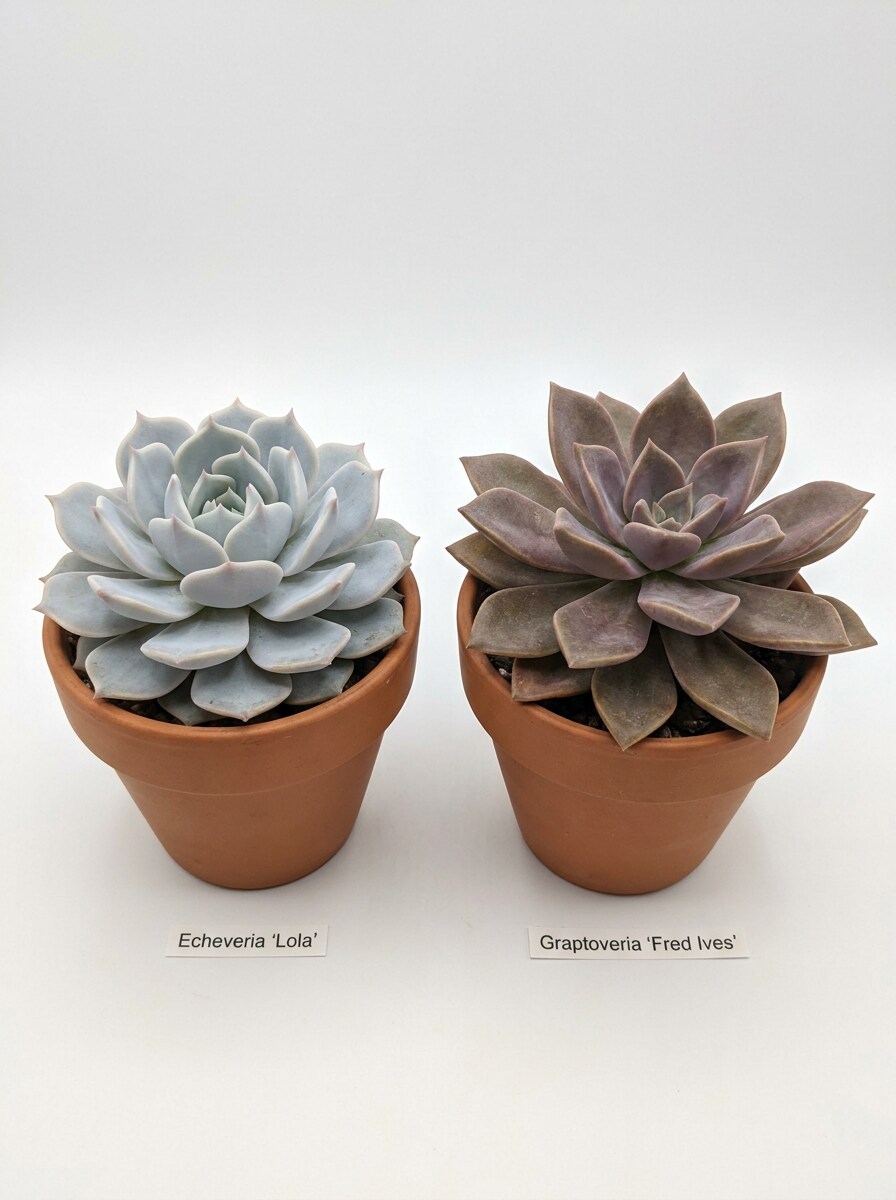
Comparaison d'Espèces Côte à Côte
Utilisez l'image téléchargée comme spécimen principal et transformez le résultat en une mise en page comparative éducative à côté d'une succulente visuellement similaire. Gardez les deux plantes uniformément éclairées sur un fond blanc propre, mettez en évidence les différences d'épaisseur des feuilles, d'espacement, de couleur et de forme de rosette, et maintenez un détail botanique réaliste.
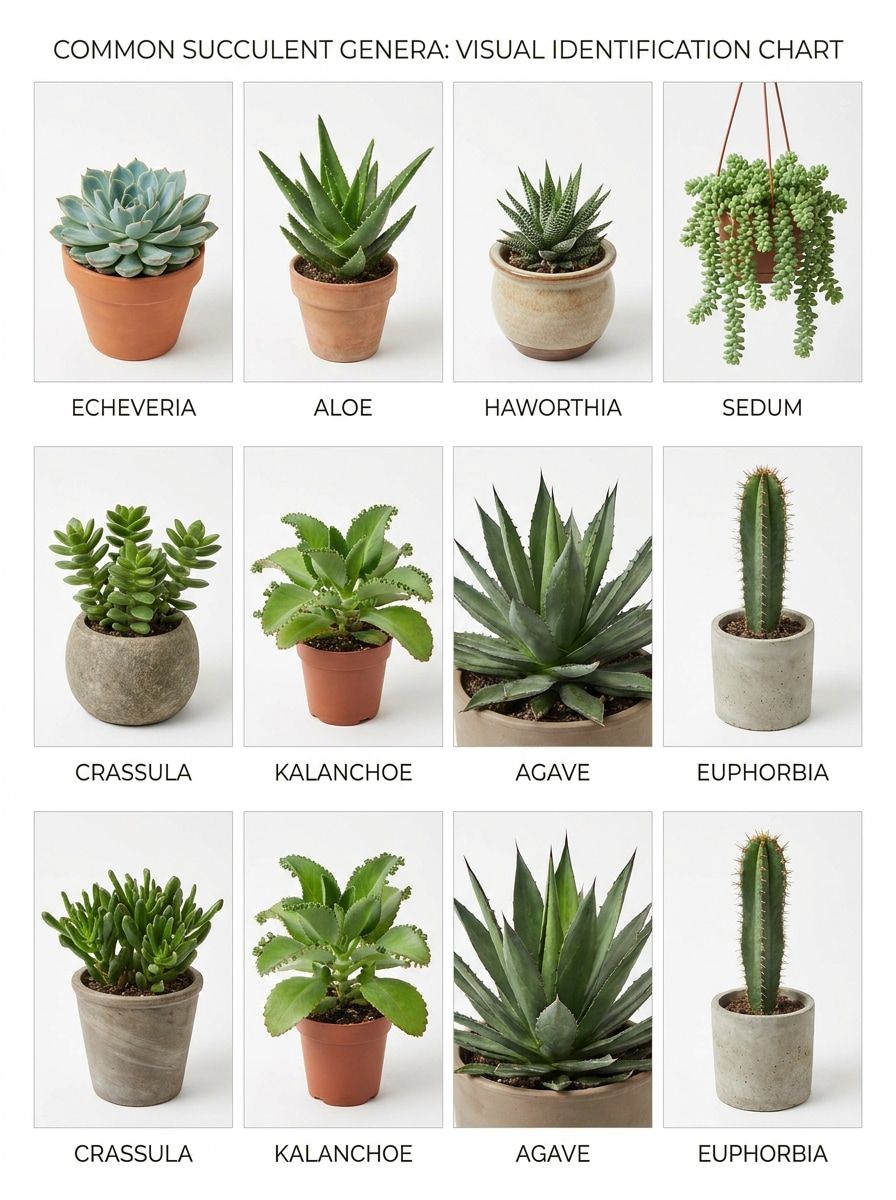
Grille des Types de Succulentes Communes
Utilisez l'image téléchargée comme l'un des spécimens vedettes dans un tableau d'identification réaliste des groupes de succulentes communes. Présentez-la dans une grille nette avec des plantes visuellement distinctes ressemblant à de l'aloès, de la haworthia, de l'echeveria, de la crassula, du sedum, de la kalanchoé, de l'agave et de l'euphorbe, avec un éclairage neutre lumineux et une clarté de style catalogue.
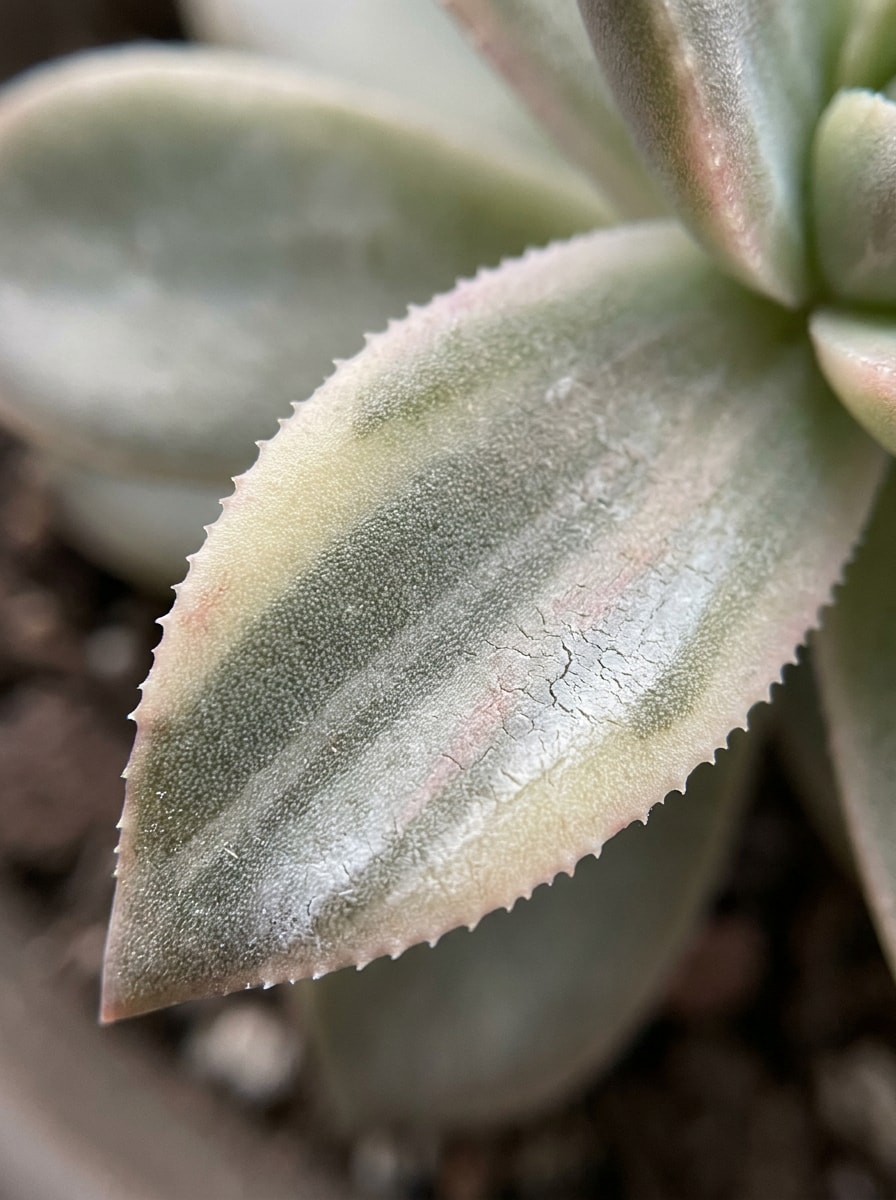
Détail de la Texture des Feuilles
Utilisez l'image téléchargée comme sujet et créez un recadrage diagnostique en gros plan extrême qui révèle la texture des feuilles, la dentelure, la panachure et le revêtement de surface. Gardez la scène réaliste avec une mise au point macro nette, un éclairage naturel doux, un flou d'arrière-plan atténué et des couleurs fidèles à la réalité pour une inspection visuelle approfondie.
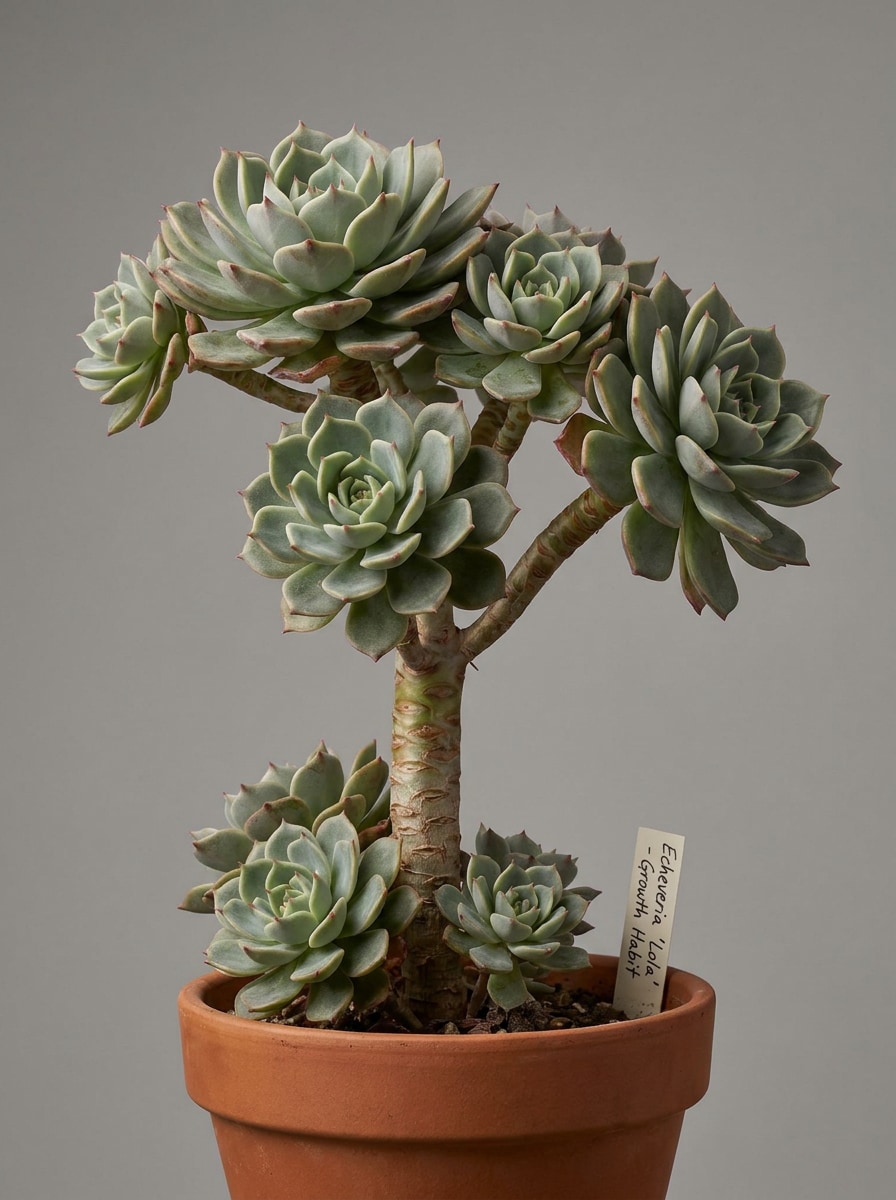
Focus sur la Tige et le Schéma de Croissance
Utilisez l'image téléchargée comme sujet et convertissez-la en une photo d'identification de type spécimen qui met en valeur la forme de la tige, les rejets, la ramification et la disposition des feuilles. Préservez des proportions réalistes, un arrière-plan de studio neutre, un contrôle des ombres doux et une grande clarté afin que l'habitus de croissance soit facile à évaluer.
Collection de Succulentes sur le Rebord de Fenêtre
Utilisez l'image téléchargée comme plante principale et placez-la naturellement dans une scène de collection lumineuse sur un rebord de fenêtre. Montrez des succulentes réalistes variées dans des pots en terre cuite, une lumière du matin chaude, une décoration intérieure aérée, des ombres douces et des détails nets, tout en gardant le spécimen téléchargé visuellement reconnaissable pour une comparaison contextuelle.
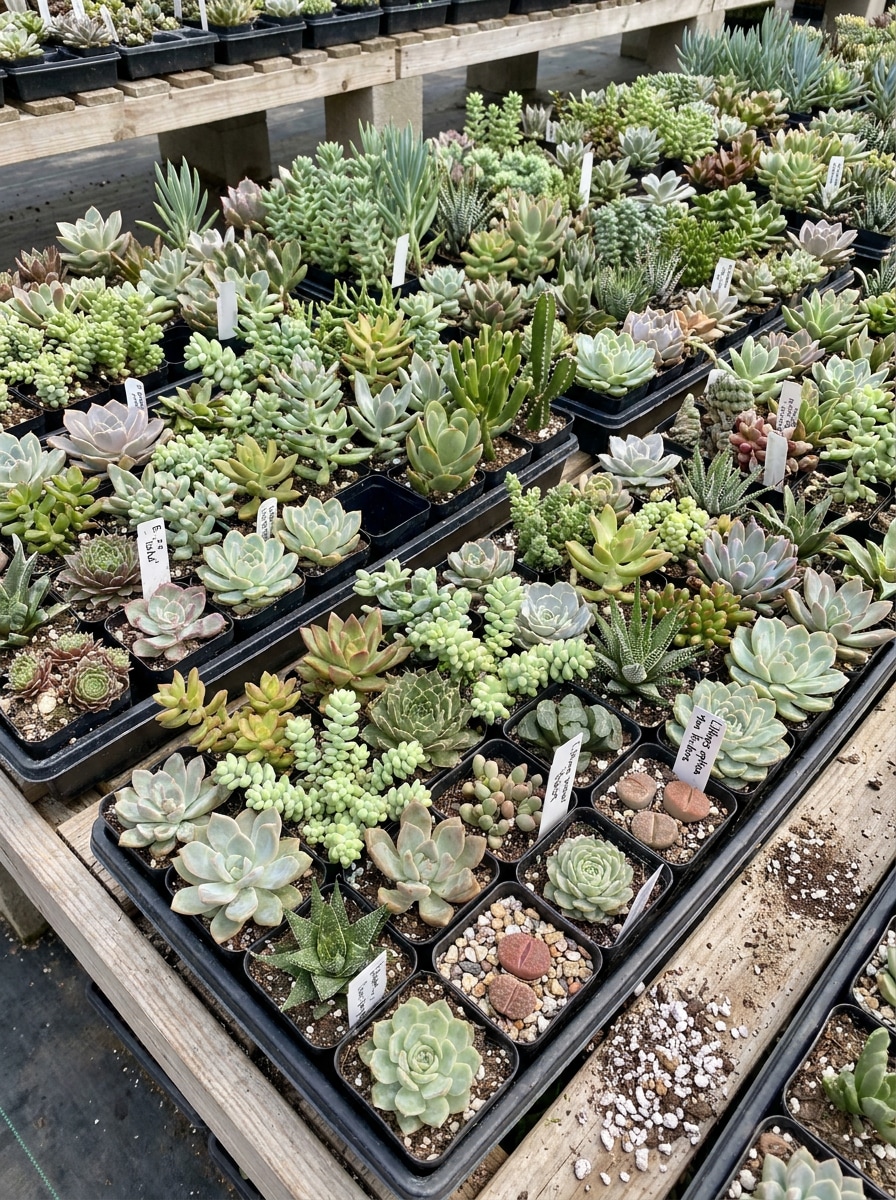
Assortiment de Plateau de Pépinière
Utilisez l'image téléchargée comme une plante dans un assortiment réaliste de succulentes non étiquetées sur un plateau de pépinière. Montrez des tailles, formes et couleurs variées depuis un angle en vue plongeante avec un éclairage diffus lumineux, un style centre-jardinerie pratique, et suffisamment de détails pour faciliter le tri visuel et la correspondance des plantes.
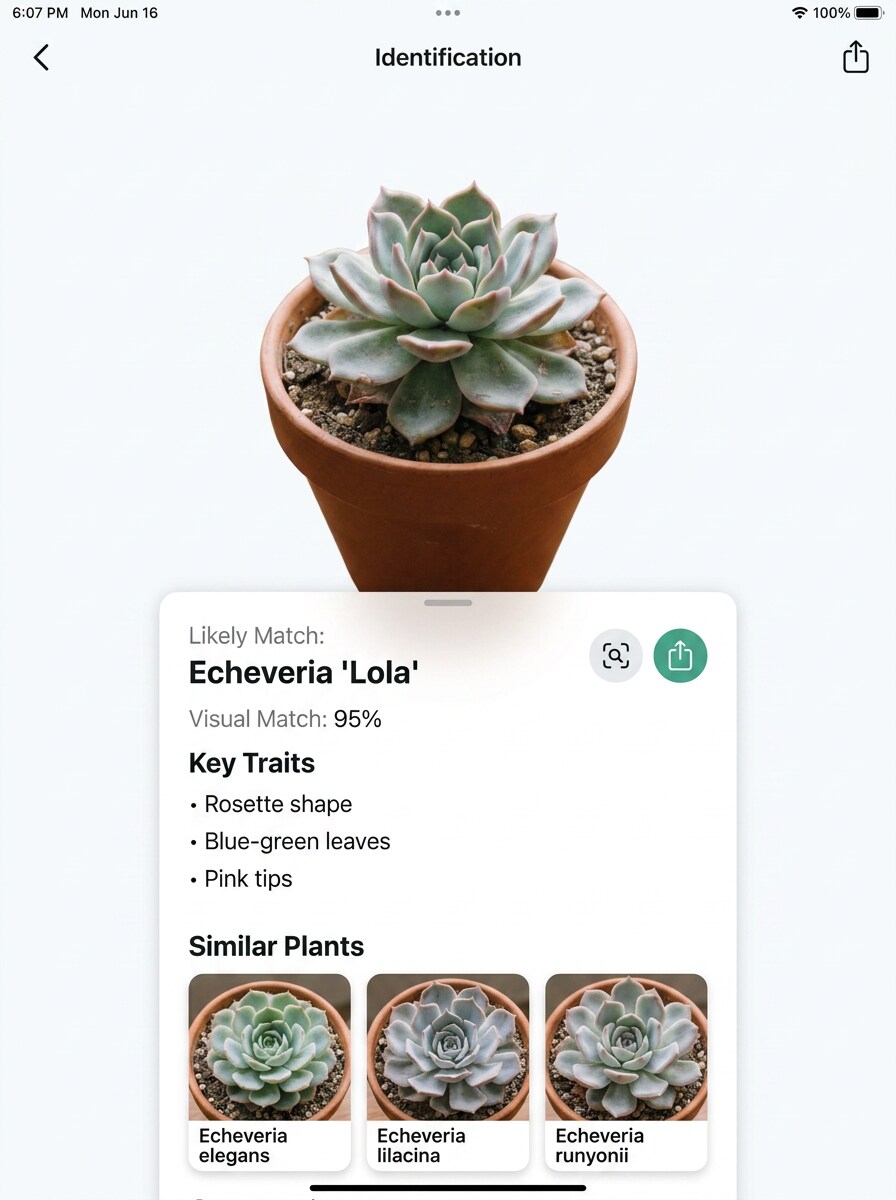
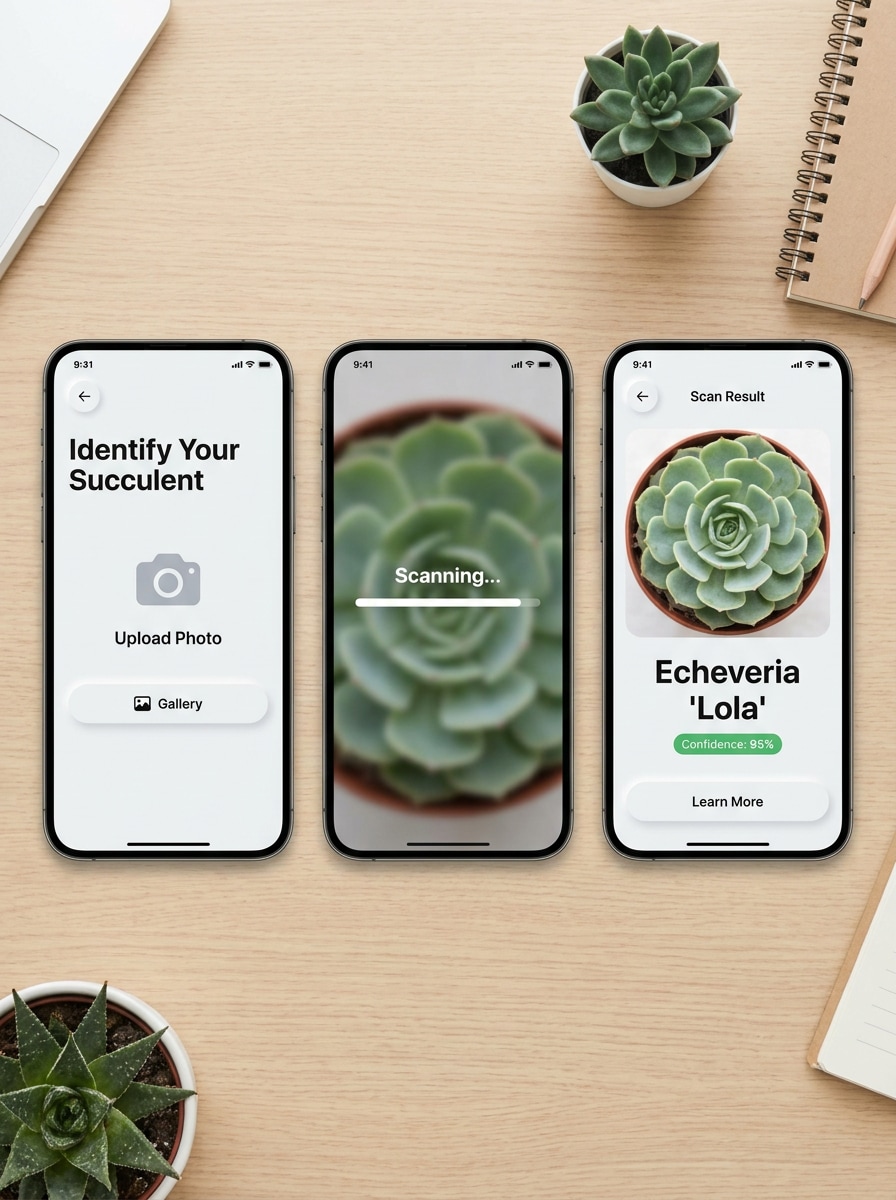
Écran de Résultat après Téléchargement de Photo
Utilisez l'image téléchargée comme plante vedette dans une maquette réaliste de flux de travail d'identification mobile. Montrez une interface de style application nette avec téléchargement de photo, résultat de scan, nom probable de la plante et mise en page de type confiance, en utilisant un espacement d'interface utilisateur moderne, des couleurs neutres lumineuses et une présentation éducative claire.
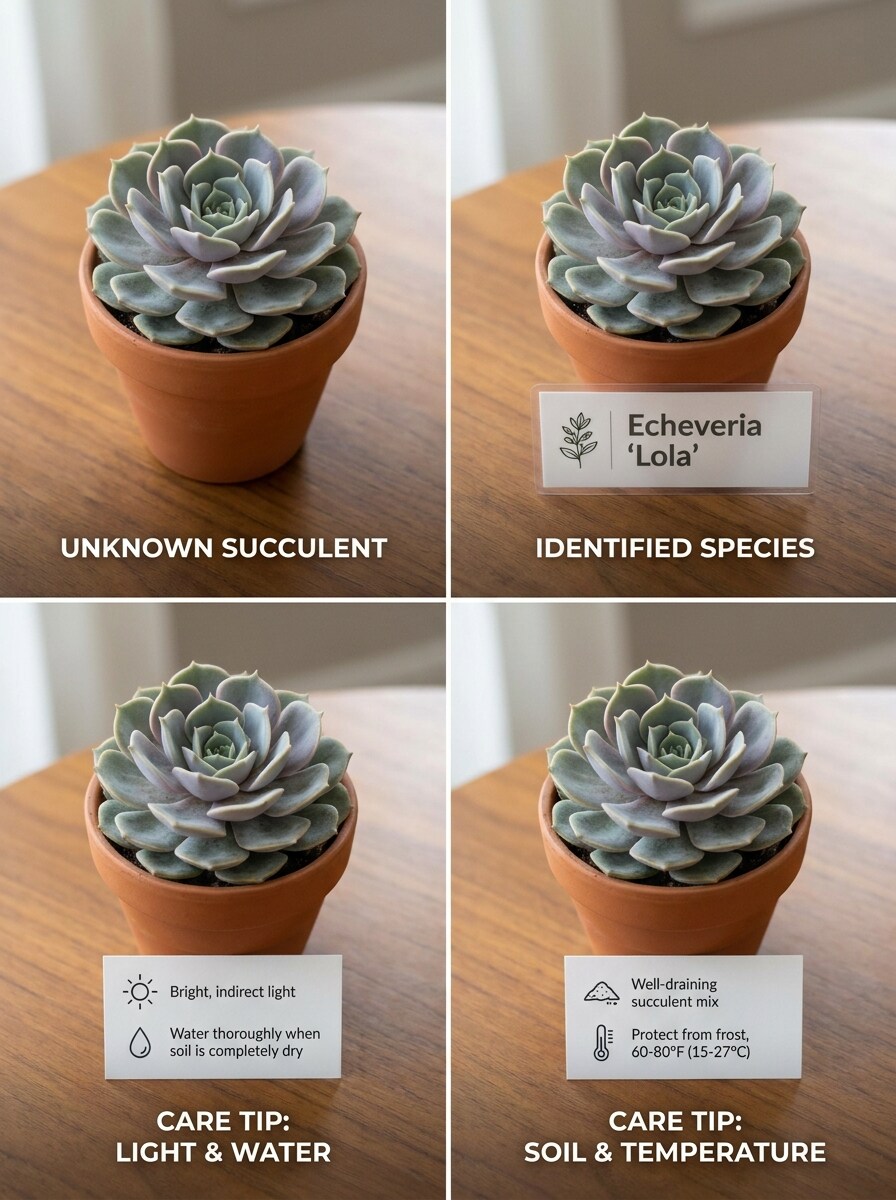
Plante Inconnue vers Conseils d'Entretien
Utilisez l'image téléchargée comme plante inconnue et transformez-la en une fiche de résultat éducative étape par étape. Montrez le spécimen original, une étiquette d'identification probable et des notes d'entretien concises dans une séquence visuelle nette avec des détails de plante réalistes, un éclairage doux et une mise en page facile à lire.
Pourquoi Utiliser Media.io pour l'Identification des Succulentes par Photo
Retravaillez un Seul Sujet en Plusieurs Styles
Une image de plante transformée doit toujours ressembler au spécimen original. Media.io aide à préserver les indices d'identité principaux tout en affinant le style visuel de l'identificateur de succulentes, rendant l'image finale plus nette et plus utile pour la comparaison ou la présentation.
Retravaillez un Seul Sujet en Plusieurs Styles
Si le sujet doit toujours se ressembler après la transformation, Media.io aide à conserver les indices d'identité principaux tout en mettant à jour le style visuel final de l'identificateur de succulentes pour un résultat final plus propre.
Générez des Résultats plus Nets jusqu'en 4K
Si le visuel final de l'identificateur de succulentes doit être réutilisé au-delà d'un petit aperçu, Media.io aide à fournir des résultats plus nets jusqu'en 4K afin que l'image reste plus fiable dans la conception pratique et le travail de présentation.
Travaillez sur tous les Appareils sans Installations Supplémentaires
Que vous exploriez des visuels d'identificateur de succulentes sur un ordinateur portable ou que vous vérifiez des brouillons depuis votre téléphone, Media.io maintient tout dans le navigateur afin que vous puissiez reprendre le même flux de travail sur différents appareils plus facilement.
Comment Utiliser cet Identificateur de Succulentes
Transformez vos mots en visuels époustouflants en trois étapes simples, puis continuez à affiner le résultat si vous souhaitez aller plus loin.
Étape 1
Téléchargez votre Image de Référence
Téléchargez une photo nette de la plante que vous souhaitez vérifier, qu'il s'agisse d'une succulente en rosette, d'un aloès, d'une euphorbe ou d'un cactus. Les photos de plante entière conviennent bien, et les gros plans des feuilles, épines, tiges ou fleurs peuvent aider à une correspondance visuelle plus spécifique.
Étape 2
Décrivez la Modification et Définissez les Options
Ajoutez une invite qui indique à Media.io comment analyser ou restyliser l'image, par exemple en la transformant en tableau comparatif, en vue de détail macro ou en fiche d'entretien annotée. Choisissez ensuite votre modèle préféré et ajustez le rapport d'aspect, la qualité ou le nombre de sorties si nécessaire.
Étape 3
Générez, Téléchargez et Continuez à Améliorer
Créez des variantes, comparez les résultats et téléchargez la version qui rend les caractéristiques de la plante les plus faciles à lire. Si le premier résultat est trop général, affinez l'invite avec des détails comme la symétrie des feuilles, la forme de la tige ou la structure des fleurs, puis générez à nouveau.
Exploitez le Potentiel de l'Identification des Espèces d'Aloès
Découvrez comment les créateurs utilisent cet Identificateur de Succulentes Media.io pour le contenu, le marketing et les projets personnels, puis adaptez chaque idée à votre besoin.
Vérifiez les Sosies Avant d'Étiqueter votre Collection
Transformez la photo d'une seule plante en un visuel comparatif plus net lorsque vous hésitez entre aloès, haworthia, echeveria, agave ou euphorbe. Cela est particulièrement utile pour les jardiniers amateurs qui construisent des étiquettes, des étagères ou un guide pratique d'identification des cactus pour des collections mixtes, y compris l'aide à l'identification des espèces d'euphorbes ou l'identification des succulentes épineuses.
Créez des Photos de Plantes plus Utiles pour les Forums et les Échanges de Plantes
Si votre photo originale est encombrée ou mal cadrée, Media.io peut générer une image de type spécimen plus claire qui met en valeur la forme, la texture et l'habitus de croissance. Cela facilite l'identification d'un cactus par photo, l'identification d'un cactus par image, la discussion d'une plante mystérieuse en ligne, ou l'identification de cactus longs et minces et d'autres formes délicates.
Créez des Visuels Éducatifs pour les Conseils d'Entretien et le Contenu de Boutique
Les vendeurs de plantes, les blogueurs et les éducateurs amateurs peuvent transformer les images téléchargées en tableaux annotés, en comparaisons côte à côte et en fiches de conseils d'entretien. C'est un moyen pratique de soutenir l'identification des fleurs de succulentes, l'identification des fleurs de cactus, la comparaison des semis pour l'identification des semis de cactus ou l'identification des graines de cactus, et d'organiser les photos d'identification de cactus en contenu plus lisible.
Ce que Disent les Utilisateurs
Olivia M.
Passionnée de Plantes d'Intérieur
"Utile pour distinguer les plantes similaires" Je l'ai utilisé sur quelques plantes en rosette non étiquetées et les résultats de type comparatif ont rendu les différences beaucoup plus faciles à voir. C'était particulièrement utile lorsque j'essayais de distinguer les plantes ressemblant à de l'aloès des haworthia et d'autres succulentes similaires.
Daniel R.
Propriétaire d'une Petite Boutique de Plantes
"Bon pour des visuels éducatifs plus soignés" Nous utilisons des photos de plantes téléchargées pour créer des fiches d'entretien simples et des graphiques d'identification visuelle pour les clients. Le flux de travail dans le navigateur est rapide, et les mises en page générées semblent bien plus soignées qu'un simple cliché de téléphone.
Tessa L.
Créatrice de Contenu Jardinage
"Facile à utiliser sur mobile" Je photographie souvent des trouvailles de pépinières avec mon téléphone, puis j'affine l'image plus tard pour les publications sur les réseaux sociaux. Media.io facilite la création de visuels comparatifs de plantes plus clairs sans avoir besoin de logiciel de conception.
Marcus P.
Collectionneur de Cactus Débutant
"Un bon point de départ pour vérifier les cactus" Je voulais un moyen plus rapide de passer en revue les photos de cactus mystérieux avant de parcourir de longs guides. L'outil m'a fourni une bien meilleure base visuelle pour vérifier les motifs d'épines, la forme de la tige et d'autres détails.
Découvrez Les Effets Vidéo et d'Image IA Les Plus Populaires
1. Puis-je identifier une succulente à partir d'une photo ?
Media.io prend en charge un flux de travail basé sur le téléchargement où vous pouvez ajouter une image de plante nette et générer des visuels comparatifs ou de type spécimen plus clairs à partir de celle-ci. C'est utile lorsque vous souhaitez un point de départ axé sur la photo pour les tâches d'identification de succulentes, d'aloès ou de cactus avant de comparer la forme des feuilles, les tiges, les épines ou l'habitus de croissance général.
2. Quelle est la précision d'un identificateur de succulentes basé sur l'IA ?
La précision dépend fortement de la qualité de l'image et de la visibilité des traits distinctifs de la plante. Media.io fonctionne mieux lorsque la photo montre des caractéristiques telles que la forme de la rosette, la texture des feuilles, le motif de la tige ou les fleurs, ce qui aide lors de vérifications de sosies comme l'identification des espèces d'euphorbes, l'identification des succulentes épineuses ou des comparaisons plus larges de succulentes.
3. Existe-t-il un identificateur de succulentes gratuit utilisable en ligne ?
Les utilisateurs gratuits peuvent essayer Media.io avec des crédits gratuits, et si vous avez besoin d'une utilisation plus importante, vous pouvez consulter les options payantes sur la page de tarification. Les utilisateurs gratuits peuvent voir des filigranes, tandis que les abonnés payants peuvent télécharger des images haute résolution sans filigrane.
4. Quel type de photo donne le meilleur résultat d'identification de succulentes ?
La meilleure image est nette, bien éclairée et centrée sur la plante sans arrière-plan chargé. Une photo de plante entière aide pour la forme générale, tandis que les détails rapprochés peuvent faciliter l'identification des fleurs de cactus, l'identification des semis de cactus, l'identification des graines de cactus, l'identification des types de mammillaria, l'identification des types de cactus colonnaires et l'identification des cactus colonnaires lorsque ces traits sont visibles.
5. Un identificateur de succulentes peut-il faire la différence entre des espèces similaires ?
Media.io peut aider à la comparaison visuelle, surtout lorsque vous téléchargez une image nette et générez des résultats côte à côte ou axés sur les détails. Cela facilite l'examen des différences subtiles pour des tâches telles que l'identification des espèces d'aloès, le guide d'identification des cactus, ou la vérification si deux plantes diffèrent par l'espacement des feuilles, la forme des côtes, les tubercules, les rejets ou la texture de surface.
6. L'outil fonctionne-t-il sur iPhone, Android et ordinateur de bureau ?
Media.io est un outil web qui fonctionne sur n'importe quel appareil équipé d'un navigateur, y compris iPhone, téléphones Android, PC Windows et Mac. Vous pouvez télécharger une photo de plante sur le moment, puis continuer à examiner l'identification des cactus ou les résultats d'identification de cactus par photo plus tard sur ordinateur.
Au-delà de l'Identificateur de Succulentes en Ligne Alimenté par l'IA