
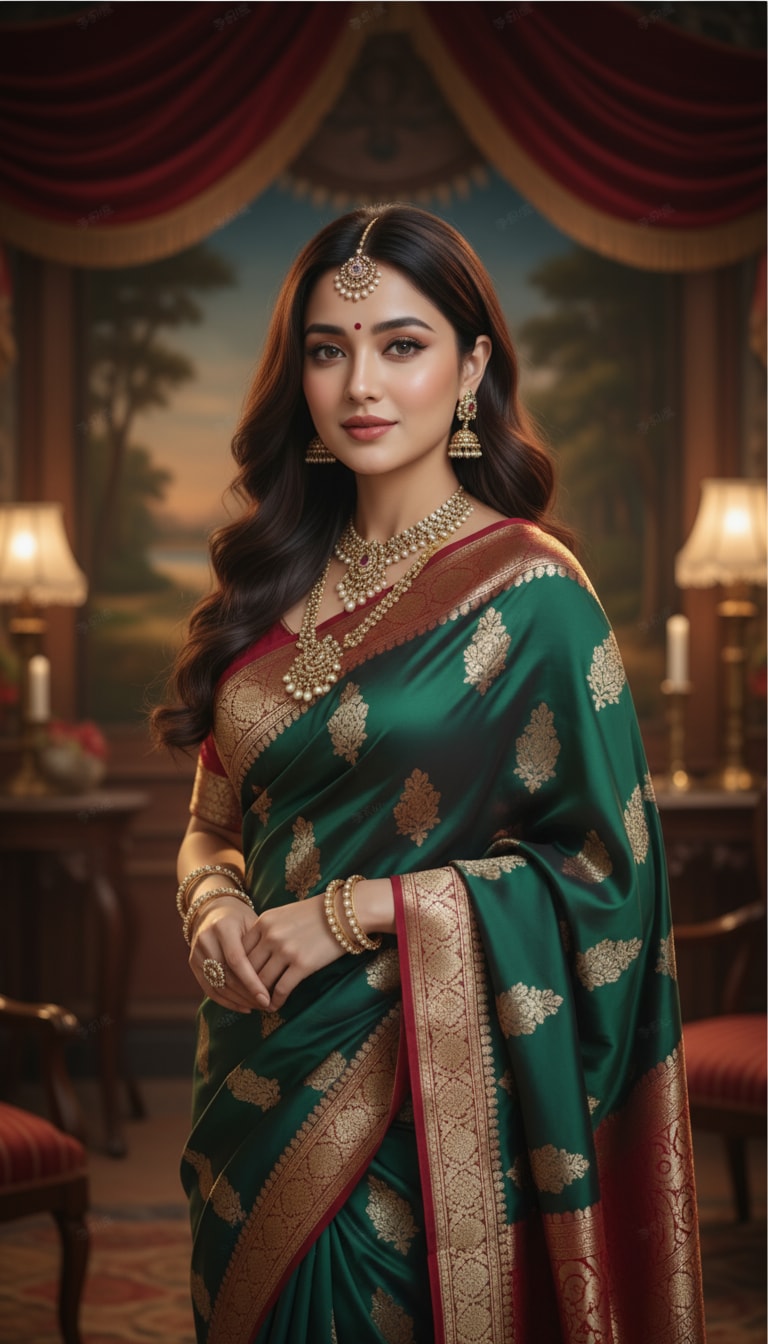


01
Alternative gratuite en ligne à l'éditeur de photos IA PicsArt
Modifiez des portraits, des produits, des photos de profil et des images pour les réseaux sociaux en ligne sans dépendre d'une installation lourde sur ordinateur ou mobile.
 ToMoviee Lite
Vous cherchez une expérience d'éditeur de photos IA PicsArt sans installer de logiciel ? Media.io vous permet de modifier des photos en ligne, de supprimer des arrière-plans, d'améliorer des portraits, de générer de l'art IA et de créer des visuels prêts pour les réseaux sociaux avec des outils simples et des invites textuelles. C'est une option pratique basée sur navigateur pour les utilisateurs recherchant éditeur de photos IA PicsArt gratuit or éditeur de photos IA PicsArt en ligne.
Les utilisateurs veulent généralement savoir si PicsArt est gratuit, s'ils ont besoin d'un téléchargement, quels outils fonctionnent en ligne et si une seule plateforme peut gérer à la fois la création de photos et de vidéos.
Media.io combine l'édition de photos basée sur navigateur, la génération d'images IA, les outils d'arrière-plan, l'amélioration et les flux de travail vidéo associés en un seul endroit.
Modifiez des portraits, des produits, des photos de profil et des images pour les réseaux sociaux en ligne sans dépendre d'une installation lourde sur ordinateur ou mobile.
Supprimez les arrière-plans indésirables, créez des PNG transparents, produisez des photos de produits sur fond blanc ou générez de nouvelles scènes lifestyle avec l'IA.
Améliorez les visages, optimisez l'éclairage, restituez les tenues, créez des montages cinématographiques et transformez des photos ordinaires en concepts visuels accrocheurs.
Allez au-delà d'un flux de travail standard d'éditeur de photos PicsArt en transformant des images en vidéos ou en créant du contenu vidéo IA associé en ligne.
Importez un selfie, un portrait, une image produit, un paysage, un logo ou un visuel pour les réseaux sociaux. Les images nettes avec des sujets visibles donnent généralement les meilleurs résultats.
Supprimez l'arrière-plan, effacez des objets, améliorez les détails, changez la scène, appliquez un style visuel ou décrivez le résultat souhaité à l'aide d'une invite.
Prévisualisez le résultat, affinez l'image si nécessaire et téléchargez-la pour Instagram, TikTok, YouTube, le e-commerce, des présentations ou des projets personnels.
Ces flux de travail couvrent les raisons les plus courantes pour lesquelles les gens recherchent une application éditeur de photos IA PicsArt ou une alternative basée sur navigateur.
Créez des publications Instagram, des couvertures TikTok, des miniatures YouTube, des photos de profil, des graphiques pour stories et des montages viraux à l'aide d'outils alimentés par l'IA.
Améliorez l'éclairage, les détails de la peau, la couleur, la netteté et la qualité de l'arrière-plan tout en conservant un aspect naturel et reconnaissable du sujet.
Créez des images e-commerce, des visuels publicitaires, des bannières promotionnelles, des maquettes de produits et des ébauches de campagnes sans avoir à installer un studio photo.
Le meilleur choix dépend de votre préférence pour un écosystème d'application axé sur le design ou un flux de travail direct dans le navigateur pour la création d'images et de vidéos IA.
| Point de décision | PicsArt | Media.io |
|---|---|---|
| Utilisation principale | Édition de photos, modèles, filtres, autocollants, outils de design et création de contenu pour les réseaux sociaux. | Édition de photos IA en ligne, outils d'arrière-plan, génération d'images, amélioration et flux de travail connectés image vers vidéo. |
| Accès gratuit | Des fonctionnalités gratuites peuvent être disponibles, tandis que les modèles premium, les exportations et les outils IA avancés peuvent nécessiter un abonnement. | Des crédits d'inscription gratuits ou un accès gratuit limité peuvent être disponibles selon l'outil, le modèle et les paramètres de sortie sélectionnés. |
| Exigence de téléchargement | De nombreux utilisateurs choisissent l'application éditeur de photos IA PicsArt, bien que des options en ligne puissent également être disponibles. | Fonctionne directement dans un navigateur, donc aucun téléchargement PicsArt ni installateur non officiel n'est requis. |
| Outils créatifs | Idéal pour les modèles de design, la création de collages, les autocollants, les filtres, le texte et les graphiques pour les réseaux sociaux. | Idéal pour la génération IA, le remplacement d'arrière-plan, les transformations basées sur des invites, la suppression d'objets, l'amélioration et l'extension vidéo. |
| Idéal pour | Les utilisateurs qui souhaitent une application de design visuel complète avec des fonctionnalités d'édition traditionnelle et de modèles. | Les créateurs, marketeurs, vendeurs et utilisateurs occasionnels qui souhaitent un flux de travail en ligne simplifié axé sur l'IA. |
Vous souhaitez un écosystème de design centré sur une application avec des modèles, des autocollants, des filtres, des outils de collage et une édition photo traditionnelle.
Vous souhaitez un flux de travail en ligne axé sur l'IA pour l'édition d'images, la génération, l'amélioration, les arrière-plans et la création vidéo associée.

« Les montages pour les réseaux sociaux semblent sans effort. » Je peux retoucher un portrait, changer l'arrière-plan et créer une image sociale plus percutante sans apprendre de logiciel complexe.

« Des visuels produits rapides. » Les outils d'arrière-plan m'aident à préparer rapidement les images de mes annonces, et je peux tester davantage de versions publicitaires créatives dans le même flux de travail.

« Aucun téléchargement nécessaire. » J'aime ouvrir l'éditeur dans mon navigateur plutôt que d'installer une autre application sur chaque appareil.
Réponses aux questions courantes sur l'accès gratuit à PicsArt, les téléchargements, l'édition en ligne, l'utilisation de l'application, la création de photos et de vidéos, et Media.io comme alternative.
PicsArt propose des fonctionnalités gratuites, tandis que certains modèles premium, exportations, outils IA et options d'édition avancées peuvent nécessiter un abonnement payant. Media.io propose également un accès gratuit limité ou des crédits d'inscription pour certains outils d'édition de photos IA, selon le modèle et le plan de compte.
PicsArt peut proposer des outils basés sur navigateur, mais de nombreux utilisateurs le connaissent principalement comme une application. Media.io est conçu pour une utilisation en ligne et fonctionne dans un navigateur moderne sur ordinateur de bureau, portable, tablette et appareils mobiles.
Aucun téléchargement n'est requis pour le flux de travail Media.io. Au lieu de rechercher un téléchargement gratuit de l'éditeur de photos IA PicsArt, vous pouvez télécharger et modifier votre image directement dans le navigateur.
L'application d'édition de photos IA PicsArt est couramment utilisée pour les retouches photo, les filtres, les arrière-plans, les collages, les modèles, les autocollants, le texte, les effets et la création assistée par IA. Les outils disponibles peuvent varier selon l'appareil, le forfait, la région et la version de l'application.
PicsArt prend en charge à la fois la conception visuelle et les fonctionnalités liées à la vidéo. Media.io combine également l'édition de photos avec la génération d'images par IA, la conversion image-en-vidéo, le texte-en-vidéo et d'autres flux de travail vidéo, ce qui le rend utile pour les utilisateurs recherchant Éditeur de photos IA PicsArt, vidéo.
Media.io peut fournir des crédits gratuits ou un accès gratuit limité pour certains outils. Les limites d'utilisation peuvent dépendre de la fonctionnalité choisie, du modèle IA, de la résolution de sortie, du type d'exportation et du forfait du compte.
Media.io peut remplacer de nombreux flux de travail PicsArt axés sur l'IA, notamment la suppression d'arrière-plan, la suppression d'objets, l'amélioration de portraits, la génération d'images, les transformations basées sur des invites et la création de vidéos à partir d'images. Les utilisateurs qui dépendent fortement des autocollants, des collages ou des modèles de conception peuvent encore préférer PicsArt pour ces tâches spécifiques.
Utilisez les boutiques d'applications officielles ou le site Web officiel de PicsArt lors du téléchargement de logiciels. Évitez les installateurs non officiels ou les fichiers APK modifiés, qui peuvent être obsolètes ou dangereux. Media.io évite ce problème pour les tâches d'édition courantes car il fonctionne en ligne.
 4.7 (162,357 Votes)

