Vos créations sont conservées pendant seulement 7 jours. Les éléments créés après la mise à niveau de l'Abonnement seront stockés de façon permanente.
Libérez votre potentiel créatif et découvrez la magie de l'IA médiatique dès mIAntenant!
Bratz Filter for Selfies With Bold Y2K Doll Glam
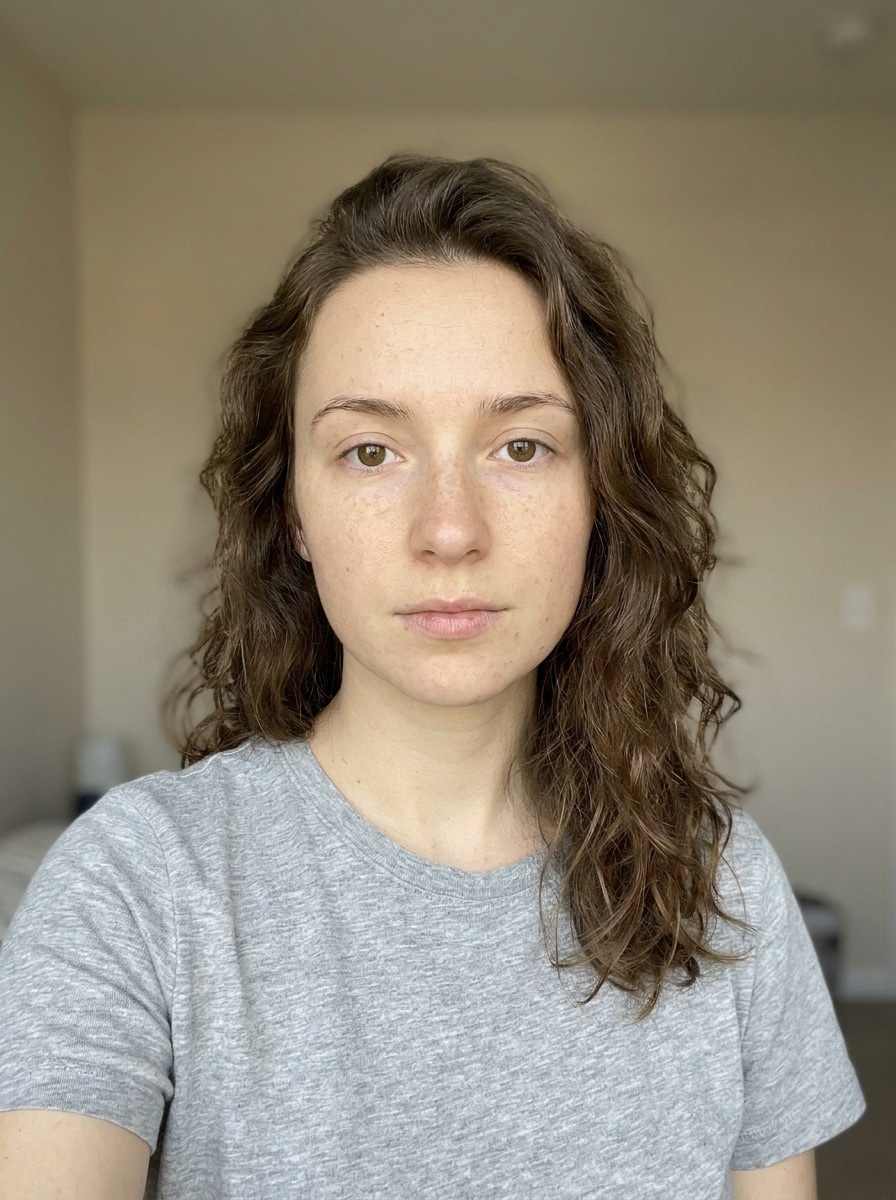
Turn your selfie into a glossy Bratz-style portrait with oversized eyes, glam makeup, and fashion-forward attitude. Media.io helps you create a bratz filter look fast from one upload, whether you want a bratz doll filter, a polished social avatar, or a viral trend edit.
Review these example directions, then tailor the prompt details to get stronger results with this Bratz Filter.
Signature Doll Face
Use the uploaded image as the subject and transform it into a Bratz-inspired doll portrait with oversized almond eyes, glossy full lips, dramatic lashes, sculpted blush, sharp eyeliner, smooth polished skin, centered composition, vibrant Y2K styling, confident expression, soft studio glow, and high-detail beauty finish.
Soft Pink Bratz
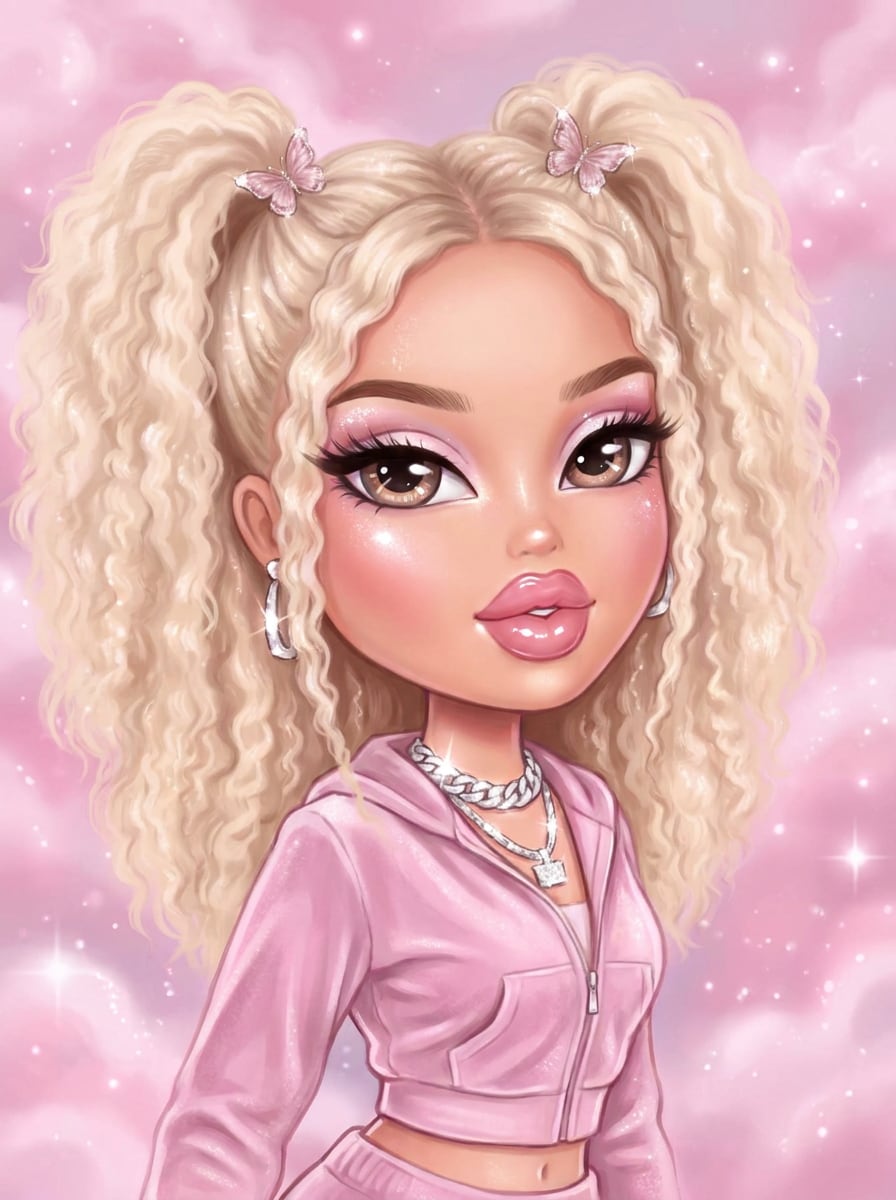
Use the uploaded photo as the base and restyle it into a soft pink Bratz-inspired portrait with large glossy eyes, pastel pink eye makeup, rosy blush, glossy lips, fluffy voluminous hair, dreamy shimmer, candy-toned background, elegant Y2K outfit details, soft beauty lighting, and a polished feminine finish.
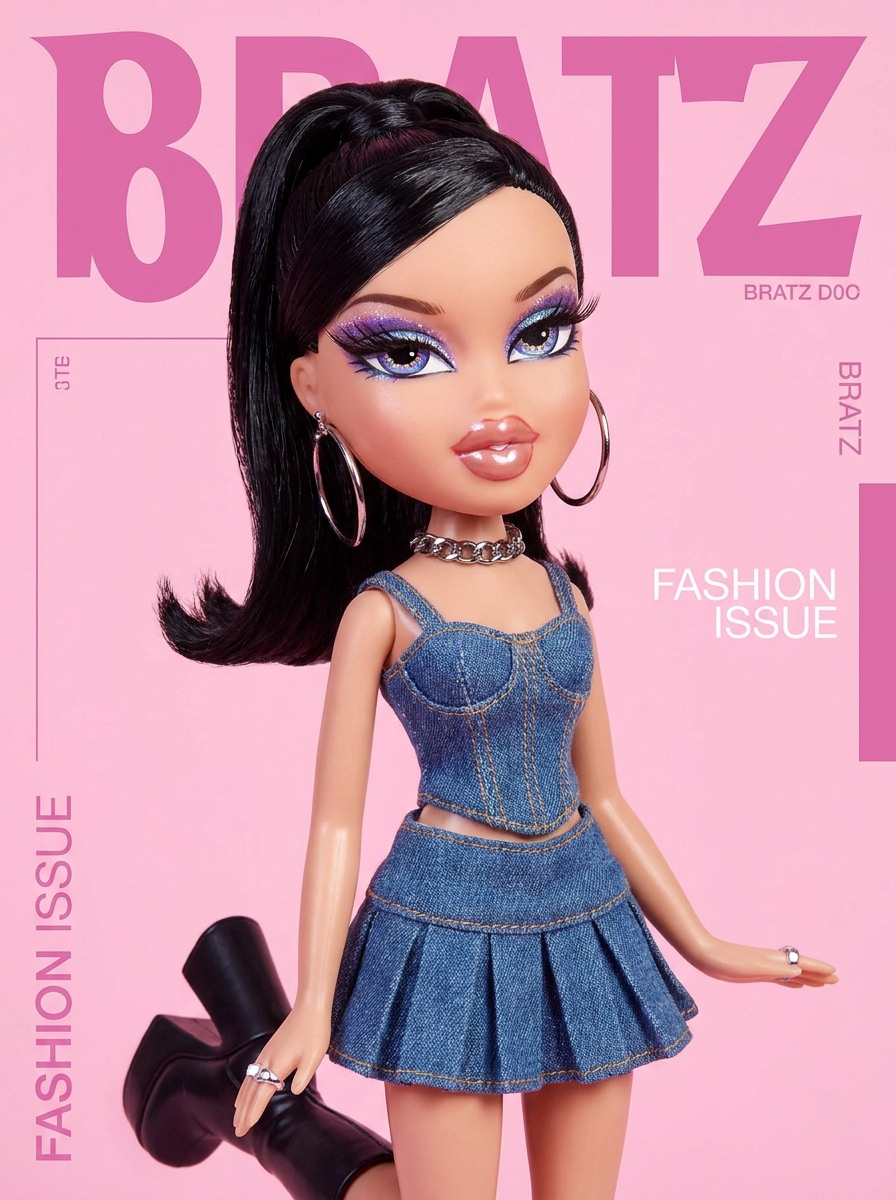
Runway Bratz
Use the uploaded image as the subject and transform it into a Bratz-style fashion editorial portrait with exaggerated doll eyes, glossy lips, sleek hair, bold eye makeup, statement earrings, luxe Y2K outfit styling, magazine-inspired composition, dramatic studio lighting, rich color contrast, and a high-end runway mood.
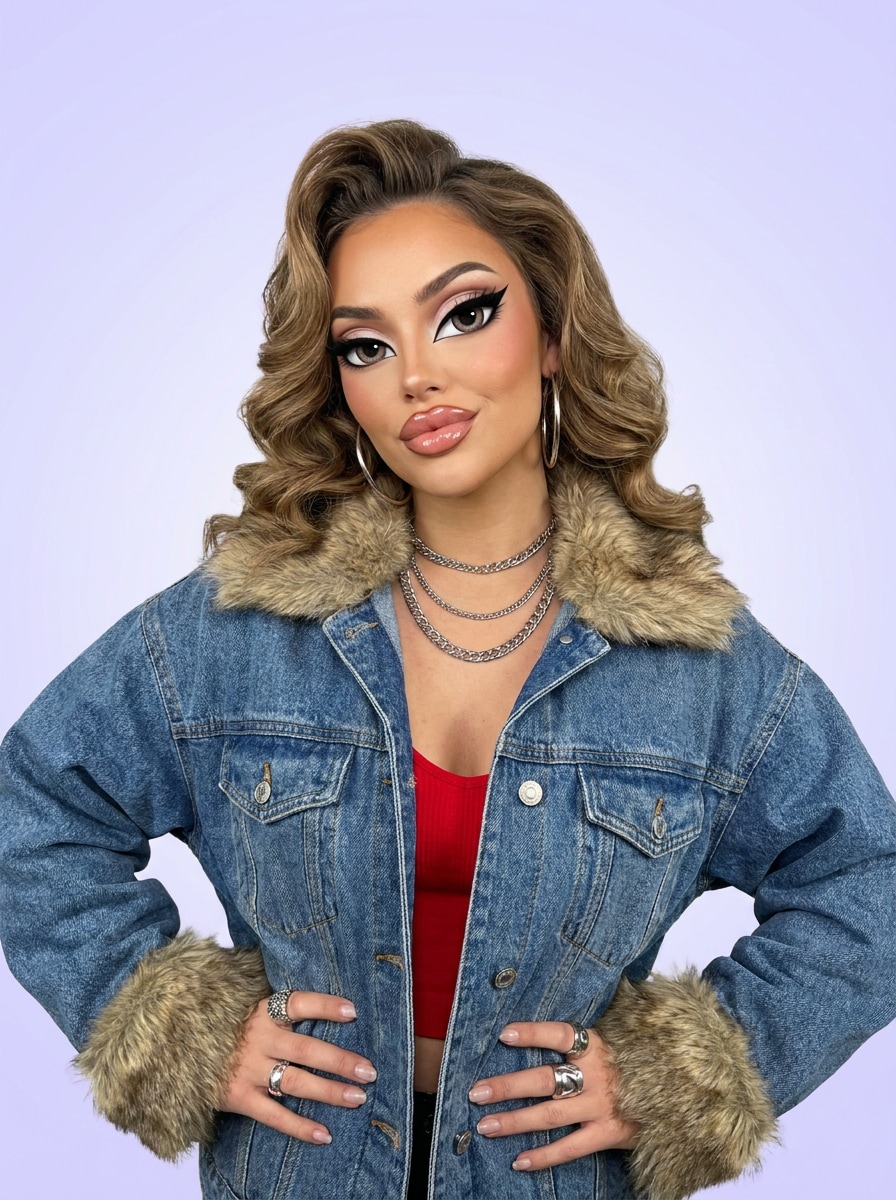
Streetwear Bratz
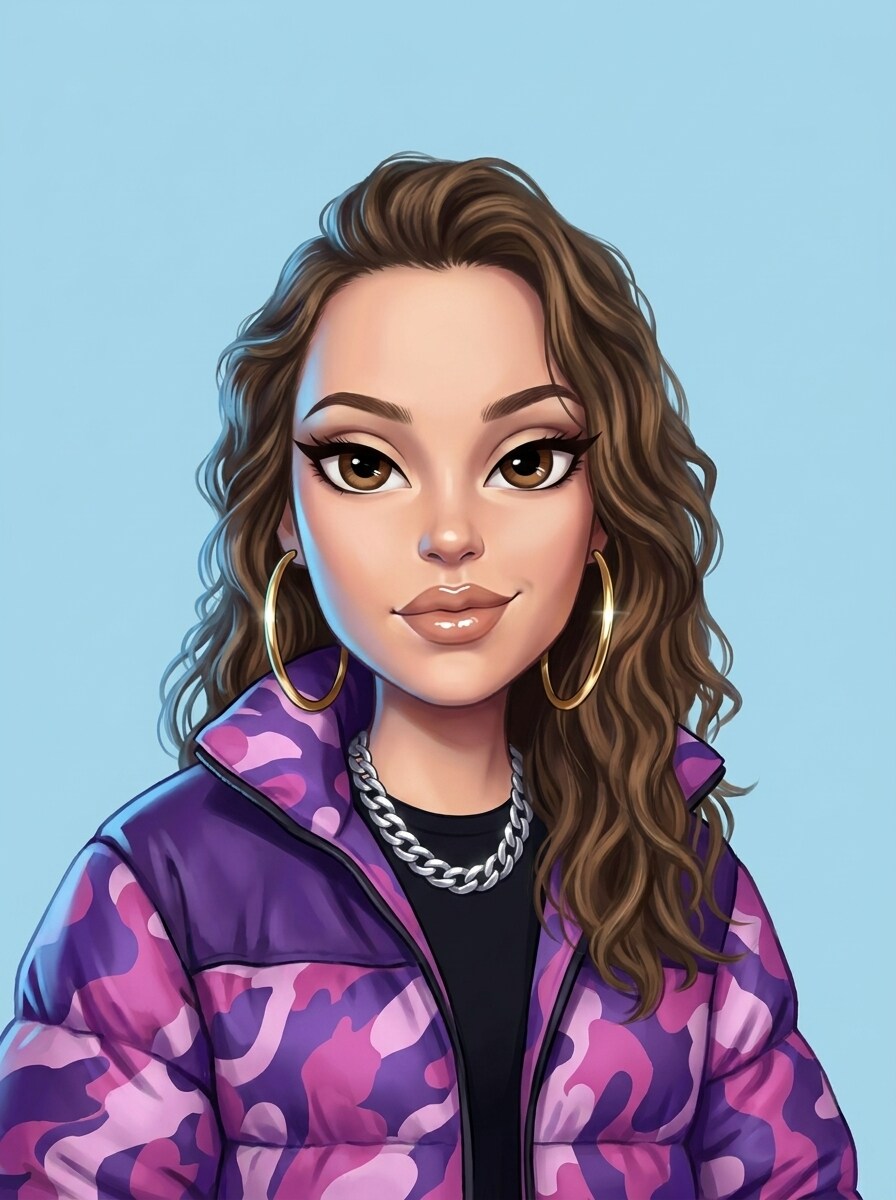
Use the uploaded portrait as the reference and turn it into a Bratz-inspired streetwear character with oversized doll eyes, glossy lips, winged liner, chunky accessories, oversized jacket, bold urban Y2K palette, playful attitude, clean background, crisp edges, cool directional lighting, and a social-ready finish.
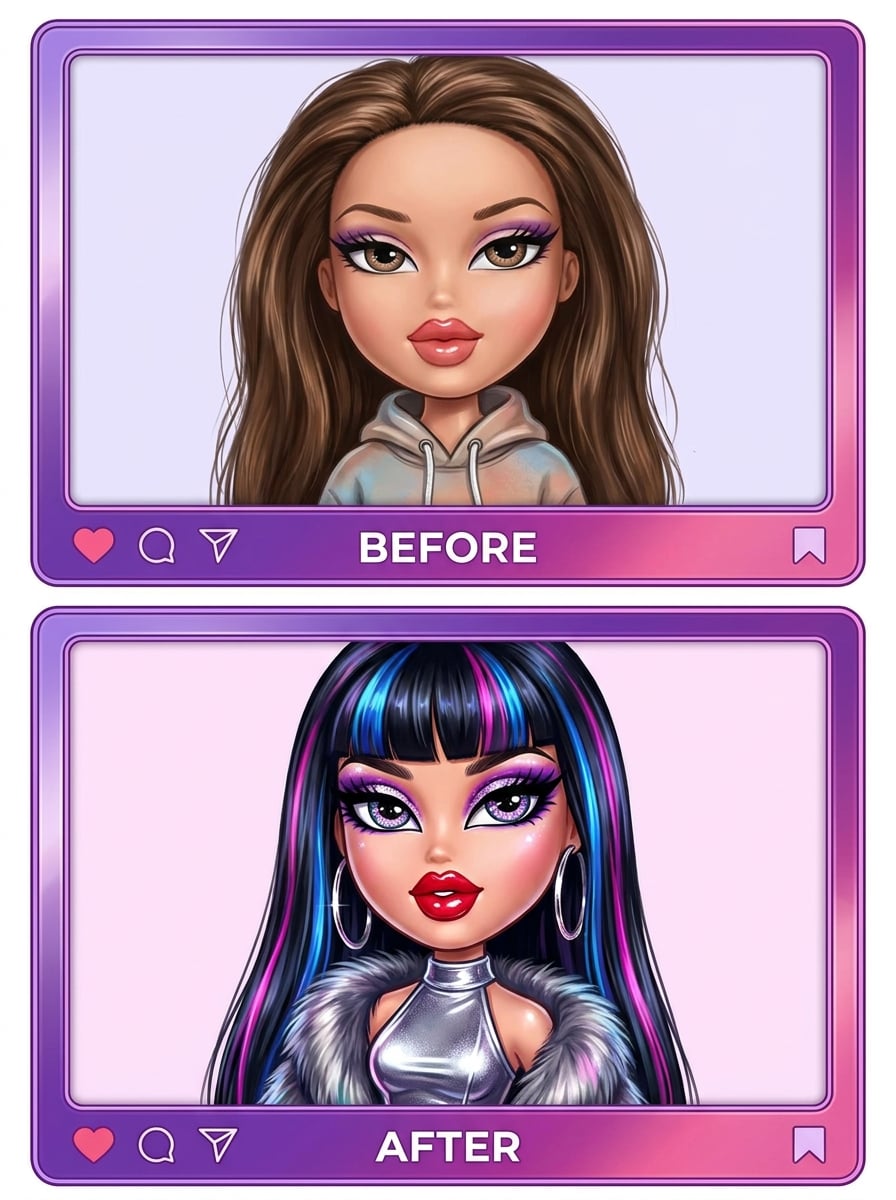
Before-and-After Reveal
Use the uploaded selfie as the source and create a dramatic Bratz-inspired transformation with enlarged expressive eyes, glossy lips, glam contour, bold lashes, sleek hair, stylish Y2K wardrobe hints, bright polished color grading, portrait crop designed for viral before-and-after reveals, and clean high-detail finishing.
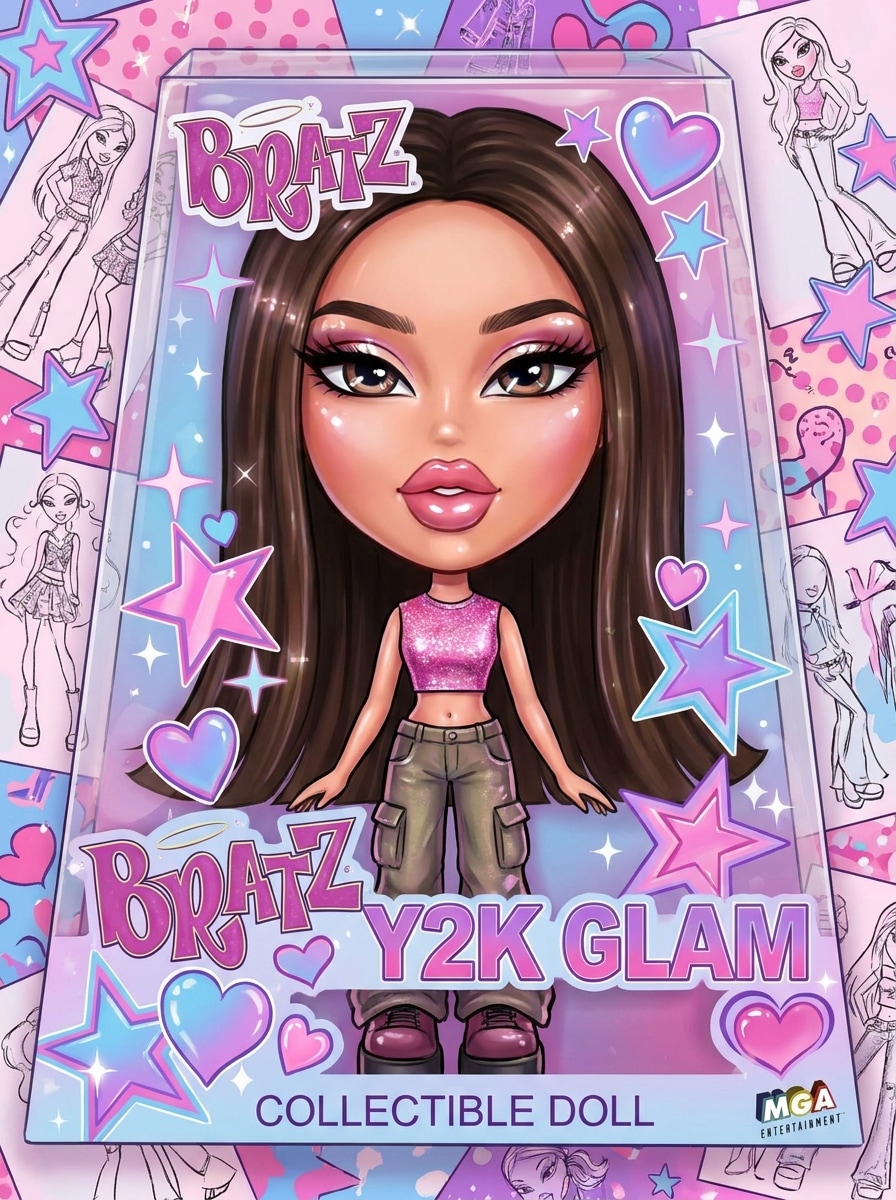
Bratz Box Cover
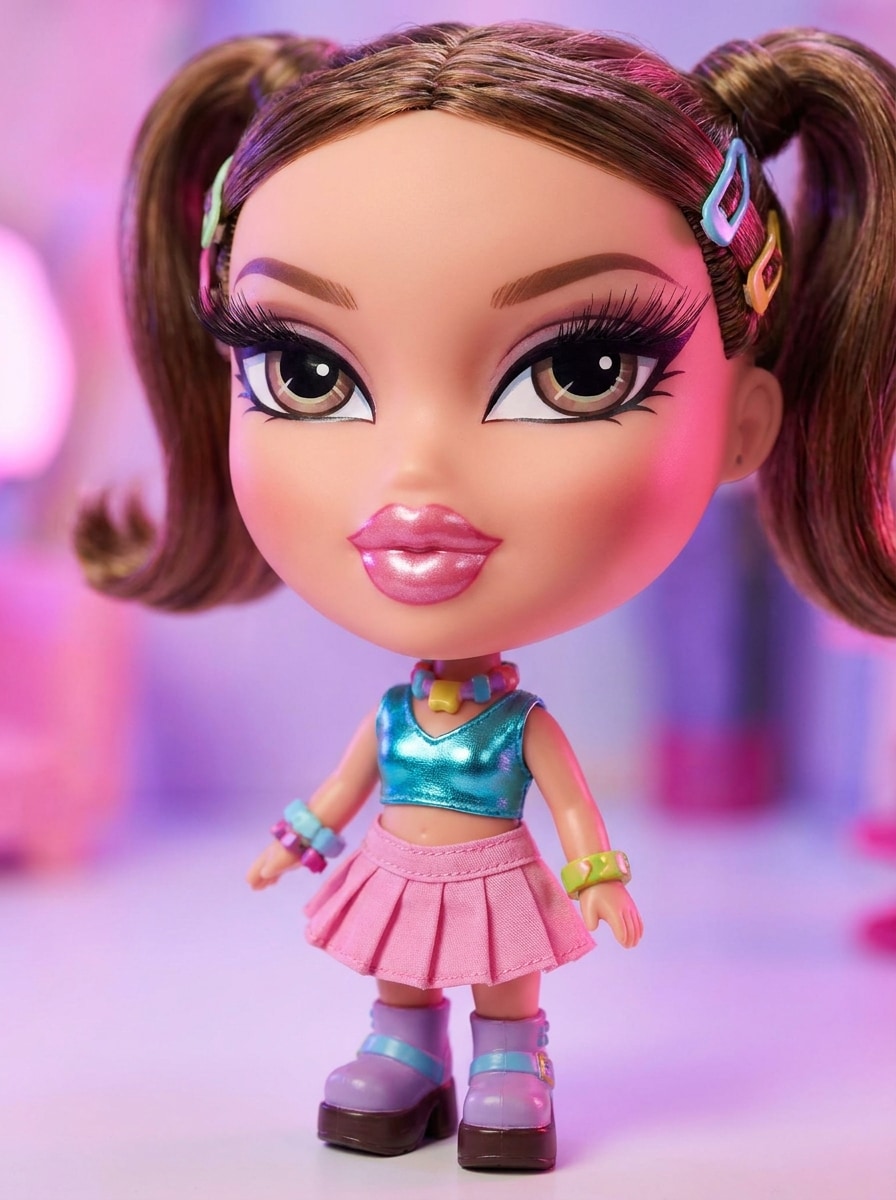
Use the uploaded image as the main face and redesign it as a Bratz-inspired toy box cover with doll-like proportions, glossy makeup, shiny accessories, bright packaging frame, sparkles, playful collectible styling, nostalgic Y2K color blocking, centered composition, polished lighting, and a premium retail-display look.
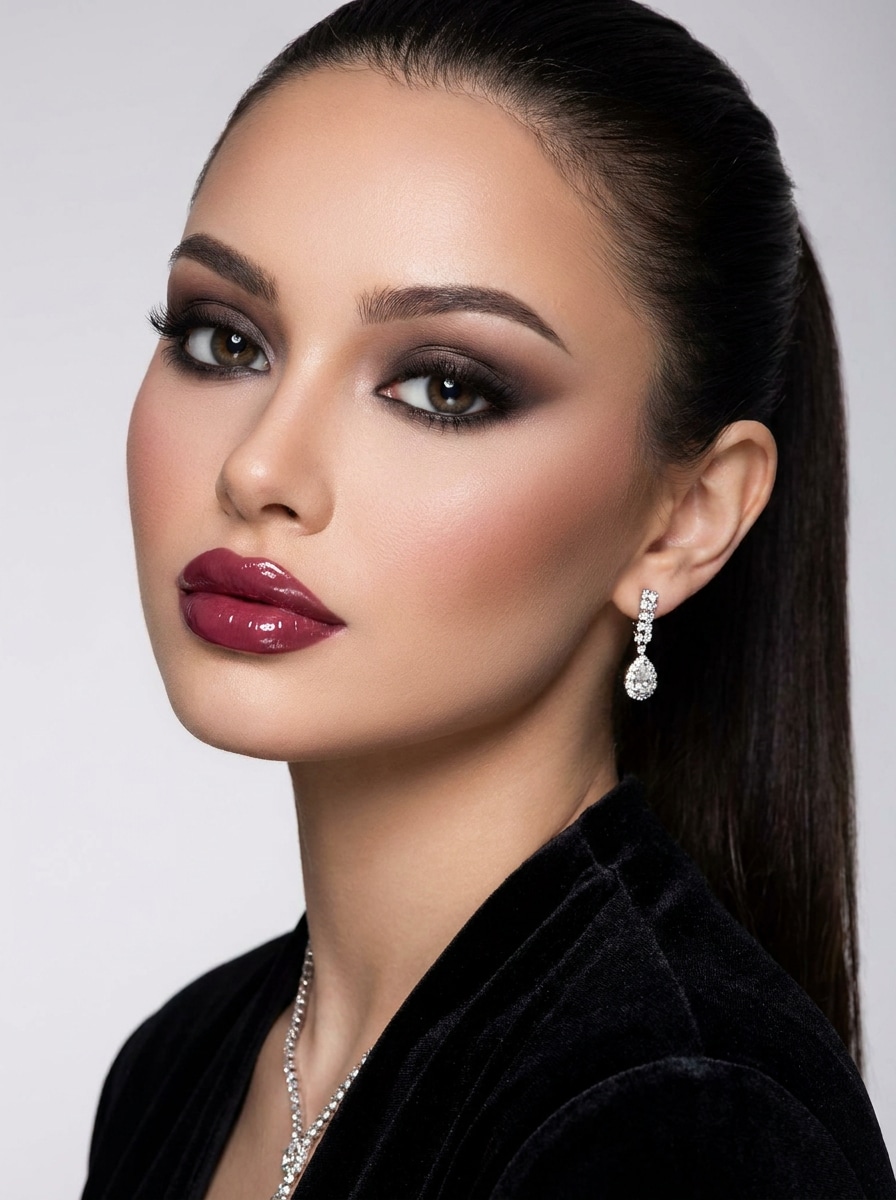
Smokey Eye Bratz
Use the uploaded photo as the subject and apply a Bratz-inspired beauty makeover with oversized eyes, smokey eye makeup, glossy fully clothed lips, contoured cheeks, sleek hair, close-up composition, moody luxury lighting, neutral glam palette, smooth polished texture, and a refined editorial beauty result.
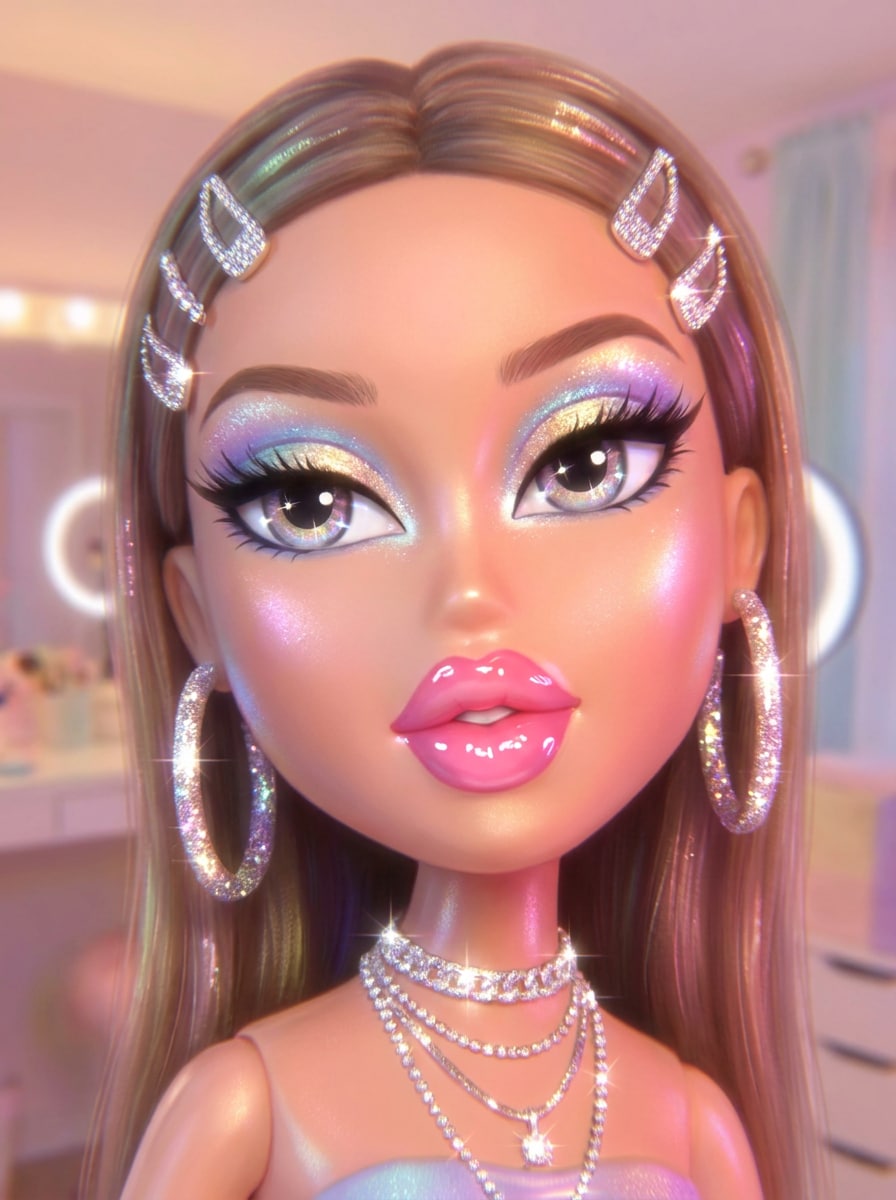
Sparkle Glam Bratz
Use the uploaded portrait as the base and transform it into a sparkly Bratz-style glam image with large expressive eyes, glossy lips, shimmer eyeshadow, glitter accents, sparkling jewelry, candy-color palette, soft glow lighting, playful luxury mood, smooth polished finish, and a standout social-media look.
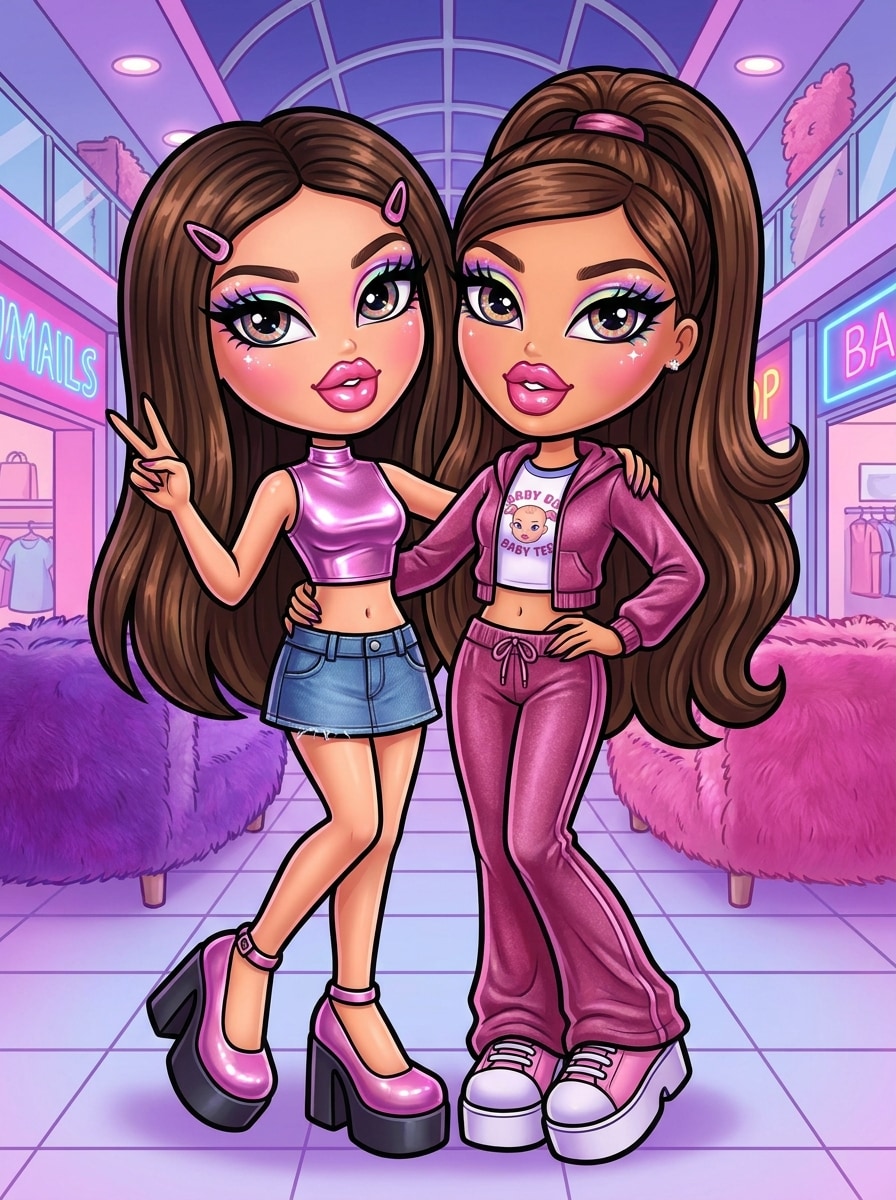
Besties Bratz
Use the uploaded two-person photo as the reference and convert both subjects into Bratz-inspired best-friends avatars with oversized doll eyes, glossy lips, coordinated Y2K outfits, playful poses, vivid color styling, smooth glam textures, balanced composition, bright lighting, and a cohesive polished finish for sharing.
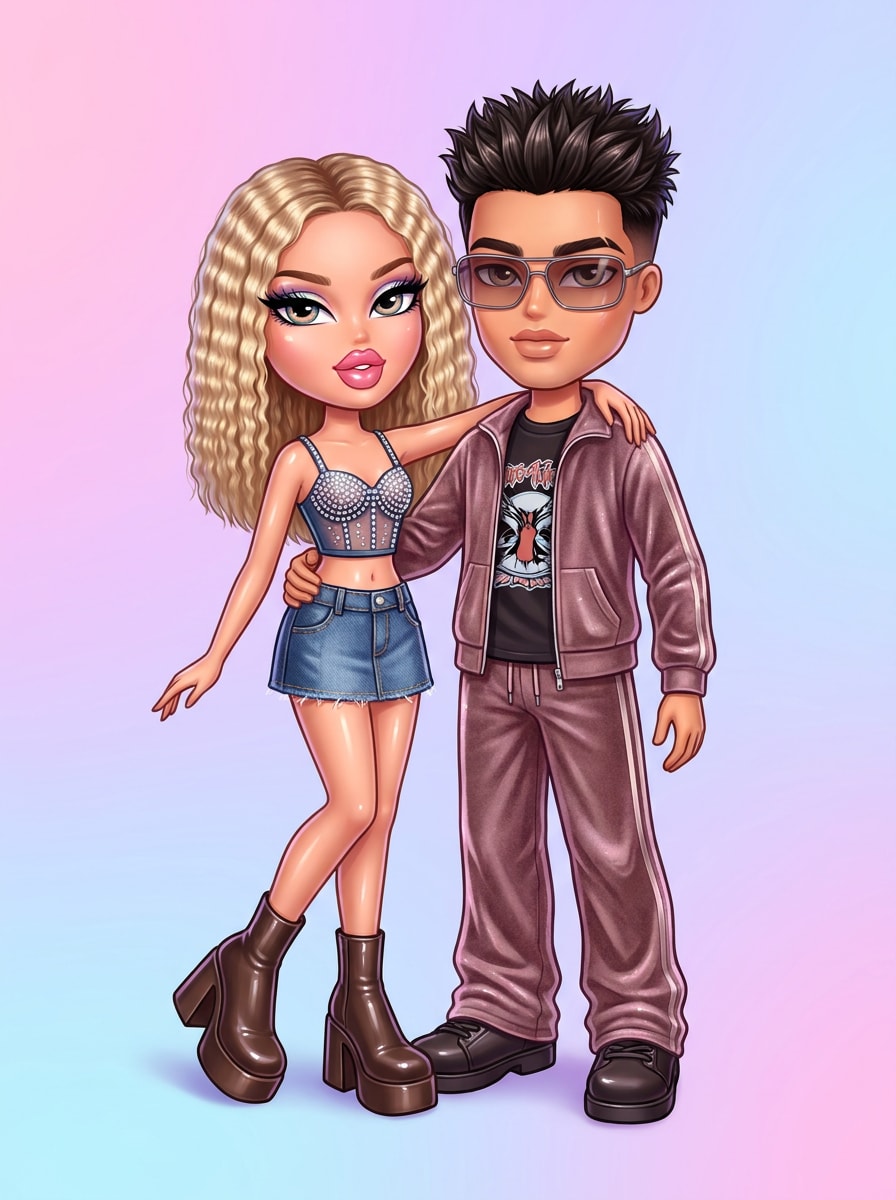
Couple Bratz Portrait
Use the uploaded couple photo as the source and transform both people into a Bratz-inspired double portrait with signature doll eyes, glossy lips, coordinated glam details, fashionable Y2K styling, romantic yet playful mood, clean background, flattering portrait lighting, polished textures, and high-resolution character consistency.
Why Use Media.io for Bratz-Style Portrait Edits
Sharper Output for Avatars, Reels Covers, and Posts
If the subject still needs to look like itself after the transformation, Media.io helps hold onto core identity cues while updating the final bratz filter visual style for a cleaner finished result.
Flexible Looks for Glam, Streetwear, or Packaging Art
Different outputs call for different aesthetics. Media.io helps you explore varied treatments of the same bratz filter visual concept so the final visual lands in the right tone faster.
Create High-Resolution Images for Real Use
If the final bratz filter visual will be reused beyond a small preview, Media.io helps deliver sharper results up to 4K so the image stays more reliable in practical design and presentation work.
Easy to Use Across Phone and Desktop Workflows
When a bratz filter visual idea starts away from your main setup, Media.io lets you create and refine it in the browser so moving between mobile and desktop feels seamless instead of disruptive.
How to Create a Bratz-Inspired Photo
Turn your words into stunning visuals in three simple steps, then continue refining the result if you want to take it further.
Step 1
Upload Your Reference Image
Start with a clear selfie, portrait, couple shot, or friend photo in JPG, PNG, or JPEG format. Front-facing images with visible eyes, lips, and facial details usually work best for a recognizable doll-style makeover.
Step 2
Describe the Change and Set Options
Tell the AI the look you want, such as glossy lips, oversized eyes, pink glam, streetwear styling, or toy-box packaging. Then choose your model and adjust aspect ratio, quality, or image count to fit your post or avatar goal.
Step 3
Generate, Download, and Keep Improving
Create your Bratz-style variations, compare the results, and download your favorite image. If you want a stronger glow-up or cleaner avatar, refine the prompt, switch styles, or generate another version until it feels right.
See how creators use this Bratz Filter for content, marketing, and personal projects, then adapt each idea to fit the brief.
Create a Viral Selfie Glow-Up
Turn an ordinary portrait into a trend-ready beauty edit with glossy lips, bold lashes, and dramatic doll proportions. This is ideal for short-form content, reaction posts, and before-and-after reveals built around the AI bratz photo filter trend.
Design a Standout Profile Avatar
Make a polished portrait for TikTok, Instagram, or messaging apps with a playful Y2K fashion edge. A stylized doll-inspired headshot helps your profile feel more memorable while keeping your real features recognizable.
Transform Friends or Couples Into Matching Characters
Upload a duo photo and generate coordinated glam portraits with shared color palettes, outfits, and attitude. It is a fun way to create a bratz avatar filter look for best-friend posts, couple edits, or themed birthday content.
What Users Say About This Bratz Filter
Ava M.
Content Creator
"Perfect for trend edits" I wanted that viral Bratz-style glow-up without learning a complicated editor. This tool made my selfie look polished, dramatic, and still recognizable in just a few tries.
Jasmine R.
Instagram User
"Great avatar results" I used it to make a glam profile picture and the eyes, makeup, and color styling came out really well. It feels like a clean online bratz doll filter instead of a low-quality effect.
Tori L.
Social Media Manager
"Fast and mobile-friendly" I tested it on my phone after seeing the trend online, and the workflow was easy. Upload, prompt, generate, and download. That made it practical for quick campaign mockups and fun social content.
Nina C.
Student Creator
"Fun for duo photos" My friend and I turned a casual photo into matching doll-style portraits and the result looked surprisingly cohesive. The glam details and Y2K vibe were exactly what we wanted.
Upload a clear photo to Media.io, then enter a prompt describing the Bratz-inspired look you want, such as oversized eyes, glossy lips, bold lashes, and Y2K styling. The image-to-image workflow uses your photo as a reference, so the final result can keep your face recognizable while applying the doll-style transformation.
2. How do I do the AI Bratz trend from a selfie?
The easiest way is to start with a front-facing selfie and use Media.io’s image-to-image tool to restyle it with glam makeup, doll-like proportions, and fashion-forward details. If you want a social-ready bratz filter instagram look, choose a portrait-friendly aspect ratio and generate a few variations until the style feels right.
3. Can I use a Bratz filter for free?
Free users can try Media.io with free credits. If you want more generation volume or watermark-free high-resolution downloads, you can compare plans on the pricing page. Free users can use free credits. For more usage, users can subscribe to a plan on the pricing page. Upgrade to a paid plan on the pricing page for more credits and watermark-free high-resolution downloads.
4. What kind of photo works best for a Bratz-style edit?
A clear image with visible facial features usually works best, especially when the eyes, lips, and overall face are easy to see. Well-lit selfies, simple backgrounds, and sharp portraits give Media.io stronger reference details, which helps produce a cleaner and more consistent doll-style transformation.
5. Can I make a high-resolution Bratz avatar for social media?
Media.io supports 1K, 2K, and 4K resolution options, so you can create a sharp portrait for profile photos, story covers, and feed posts. You can also adjust aspect ratios like 1:1 or 9:16 to better fit an avatar, reel cover, or vertical social layout. Free users may have watermarks.
6. Does this Bratz filter work on iPhone, Android, and desktop?
Media.io is web-based, so it works on iPhone, Android, Windows, and Mac through a browser. That makes it easy to create a quick selfie edit from your phone or fine-tune your bratz avatar filter result on desktop without installing separate software. Media.io is a web-based tool that works on any device with a browser (Windows, Mac, iOS, Android).