Vos créations sont conservées pendant seulement 7 jours. Les éléments créés après la mise à niveau de l'Abonnement seront stockés de façon permanente.
Libérez votre potentiel créatif et découvrez la magie de l'IA médiatique dès mIAntenant!
Filtre Bauhaus pour transformer des photos en œuvres d’art modernistes audacieuses
Transformez portraits, produits et photos d’intérieur en œuvres géométriques modernistes grâce à un filtre Bauhaus. Utilisez Media.io pour créer des formes épurées, des couleurs primaires, des mises en page prêtes pour l’affiche et un style photo Bauhaus saisissant dans un flux de travail rapide pour télécharger et éditer.
Découvrez ces instructions d’exemple, puis ajustez les détails de l’invite pour obtenir des résultats plus convaincants avec ce filtre Bauhaus.
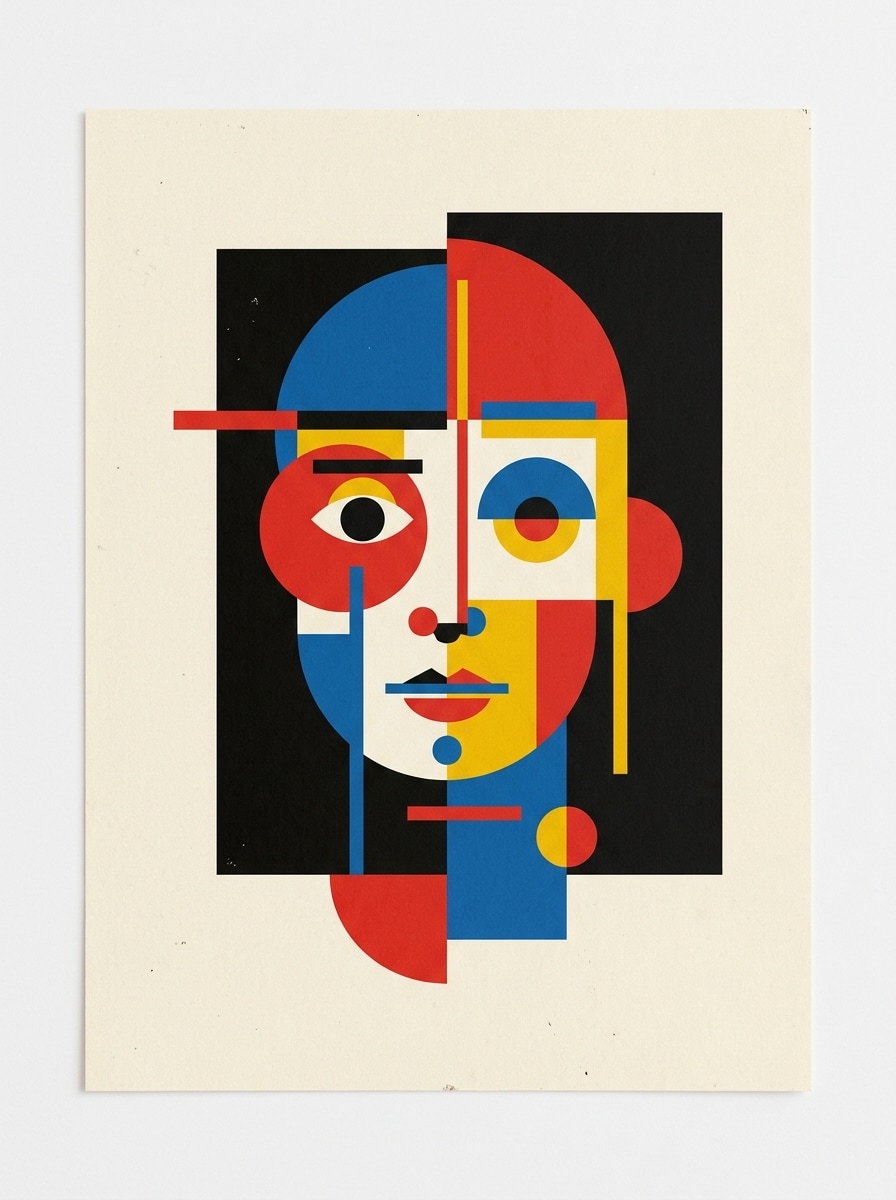
Affiche Portrait Géométrique
Utilisez le portrait téléchargé comme sujet principal et transformez-le en une affiche géométrique de style Bauhaus avec des plans faciaux simplifiés, des cercles et rectangles, une composition asymétrique, un fond papier crème, une palette rouge, bleu, jaune et noir, des bords nets, un espace négatif équilibré, une ambiance éditoriale et une qualité d’impression détaillée.
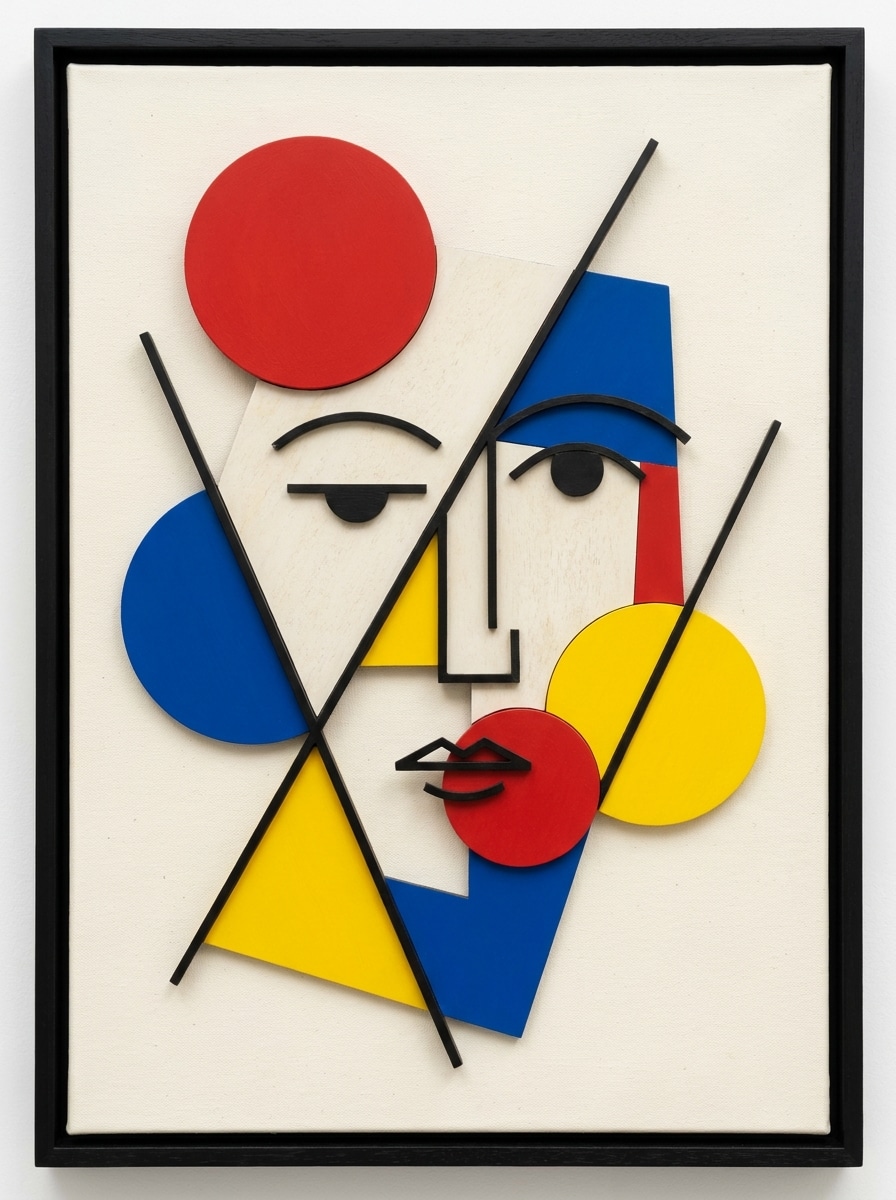
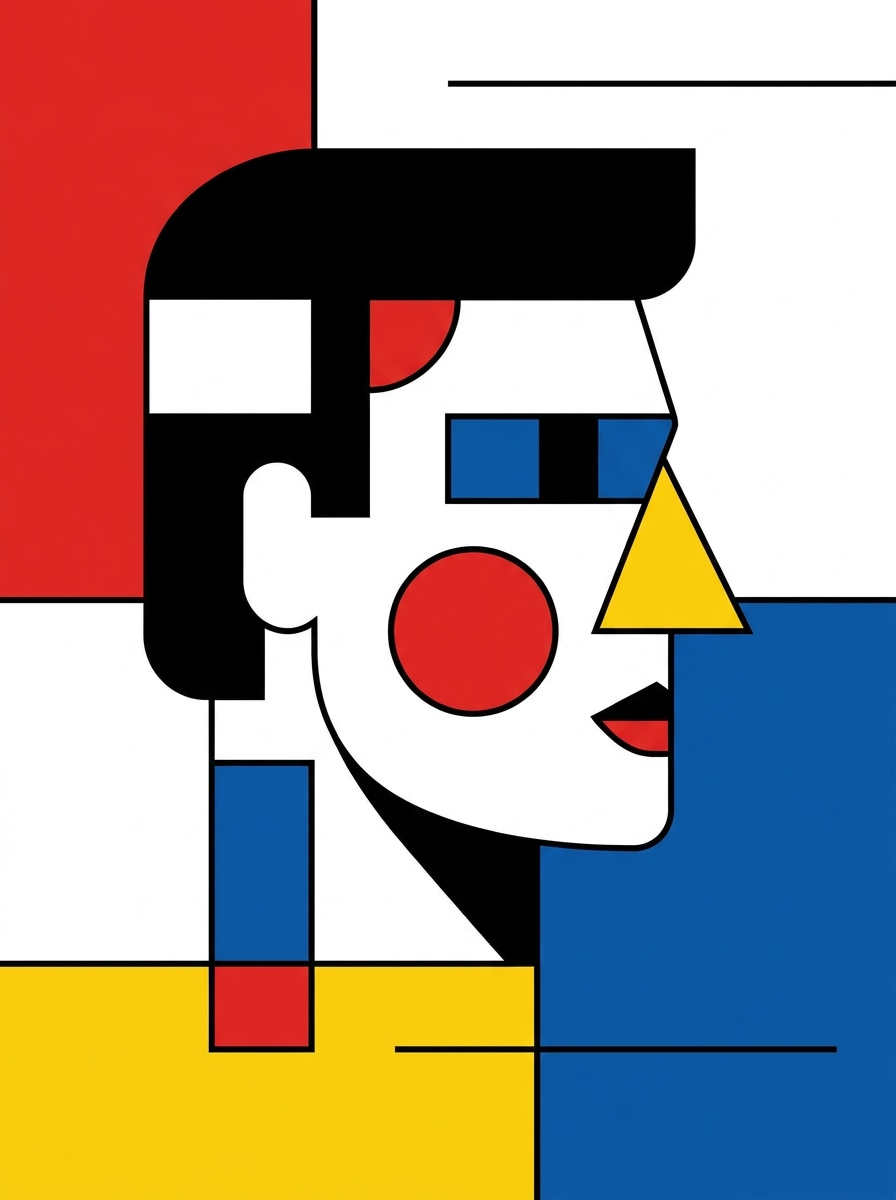
Art du visage inspiré de Kandinsky
Utilisez le selfie téléchargé comme sujet et transformez-le en art abstrait du visage Bauhaus inspiré par la peinture moderniste, avec des cercles expressifs, des lignes diagonales, des blocs de couleur, une structure faciale réduite à la géométrie, un fond texturé blanc cassé, palette primaire avec accents noirs, ambiance ludique de galerie et détails artistiques raffinés.
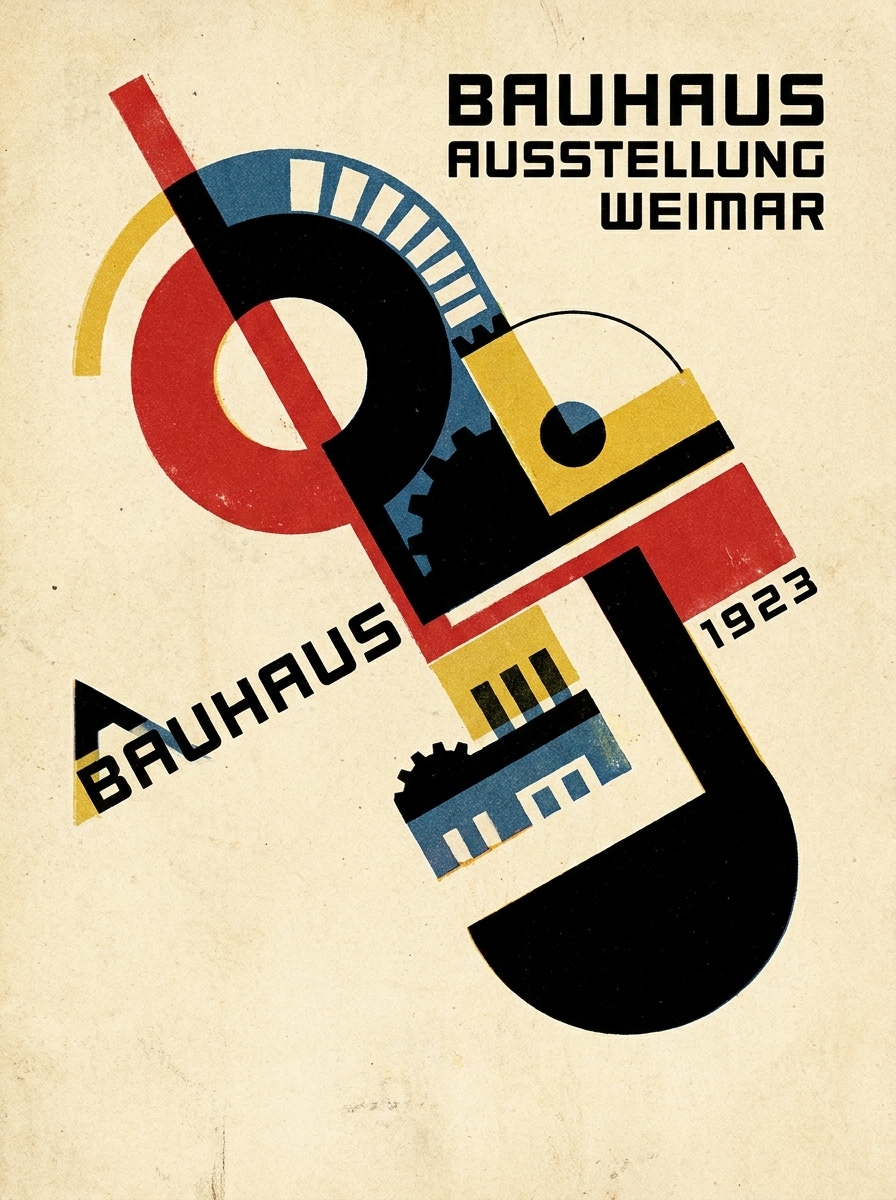
Impression Bauhaus vintage
Utilisez l’image téléchargée et appliquez un filtre d’affiche vintage Bauhaus avec une texture de papier crème atténuée, des superpositions géométriques, un équilibre asymétrique marqué, des accents rouge, bleu, jaune et noir, un grain subtil, des formes simplifiées, une ambiance de print moderniste classique et un cadrage épuré, prêt à l’affichage.
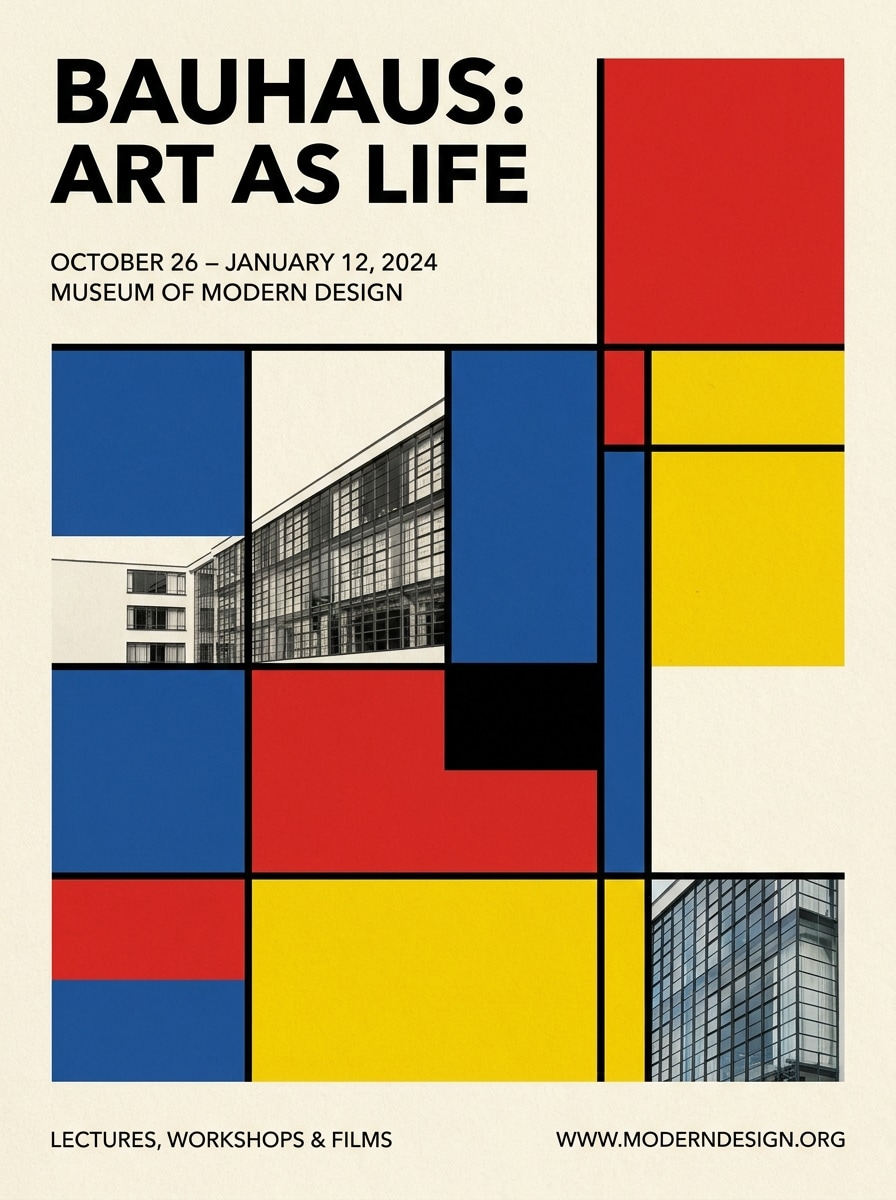
Affiche typographique d’exposition
Utilisez la photo téléchargée comme image centrale et transformez-la en affiche d’exposition Bauhaus avec une grille forte, une abstraction géométrique, espace négatif épuré réservé au texte minimal sans empattement, texture papier crème, blocs de couleurs audacieux, alignement précis et atmosphère de poster de musée.
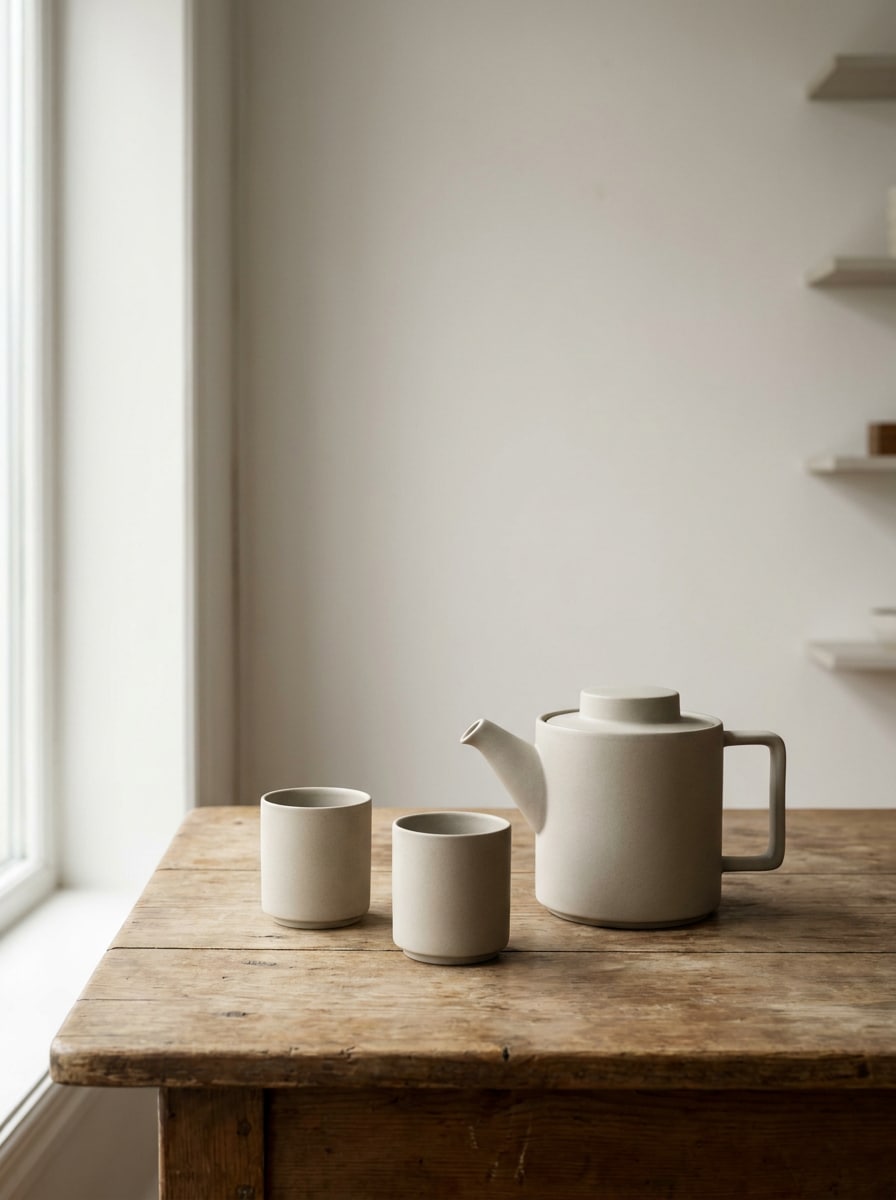
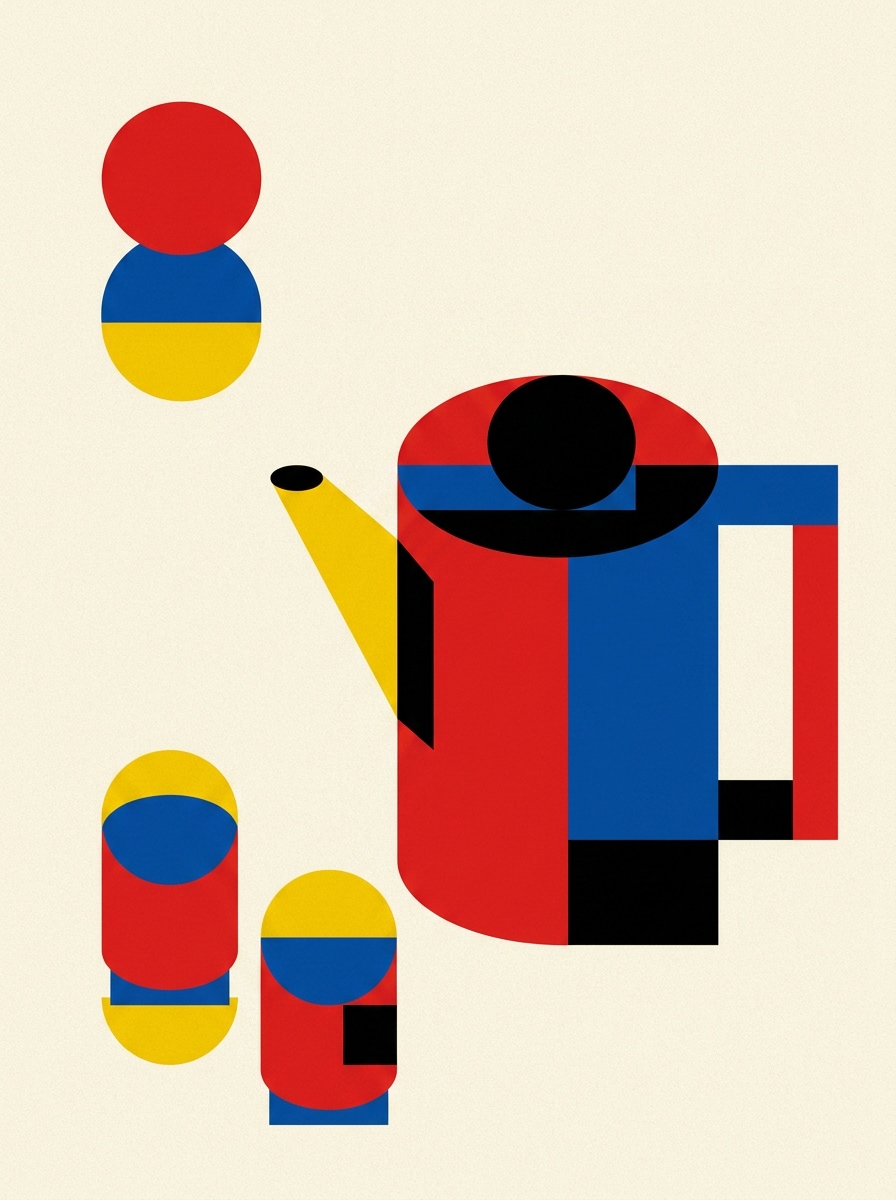
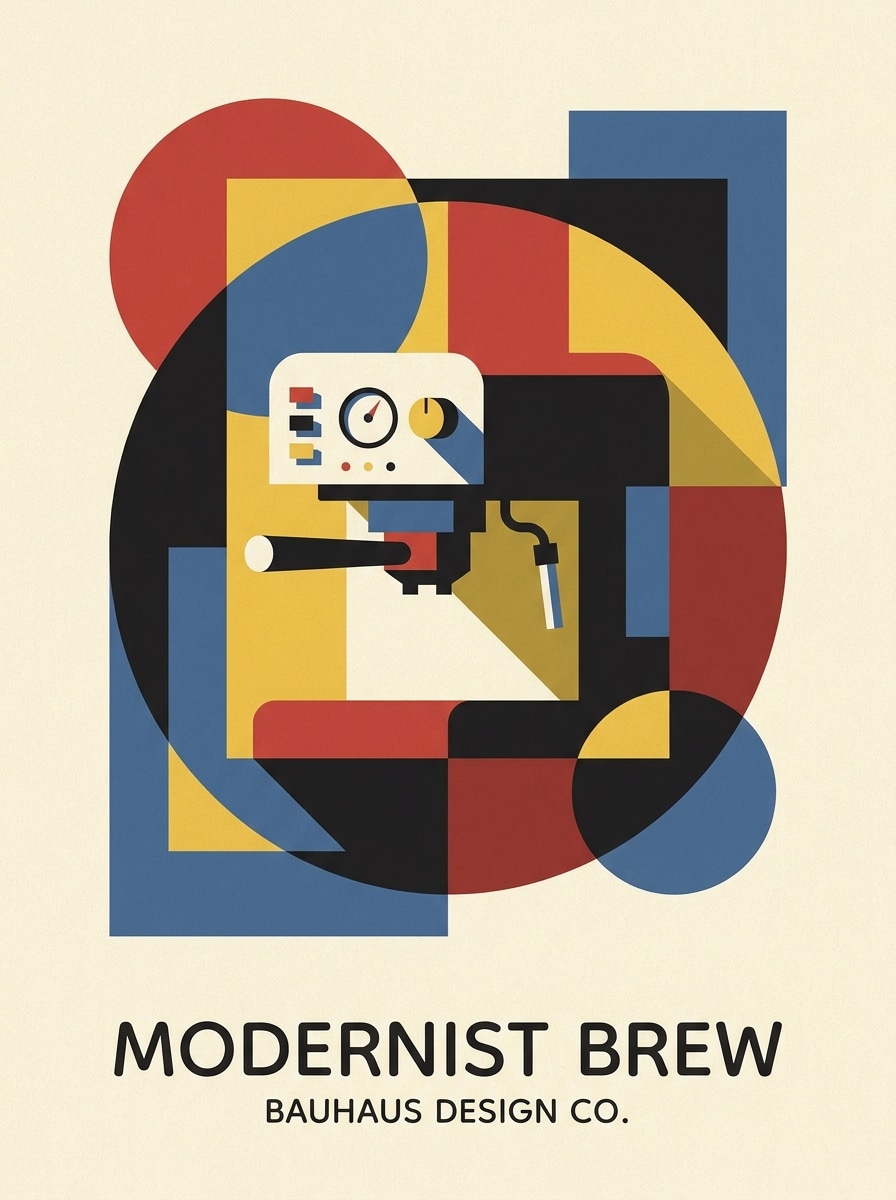
Photographie de produit moderniste
Utilisez la photo de produit téléchargée et transformez-la en une composition inspirée Bauhaus avec des formes simplifiées, un cadrage géométrique, des ombres maîtrisées, des accents couleurs primaires, fond crème, style minimaliste d’affiche moderniste, équilibre commercial élégant et détails premium adaptés aux boards de marques ou aux créas sociales.
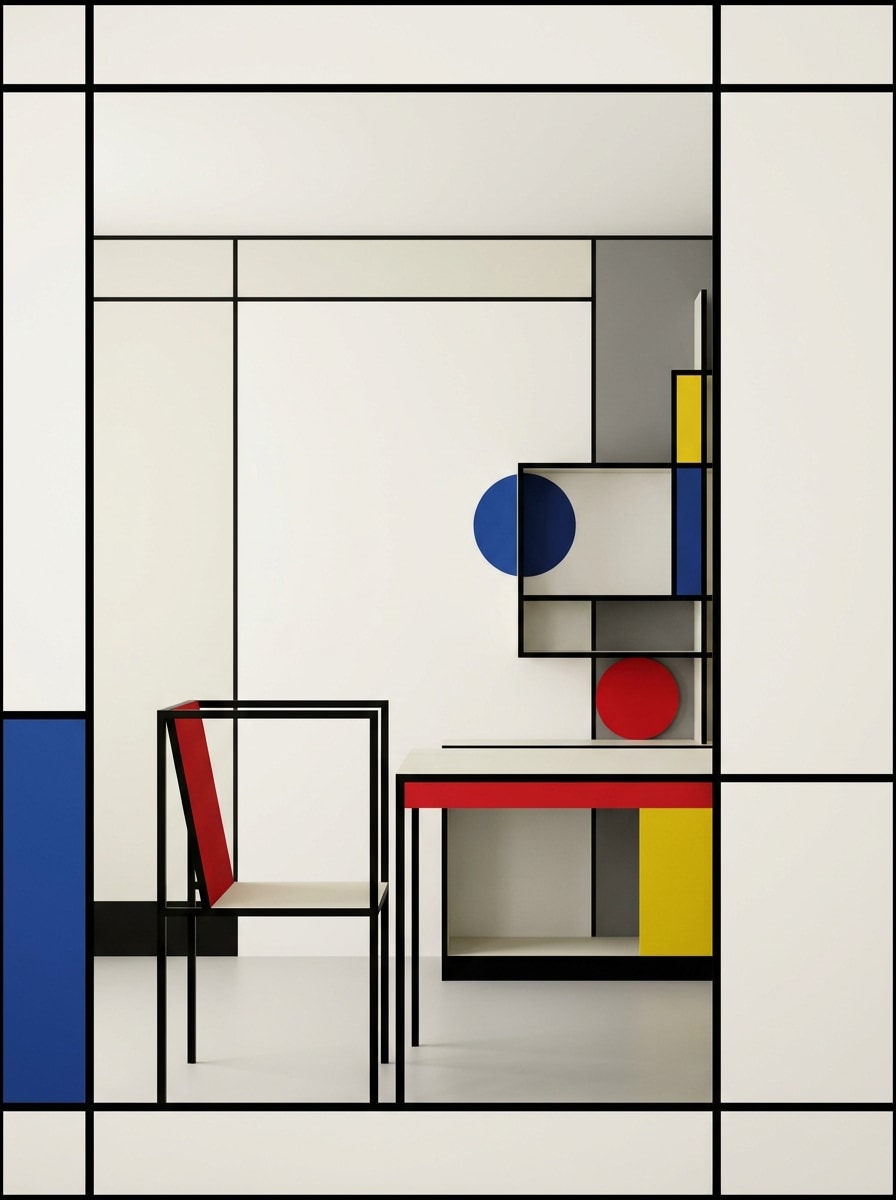
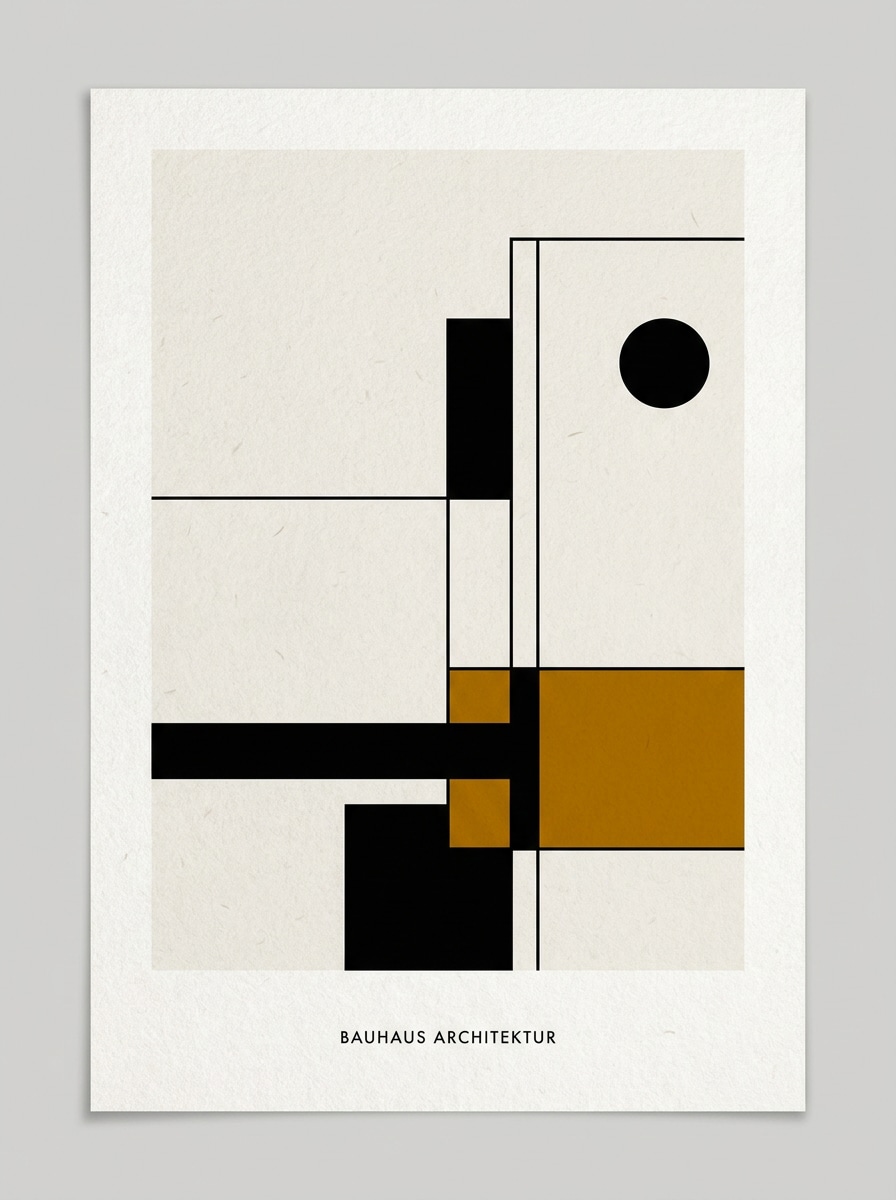
Scène architecturale Bauhaus
Utilisez l’image de pièce ou d’intérieur téléchargée et transformez-la en art architectural Bauhaus avec une structure linéaire prononcée, des surfaces simplifiées, un cadrage géométrique, des accents couleurs primaires choisis, espace négatif équilibré, contrôles doux de lumière et d’ombre, et une ambiance moderniste épurée mettant en avant la forme plutôt que la décoration.
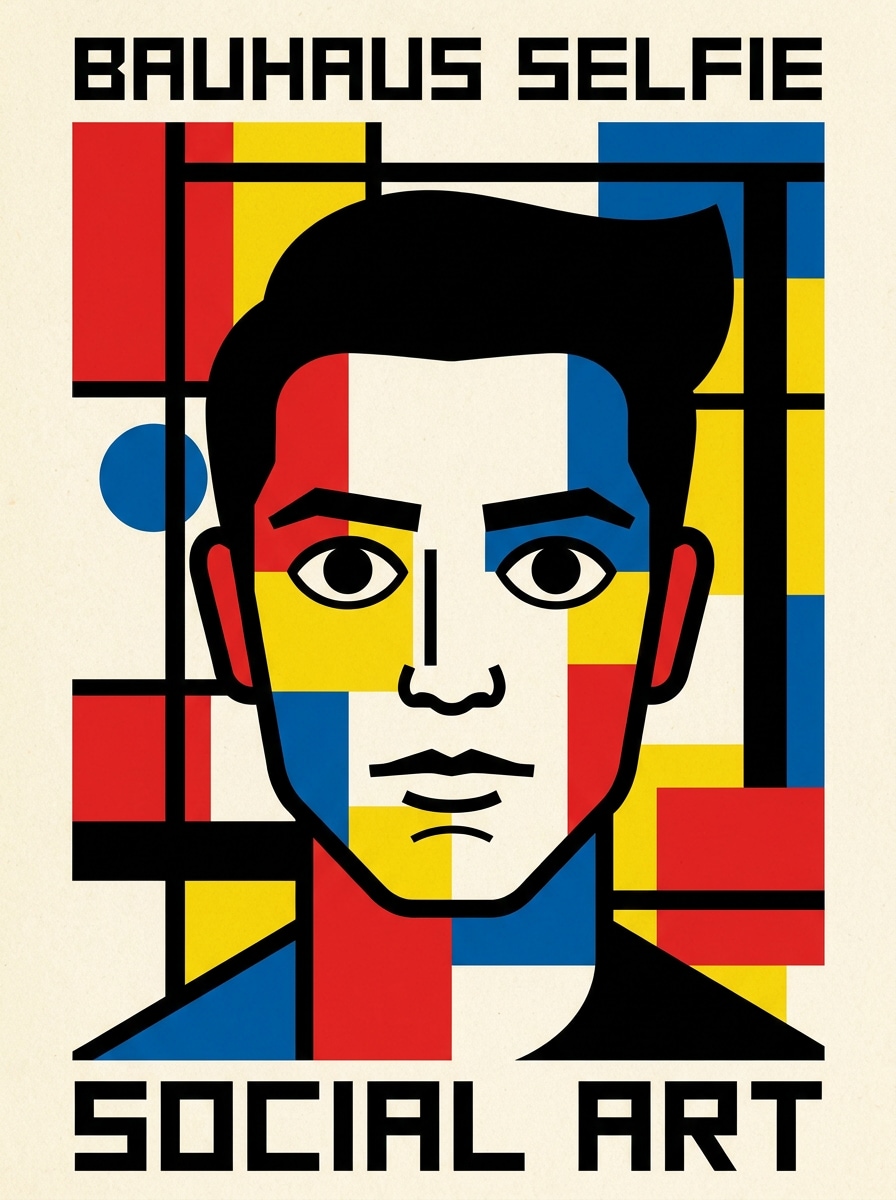
Filtre selfie abstrait
Utilisez le selfie téléchargé et appliquez un filtre IA Bauhaus audacieux qui simplifie les traits du visage en cercles, lignes et plans colorés, ajoute un contraste marqué, des contours nets, une texture papier crème, couleurs primaires avec accents noirs, et un style graphique social percutant à la finition impeccable.
Modernisme de photo de profil
Utilisez le portrait téléchargé pour créer une image carrée de profil de style Bauhaus avec géométrie équilibrée, fond minimal, blocs de couleurs marqués, formes de visage simplifiées, contours nets, composition moderniste, humeur affirmée et une clarté soignée idéale pour avatars, profils sociaux ou portfolios design.
Bauhaus minimal monochrome
Utilisez l’image téléchargée et transformez-la en design Bauhaus minimaliste avec des tons noir et blanc cassé, une couleur d’accent discrète, espace négatif fort, simplification géométrique, texture papier épurée, composition qualité galerie, et ambiance éditoriale raffinée, moderne, calme et très soignée.
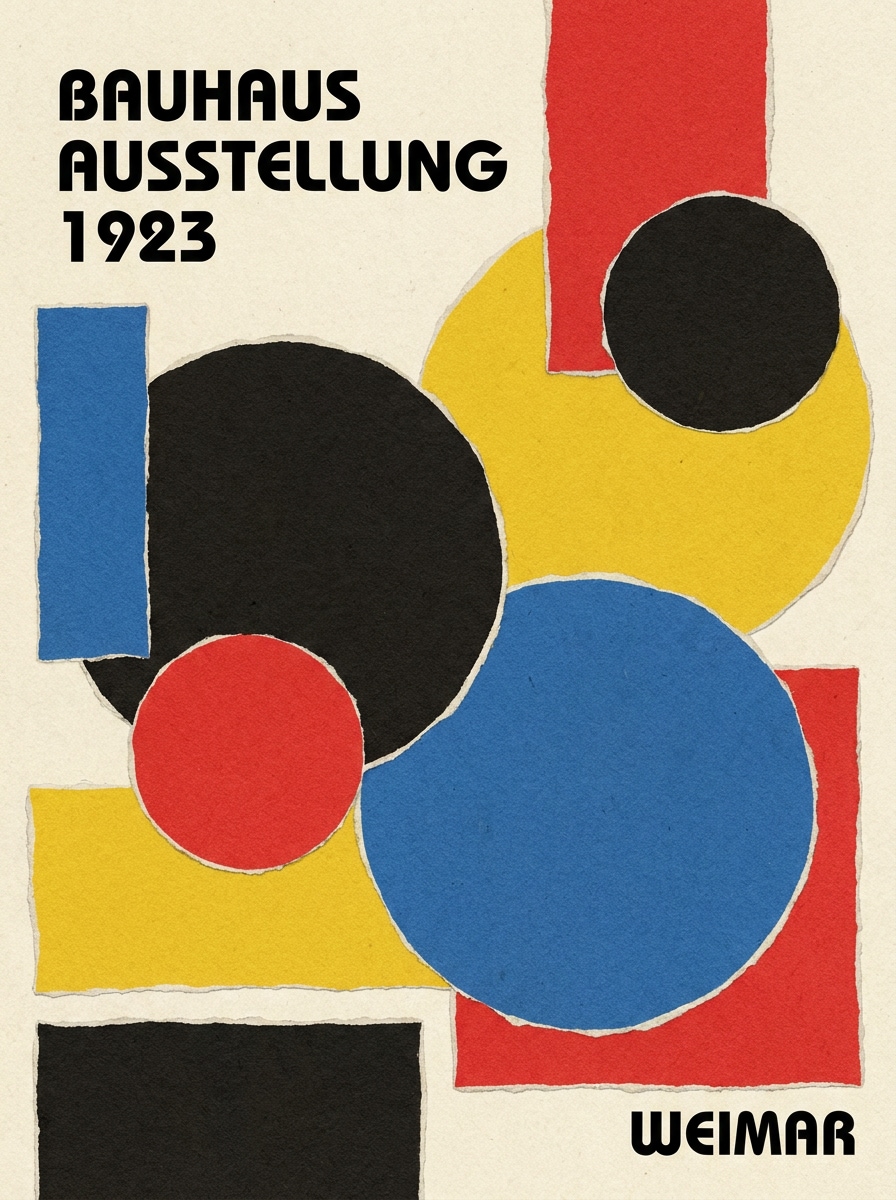
Collage Bauhaus color-block
Utilisez l’image téléchargée et transformez-la en un filtre d’affiche Bauhaus collage avec géométrie découpée, cercles et rectangles superposés, placement asymétrique, rendu papier texturé, blocage des couleurs rouge, bleu, jaune et noir, contraste fort, rythme moderniste ludique et qualité pour l’impression ou les posts sociaux.
Pourquoi utiliser Media.io pour des transformations image-Style Bauhaus
Transformez vos photos réelles en art moderniste identifiable
Pour portraits, selfies ou photos de produits, Media.io vous permet de télécharger une image de référence et d’orienter la transformation vers une œuvre géométrique Bauhaus, afin que le résultat final reste fidèle au sujet original plutôt que de devenir un art abstrait générique.
Retravaillez un sujet dans plusieurs styles
Lorsqu’il est important de garder le lien avec le sujet original, Media.io aide à préserver les caractéristiques reconnaissables tout en adaptant le style visuel du filtre Bauhaus pour des usages sociaux, branding ou maquettes.
Créez des résultats plus nets avec des options jusqu’à 4K
Certains résultats doivent aller au-delà d’une simple prévisualisation. Media.io permet de générer des visuels filtrés Bauhaus plus propres, avec une sortie jusqu’à 4K, pour que l’image finale tienne sur fonds d’écran, présentations et maquettes.
Poursuivez le workflow sur tous les appareils
Que vous exploriez des visuels filtrés Bauhaus sur ordinateur ou depuis votre téléphone, Media.io reste accessible via navigateur pour que vous puissiez reprendre votre flux de travail plus facilement sur tous vos appareils.
Comment appliquer un filtre Bauhaus en ligne
Transformez vos mots en visuels remarquables en trois étapes simples, puis continuez de raffiner si vous souhaitez aller plus loin.
Étape 1
Téléchargez votre image de référence
Commencez avec un portrait, selfie, photo de produit ou d’intérieur clair (JPG, PNG ou JPEG). Les images avec des formes visibles, une bonne lumière et un sujet épuré produisent généralement des transformations modernistes géométriques plus solides.
Étape 2
Décrivez la transformation et ajustez les options
Renseignez une demande décrivant le look Bauhaus voulu : abstraction géométrique, texture papier crème, couleurs primaires, composition en grille ou mise en page d’affiche. Choisissez ensuite votre modèle et ajustez le ratio, la qualité et le nombre d’images si nécessaire.
Étape 3
Générez, téléchargez et améliorez encore
Créez plusieurs variantes, comparez comment chaque version gère la forme, couleur et composition, puis téléchargez votre préférée. Continuez de raffiner l’invite pour une finition d’affiche plus propre, une abstraction plus forte ou une mise en page optimisée pour le social ou l’impression.
Voyez comment les créateurs utilisent ce filtre Bauhaus pour le contenu, le marketing et les projets personnels, puis adaptez chaque idée à votre brief.
Transformez des portraits en affiches style galerie
Transformez une simple photo ou selfie en une composition moderniste remarquable avec formes faciales géométriques, blocs de couleurs audacieux et espaces négatifs épurés. Idéal pour les créateurs en quête d’art de profil, visuels éditoriaux ou posts sociaux mémorables avec une touche école de design.
Créez des œuvres prêtes à imprimer à partir de vos photos quotidiennes
Utilisez une image personnelle comme base pour une affiche, un tirage mural ou un visuel d’événement avec une mise en page graphique forte. Unfiltre d’affiche Bauhaus look bien travaillé peut rendre vos photos sources plus soignées, collectionnables et beaucoup plus polies pour la présentation créative ou commerciale.
Restylez produits et intérieurs pour le branding
Appliquez une abstraction géométrique à vos photographies de produit ou scènes d’intérieur pour des visuels de campagne plus impactants, moodboards ou ressources sociales modernes. Cette approche est idéale pour les marques design qui souhaitent une esthétique propre et intellectuelle, sans devoir organiser un nouveau shooting.
Avis utilisateurs
Ava Collins
Designer d’affiches
« Super pour des concepts d’affiches modernistes »J’ai téléchargé un portrait simple et obtenu un résultat net au style Bauhaus vraiment prêt pour affiche. La structure géométrique et l’effet papier crème étaient bien meilleurs que les filtres d’art classiques que j’ai testés.
Marcus Reed
Créateur de contenu social
« Transformations avant/après rapides »Le flux est simple : téléchargement, description du style et génération. Je l’ai utilisé pour une image de profil et une miniature de contenu court, et le style moderniste était clair dans les deux.
Nina Petrov
Consultante visuelle pour marques
« Pratique pour maquettes produit et campagne »J’ai testé des photos produits avec des prompts Bauhaus et obtenu des visuels graphiques propres, adaptés aux decks de concepts. La flexibilité du layout rend l’adaptation facile pour différents formats.
Daniel Kim
Étudiant en art
« Facile pour explorer l’abstraction géométrique »Je voulais expérimenter un style Bauhaus sur ma propre photo sans consacrer des heures au logiciel. Media.io m’a fourni plusieurs variantes rapidement, et les prompts plus poussés ont produit des résultats étonnamment soignés.
Découvrez Les Effets Vidéo et d'Image IA Les Plus Populaires
1. Qu’est-ce qu’un filtre Bauhaus pour les photos ?
Un filtre Bauhaus pour photos transforme une image téléchargée en une œuvre inspirée des principes du design Bauhaus : formes géométriques, couleurs primaires, équilibre asymétrique, mise en page minimaliste et composition style affiche. Avec Media.io, vous pouvez créer un résultat moderniste stylisé tout en gardant le sujet reconnaissable.
2. Comment transformer une photo en art style Bauhaus ?
Téléchargez une image JPG, PNG ou JPEG claire sur Media.io, puis décrivez le style voulu avec des prompts comme abstraction géométrique, texture papier crème, couleurs primaires ou composition affiche d’exposition. Choisissez ensuite votre modèle et paramètres, générez des variantes, et affinez votre prompt jusqu’à obtenir la composition moderniste recherchée.
3. Peut-on utiliser un filtre Bauhaus gratuitement ?
Les utilisateurs gratuits peuvent tester l’effet avec les crédits disponibles sur Media.io. Si vous souhaitez plus de générations ou des options haut de gamme, consultez les offres sur la page tarifs. Les téléchargements gratuits incluent parfois un filigrane, mais les abonnements payants permettent des exports HD sans filigrane. Les utilisateurs gratuits utilisent des crédits gratuits. Pour plus d’utilisation, les utilisateurs peuvent souscrire à un plan. Passez à un plan payant pour plus de crédits et des téléchargements haute résolution sans filigrane.
4. Le filtre Bauhaus fonctionne-t-il mieux sur les portraits ou les objets ?
Il fonctionne bien pour les deux. Les portraits donnent souvent des transformations saisissantes car les traits du visage se transforment bien en cercles, lignes et plans de couleur, mais objets, photos produits et intérieurs marchent aussi quand ils ont une structure claire, des silhouettes fortes et une lumière simple. Media.io est particulièrement utile quand vous souhaitez transformer l’un ou l’autre en une composition photo Bauhaus épurée.
5. Peut-on créer une affiche Bauhaus haute résolution à partir de mon image ?
Media.io offre des options de résolution (1K, 2K, 4K), idéal pour un résultat nettement meilleur sur affiche, couverture ou board de présentation. Vous pouvez aussi ajuster le ratio pour convenir aux impressions verticales, posts carrés ou layouts larges avant de télécharger. Les utilisateurs gratuits auront un filigrane.
6. Le filtre Bauhaus est-il disponible sur mobile et ordinateur ?
Media.io est accessible via navigateur, sur ordinateur ou mobile, sans installation de logiciel. Cela facilite la création d’un filtre IA Bauhaus résultat dans un flux de travail sur ordinateur ou pour tester rapidement des idées sur téléphone ou tablette. Media.io fonctionne sur tout appareil doté d’un navigateur (Windows, Mac, iOS, Android).
Au-delà du filtre Bauhaus en ligne propulsé par l’IA