Filtre Amincissant IA à Rendu Naturel
Aucun effet de déformation artificiel ni distorsion irréaliste. Notre filtre amincissant corporel IA affine naturellement votre taille, votre ventre et vos bras pour préserver des proportions authentiques.
 Nano Banana Pro
 Libérez votre potentiel créatif et découvrez la magie de l'IA médiatique dès mIAntenant!
Prévisualisez une version plus mince et naturelle de votre photo grâce à notre simulateur de perte de poids IA avancé. Téléchargez simplement votre portrait ou votre photo en pied et décrivez l'ajustement souhaité—d'une taille plus fine à un ventre plus plat. Obtenez une transformation visuelle instantanée et de haute qualité pour vous motiver, sans retouche manuelle complexe.
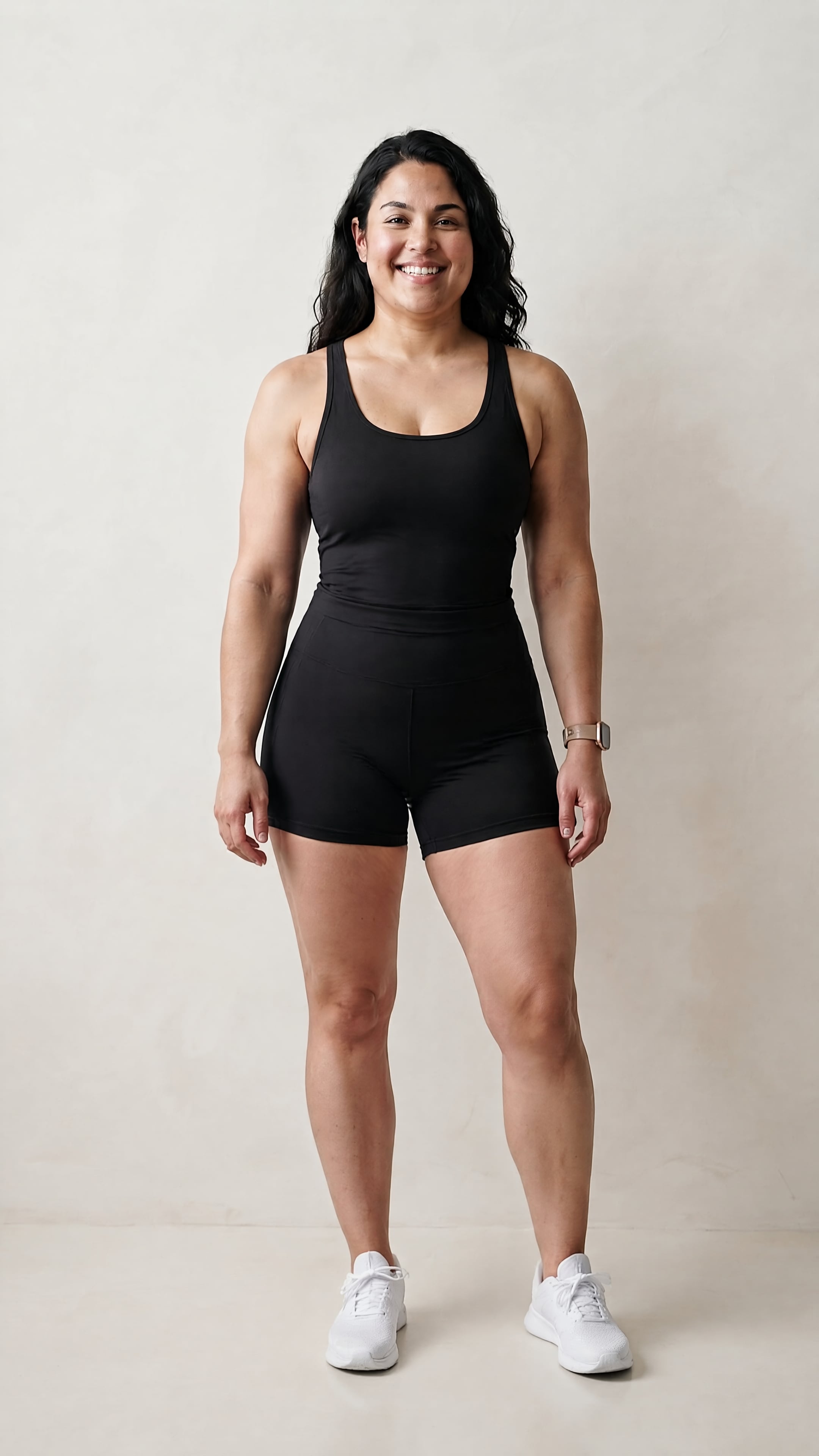
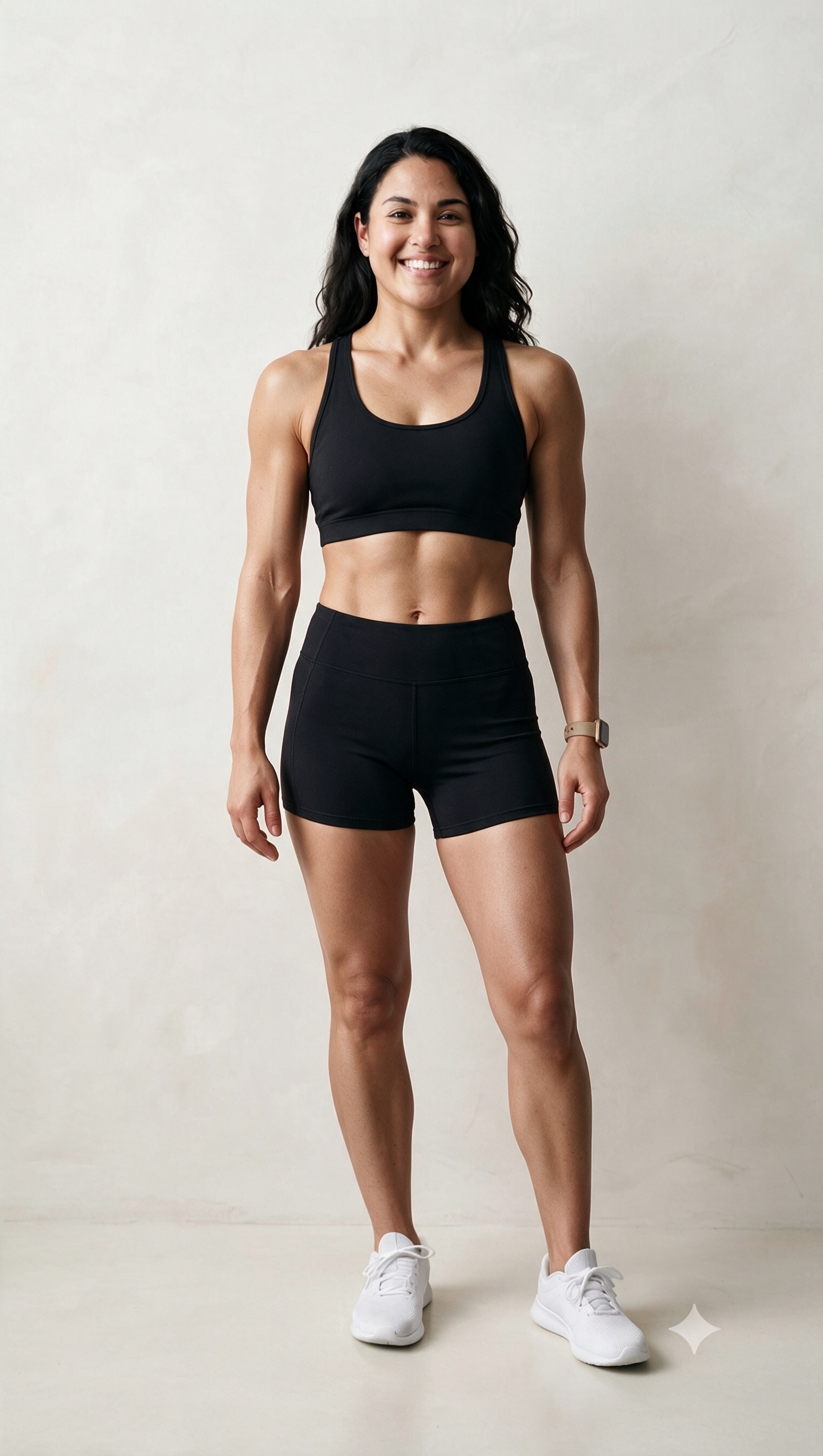
Visualisez instantanément des résultats réalistes de perte de poids grâce à notre simulateur de transformation corporelle alimenté par l'IA.
Crédits gratuits à l'inscription.
Aucun effet de déformation artificiel ni distorsion irréaliste. Notre filtre amincissant corporel IA affine naturellement votre taille, votre ventre et vos bras pour préserver des proportions authentiques.
Oubliez les calques complexes de Photoshop. Saisissez simplement une invite de perte de poids IA comme "taille plus fine" ou "bras plus toniques" et regardez notre éditeur générer votre transformation visuelle instantanément.
Gardez les visages, les textures des vêtements et les arrière-plans parfaitement préservés. Notre modèle se concentre exclusivement sur l'affinement des lignes corporelles sans déformation gênante de l'arrière-plan.
Créez des photos de motivation avant-après réalistes directement en ligne. Profitez de crédits gratuits à l'inscription pour générer et exporter des résultats de haute qualité sans filigrane.
Téléchargez un portrait ou une photo en pied sur notre générateur de photos amincissantes IA. Les images nettes de face donnent les meilleurs résultats.
Saisissez une invite comme "ventre plus plat, taille plus fine et look tonique." Notre filtre amincissant corporel IA cible la zone spécifique que vous décrivez.
Générez votre retouche amincissante au rendu naturel en quelques secondes. Prévisualisez la transformation visuelle et téléchargez votre image sans filigrane.

Suiveuse de Parcours Fitness

"Un visualiseur de motivation incroyable !" Je voulais me voir plus mince avec l'IA pour rester motivée dans ma routine de perte de poids. Ce simulateur de perte de poids IA m'a donné un aperçu parfaitement réaliste de mon ventre plus plat sans déformer mon arrière-plan.

Éditeur Occasionnel
"Pas besoin de Photoshop complexe." J'avais du mal avec l'outil Liquéfier pour corriger les vestes d'hiver volumineuses sur les photos. Avec ce filtre amincissant IA, j'ai simplement tapé une invite pour un look plus tonique, et il a ajusté ma ligne de taille naturellement en quelques secondes.

Créatrice de Contenu
"Mon visage et mes détails sont restés complètement intacts." D'autres éditeurs corporels modifient votre visage et étirent les murs en arrière-plan. Ce filtre amincissant pour le visage et le corps IA est très sélectif, gardant mes traits du visage et l'arrière-plan nets tout en affinant ma taille.

Coach Sportif Personnel
"Un puissant outil de définition d'objectifs avant-après." Montrer aux clients une photo de transformation fitness réaliste et naturelle de leur forme physique potentielle est un énorme coup de pouce. Cela leur donne un repère visuel de ce vers quoi ils travaillent de manière saine.
Notre outil utilise une IA image-à-image avancée pour analyser la structure corporelle et appliquer un effet amincissant intelligent basé sur votre invite. Au lieu d'étirer grossièrement les pixels, il cible des zones spécifiques—comme la taille, le ventre ou les bras—pour générer une transformation visuelle réaliste et naturelle.
Non. Cet outil est uniquement un éditeur photo visuel et un simulateur de perte de poids conçu pour l'inspiration personnelle, la prévisualisation de style et la motivation fitness. Il ne fournit pas de prédictions médicales, de métriques garanties de changement corporel ou de calculs de santé précis.
Non. Contrairement aux pinceaux de déformation manuels qui courbent les grilles d'arrière-plan, les murs et les meubles, notre filtre amincissant IA intelligent isole le sujet. Il modifie les dimensions corporelles tout en préservant la cohérence de l'arrière-plan, les textures de peau et les détails vestimentaires.
Pour une retouche visuelle réaliste, essayez des mots-clés d'invite comme : "corps mince à l'aspect naturel," "taille plus fine," "ventre plus plat," ou "bras subtilement toniques." Évitez les descripteurs exagérés pour garder la transformation crédible et très esthétique.
Oui, Media.io offre des crédits gratuits à l'inscription, vous permettant de télécharger vos images, de saisir des invites amincissantes et d'exporter des retouches visuelles de haute qualité sans filigrane en quelques secondes.
 4,7 (162 357 Votes)


