Vos créations sont conservées pendant seulement 7 jours. Les éléments créés après la mise à niveau de l'Abonnement seront stockés de façon permanente.
Libérez votre potentiel créatif et découvrez la magie de l'IA médiatique dès mIAntenant!
Filtre Crème Glacée IA pour des Transformations de Portraits Gourmands et Partageables
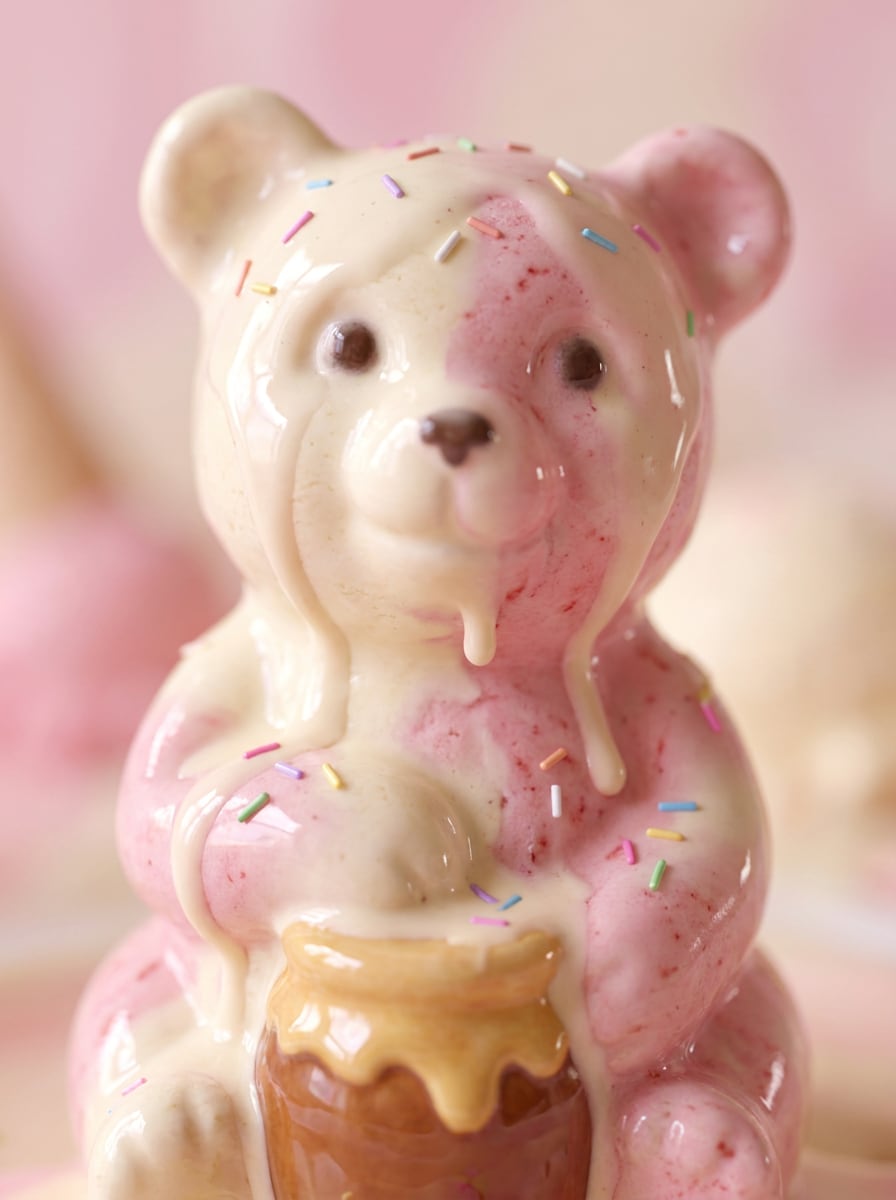
Créez des portraits inspirés de desserts à partir de vos selfies avec Filtre Crème Glacée IA. Téléchargez une photo et générez un effet portrait crème glacée dans des styles réalistes, kawaï, cartoon ou 3D brillant, avec textures crémeuses, couleurs pastel et un effet photo crème glacée charmant prêt à partager en quelques minutes.
Saisissez votre idée -> l’IA le réalise. Gratuit à essayer.
Lisez ces exemples de consignes, puis personnalisez votre prompt pour obtenir de meilleurs résultats avec ce filtre personnage crème glacée et affiner l’effet final.
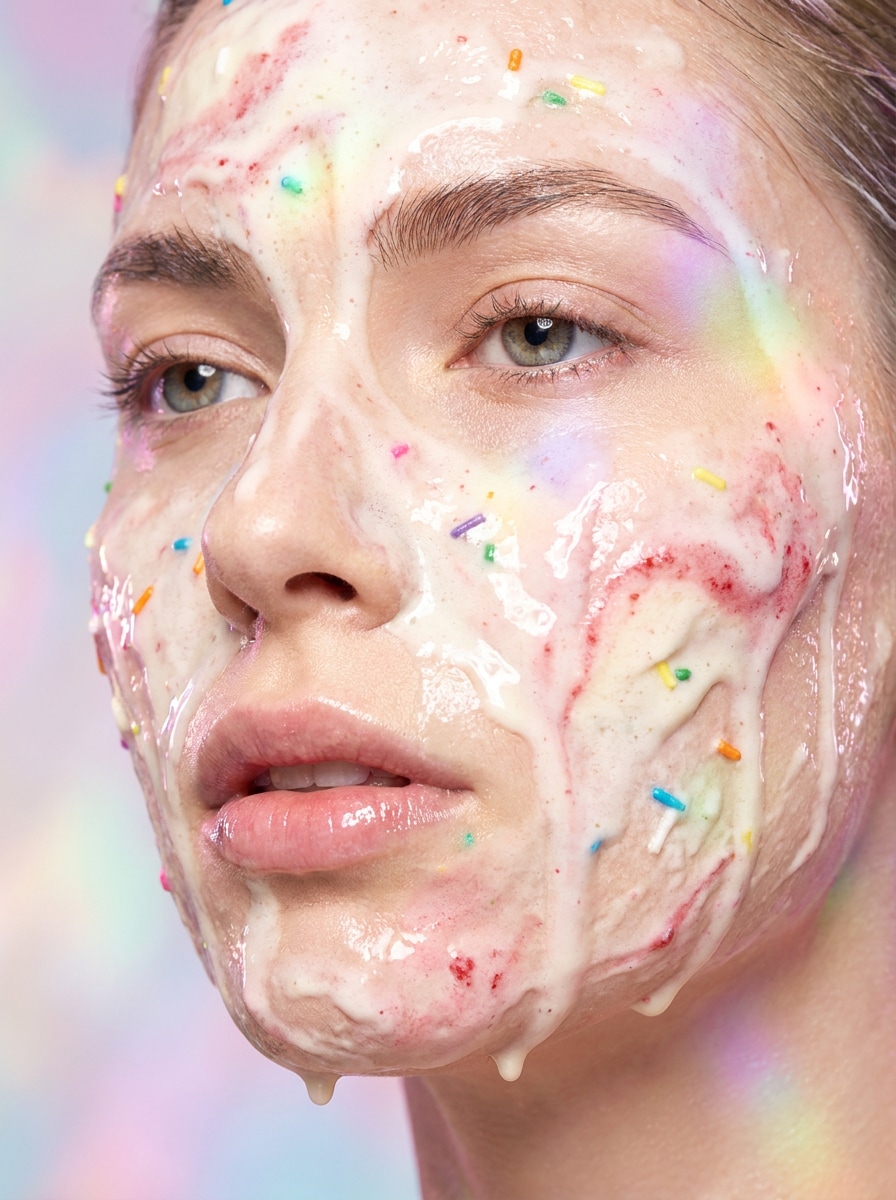
Visage Crème Glacée Fondante
Utilisez l’image téléchargée comme sujet et transformez le portrait en une gourmandise photoréaliste en gros plan avec des textures de vanille et de fraise fondantes s’intégrant au visage, coulures brillantes, lumière pastel rose douce, décorations arc-en-ciel délicates, reflets crémeux, faible profondeur de champ, et une ambiance de portrait beauté onirique et détaillée.
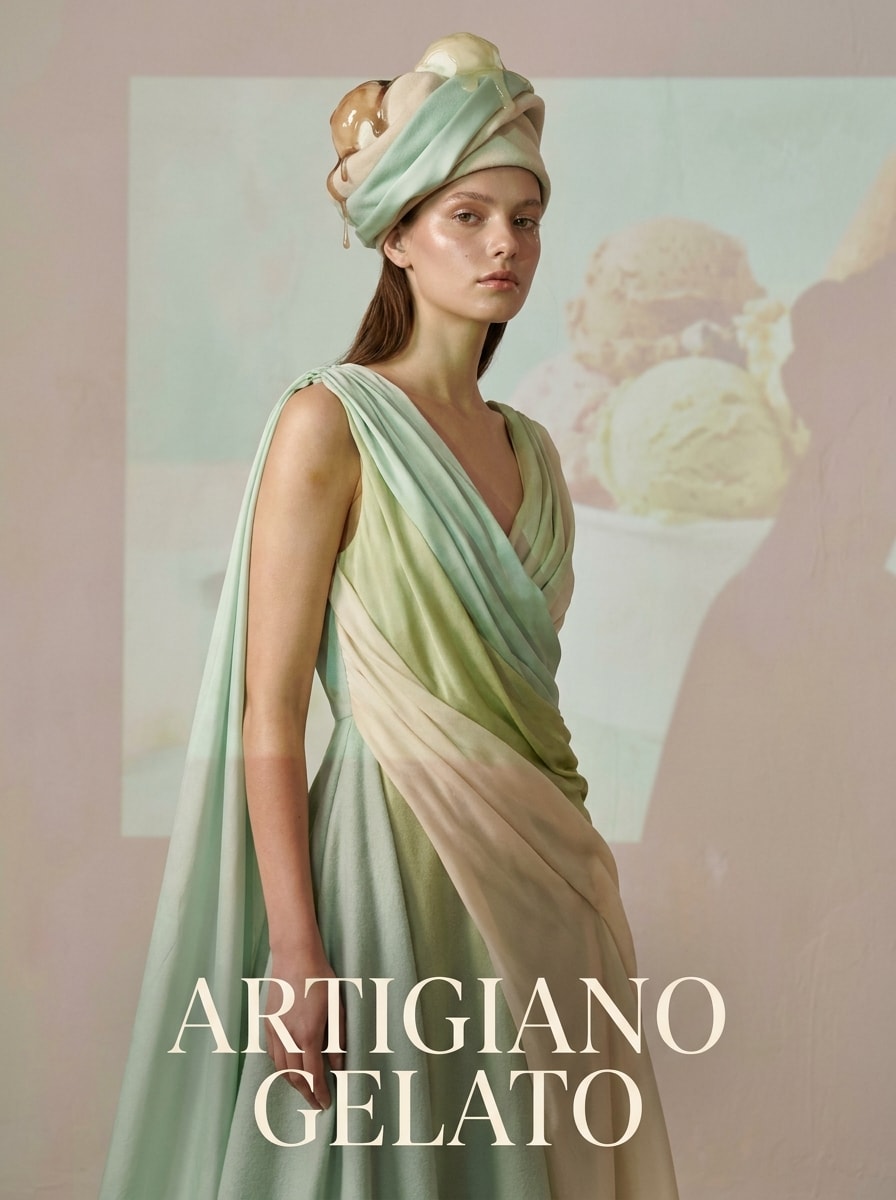
Portrait Editorial Gelato
Utilisez l’image téléchargée comme sujet et redonnez-lui le style d’un portrait gelato de luxe avec textures artisanales de pistache et crème de menthe, détails fondants élégants, éclairage studio haut de gamme, composition raffinée, ombres douces, palette pastel tamisée, finition de peau lisse, et une atmosphère digne d’une couverture de magazine avec détails nets premium.
Personnage Kawaï Crème Glacée
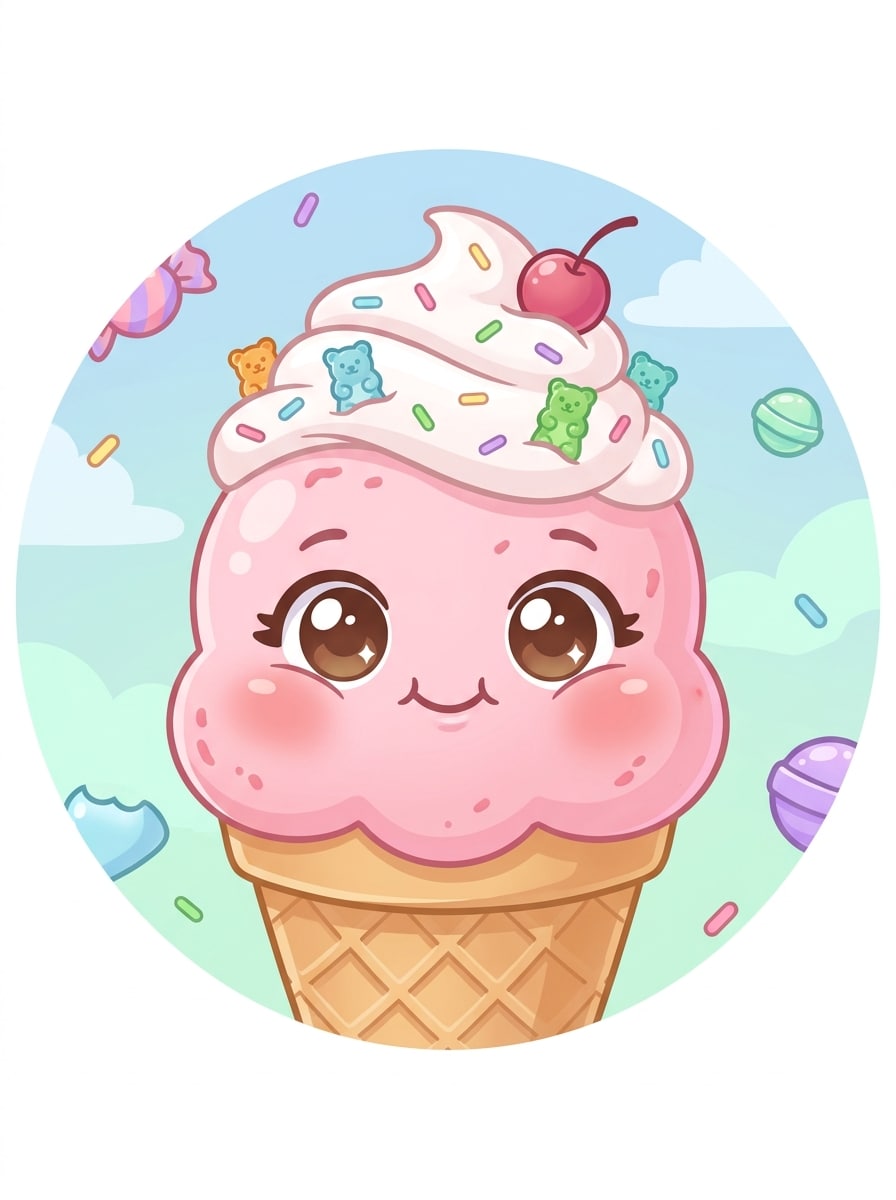
Utilisez l’image téléchargée comme sujet et transformez-la en avatar dessert pastel mignon avec traits du visage arrondis, cheveux crème fouettée, tourbillons fraise et vanille, décorations sucrées, petites paillettes, ombrages doux, expression joyeuse, arrière-plan lumineux et une finition style sticker pour photo de profil et partage social.
Portrait Cartoon avec Vermicelles
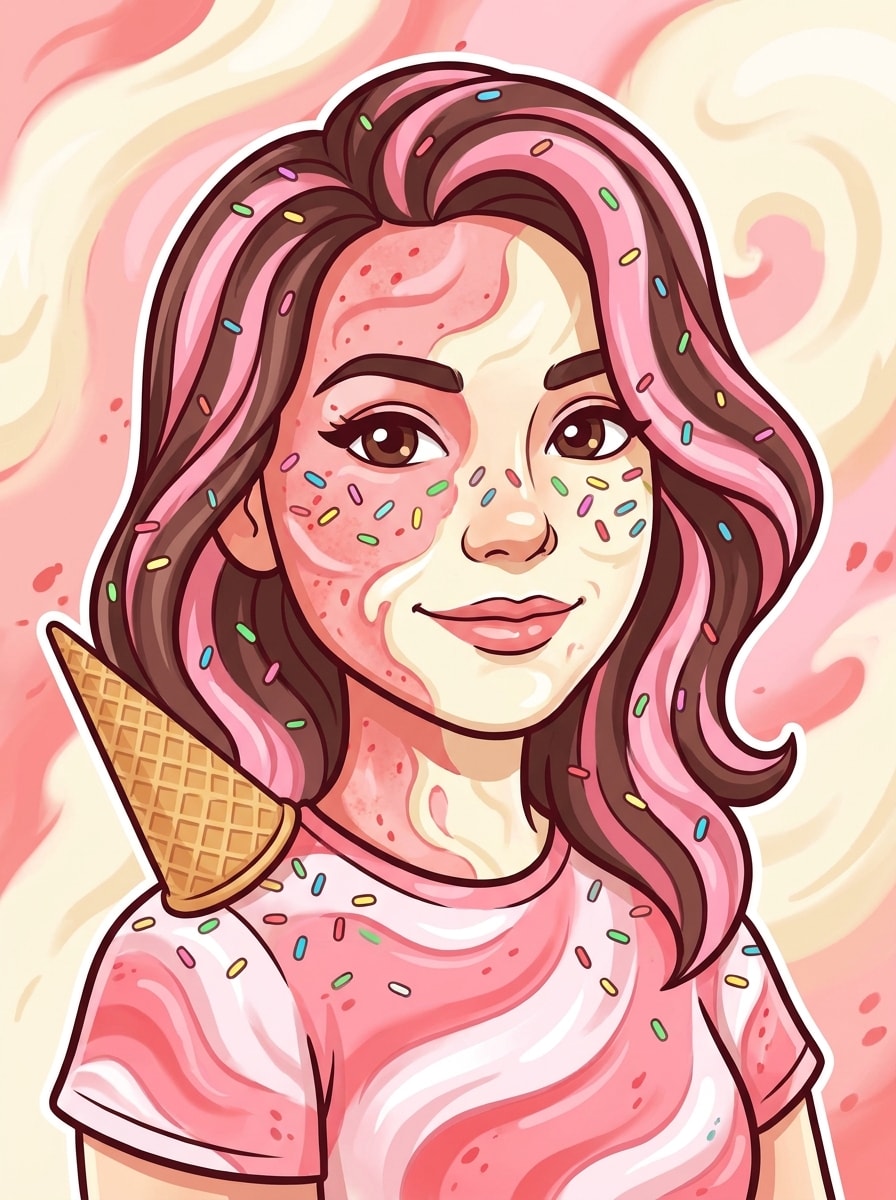
Utilisez l’image téléchargée comme sujet et créez un portrait dessert cartoon coloré avec tourbillons fraise et vanille, vermicelles arc-en-ciel, accessoire cheveux cornet, contours lisses, teintes bonbon vives, ombrages doux style "cel shading", expression dynamique, et une composition ludique prête pour les réseaux sociaux, lumineuse, mignonne et instantanément reconnaissable.
Poupée Crème Glacée 3D Brillante
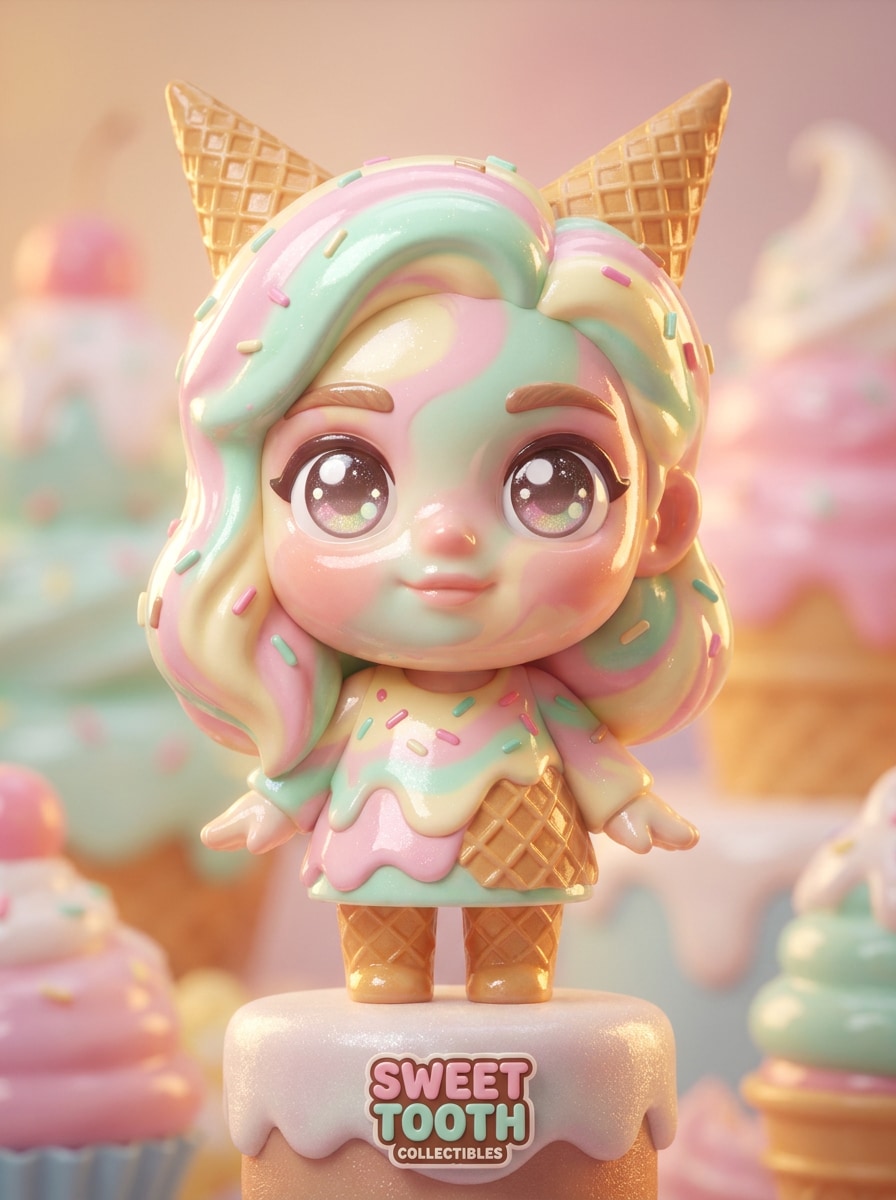
Utilisez l’image téléchargée comme sujet et transformez-la en personnage de collection 3D brillant avec tourbillons crémeux sur le visage, surfaces dessert lustrées, grands yeux expressifs, reflets lisses façon plastique, éclairage cinématographique en pourtour, couleurs pastel sucrées et une composition type vitrine de jouet premium avec profondeur et textures raffinées.
Portrait Fantaisie Glace à L'Italienne
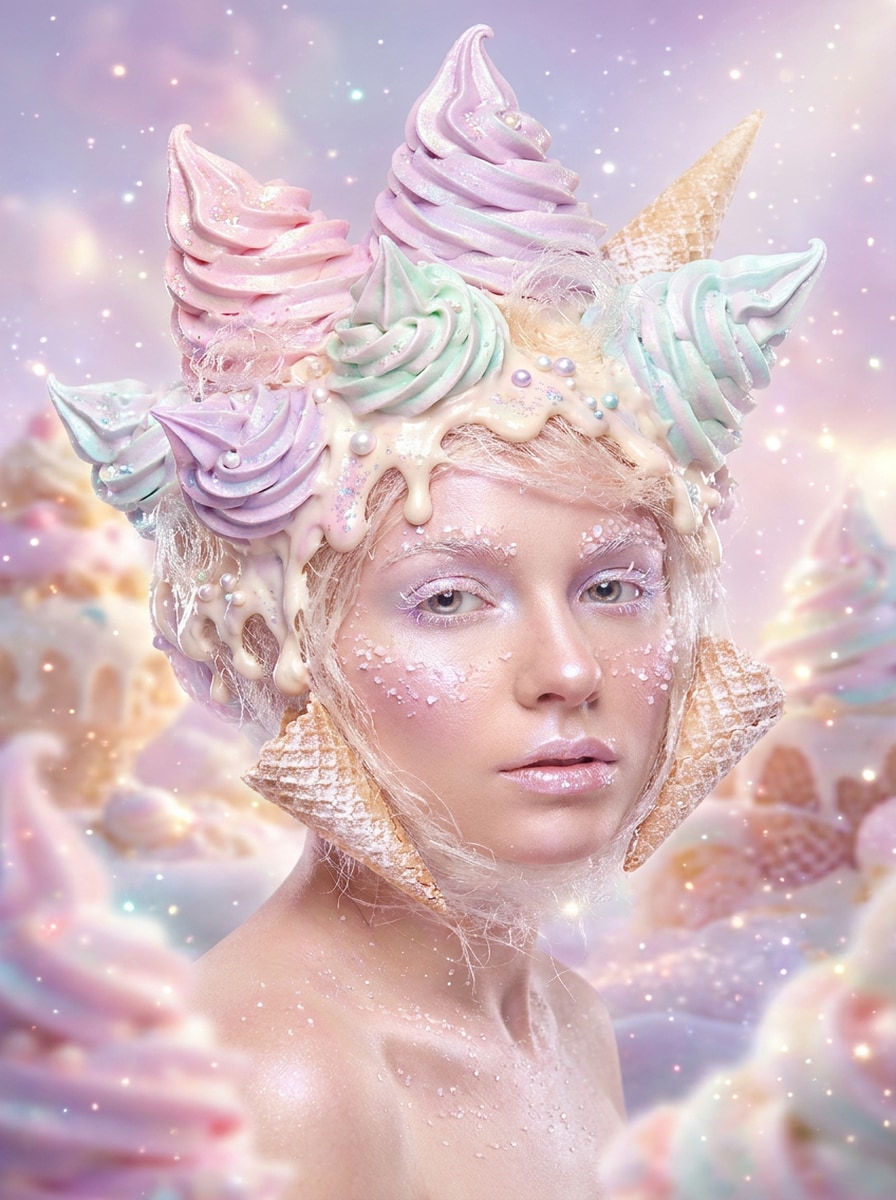
Utilisez l’image téléchargée comme sujet et réinventez-la en portrait fantaisie à la glace à l’italienne avec cheveux en tourbillon de crème glacée, textures coulantes crémeuses, couleurs pastel irisées, étincelles discrètes, lumière de fond lumineuse et rêveuse, bords en douceur, et une atmosphère magique et légère tout en gardant le visage reconnaissable.
Selfie Glace d’Été
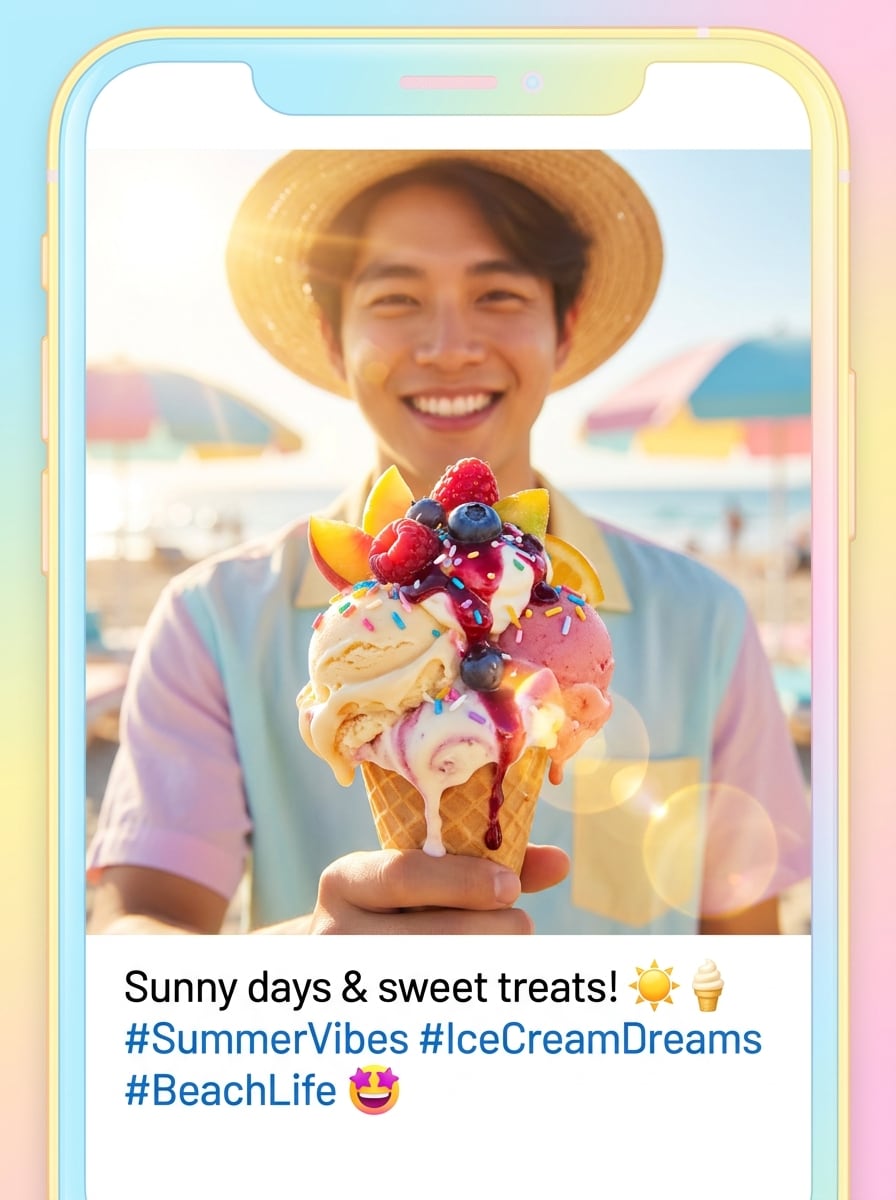
Utilisez l’image téléchargée comme sujet et créez un selfie dessert ensoleillé avec textures de crème glacée gourmande, garnitures fruitées, reflets lumineux d’été, couleurs pastel façon plage, coulures brillantes, énergie fraîche et joyeuse, et une composition mobile adaptée idéale pour posts saisonniers et vignettes courtes.
Glow-Up Gourmand d'Anniversaire
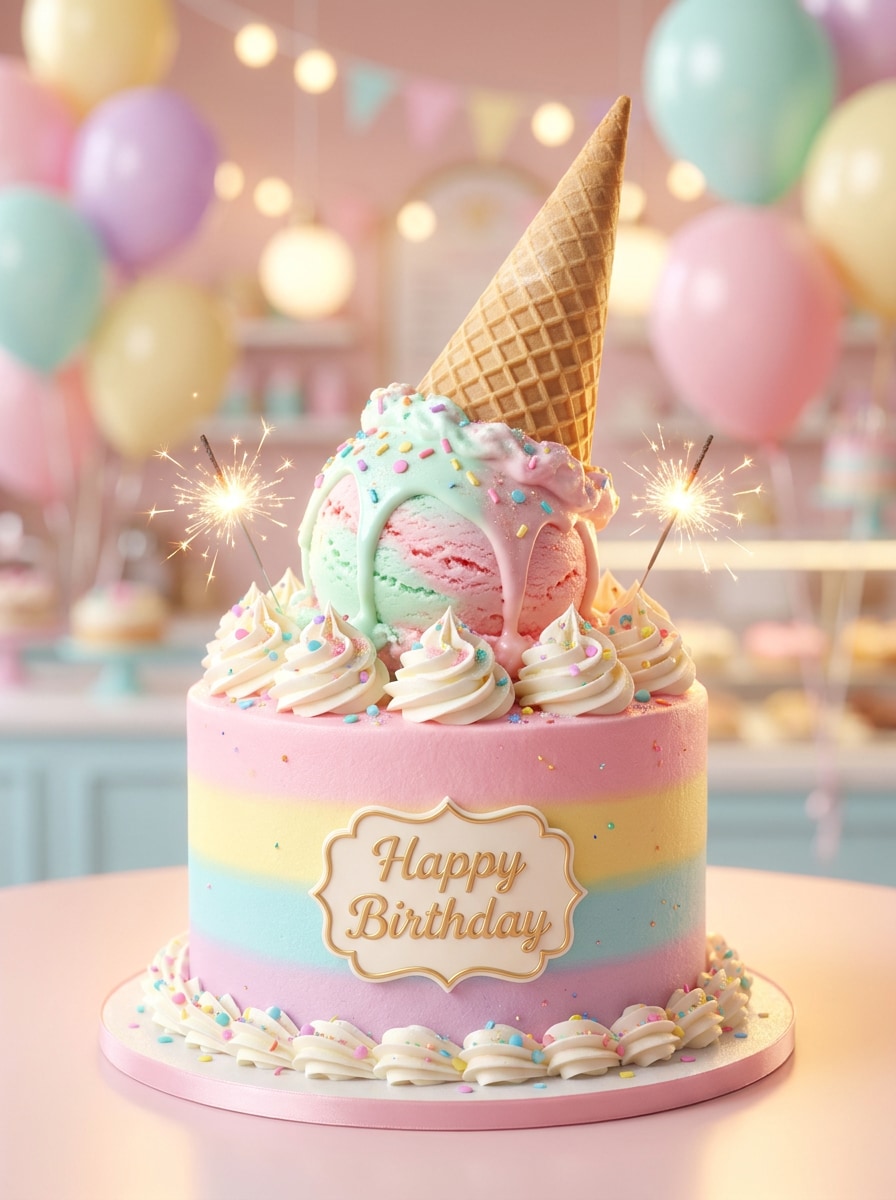
Utilisez l’image téléchargée comme sujet et transformez-la en portrait festif avec détails fusion gâteau d'anniversaire et crème glacée, touches crème fouettée, vermicelles de confettis, lumière douce éclatante, couleurs pastel de célébration, encadrement élégant du visage et une finition festive et premium, joyeuse, raffinée et très partageable.
Portrait Couronne Cornet Gaufre
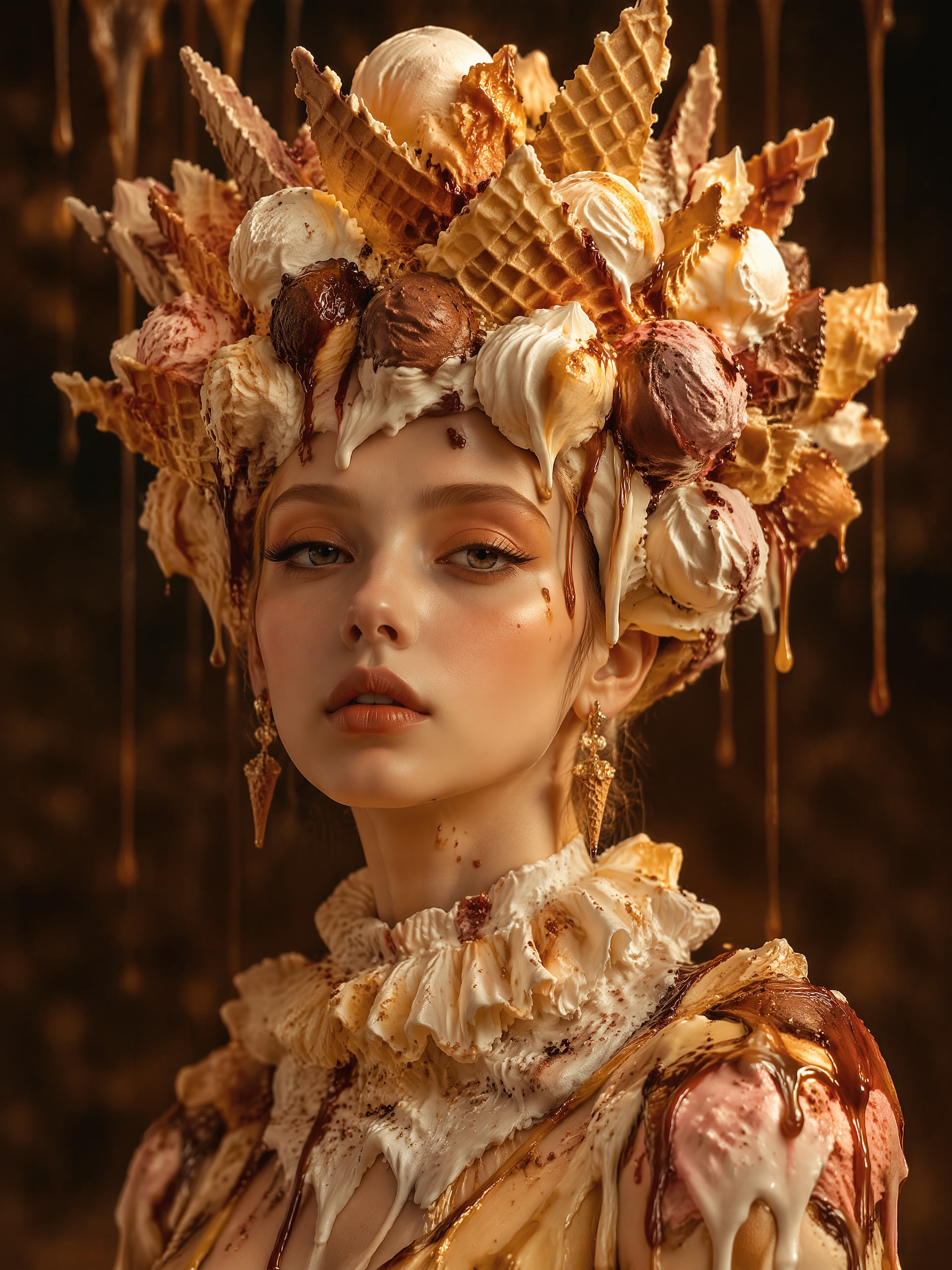
Utilisez l’image téléchargée comme sujet et transformez-la en art dessert surréaliste avec couronne sculptée en cornet gaufre, boules superposées, coulures de sirop, contraste de textures riches, composition portrait élégante, reflets dorés chauds, profondeurs d’ombres douces et une ambiance raffinée et imaginative mêlant portrait de mode et douceurs fantastiques.
Dessert Pop Art Néon
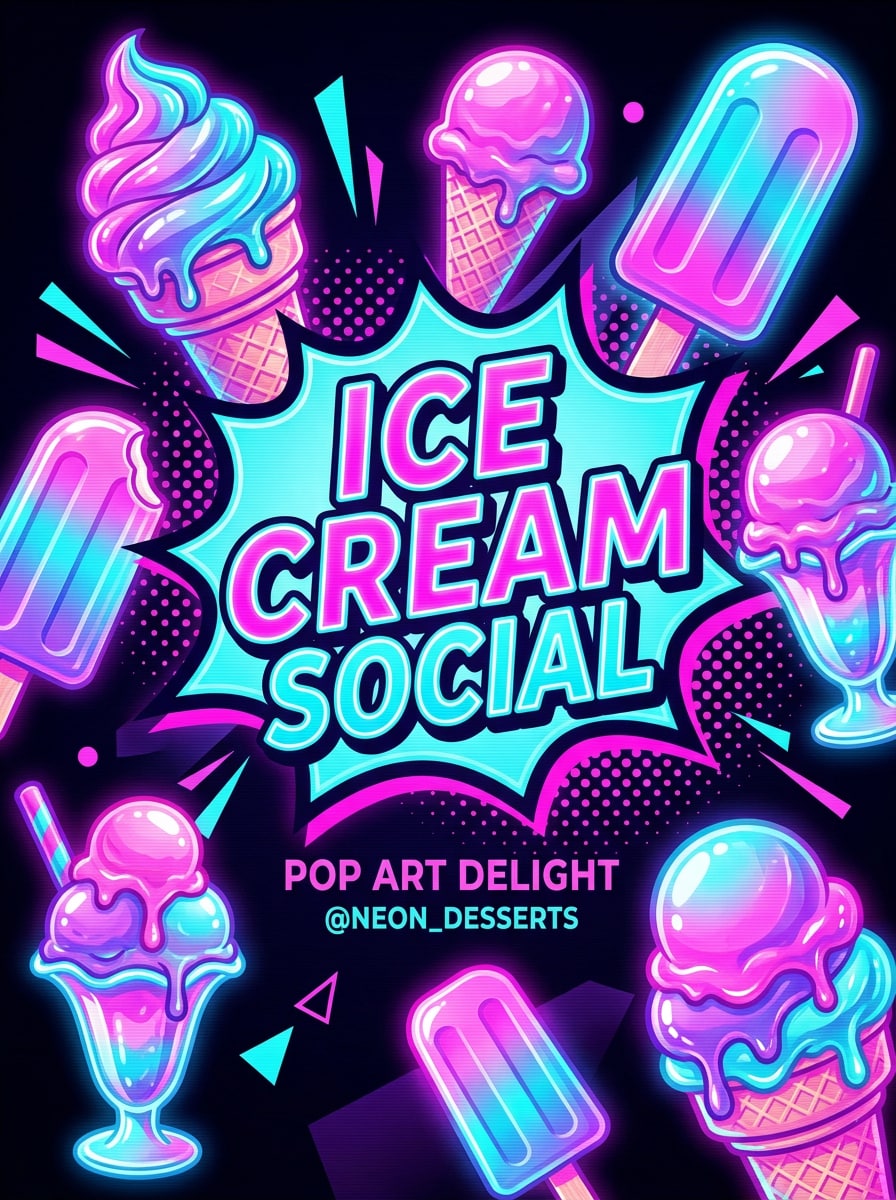
Utilisez l’image téléchargée comme sujet et appliquez un style portrait pop art dessert néon avec tons rose électrique et aqua, formes graphiques de crème glacée, textures fondues brillantes, contraste marqué, cadrage façon affiche, bords stylisés lisses et une apparence dynamique parfaite pour miniature sociale à fort impact.
Pourquoi utiliser Media.io pour transformer vos portraits en crème glacée ?
Affinez le cadrage pour les réseaux sociaux et la mise en page des portraits
Le travail par référence demande plus qu’un simple changement de style. Media.io garde les traits essentiels reconnaissables tout en revisitant l’aspect visuel du Filtre Crème Glacée, pour un rendu personnel au lieu de générique.
Gardez votre visage reconnaissable tout en changeant de style
Chaque résultat se décline selon l’esthétique voulue. Media.io aide à explorer des variations autour du concept visuel Filtre Crème Glacée pour adapter le ton final rapidement.
Créez des images haute résolution prêtes à l’emploi
Pour aller plus loin qu’un simple aperçu, il faut un rendu net. Media.io génère des résultats IA plus précis, jusqu’en 4K, pour rester fiable pour les maquettes, présentations ou contenus professionnels.
Modifiez et régénérez facilement sur tous vos appareils
Certains concepts visuels de Filtre Crème Glacée sont esquissés en déplacement et finalisés sur ordinateur. Media.io automatise ce processus en ligne, sans installation ni configuration supplémentaire.
Comment utiliser le Filtre Crème Glacée IA
Transformez vos mots en images étonnantes en trois étapes simples, puis continuez à affiner le résultat selon vos envies.
Étape 1
Téléchargez votre image de référence
Commencez avec un selfie ou portrait net en format JPG, PNG ou JPEG. Les photos de face, bien éclairées et sur fond simple sont idéales pour transformer votre visage façon dessert avec plus de détails et de clarté.
Étape 2
Décrivez le changement et définissez les options
Indiquez le style souhaité, comme gelato réaliste, avatar kawaï, 3D brillant ou pop art effet photo crème glacée. Choisissez ensuite votre modèle et ajustez ratio, qualité d'image et nombre de variantes.
Étape 3
Générez, téléchargez et améliorez sans limite
Créez plusieurs versions, comparez les résultats et téléchargez votre image favorite. Pour plus de fondu, de vermicelles ou une finition pastel plus douce, modifiez le prompt et régénérez.
Déverrouillez le potentiel du Filtre Personnage Crème Glacée
Découvrez comment les créateurs utilisent ce Filtre Crème Glacée IA pour le contenu, le marketing et les projets personnels, puis adaptez chaque idée à votre objectif.
Créez des photos de profil tendance
Transformez un simple selfie en avatar gourmand qui se démarque sur les réseaux. Ce mode fun de transformer une photo en glace est parfait pour les profils, couvertures de story ou branding créateur tout en restant reconnaissable.
Créez des posts d’anniversaire et fêtes à partager
Ajoutez textures crème fouettée, couleurs pastel, vermicelles de confettis et lumière onirique à vos photos de fête. Cet effet photo crème glacée offre un rendu plus original pour invitations, récapitulatifs ou miniatures festives.
Explorez des métamorphoses de personnages mignons
Pour un rendu plus doux et animé, essayez une transformation dessert kawaï ou cartoon. Un filtre personnage crème glacée s’adapte très bien aux montages fandom, stickers, avatars numériques et contenus partageables à fort visuel.
Ce que pensent les utilisateurs de ce filtre
Mia R.
Créatrice Lifestyle
"Parfait pour des posts sociaux mignons" J’ai téléchargé un simple selfie et eu un portrait dessert brillant en quelques minutes. On reconnaissait bien mon visage mais les textures crémeuses et l’aspect pastel donnaient un effet instantanément tendance pour Reels ou la photo de profil.
Jordan T.
Artiste numérique
"Super alliance de réalisme et de fantaisie" J’ai adoré pouvoir passer d’un style photoréaliste à cartoon depuis la même photo. Ça rend les tests de concepts très rapides et bien plus esthétiques que ce à quoi je m’attendais.
Elena P.
Étudiante créatrice
"Facile à utiliser sur mon téléphone" J’ai essayé l’outil sur mobile pour un post d’anniversaire, la prise en main était très simple : upload, description, génération et téléchargement. Le style crème glacée était lumineux, doux et très fun à partager.
Noah C.
Community Manager
"Utile pour tester visuellement rapidement" Nous nous en sommes servis pour préparer des concepts portraits saisonniers pour une campagne. Les ratios variés et la régénération rapide ont permis de tester plein de variantes dessert sans passer par une vraie production design.
Découvrez Les Effets Vidéo et d'Image IA Les Plus Populaires
Un filtre crème glacée IA est un effet image-à-image qui transforme une photo ou un selfie téléchargé en illustration inspirée de desserts. Avec Media.io, vous pouvez créer des rendus réalistes, cartoon, kawaï ou 3D brillants à l’aide de prompts et de styles basés sur vos références pour un portrait personnalisé thème crème glacée.
2. Comment transformer une photo en portrait crème glacée avec l’IA ?
Téléchargez une photo JPG, PNG ou JPEG nette sur Media.io, puis décrivez le style souhaité (textures vanille fondante, vermicelles pastel, style cartoon mignon…). Choisissez les paramètres, générez l’image et modifiez le prompt si vous souhaitez un autre effet crème glacée ou plus de détails desserts.
3. Ce filtre crème glacée IA est-il gratuit ?
Oui, les utilisateurs gratuits peuvent essayer Media.io avec des crédits gratuits. Si vous souhaitez plus de générations ou des téléchargements HD sans watermark, consultez les formules de l’offre.
4. Puis-je utiliser le filtre crème glacée visage sur iPhone et Android ?
Media.io fonctionne sur le web, donc le Filtre Crème Glacée IA est utilisable sur iPhone, Android, Mac ou Windows via navigateur. Il est donc facile de téléverser un selfie, générer des variations et télécharger depuis mobile ou ordinateur.
5. Mon image IA crème glacée aura-t-elle un aspect réaliste ou cartoon ?
Selon le prompt et les paramètres choisis, le rendu peut être réaliste ou stylisé. Media.io gère plusieurs styles d’image pour créer un portrait photoréaliste, un personnage jouet 3D brillant ou un effet cartoon ludique à partir de la même photo source.
6. Quelle photo fonctionne le mieux pour l’effet crème glacée image-à-image ?
Un portrait net, bien éclairé, au visage visible et fond simple fonctionne mieux. Pour une transformation photo en crème glacée plus forte, privilégiez une photo de face sans flou, pour que Media.io préserve bien votre visage tout en ajoutant textures crémeuses et décorations.