



















Hub de Prompts Photo IA | Plus de 100 prompts d'images IA tendance et idées de photos virales

Découvrez les derniers prompts photo IA pour ChatGPT, Gemini, Midjourney, Flux et bien plus. Explorez plus de 100 prompts d'images IA tendances, des idées de photos virales pour Instagram et TikTok, des portraits cinématographiques, des montages de couples, des styles fantastiques, de l'anime, des effets saisonniers et des modèles de prompts prêts à l'emploi - tout en un seul endroit.

Unlimited New Trending AI Photo Editing Prompt

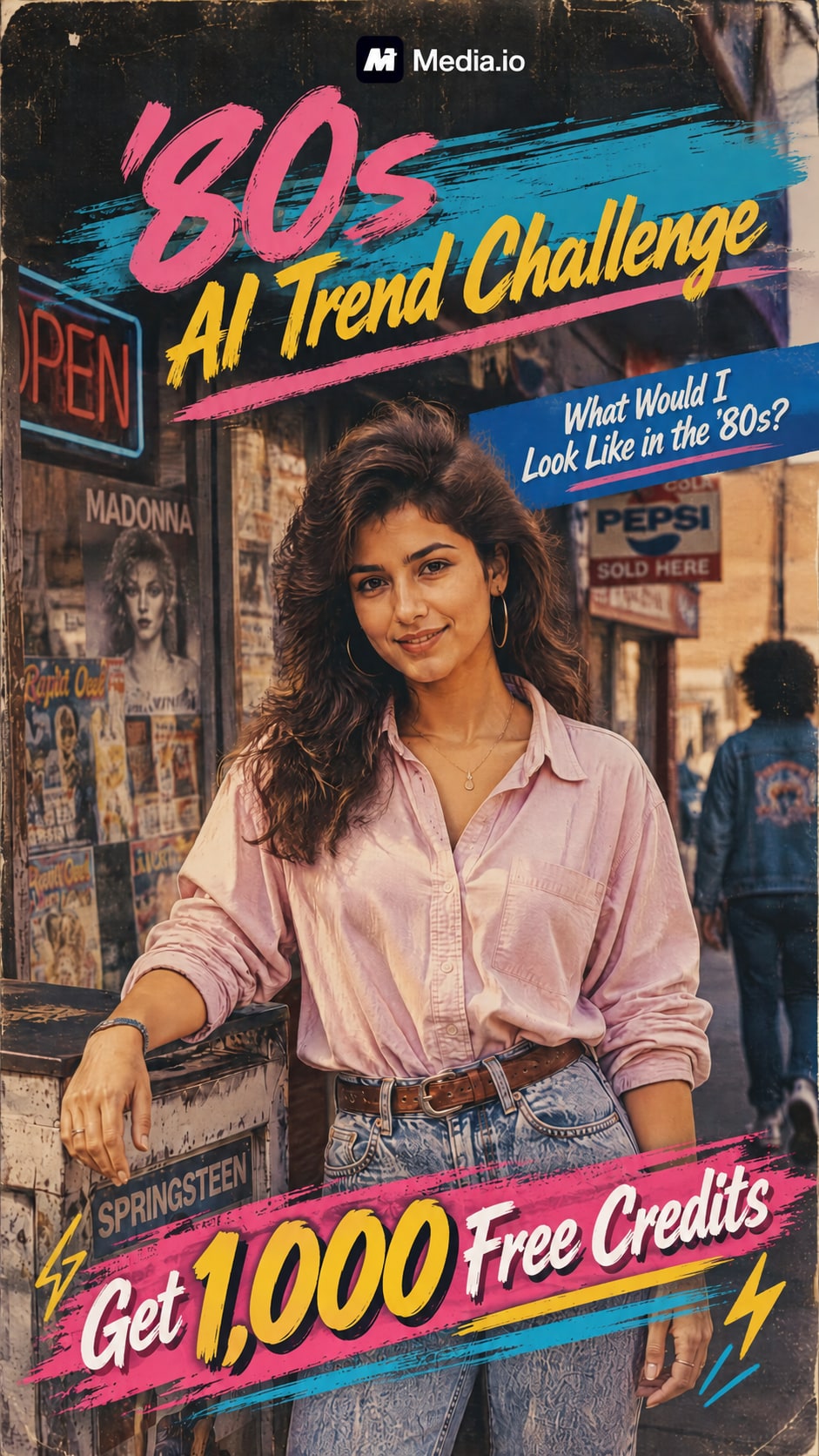
Explore unlimited new trending AI photo editing prompts for cinematic portraits, viral girl and boy photos, social media looks, and creative transformations. Copy a prompt, upload your photo, customize the details, and create your own AI image online with Media.io.

Create Your AI Photo Now

Copy a prompt, customize it, and create your own AI photo online.

Why Use Media.io for Trending AI Photo Editing Prompts

Turn Prompt Ideas into Actual AI Photos

Finding the best ChatGPT prompts for image editing is only the first step. Upload a photo, paste or adapt a prompt, and use Media.io to transform the idea into a visual result without manually recreating every effect.

Explore Unlimited Creative Styles

Try cinematic portraits, luxury fashion photography, golden-hour photos, neon street looks, professional headshots, travel scenes, fantasy edits, and other trending AI photo styles from one source image.

Keep Your Photo at the Center

Start with your own portrait and explain what should stay recognizable and what should change. Adjust clothing, background, lighting, atmosphere, camera style, and scene while keeping your photo central to the transformation.

Easy for Beginners, Flexible for Creators

Beginners can copy a ready-made prompt, while experienced creators can refine camera terminology, lighting direction, composition, lens style, and scene details for more specific control.

How to Use Trending AI Photo Editing Prompts

01

Step 1: Choose and Copy a Prompt

Choose an unlimited new trending AI photo editing prompt based on the look you want, such as cinematic, fashion, romantic, street-style, or social-media aesthetic.

02

Step 2: Upload Your Photo and Customize

Upload a clear source photo, then customize the prompt. Change clothing, location, lighting, hairstyle, camera angle, mood, or other visual details to make the result your own.

03

Step 3: Generate and Download Your AI Photo

Generate your image, preview the result, and revise the prompt if needed. Download your favorite version for social media, profile photos, creator content, or further editing.

Unlimited New Trending AI Photo Editing Prompts Free to Copy

Copy these prompt ideas into Media.io, then personalize the subject, outfit, background, lighting, camera style, and overall mood before generating your final image.

Cinematic AI Photo Editing Prompt

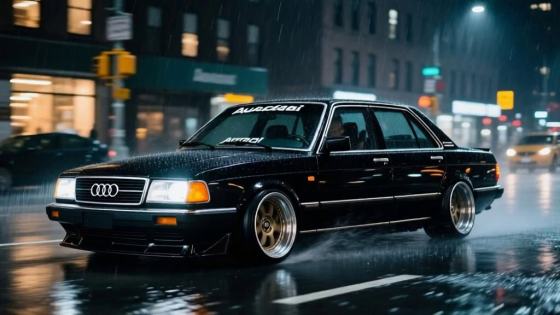
Transform this photo into a realistic cinematic portrait while preserving the subject's recognizable facial features and natural appearance. Add dramatic golden-hour lighting, soft shadows, realistic skin texture, shallow depth of field, subtle film grain, professional color grading, and a softly blurred urban background.

ChatGPT Photo Editing Prompt for Girl

Create an elegant cinematic portrait of the woman in the uploaded photo. Preserve her recognizable facial features and natural skin texture. Add fashionable styling, soft golden-hour light, realistic shadows, creamy background bokeh, and editorial fashion photography quality.

ChatGPT Photo Editing Prompt for Boy

Transform the uploaded portrait into a stylish cinematic photo of a young man while keeping his recognizable facial appearance. Add a confident pose, modern casual outfit, realistic hairstyle, neon city lighting, atmospheric reflections, and high-end street photography aesthetics.

Viral Instagram AI Photo Prompt

Turn this photo into a premium viral Instagram portrait. Keep the subject recognizable and realistic. Use flattering natural lighting, clean skin texture, fashionable styling, soft cinematic color grading, balanced composition, and subtle background blur.

Luxury Fashion Photo Editing Prompt

Transform the subject into a high-fashion editorial portrait while maintaining their recognizable identity. Add a sophisticated luxury-inspired outfit, elegant architecture, dramatic studio-quality lighting, realistic fabric textures, and refined magazine photography aesthetics.

Romantic Sunset Portrait Prompt

Transform this image into a warm romantic sunset portrait. Preserve recognizable facial features and realistic proportions. Add soft golden sunlight, gentle rim lighting, warm skin tones, natural shadows, dreamy background blur, and cinematic depth of field.

Core Ways to Use Unlimited New Trending AI Photo Editing Prompts

Use Media.io to turn trending prompt ideas into personalized portraits, cinematic edits, and social-ready visuals for creators, personal branding, profiles, and everyday content.

Create Viral Girl and Boy Portraits

Use ChatGPT photo editing prompts for girl and boy portraits to experiment with fashionable outfits, cinematic scenes, attitude photos, travel aesthetics, professional photography, and social-media-ready profile pictures.

Transform Everyday Photos into Cinematic Images

Turn a normal phone photo into a more dramatic visual with golden-hour rim lighting, shallow depth of field, cinematic color grading, realistic film grain, and other photography details.

Create Fresh Social Media Content

Use trending AI photo edits for profile pictures, Instagram posts, thumbnails, Reels covers, and creator visuals. Adapt a ChatGPT photo prompt generator idea around your own identity, audience, or content theme.

What Creators Say About Trending AI Photo Prompts

user
Priya Sharma

Social Media Creator

starstarstarstarstar

“So Many Styles to Try.” I usually know what kind of photo I want but not how to describe it to AI. Starting with a complete prompt makes experimenting much easier, and then I can change the clothes, lighting, or background to fit my own style.

user
Arjun Mehta

Content Creator

starstarstarstarstar

“Great Starting Point for Prompts.” The boy portrait prompts give me a useful structure instead of starting with a blank text box. I can keep my original photo and test cinematic, street, or fashion concepts by changing just a few details.

user
Maya Patel

Lifestyle Creator

starstarstarstarstar

“Easy to Personalize.” I like using trending prompts as inspiration rather than copying the exact same edit. Changing the setting and styling makes each result feel much more personal for my social posts.

FAQs About Unlimited New Trending AI Photo Editing Prompts

1. What is an unlimited new trending AI photo editing prompt?

An unlimited new trending AI photo editing prompt is a text description used to tell an AI image tool how you want a photo created or transformed. It can describe the subject, what should remain recognizable, clothing, pose, background, lighting, camera angle, visual style, and level of realism.

You can copy the unlimited new trending AI photo editing prompts free from this page and customize them for your own photos. There is no need for a separate unlimited new trending AI photo editing prompt download just to access the text—copy the prompt, change the details, and generate your own version online.

Good ChatGPT photo editing prompts for girl and boy portraits should describe which facial features should remain recognizable, plus hairstyle, clothing, expression, pose, background, lighting, camera perspective, depth of field, photography style, and realism. Specific visual directions are more useful than vague requests such as “make my photo beautiful.”

The same descriptive prompt structure can often be adapted into Gemini prompts for image editing, although different AI models may interpret wording differently. Describe what should stay unchanged, what should be edited, the scene, lighting, composition, and visual style, then adjust the wording based on the results.

The best ChatGPT prompts for image editing are specific without becoming confusing. Explain what must stay the same, what should change, the lighting, the intended visual style, and the final mood. For example, instead of “make this cinematic,” describe golden-hour rim light, realistic skin texture, shallow depth of field, an 85mm portrait look, and professional film-style color grading.

Media.io Online AI Tools Quality Rating:
vote 4.7 (162,357 Votes)



