Discover Trending Reels Ideas
Explore timely formats such as mini vlogs, reaction videos, relatable business jokes, and creative transitions. Compare each idea with your niche before making your own Reel.
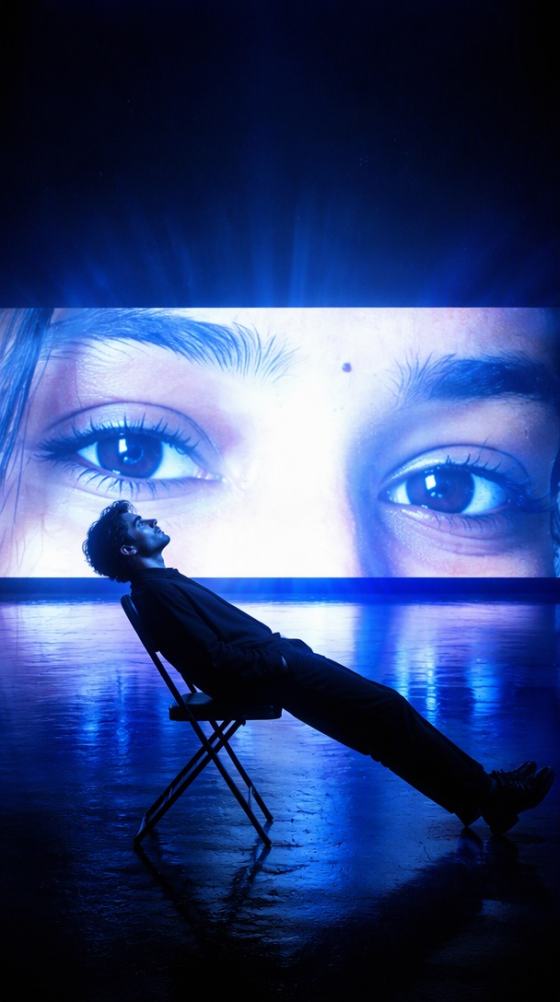

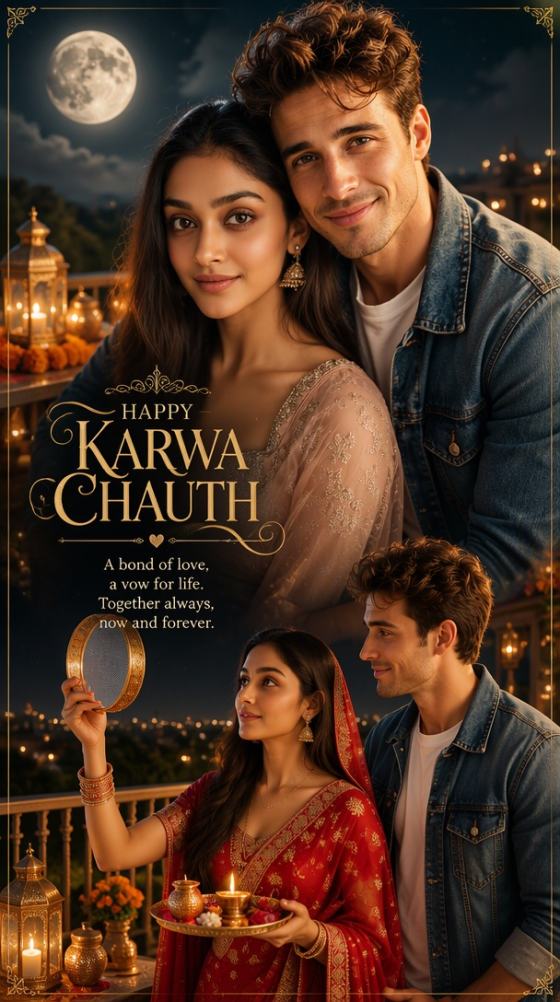
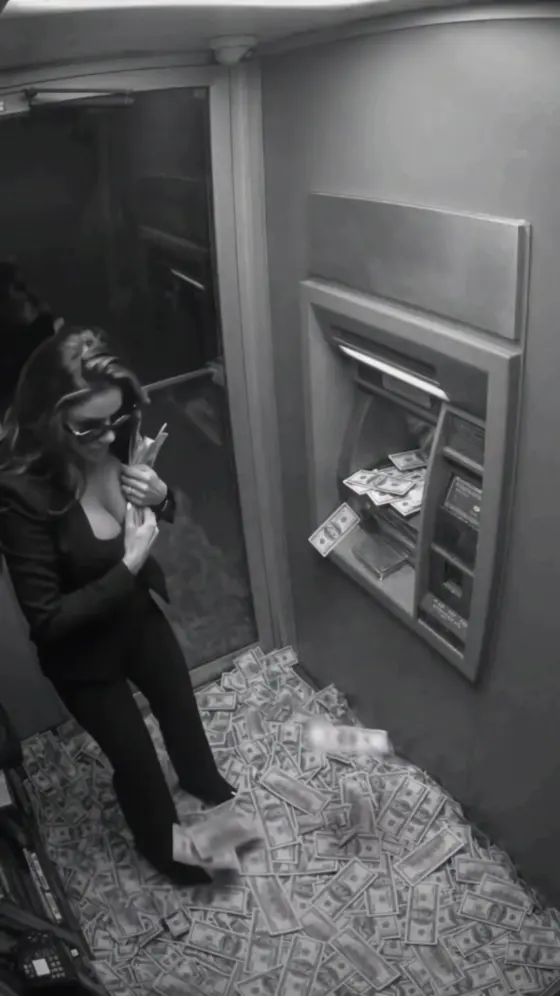

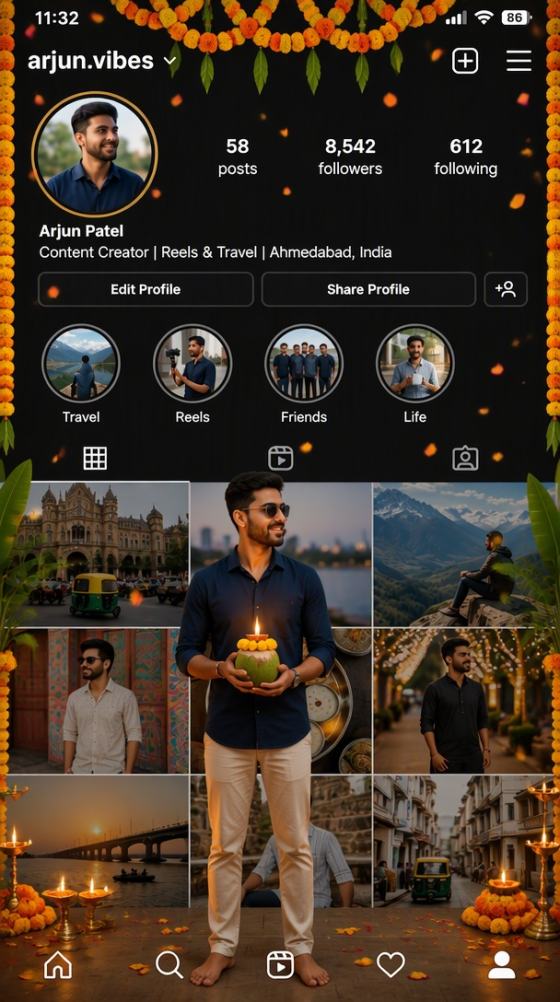

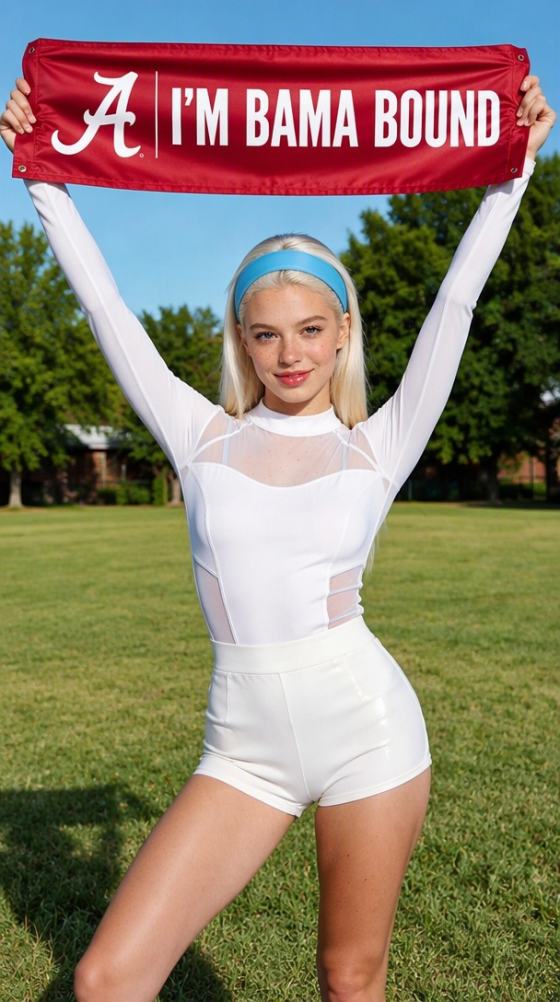
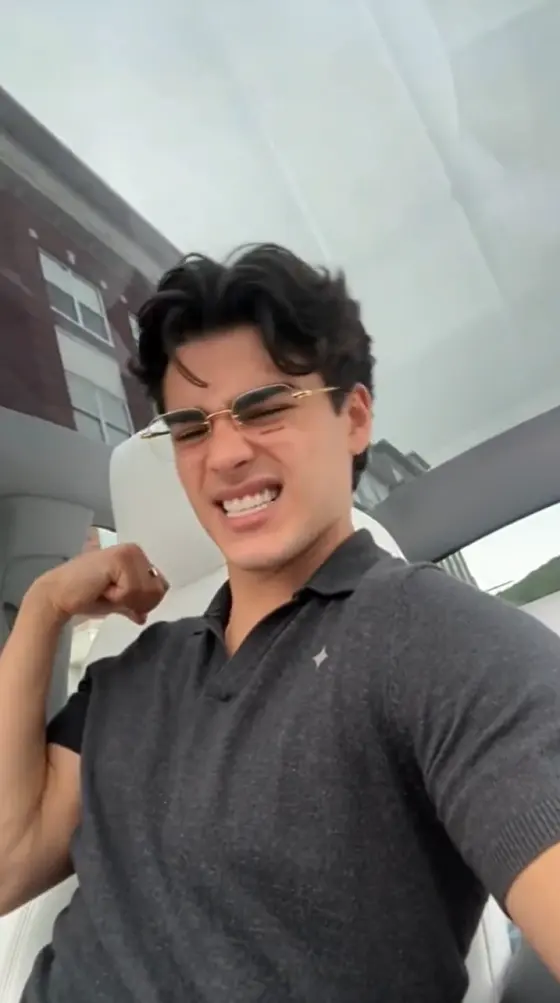
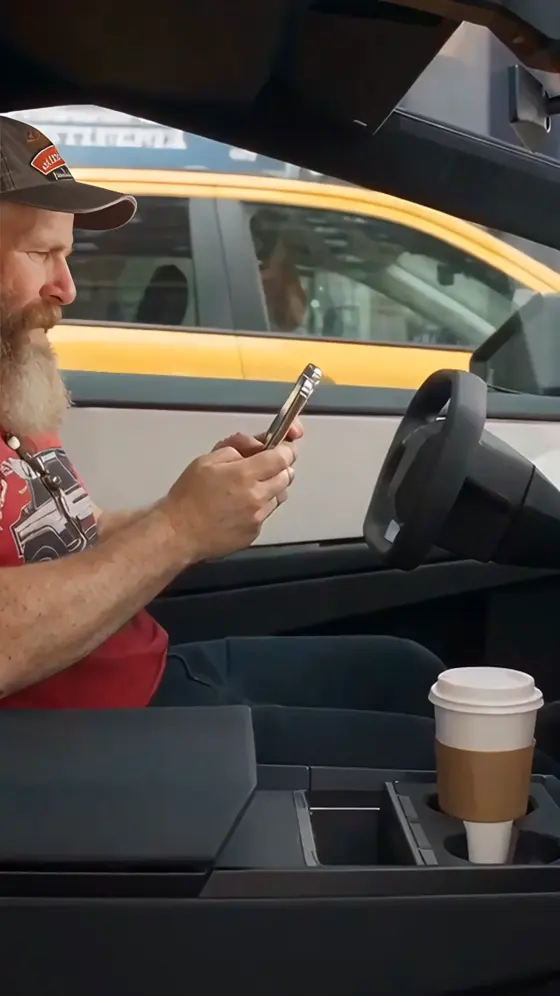
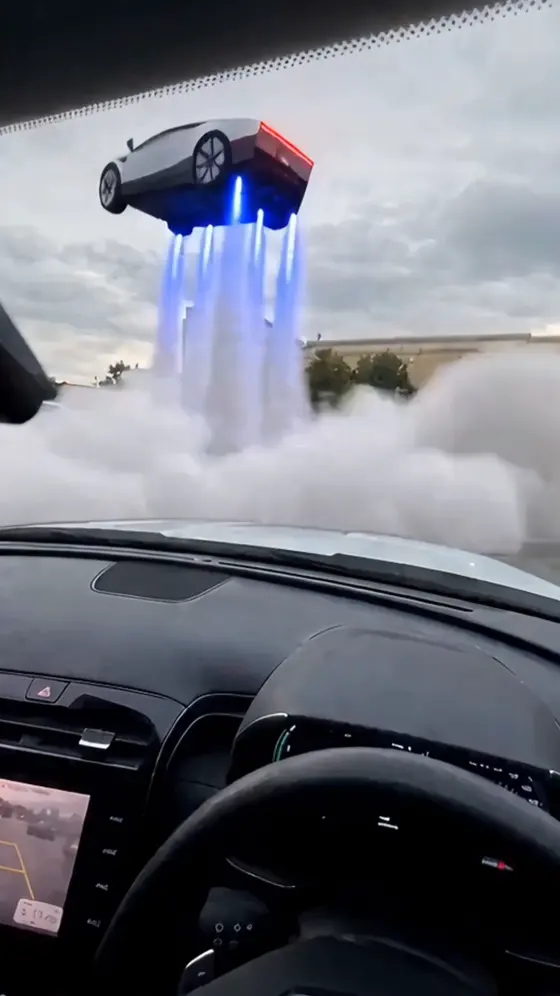


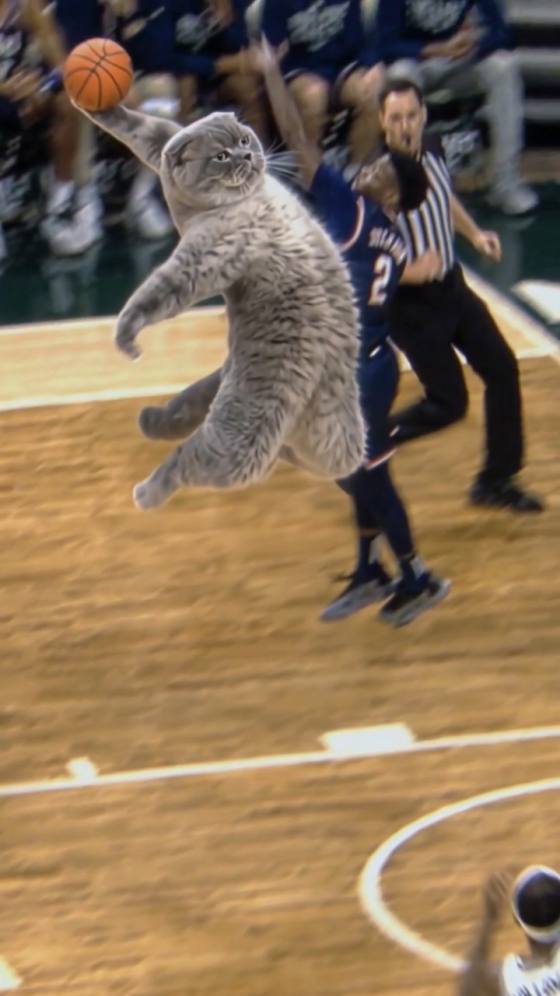
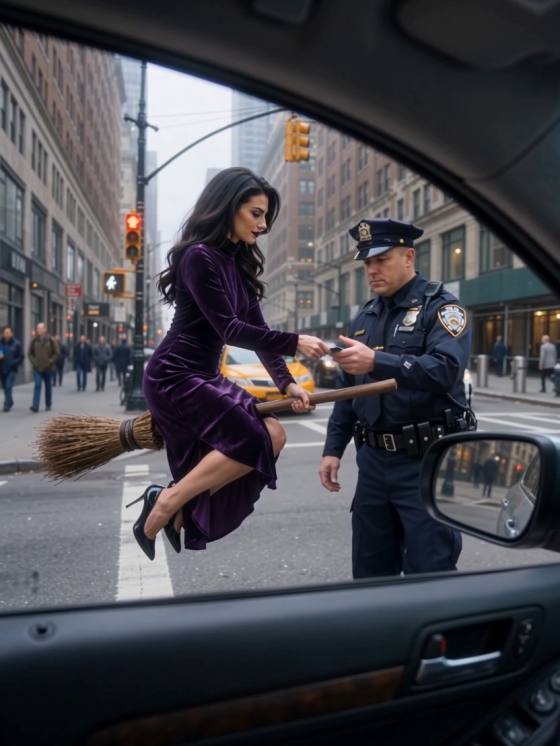
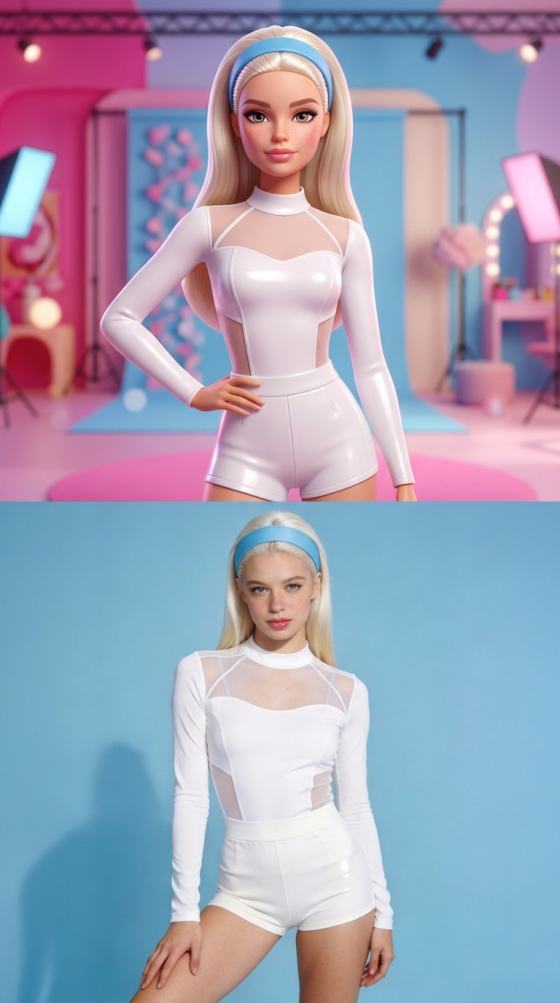
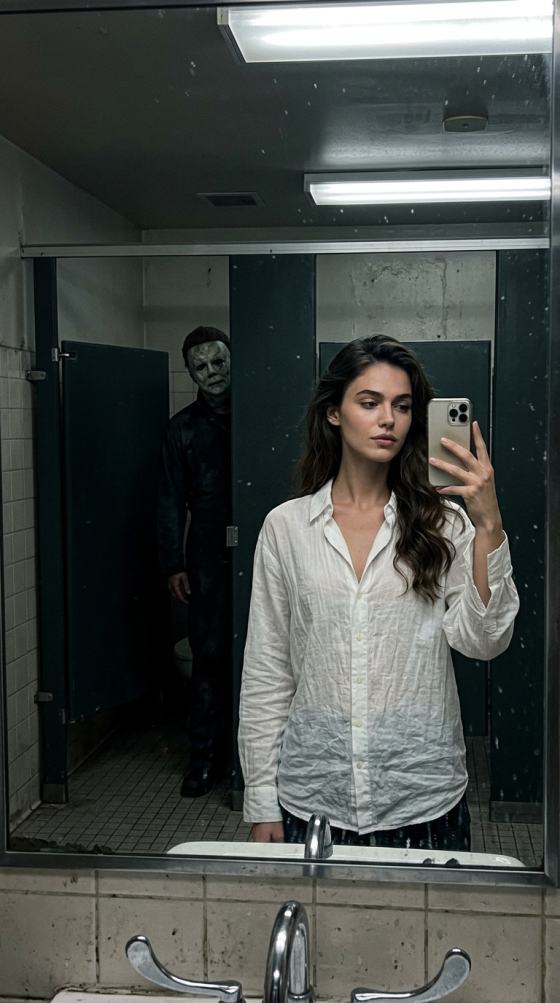
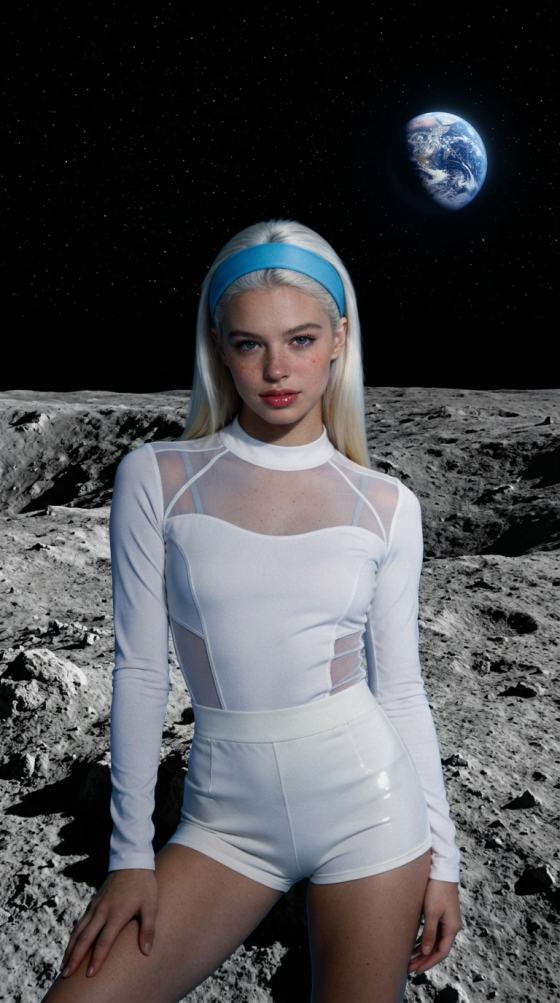

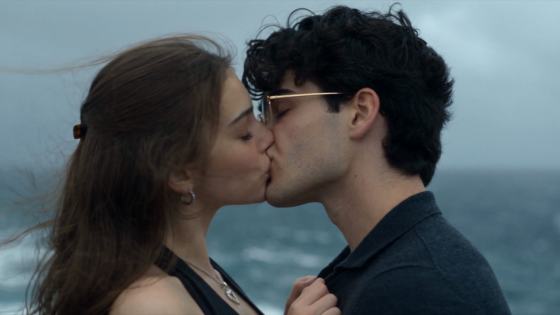



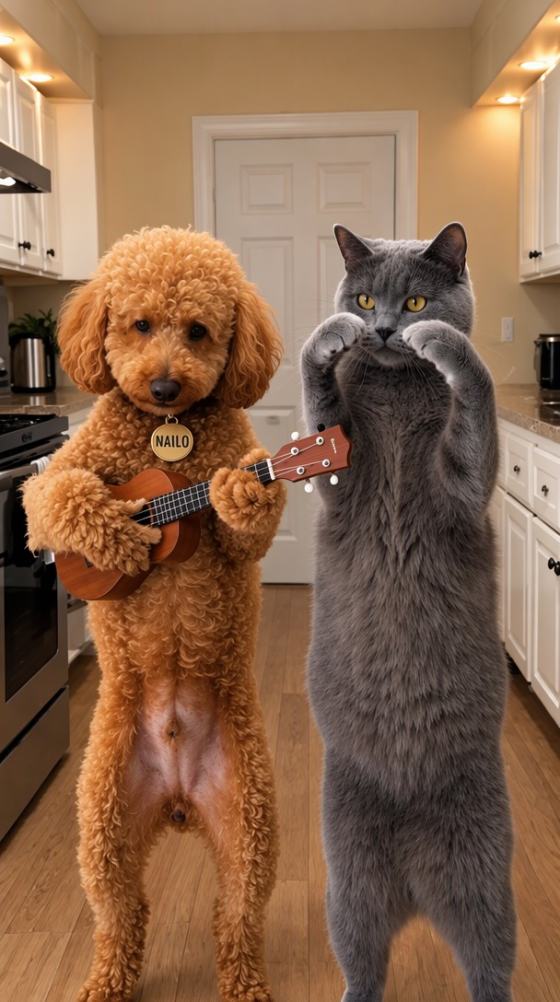

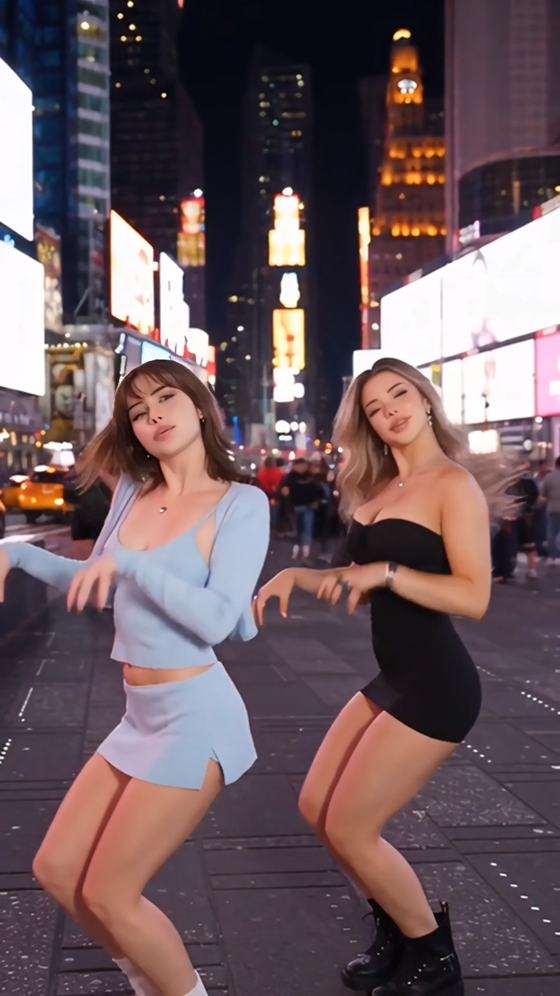
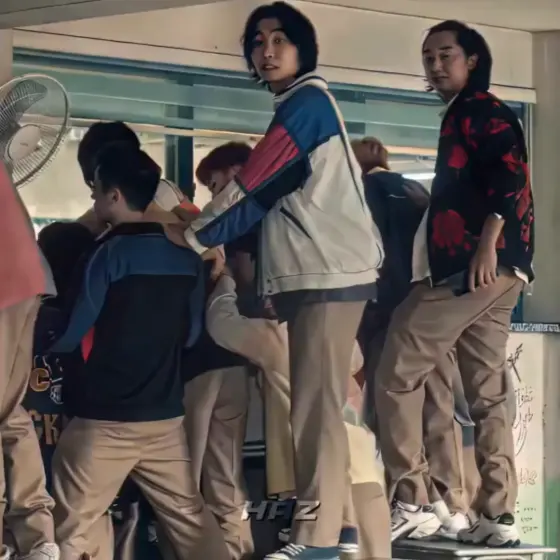

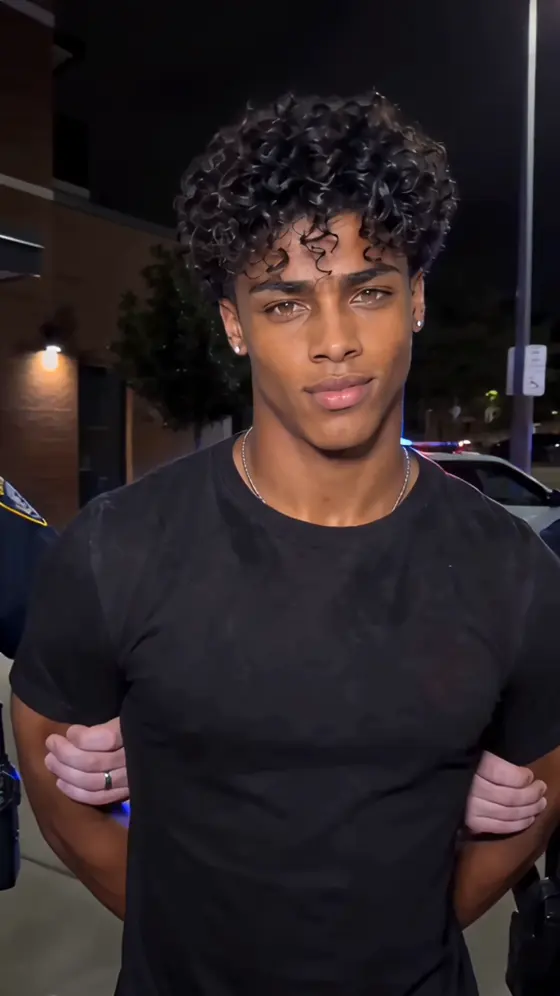

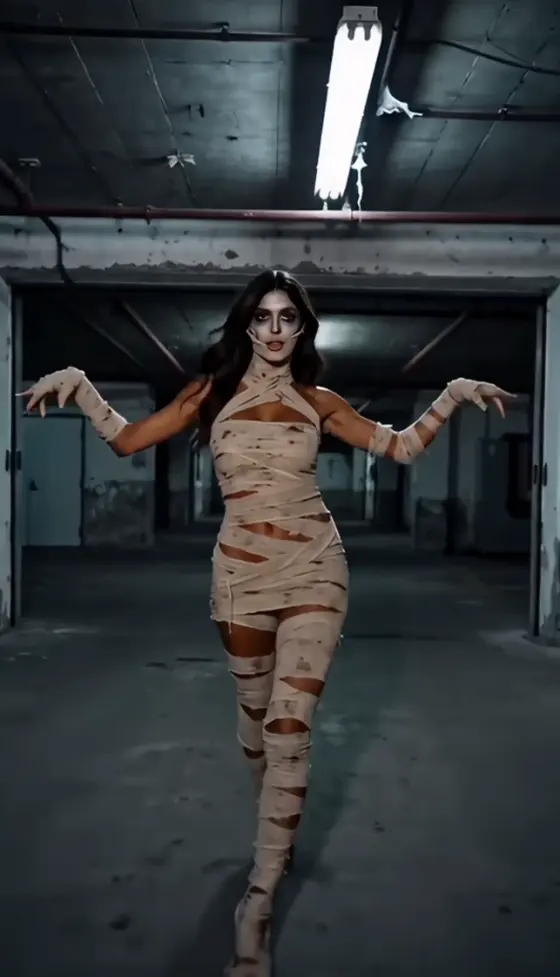












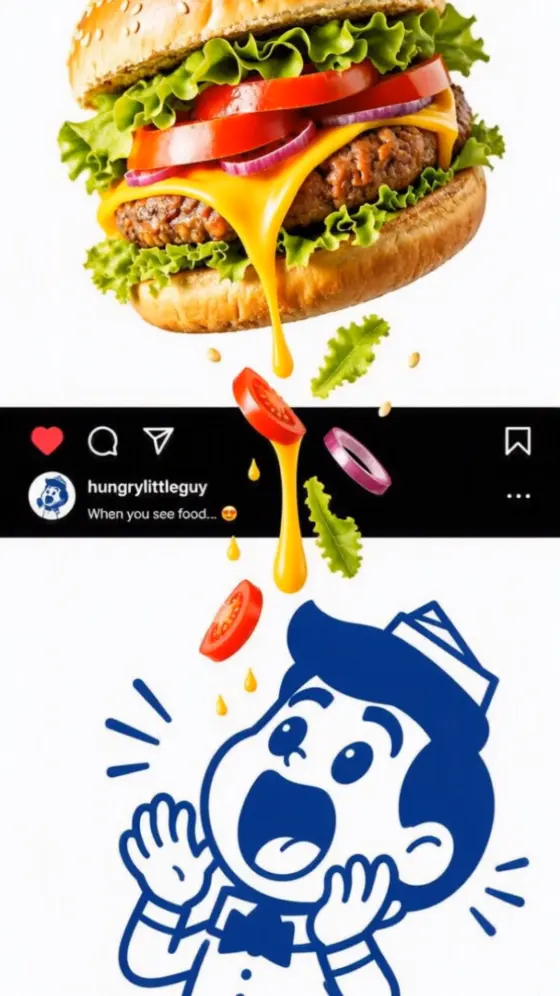














Explore Instagram Reels trends in 2026, discover popular video formats and trending audio, and turn your ideas into shareable AI Reels. Find inspiration for creators and businesses, then make your own version with Media.io.
Trend examples are editorial inspiration, not a live Instagram ranking. Check current audio availability, usage rights, and platform rules before posting, especially for business content.
Explore timely formats such as mini vlogs, reaction videos, relatable business jokes, and creative transitions. Compare each idea with your niche before making your own Reel.
Learn where to check trending audio inside Instagram, including audio pages, the Reels editor, and eligible professional dashboards. Verify what is trending today directly in the app.
Use a photo or a prompt to build a short AI video inspired by a trending format. Try a visual transformation, product reveal, or cinematic clip without recreating someone else’s video.
Translate Reels trends into product showcases, behind-the-scenes stories, customer-friendly explainers, and branded creative concepts. Confirm commercial audio rights before publishing.
Browse recent Reels, check the audio page and any trending indicators available in your Instagram app, and compare ideas with your audience. For businesses, choose a format that suits your product or message.
Upload a photo or start with a text prompt in a compatible Media.io AI video tool. Describe the trend-inspired scene, camera motion, and visual style. Use original visuals rather than copying a creator’s footage.
Check the generated video, add captions and appropriately licensed music in your editing workflow, and export for Instagram Reels. Recheck trends and sound permissions before posting.
Instagram Reels trends in 2026 include short-form storytelling, reaction formats, mini vlogs, creative transitions, relatable jokes, and AI-assisted visual effects. Specific trending Reels change by date, region, and audience. Check recent posts and Instagram’s own discovery surfaces for current examples.
Open Instagram Reels and review recent videos in your niche. Tap the audio name to inspect other Reels using the sound and look for any trending indicators. Where available, check Trending audio in the Professional dashboard or music picker. Features vary by account, app version, and region.
Check the Instagram Reels audio page, the music picker, or Trending audio in an eligible dashboard. Look at how creators are using a sound, then confirm whether it is available to your account. A song trending for personal posts may not be licensed for business, advertising, or sponsored use.
Businesses can adapt behind-the-scenes mini vlogs, product reveals, before-and-after transformations, staff reactions, and short customer problem-and-solution stories. Choose trends that match the brand and audience rather than copying every viral format. Check commercial audio permissions and avoid unsupported product claims.
You can use a compatible Media.io image-to-video workflow to animate a photo into a short, trend-inspired scene. Describe the subject, setting, movement, and vertical framing in your prompt. The exact controls and output depend on the selected model; you may need separate editing for captions, music, or transitions.
See what creators are making on TikTok, Reels & Shorts — watch the effects and try your next viral idea.