





























Create Viral Reels in Minutes
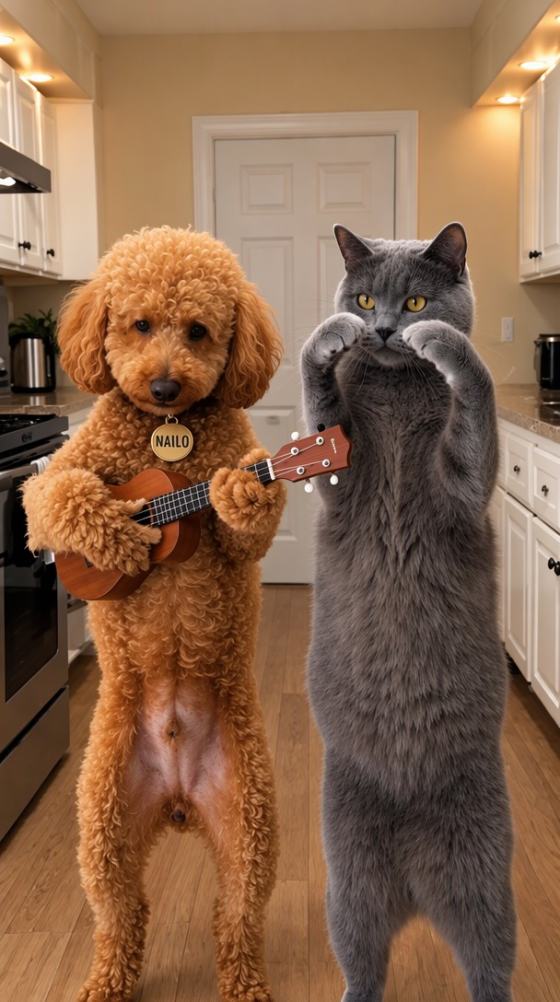
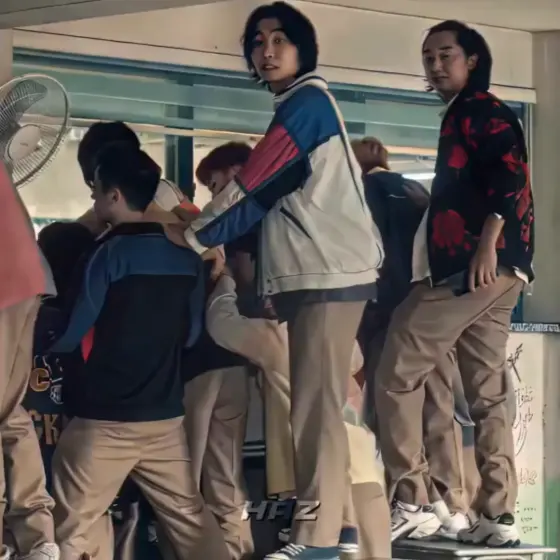
Skip manual keyframes, speed ramps, and transition timing. Media.io AI automatically turns photos or clips into dynamic short videos with zooms, motion effects, cinematic pacing, and social-ready visual energy.
Create a CapCut template new trend video for girls, boys, cars, attitude edits, and Instagram Reels without complex timelines. Upload your media, choose a viral style, and let Media.io AI turn everyday content into polished short-form videos in minutes.
Free credits on signup.
Skip manual keyframes, speed ramps, and transition timing. Media.io AI automatically turns photos or clips into dynamic short videos with zooms, motion effects, cinematic pacing, and social-ready visual energy.
Create directly in your browser instead of searching for expired CapCut template download links. Media.io works on desktop and mobile, requires no template package, and produces a fresh result from your own media.
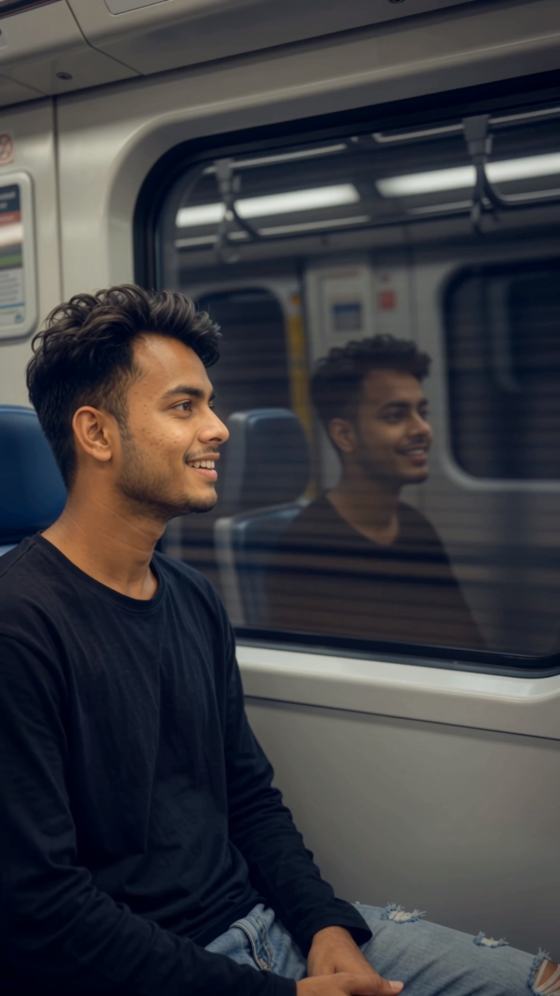
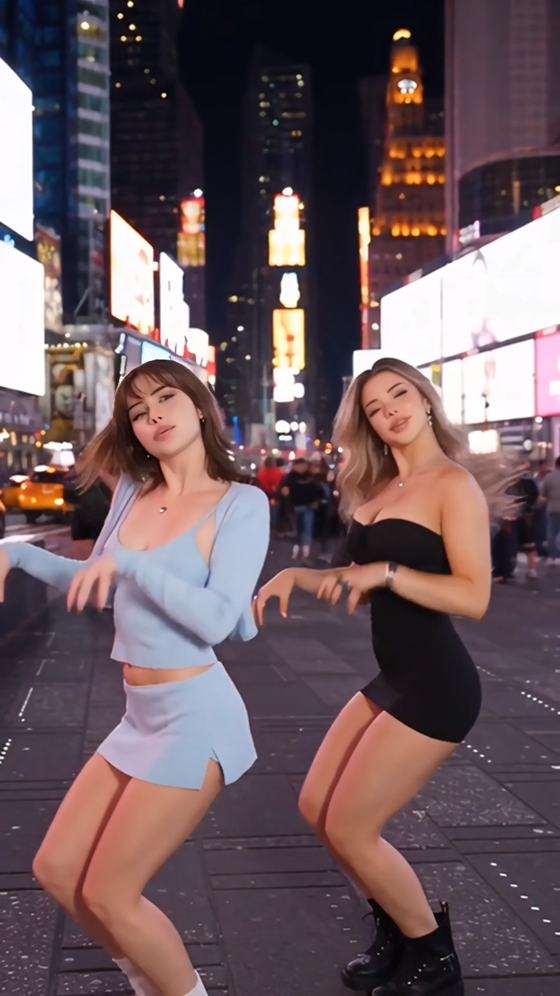
Make a CapCut template new trend girl edit, a stylish boy video, a cinematic car reel, or a bold attitude post. Choose the mood, upload your content, and generate a look that fits your audience.
Produce vertical videos for Instagram Reels, TikTok, YouTube Shorts, and Facebook Reels. The AI helps keep subjects centered, pacing fast, and the visual format ready for short-form publishing.
Upload a selfie, portrait, car photo, product shot, travel clip, or lifestyle video. Clear media with a visible subject usually produces the strongest result.
Select an attitude edit, cinematic car style, aesthetic portrait, beat-driven Reel, or another viral-inspired look. Adjust the prompt or effect to fit your mood.
Generate your video, preview the result, and download your favorite version. Share it on Instagram Reels, TikTok, YouTube Shorts, or other social platforms.
Choose a trend direction that matches your subject and platform. Each style can be customized with different colors, music, transitions, camera movement, and aspect ratios.
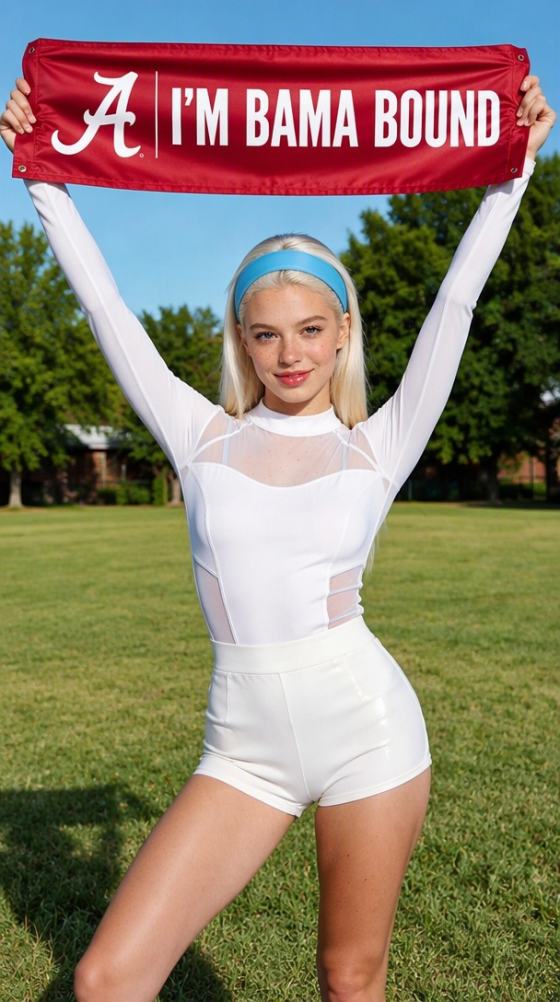
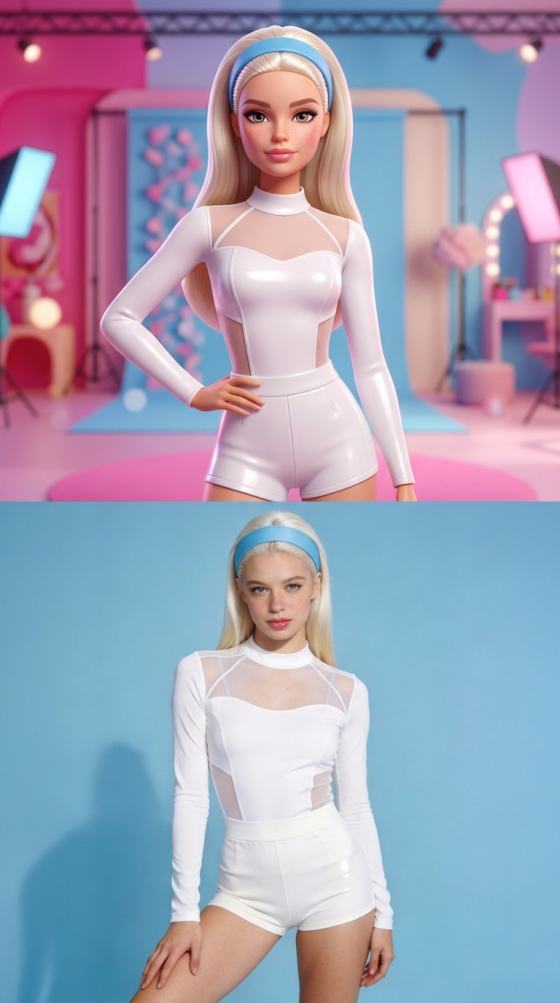
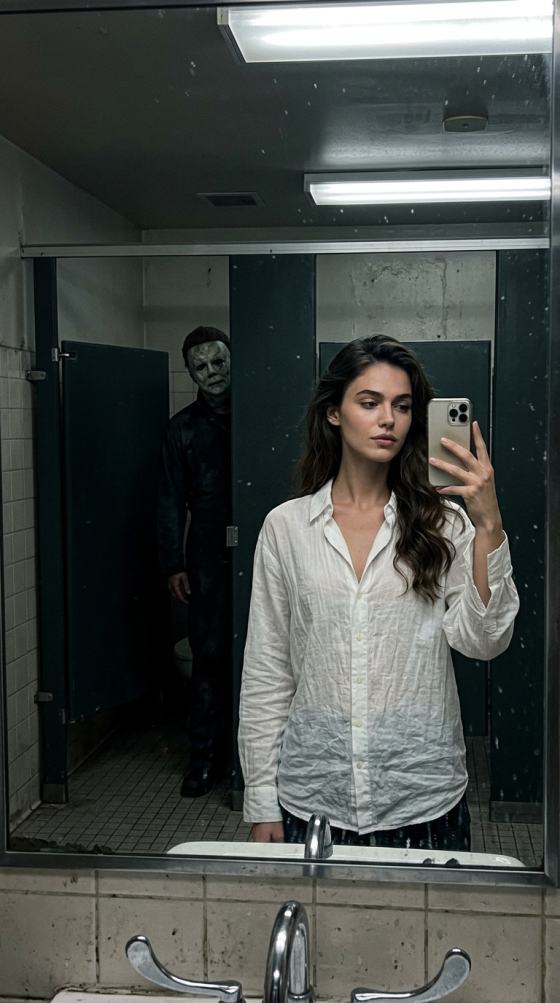
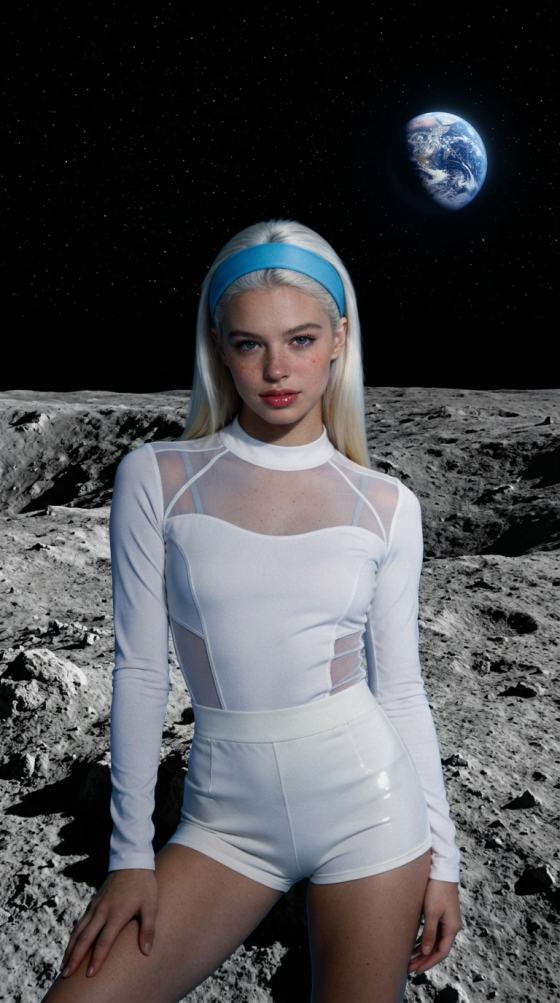
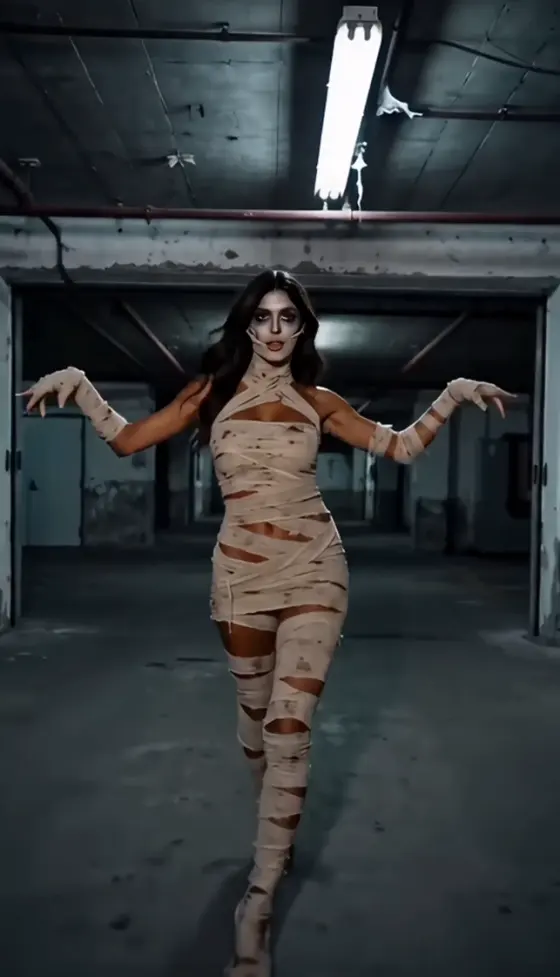
Create aesthetic portrait edits with dreamy lighting, smooth zooms, soft color grading, fashion-focused styling, and elegant transitions for Reels, TikTok, or profile content.
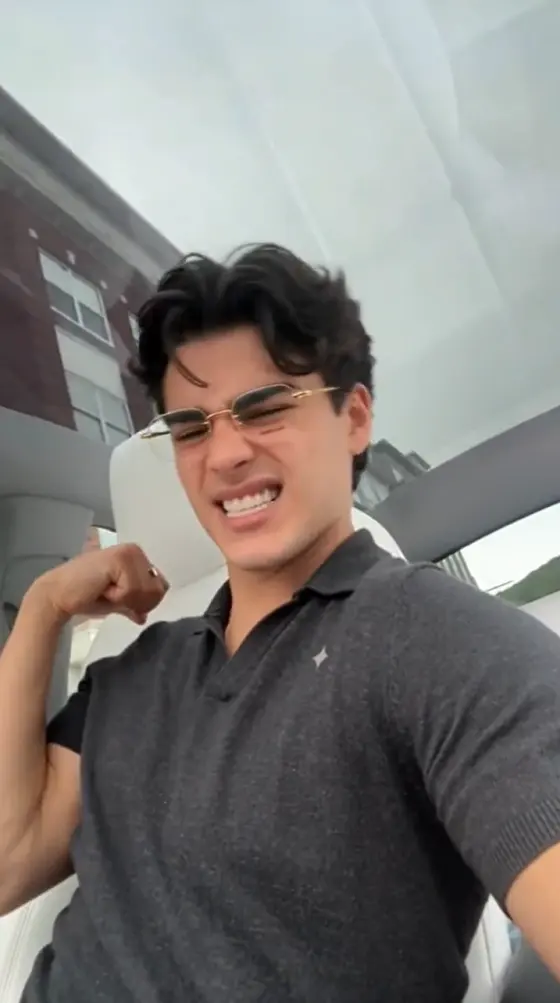
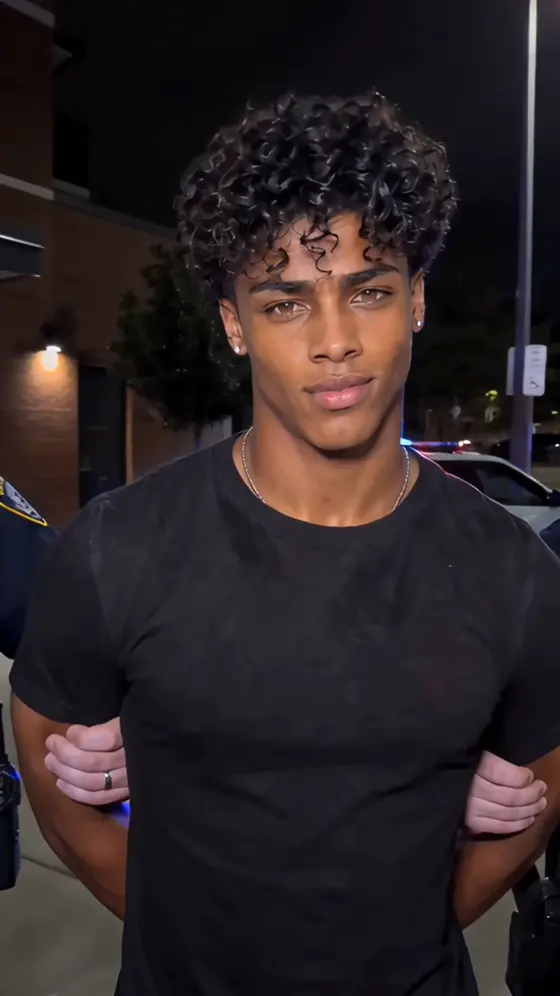
Build bold edits with confident poses, dramatic shadows, fast cuts, energetic camera movement, urban backgrounds, and sharp attitude-driven visuals.
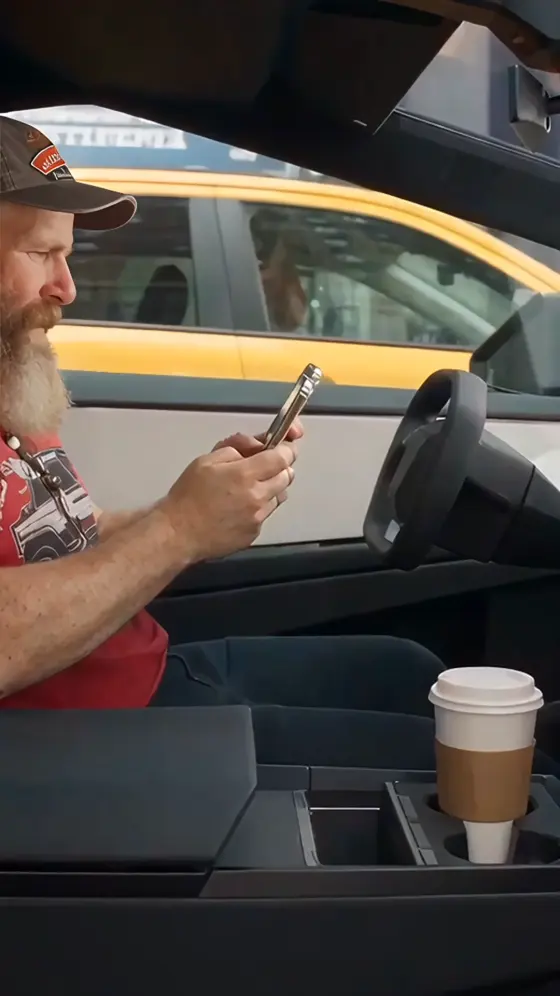
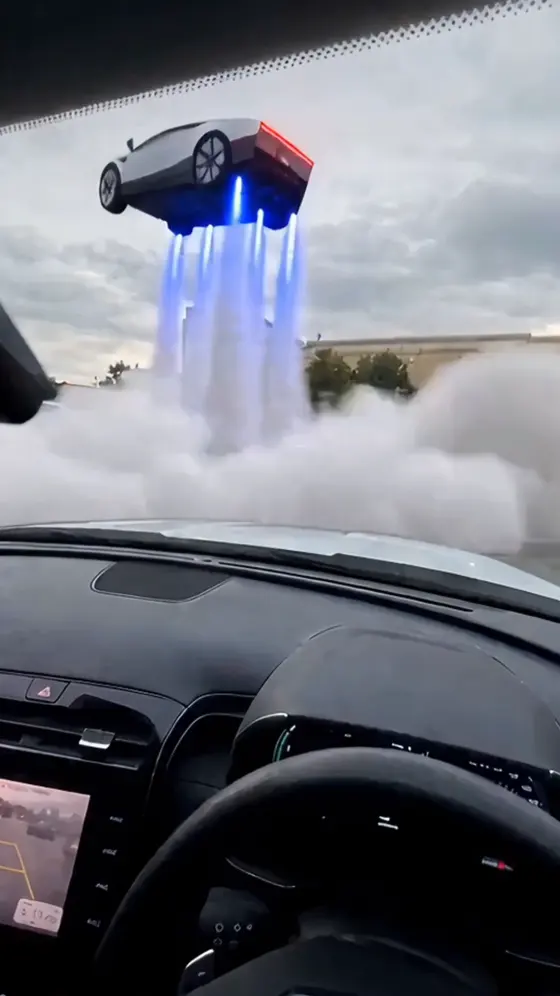
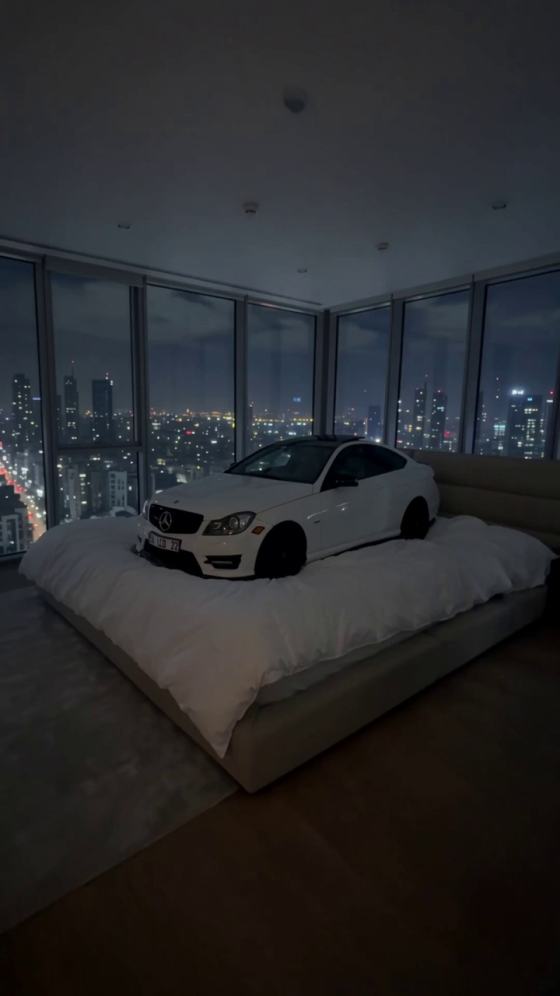
Turn a car photo or clip into a cinematic automotive Reel with speed effects, reflections, luxury color grading, dynamic pans, and high-impact transitions.
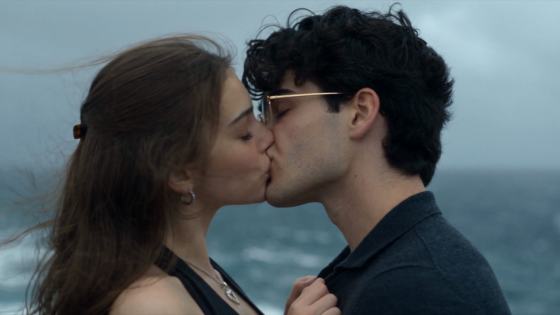
Create vertical short-form videos with engaging pacing, clean subject framing, music-friendly cuts, and modern transitions designed for Instagram Reels.
Emphasize confidence with dramatic slow motion, darker color grading, bold typography, sharp flashes, powerful poses, and punchy camera movement.
Produce polished Instagram-ready edits that match current visual trends while keeping your own photos, branding, captions, and creative direction.
Use Media.io to create repeatable short-form content for personal profiles, creator accounts, brands, and automotive pages without rebuilding every edit from scratch.
Transform ordinary photos and clips into attention-grabbing videos for TikTok, Instagram Reels, and YouTube Shorts. Fast movement, cinematic transitions, and bold visuals help your content stand out in crowded feeds.
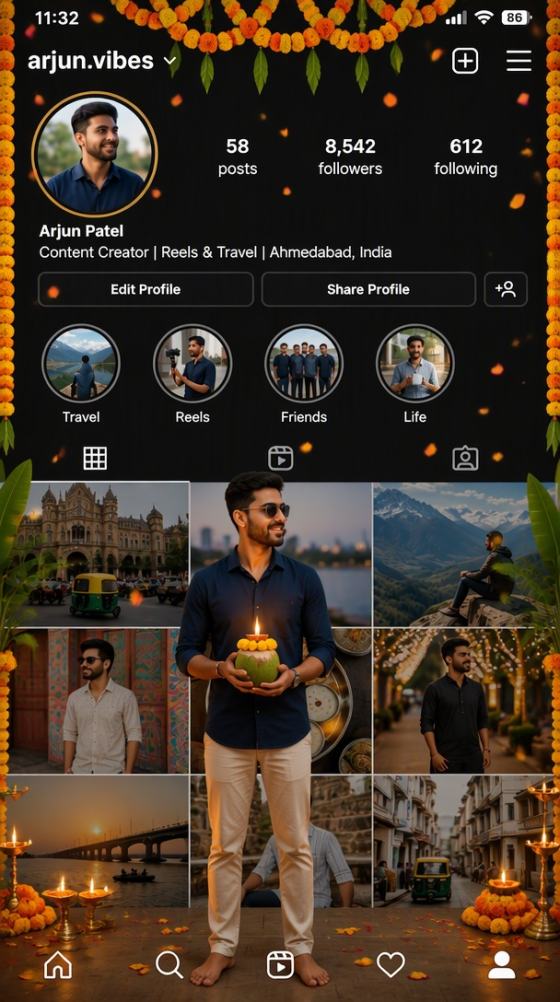
Create profile videos, glow-up edits, fashion montages, birthday posts, or confident attitude videos using your own selfies and preferred visual style.
Showcase cars, products, outfits, or locations with dynamic motion and premium visual treatment. The same workflow works for creators, dealerships, small businesses, and social campaigns.
A CapCut template new trend is a popular short-form editing style commonly used on TikTok, Instagram Reels, YouTube Shorts, and Facebook Reels. It may combine beat-synced cuts, zoom transitions, slow motion, velocity effects, cinematic color grading, text overlays, or attitude-focused visuals. Media.io helps you create a similar trend-driven result with AI using your own photos or clips.
Yes. Upload a clear portrait or selfie and select a style that matches the look you want. A CapCut template new trend girl video can use soft lighting, beauty-focused color grading, fashion transitions, or dreamy movement. A CapCut template new trend boy video can use sharper cuts, urban backgrounds, stronger contrast, dramatic poses, or attitude effects. You can customize the prompt, pacing, and overall mood before generating.
No. Media.io works online, so you do not need to search for a CapCut template download or install a separate template package. This also avoids common problems such as expired links, region restrictions, missing music, unsupported app versions, or templates that no longer open. Upload your media, choose a style, and generate a new result directly in your browser.
Yes. Media.io is suitable for making a CapCut template for Reels or a CapCut template new trend Instagram video. Use a vertical 9:16 layout, keep important faces or products near the center, and choose fast pacing for better mobile viewing. You can use the finished video on Instagram Reels, TikTok, YouTube Shorts, Facebook Reels, Stories, or other short-form platforms.
Media.io offers free credits for trying AI creation features after signup. Available generation limits, export resolution, processing speed, watermark options, and premium effects may depend on the selected plan. This lets you test a CapCut template free download alternative before deciding whether you need more credits or higher-quality exports.



