Avant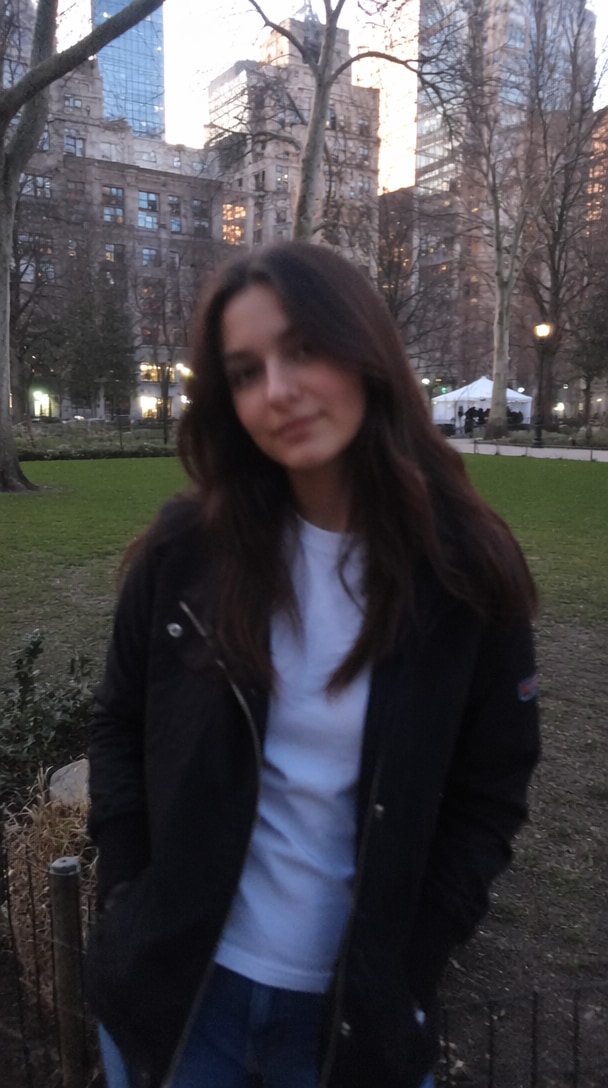
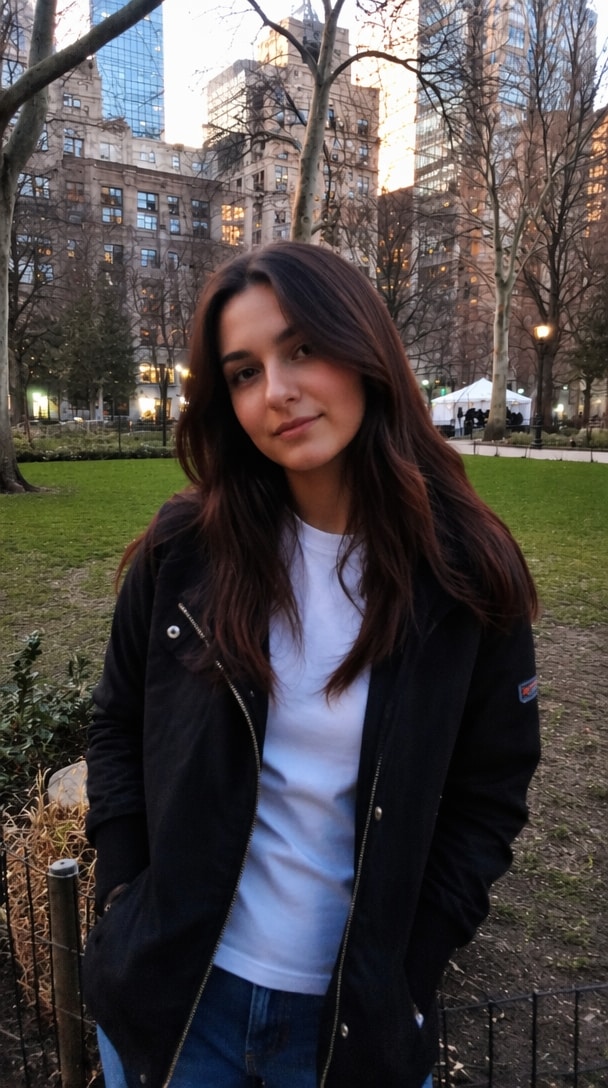 ↔
↔
↔Amélioration de portrait
Appuyez pour comparer la clarté du visage.
Utilisez un prompt photo clear AI en ligne gratuit prêt à l'emploi pour améliorer la netteté des images floues, restaurer les anciennes photos, réduire le bruit et récupérer les détails naturels. Copiez un prompt, téléchargez votre image et créez un résultat plus net et en haute résolution avec les outils IA de Media.io.
Crédits gratuits à l'inscription.
Choisissez l'une des cinq scènes d'amélioration réelles, faites glisser le curseur de comparaison principal ou appuyez sur une carte pour basculer entre le résultat original et le résultat amélioré par l'IA.
AvantAprès
Supprimez le flou de mouvement et le bruit tout en préservant l'identité, l'expression, la texture de la peau, la pose et l'arrière-plan.
↔Appuyez pour comparer la clarté du visage.
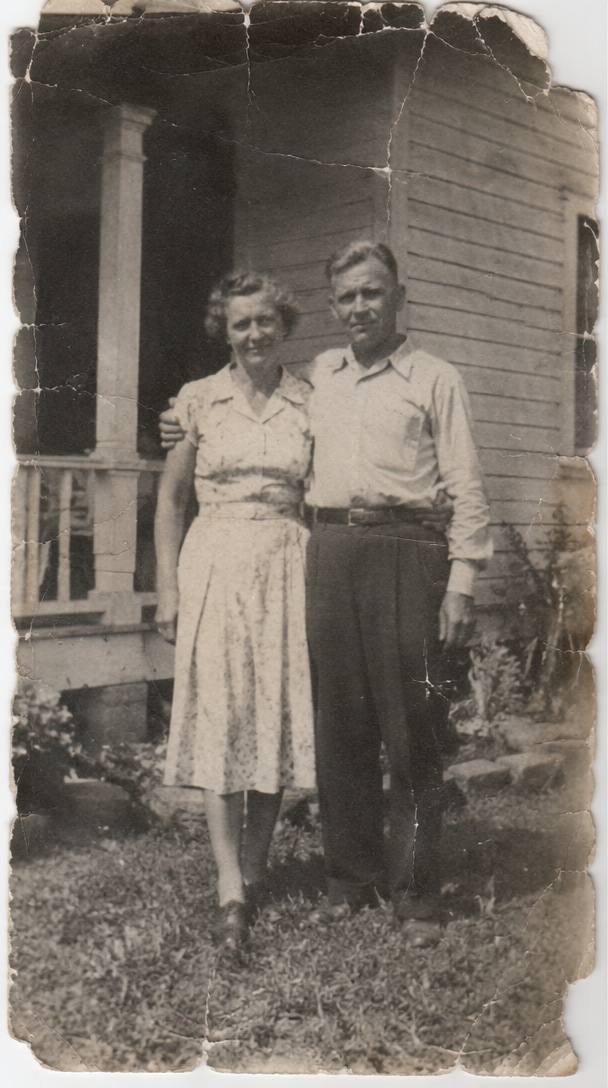
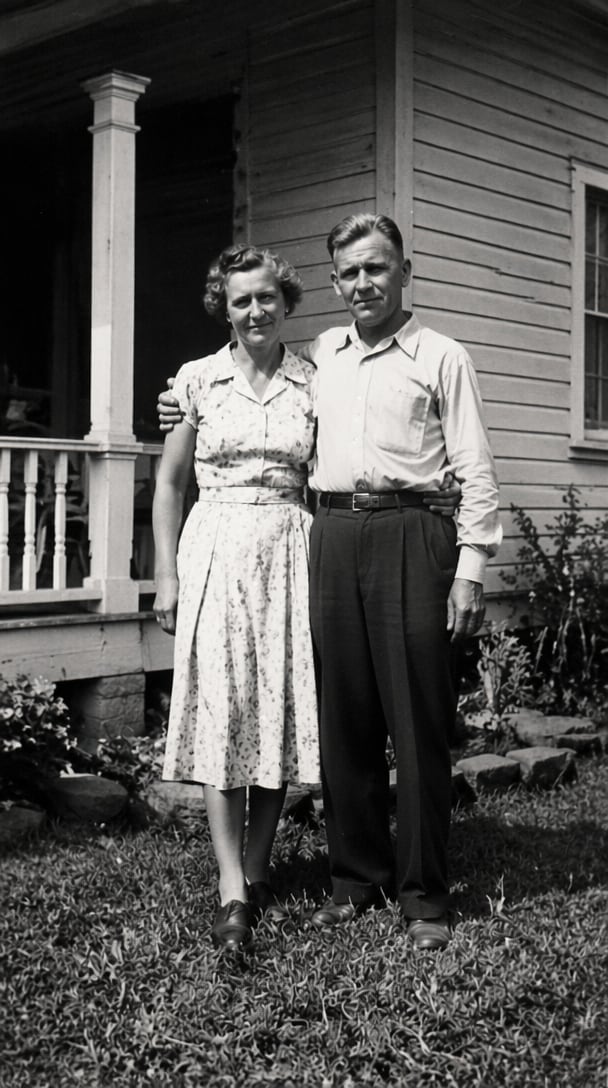 ↔
↔Appuyez pour révéler les détails réparés.
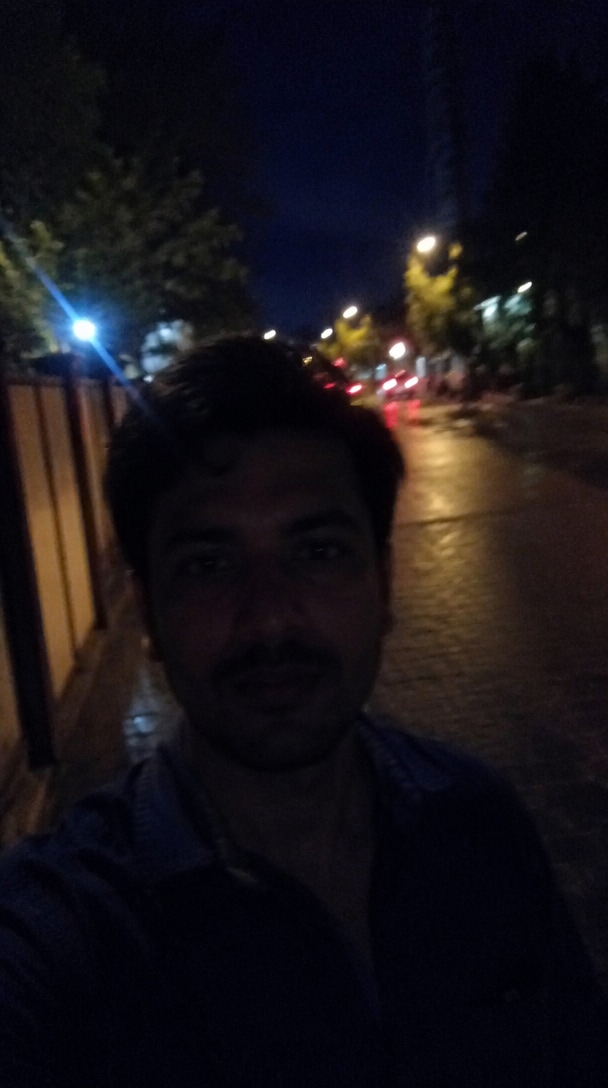
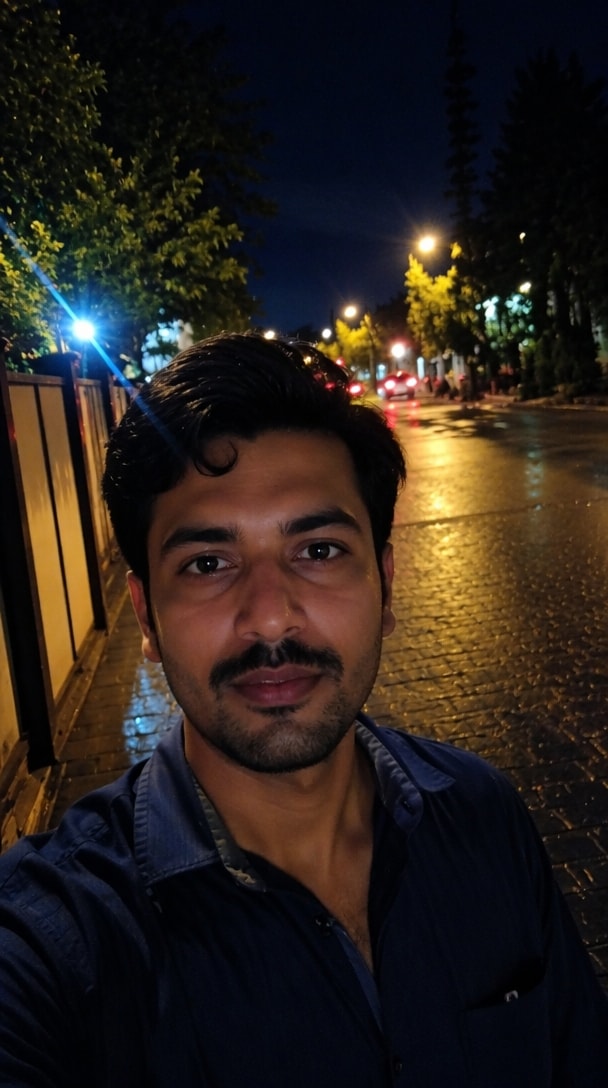 ↔
↔Appuyez pour comparer la suppression du bruit.
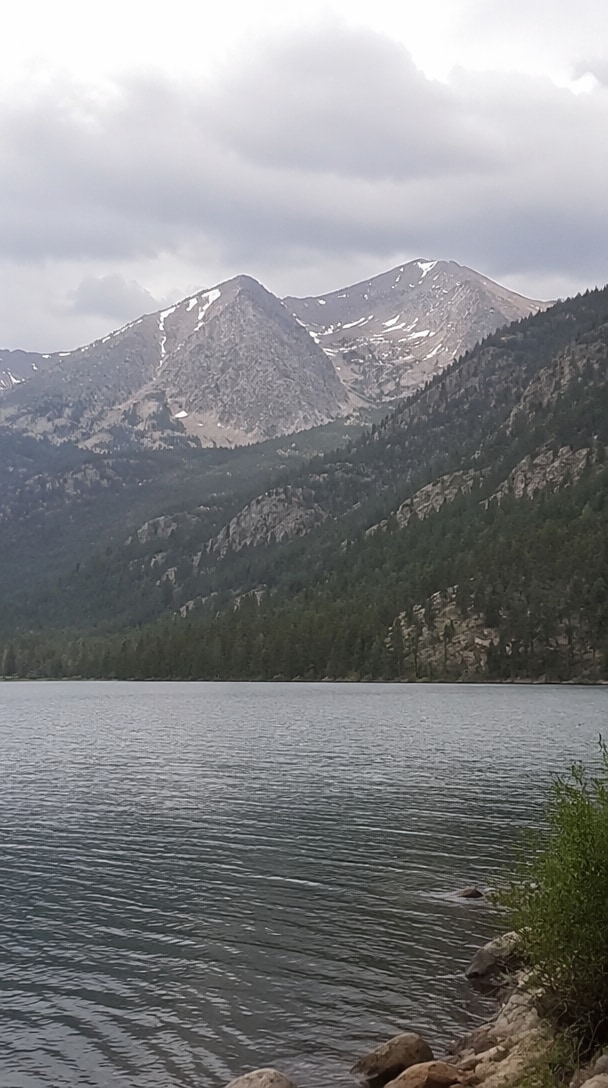
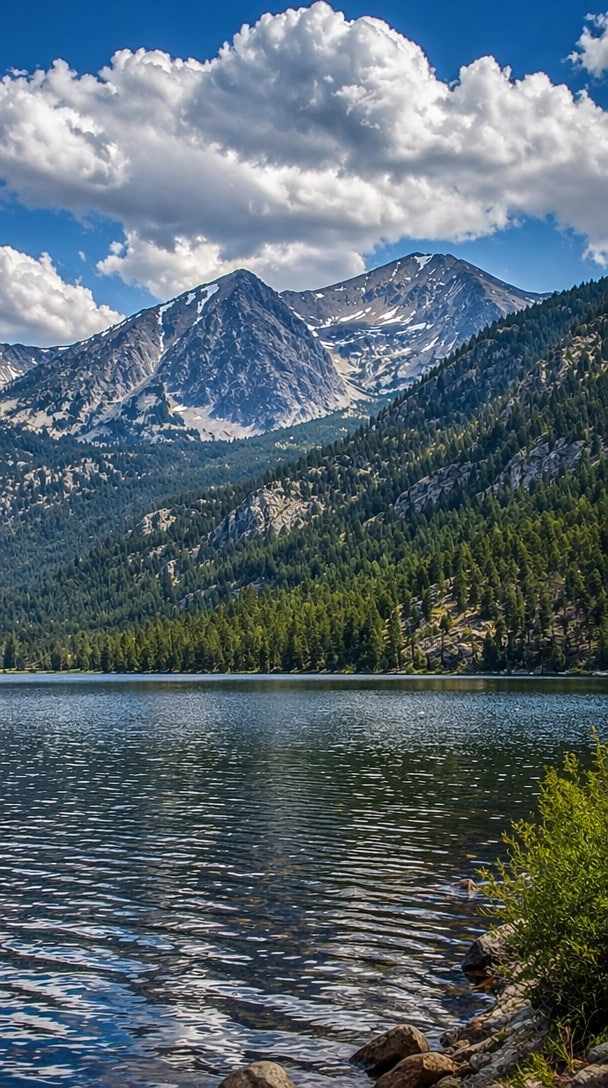 ↔
↔Appuyez pour révéler des paysages plus nets.
 ↔
↔Appuyez pour comparer le polissage commercial.
Interaction : faites glisser le grand curseur, choisissez une scène ou appuyez sur chaque carte pour basculer entre Avant et Après.
Évitez les essais et erreurs grâce à des modèles pratiques de copier-coller de prompts photo IA pour les portraits, les anciennes photos, les prises de vue en faible luminosité, les produits et les paysages. Commencez avec une formulation éprouvée, puis ajustez les détails pour correspondre à votre image.
Utilisez le prompt photo clear IA en ligne sans installer de logiciel de bureau. Media.io fonctionne dans les navigateurs modernes sur Windows, Mac, Android, iPhone et tablettes, rendant l'amélioration rapide des photos facile où que vous créiez.
Des prompts puissants indiquent à l'IA d'améliorer la netteté des visages, de restaurer la texture de la peau et des cheveux, de réduire le flou et d'améliorer l'éclairage tout en préservant l'identité, l'expression, la composition et les couleurs réalistes plutôt que de créer un résultat d'aspect artificiel.
Media.io combine la création basée sur des prompts avec l'amélioration et l'édition d'images IA. Après avoir amélioré la clarté, vous pouvez continuer à affiner l'arrière-plan, la composition, le format ou le style créatif dans un flux de travail connecté.
Choisissez un selfie flou, une image sociale compressée, une photo de famille décolorée, une prise de vue en faible luminosité ou toute autre photo nécessitant des détails plus nets et une qualité visuelle améliorée.
Copiez un prompt pour une amélioration générale, des portraits, des anciennes photos, des produits, des paysages ou des images en faible luminosité. Ajoutez des détails sur le sujet, les dommages, l'éclairage et le résultat souhaité.
Générez une version plus nette, comparez le résultat avec l'original et affinez la formulation si nécessaire. Téléchargez la photo améliorée ou continuez à la modifier avec Media.io.
Choisissez une direction de prompt en fonction du problème dans votre image. Chaque modèle peut être copié directement, personnalisé pour Gemini ou un autre éditeur IA, et affiné pour un résultat plus naturel.
Restaurez les photos de famille décolorées, réparez les rayures et la poussière, réduisez le grain, récupérez les détails du visage et améliorez le contraste tout en préservant la période originale, l'expression, les vêtements et l'apparence authentique.
Prompt : Restaurez cette ancienne photographie en supprimant les rayures, la poussière, les taches, la décoloration et le grain. Réparez les zones endommagées, améliorez la netteté des traits du visage, récupérez les textures naturelles, améliorez le contraste et préservez l'identité originale, les vêtements, la composition et l'apparence historique.
Améliorez les portraits flous pour les profils, les réseaux sociaux, les CV ou les albums personnels. Clarifiez les yeux et les cheveux, équilibrez la texture de la peau, réduisez le bruit et préservez l'identité reconnaissable de la personne.
Prompt : Améliorez ce portrait en une photo claire en haute résolution. Affinez les yeux, les cheveux et les contours du visage, réduisez le flou et le bruit, restaurez la texture naturelle de la peau, équilibrez l'éclairage et préservez le visage original, l'expression, la pose et l'arrière-plan.
Nettoyez les photos d'intérieur sombres, les images nocturnes et les photos de produits. Éclaircissez les ombres, améliorez les détails des contours, réduisez les artefacts de compression et conservez des couleurs précises sans surexposition.
Prompt : Améliorez cette photo en faible luminosité en réduisant le bruit numérique, en éclaircissant les ombres, en restaurant des couleurs précises, en affinant les contours importants et en augmentant la clarté sans surexposer les hautes lumières ni modifier le sujet original.

Photographe de voyage

« Photos de voyage plus nettes. » J'ai utilisé le prompt photo clear IA sur plusieurs photos de voyage douces et compressées. Les résultats semblaient plus nets tout en conservant les couleurs originales et une atmosphère naturelle.
Créateur de contenu
« Des prompts qui aident vraiment. » Les exemples de copier-coller de prompts photo IA m'ont donné un bien meilleur point de départ que de vagues instructions d'amélioration. Mes images de profil ont nécessité beaucoup moins de tentatives.
Historienne familiale
« Les vieux détails sont revenus. » Le prompt pour photo ancienne nette a aidé à récupérer les visages et les détails des vêtements d'une photo de famille endommagée sans la rendre trop moderne ou artificielle.
Un prompt photo clear IA en ligne gratuit est une instruction écrite qui indique à un éditeur d'images IA comment améliorer une photo de mauvaise qualité. Un prompt utile peut demander la suppression du flou, la réduction du bruit, des détails du visage plus nets, la réparation des dommages, un meilleur éclairage, des couleurs naturelles et une résolution apparente plus élevée tout en préservant le sujet et la composition originaux.
Un prompt photo clear puissant pour Gemini doit décrire à la fois les corrections et les détails qui doivent rester inchangés. Par exemple : « Améliorez cette image en une photo claire en haute résolution. Supprimez le flou et le bruit, affinez les yeux, les cheveux, les textures et les contours, améliorez l'éclairage naturel et l'équilibre des couleurs, et préservez l'identité originale, l'expression, la pose, l'arrière-plan et la composition. »
Oui. Un prompt pour photo ancienne nette peut demander à l'IA de supprimer la poussière, les rayures, les taches, la décoloration, le grain, les déchirures et les petites zones manquantes. Pour une restauration plus authentique, demandez également au modèle de préserver l'identité de la personne, les vêtements d'époque, la composition originale, la texture du film et l'apparence historique plutôt que de reconcevoir l'image.
Media.io prend en charge les flux de travail d'images IA basés sur des prompts et fournit des idées de prompts prêtes à l'emploi pour les tâches d'édition courantes. Vous pouvez commencer avec un modèle de type générateur de prompts pour éditeur photo IA, le personnaliser pour votre image, générer un résultat plus net et continuer à améliorer ou à éditer créativement le résultat au sein de la même plateforme en ligne.
Vous pouvez essayer les fonctionnalités photo clear IA gratuites prises en charge sur Media.io avec des crédits d'inscription. Les résultats dépendent de l'image source et du modèle sélectionné. Pour réduire les changements indésirables du visage, utilisez une image claire si possible et ajoutez des instructions telles que « préservez l'identité exacte, les proportions du visage, l'expression, l'âge, le teint, la coiffure et la pose. » Générez plusieurs variations et comparez-les avec l'original avant de télécharger.
 4,7 (162 357 votes)


