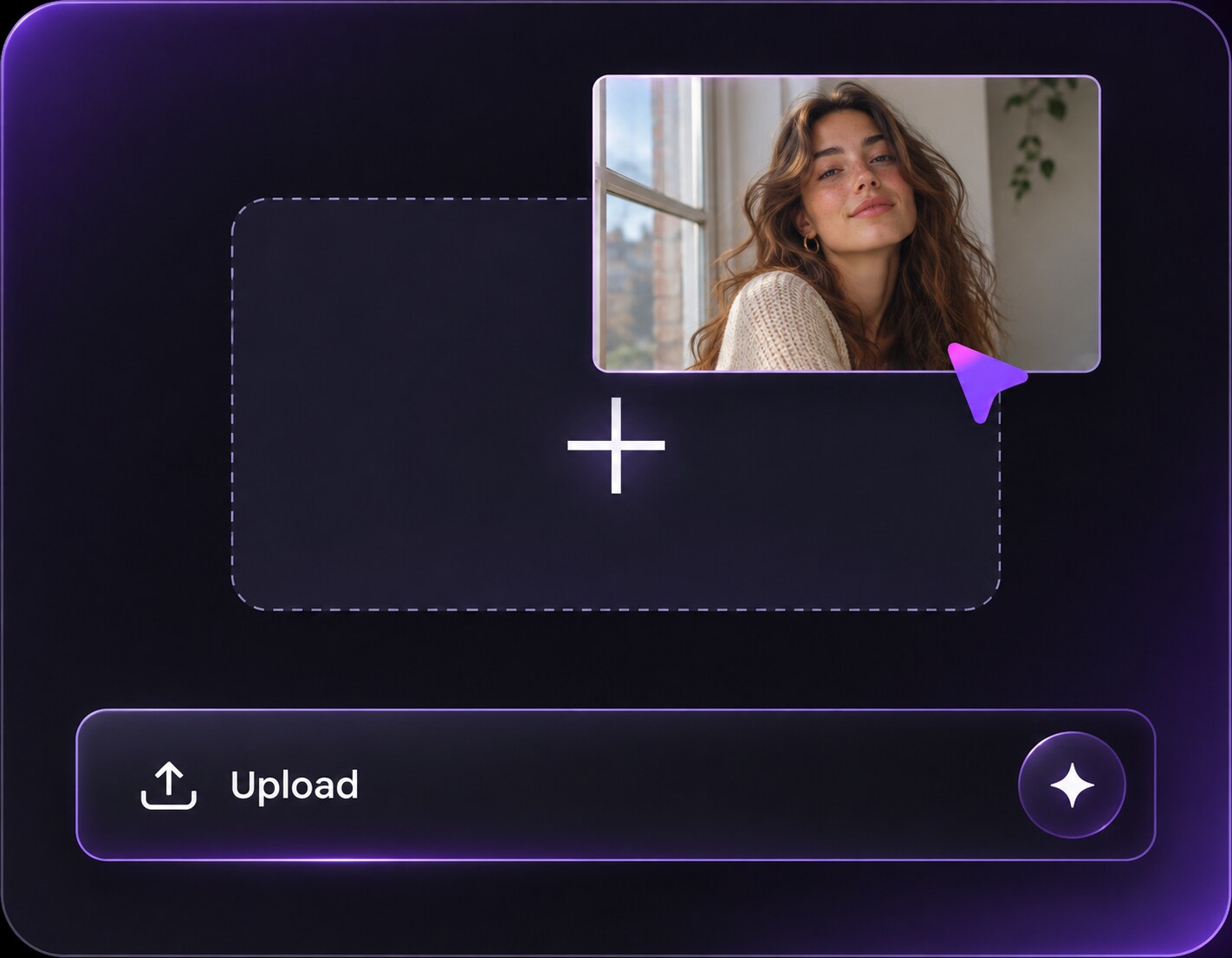
Cliquez ou faites glisser pour télécharger, ou choisissez parmi Mon HistoriqueCliquez pour téléchargerMon Historique
Pas d'idées ? Générer une image d'abord. >
Importez des images jpg, jpeg, png jusqu'à 50 Mo, avec une largeur/hauteur minimale de 300 px.
Monochromatic Makeup Filter: Match Eyes, Cheeks and Lips
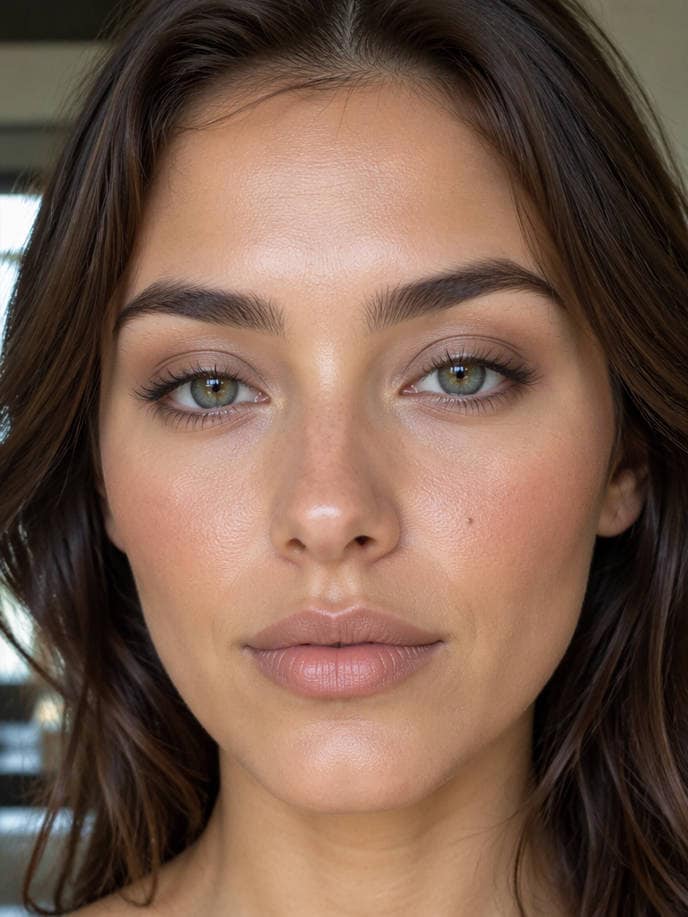
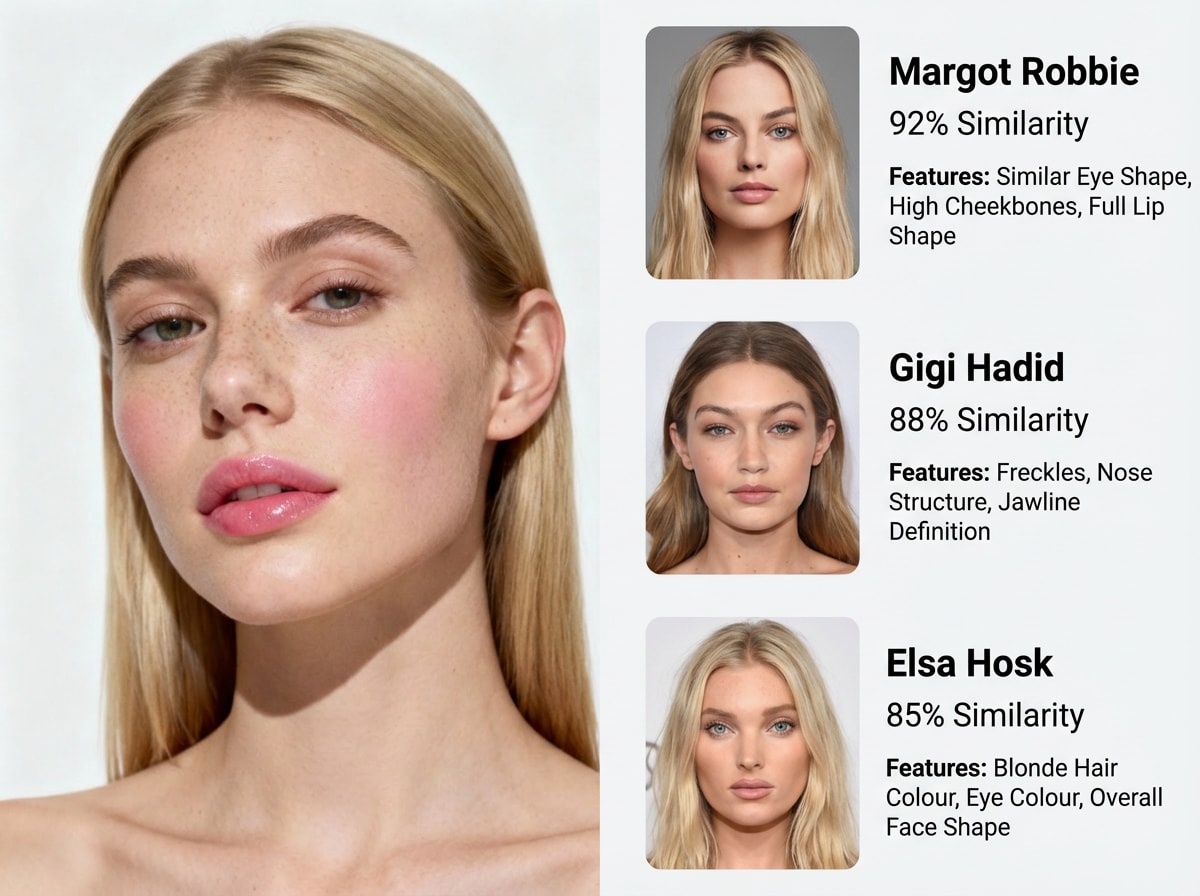
You have a favorite lip shade but cannot tell which blush and eyeshadow make it look intentional. Before buying new colors, see what a monochromatic makeup filter could look like with a coordinated single-color family across eyes, cheeks and lips with varied shade depth and finish on your existing photo. Match undertones, not identical saturation everywhere; keep a lighter lid or lip for dimension. Start with a clear portrait and compare the edits against your own features. For a capsule makeup routine, choose the version that feels right with your actual lighting and outfit.
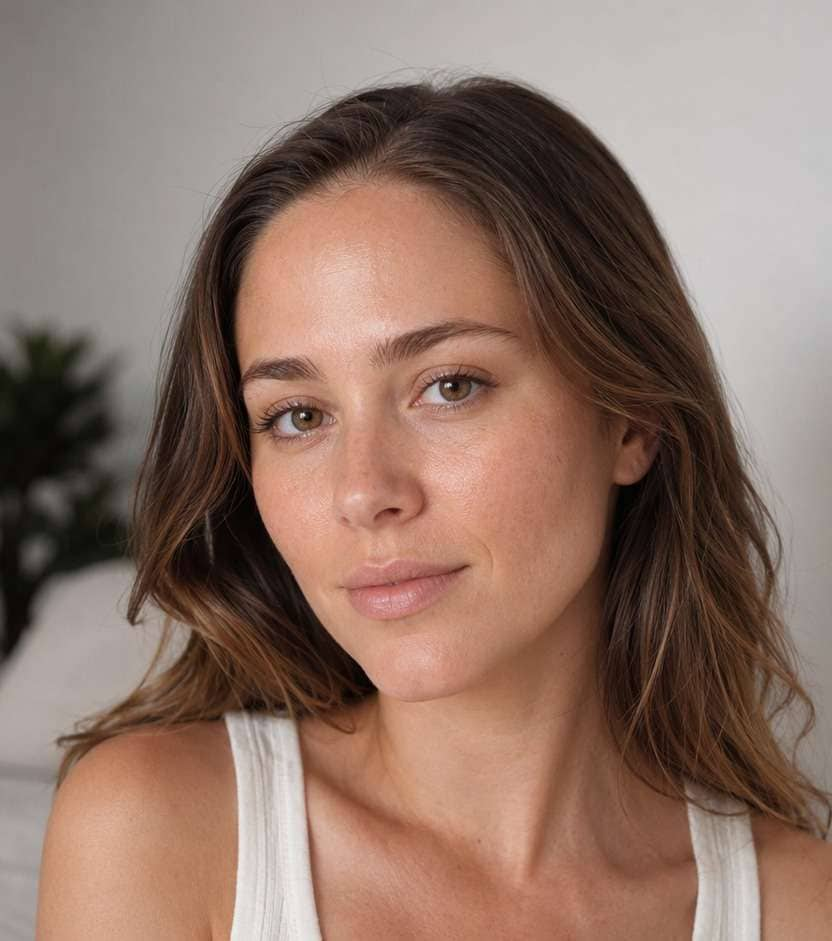
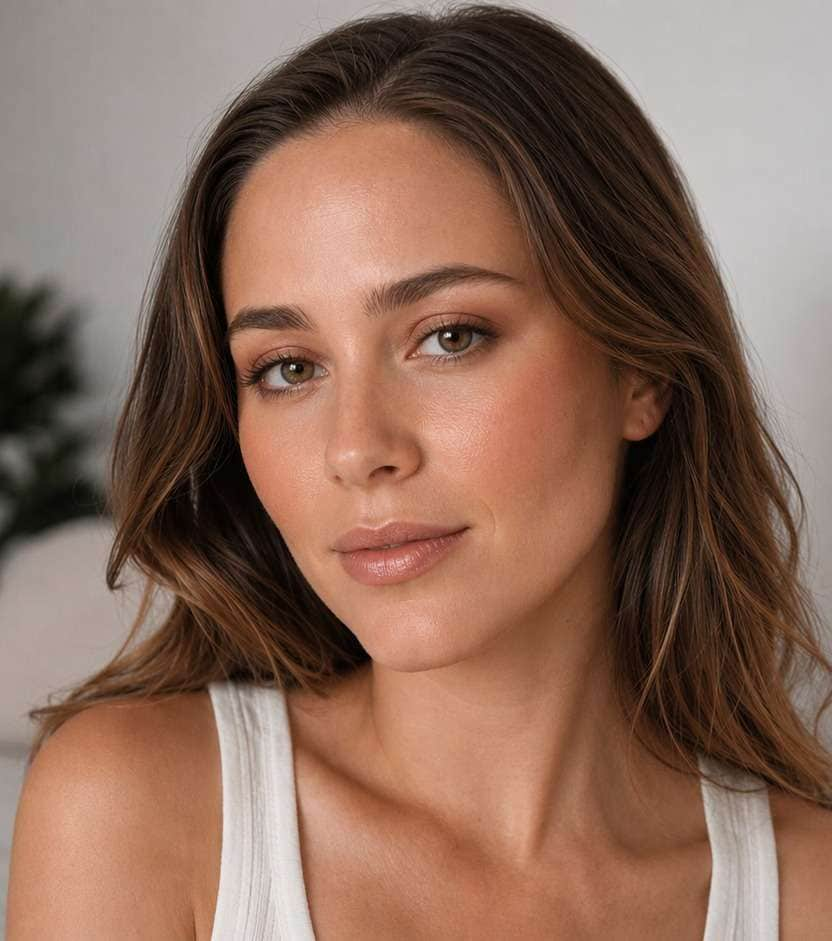
Use your original skin tone and keep the edit focused on makeup, especially rose monochrome.
Monochromatic Photo Makeup Prompts: 10 Looks to Try
Each prompt keeps eyes, cheeks and lips in one color family, but the palettes themselves change from peach and mauve to cocoa, berry and plum. Compare how tonal balance works with the color of your original portrait.
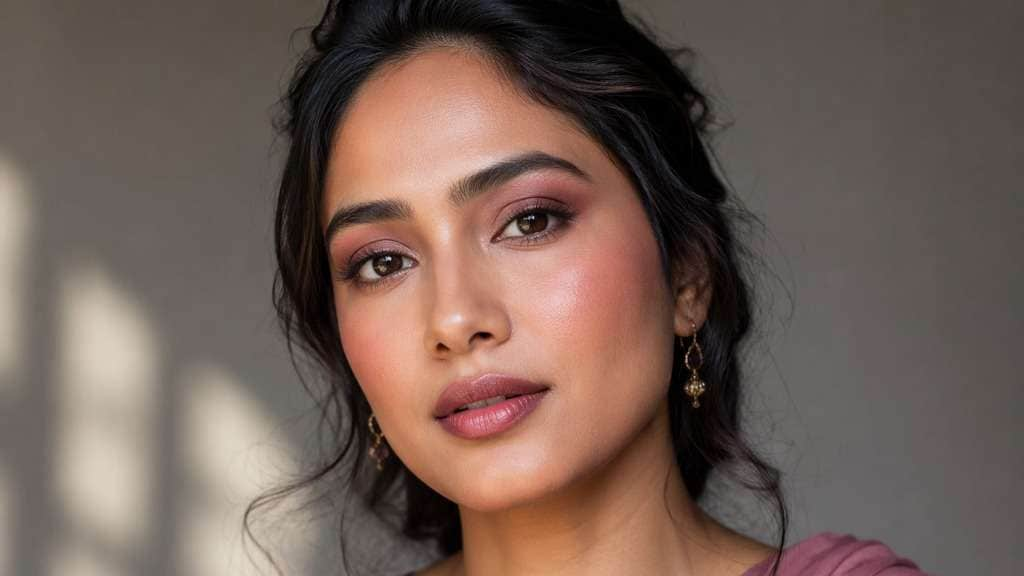
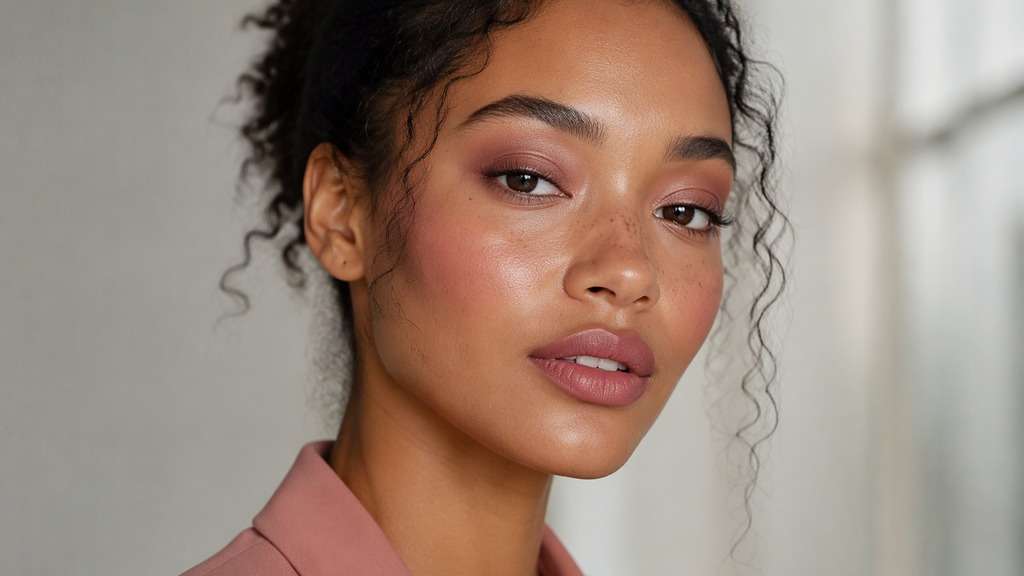
Rose Monochrome
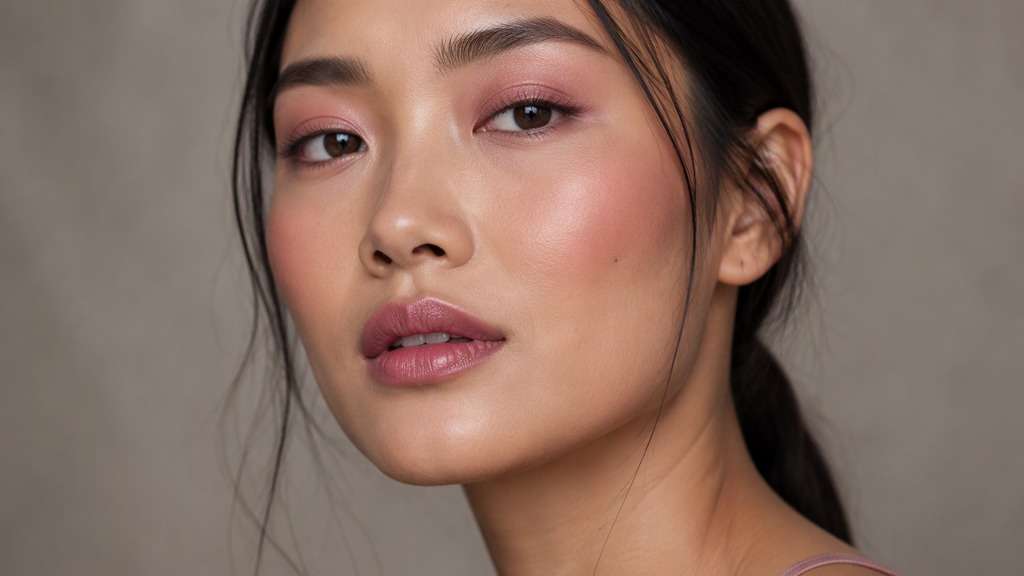
Use my uploaded photo to preview Rose Monochrome. Use one muted dusty-rose family across cheeks, eyes and lips, with stronger rose on the cheek apples and a softer pink stain on the mouth. Keep my facial features, hairstyle, outfit and photo setting unchanged; let the cosmetic placement be the visible difference.
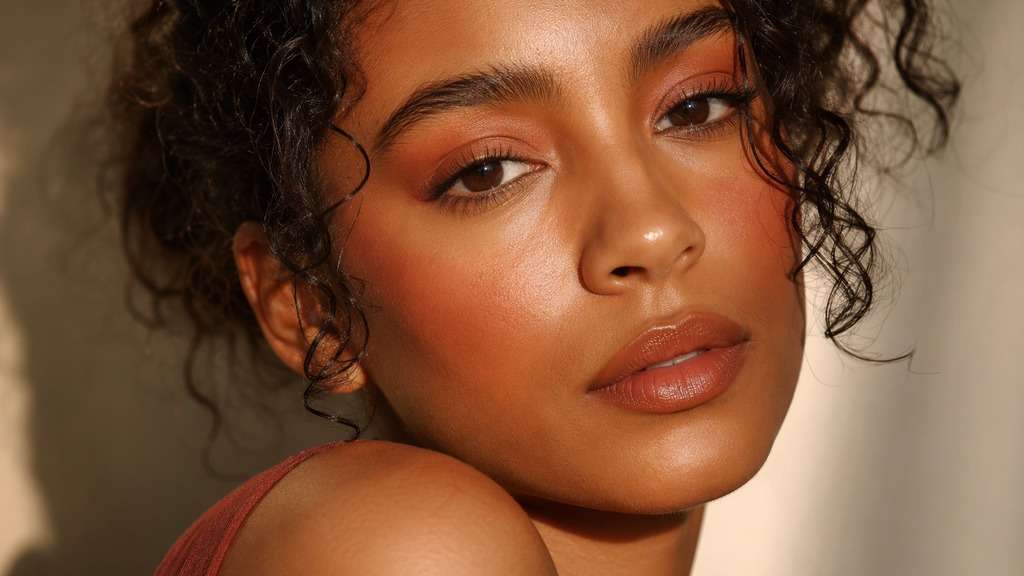
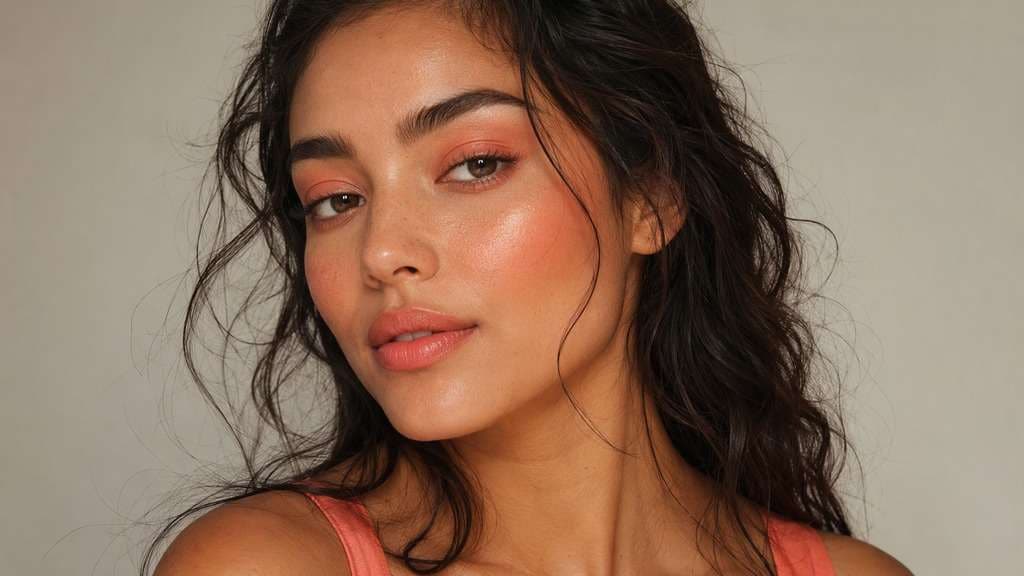
Peach Tone Match
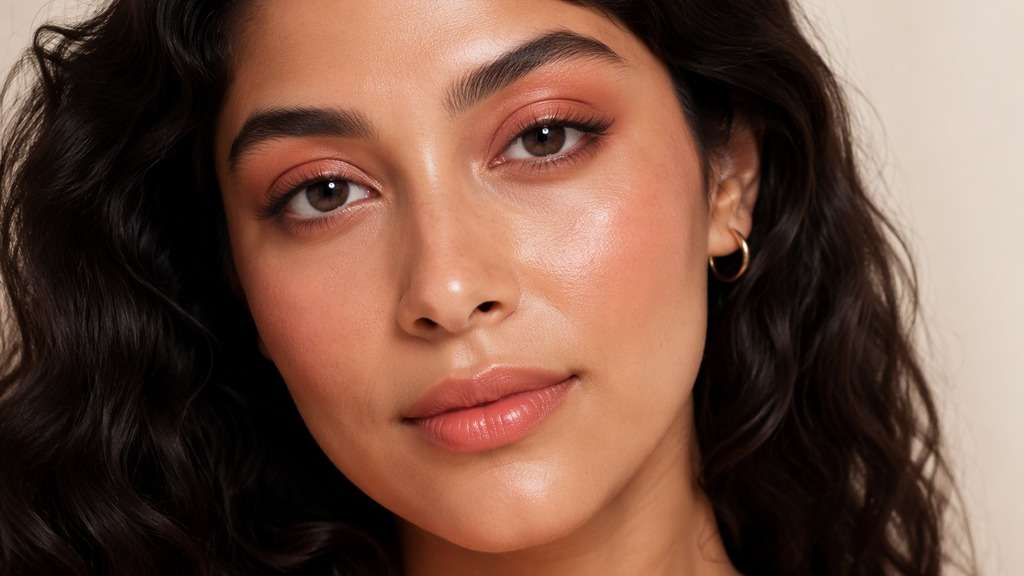
On my original portrait, test the Peach Tone Match makeup direction. Build a peach monochrome with pale apricot eyelids, soft coral-peach blush and a deeper peach satin lip for visible tonal layering. Retain my original complexion and natural skin texture, along with my expression, camera angle and background.
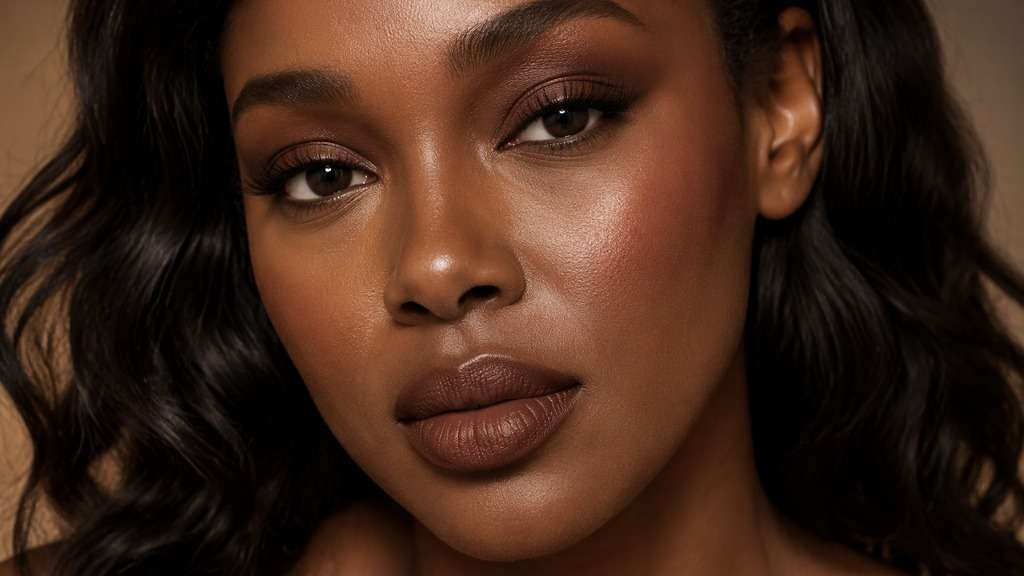
Cocoa Monochrome
Try Cocoa Monochrome on my own photograph. Match chocolate-brown shadow to cocoa contour and brown-neutral lipstick, varying lightness so the eye, cheek and lip shapes stay distinct. Work on the same recognizable face, preserving the photo setting, hair and facial proportions.
Mauve Satin Set
Edit the cosmetics in my uploaded portrait for Mauve Satin Set. Blend mauve satin eyes into a restrained plum-mauve cheek tint and a matching rose-mauve lipstick, leaving skin naturally textured. Keep the existing lighting, clothes and expression; this is a cosmetic try-on rather than a new portrait.
Berry Evening Set
Show Berry Evening Set on my existing face and photograph. Use burgundy-berry shadow along upper lashes, muted raspberry cheek color and a deep wine lip for an evening coordinated palette. Preserve my skin-tone depth, hair, pose and surroundings, and show believable makeup edges.
Terracotta Warm Set
For a makeup try-on of my photo, create Terracotta Warm Set. Create warm terracotta harmony using cinnamon-clay lids, spiced apricot blush and a softly stained brick-neutral mouth. Maintain the recognizable person, original skin color, accessories and picture composition.
Taupe Nude Balance
On this uploaded portrait, compare the Taupe Neutral Balance finish. Balance cool taupe lids with greige-rose cheek color and a taupe-beige neutral lip for restrained tonal consistency. Show realistic eyes, lips and cheek texture while retaining the photographed face and setting.
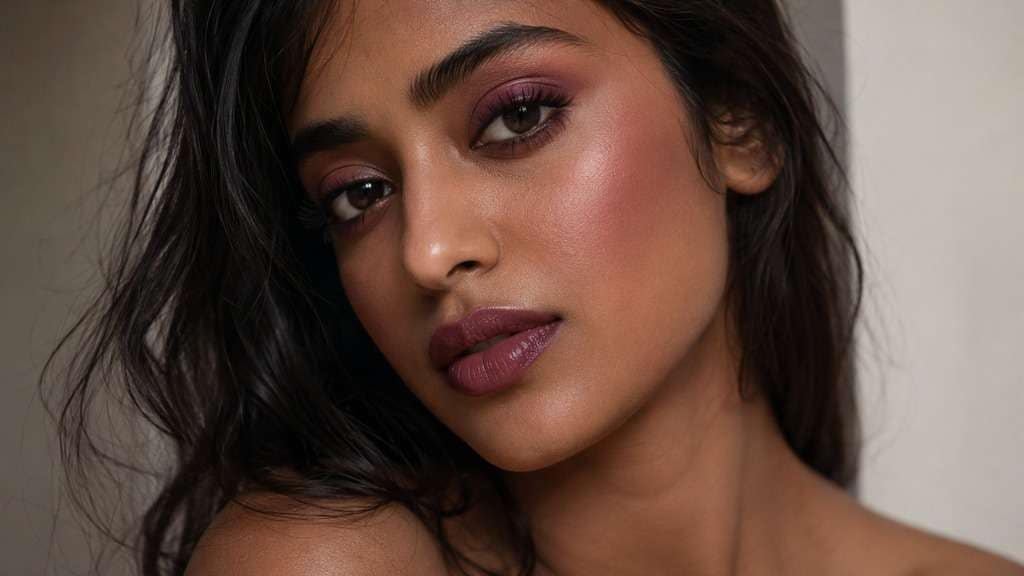
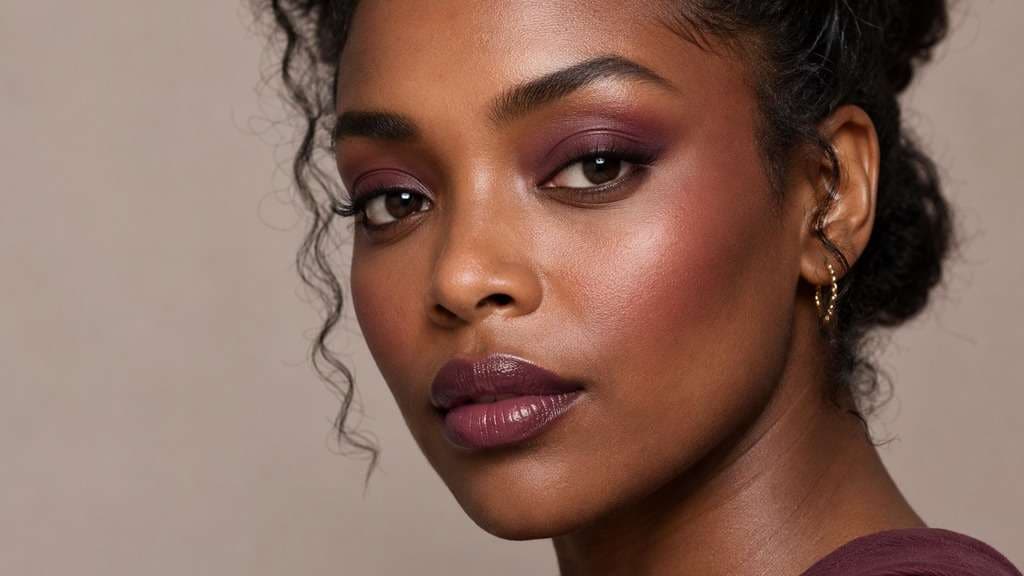
Plum Deep Skin
Apply the Plum Deep Skin cosmetic concept to my original picture. On an existing deeper complexion, combine rich plum-lilac lids, plum-berry cheeks and saturated raisin lipstick without lightening the skin. Keep the original camera view and clothing, with natural skin texture visible beneath the makeup.
Coral Summer Set
Preview Coral Summer Set using my own face as the reference. Create a vibrant summer coral family: sheer coral lid wash, warm peach-coral cheeks and glossy pink-coral lips, all in different intensities. Preserve my expression, facial shape and existing skin color; adjust only the described cosmetics.
Dusty Pink Office
Create the Dusty Pink Office makeup effect on my uploaded photo. Use dusty pink eyes, muted rose blush and a neutral mauve-pink lip with a softly blurred finish appropriate for an office portrait. Maintain my original hairstyle, complexion and background so I can judge this makeup on my own photo.
Compare Monochromatic Makeup Before You Recreate It
Place Rose Monochrome Where It Matters
Matching an eye, cheek and lip color means staying in one undertone family, not repeating one opaque pigment everywhere. For a capsule makeup routine, preview rose monochrome with your original lighting and natural skin color visible. Pay attention to the specific cosmetic change, not whether a new background makes the result more flattering.
Peach Tone Match vs. Berry Evening Set
The lid can carry a paler version of a color while the lip provides the deepest value. Switch from peach tone match to berry evening set on the same uploaded portrait. A side-by-side comparison makes the makeup decision clearer than judging two photographs with different angles or exposures.
Try Terracotta Warm Set With Your Original Light
Pink, berry and brown families behave differently beside warm, cool and neutral original skin. Try terracotta warm set against your own eyes, cheeks and clothes before copying a celebrity reference. The photo should remain your picture, with edited cosmetics rather than altered facial anatomy.
Keep Coral Summer Set Looking Like Makeup
Vary satin, matte and gloss finishes within the same palette so the image has dimension rather than flat uniform color. A product shade-board preview can change how coral summer set reads. Keep source-photo details and complexion depth intact while testing this choice. If the color starts to look painted on, reduce the strength of the cosmetic effect.
How to Try Monochromatic Makeup on a Photo Online
Use the same clear portrait for every monochromatic test. Describe the makeup placement rather than asking for a new face; compare the edit with the original before keeping it as a visual reference.
Step 1
Upload Your Original Portrait
Open Media.io AI Face Editor and upload a clear portrait with visible eyes, cheeks and lips. For monochromatic, start with even lighting and avoid strong existing makeup that hides the intended change.
Step 2
Describe the Monochromatic Makeup
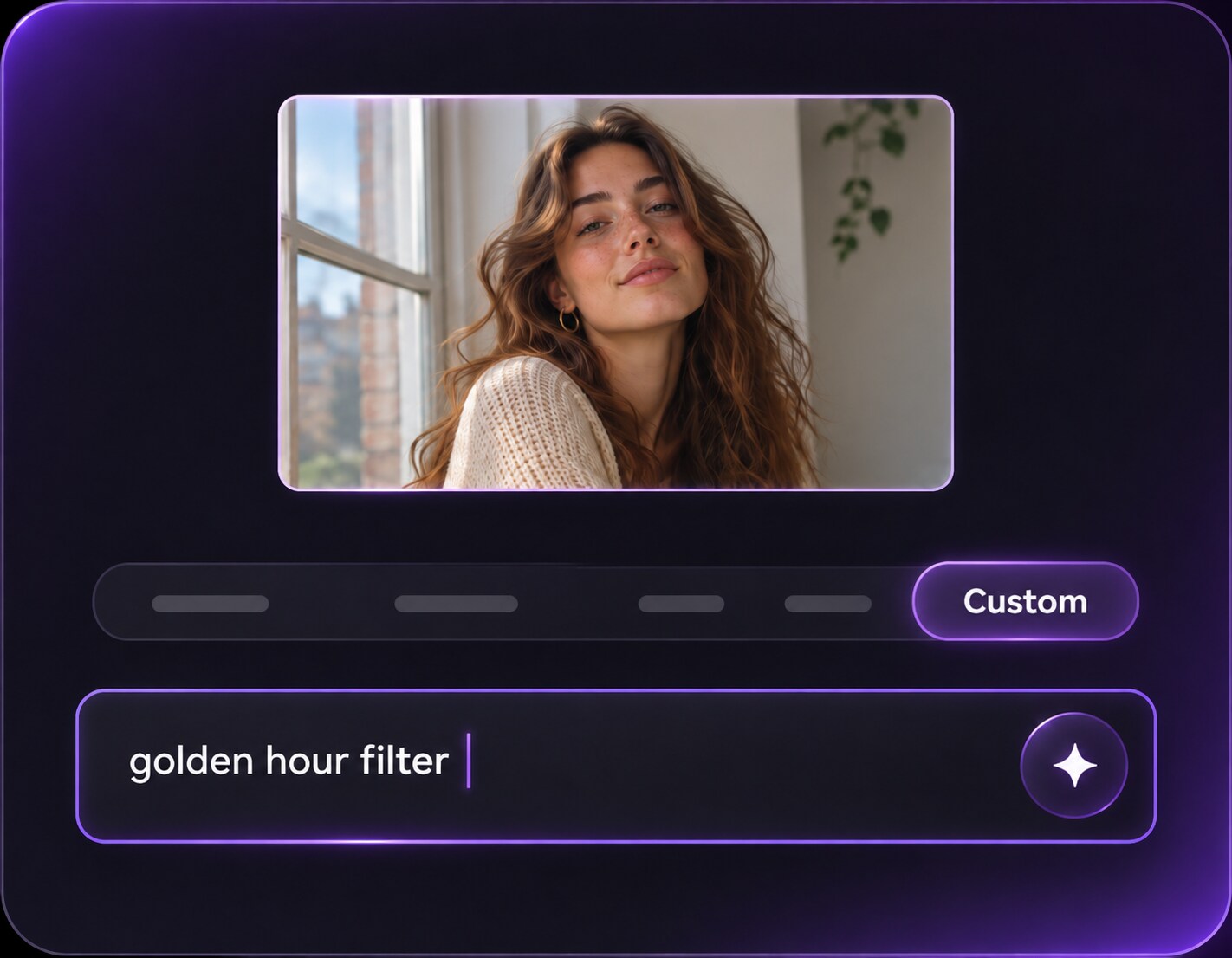
Enter a custom prompt for rose monochrome or another monochromatic variation. Ask for a coordinated single-color family across eyes, cheeks and lips with varied shade depth and finish, and explicitly keep your skin tone, facial proportions, hair, clothing and background unchanged.
Step 3
Generate and Compare the Result
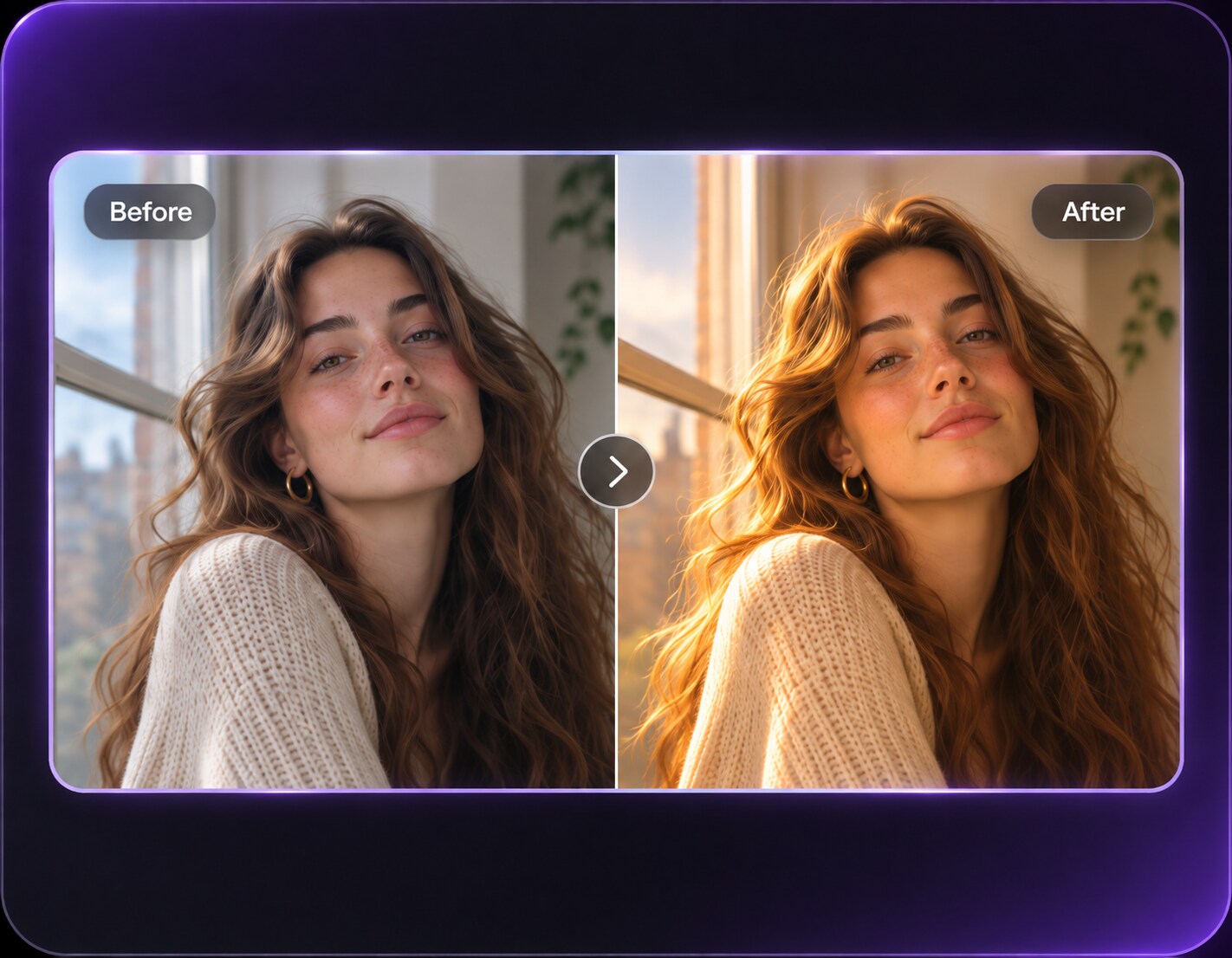
Click Generate and inspect the edited photo beside the original. Check the makeup placement and realistic edges; revise the prompt if peach tone match feels too strong or the face changes.
Planning a capsule makeup routine, an outfit color matching or a product shade-board preview? Pick the source portrait that matches your goal, then compare makeup placement on the same person. No costume, new hairstyle or replacement background is needed.
Test the Camera Look for Capsule Makeup Routine
A capsule makeup routine should still look like your photo. Test rose monochrome first, because matching an eye, cheek and lip color means staying in one undertone family, not repeating one opaque pigment everywhere. Keep the subject's natural face and clothing instead of generating an unrelated beauty campaign scene.
Build a Mood Board for Outfit Color Matching
When collecting references for a outfit color matching, give yourself two options: mauve satin set and terracotta warm set. The lid can carry a paler version of a color while the lip provides the deepest value. They help you compare decisions about pigment and finish before making a real-world makeup choice.
Compare a Different Intensity for Product Shade-Board Preview
If the image is for a product shade-board preview, make coral summer set the final comparison. Vary satin, matte and gloss finishes within the same palette so the image has dimension rather than flat uniform color. Save the makeup direction you like, while remembering the edit cannot predict wear or camera flash in real life.
Makeup Photo Preview Checklist
Color Placement
Makeup preview checklist
"Check the eyes and cheeks" Does rose monochrome follow believable eye and cheek placement without a flat filter overlay?
Real Skin Texture
Makeup preview checklist
"Look beyond the color" Keep pores, fine skin details and the original complexion readable rather than approving a plastic-smooth face.
Face and Hair
Makeup preview checklist
"Compare to the original" Check facial anatomy, expression, hair and jewelry for unintended edits before saving the picture.
Scene and Lighting
Makeup preview checklist
"Keep the photograph coherent" Make sure the makeup still works with the source light and the setting of your capsule makeup routine.
1. How would the monochromatic makeup filter change my photo?
The edit focuses on a coordinated single-color family across eyes, cheeks and lips with varied shade depth and finish. Matching an eye, cheek and lip color means staying in one undertone family, not repeating one opaque pigment everywhere. For a useful comparison, try rose monochrome and cocoa monochrome under the same lighting. The output should show a makeup choice, not a different face or outfit.
2. How is monochromatic different from mixed-palette glam?
Match undertones, not identical saturation everywhere; keep a lighter lid or lip for dimension. For an easy visual test, keep the portrait constant and change only the lip, cheek or eye instructions. Look for actual makeup placement, depth and finish - not a change in skin tone or overall camera exposure.
3. Which portrait makes rose monochrome easier to preview?
A clear three-quarter or front-facing portrait with visible lids, cheeks and lips works better than a face hidden by heavy existing makeup. The lid can carry a paler version of a color while the lip provides the deepest value. For rose monochrome, keep natural skin detail and enough room around the face to see where the color lands.
4. Can I adapt the look for a capsule makeup routine?
Yes, but treat the context as part of the styling decision. For a capsule makeup routine, start with taupe nude balance and then try dusty pink office. Pink, berry and brown families behave differently beside warm, cool and neutral original skin. Keep the original clothing and accessories so you are testing makeup, not a new photograph.
5. Will AI makeup editing preserve my original facial features?
The prompt can request the same recognizable face, skin tone, hair, expression and photo composition. AI results can still shift details, particularly near the eyelashes, lips and nose. Compare the generated result with your input and regenerate with a narrower request if anatomy changes.
6. Can a monochromatic preview replace a real makeup trial?
A virtual preview is an illustration of makeup choices, not a live product test. Vary satin, matte and gloss finishes within the same palette so the image has dimension rather than flat uniform color. Use peach tone match or coral summer set to discuss colors and placement, then test actual product texture, comfort and wear under your event lighting.